Overview
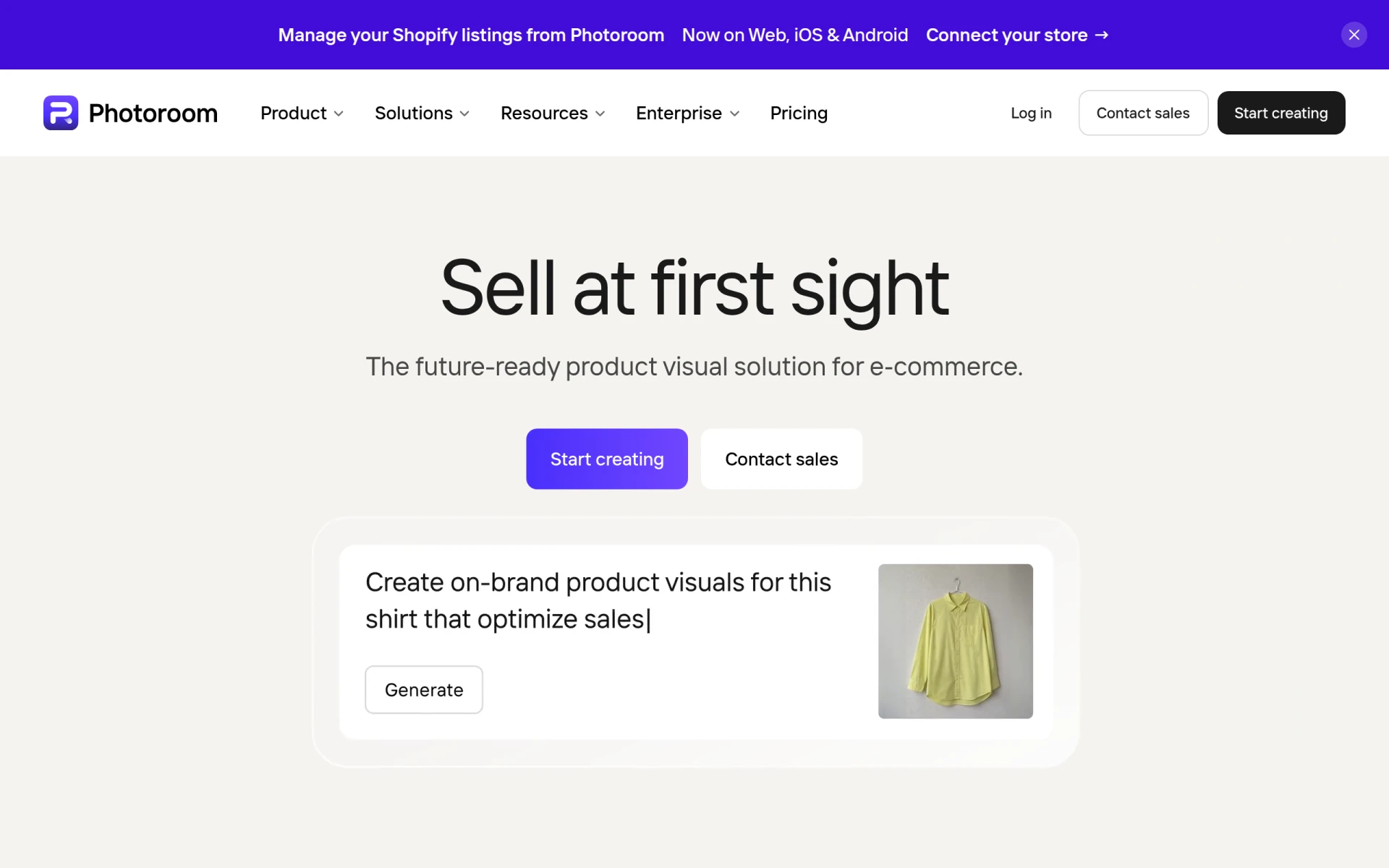
Photoroom is an AI-powered photo editing and listing studio that specializes in providing quick, high-quality visuals specifically tailored for e-commerce businesses and social media creators. The software automates the process of image creation, formats visuals for various marketplaces, and produces scalable marketplace-ready listings. By addressing the need for professional product imagery, Photoroom helps businesses enhance their online presence and increase sales.
Key Features
- AI Background Removal: Automatically remove backgrounds from images with precision.
- Bulk Image Editing: Edit thousands of images simultaneously to save time and effort.
- Marketplace Sync: Easily publish images to Shopify and other major marketplace feeds.
- Custom Models: Tailor image editing processes to fit specific business needs with dedicated models.
- Video Generation: Create promotional videos that complement product images.
- API Access: Integrate Photoroom’s capabilities into existing workflows via API.
- Adjustable AI Shadows: Add realistic shadows to images for enhanced depth.
- 4K Image and Video Resolution: Produce high-quality visuals suitable for various platforms.
Benefits
Photoroom provides practical advantages for businesses looking to enhance their visual content for e-commerce. The automation of image editing reduces manual labor, allowing teams to focus on other strategic tasks. With features like bulk editing and marketplace sync, businesses can maintain consistency across platforms, which is crucial for brand identity. Additionally, the ability to generate videos alongside images offers a comprehensive marketing approach that can significantly improve engagement rates.
Common Use Cases
Photoroom is ideal for a variety of scenarios in the e-commerce landscape. For instance, a small business owner can quickly create professional product images for their Shopify store, ensuring that each listing is visually appealing and consistent. Marketing teams can leverage the bulk editing feature to produce thousands of ads in seconds, streamlining their campaigns. Additionally, freelance photographers may use Photoroom to enhance their portfolio by creating stunning visuals that attract clients.
Who Should Use It
Photoroom is particularly well-suited for:
- E-commerce businesses seeking to improve product visuals.
- Social media marketers aiming to create engaging content.
- Freelancers who need efficient photo editing tools.
- Small to medium-sized businesses looking for scalable solutions.
Conversely, large enterprises with complex image processing needs may find Photoroom’s features limiting if they require extensive customization or specialized integrations.
Pricing Overview
Photoroom offers several pricing plans, including a free trial option. Specific details on pricing tiers can be found directly on their website, allowing potential users to choose a plan that fits their needs and budget.
Conclusion
Photoroom presents a robust solution for businesses aiming to enhance their e-commerce visuals through AI-driven image editing. While it offers numerous benefits, including automation and bulk editing capabilities, potential users should consider their specific needs and the scale of their operations before committing. Overall, Photoroom stands out as a valuable tool for e-commerce professionals looking to create compelling product images efficiently.