Overview
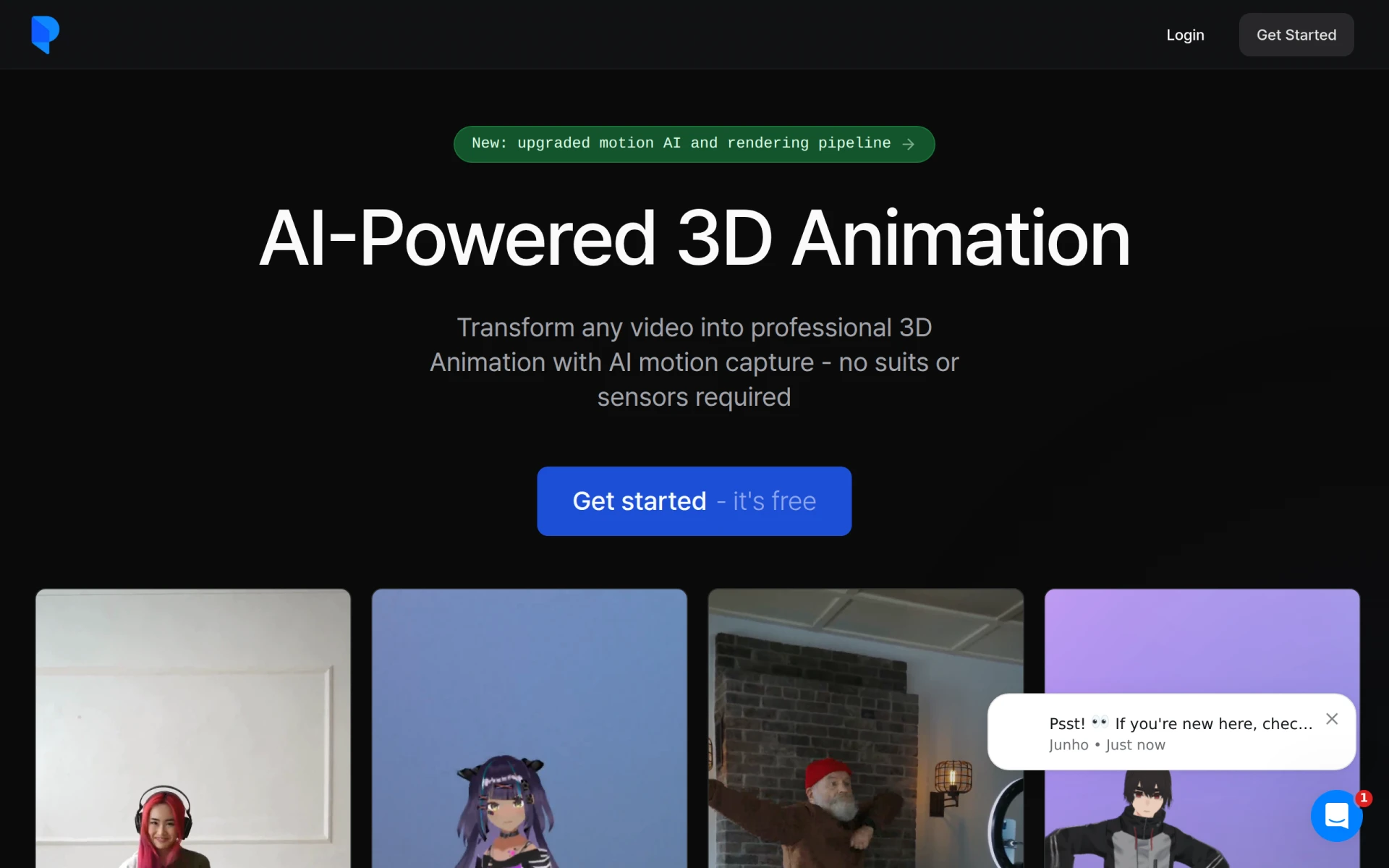
Plask is an innovative software designed for AI-powered 3D animation, specializing in motion capture from standard video footage. Its primary purpose is to convert videos into high-quality animations, enabling users to create stunning visual content without the need for traditional motion capture equipment like suits or sensors. This tool addresses the challenges faced by animators and designers who seek cost-effective and efficient methods to produce animations quickly, allowing for greater creativity and exploration in animation production.
Key Features
- AI Motion Capture: Convert videos into motion data for animation.
- Video Import: Upload any video, from smartphone footage to online clips.
- Model Animation: Seamlessly animate 3D characters using extracted motion data.
- Multi-Person Motion Capture: Capture motion from multiple subjects in a single video.
- Storage and Collaboration: 1 GB of storage for projects and collaborative work.
- Formats Supported: Export animations in FBX, GLB, and BVH formats.
- Real-time Collaboration: Work with team members in real-time to enhance projects.
- Customization Options: Customize camera settings, lighting, and effects for unique animations.
Benefits
Plask offers significant advantages for creators looking to streamline their animation processes. By using AI technology, it eliminates the need for expensive and cumbersome motion capture setups, making high-quality animation accessible to a broader audience. The platform's intuitive interface simplifies the animation creation process, allowing users to focus more on creativity rather than technical hurdles. Additionally, the collaborative features enable teams to work together efficiently, enhancing productivity and fostering innovation in animation projects.
Common Use Cases
Plask is particularly useful in various scenarios, including:
- Independent animators who want to create professional-quality work without investing in expensive equipment.
- Game developers looking to animate characters quickly and efficiently for prototype testing.
- Educational institutions that teach animation and design, allowing students to experiment with motion capture technology.
- Marketing teams producing engaging video content that requires animated elements.
- Filmmakers who want to incorporate animated sequences into their projects without extensive resources.
Who Should Use It
Plask is ideal for:
- Freelancers and independent animators seeking affordable animation solutions.
- Small studios that need a flexible tool for motion capture without high costs.
- Educators and students in design and animation programs who need practical, hands-on experience with motion capture technology.
However, it may not be the best fit for large enterprise organizations that require extensive customization or integration with existing complex animation systems.
Pricing Overview
Plask offers a freemium model, providing a free plan with a daily limit on motion capture. For more advanced features and increased limits, a standard plan is available for $18 per month, billed annually, with a 7-day free trial option.
Conclusion
Plask represents a compelling option for those looking to enter the world of 3D animation without the barriers typically associated with traditional motion capture methods. Its AI-driven technology and user-friendly design make it accessible for various users, from independent creators to educational institutions. While it may not cater to high-end enterprise needs, its strengths in cost-effectiveness and ease of use position it as a valuable tool in the animation landscape, particularly for smaller teams and individual creators.