
Anavsan
Paid
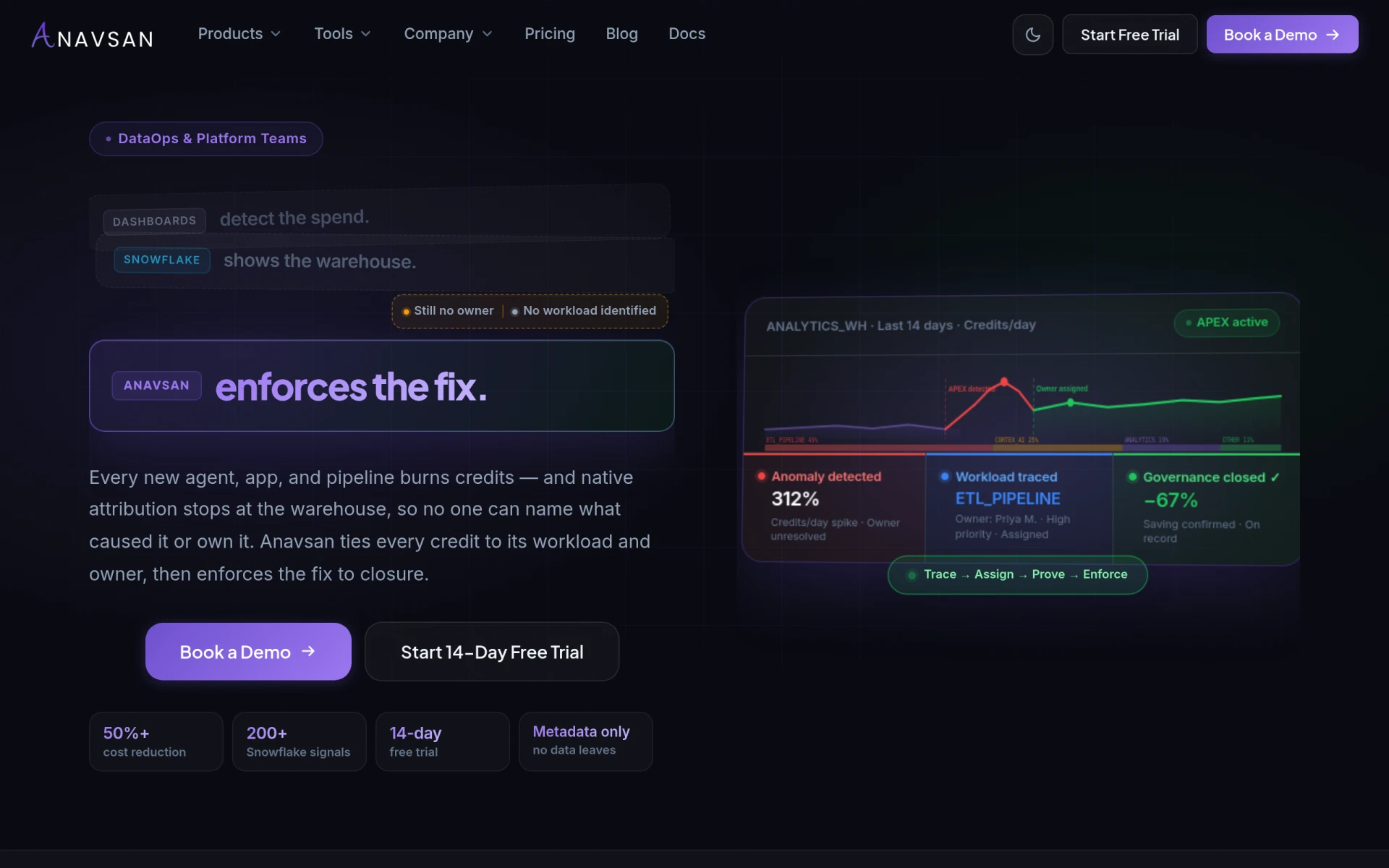
Anavsan is a cost optimization tool for Snowflake that helps organizations track and manage workload credits effectively.
Power Query is a data preparation tool that simplifies the process of transforming and connecting data from various sources.
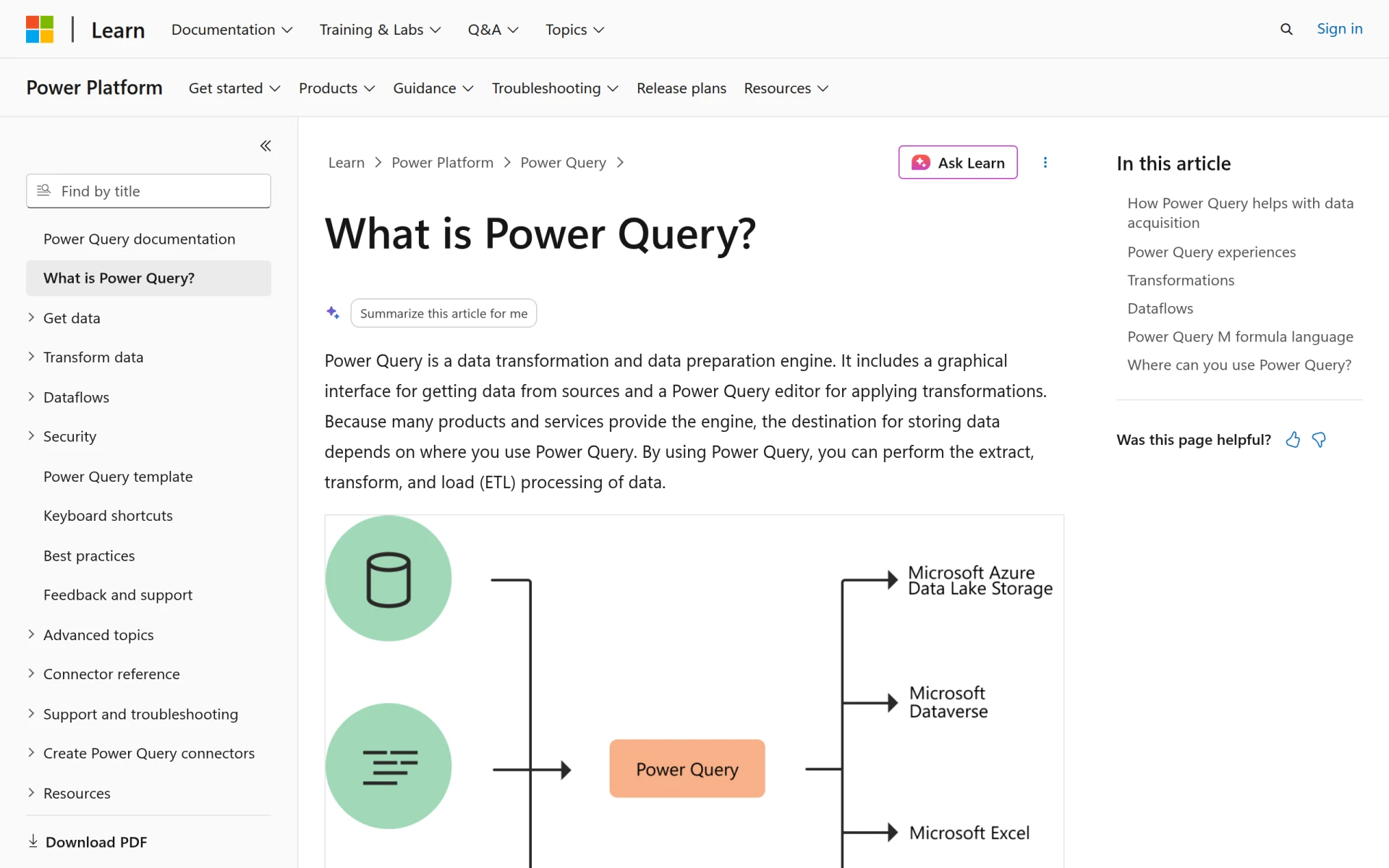
Power Query is a powerful data transformation and preparation engine developed by Microsoft. It is primarily designed to help users extract, transform, and load data from various sources into their preferred applications, particularly Microsoft Excel and Power BI. By providing a user-friendly interface, Power Query allows users to clean, reshape, and manipulate data without needing extensive programming knowledge. This capability addresses common challenges faced by organizations when dealing with disparate data formats and sources.
The main problems that Power Query solves include inefficient data handling, time-consuming data preparation tasks, and the complexity involved in integrating data from multiple sources. Users can automate repetitive data manipulation processes, making it easier to analyze and visualize data effectively.
Power Query provides several practical advantages for organizations seeking to enhance their data management capabilities. Firstly, it significantly reduces the time spent on data preparation tasks, allowing analysts to focus on analysis rather than formatting data. Secondly, the tool promotes collaboration by enabling users to share queries and transformations within teams. Additionally, by automating repetitive tasks, Power Query minimizes errors and ensures consistency in data handling. The integration with popular Microsoft products like Excel and Power BI further enhances its utility, providing a familiar environment for users.
Power Query is commonly used in various scenarios across different industries. For instance, data analysts in finance may use it to consolidate financial reports from multiple databases, ensuring accurate and timely data for decision-making. Marketing teams can leverage Power Query to clean and prepare customer data for analysis, enabling targeted campaigns based on insights derived from the data. Business intelligence professionals frequently use Power Query to prepare data sets for visualization in Power BI, ensuring that stakeholders have access to reliable, well-structured data. Additionally, small businesses can utilize Power Query to automate their reporting processes, saving time and resources.
Power Query is ideal for data analysts, business intelligence professionals, and anyone who needs to work with data regularly. It is particularly beneficial for users who may not have a strong programming background but require tools to manipulate and analyze data effectively. However, it may not be the best fit for users who need highly specialized data processing capabilities that require extensive coding or those who operate in environments where Microsoft tools are not widely used.
Pricing information for Power Query is not explicitly available, but it is generally included as part of Microsoft Excel and Power BI subscriptions.
In summary, Power Query is a versatile data preparation tool that addresses common data handling challenges faced by organizations. With its user-friendly interface and robust features, it can significantly enhance the efficiency of data transformation processes. While it is particularly beneficial for users of Microsoft products, its suitability may vary depending on specific data processing needs. Organizations considering Power Query should evaluate their current data workflows and integration needs to determine if it aligns with their objectives.
Anavsan is a cost optimization tool for Snowflake that helps organizations track and manage workload credits effectively.
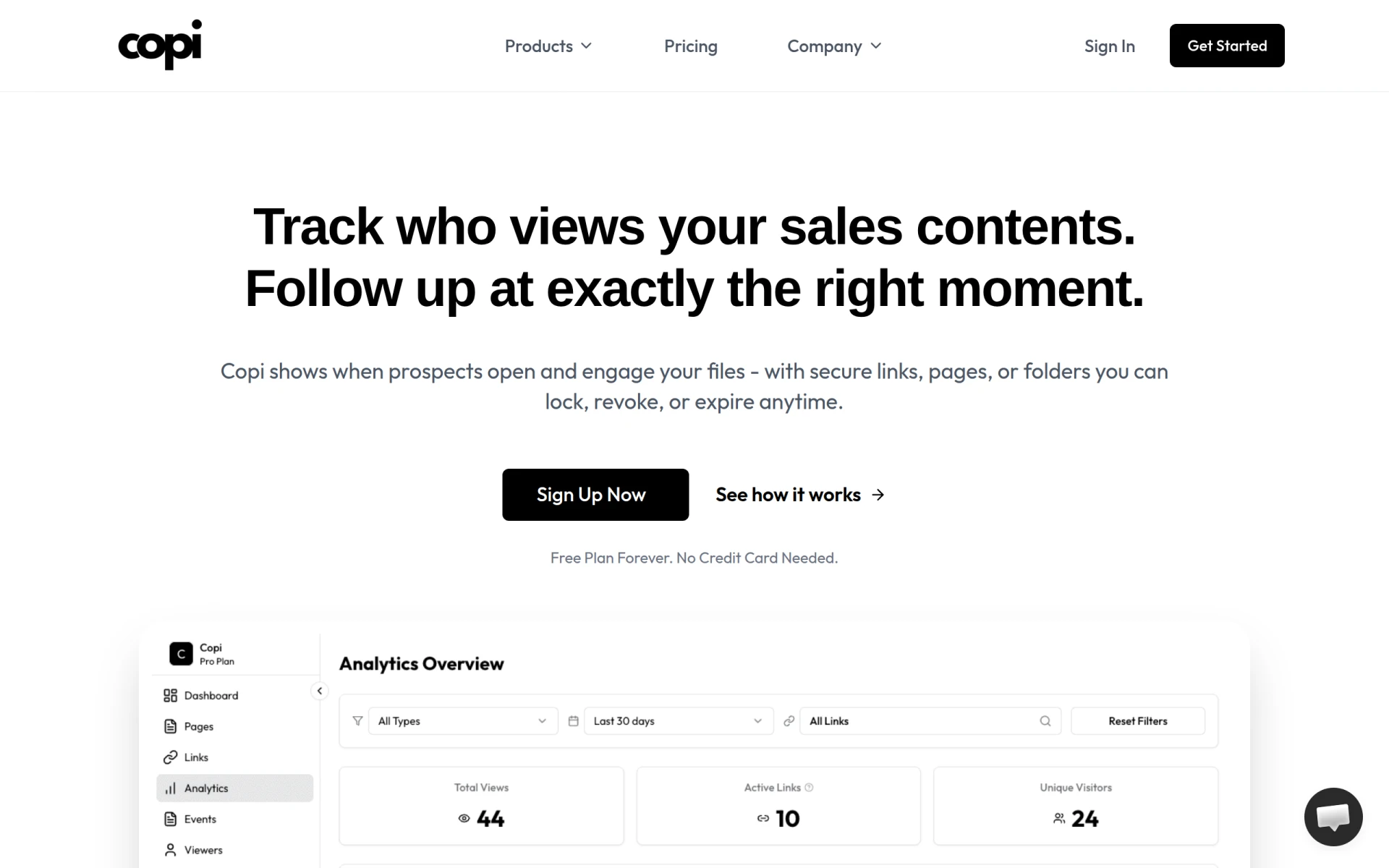
Copi is a sales engagement tool that enables teams to track content views and follow up effectively with AI insights.
Contracko is an AI-powered contract management platform that helps organizations manage risks, obligations, and deadlines efficiently.
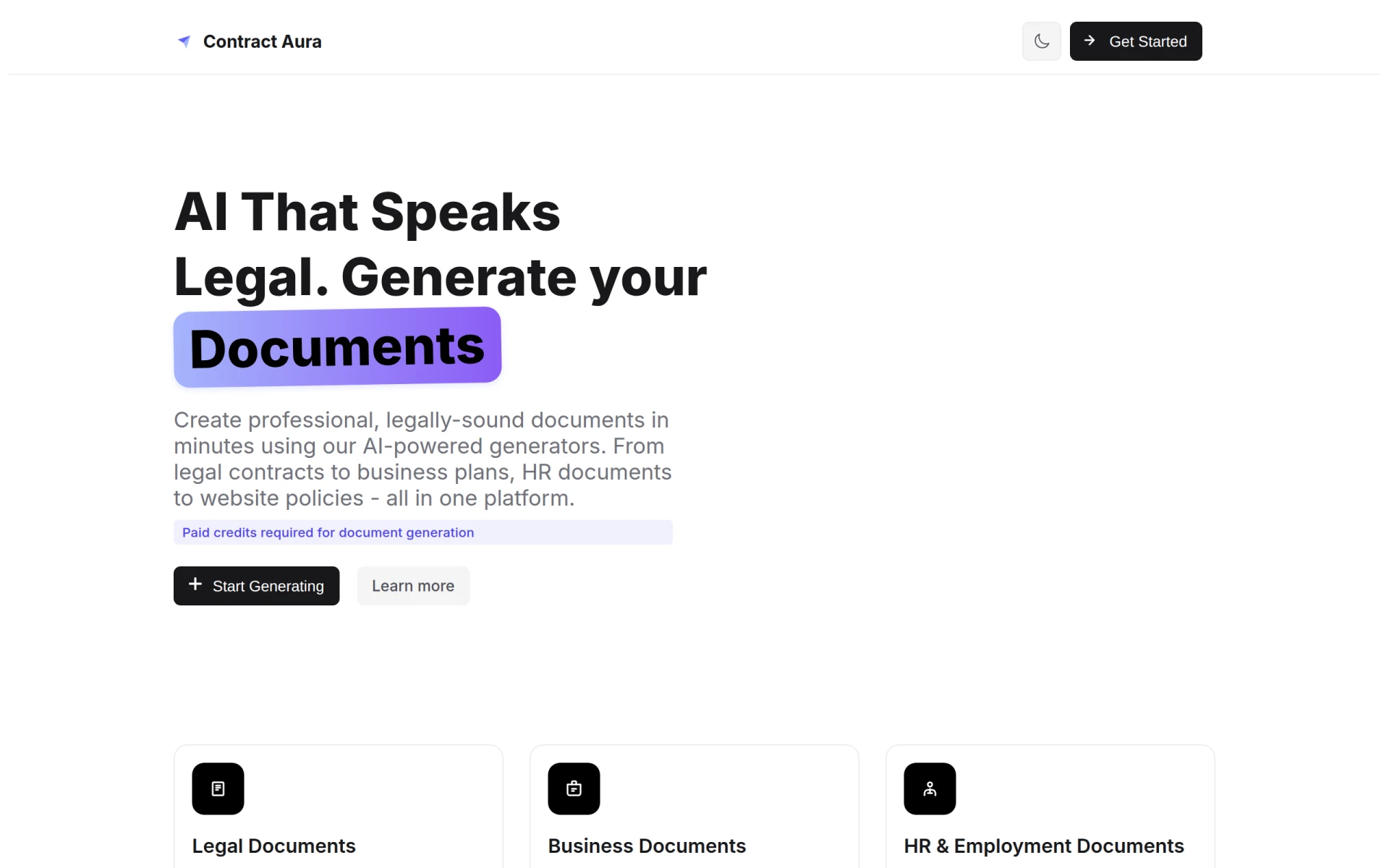
Contract Aura is an AI-driven platform for generating legal and business documents quickly and efficiently.
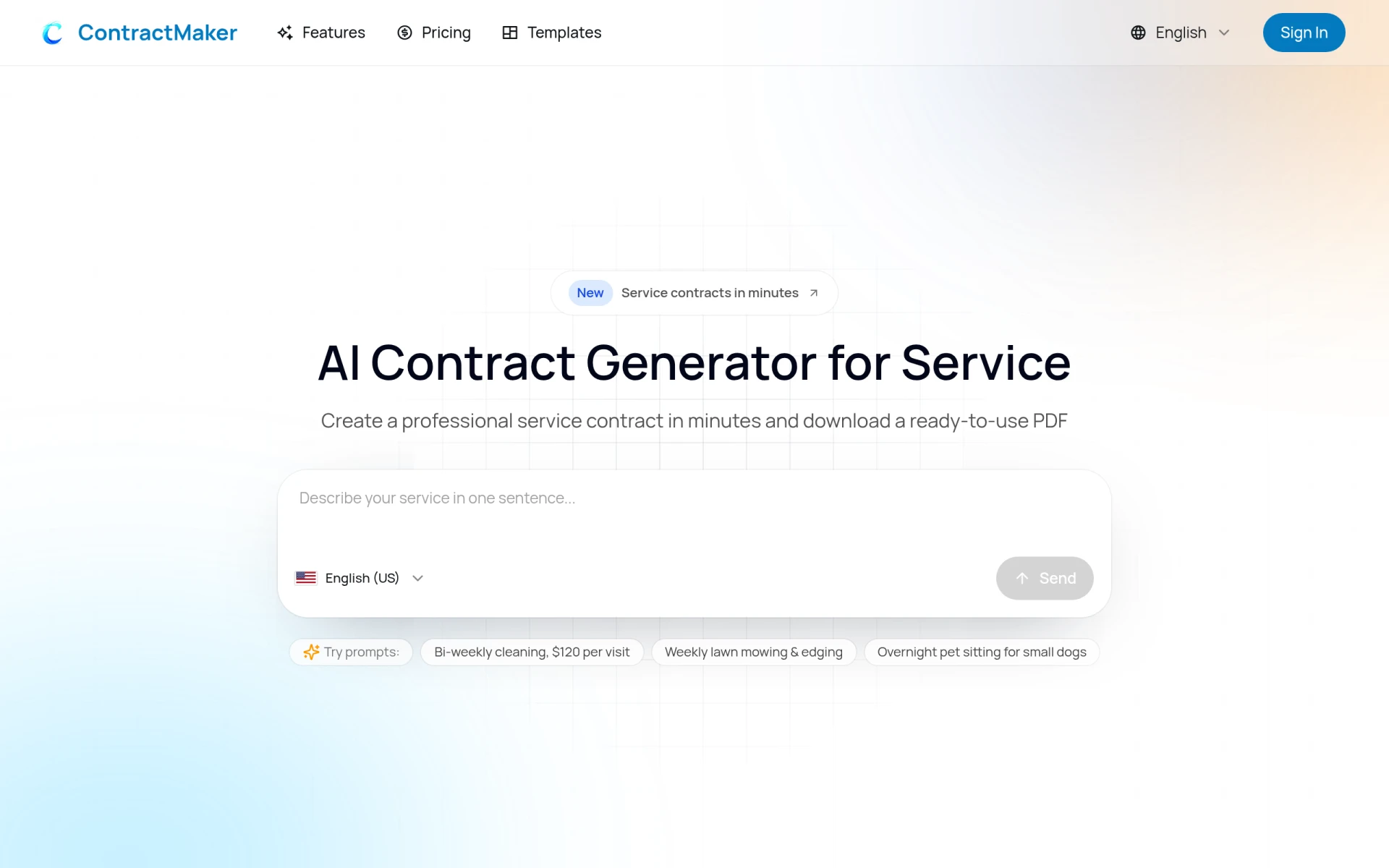
ContractMaker is an AI-driven tool that generates professional service contracts quickly and efficiently.
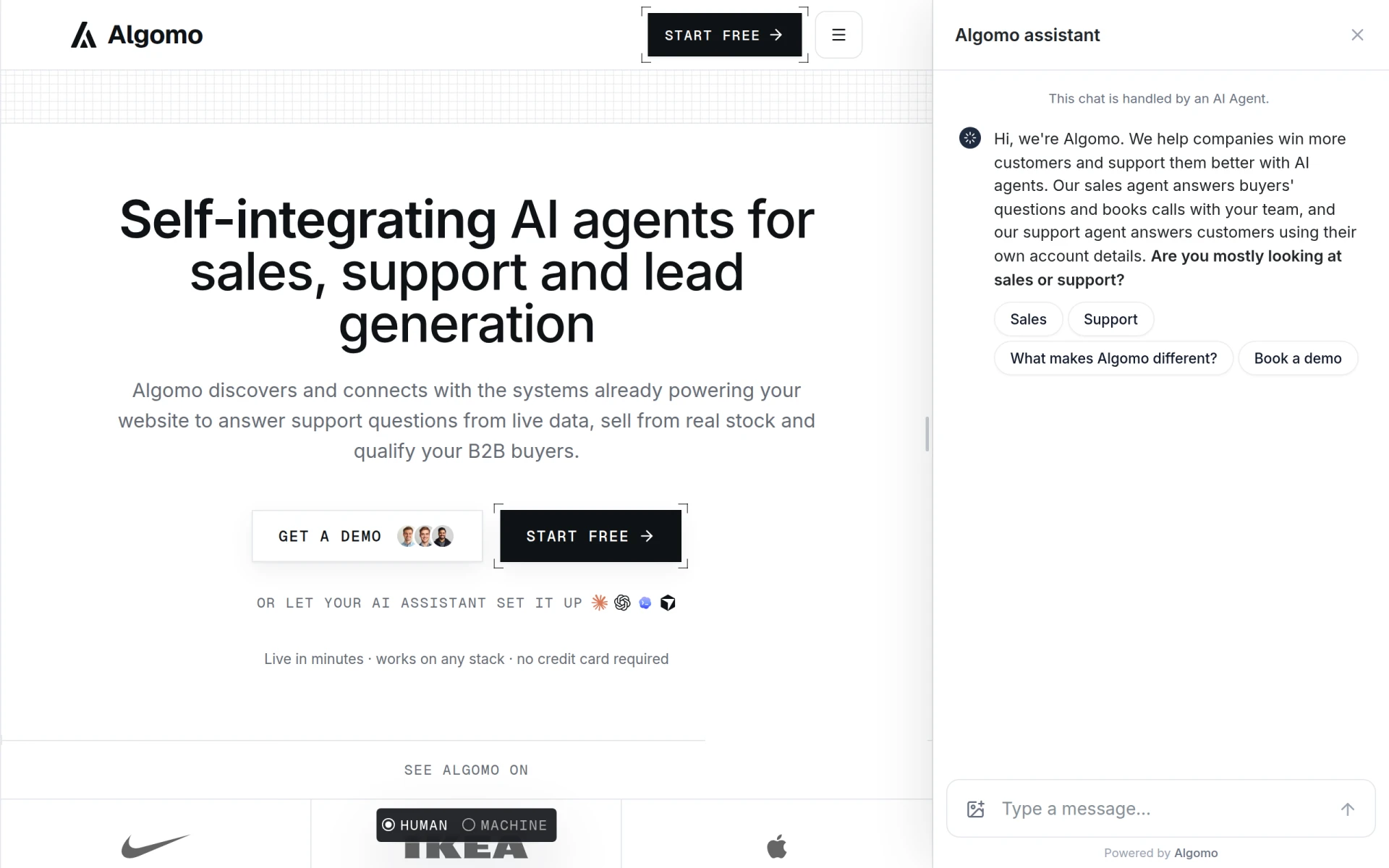
Algomo provides an AI agent for websites, integrating with existing systems to offer support and sales functionalities.
Weekly roundup of new AI tools, launches, and trending software. No spam — unsubscribe anytime.
No credit card required · Cancel anytime
Weekly roundup of new AI tools, launches, and trending software. No spam — unsubscribe anytime.
No credit card required · Cancel anytime