Overview
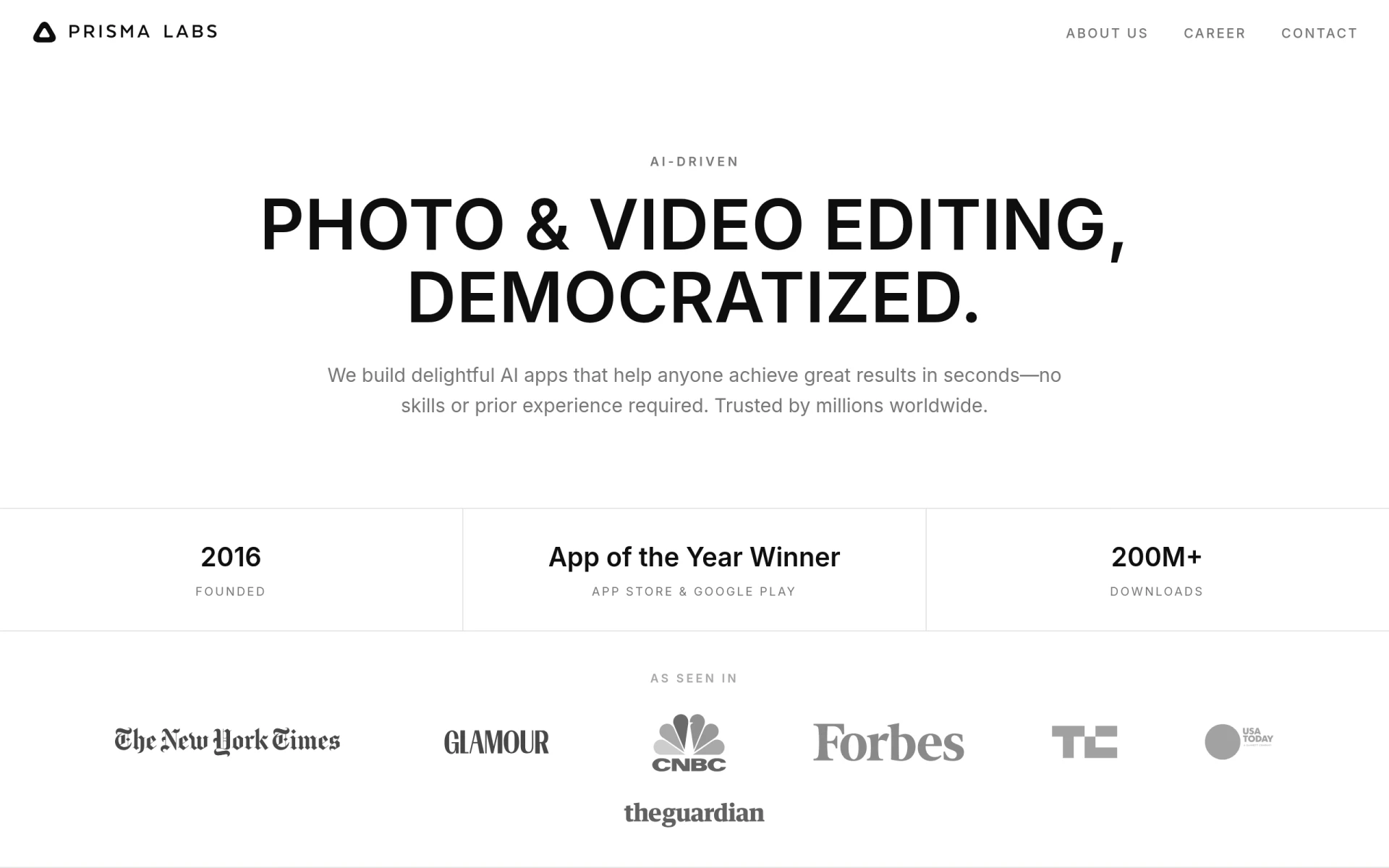
Prisma is a software application developed by Prisma Labs that focuses on AI-driven photo and video editing. Its primary purpose is to simplify the editing process for users, allowing them to enhance their photos and videos with artistic filters and effects. The software addresses common problems faced by amateur photographers and casual users who may lack advanced editing skills, enabling them to achieve visually striking results in just a few taps.
Key Features
- AI-driven artistic filters: Transform photos into artwork using styles inspired by famous artists.
- Background replacement: Easily change backgrounds to create unique compositions.
- One-tap enhancements: Apply effects and filters with a single tap for quick results.
- User-friendly interface: Designed for users with no prior editing experience.
- Video editing capabilities: Edit videos with similar artistic effects as photos.
- Social media sharing: Directly share edited images and videos to popular social platforms.
- Regular updates: New features and filters added to keep the app fresh and engaging.
- Cross-platform availability: Compatible with both iOS and Android devices.
Benefits
Prisma provides practical advantages by making advanced photo and video editing accessible to everyone, regardless of their skill level. The app's intuitive interface and simple functionality allow users to create professional-looking edits without needing to learn complex software. Additionally, the variety of artistic styles available encourages creativity and experimentation, helping users produce unique and eye-catching content.
Common Use Cases
Prisma is ideal for individuals looking to enhance their personal photos for social media or digital albums. For example, a traveler can use Prisma to transform scenic landscapes into artistic pieces to share with friends. Additionally, content creators can utilize the app to produce visually appealing graphics for their online platforms, such as blogs or YouTube channels. It also serves as a tool for marketing teams aiming to create engaging visuals for campaigns without needing extensive design resources.
Who Should Use It
Prisma is best suited for casual users, social media enthusiasts, and content creators who desire quick and effective editing solutions. It is particularly beneficial for those who lack technical editing skills but still want to produce high-quality visual content. However, professional photographers and advanced users might find the app's capabilities limiting compared to more comprehensive editing software with extensive features.
Pricing Overview
At this time, Prisma's pricing details are not explicitly outlined on their website.
Pros and Cons
Pros
- The app is user-friendly, making it accessible for individuals with no editing experience.
- Offers a wide range of artistic filters inspired by renowned artists.
- Allows for quick edits with its one-tap functionality.
- Provides video editing features alongside photo editing capabilities.
- Regular updates introduce new styles and improvements.
Cons
- May lack advanced features needed by professional photographers.
- Limited customization options for users seeking more control.
- Performance may vary based on device specifications.
Conclusion
Prisma is a compelling choice for anyone looking to enhance their photos and videos effortlessly. While it excels at providing quick and artistic edits for casual users, those requiring more sophisticated editing tools may find it less suitable. Overall, Prisma stands out for its ease of use and creative potential, making it worth exploring for individuals wanting to elevate their visual content.