Introduction
Editing videos can often feel like an insurmountable task for beginners. With so many complex software options available, many new editors find themselves overwhelmed and frustrated. However, there are several intuitive tools designed specifically to make video editing accessible and enjoyable for those just starting out.
Why Beginners Struggle With New video editors often feel overwhelmed by complex software
Many beginners dive into video editing expecting a straightforward process, but the reality can be quite different. The complexity of advanced tools often leads to confusion and discouragement. For example, a beginner might open a professional-grade software and encounter a sea of buttons and features that are not only unfamiliar but also seemingly unnecessary for their simple projects. This can lead to a lack of confidence and a feeling of being stuck, especially when trying to achieve specific edits or effects.
Additionally, the learning curve for many video editing applications can be steep. Beginners often struggle with basic concepts like timelines, keyframes, and audio syncing. This can be particularly frustrating when they just want to put together a simple video for a family event or a social media post. The fear of making mistakes can inhibit creativity, leaving beginners feeling overwhelmed and defeated.
What to Look For in Video Production Tools
- User-Friendly Interface: A simple, intuitive layout helps beginners navigate the software without feeling lost.
- Essential Features: Look for tools that offer basic editing functions like trimming and splitting without overwhelming extras.
- Learning Resources: Access to tutorials, forums, and guides can significantly ease the learning process.
- Affordability: Many beginners are on a budget, so finding tools that offer a good balance of features and price is crucial.
- Export Options: Easy exporting to various formats ensures that beginners can share their work effortlessly.
Best Top Video Editing Apps for Beginners
DaVinci Resolve - Best for Professional Video Editors
DaVinci Resolve is a powerful video editing software that combines professional-grade features with a user-friendly interface. While it is often lauded for its advanced color correction and visual effects capabilities, it also offers straightforward editing tools that can benefit beginners. The software’s layout is designed to be intuitive, allowing new users to grasp essential functions without feeling lost in a sea of options.
One of the standout aspects of DaVinci Resolve is its focus on visual storytelling. Beginners can utilize its motion graphics tools to create dynamic titles and effects that elevate their videos, making them more engaging. Even if you are just starting out, the professional tools at your disposal can help you create polished content that stands out.
- Professional Video Editing Tools: Offers precise cuts and transitions for seamless video flow.
- Advanced Color Correction: Enhances visual storytelling with sophisticated color grading options.
- Visual Effects Capabilities: Allows adding dynamic elements to videos, making them visually appealing.
- Motion Graphics Tools: Create animated titles and effects easily.
- Audio Post-Production Tools: Mix and master sound for high-quality audio.
Pricing: Freemium - Available for free with an optional paid version, DaVinci Resolve Studio, priced at $295. Best for: Professional video editors, filmmakers, and content creators on platforms like YouTube.
Wondershare Filmora - Best for Ease of Use
Wondershare Filmora is designed with beginners in mind, making it an excellent choice for those venturing into video editing for the first time. Its user-friendly interface allows users to create high-quality videos without feeling overwhelmed. Features like drag-and-drop functionality simplify the editing process, allowing users to focus on creativity rather than technicalities.
The software offers a rich media library filled with stock footage, music, and motion graphics, making it easy for beginners to enhance their videos without needing advanced skills. With its intuitive audio editing tools, users can also fine-tune their soundtracks, ensuring a polished final product.
- Video Trimming and Splitting: Essential functions that allow for easy editing.
- Audio Editing Tools: Simple tools to adjust sound levels and effects.
- Color Tuning Options: Basic adjustments that help improve video quality.
- Extensive Media Library: Access to stock footage and music to enrich videos.
- Motion Graphics and Titles Customization: Easy-to-use templates for creating professional-looking titles.
Pricing: Freemium - Offers a subscription-based model alongside a one-time purchase option. Best for: Small businesses creating promotional videos and content creators editing YouTube vlogs.
Adobe Premiere Pro - Best for Comprehensive Editing
Adobe Premiere Pro is a leading choice among professional video editors, but its robust features can also cater to beginners willing to invest time in learning. The software provides a powerful non-linear editing system that allows users to manipulate video clips with ease. Although it has a steeper learning curve compared to other beginner-friendly tools, its comprehensive features can greatly enhance the editing experience.
Premiere Pro's multi-camera editing capability is a standout feature for beginners who may want to work with footage from various angles. This flexibility enables new editors to create dynamic videos without needing extensive technical knowledge. Moreover, the availability of numerous online tutorials and community support makes it easier for beginners to learn the ropes.
- Non-Linear Editing: Offers flexibility in editing that allows for creative freedom.
- Multi-Camera Editing: Perfect for handling footage from different angles effortlessly.
- Advanced Color Grading: Provides professional-grade color correction tools.
- Audio Mixing: Ensures high-quality sound in videos.
- Motion Graphics Templates: Access to pre-made templates simplifies graphic creation.
Pricing: Paid - Operates on a subscription-based model. Best for: Independent filmmakers and content creators for social media.
VideoGen - Best for Quick Video Creation
VideoGen is an innovative AI-powered tool that simplifies the video creation process. This software allows users to generate videos quickly, making it an ideal option for beginners who need to create content on a tight schedule. Its AI capabilities enable users to easily transform images into videos and integrate voiceovers, streamlining the editing process significantly.
One of the significant advantages of VideoGen is its ease of use. With a straightforward interface and automated features, beginners can produce engaging videos without extensive editing knowledge. This efficiency makes it particularly appealing for small businesses and freelancers looking to generate quick promotional content.
- AI Video Generation: Quickly converts ideas into videos with minimal effort.
- Image to Video Conversion: Simplifies the process of creating videos from static images.
- AI Voiceover Integration: Automatically adds voiceovers to enhance video engagement.
- AI Sound Effects: Provides a library of sounds to enrich video quality.
- AI Image Editing: Enhances visuals without needing advanced skills.
Pricing: Freemium - Single pricing plan at $16 per month with additional credits available for purchase. Best for: Small businesses and freelancers needing quick turnaround for marketing videos.
Wonder Studio - Best for Animation and Visual Effects
Wonder Studio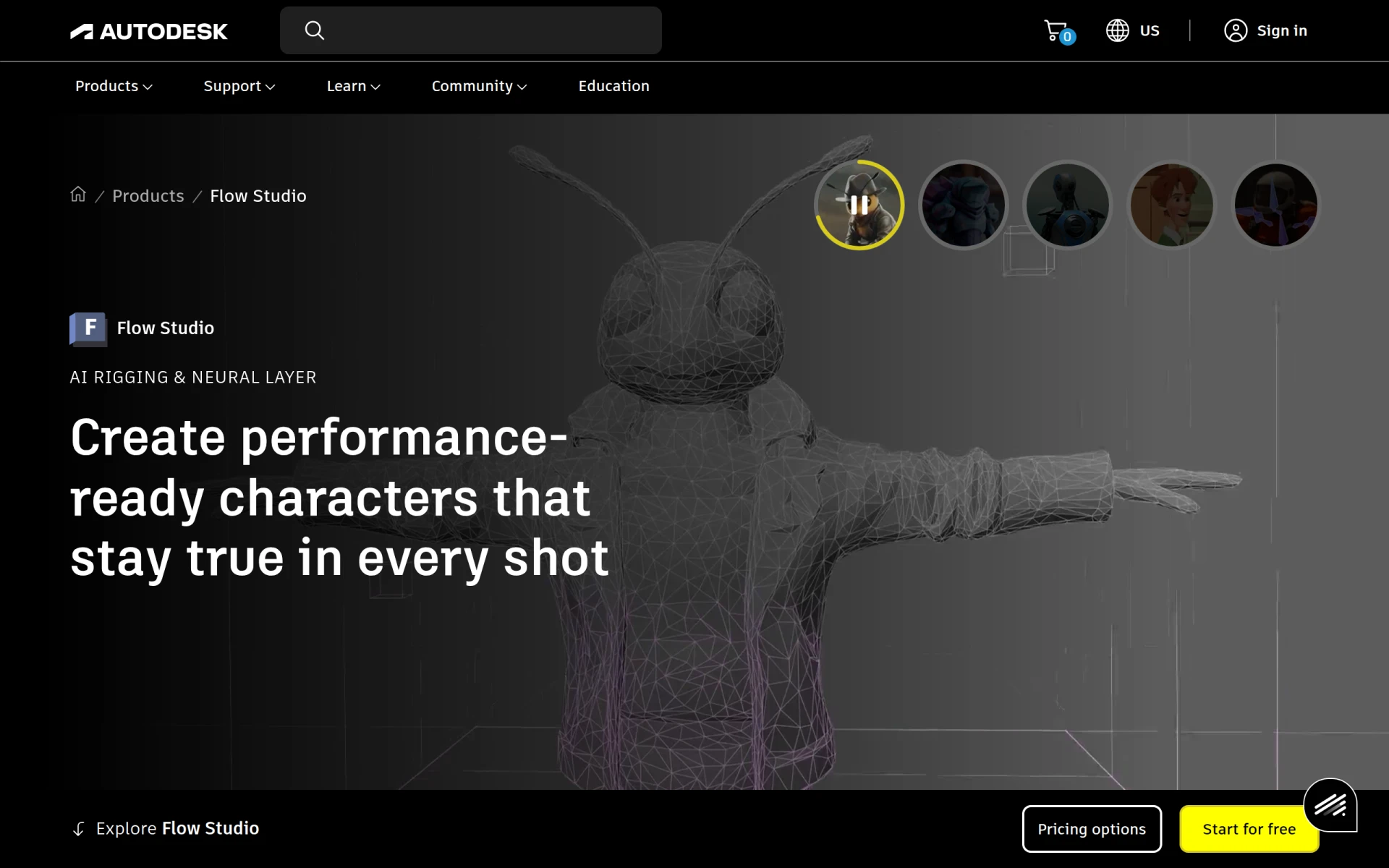 is an innovative tool that takes video editing to another level by focusing on animation and visual effects. For beginners interested in creating animated content or incorporating special effects, this tool provides an accessible entry point. The software’s AI-driven features simplify the animation process, making it possible for users with little experience to create impressive results.
The automatic character rigging and scene compositing tools allow users to focus on their creativity rather than the technical aspects of animation. This makes Wonder Studio a fantastic option for content creators who want to add a dynamic element to their videos without a steep learning curve.
- AI-Driven Animation Creation: Simplifies the creation of animated content.
- Automatic Character Rigging: Makes animating characters straightforward.
- Scene Compositing Tools: Allows users to combine various elements seamlessly.
- 3D Object Integration: Enhances video depth with 3D elements.
- Voice and Motion Capture Capabilities: Offers creative options for character animation.
Pricing: Contact - Pricing details are not provided. Best for: Independent filmmakers and marketing teams.
Prisma - Best for Artistic Edits
Prisma stands out as an AI-powered editing tool that allows users to apply artistic filters and effects to their videos. This is an excellent option for beginners looking to create visually stunning content quickly. The user-friendly interface makes it easy to transform ordinary footage into engaging visual stories without extensive editing skills.
With its background replacement feature, Prisma allows users to create more dynamic compositions by changing backgrounds in just a few clicks. This capability is especially appealing for social media enthusiasts wanting to create eye-catching content that stands out from the crowd.
- AI-Driven Artistic Filters: Instantly change the aesthetic of videos with unique filters.
- Background Replacement: Easily swap out backgrounds for more engaging visuals.
- One-Tap Enhancements: Quick adjustments to improve video quality.
- User-Friendly Interface: Simplifies the editing process for beginners.
- Video Editing Capabilities: Combines photo and video editing in one tool.
Pricing: Freemium - Pricing details are not explicitly outlined. Best for: Casual users and social media enthusiasts.
Animoto - Best for Quick Video Production
Animoto is a video editing platform designed for users who need to create professional-quality videos rapidly. Its drag-and-drop interface and customizable templates make it easy for beginners to produce polished videos without any prior editing experience. This tool is particularly beneficial for small businesses and marketing teams looking to create promotional videos in a short time.
The availability of a music library filled with royalty-free tracks further enhances its appeal, allowing users to easily add soundtracks to their videos without worrying about licensing issues. This makes Animoto an excellent choice for creating content for social media or marketing campaigns.
- Video Creation Templates: Users can start with templates that simplify the editing process.
- Drag-and-Drop Interface: Makes it easy to add and arrange video clips.
- Customizable Text and Fonts: Provides flexibility for branding and personalization.
- Music Library with Royalty-Free Tracks: Easily add soundtracks without legal concerns.
- HD Video Exporting: Ensures high-quality output for videos.
Pricing: Freemium - Specific pricing details are not publicly listed. Best for: Small businesses and freelancers wanting to showcase their work.
AutoCut - Best for Streamlined Editing
AutoCut is an AI plugin designed for use with Premiere Pro and DaVinci Resolve. This tool automates various editing tasks, making it a valuable asset for beginners who may find traditional editing time-consuming. By automating functions such as captions and silences, AutoCut allows users to focus on the creative aspects of video production.
This plugin is particularly useful for podcasters and content creators who need to enhance their video content efficiently. Its ability to streamline the editing process significantly reduces the time spent on tedious tasks, making it easier for beginners to produce high-quality videos.
- AutoCaptions: Automatically generates captions to improve accessibility.
- AutoCut Silences: Removes unnecessary pauses from video, making editing quicker.
- AutoCut Podcast: Specifically designed for podcasters to enhance video content.
- Updated AutoZoom: Automatically zooms in on the speaker for an engaging view.
- AutoViral: Provides insights on how to make content more shareable.
Pricing: Freemium - Offers a free 14-day trial, with specific pricing details not provided. Best for: Podcasters and freelancers needing to speed up video projects.
Captions - Best for Simple Video Generation
Captions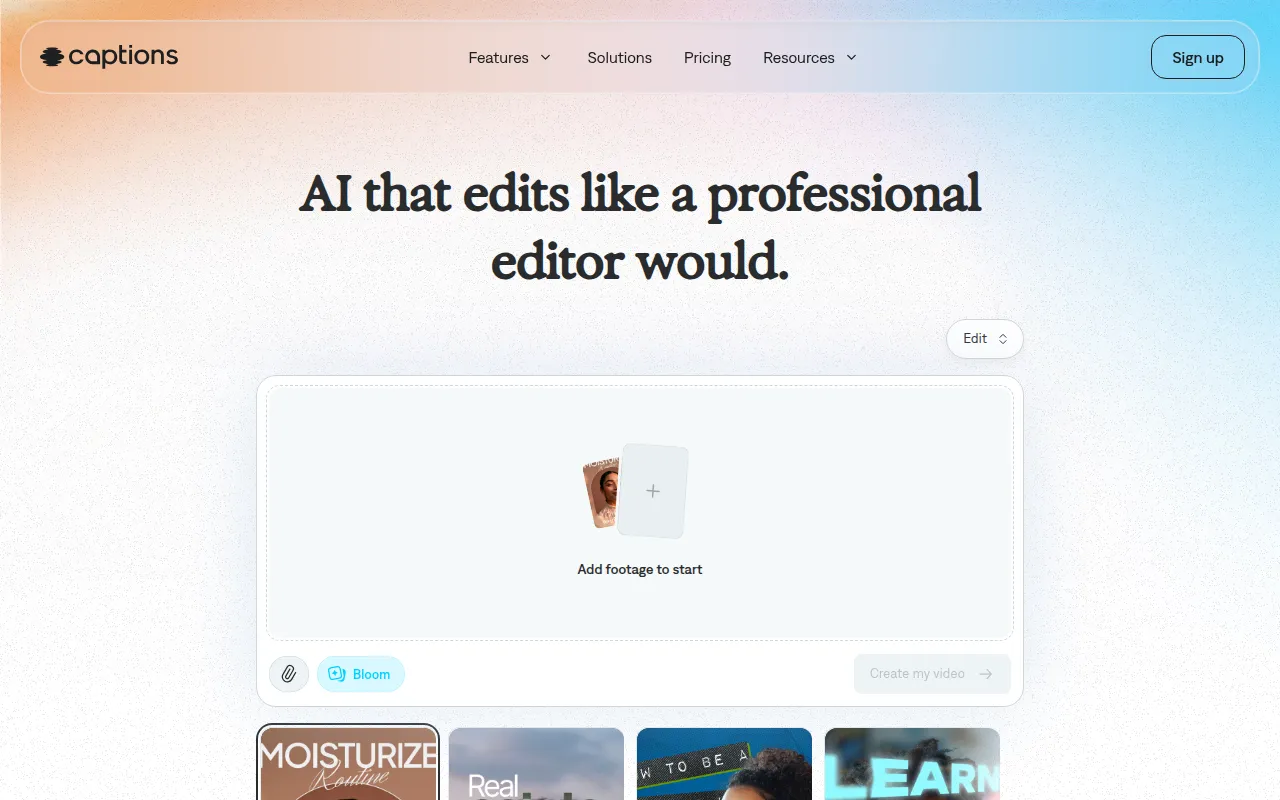 is a user-friendly AI video editing tool that allows users to transform ideas into shareable videos effortlessly. This is particularly beneficial for beginners who are looking for an easy way to create engaging content. The chat-based editing feature simplifies the editing process, enabling users to communicate their ideas without needing extensive technical skills.
With features like digital twins or custom AI actors, Captions provides a unique approach to video production that can help beginners create standout content. The tool’s ability to generate custom B-roll further enriches videos without requiring advanced editing knowledge.
- AI Video Generation: Quickly turns concepts into videos without hassle.
- Chat-Based Editing: Simplifies the editing process through conversational commands.
- Library of Curated AI Edit Styles: Offers a variety of editing styles to choose from.
- Digital Twins or Custom AI Actors: Allows for creative storytelling with virtual characters.
- Custom B-Roll Generation: Enhances videos without complex editing skills.
Pricing: Freemium - Free sign-up with a popular subscription priced at $24.99 per month. Best for: Small businesses and content creators needing quick video production.
Clipchamp - Best for Online Editing
Clipchamp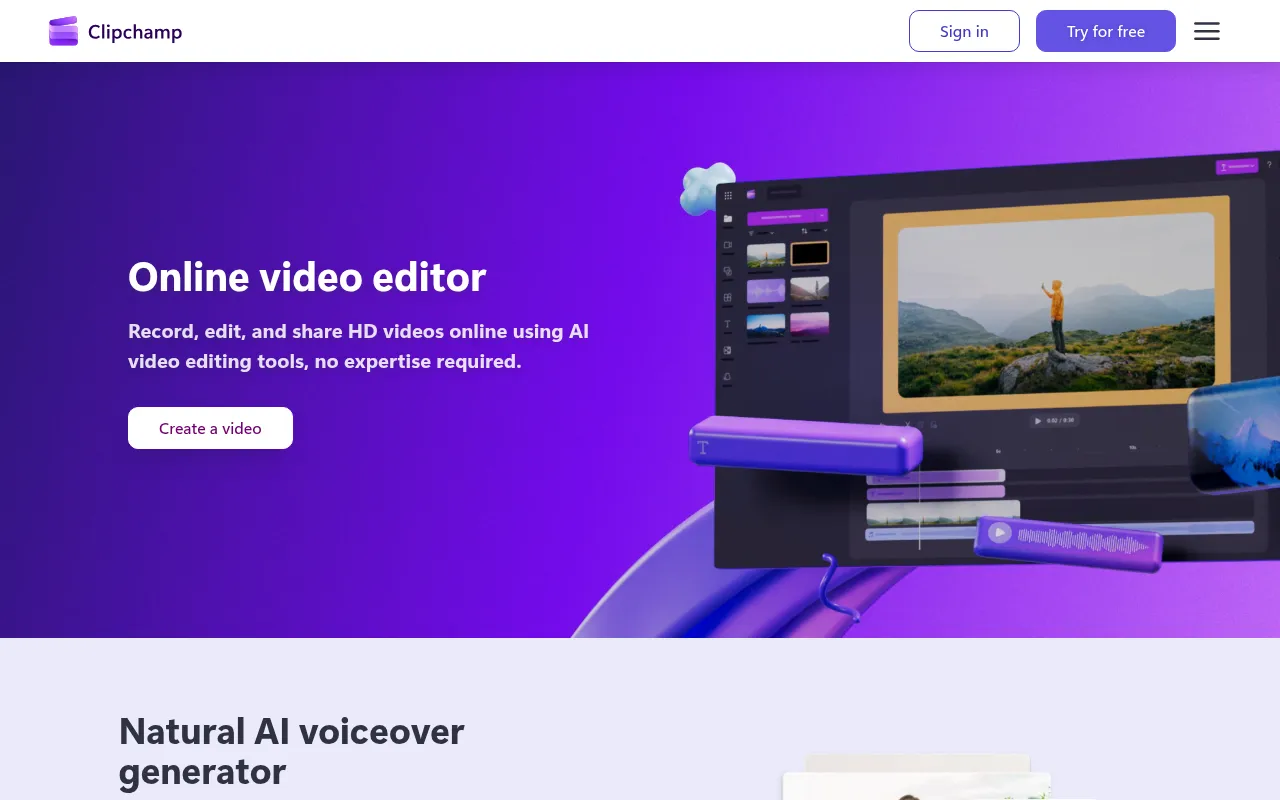 is an online video editing tool that caters to beginners looking for a convenient way to create and edit videos without the need for software downloads. Its web-based platform allows users to access their projects from anywhere, making it a flexible option for those on the go. The simplicity of Clipchamp's interface is particularly appealing for new users who may feel intimidated by more complex software.
With features like AI voiceover and subtitle generation, Clipchamp provides essential tools that enhance video quality and engagement. This combination of accessibility and functionality makes it an ideal choice for small businesses and educators developing instructional materials.
- Video Recording: Directly record videos within the platform.
- AI Voiceover Generator: Automatically adds voiceovers to videos with ease.
- AI Subtitle Generator: Simplifies the process of adding subtitles for accessibility.
- Stock Footage Library: Provides users with additional content to enhance their videos.
- Video Templates: Offers a variety of templates to kickstart projects.
Pricing: Freemium - Free version available, with premium features accessible through Microsoft 365 subscriptions. Best for: Small businesses and educators creating marketing and instructional videos.
Quick Comparison
| Tool | Best For | Starting Price | Rating |
|---|
| DaVinci Resolve | Professional video editors | Free / $295 | 0.0/5 |
| Wondershare Filmora | Ease of use for beginners | Freemium | 0.0/5 |
| Adobe Premiere Pro | Comprehensive editing | Subscription | 0.0/5 |
| VideoGen | Quick video creation | $16/month | 0.0/5 |
| Wonder Studio | Animation and visual effects | Contact | 0.0/5 |
| Prisma | Artistic edits | Freemium | 0.0/5 |
| Animoto | Quick video production | Freemium | 0.0/5 |
| AutoCut | Streamlined editing | Freemium | 0.0/5 |
| Captions | Simple video generation | $24.99/month | 0.0/5 |
| Clipchamp | Online editing | Freemium | 0.0/5 |
Best Choice for Beginners
For beginners, Wondershare Filmora stands out as the best choice due to its user-friendly interface and essential features tailored for new editors. It allows users to create quality videos without a steep learning curve, making it easier to focus on creativity rather than technicalities.
Best Choice for Professionals
Adobe Premiere Pro is the best choice for professionals, offering comprehensive editing capabilities that cater to advanced users. Its non-linear editing system, multi-camera editing, and advanced color grading tools provide the flexibility and precision needed for high-quality video production.
Best Value Pick
DaVinci Resolve offers exceptional value with its freemium model, giving users access to powerful editing tools at no cost. The price-to-feature ratio is excellent, especially for those looking to create professional-quality videos without significant investment.
Conclusion
Embarking on your video editing journey does not have to be daunting. With the right tools, you can create engaging videos that reflect your vision. Choose the software that aligns best with your needs, and start editing with confidence.