Overview
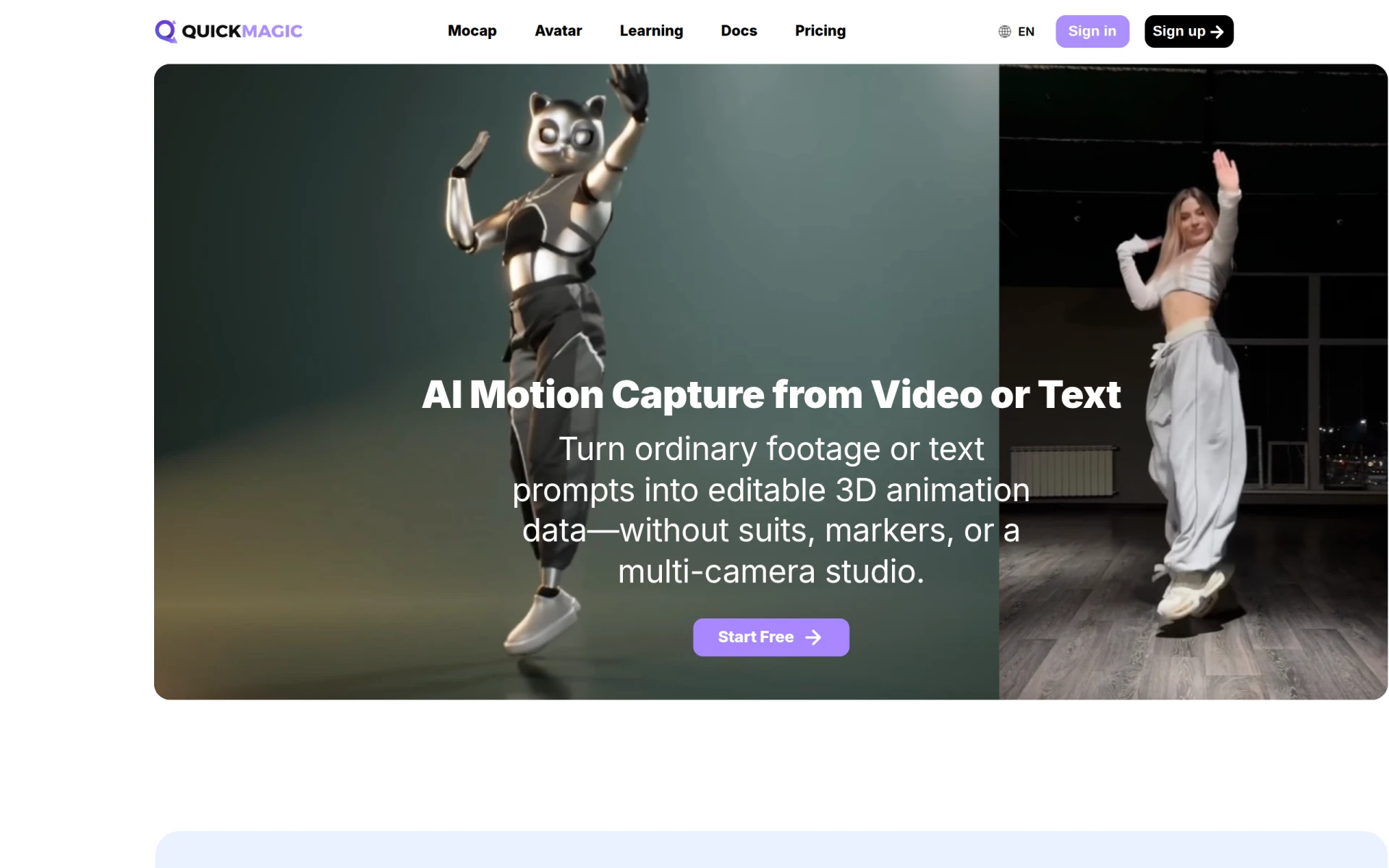
QuickMagic is an innovative software designed for converting video footage or text prompts into editable 3D motion data. This tool primarily serves animators and game developers by enabling them to capture body, hand, and facial movements without the need for traditional motion capture setups, such as suits or multi-camera studios. QuickMagic addresses the common challenges of creating realistic animations by simplifying the motion capture process, making it accessible to a broader range of users.
Key Features
- Markerless AI motion capture: Capture full-body, hand, and facial movement from a single video.
- Text-to-motion generation: Create 3D animations directly from text prompts.
- Export options: Compatible with various formats such as FBX, BVH, BIP, C4D, VMD, and more.
- Integration with major animation platforms: Supports Blender, Unreal Engine, Unity, Maya, and others.
- User-friendly interface: Designed for ease of use, enabling quick setup and operation.
- No need for expensive equipment: Eliminates the requirement for suits, reflective markers, or complex setups.
- Versatile application: Suitable for various animation styles, from games to films.
- Flexible for teams: Options available for collaborative projects and team use.
Benefits
QuickMagic offers several practical advantages for users involved in 3D animation. First, its markerless motion capture allows for quick and efficient animation processes, reducing the time and cost typically associated with traditional methods. By enabling motion capture from a single video or text prompt, it empowers creators to produce dynamic animations without technical barriers. This accessibility can lead to more creative experimentation and improved workflow efficiency for animation projects.
Common Use Cases
QuickMagic is ideal for a range of situations in the animation and game development industries. For instance, a small indie game developer can use QuickMagic to create character animations from reference videos, streamlining their production timeline. Animators working on short films can generate facial animations from text descriptions, enhancing storytelling without extensive resources. Additionally, educators in animation programs can utilize this tool to demonstrate motion capture techniques to students without requiring costly equipment.
Who Should Use It
QuickMagic is best suited for animators, game developers, and content creators looking for an efficient way to produce 3D animations. Freelancers and small studios can particularly benefit from its cost-effective motion capture capabilities. However, it may not be the best fit for large studios that require high-end, highly detailed motion capture data or those who depend on specific hardware integrations.
Pricing Overview
Pricing information is currently unavailable on the QuickMagic website.
Conclusion
In summary, QuickMagic stands out as a user-friendly tool that simplifies the animation process by converting video and text into editable 3D motion data. Its unique capabilities make it particularly valuable for smaller teams and independent creators. While it may not meet the high-demand needs of larger studios, its innovative approach to motion capture presents a compelling solution for many users in the animation space.