
taatoo
Freemium
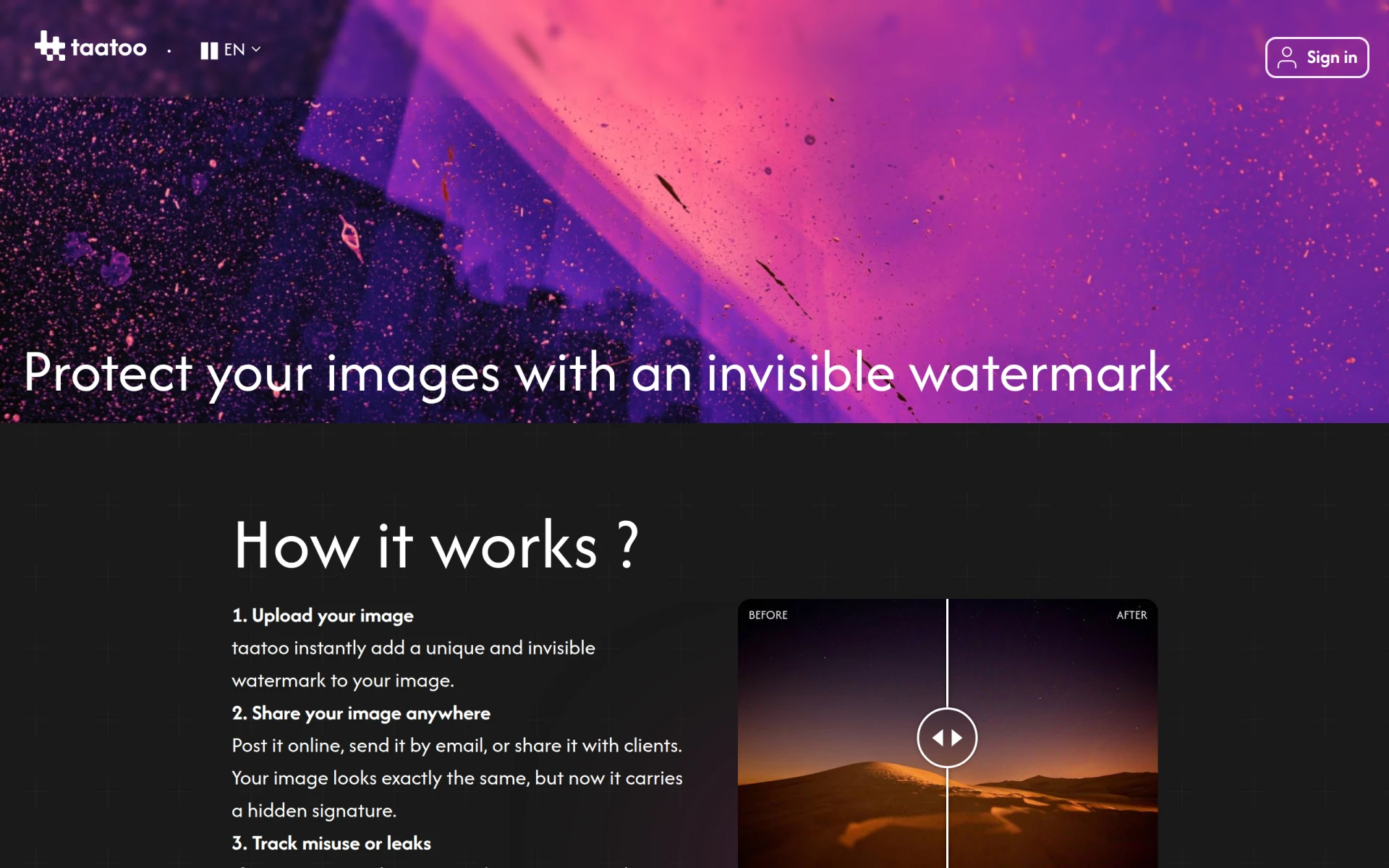
TaaToo offers invisible watermarking solutions to protect images and identify leaks effectively.
 R
R
Redactable is an AI-powered document redaction tool that automates the removal of sensitive information from PDFs and images.
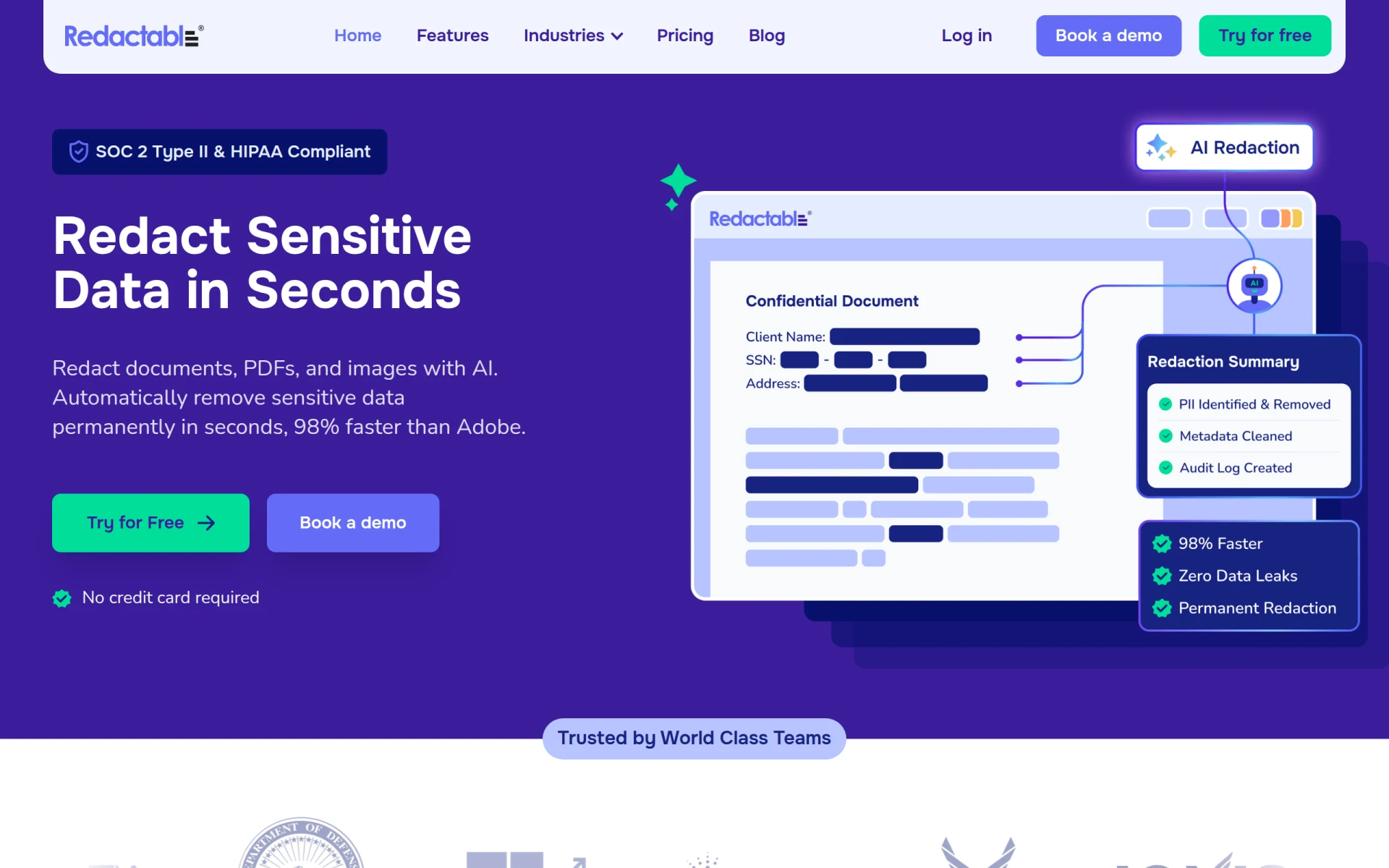
Redactable is a software solution designed for the automated redaction of sensitive information in documents, particularly PDFs and images. Its primary purpose is to help organizations comply with privacy regulations by efficiently removing personally identifiable information (PII) and other sensitive data. Redactable addresses the common challenges associated with manual redaction processes, which can be time-consuming and error-prone. By leveraging artificial intelligence, Redactable significantly reduces the time and effort required to ensure that sensitive information is securely removed from documents.
Redactable provides significant advantages for businesses by enhancing efficiency in document handling. The automation of redaction processes leads to a drastic reduction in the time spent on compliance tasks, allowing teams to focus on more strategic activities. The software also increases accuracy by minimizing human error, which is particularly important when dealing with sensitive information. Additionally, Redactable’s capabilities to handle bulk uploads and integrate advanced OCR technology streamline workflows for organizations that manage large volumes of documents.
Organizations in various sectors can benefit from using Redactable. For instance, legal firms often need to redact sensitive client information from case documents quickly. Healthcare providers can use Redactable to ensure compliance with HIPAA regulations by securely removing patient information from records. Government agencies may also utilize the software to manage public records while protecting sensitive data. Moreover, businesses conducting audits or investigations can rely on Redactable to efficiently prepare documents for review while safeguarding confidential details.
Redactable is ideal for compliance-focused teams in industries such as legal, healthcare, finance, and government. It caters to organizations that require efficient document management and secure redaction capabilities. However, smaller businesses or individuals who only occasionally need redaction might find the software’s features more extensive than necessary for their needs.
Redactable offers flexible pricing plans tailored for individuals, teams, and enterprise workflows. The Starter plan costs $19 per month and allows users to redact up to 15 documents monthly, while the Pro Plus plan is available for $99 per month with a limit of 150 documents. Both plans include access to all key features, enabling users to choose a plan based on their specific requirements.
Overall, Redactable presents a robust solution for organizations seeking to enhance their document redaction processes. With its AI-driven capabilities, it addresses the common pain points associated with manual redaction, improving both speed and accuracy. While it may not be the best fit for casual users, businesses focused on compliance will find significant value in its features and benefits.
TaaToo offers invisible watermarking solutions to protect images and identify leaks effectively.
Intezer offers AI-driven SOC solutions that ensure every alert is investigated at forensic depth, enhancing security for enterprises.
Akku is a comprehensive identity access management platform designed for enterprises to enhance security and streamline user access.
Superagent is an AI-driven security tool that identifies, patches, and discloses vulnerabilities in software quickly and effectively.
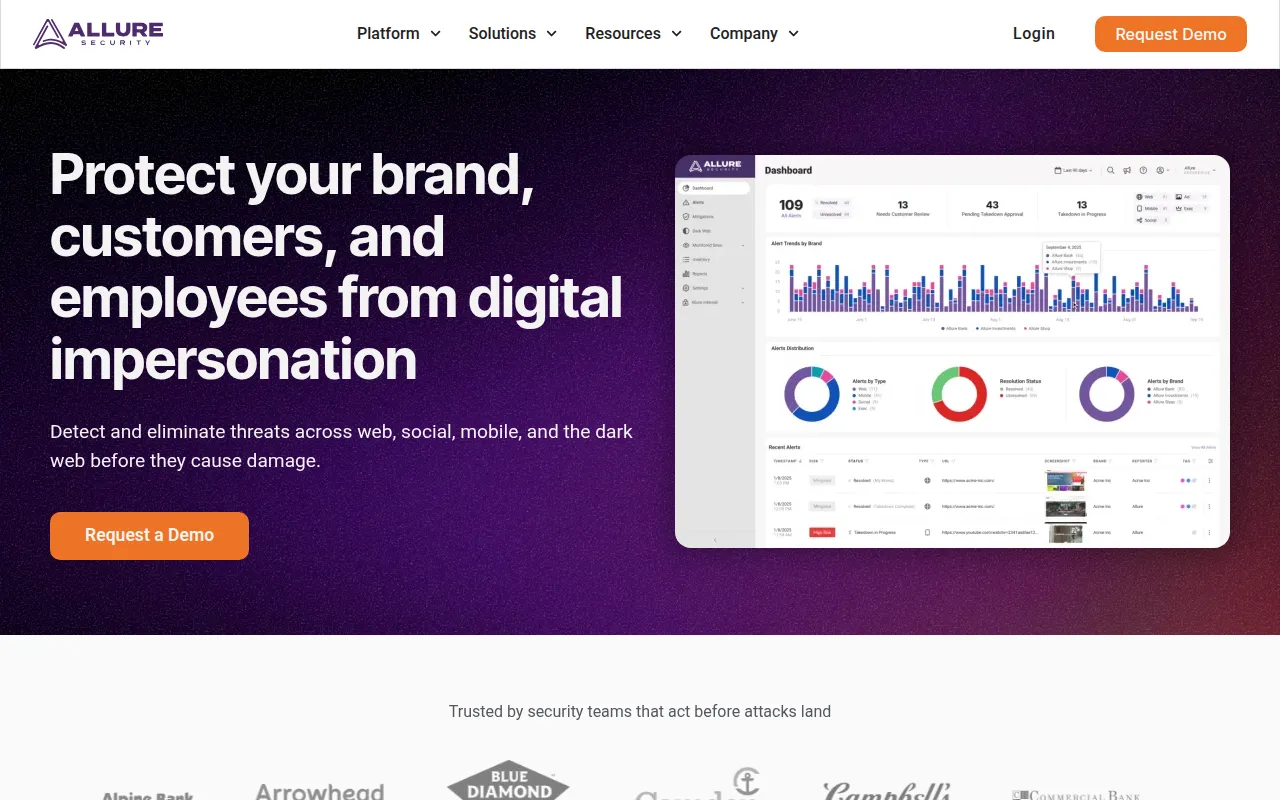
Allure Security Technology provides AI-powered brand protection against phishing and digital impersonation threats.
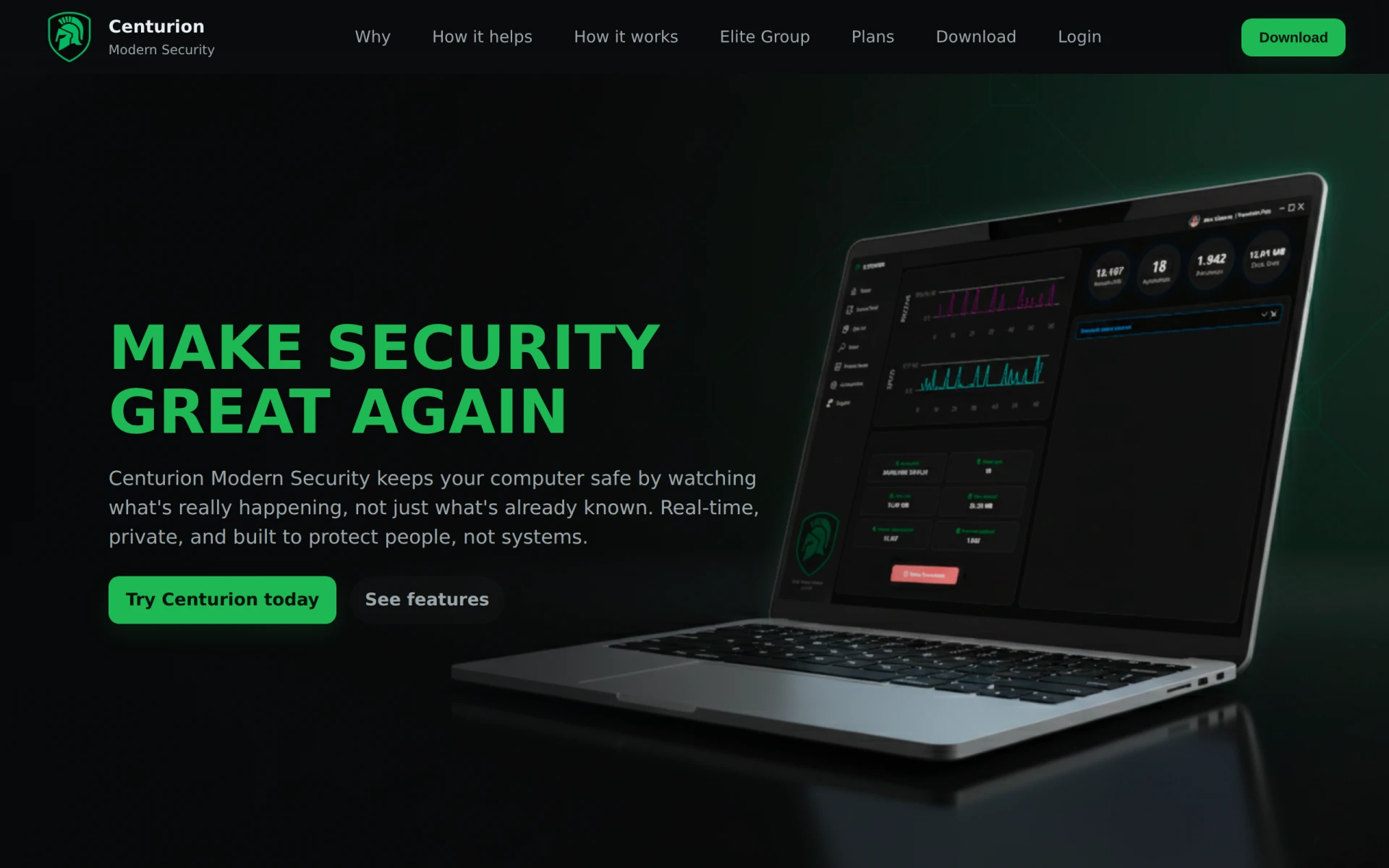
Centurion offers real-time, local-first cybersecurity protection against hacks, focusing on behavioral analysis.
Weekly roundup of new AI tools, launches, and trending software. No spam — unsubscribe anytime.
No credit card required · Cancel anytime
Weekly roundup of new AI tools, launches, and trending software. No spam — unsubscribe anytime.
No credit card required · Cancel anytime