Overview
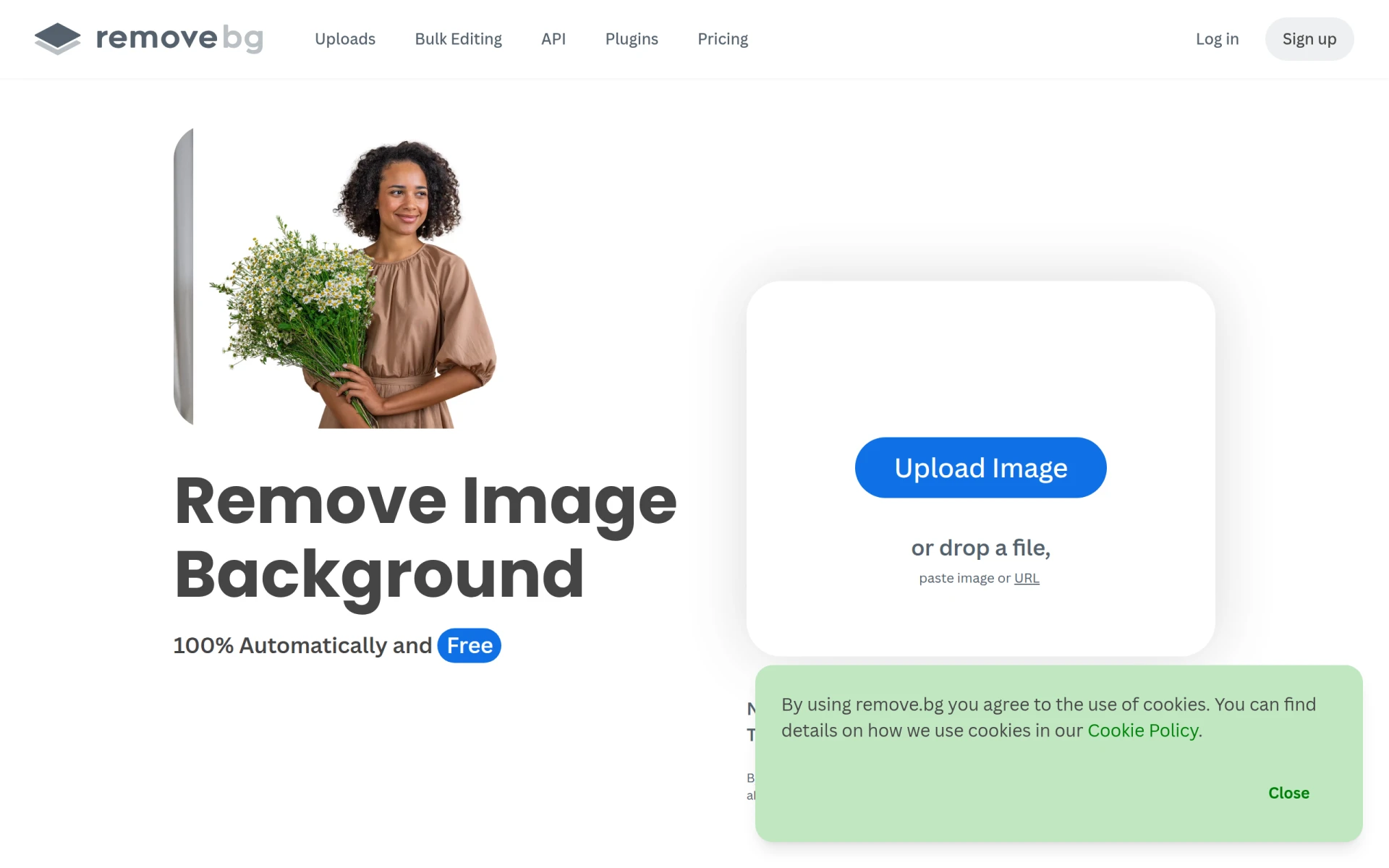
Remove-BG.AI is a web-based application designed for automatic background removal from images. Its primary purpose is to simplify the process of isolating subjects in photos, which can be a time-consuming task when done manually. This software addresses common issues faced by photographers, designers, and marketers who need to create polished, professional images without the hassle of traditional editing methods.
The tool leverages artificial intelligence to detect and remove backgrounds within seconds, saving users significant time and effort. This is particularly beneficial for e-commerce businesses, graphic designers, and social media managers who require high-quality images without the need for complex software skills.
Key Features
- AI-powered automatic background removal
- Quick processing time of a few seconds
- Ability to create transparent PNG images
- Option to generate custom backgrounds using AI
- Supports various image formats for upload
- User-friendly interface for easy navigation
- Batch processing for multiple images
- Integration options with other design platforms
Benefits
Using Remove-BG.AI provides several practical advantages for users. The most immediate benefit is the time saved by automating the background removal process, which can be particularly valuable for businesses needing to process large volumes of images quickly. Additionally, the high accuracy of the AI ensures that images retain their quality, making them suitable for professional use in marketing and branding.
The ability to create transparent backgrounds or custom backdrops allows for greater flexibility in design, enabling users to tailor images to specific needs without requiring extensive graphic design skills. Overall, Remove-BG.AI helps users produce visually appealing images efficiently, enhancing their overall workflow and productivity.
Common Use Cases
Remove-BG.AI is particularly useful in a variety of scenarios, including:
- E-commerce product listings where clean, distraction-free images are essential.
- Marketing campaigns that require high-quality visuals for social media or advertising.
- Graphic design projects that involve logos or promotional materials needing clear backgrounds.
- Personal use for creating customized photos for blogs or presentations.
For instance, a small online retailer can utilize Remove-BG.AI to quickly prepare product images for their website, ensuring that each listing looks professional and appealing to potential customers.
Who Should Use It
Remove-BG.AI is ideal for:
- E-commerce businesses that need to enhance product images.
- Graphic designers looking to streamline their workflow.
- Marketing teams that require engaging visuals for campaigns.
- Photographers who need quick background edits for client work.
However, it may not be the best fit for users who require extensive photo editing capabilities beyond background removal, as the tool is specialized for this specific task.
Pricing Overview
Pricing details for Remove-BG.AI are not explicitly provided, indicating that users should visit the website to explore available plans and options.
Pros and Cons
Pros
- Offers fast and efficient background removal.
- Utilizes AI technology for high accuracy.
- User-friendly interface suitable for all skill levels.
- Enables batch processing for enhanced productivity.
- Provides options for transparent and custom backgrounds.
Cons
- May not offer advanced editing features beyond background removal.
- Pricing details are unclear, requiring users to seek information directly from the website.
- Dependency on internet connectivity for functionality.
Conclusion
Remove-BG.AI stands out as a practical tool for users needing quick and efficient background removal. While it excels in its specific function, potential users should consider their overall editing needs, as the tool is tailored for background isolation rather than comprehensive photo editing. For those who primarily require background removal, this software can significantly enhance productivity and image quality without the complexities of traditional graphic design software.