Composio
Freemium
Composio is a developer tool that enables secure access to over 1,500 applications through an easy-to-use SDK.
 R
R
Retool is a platform that enables users to build, deploy, and manage internal tools using a unified engine that connects to various databases and APIs.
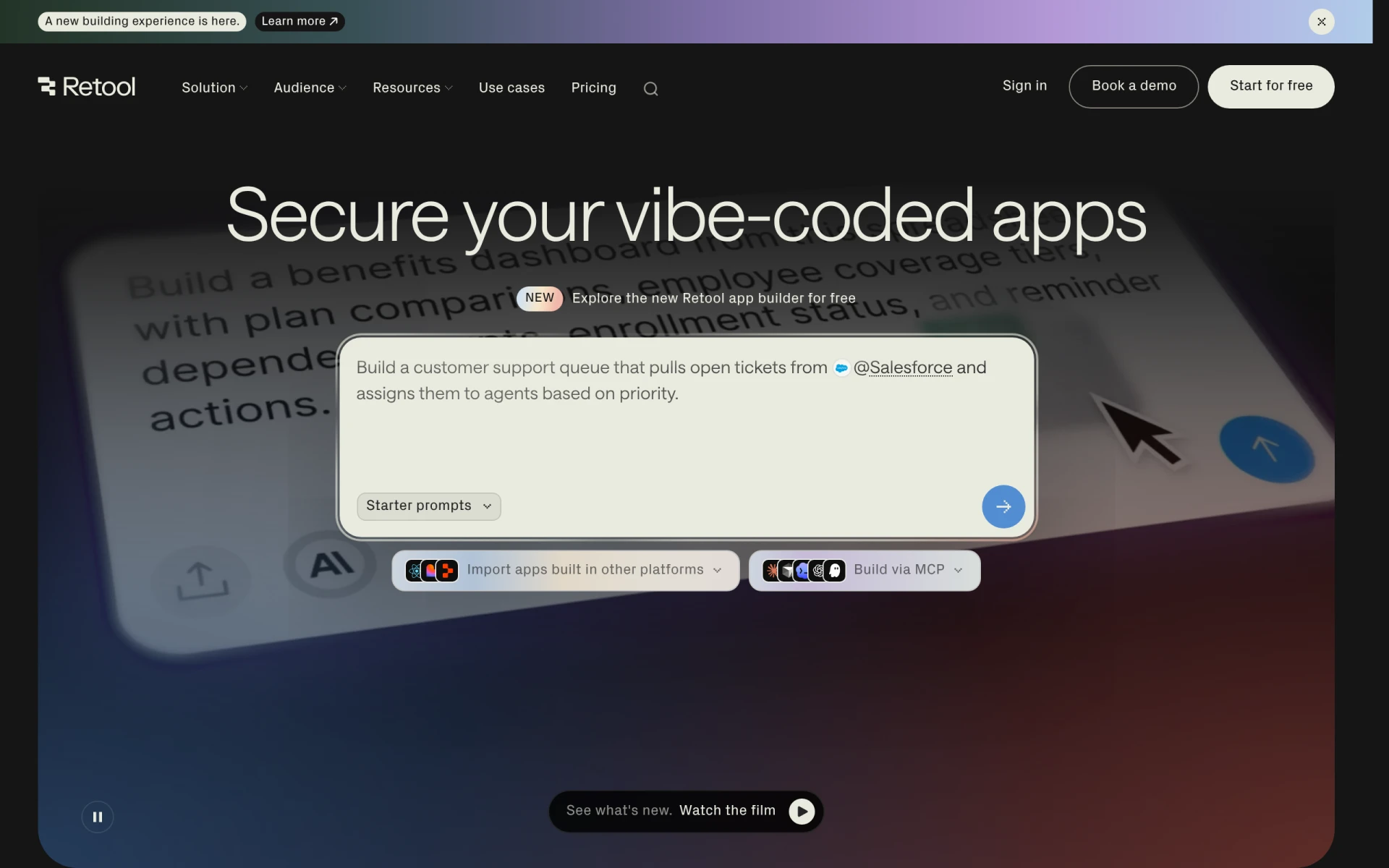
Retool is a software platform designed for developers to easily build internal tools that are tailored to their business needs. Its primary purpose is to simplify the process of creating applications that utilize data from multiple sources, such as databases, APIs, and AI models. By providing users with a drag-and-drop interface, Retool allows for rapid prototyping and deployment of applications, addressing common challenges faced in software development such as time constraints and the need for custom solutions. The platform is particularly useful for organizations that require internal tools for operations, reporting, or data management without the overhead of traditional development frameworks.
Retool offers practical advantages that enhance business operations. By streamlining the development of internal tools, teams can save significant time and resources. The ability to integrate with various data sources means that users can consolidate data management, leading to more informed decision-making. Additionally, the collaborative features promote teamwork, allowing multiple users to contribute to projects simultaneously. The flexibility of deployment options ensures that organizations can choose a setup that best fits their security and operational needs.
Retool can be effectively employed in several realistic scenarios. For instance, a finance team might use Retool to create a dashboard that visualizes key performance indicators by pulling data from their accounting software and various databases. Similarly, a marketing department could build a customer relationship management (CRM) tool to track leads and assess campaign performance. Development teams can leverage Retool to create internal tools that assist in tracking bugs or managing project timelines. Furthermore, it is also suitable for generating reports that require data from disparate sources, thus simplifying the reporting process.
Retool is ideal for developers and technical teams within organizations that need to develop custom internal tools quickly. It is particularly beneficial for medium to large enterprises that have the resources to invest in a dedicated platform for building applications. However, it may not be the best fit for small businesses or non-technical users who may find the tool's capabilities overwhelming or may not require the extensive features it offers.
Retool offers various pricing plans, including a free tier for developers and early exploration, along with paid plans for teams and enterprises. Specific pricing details are available on their website.
Retool serves as a powerful solution for businesses seeking to build internal tools efficiently. By providing a unified platform that connects to numerous data sources, it addresses the need for customizable applications without the complexities often associated with traditional software development. While it is particularly well-suited for developers and medium to large organizations, potential users should evaluate their specific needs and technical capabilities before implementation.
Composio is a developer tool that enables secure access to over 1,500 applications through an easy-to-use SDK.
Cofondr simplifies non-coding tasks for developers, allowing them to focus on coding and marketing.
CodeMerge is a collaborative development tool designed to streamline code integration and version control for software teams.
Coding Assistant is a developer tool designed to enhance coding efficiency and accuracy through intelligent code suggestions and problem-solving.
ClutchClick offers custom app, website, and AI tool development with a senior-led team for streamlined project delivery.
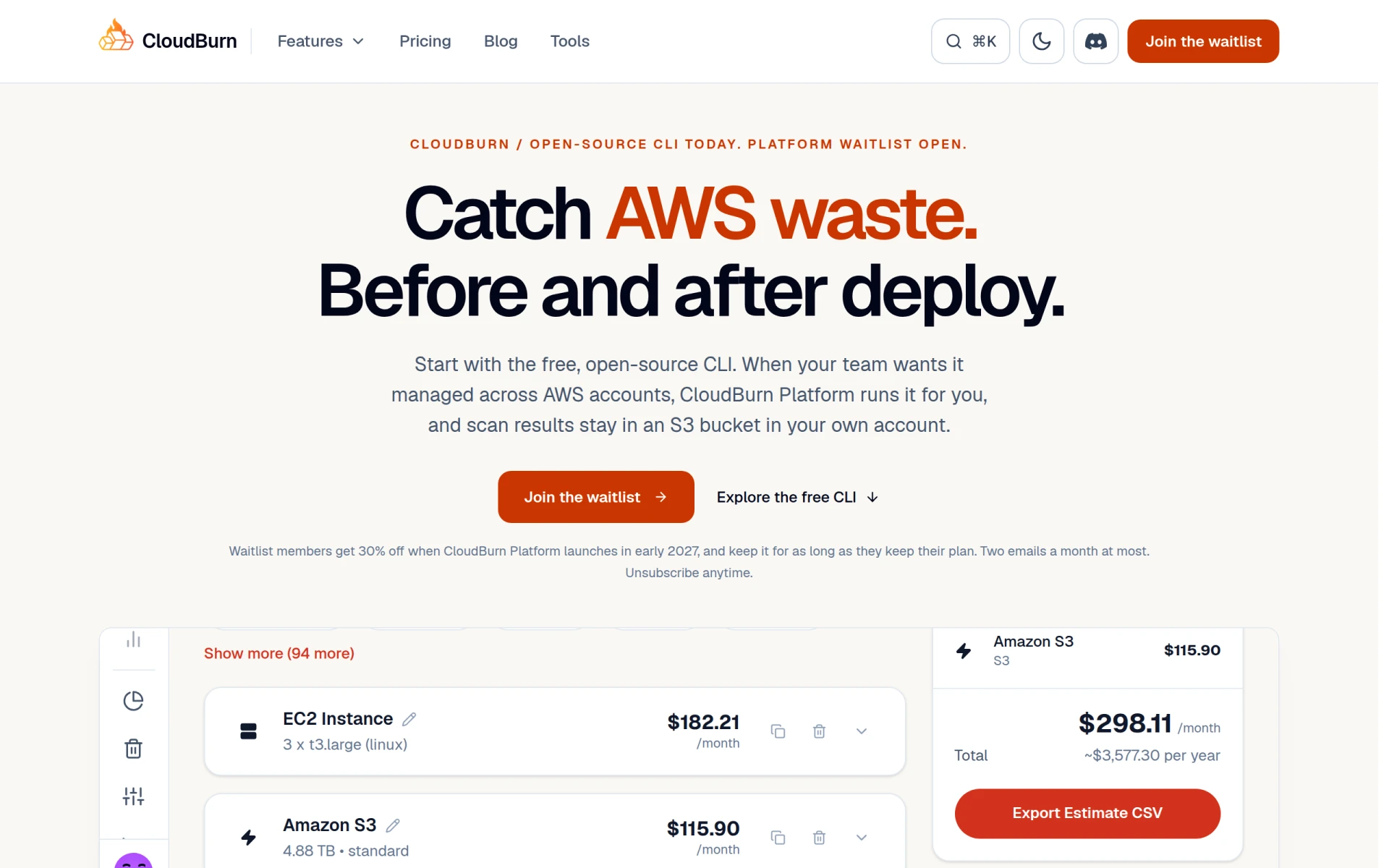
CloudBurn helps identify and optimize AWS costs through a free, open-source CLI tool for effective resource management.
Weekly roundup of new AI tools, launches, and trending software. No spam — unsubscribe anytime.
No credit card required · Cancel anytime
Weekly roundup of new AI tools, launches, and trending software. No spam — unsubscribe anytime.
No credit card required · Cancel anytime