



Consile
Freemium
Consile is an all-in-one team operations platform that integrates tasks, attendance, leave, and HR functions in a secure workspace.
SlidesAI is an AI-powered presentation maker that transforms text into professional slides for Google Slides and PowerPoint.
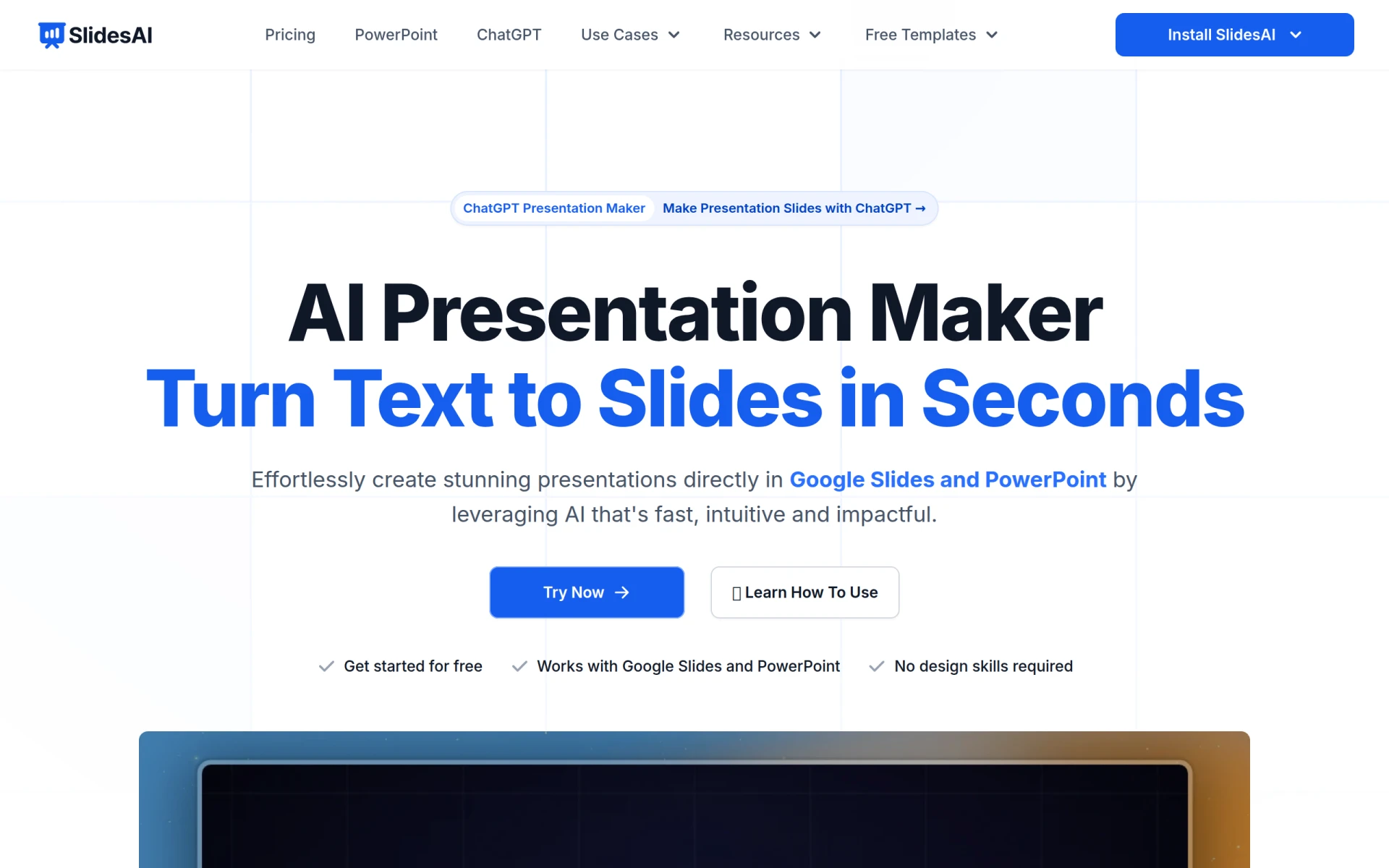
SlidesAI is an innovative AI presentation maker designed to simplify the process of creating professional slides. Its primary purpose is to convert text, notes, or outlines into structured presentation slides quickly and efficiently. This tool is particularly beneficial for educators, students, and professionals who need to prepare presentations without spending excessive time on design or formatting tasks. By leveraging AI, SlidesAI addresses common challenges such as lack of design skills, time constraints, and the need for high-quality presentations.
The main advantages of using SlidesAI include significant time savings in presentation preparation, the ability to create visually appealing slides without design expertise, and the convenience of using a tool that integrates seamlessly with popular platforms like Google Slides and PowerPoint. Users can focus on content while the AI handles formatting and design aspects. Additionally, its multi-language support allows users from diverse backgrounds to use the tool effectively, enhancing accessibility and usability.
SlidesAI is ideal for various scenarios, such as:
SlidesAI is best suited for individuals who require quick and effective presentation solutions, including educators, students, and business professionals. However, it may not be the best fit for those who prefer highly customized design features or those who require advanced data visualization tools. Users looking for extensive multimedia integration or complex animation capabilities might also find limitations with this tool.
SlidesAI offers a simple pricing structure with various plans tailored to individual users, teams, and institutions. The basic plan is free, allowing for up to 12 presentations per year, while the Pro plan costs $10 per month for more extensive features.
In summary, SlidesAI provides a practical solution for creating presentations efficiently. While it excels in ease of use and time savings, potential users should consider their specific needs, especially regarding design customization and advanced features. Overall, SlidesAI is a valuable tool for anyone looking to enhance their presentation-making process without the need for detailed design skills.
Consile is an all-in-one team operations platform that integrates tasks, attendance, leave, and HR functions in a secure workspace.
A comprehensive guide to keyboard shortcuts for Windows, MacOS, and Linux, enhancing productivity and workflow efficiency.
Online Whiteboard is a free collaborative tool for brainstorming and visualizing ideas in real-time with teams.
Audioread converts text from articles, PDFs, and emails into natural-sounding audio for easy listening.
Ayfie is a personal assistant software that helps users manage tasks and improve productivity through intelligent automation.
AIApply is a job application tool that helps users create tailored resumes, cover letters, and auto-apply for jobs quickly.
Weekly roundup of new AI tools, launches, and trending software. No spam — unsubscribe anytime.
No credit card required · Cancel anytime
Weekly roundup of new AI tools, launches, and trending software. No spam — unsubscribe anytime.
No credit card required · Cancel anytime








