Overview
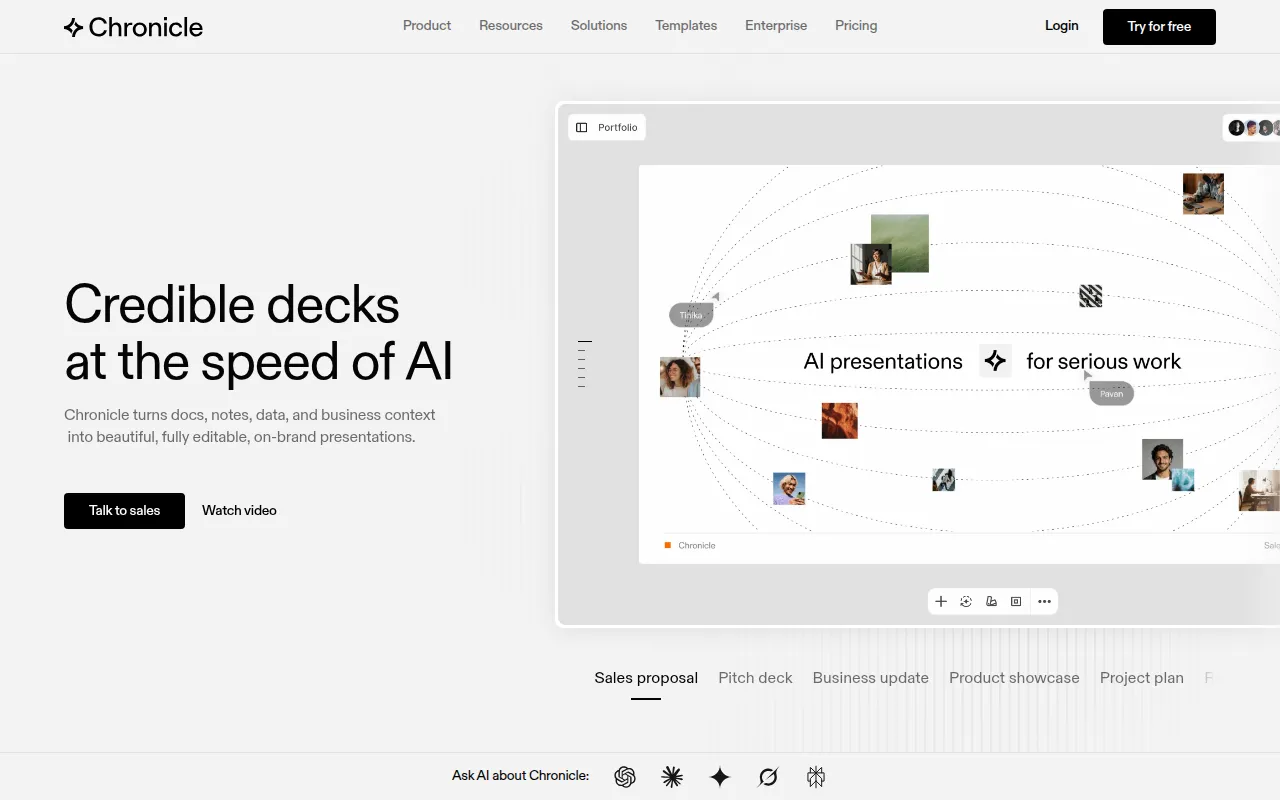
Chronicle is an innovative AI presentation software aimed at professionals and teams seeking to create impactful, high-quality presentations effortlessly. Its primary purpose is to streamline the process of designing and delivering presentations that engage audiences and convey messages effectively. By leveraging AI technology, Chronicle addresses common challenges such as time-consuming slide creation, maintaining brand consistency, and ensuring that presentations are visually appealing and informative.
Key Features
- AI Slide Generation
- Interactive Presentation Tools
- Brand Management Functionality
- Collaborative Editing
- Export Options to Various Formats
- Token-Based AI Features
- Integration with Existing Documents
- Customizable Themes
- Audience Engagement Analytics
- Cloud-Based Access
Benefits
Chronicle provides significant advantages for businesses looking to enhance their presentation capabilities. The AI-driven slide generation allows users to save time and effort, enabling them to focus on content rather than design. Its collaborative features foster teamwork, allowing multiple users to edit and refine presentations in real-time. Additionally, the ability to maintain on-brand aesthetics ensures that all materials reflect the organization's identity, which is crucial for professional settings. By simplifying the presentation creation process, Chronicle helps increase productivity and improve overall communication.
Common Use Cases
Professionals across various sectors can benefit from using Chronicle. For example, marketing teams can create visually compelling pitch decks for client presentations. Sales teams might use it to develop impactful sales proposals that effectively communicate value. Project managers can utilize Chronicle to construct project updates that keep stakeholders informed. Additionally, educators can create interactive presentations that enhance learning experiences. Each of these scenarios illustrates how Chronicle can facilitate high-stakes presentations where clarity and engagement are essential.
Who Should Use It
Chronicle is ideal for teams and individuals who frequently create presentations, such as marketing professionals, sales representatives, educators, and project managers. Its user-friendly interface makes it accessible for those without design experience. However, it may not be the best fit for users who require highly specialized design capabilities or those who prefer traditional presentation software without AI assistance.
Pricing Overview
Chronicle offers a free tier with basic features and a Pro plan at $15 per user per month, which includes advanced functionalities and increased token allowances. Enterprise pricing is available upon request.
Conclusion
Chronicle stands out as a powerful tool for those in need of efficient presentation solutions. Its AI-based capabilities enable users to create high-quality presentations quickly while ensuring brand consistency. While it excels in many areas, potential users should consider their specific design needs and whether they align with Chronicle's offerings. Overall, it presents a robust option for professionals looking to enhance their presentation efforts without sacrificing quality or efficiency.