Overview
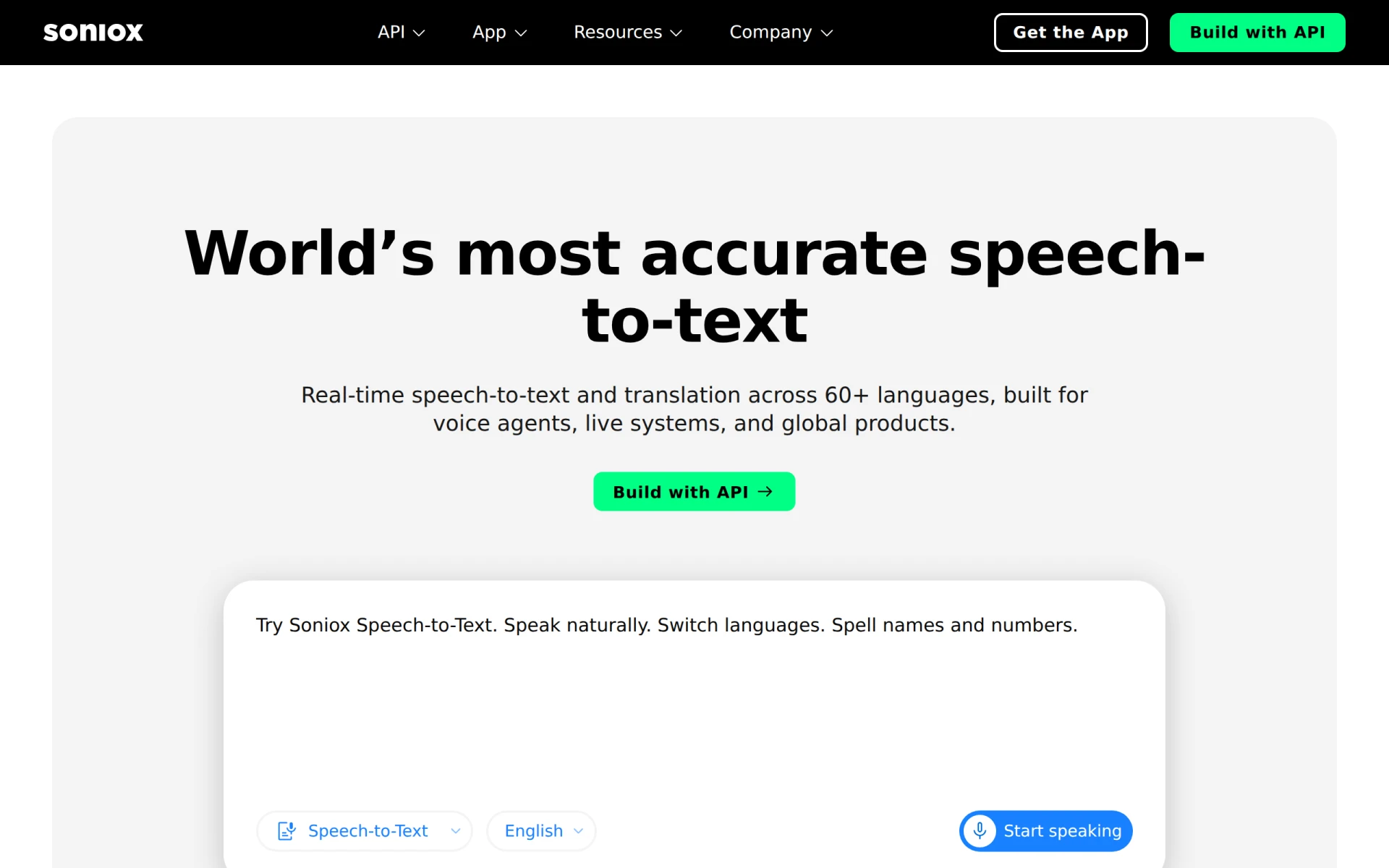
Soniox Speech-to-Text is a specialized software tool designed to convert spoken language into written text, primarily focusing on audio transcription. Its primary purpose is to facilitate the transcription process for various audio formats, making it easier for users to access and utilize spoken content effectively. This software addresses common challenges in audio transcription, such as time consumption, accuracy, and accessibility for users who require text formats for better comprehension or record-keeping.
Key Features
- Automatic transcription: Converts audio files to text automatically.
- Multi-language support: Recognizes and transcribes multiple languages and dialects.
- Real-time transcription: Provides live transcription capabilities for spoken content.
- Speaker identification: Distinguishes between different speakers in a conversation.
- Audio file compatibility: Supports various audio file formats including WAV, MP3, and more.
- Editing tools: Offers built-in editing features for correcting transcriptions.
- High accuracy: Utilizes advanced algorithms to ensure accurate transcriptions.
- API access: Provides API integration options for developers to embed transcription services in their applications.
Benefits
Soniox Speech-to-Text delivers practical advantages by significantly reducing the time and effort required for manual transcription. Users can expect enhanced accessibility to audio content, particularly for those with hearing impairments. The software's multi-language support broadens its usability for global audiences, and the real-time transcription feature aids in live events or meetings, ensuring immediate availability of text. Furthermore, the ability to edit and refine transcriptions directly within the platform enhances user efficiency. The API access also allows businesses to integrate these capabilities into their existing workflows seamlessly.
Common Use Cases
Soniox Speech-to-Text is particularly useful in a variety of scenarios, such as:
- Academic settings: Students and researchers can transcribe lectures or interviews for better review and analysis.
- Corporate environments: Businesses can use the software for transcribing meetings, ensuring that all participants have access to detailed records of discussions.
- Media production: Journalists and content creators can quickly transcribe interviews or audio clips for articles and reports.
- Healthcare: Medical professionals can convert patient interactions into written records, aiding in documentation and compliance.
- Customer service: Organizations can transcribe customer calls for training and quality assurance purposes.
Who Should Use It
Ideal users of Soniox Speech-to-Text include professionals in academia, corporate environments, media, healthcare, and customer service. It is particularly beneficial for those who regularly deal with audio content and require accurate text representation. However, it may not be the best fit for users seeking highly specialized transcription services, such as those requiring specific jargon or terminologies that are not widely recognized by standard algorithms.
Pricing Overview
Pricing information for Soniox Speech-to-Text is currently unavailable on their website.
Conclusion
In summary, Soniox Speech-to-Text offers a robust solution for those needing efficient and accurate audio transcription services. While it provides significant benefits in terms of time-saving and accessibility, potential users should consider their specific needs and whether the software aligns with their requirements. Without clear pricing information, interested users may need to inquire directly for further details. Overall, this tool serves a valuable purpose in various industries but may be best evaluated in the context of individual use cases and expectations.