



Consile
Freemium
Consile is an all-in-one team operations platform that integrates tasks, attendance, leave, and HR functions in a secure workspace.
 S
S
Sourcetable is an AI-powered spreadsheet tool that simplifies data analysis and visualization without traditional export hassles.
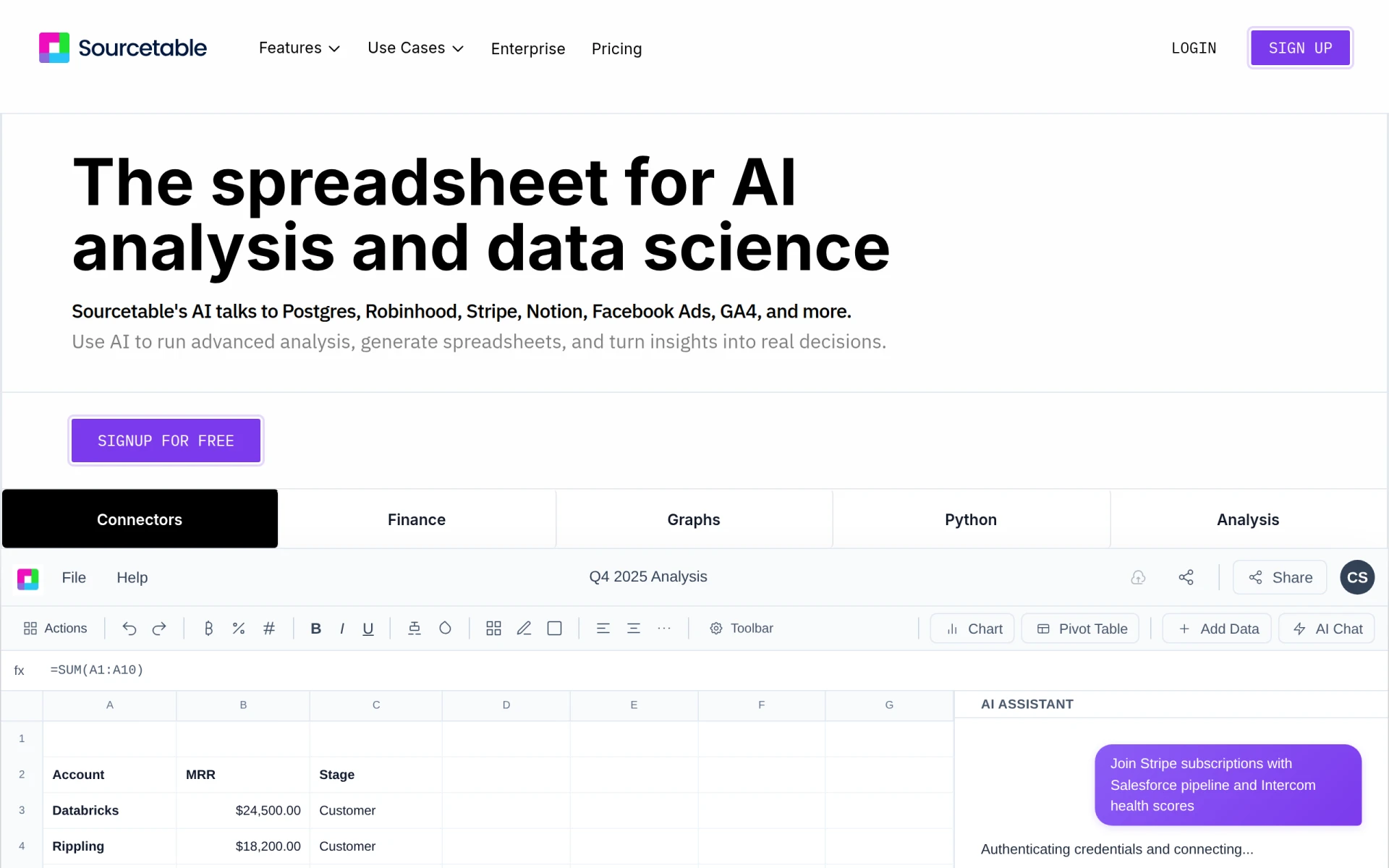
Sourcetable is a modern AI-driven spreadsheet application designed to facilitate data analysis and visualization for users across various industries. Its primary purpose is to allow users to analyze data efficiently, generate financial models, and create insightful reports without the need for complex setups or data exports. By leveraging advanced AI models, Sourcetable addresses common challenges associated with traditional spreadsheets, such as data integration, real-time analysis, and user accessibility.
Sourcetable offers various practical advantages that enhance productivity and decision-making. By centralizing data in one platform, it reduces the need for multiple tools and manual data handling, which can be time-consuming and error-prone. The AI capabilities enable users to derive insights more quickly, leading to faster decision-making processes. Additionally, the integration with existing data sources means teams can work with the most current information without the hassle of exporting or importing data.
Sourcetable is suitable for a wide range of scenarios, including:
Sourcetable is ideal for data analysts, financial professionals, marketing teams, and project managers who require efficient data analysis tools. It is particularly beneficial for organizations that prioritize collaboration and real-time data analysis. However, it may not be the best fit for users who prefer traditional spreadsheet functionalities without AI integration or those in industries with highly specialized data requirements that may not be fully addressed by a generalized tool.
Sourcetable offers a free plan that includes 50 credits per month, which resets monthly. Additional plans with more features and higher limits are available but specific pricing details are not disclosed on the website.
Sourcetable stands out as a versatile AI spreadsheet tool that effectively combines data analysis and visualization capabilities in one platform. While it may not cater to every specific need, its strengths lie in its ability to centralize data, facilitate collaboration, and leverage AI for deeper insights. Users should assess their specific requirements to determine if Sourcetable aligns well with their data management and analysis needs.
Consile is an all-in-one team operations platform that integrates tasks, attendance, leave, and HR functions in a secure workspace.
A comprehensive guide to keyboard shortcuts for Windows, MacOS, and Linux, enhancing productivity and workflow efficiency.
Online Whiteboard is a free collaborative tool for brainstorming and visualizing ideas in real-time with teams.
Audioread converts text from articles, PDFs, and emails into natural-sounding audio for easy listening.
Ayfie is a personal assistant software that helps users manage tasks and improve productivity through intelligent automation.
AIApply is a job application tool that helps users create tailored resumes, cover letters, and auto-apply for jobs quickly.
Open Source Tools for Data Analysis in 2024
For data analysts seeking cost-effective tools for data analysis in 2024.
Best AI Tools for Streamlining Financial Audits for Startups
For startup financial managers seeking to reduce manual auditing time and improve accuracy.
Best AI Tools for Optimizing Healthcare Data Analysis
For healthcare data analysts seeking efficient tools for insightful data analysis.
Weekly roundup of new AI tools, launches, and trending software. No spam — unsubscribe anytime.
No credit card required · Cancel anytime
Weekly roundup of new AI tools, launches, and trending software. No spam — unsubscribe anytime.
No credit card required · Cancel anytime








