Overview
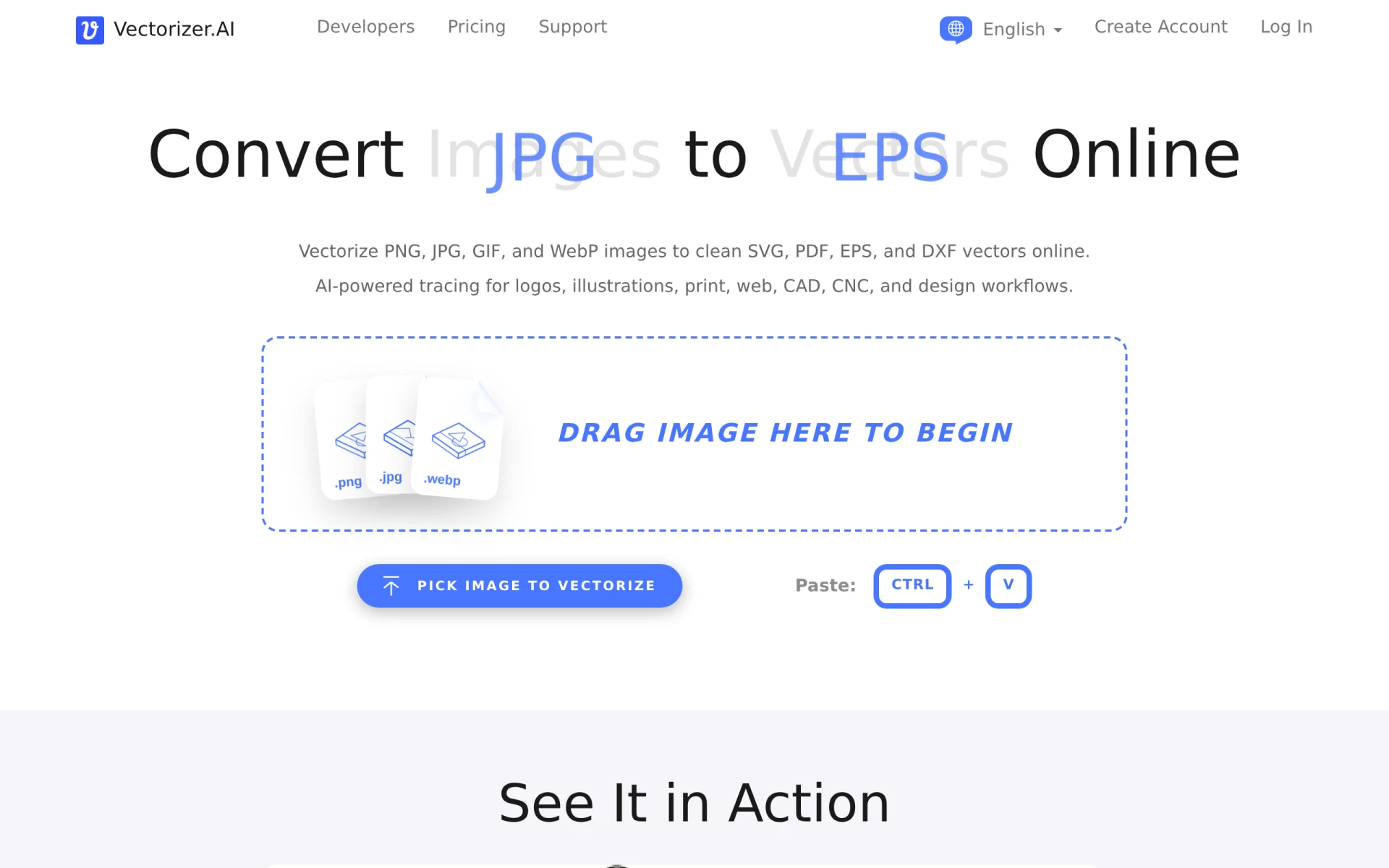
Vectorizer.ai is a specialized online tool that allows users to convert raster images, such as PNG, JPG, GIF, and WebP, into vector formats including SVG, PDF, EPS, and DXF. The primary purpose of this software is to facilitate the conversion of bitmap images into scalable vector graphics, which are essential for high-quality design and printing. By using AI technology, Vectorizer.ai streamlines the process of vectorization, providing users with clean and production-ready results in a matter of seconds. This tool addresses common challenges faced by designers and businesses, such as maintaining image quality during scaling and the need for editable graphics for various applications.
Key Features
- Image uploads: Users can upload multiple raster image types for conversion.
- AI-powered vectorization: Utilizes artificial intelligence to trace images accurately.
- Preview functionality: Allows users to preview the vectorized image before downloading.
- Multiple output formats: Supports SVG, PDF, EPS, and DXF formats for flexibility.
- Batch processing: Enables the conversion of several images at once.
- User-friendly interface: Designed for ease of use, even for non-technical users.
- API access: Provides an API for automated workflows and integration into other software.
- Unlimited Web App plans: Users can vectorize as many images as they wish without initial commitment.
Benefits
Vectorizer.ai offers several practical advantages for users looking to convert images into vector formats. The AI-powered technology significantly reduces the time required to achieve high-quality vector outputs, which is especially beneficial for graphic designers, illustrators, and businesses that require quick turnaround times. The precision of the vectorization process ensures that details from the original images are preserved, resulting in clean and editable graphics. Additionally, the ability to preview results before finalizing downloads helps users make informed decisions, ultimately enhancing the quality of their design projects.
Common Use Cases
Graphic designers often use Vectorizer.ai to convert logos or illustrations into scalable vector formats that can be resized without loss of quality. Freelancers may rely on the tool for creating vector assets for clients, ensuring that they can deliver high-quality work efficiently. Small businesses can benefit from converting product images into vector graphics for marketing materials or digital platforms. Additionally, developers working on applications that require vector graphics can integrate the Vectorizer.ai API to automate their image processing workflow.
Who Should Use It
Vectorizer.ai is ideal for graphic designers, marketers, small business owners, and freelancers who need to convert raster images into vector formats quickly and efficiently. It is also suitable for developers looking to incorporate image vectorization into their applications via the API. However, users requiring extensive customization options or advanced editing features may find that Vectorizer.ai lacks the depth offered by more comprehensive design software.
Pricing Overview
Vectorizer.ai offers both unlimited web app plans and usage-based API plans for image vectorization. Users can explore the web app with no initial commitment, allowing them to upload and vectorize images before subscribing for downloads.
Conclusion
In summary, Vectorizer.ai is a highly effective tool for anyone needing to convert raster images into vector formats, thanks to its ease of use and fast processing capabilities. While it excels in basic vectorization tasks, users seeking advanced design features may want to consider additional software options. Overall, it provides significant value for designers, developers, and businesses looking to enhance their graphic assets swiftly and efficiently.