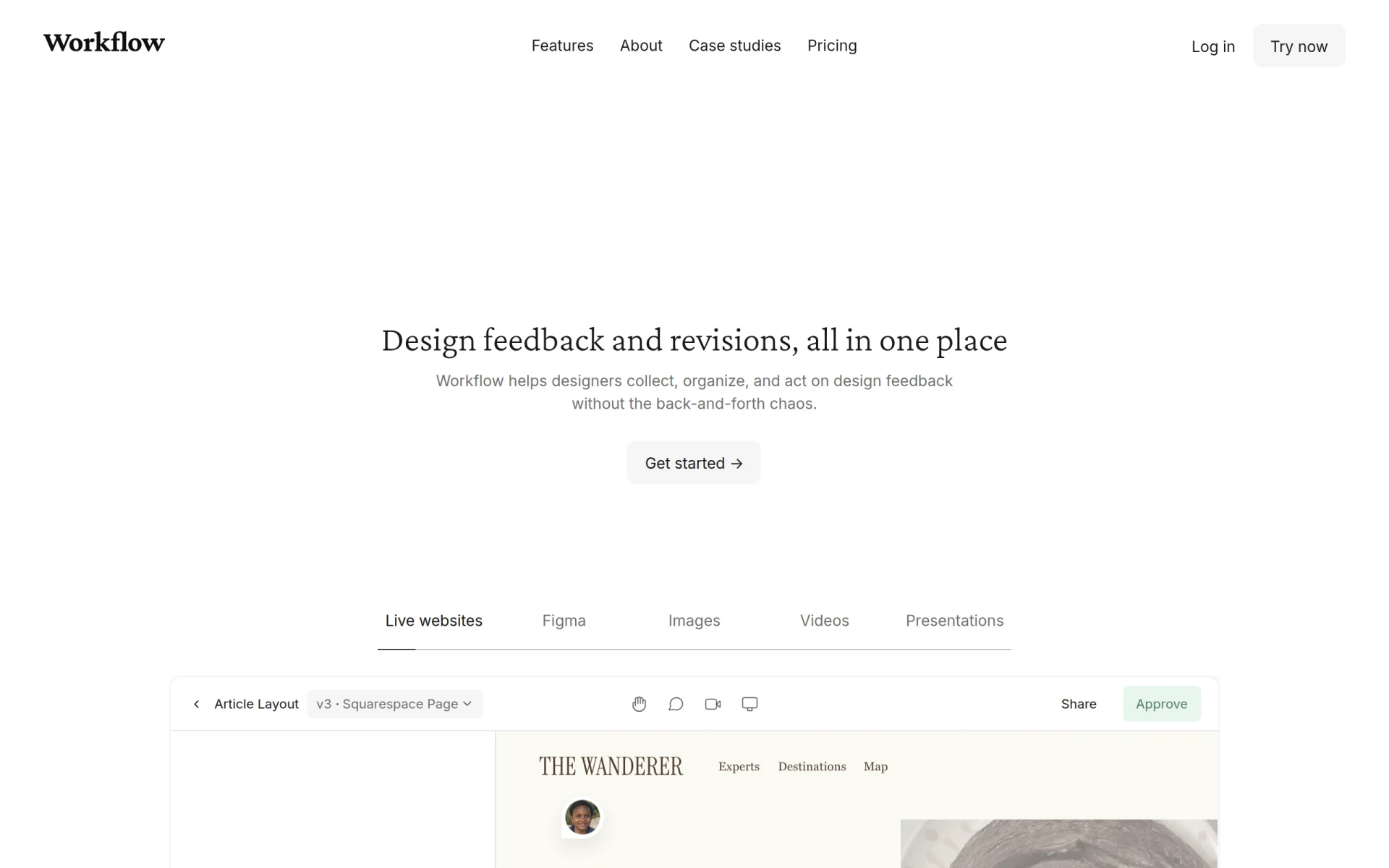
Overview
Workflow is a specialized design feedback tool aimed at facilitating collaboration between designers and reviewers. Its primary purpose is to streamline the process of collecting, organizing, and acting on design feedback, reducing the chaos that often accompanies review sessions. By providing a centralized platform for feedback, Workflow addresses common pain points such as miscommunication and disorganized feedback loops, ultimately enhancing the design review experience.
Key Features
- Commenting on live websites: Allows users to provide feedback directly on live sites with a simple click.
- Unlimited reviewers: Invite as many reviewers as needed without requiring client sign-ups.
- Project management: Create unlimited projects and manage feedback in one place.
- Responsive design: Works seamlessly across various devices and screen sizes.
- Figma integration: Collect feedback directly on designs made in Figma.
- Image and video comments: Users can leave comments on images and videos for more contextual feedback.
- Design overlay plugin: A Chrome extension that helps identify visual mismatches by layering design mockups over live pages.
- Organized feedback: Collect and categorize feedback in a structured manner to facilitate easy reviewing.
Benefits
The benefits of using Workflow extend beyond mere feedback collection. It simplifies the communication process between designers and stakeholders, ensuring that feedback is clear and actionable. By consolidating feedback in one platform, it reduces the time spent managing multiple communication channels, allowing designers to focus on their creative work. Furthermore, the ability to comment directly on live websites enhances the specificity of the feedback, making it easier for designers to understand and implement changes.
Common Use Cases
Workflow is particularly useful in various scenarios:
- A design team working on a website can share the live site with clients, allowing them to comment directly on elements that need changes.
- Marketing teams can use it to gather feedback on promotional materials quickly, ensuring that all stakeholders are aligned before launch.
- Freelancers may utilize the tool to manage client feedback efficiently, avoiding lengthy email threads and miscommunication.
Who Should Use It
Workflow is ideal for design teams, marketing professionals, and freelancers who require a systematic approach to gathering and managing design feedback. However, it may not be the best fit for users who prefer extensive project management features or those who work in environments with very minimal design feedback needs.
Pricing Overview
Workflow offers a free tier for initial projects, enabling users to invite unlimited reviewers for a limited time. After the trial period, users can continue to collaborate risk-free or upgrade to access additional features.
Conclusion
In summary, Workflow serves as an effective tool for designers and reviewers looking to enhance their feedback and collaboration process. While it excels in providing a centralized platform for design feedback, potential users should consider their specific needs, especially if they require comprehensive project management capabilities. Overall, Workflow presents a strong option for those in the design industry seeking to improve their feedback processes and communication.