Face26
Freemium
AI
Face26 is an AI-powered photo enhancer that improves image quality and sharpness effortlessly.
Freelancers need efficient design tools to elevate their work quality and creativity in 2024.
As a freelancer, delivering high-quality design work while managing multiple projects can feel overwhelming. The right design tools can not only enhance your creativity but also streamline your workflow, making it easier to meet tight deadlines and client expectations.
Freelancers often juggle various roles—from designer to marketer to project manager. This multifaceted responsibility makes it challenging to find the right tools that not only fit their budget but also cater to their diverse needs. For instance, a graphic designer may require a tool that enhances images while also providing templates for social media posts. Without reliable tools, freelancers may find themselves spending excessive hours on tasks that could be simplified, impacting both their creativity and their bottom line.
Face26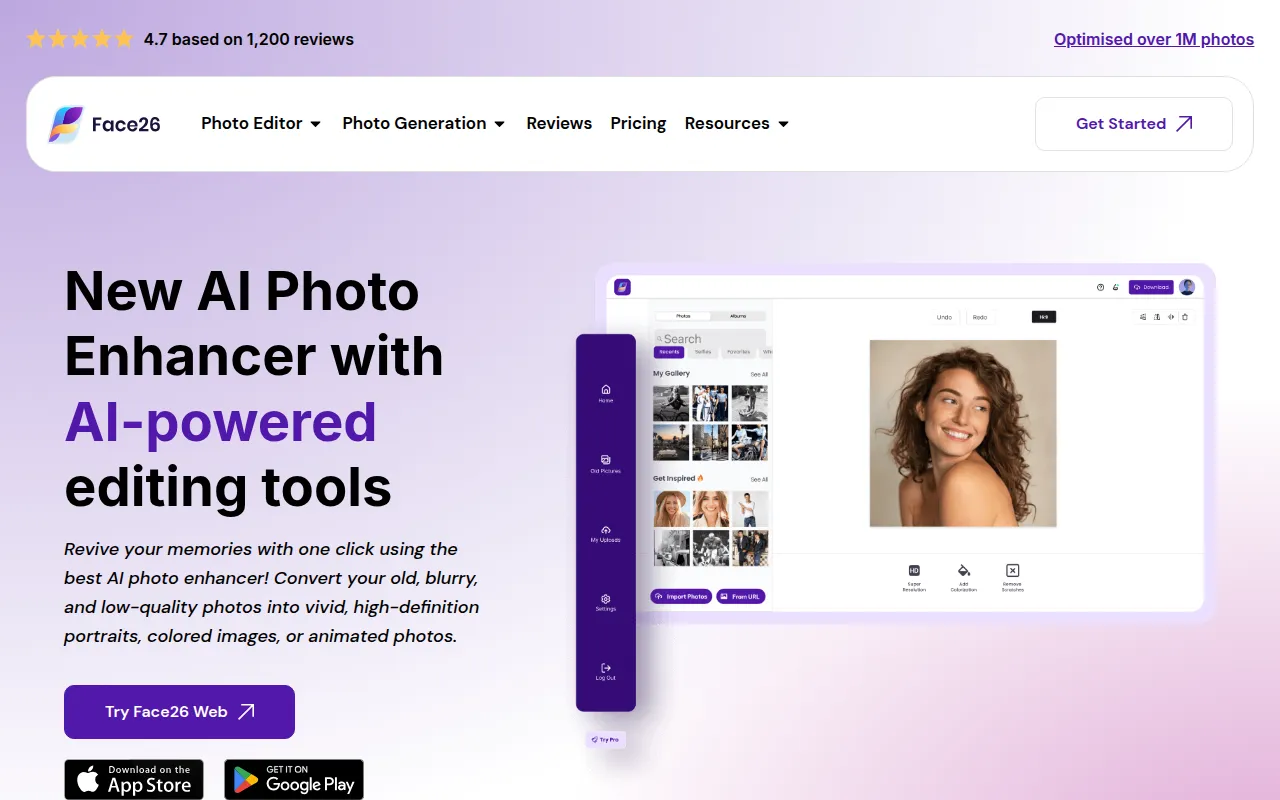 stands out as a top choice for freelancers who need to enhance their images quickly and effectively. With its AI-powered features, users can achieve professional-quality images without extensive editing skills. Whether you are a photographer looking to polish your portfolio or a marketer needing to refine product images, Face26 simplifies the enhancement process.
Its automatic noise reduction and image sharpening capabilities allow freelancers to focus on creativity rather than technical details. The batch processing feature is particularly beneficial for those working with multiple images, saving time and effort.
Pricing: Freemium - Pricing information for Face26 is currently unavailable. Best for: Photographers and marketing teams.
AI HUB by Picsart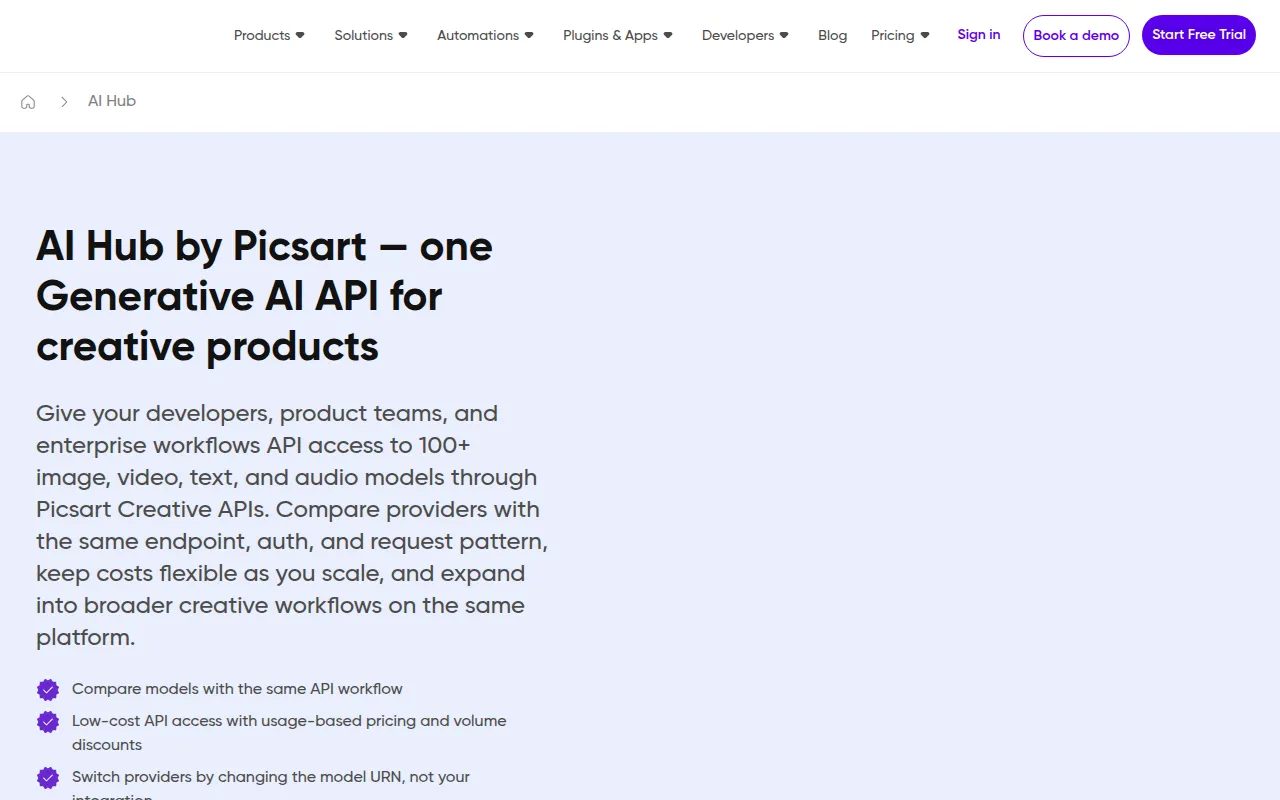 is designed to enhance creative workflows, making it ideal for freelancers who require quick and effective design solutions. Its AI image generation and background removal features allow designers to create stunning visuals in no time. The tool’s versatility makes it suitable for various projects, from social media graphics to marketing materials.
Additionally, the extensive template library can inspire freelancers and help them create engaging content effortlessly. With features like text-to-image conversion, freelancers can transform concepts into visuals, streamlining their creative process.
Pricing: Freemium - Pricing information for AI HUB by Picsart is currently unavailable. Best for: Freelance designers and social media managers.
With its user-friendly interface and AI-driven features, ArkDesign is a perfect fit for freelancers looking to simplify their design processes. The tool provides design assistance that helps users of all skill levels create professional-looking graphics with ease. This is particularly useful for freelancers who may not have extensive design training but need to deliver high-quality work.
ArkDesign’s collaboration features also make it easy for freelancers to work with clients, allowing for seamless feedback and revisions. The extensive template library ensures that users can find a design that matches their needs without starting from scratch.
Pricing: Freemium - Pricing information for ArkDesign is currently unavailable. Best for: Freelancers producing client deliverables.
Genpire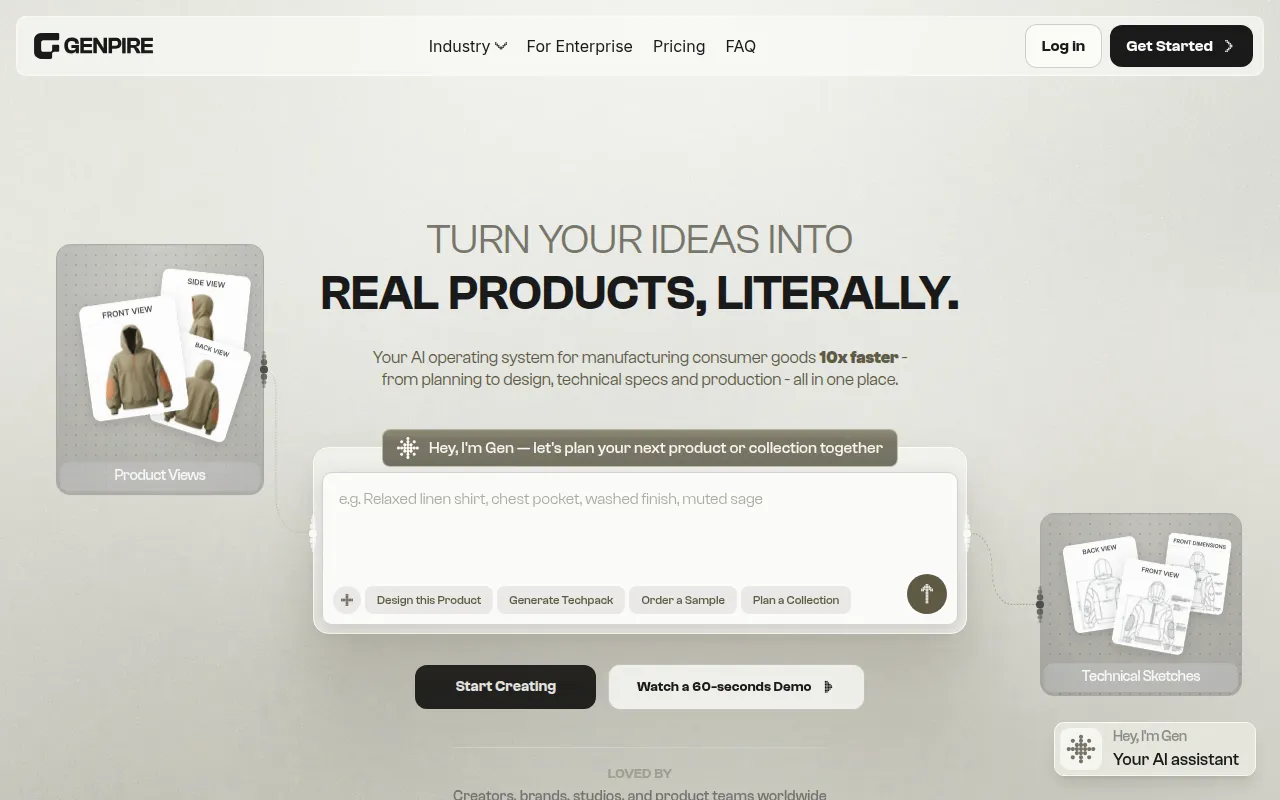 is tailored for freelancers in the fashion industry, providing an innovative solution for generating factory-ready tech packs from sketches or prompts. This tool is ideal for product designers who need to turn concepts into actionable designs quickly. With its customizable prompts and access to over 500 pre-designed sketches, Genpire accelerates the design process significantly.
The integration with manufacturing workflows ensures that freelancers can maintain a seamless transition from design to production, making it a valuable asset for small to medium-sized fashion brands looking to streamline their processes.
Pricing: Freemium - Pricing details are available on the Genpire website. Best for: Fashion designers and marketing teams.
Ark Fi offers workflow automation features that are essential for freelancers looking to enhance their business efficiency. This tool allows users to automate repetitive tasks, freeing up time for more creative pursuits. With task scheduling and integration with popular business tools, Ark Fi streamlines the freelance workflow.
The customizable templates make it easy for freelancers to set up their processes according to their unique needs, while real-time collaboration ensures that they can work effectively with clients and team members.
Pricing: Freemium - Pricing information for Ark Fi is currently unavailable. Best for: Freelancers needing to automate administrative tasks.
Automata is another powerful workflow automation tool that aims to enhance productivity for freelancers. With its ability to create workflows and automate tasks, it allows users to focus on creative work rather than administrative burdens. This can be particularly beneficial for freelancers who manage multiple projects and clients simultaneously.
Automata’s trigger-based actions and data transfer capabilities ensure that freelancers can maintain organized workflows, minimizing the risk of errors and miscommunication.
Pricing: Freemium - Pricing information for Automata is not readily available. Best for: Marketing teams and small businesses.
Clear.ml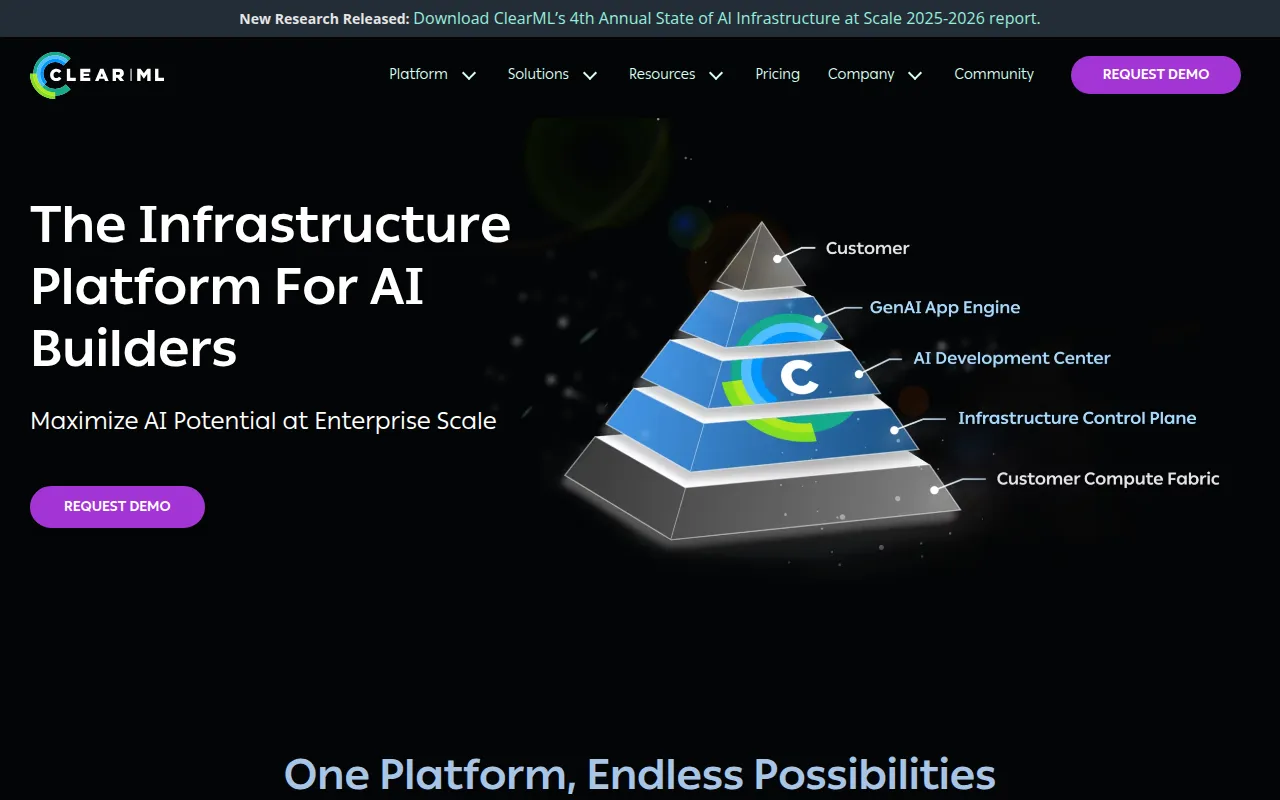 is an AI infrastructure platform designed for managing GPU clusters efficiently. While it may be more suitable for medium to large enterprises, freelancers working on AI/ML projects can benefit from its robust capabilities. The platform streamlines AI/ML workflows, making it easier for data scientists to manage experiments and track model versions.
For freelancers who are involved in AI-driven design projects, Clear.ml provides the necessary tools to optimize their processes and enhance their productivity.
Pricing: Freemium - Clear.ml offers flexible pricing plans. Best for: Medium to large enterprises and AI researchers.
Make stands out as a versatile automation tool that connects various apps and services to streamline processes. Freelancers can use Make to automate workflows across different platforms, which can significantly enhance productivity. The visual workflow builder makes it easy for users to create complex automation without a steep learning curve.
With its pre-built templates and multi-step automation capabilities, freelancers can quickly set up processes that save time and reduce errors, which is invaluable when managing multiple projects.
Pricing: Freemium - Pricing details for Make are not explicitly listed. Best for: Freelancers and small to medium-sized businesses.
Canva Text to Image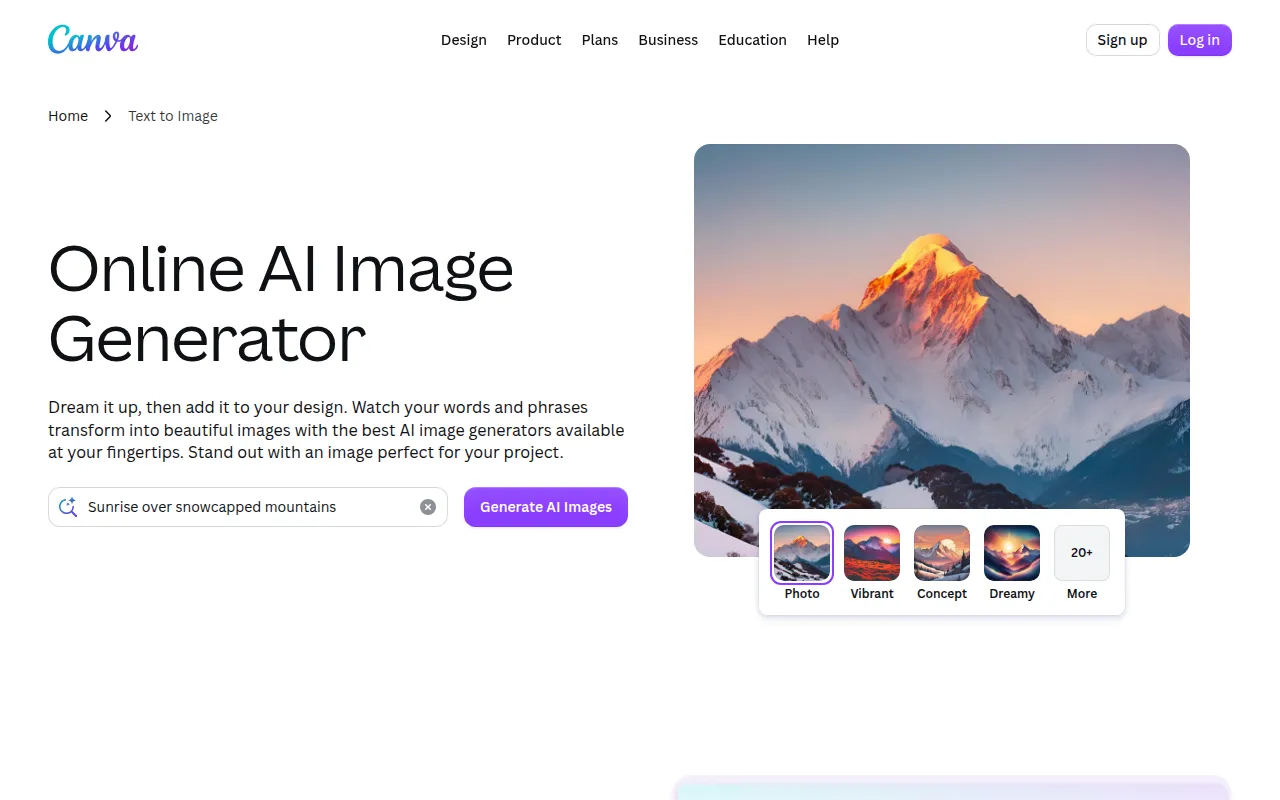 is an invaluable tool for freelancers who need to generate visuals quickly. This tool allows users to transform text prompts into appealing images, making it ideal for content creators and marketers. With its user-friendly interface, even those without a design background can produce professional-quality visuals in minutes.
By integrating seamlessly with Canva's design ecosystem, this tool provides access to a vast library of templates and design elements, helping freelancers create cohesive and visually appealing projects.
Pricing: Freemium - Pricing details for Canva Text to Image are available through Canva's subscription plans. Best for: Content creators and small business owners.
Kittl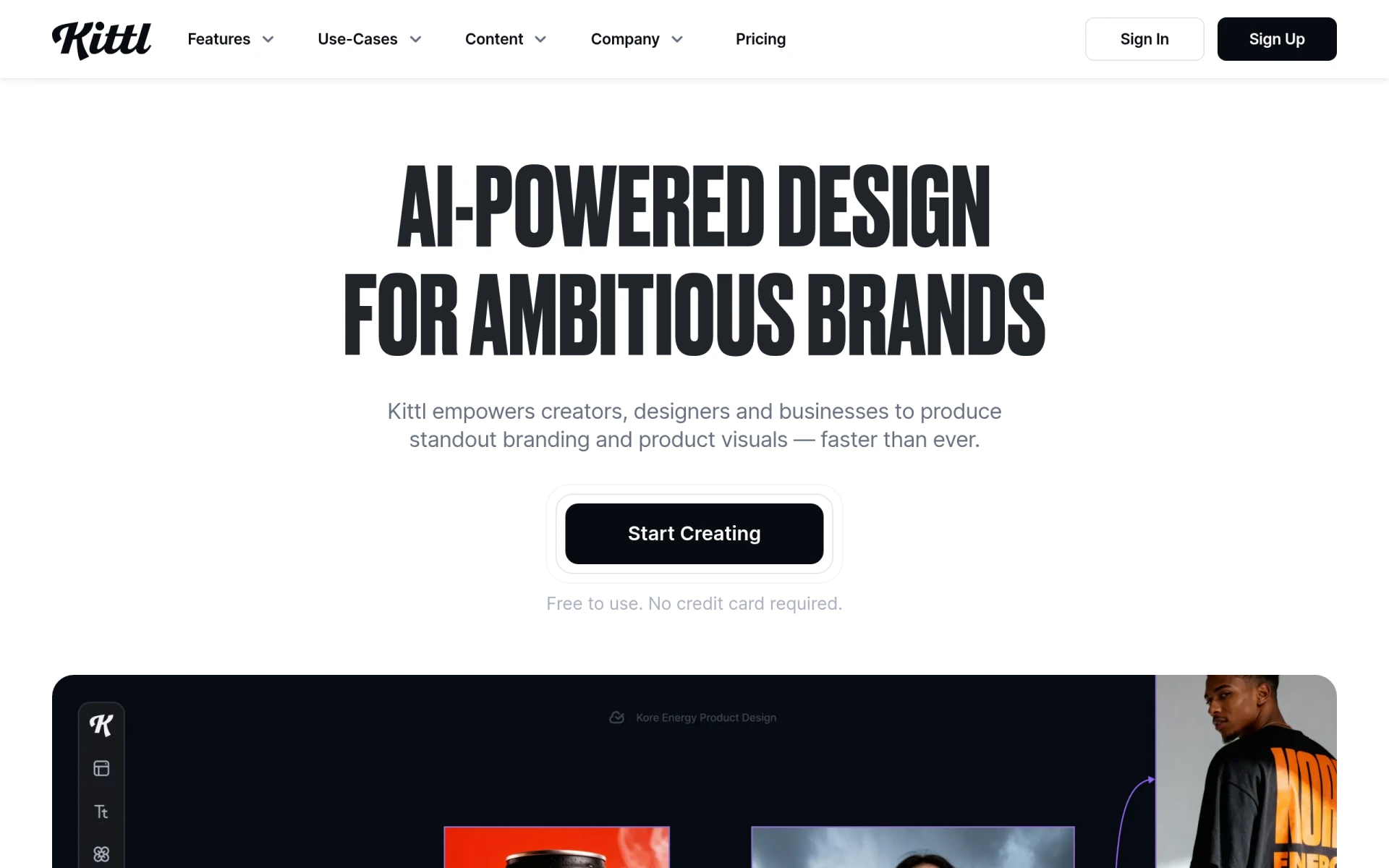 empowers freelancers to create stunning visuals with its advanced editing tools and curated assets. This AI-driven platform is designed to simplify the design process, making it accessible for users at all skill levels. Whether you need to generate images, vectors, or videos, Kittl offers versatile tools that cater to various design needs.
Its background remover and image upscaler are particularly useful features for freelancers looking to enhance their visuals quickly and effectively. With a freemium model, Kittl also provides access to premium features for users seeking more advanced capabilities.
Pricing: Freemium - Kittl offers a freemium pricing model with additional paid features available. Best for: Freelancers and small businesses.
| Tool | Best For | Starting Price | Rating |
|---|---|---|---|
| Face26 | Image enhancement | Free | 0.0/5 |
| AI HUB by Picsart | Creative workflows | Free | 0.0/5 |
| ArkDesign | Simplifying design | Free | 0.0/5 |
| Genpire | Fashion design | Free | 0.0/5 |
| Ark Fi | Workflow automation | Free | 0.0/5 |
| Automata | Streamlining processes | Free | 0.0/5 |
| Clear.ml | AI/ML workflows | Free | 0.0/5 |
| Make | Versatile automation | Free | 0.0/5 |
| Canva Text to Image | Quick visuals | Free | 0.0/5 |
| Kittl | Stunning visuals | Free | 0.0/5 |
AI HUB by Picsart is an ideal choice for beginners due to its user-friendly interface and comprehensive features. The tool’s AI capabilities enable quick design creation, allowing novice designers to produce professional-quality visuals without extensive training. The template library further supports beginners by providing a starting point for various projects.
Clear.ml is the best choice for professionals involved in AI and machine learning projects. Its advanced features for managing GPU clusters and optimizing workflows provide a powerful platform for experienced users. The ability to track experiments and manage model versions makes it an essential tool for professionals looking to streamline their complex projects.
Kittl stands out as the best value pick for freelancers. With its freemium model, users can access a wide range of features without upfront costs. The price-to-feature ratio is excellent, offering tools for image generation, vector creation, and video production, making it a versatile choice for freelancers looking for a comprehensive design solution.
Finding the right design tools is crucial for freelancers aiming to enhance their creativity and efficiency. Explore the tools outlined in this guide to elevate your design projects and deliver exceptional results.
Face26 is an AI-powered photo enhancer that improves image quality and sharpness effortlessly.
AI HUB by Picsart is a design tool that leverages AI technology to enhance creative workflows and streamline design processes.
ArkDesign is a graphic design tool that simplifies the design process with AI-driven features for users of all skill levels.
Genpire is an AI-powered design tool that generates factory-ready tech packs from sketches or prompts in minutes.
Ark Fi is a workflow automation tool designed to enhance business efficiency through streamlined processes.
Automata is a workflow automation tool designed to streamline business processes and enhance team productivity.
Clear.ml is an AI infrastructure platform designed to manage GPU clusters and streamline AI/ML workflows efficiently.
Make is a versatile workflow automation tool that connects apps and services to streamline processes and enhance productivity.
Canva Text to Image is a graphic design tool that transforms text prompts into visually appealing images, enhancing creative projects.
Kittl is an AI-driven design platform that empowers users to create stunning visuals with ease using advanced editing tools and curated assets.
Essential design tools for freelancers include AI-powered platforms like Face26 and ArkDesign, which enhance image quality and simplify the design process.
Consider factors such as user-friendliness, AI integration, collaboration features, and cost-effectiveness to select a tool that aligns with your design workflow.
Yes, many design tools offer freemium pricing models, allowing freelancers to access basic features without any cost, such as Face26 and AI HUB by Picsart.
Look for features like AI design assistance, template availability, collaboration options, and automation capabilities to streamline your design process.
Utilizing tools with workflow automation and collaboration features can help enhance your efficiency, allowing you to focus more on creativity and less on administrative tasks.
AI HUB by Picsart is great for beginners due to its intuitive interface and AI-driven features that facilitate quick design creation.
Clear.ml is best for professional designers, especially those working in AI/ML, offering advanced features for project management and workflow optimization.
Weekly roundup of new AI tools, launches, and trending software. No spam — unsubscribe anytime.
No credit card required · Cancel anytime
Weekly roundup of new AI tools, launches, and trending software. No spam — unsubscribe anytime.
No credit card required · Cancel anytime