Buffer
Freemium
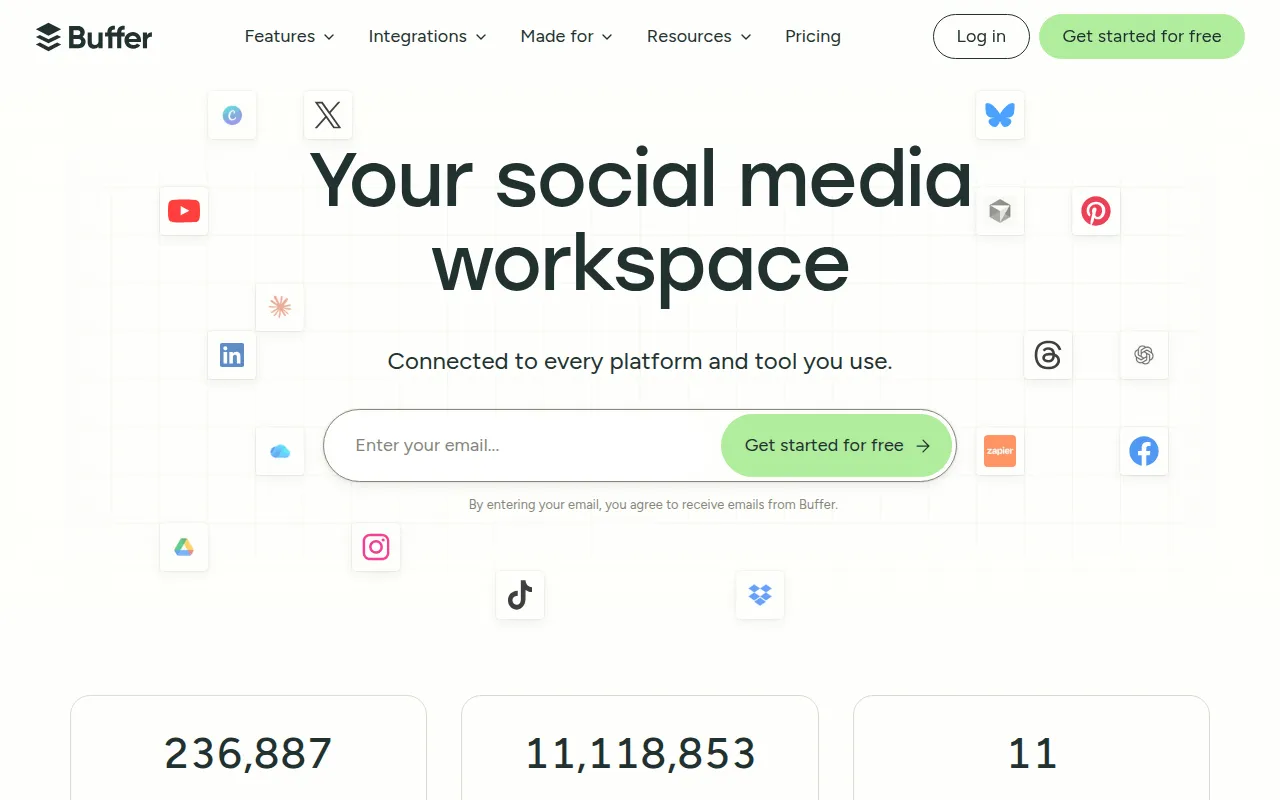
Social media scheduling and management. Plan, schedule, and analyze content for all your social channels.
Struggling to create eye-catching visuals quickly? Discover top graphic design tools tailored for social media managers.
As a social media manager, your success hinges on your ability to craft visually appealing content quickly and efficiently. With the constant churn of campaigns and the need for fresh, engaging visuals, finding the right graphic design tools can be a game changer.
Social media managers often face the daunting task of producing high-quality graphics in a fast-paced environment. Tight deadlines, constant content demands, and the pressure to maintain brand consistency can make the design process overwhelming. Many social media managers are not trained graphic designers and may feel stuck when trying to bring their creative visions to life. Additionally, the need for unique content that stands out against competitors can lead to added stress.
Buffer stands out as a powerful tool for social media managers looking to streamline their scheduling and content management. With its multi-platform scheduling capability, you can plan and publish your posts efficiently across various channels, ensuring consistency in your messaging. The content calendar feature allows for a visual overview of your posting schedule, helping you stay organized and proactive.
Additionally, Buffer’s analytics tools provide valuable insights into your content's performance, enabling you to tweak your strategy based on real data. The AI captions feature helps generate engaging text, saving time and effort when crafting the perfect post. Overall, Buffer is an essential tool for any social media manager aiming to optimize their workflow.
Pricing: Freemium - Free for 3 channels. Essentials $6/channel/mo, Team $12/channel/mo. Best for: Social media managers managing multiple platforms.
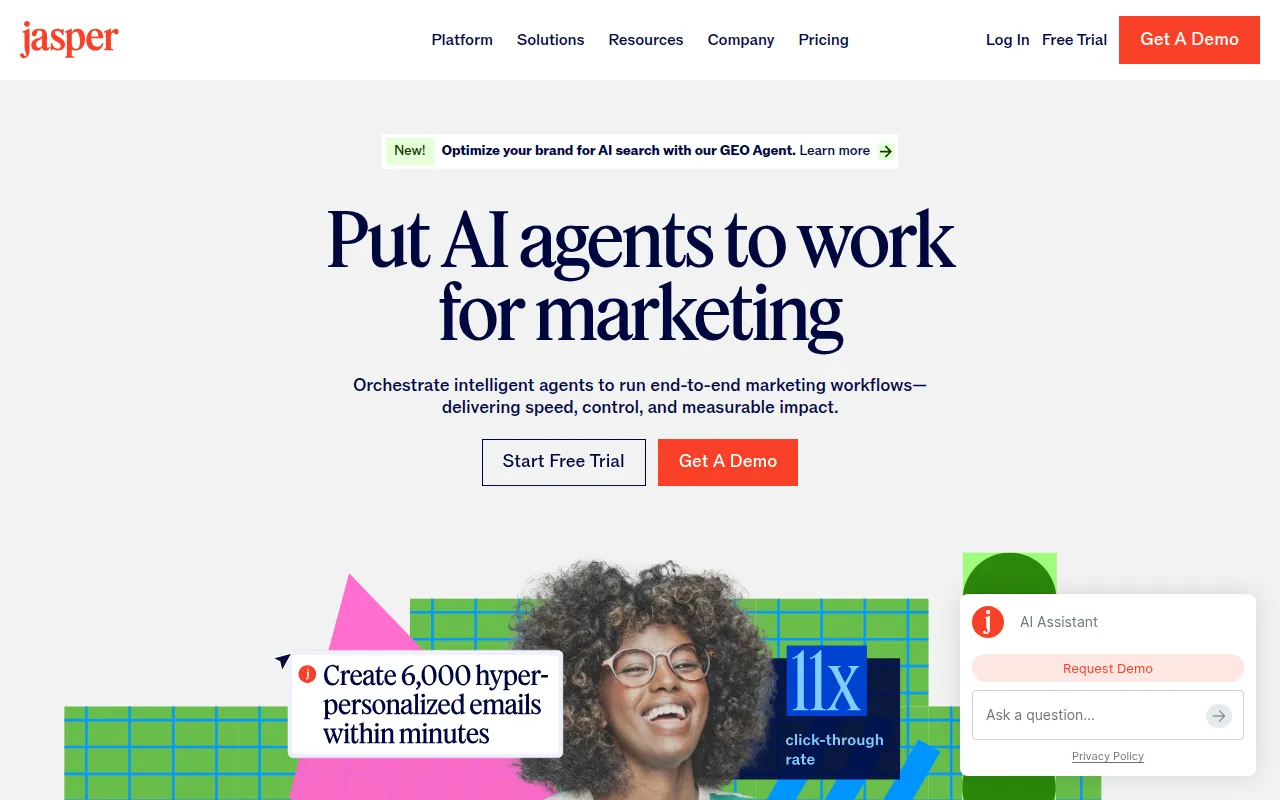
Jasper AI is an AI content platform designed to help marketing teams produce high-quality content rapidly. Its ability to generate social media content five times faster is a significant advantage for social media managers who need to keep up with the fast-paced nature of their roles. Jasper’s brand voice AI ensures that the generated content aligns with your brand's tone, maintaining consistency across your campaigns.
The platform comes equipped with over 50 templates, making it easy to create a wide variety of content, from blog posts to social media snippets. Additionally, Jasper AI features an AI Art tool that allows you to create custom graphics, further enhancing your visual content without the need for extensive design skills.
Pricing: Paid - Creator $49/mo, Teams $125/mo (3 seats), Business custom pricing. Best for: Marketing teams needing fast and consistent content generation.
Mailchimp is primarily known for its email marketing capabilities, but its design tools are also beneficial for social media managers. With powerful automation features, you can create and send visually appealing email campaigns that complement your social media efforts. Its segmentation capabilities allow you to tailor your campaigns to specific audiences, ensuring higher engagement rates.
The A/B testing feature is particularly useful for optimizing your email content, while the landing pages feature can help you create targeted campaigns that drive traffic from social media. Additionally, Mailchimp's user-friendly interface makes it easy for social media managers to design emails that look professional without extensive design knowledge.
Pricing: Freemium - Free up to 500 contacts. Essentials from $13/mo, Standard from $20/mo. Best for: Social media managers looking to integrate email marketing with their social campaigns.
Canva is widely regarded as one of the easiest graphic design platforms, making it an ideal choice for social media managers who need to create stunning visuals quickly. With over 10,000 templates available, you can easily find a design that fits your campaign's needs. The AI Magic Design feature allows you to create unique visuals simply by inputting your idea, saving you significant time.
Canva's Brand Kit feature ensures that your designs remain consistent with your brand's identity, which is critical for maintaining a professional image across various platforms. Its video editor also provides the capability to create engaging video content, making it a versatile tool for both static and dynamic campaigns.
Pricing: Freemium - Free forever plan. Canva Pro at $15/month per person. Best for: Social media managers needing fast and easy design solutions.
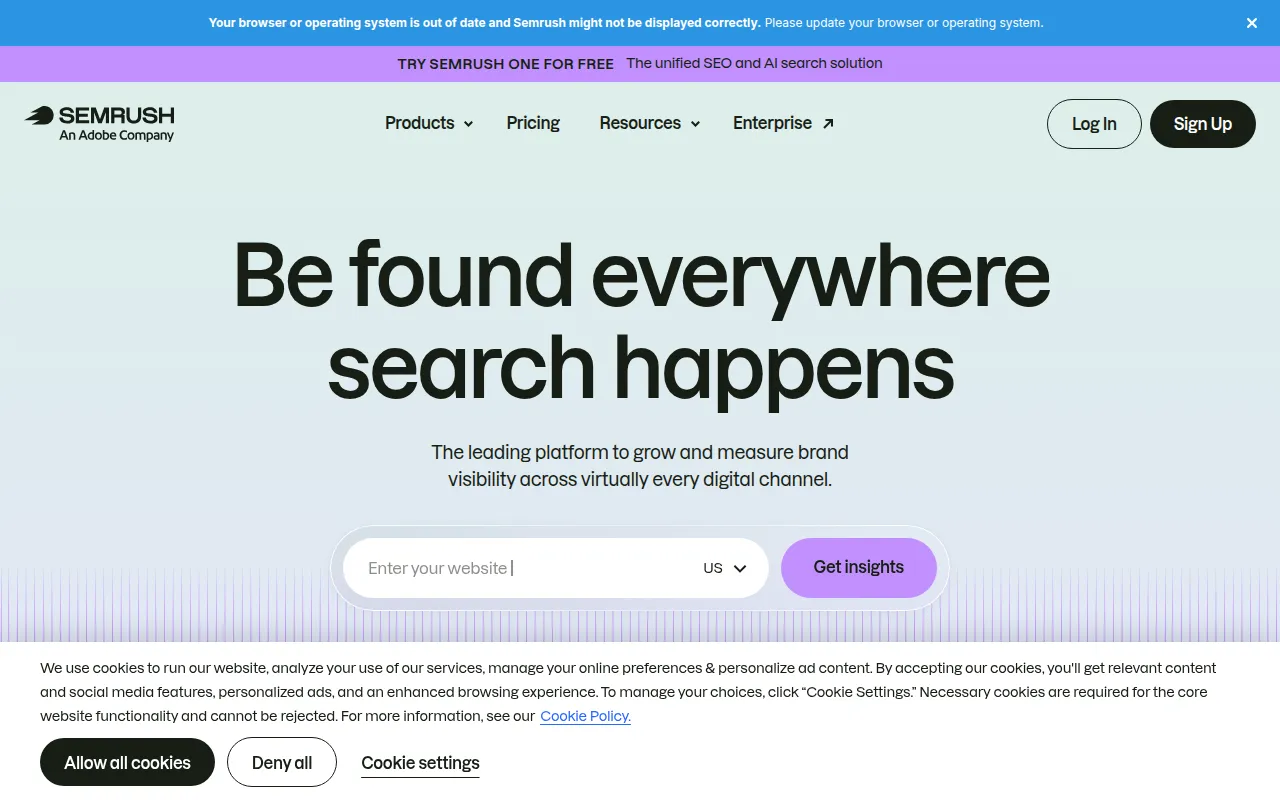
While mainly known as an SEO tool, Semrush also offers valuable features for social media managers looking to create content that resonates with their audience. Its keyword research capabilities help identify trending topics and keywords relevant to your industry, allowing you to craft content that attracts more engagement.
Additionally, Semrush provides competitor analysis tools that enable you to see what works for others in your niche, giving you insights into potential content strategies. Its PPC tools can also support your paid advertising efforts on social media, making it a comprehensive tool for any marketing strategy.
Pricing: Paid - Pro $119.95/mo, Guru $229.95/mo, Business $449.95/mo. Best for: Social media managers focused on integrating SEO into their content strategy.
ChatGPT, powered by OpenAI, is an innovative tool for generating content quickly and efficiently. Its ability to generate text, code, and automate tasks makes it an invaluable resource for social media managers. Whether you need captions, post ideas, or even full articles, ChatGPT can help you streamline your content creation process.
With access to GPT-4, ChatGPT can produce high-quality content that aligns with your brand's voice. Additionally, the image generation feature allows you to create visuals that can complement your posts, broadening the scope of what you can achieve with a single tool.
Pricing: Freemium - Free tier available. ChatGPT Plus at $20/month unlocks GPT-4. Best for: Social media managers looking to automate content generation.
Midjourney is regarded as one of the most advanced AI image generation tools, allowing social media managers to create stunning artwork and images from text descriptions. This capability can significantly enhance your visual content, making it unique and eye-catching. If you're looking to stand out on social media, Midjourney can help you achieve that without the need for advanced design skills.
The high-resolution output ensures that the images you create are suitable for all platforms, while the style control feature lets you customize the aesthetics to match your brand. With a commercial license included, you can confidently use the images in your campaigns without worrying about copyright issues.
Pricing: Paid - Basic $10/mo (200 images), Standard $30/mo (unlimited), Pro $60/mo. Best for: Social media managers seeking unique, custom visuals quickly.
Figma is a collaborative design tool that allows teams to design, prototype, and iterate in real-time. For social media managers working in teams, Figma offers a seamless experience for collaboration, making it easy to share ideas and get feedback instantly. The real-time collaboration feature is a game changer for teams that need to work together on visual content.
Figma also allows you to create reusable component libraries, which can speed up the design process and ensure consistency across different projects. Additionally, its plugin ecosystem enables you to extend functionality, making it a flexible choice for various design needs.
Pricing: Freemium - Free for 3 projects. Professional $15/editor/mo, Organization $45/editor/mo. Best for: Social media managers working in collaborative environments.
Google Analytics is a powerful tool for tracking website traffic and user behavior, making it essential for social media managers to measure the effectiveness of their campaigns. By understanding how users interact with your content, you can refine your strategies to improve engagement and conversions. The event tracking feature allows you to monitor specific actions taken by users, providing insights into what works and what doesn’t.
The integration with Google Ads also allows you to analyze the performance of your paid campaigns, ensuring that your advertising budget is being used effectively. With custom reports, you can tailor the data to focus on the metrics that matter most to your social media strategy.
Pricing: Free - Completely free. Google Analytics 360 available for enterprise. Best for: Social media managers focused on performance tracking and campaign optimization.
Ahrefs is widely recognized as one of the most comprehensive SEO toolsets available, making it invaluable for social media managers looking to enhance their content strategy. Its keyword research feature allows you to discover trending topics and relevant keywords, enabling you to create content that resonates with your audience.
Ahrefs also offers robust site audit capabilities to ensure that your online presence is optimized for search engines. The rank tracker feature helps you monitor your content's performance over time, providing insights into what strategies are working and what may need adjustment.
Pricing: Paid - Lite $99/mo, Standard $199/mo, Advanced $399/mo. Best for: Social media managers focused on integrating SEO into their content strategy.
| Tool | Best For | Starting Price | Rating |
|---|---|---|---|
| Buffer | Social media scheduling | Free | 4.4/5 |
| Jasper AI | Content generation | $49/mo | 4.5/5 |
| Mailchimp | Email campaigns | Free | 4.4/5 |
| Canva | Quick design creation | Free | 4.9/5 |
| Semrush | SEO and content strategy | $119.95/mo | 4.6/5 |
| ChatGPT | Content automation | Free | 4.8/5 |
| Midjourney | AI image generation | $10/mo | 4.7/5 |
| Figma | Collaborative design | Free | 4.8/5 |
| Google Analytics | Performance tracking | Free | 4.5/5 |
| Ahrefs | SEO and content strategy | $99/mo | 4.7/5 |
Canva is the ideal choice for beginners due to its user-friendly interface and abundant templates. Even those with no design experience can create professional-looking visuals in a matter of minutes. The free plan offers ample resources to get started, making it a perfect entry point into graphic design.
Figma stands out for professionals thanks to its real-time collaboration features and advanced design capabilities. Teams can work together seamlessly, share feedback instantly, and create complex designs that meet high professional standards.
Buffer offers exceptional value with its freemium model, allowing social media managers to manage multiple channels at no cost. The features included in the Essentials plan are robust and can significantly improve your social media strategy without breaking the bank.
As a social media manager, leveraging the right graphic design tools can transform your campaigns and save you time. By choosing the tools that best fit your needs, you can create eye-catching visuals that engage your audience and elevate your brand.
Social media scheduling and management. Plan, schedule, and analyze content for all your social channels.
AI content platform for marketing teams. Generate blog posts, ad copy, and social media content 5x faster.
The leading email marketing platform. Create, send, and analyze email campaigns with powerful automation.
The easiest graphic design platform. Create stunning designs for social media, presentations, and marketing materials.
Complete SEO and digital marketing suite for keyword research, competitor analysis, PPC, and content marketing.
The most popular AI chatbot by OpenAI. Generate content, code, and automate tasks with GPT-4.
The most advanced AI image generation tool. Create stunning artwork and images from text descriptions.
The collaborative design tool for teams. Design, prototype, and collaborate on UI/UX in real-time.
Free and powerful web analytics. Track website traffic, user behavior, conversions, and marketing performance.
The most comprehensive SEO toolset for keyword research, backlink analysis, site audit, and competitor research.
Some of the top graphic design tools for social media managers include Canva, Buffer, and Jasper AI. These tools offer user-friendly interfaces, a variety of templates, and features that streamline content creation.
Pricing varies by tool. For example, Canva offers a free plan, while Jasper AI starts at $49/month. Buffer has a freemium model, allowing free use for 3 channels.
Yes, Canva is highly recommended for beginners due to its intuitive interface and extensive library of templates, making it easy for anyone to create professional designs.
Key features to consider include user-friendliness, template variety, collaboration capabilities, integration with social media platforms, and cost-effectiveness.
Yes, tools like Canva and Figma allow for video editing and creation, making them suitable for social media managers who need to produce dynamic content.
Google Analytics is the best tool for performance tracking, providing insights into website traffic and user behavior to measure the effectiveness of your campaigns.
Yes, many tools like Canva, Buffer, and Figma offer free plans with essential features, making them accessible for social media managers on a budget.
Weekly roundup of new AI tools, launches, and trending software. No spam — unsubscribe anytime.
No credit card required · Cancel anytime
Weekly roundup of new AI tools, launches, and trending software. No spam — unsubscribe anytime.
No credit card required · Cancel anytime