Introduction
Manual document preparation is a significant pain point for legal professionals, leading to costly errors and frustrating delays. In a field where precision is crucial, the right productivity tools can make all the difference in improving efficiency and accuracy.
Why Legal Professionals Struggle With Manual Document Preparation
Legal professionals often face the daunting task of preparing documents that are not only complex but also require a high level of accuracy. The traditional approach to document drafting is labor-intensive and fraught with potential pitfalls. For instance, a simple typo can lead to misinterpretations of critical clauses in contracts, potentially resulting in costly legal ramifications. Moreover, the pressure to meet tight deadlines can exacerbate the likelihood of errors, leading to a continuous cycle of stress and inefficiency.
Additionally, many legal professionals find themselves bogged down by repetitive tasks such as formatting, proofreading, and cross-referencing legal citations. This not only consumes valuable time but also diverts attention from more strategic, high-value activities like client consultations or case strategy development. As a result, the legal field is ripe for disruption through technology, particularly in the realm of document automation.
What to Look For in Legal Tools
- User-Friendly Interface: Legal professionals often have limited time to learn new tools, making it essential that any software is easy to navigate and use without extensive training.
- Document Accuracy: Given the legal implications of documents, tools should offer features that enhance accuracy, such as automated proofreading and legal citation checks.
- Integration Capabilities: The ability to integrate with existing legal management systems can streamline workflows and enhance collaboration among team members.
- Customizable Templates: Tools that offer customizable templates can save time and ensure consistency across various documents.
- Data Security: With sensitive information involved, robust security measures are essential to protect client data and maintain confidentiality.
Best Productivity Tools for Legal Document Automation
Paxton AI - Best for Individual Attorneys
Paxton AI stands out as an all-in-one AI legal assistant designed specifically to enhance legal practice through efficient document drafting and analysis. For individual attorneys, Paxton AI offers a powerful suite of features that can drastically reduce the time spent on document preparation. Its Quick-Start Drafting capability allows users to generate high-quality drafts in a fraction of the time it would normally take, while its Comprehensive Document Analysis helps identify potential issues before they escalate.
Moreover, Paxton AI provides Contextual Research that equips attorneys with relevant legal precedents and insights, ensuring that their arguments are well-supported. The tool also fosters a Thought Partnership by engaging users in an interactive dialogue to refine their legal arguments and strategies, further enhancing their practice.
- Quick-Start Drafting: Generate document drafts rapidly, reducing preparation time significantly.
- Comprehensive Document Analysis: Identify potential issues in documents before finalization.
- Contextual Research: Access relevant legal precedents to strengthen arguments.
- Thought Partnership: Engage in dialogue with AI to refine legal arguments and strategies.
- AI-Driven Legal Insights: Leverage data-driven insights to inform case strategies.
Pricing: Paid - Paxton AI is available at $499 per user per month with a 7-day free trial. Best for: Individual attorneys looking to enhance their practice.
Heyday - Best for Project Managers
Heyday simplifies task management and collaboration, making it an excellent choice for project managers overseeing multiple legal tasks and deadlines. Its Workflow Automation feature allows teams to streamline repetitive processes, ensuring that no task falls through the cracks. With real-time collaboration tools, legal professionals can work together more efficiently, even when working remotely.
Additionally, Heyday’s integration capabilities with third-party apps help legal teams unify their workflows across various platforms, reducing the time spent switching between applications. The customizable templates offered by Heyday are particularly useful for maintaining consistency across legal documents and could significantly enhance project management efficiency.
- Workflow Automation: Automate repetitive tasks to save time and reduce errors.
- Task Management: Organize and prioritize tasks effectively.
- Real-time Collaboration: Enhance teamwork and communication among legal professionals.
- Integration with Third-party Apps: Streamline workflows by connecting with existing tools.
- Customizable Templates: Maintain consistency across various legal documents.
Pricing: Freemium - Specific pricing details for Heyday are not available. Best for: Project managers coordinating multiple tasks and deadlines.
GEES - Best for Small to Medium-sized Businesses
GEES is another powerful workflow automation tool designed to enhance productivity and streamline business processes. It offers robust features for task management and real-time collaboration, making it an ideal choice for small to medium-sized legal firms. GEES allows teams to automate workflows, which can significantly reduce the time spent on administrative tasks, allowing more focus on client-related activities.
The tool’s integration capabilities with third-party applications ensure that legal professionals can use their favorite tools without disruption, while customizable templates help maintain document standardization across the board. GEES is particularly valuable for legal teams looking to optimize their operational efficiency.
- Workflow Automation: Simplify and automate repetitive business processes.
- Task Management: Keep track of tasks and deadlines effectively.
- Integration with Third-party Apps: Unify workflows with existing tools.
- Customizable Templates: Standardize documents across the firm.
- Real-time Collaboration Tools: Enhance teamwork and communication.
Pricing: Freemium - Pricing details for GEES are not publicly listed on their website. Best for: Small to medium-sized businesses.
super.AI - Best for Complex Document Processing
super.AI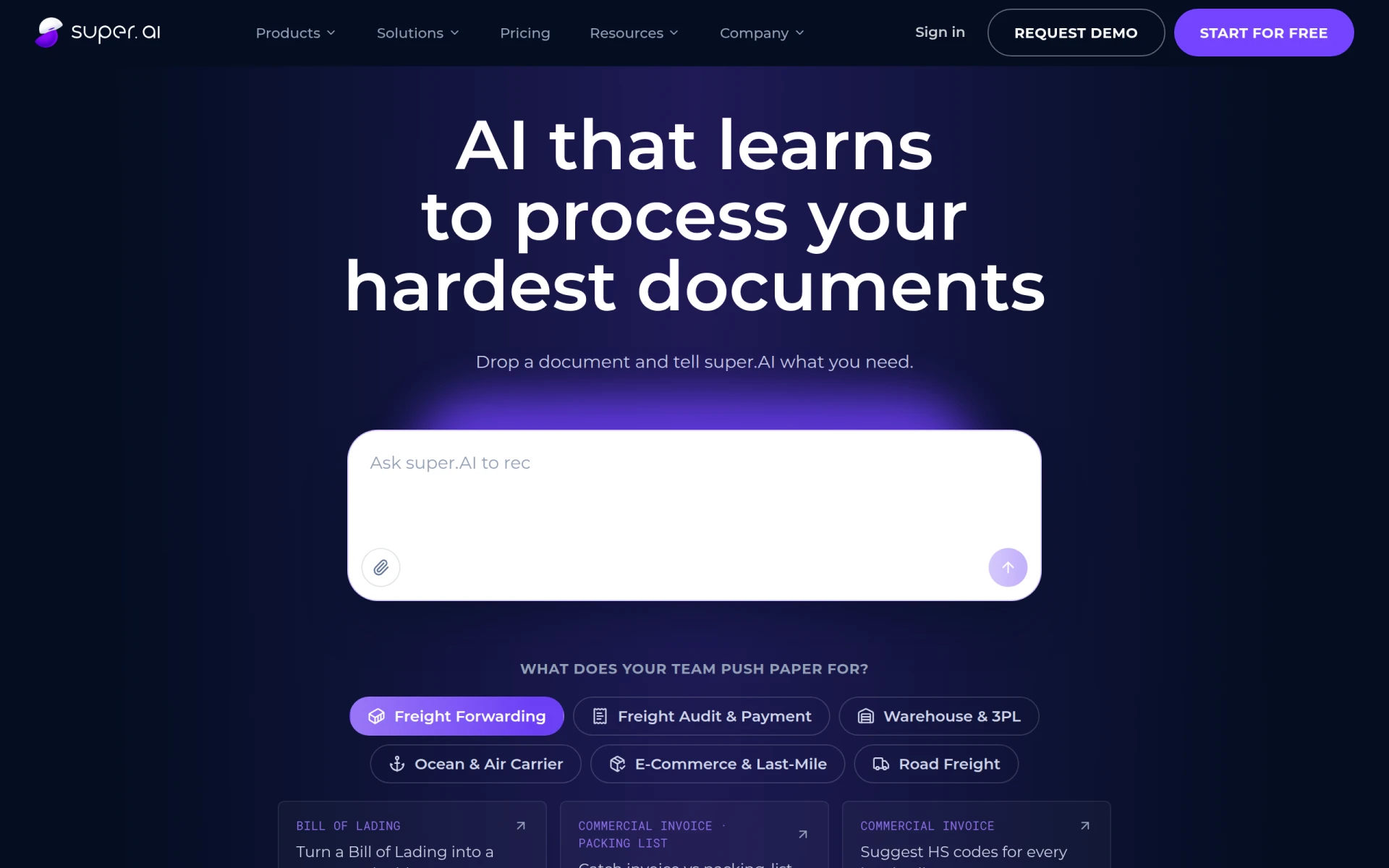 specializes in automating complex document processing with high accuracy, making it a go-to solution for legal professionals managing significant volumes of documentation. The platform’s Intelligent Document Processing capability ensures that legal documents are processed quickly and accurately, reducing the risk of errors that can arise from manual preparation.
One of the standout features of super.AI is its Self-managed Human Review, which allows users to have a human touch in the review process, ensuring that high-stakes documents are error-free. The Agentic Workflow Builder feature allows legal teams to create tailored workflows that meet their specific needs, enhancing operational efficiency.
- Intelligent Document Processing: Automate complex document tasks with high accuracy.
- Workflow Automation: Streamline repetitive processes and save time.
- Self-managed Human Review: Ensure accuracy with a human touch.
- Multi-document Type Support: Handle various document formats seamlessly.
- Agentic Workflow Builder: Create customized workflows tailored to legal needs.
Pricing: Freemium - Pricing is based on document volume, with plans for both small and large teams. Best for: Medium to large enterprises.
TaxGPT - Best for Tax Professionals
TaxGPT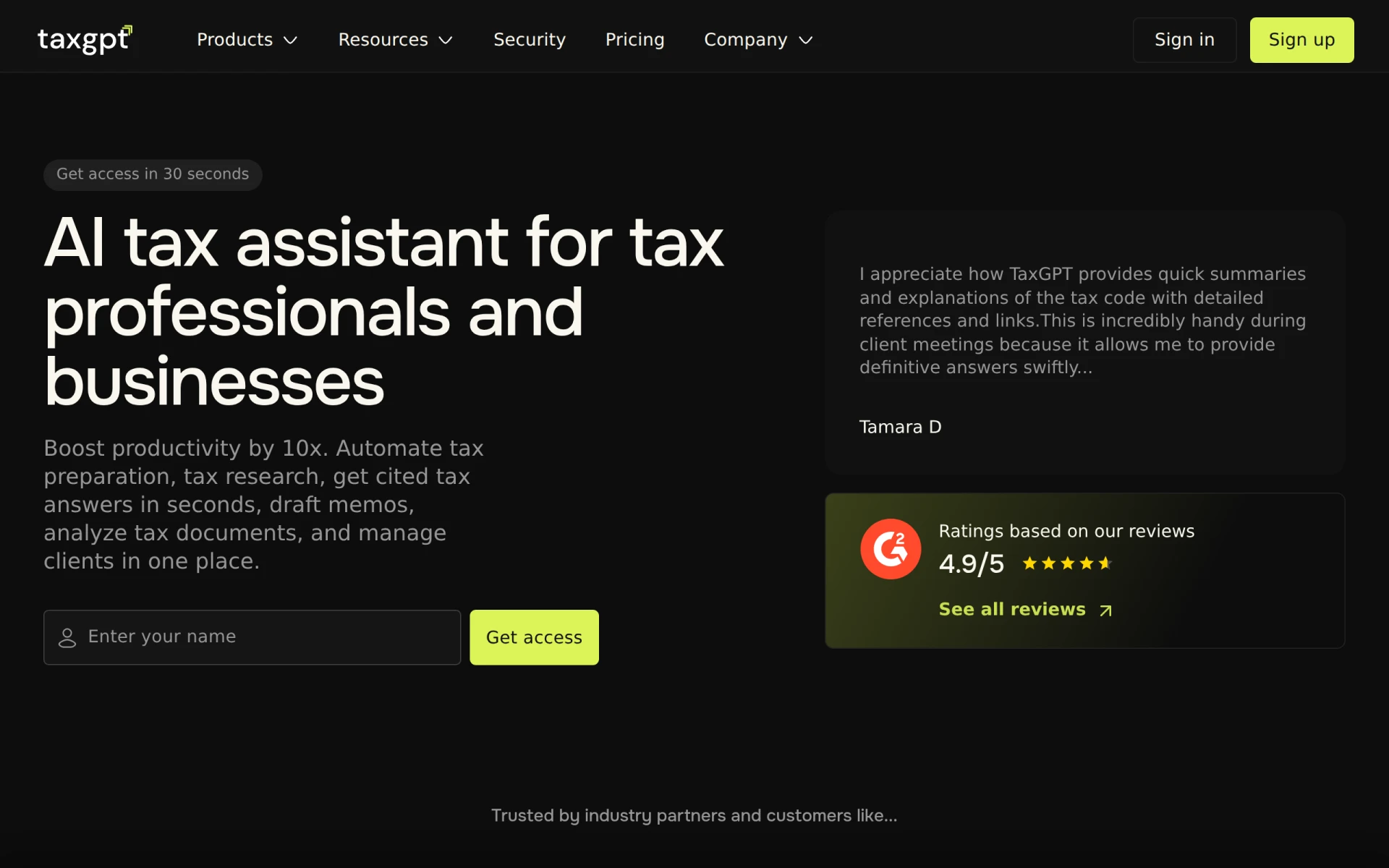 is an innovative AI-powered tax assistant designed specifically for accountants and tax professionals. It enhances efficiency in tax preparation and management, a crucial aspect of legal practices that deal with financial matters. The AI-driven tax preparation assistance offered by TaxGPT streamlines the often complicated process of preparing tax documents, making it easier for professionals to focus on client service.
Furthermore, TaxGPT's Automated tax research capabilities provide instant access to cited tax answers, significantly reducing the time spent on finding information. Its memo drafting tools and document analysis features for tax documents make it an invaluable asset for legal professionals involved in tax-related matters.
- AI-driven tax preparation assistance: Streamline the tax preparation process.
- Automated tax research capabilities: Access tax answers quickly and efficiently.
- Instant access to cited tax answers: Reduce research time significantly.
- Memo drafting tools: Simplify the drafting of tax memos.
- Document analysis features for tax documents: Enhance the accuracy of tax-related documents.
Pricing: Freemium - TaxGPT offers various pricing plans, including a free version and several paid options. Best for: Tax professionals conducting research.
Altera - Best for Operational Efficiency
Altera is designed to optimize business processes and enhance operational efficiency, making it a suitable choice for legal teams looking to improve their workflows. Its Workflow Automation feature allows legal professionals to automate mundane tasks, freeing up time for more critical activities.
Additionally, Altera’s process mapping and real-time analytics capabilities provide valuable insights into workflow efficiency, allowing teams to identify bottlenecks and areas for improvement. This makes Altera an excellent choice for medium to large-sized legal businesses aiming to enhance their operational capabilities.
- Workflow automation: Streamline repetitive tasks to improve productivity.
- Process mapping: Visualize workflows for better efficiency.
- Task management: Organize and prioritize tasks effectively.
- Real-time analytics: Gain insights into workflow performance.
- Integration with third-party applications: Connect with existing tools seamlessly.
Pricing: Freemium - Pricing information for Altera is currently unavailable. Best for: Medium to large-sized businesses.
Bluesheets - Best for Data Preparation
Bluesheets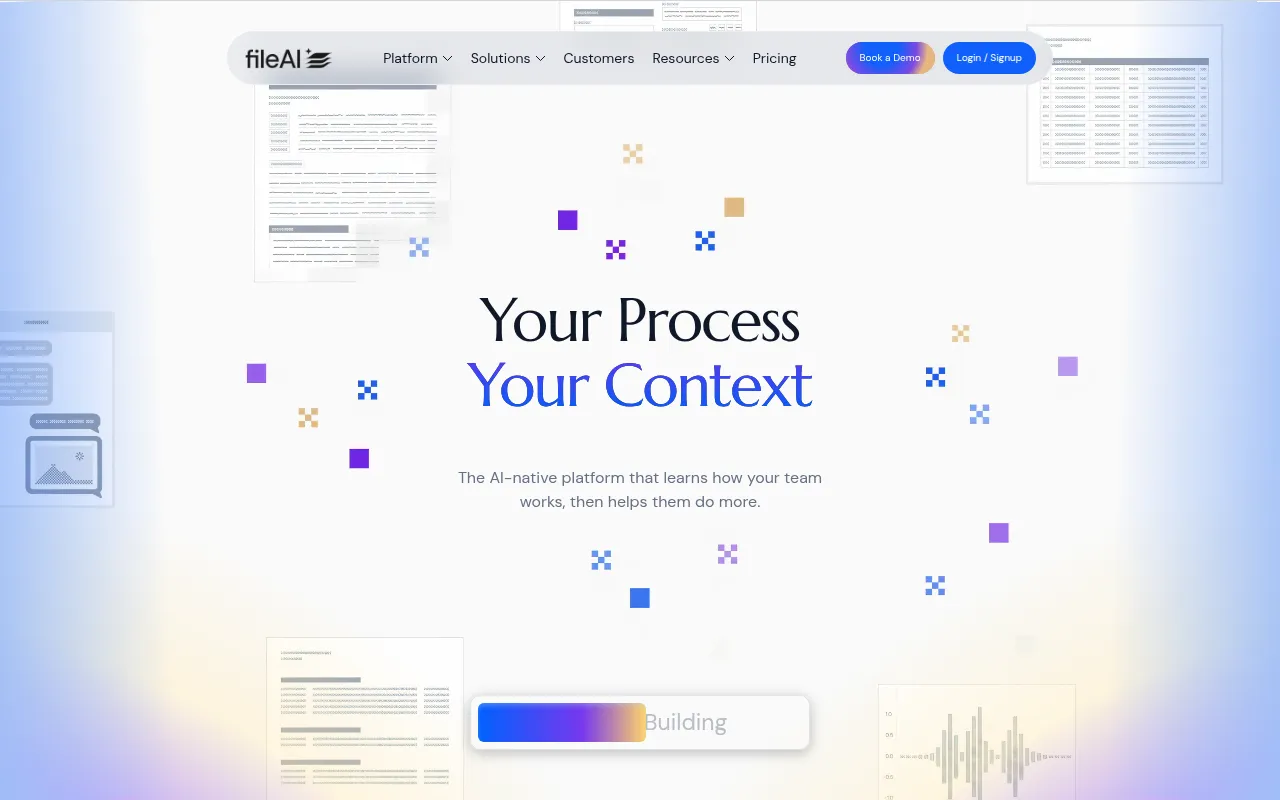 is an AI-native data preparation and workflow automation platform that streamlines data processes for businesses, including legal teams who deal with large volumes of data. Its AI-driven data validation and automated data extraction features help legal professionals ensure that their documents are both accurate and compliant with regulations.
Moreover, Bluesheets’ integration with various data sources allows legal teams to pull necessary data quickly and efficiently, while customizable workflow automation enhances overall productivity. This makes Bluesheets a fantastic tool for data analysts and legal professionals looking to automate repetitive tasks.
- AI-driven data validation: Ensure accuracy in data used for legal documents.
- Automated data extraction: Streamline the process of gathering necessary information.
- Integration with various data sources: Access data from multiple platforms seamlessly.
- Customizable workflow automation: Tailor workflows to enhance productivity.
- Data transformation capabilities: Modify data formats as needed for legal documentation.
Pricing: Contact - Pricing information for Bluesheets is not publicly available. Best for: Data analysts needing efficient lead data management.
Ninja AI - Best for Freelancers
Ninja AI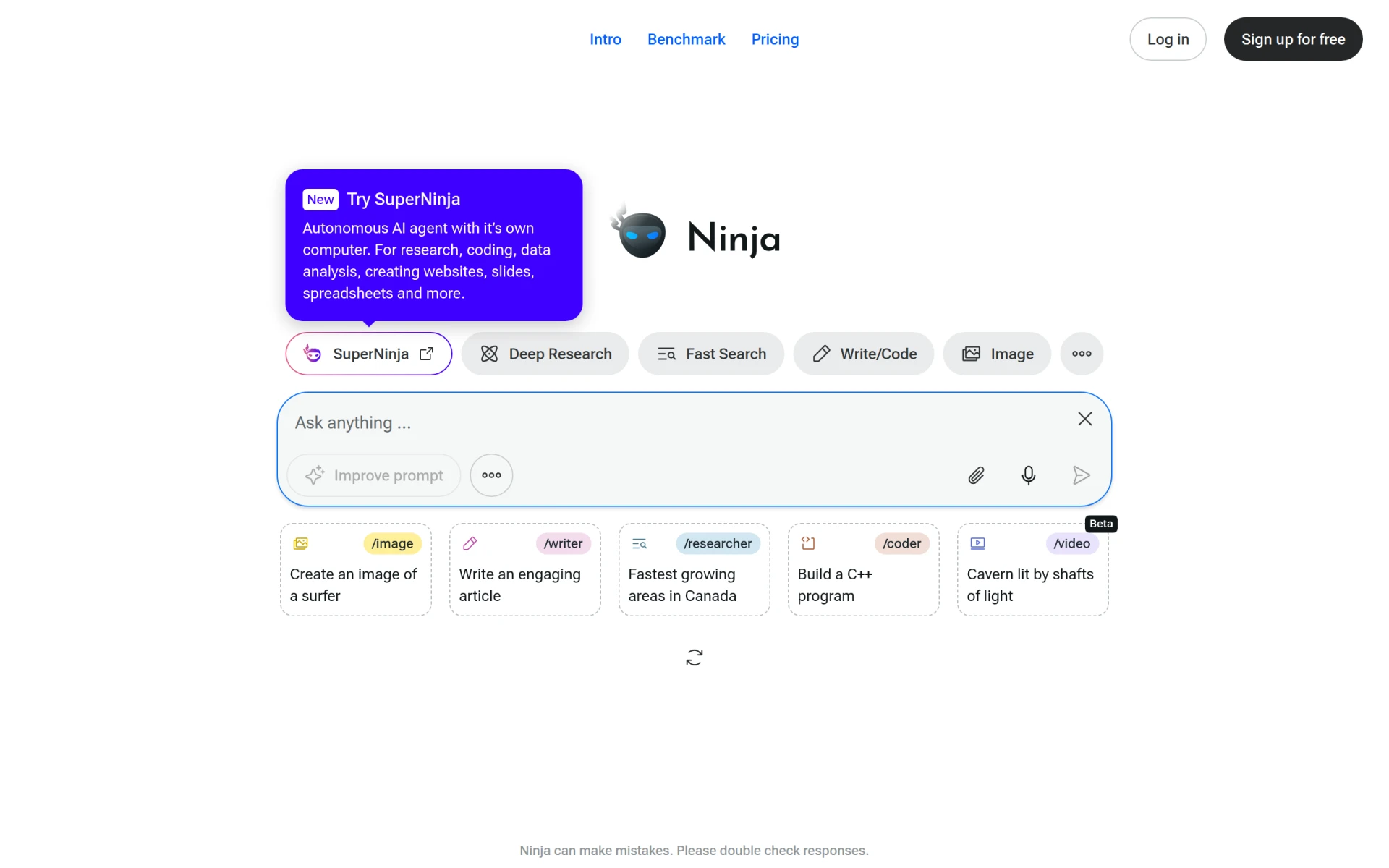 serves as an all-in-one AI agent designed to enhance productivity through intelligent task management and automation. Its Task Automation capabilities allow freelancers and solo legal practitioners to handle multiple projects without becoming overwhelmed.
The Intelligent Scheduling feature is particularly beneficial for legal professionals who juggle multiple deadlines, ensuring that they allocate their time effectively. Additionally, Ninja AI’s Natural Language Processing capabilities enable users to interact with the tool intuitively, making it accessible for those who may not be tech-savvy.
- Task Automation: Streamline repetitive tasks to save valuable time.
- Intelligent Scheduling: Optimize time management and project deadlines.
- Natural Language Processing: Interact with the tool using everyday language.
- Real-time Collaboration: Enhance teamwork among freelancers and clients.
- Data Analysis and Reporting: Gain insights into project performance and productivity.
Pricing: Freemium - Pricing information for Ninja AI is currently unavailable. Best for: Freelancers managing multiple projects.
Rossum.ai - Best for Transactional Workflows
Rossum.ai specializes in automating document processing for transactional workflows, making it a valuable tool for legal professionals who handle large volumes of transactional documents. The platform’s Intelligent Document Processing enhances accuracy and efficiency, ensuring that important details are captured without manual input.
Rossum.ai's Automated Data Capture feature helps legal teams quickly gather necessary information from various document types, while its Document Approval Workflows streamline the review and approval process. This makes Rossum.ai an ideal choice for medium to large enterprises looking to enhance their document processing capabilities.
- Intelligent Document Processing: Automate the processing of complex documents with high accuracy.
- Automated Data Capture: Quickly gather information from various document types.
- Email Communication Automation: Streamline communications related to document processing.
- Document Approval Workflows: Simplify the review and approval process.
- ERP Integration: Seamlessly integrate with existing enterprise systems.
Pricing: Contact - Rossum.ai offers a Starter plan beginning at $18,000 per year. Best for: Medium to large enterprises.
Preswald - Best for HR Departments
Preswald is designed to optimize business processes and improve efficiency, making it an excellent choice for HR departments within legal firms. Its Workflow Automation feature allows HR teams to streamline onboarding processes, ensuring that new hires are integrated smoothly and efficiently.
Additionally, Preswald’s Collaboration Tools enhance communication among HR personnel, while the Reporting and Analytics features provide insights into workflow efficiency. This makes Preswald an ideal tool for small to medium-sized businesses looking to enhance their HR processes.
- Workflow Automation: Streamline HR processes to improve efficiency.
- Task Management: Organize and prioritize HR-related tasks.
- Collaboration Tools: Enhance communication among HR personnel.
- Reporting and Analytics: Gain insights into HR workflow performance.
- Integration with Third-Party Applications: Connect with existing HR tools seamlessly.
Pricing: Contact - Pricing information for Preswald is currently unavailable. Best for: HR departments looking to streamline onboarding processes.
Quick Comparison
| Tool | Best For | Starting Price | Rating |
|---|
| Paxton AI | Individual attorneys | $499/mo | 0.0/5 |
| Heyday | Project managers | Free | 0.0/5 |
| GEES | Small to medium-sized businesses | Free | 0.0/5 |
| super.AI | Medium to large enterprises | Free | 0.0/5 |
| TaxGPT | Tax professionals | Free | 0.0/5 |
| Altera | Medium to large-sized businesses | Free | 0.0/5 |
| Bluesheets | Data analysts | Contact | 0.0/5 |
| Ninja AI | Freelancers | Free | 0.0/5 |
| Rossum.ai | Medium to large enterprises | Contact | 0.0/5 |
| Preswald | HR departments | Contact | 0.0/5 |
Best Choice for Beginners
For beginners, Paxton AI is an excellent choice due to its user-friendly interface and comprehensive support features. The quick-start drafting and contextual research capabilities provide a solid foundation for new legal professionals looking to enhance their document preparation process without feeling overwhelmed.
Best Choice for Professionals
Super.AI is the best choice for seasoned professionals who require advanced features for complex document processing. Its intelligent document processing and self-managed human review capabilities allow experienced legal practitioners to manage high-stakes documents efficiently while maintaining accuracy.
Best Value Pick
Heyday offers exceptional value, particularly for project managers and small legal teams. With its freemium model and robust features for task management and collaboration, it provides a fantastic price-to-feature ratio, making it an ideal choice for those seeking to optimize their workflows without a significant financial commitment.
Conclusion
In today’s fast-paced legal environment, enhancing efficiency in document management is essential. By leveraging the right productivity tools, legal professionals can reduce errors and delays, ultimately improving their practice and client satisfaction.