
Asana
Freemium
AI
Asana is a project management tool that helps teams coordinate and manage their work efficiently.
Remote tech teams face communication challenges that delay project progress. Explore the best tools to enhance collaboration now.
For remote tech teams, the lack of effective communication tools can significantly slow project progress and impact overall productivity. Finding the right project management software is pivotal for enhancing collaboration and ensuring that every team member is aligned with project goals.
In the fast-paced world of technology, remote teams often face unique communication challenges. When team members are spread across different locations, miscommunication can lead to missed deadlines, duplicated efforts, and a general slowdown in project momentum. Consider a scenario where a developer waits for feedback from a product manager but receives no updates, leading to delays in coding. This ripple effect can hinder the entire project timeline, making it critical for teams to adopt robust communication tools that facilitate real-time collaboration.
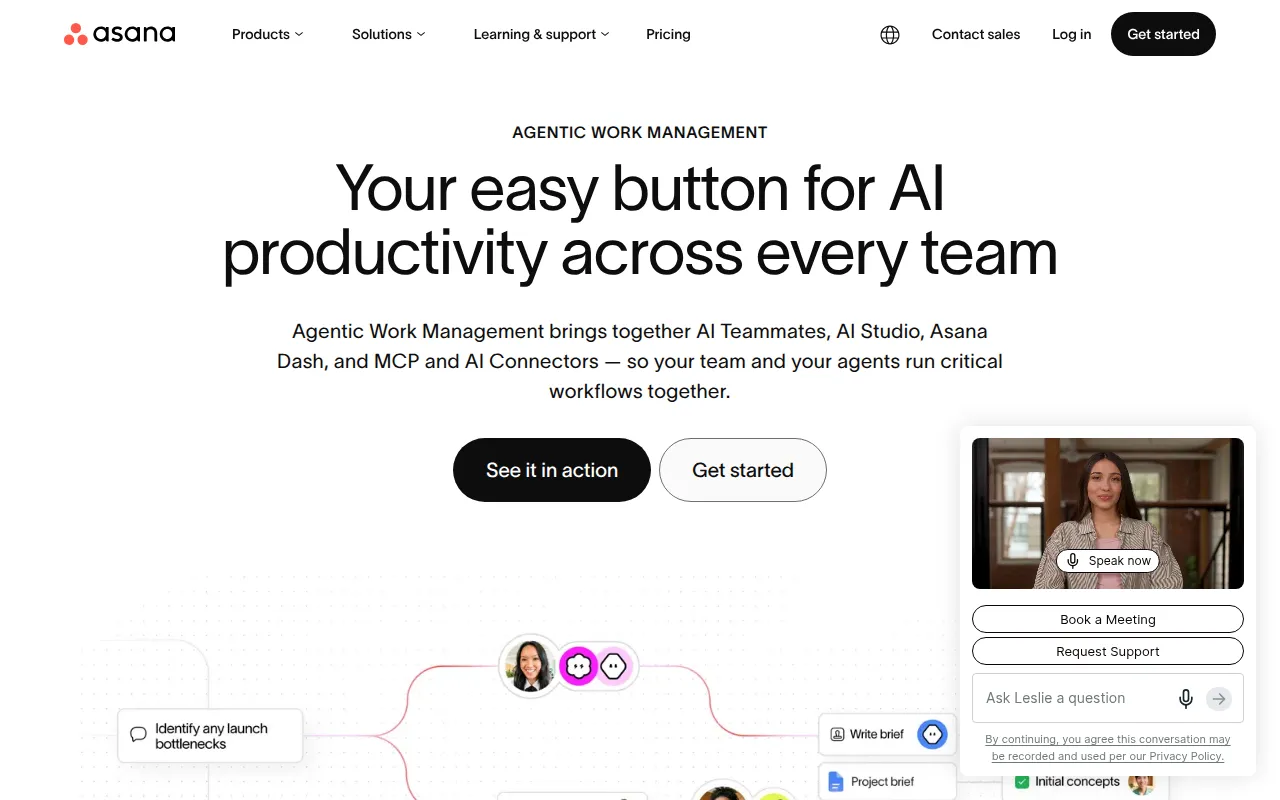
Asana stands out as a powerful project management tool that helps remote teams coordinate tasks and manage their work efficiently. Its intuitive interface allows team members to assign tasks, set deadlines, and track progress in real time. This visibility promotes accountability and encourages team members to communicate effectively about project updates.
Asana’s customizable dashboards provide a visual representation of project status, making it easy for teams to see what needs attention. The tool also offers workflow automation features that help streamline repetitive tasks, allowing team members to focus on higher-value activities.
Pricing: Freemium with paid plans starting from $10.99 per user per month. Best for: Marketing teams managing campaigns, software development teams tracking sprints, product management teams planning roadmaps.
ClickUp is a versatile project management and productivity tool designed to streamline team collaboration. With its comprehensive feature set, it allows remote tech teams to manage their tasks, track time, and set goals all in one place. The ability to create custom workflows ensures that teams can align the platform with their specific processes.
ClickUp’s collaboration tools enable team members to communicate seamlessly, whether through comments on tasks or integrated chat features. Its goal-tracking capabilities help teams stay focused on their objectives and measure success over time.
Pricing: Freemium with unlimited plan starting at $9 per user per month. Best for: Small to medium-sized businesses, marketing teams managing campaigns, project managers overseeing timelines and resources.
Ambient serves as an AI Chief of Staff, enhancing team collaboration by organizing knowledge across various platforms. This innovative tool allows remote tech teams to centralize information, making it easier to access and share vital resources. By removing information silos, Ambient ensures that everyone on the team is on the same page, which is essential for effective project management.
With features like self-driving reporting and context engineering, Ambient streamlines the decision-making process for teams, allowing for more informed choices. This is particularly beneficial for leadership teams that need quick access to centralized information to drive project success.
Pricing: Contact for pricing information. Best for: Medium to large organizations looking to improve team collaboration, leadership teams needing centralized information for decision-making, marketing teams coordinating complex projects.
Danelfin is a project management tool that focuses on improving team collaboration and streamlining project tracking. Its user-friendly interface allows remote tech teams to easily manage tasks and monitor progress, ensuring that everyone stays aligned on project goals. The collaboration tools integrated into Danelfin make it easy for team members to communicate and share resources effectively.
With features like calendar integration and reporting, Danelfin helps teams keep track of deadlines and deliverables. This ensures that projects stay on schedule and that any potential roadblocks are identified early on.
Pricing: Freemium with specific pricing details unavailable. Best for: Small to medium-sized businesses, marketing teams, software development teams.
Floutwork is an AI-powered work operating system that enhances team collaboration and streamlines workflows. Designed for remote teams, Floutwork provides a centralized workspace that simplifies task management and employee onboarding. By leveraging AI, it helps teams automate routine processes and focus on strategic initiatives.
Floutwork's collaboration tools enable seamless communication and coordination among team members, which is essential for remote work environments. With features tailored for marketing and software development teams, it helps ensure that projects progress smoothly.
Pricing: Freemium with specific pricing details unavailable. Best for: Marketing teams coordinating multiple campaigns, software development teams managing tasks and collaboration, HR departments streamlining new hire onboarding.
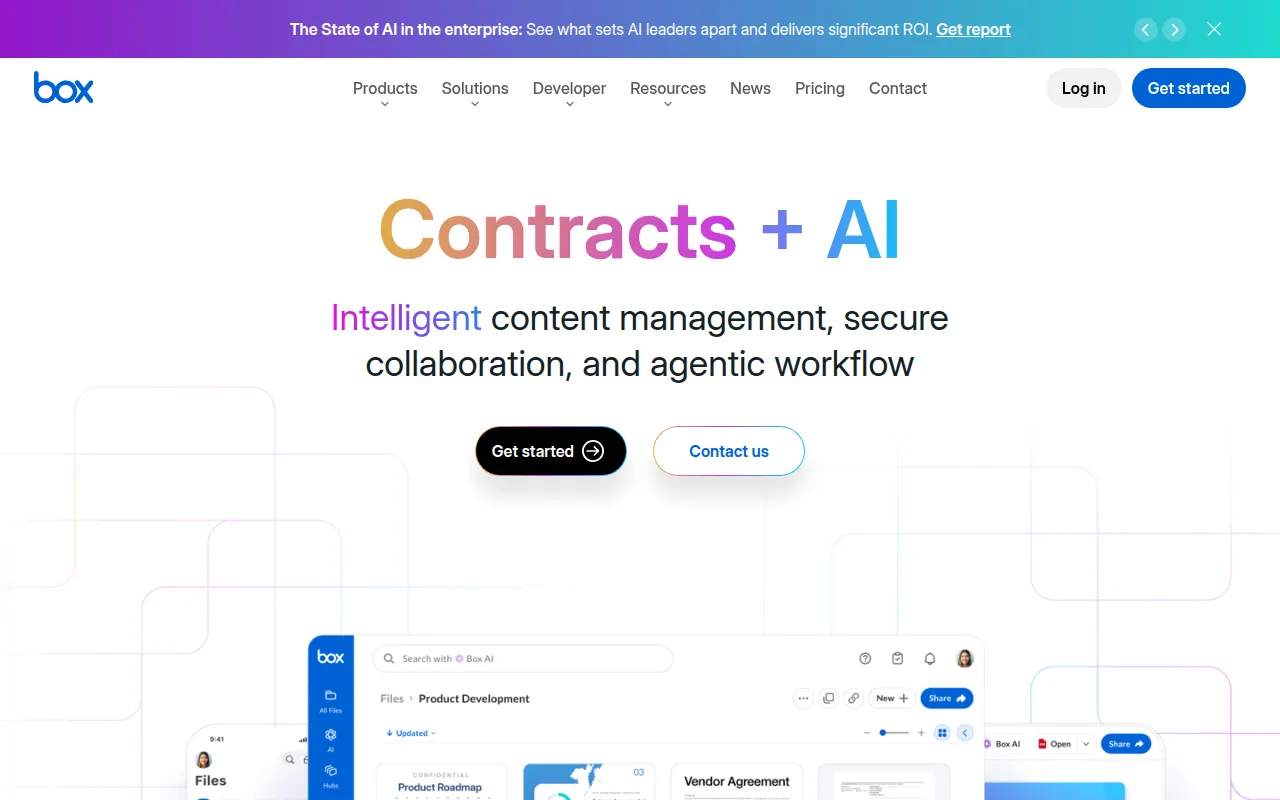
Box is a content management platform that facilitates workflow automation and secure collaboration for businesses of all sizes. For remote tech teams, Box provides a secure environment for document sharing and collaboration, ensuring that sensitive information is protected. Its strong integration capabilities allow teams to connect with other tools they are already using, enhancing overall productivity.
The platform’s workflow automation features help streamline repetitive tasks, allowing teams to focus on high-priority work. With Box, remote teams can collaborate securely while maintaining efficient workflows.
Pricing: Contact for specific pricing information. Best for: Medium to large enterprises, marketing teams, project managers.
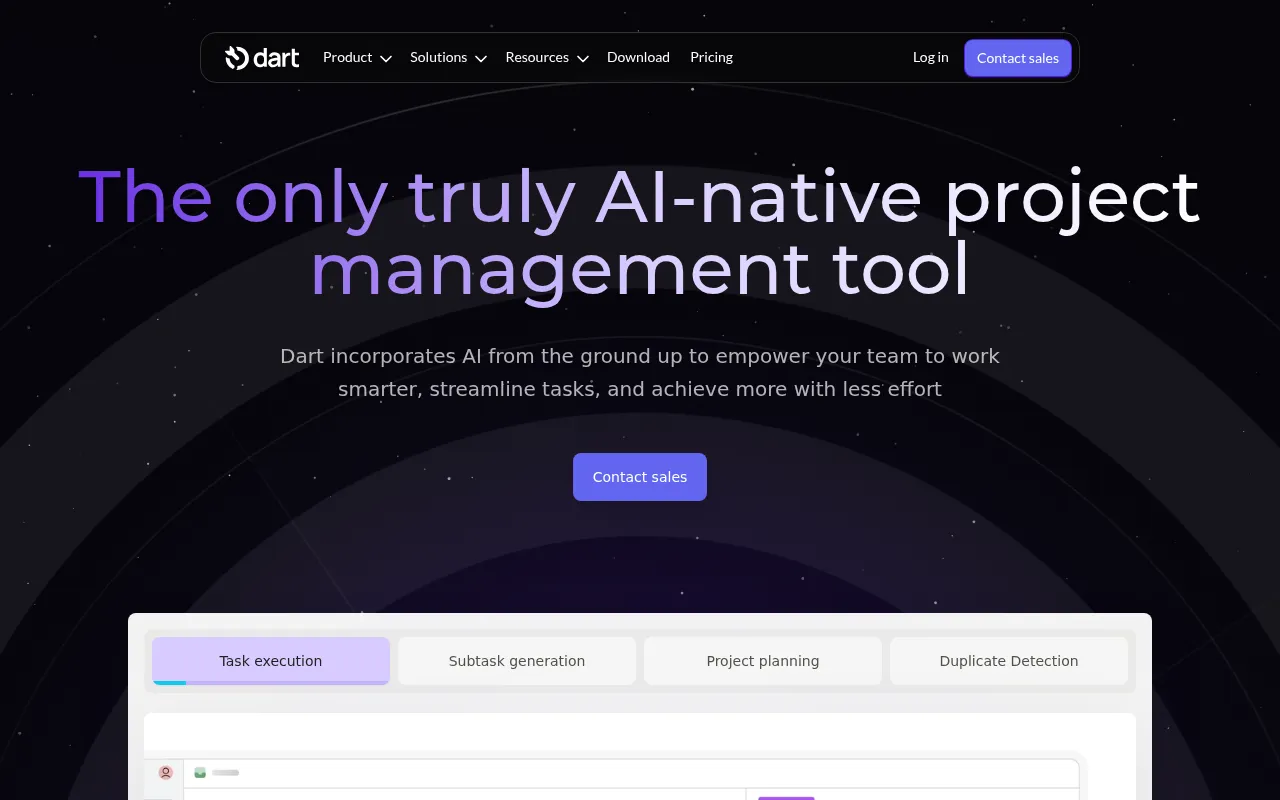
Dart is an AI-driven project management tool that enhances team collaboration and task management. Designed for remote tech teams, Dart provides features that help streamline project planning and task execution. With AI task execution and subtask generation, it simplifies project management and ensures that teams stay organized and focused on their goals.
The platform also features duplicate task detection, which minimizes redundancy and helps teams maintain clarity in their workflow. With AI report generation, Dart allows teams to analyze performance metrics effortlessly, making it easier to identify areas for improvement.
Pricing: Freemium with a premium plan priced at $8 per teammate per month. Best for: Small to medium-sized businesses, marketing teams, software development teams.
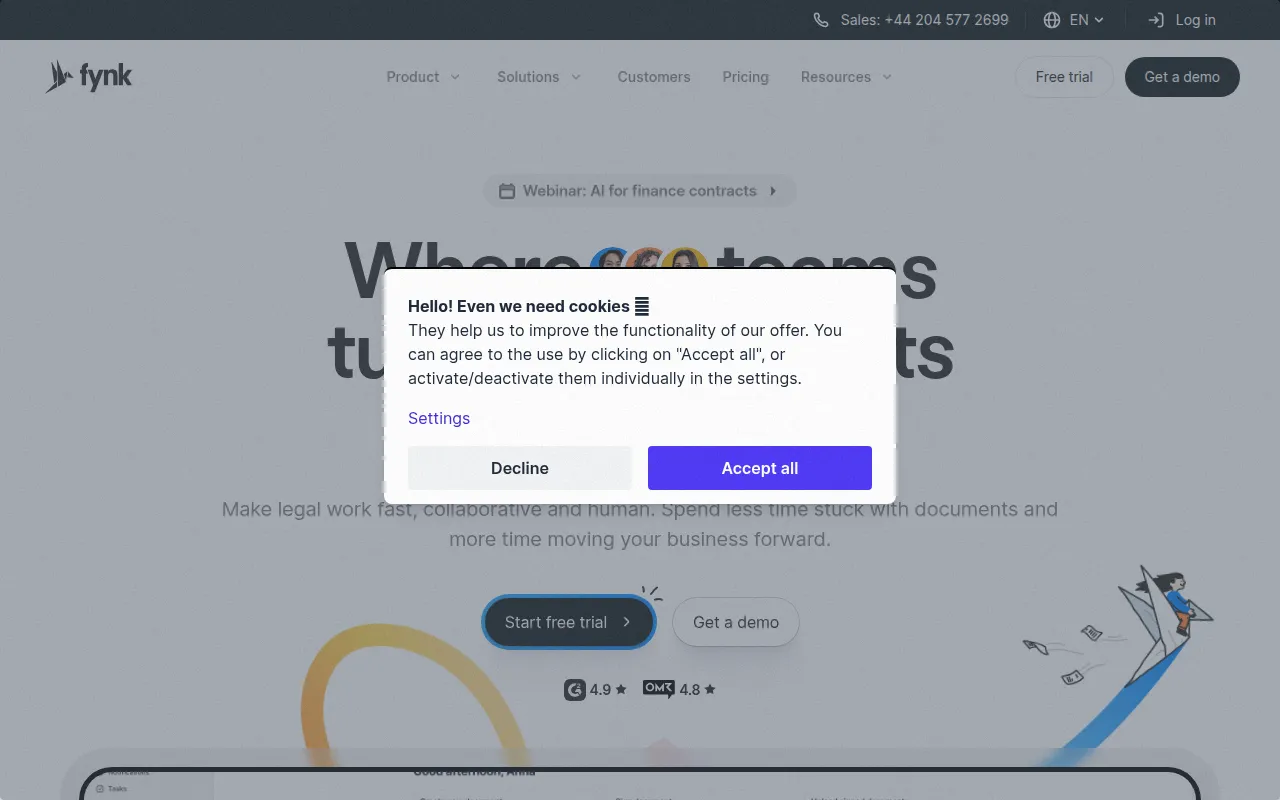
Fynk is an AI-driven contract management software that streamlines legal workflows, enabling faster contract creation and collaboration. For remote tech teams that deal with contracts and agreements, Fynk provides a centralized contract repository, making it easy to manage all legal documents in one place.
With features like automated contract reminders and customizable templates, Fynk simplifies the contract management process, ensuring that teams stay organized and compliant. Its real-time collaboration tools enhance communication among team members, making it easier to finalize agreements.
Pricing: Contact for pricing information. Best for: Legal teams managing vendor contracts, HR departments handling employment agreements, sales professionals closing deals with e-signatures.
Fibery Ai is a modular work management platform designed to integrate various workflows and enhance team collaboration. For remote tech teams, Fibery Ai offers flexibility in managing projects, tasks, and documents all in one place. Its modular architecture allows teams to customize the platform to fit their unique needs, promoting efficiency and productivity.
With strong collaboration tools and integration capabilities, Fibery Ai ensures that team members can easily share information and work together on projects. This is particularly valuable for tech teams that require seamless communication and coordination across different functions.
Pricing: Freemium with specific pricing details unavailable. Best for: Medium to large organizations, software development teams, marketing teams.
Notion serves as an all-in-one workspace for notes, tasks, wikis, and databases. Its versatility makes it an excellent choice for remote tech teams looking for a comprehensive solution to enhance productivity and collaboration. Notion's flexible databases and team wikis allow for seamless information sharing and organization, which is crucial for effective project management.
With Notion AI, teams can automate repetitive tasks and enhance their workflow, making it easier to stay focused on critical objectives. Its mobile apps ensure that team members can access information and collaborate on the go, further promoting flexibility in remote work environments.
Pricing: Freemium with Plus plan at $10/month and Team plan at $15/user/month. Best for: Remote tech teams seeking a flexible and comprehensive project management solution.
| Tool | Best For | Starting Price | Rating |
|---|---|---|---|
| Asana | Marketing and software development teams | Free / $10.99/mo | 0.0/5 |
| ClickUp | Small to medium-sized businesses | Free / $9/mo | 0.0/5 |
| Ambient | Medium to large organizations | Contact | 0.0/5 |
| Danelfin | Small to medium-sized businesses | Free | 0.0/5 |
| Floutwork | Marketing teams and software development | Free | 0.0/5 |
| Box | Medium to large enterprises | Contact | 0.0/5 |
| Dart | Small to medium-sized businesses | Free / $8/mo | 0.0/5 |
| Fynk | Legal teams and HR departments | Contact | 0.0/5 |
| Fibery Ai | Medium to large organizations | Free | 0.0/5 |
| Notion | Remote tech teams | Free / $10/mo | 4.6/5 |
For beginners, Notion is the best choice due to its intuitive interface and extensive capabilities. It offers a flexible workspace that allows new users to easily adapt and tailor their use according to their needs. The learning resources available make it easier for beginners to get started and maximize the tool's potential.
For professionals, ClickUp offers advanced features that cater to power users. Its comprehensive task management, goal tracking, and integration capabilities make it ideal for professionals looking for a robust project management solution. The customization options allow advanced users to create workflows that align perfectly with their project needs.
Asana is the best value pick because of its freemium model that allows teams to start for free and scale as needed. The features available in the free tier are substantial, making it an excellent option for teams looking to maximize their ROI without a significant upfront investment.
In the competitive landscape of remote tech work, choosing the right project management tool is essential for enhancing collaboration and ensuring project success. Explore these tools to find the best fit for your team's unique needs and start improving communication today.
Asana is a project management tool that helps teams coordinate and manage their work efficiently.
ClickUp is a comprehensive project management and productivity tool designed to streamline team collaboration and task management.
Ambient is an AI Chief of Staff that enhances team collaboration by organizing knowledge across various platforms.
Danelfin is a project management tool designed to enhance team collaboration and streamline project tracking.
Floutwork is an AI-powered work operating system designed to enhance team collaboration and streamline workflows.
Box is a content management platform that facilitates workflow automation and secure collaboration for businesses of all sizes.
Dart is an AI-driven project management tool designed to enhance team collaboration and task management.
Fynk is an AI-driven contract management software that streamlines legal workflows, enabling faster contract creation and collaboration.
Fibery Ai is a modular work management platform designed to integrate various workflows and enhance team collaboration.
All-in-one workspace for notes, tasks, wikis, and databases. The best tool for personal productivity and team collaboration.
The best project management tools for remote teams include Asana, ClickUp, Ambient, Danelfin, Floutwork, Box, Dart, Fynk, Fibery Ai, and Notion. Each of these tools offers unique features tailored to enhance collaboration and task management.
When choosing a project management tool, consider factors like task management features, collaboration capabilities, customization options, integration capabilities, and user experience. These criteria can help you find a tool that meets your team's specific needs.
Yes, many project management tools offer free tiers, such as Asana, ClickUp, Danelfin, Floutwork, Dart, Fibery Ai, and Notion. These can be great options for teams looking to start without incurring costs.
Remote tech teams should prioritize collaboration features, task management capabilities, and integration options. These features help ensure effective communication and streamline workflows, which are crucial for remote work success.
Yes, many project management tools provide integration capabilities with other software such as communication platforms, document storage solutions, and more. This helps teams work more efficiently by connecting different tools they already use.
The cost of project management tools varies widely. Many offer freemium models, while paid plans can start as low as $9 per user per month and go up depending on the features and number of users.
Notion is often recommended for beginners due to its user-friendly interface and extensive documentation. It allows new users to easily adapt and customize their workspace to suit their needs.
Weekly roundup of new AI tools, launches, and trending software. No spam — unsubscribe anytime.
No credit card required · Cancel anytime
What's inside
How to Choose the Best Workflow Automation Tool for Your Business
Sep 30, 2026 · Productivity
Best Project Management Tools for Construction Professionals
Sep 30, 2026 · Productivity
Top Automation Tools for E-commerce Businesses to Boost Efficiency
Sep 29, 2026 · Business
Weekly roundup of new AI tools, launches, and trending software. No spam — unsubscribe anytime.
No credit card required · Cancel anytime
What's inside
How to Choose the Best Workflow Automation Tool for Your Business
Sep 30, 2026 · Productivity
Best Project Management Tools for Construction Professionals
Sep 30, 2026 · Productivity
Top Automation Tools for E-commerce Businesses to Boost Efficiency
Sep 29, 2026 · Business