Buffer
Freemium
Social media scheduling and management. Plan, schedule, and analyze content for all your social channels.
Struggling to manage multiple deadlines in college? Discover the best time management tools tailored for students.
Are you feeling overwhelmed by the constant juggle of classes, assignments, and personal commitments? With deadlines looming, effective time management can make all the difference in achieving academic success while maintaining a balanced life.
College life is a whirlwind of responsibilities, from attending lectures and participating in group projects to studying for exams and meeting assignment deadlines. With each semester bringing a new set of challenges, many students find it difficult to manage their time effectively. Real-world scenarios like the last-minute rush to complete a paper or the stress of preparing for multiple exams can lead to burnout and decreased performance. The pressure to excel academically while also enjoying the social aspects of college can create a perfect storm for stress and anxiety, making time management an essential skill for success.
Buffer is a powerful tool for students who need to manage their social media presence effectively, whether for personal branding or academic projects. Its user-friendly interface allows students to plan, schedule, and analyze content across multiple social channels, making it easier to maintain an active online presence without sacrificing study time.
What makes Buffer stand out is its analytics feature, which gives insights into social media performance. College students can track engagement metrics to understand what content resonates with their audience, allowing for more strategic posting and better time allocation for content creation.
Pricing: Freemium - Free for 3 channels. Essentials $6/channel/mo, Team $12/channel/mo. Best for: Students managing social media for personal or academic purposes.
Notion serves as a versatile all-in-one workspace that combines notes, tasks, databases, and wikis. For college students, it’s an invaluable tool that helps centralize all academic and personal projects in one place. Its flexibility allows students to create customized pages for class notes, project management, or even personal to-do lists, adapting to their specific workflows.
The standout feature of Notion is its database capability, enabling users to track assignments, deadlines, and notes in a way that makes sense to them. With Notion AI integrated, students can generate content and ideas quickly, making it an ideal tool for brainstorming and organizing thoughts efficiently.
Pricing: Freemium - Free for personal use. Plus plan $10/month, Team plan $15/user/month. Best for: Students looking for a comprehensive tool to manage both academic and personal tasks.
Figma is a leading design tool that allows for real-time collaboration, making it perfect for students working on design projects or presentations. Its intuitive interface lets users create, prototype, and iterate on designs quickly, fostering creativity and teamwork.
What sets Figma apart is its emphasis on collaboration; multiple users can work on a design simultaneously, making it easy for teams to brainstorm and implement changes in real time. This feature is especially helpful for group projects, where feedback and collaboration are essential to success.
Pricing: Freemium - Free for 3 projects. Professional $15/editor/mo, Organization $45/editor/mo. Best for: Students working in design or collaborative projects requiring real-time input.
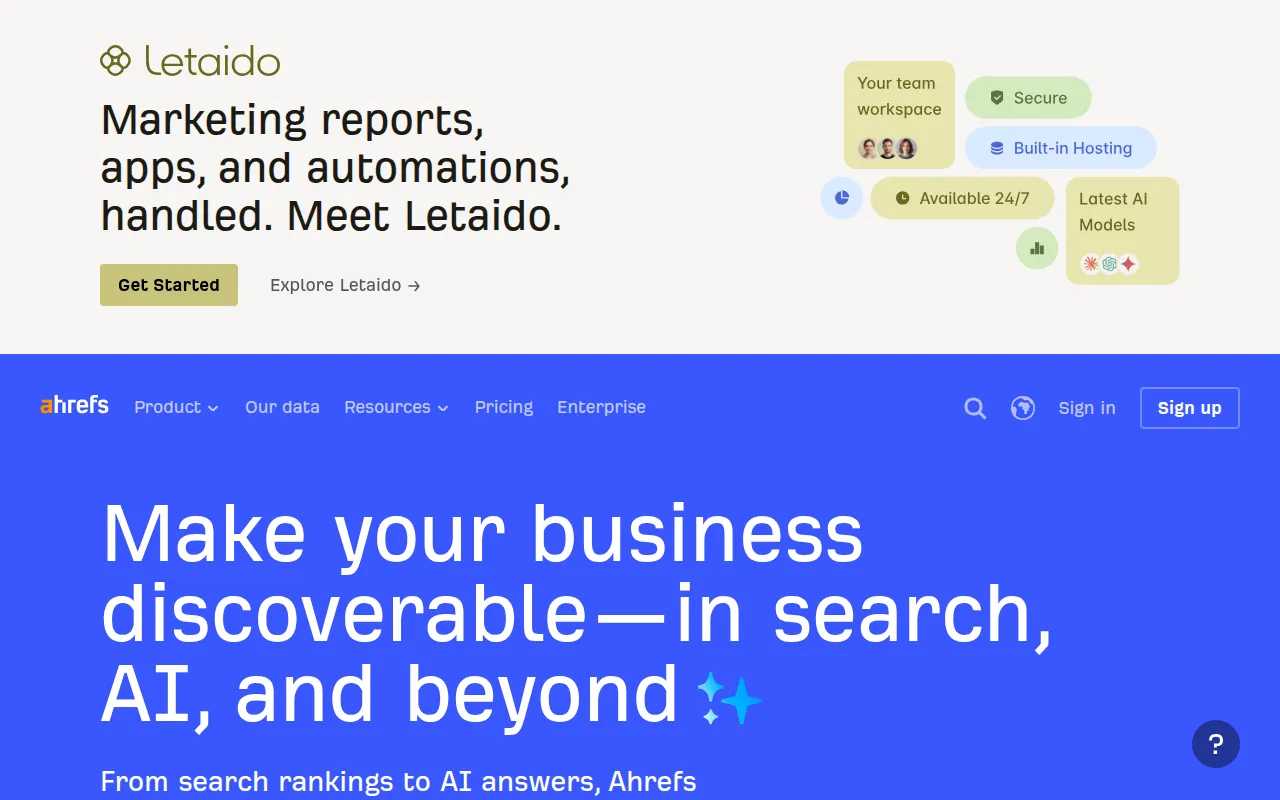
Ahrefs is the go-to tool for students focusing on digital marketing or SEO research. Its comprehensive toolset provides insights into keyword research, backlink analysis, and competitor research, making it an essential resource for those looking to enhance their online presence.
The standout feature of Ahrefs is its backlink analysis, which allows students to evaluate how their content performs against competitors. This is particularly helpful for research projects, blog writing, or any academic work that requires a strong online presence.
Pricing: Paid - Lite $99/mo, Standard $199/mo, Advanced $399/mo. Best for: Marketing students needing robust SEO tools for research and analysis.
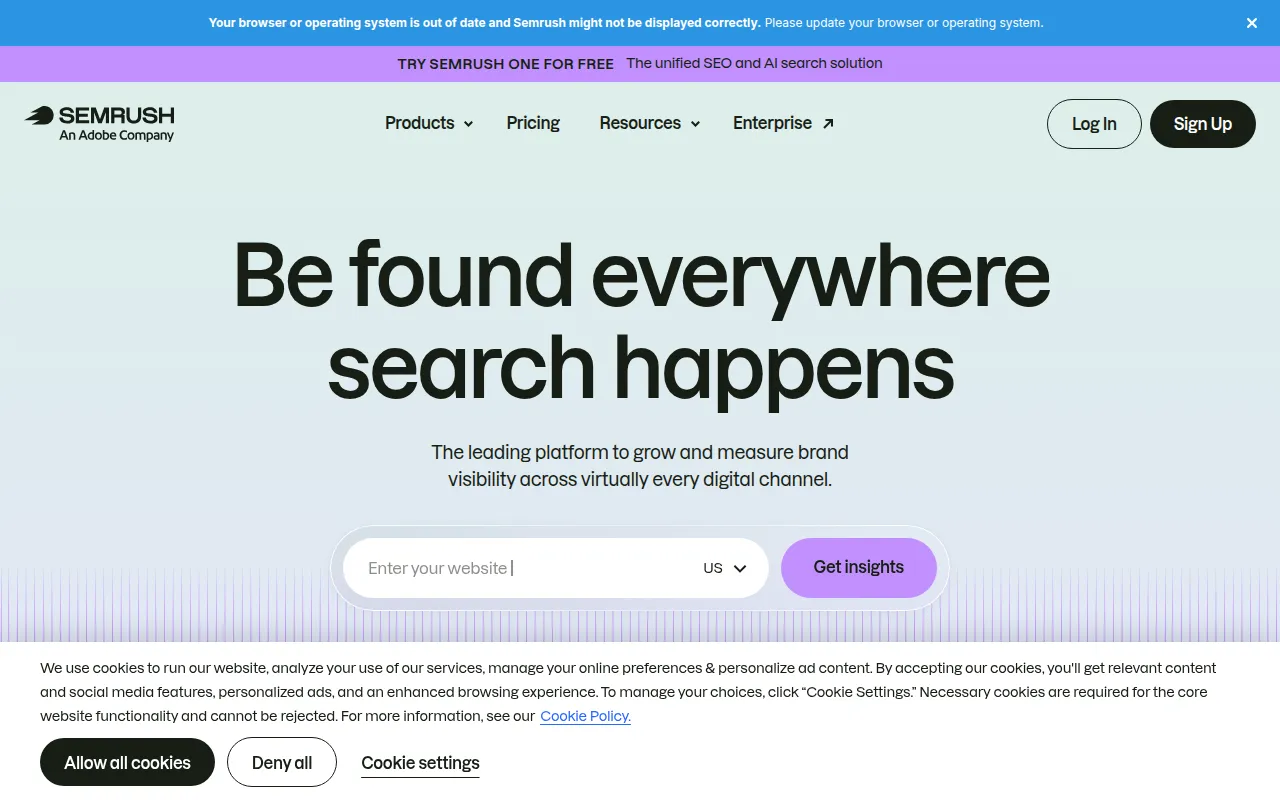
Semrush is an all-in-one digital marketing suite, providing students with tools for keyword research, site audits, and competitor analysis. It’s especially useful for those studying marketing or content creation, as it covers various aspects of SEO and digital marketing.
What makes Semrush unique is its extensive database and range of features that cater to different marketing needs. Students can analyze their competitors and find opportunities to improve their projects, making it a valuable resource in the academic space.
Pricing: Paid - Pro $119.95/mo, Guru $229.95/mo, Business $449.95/mo. Best for: Students focused on comprehensive digital marketing strategies and analysis.
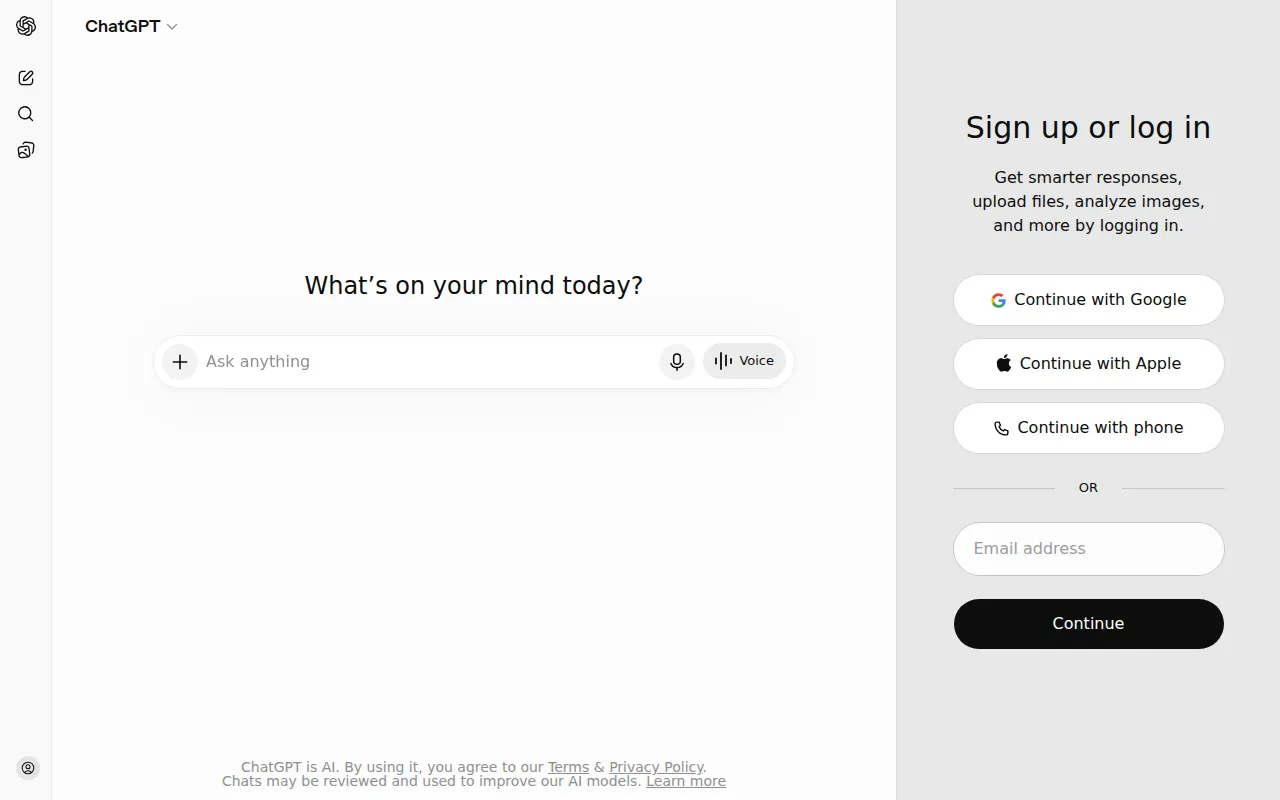
ChatGPT is an advanced AI chatbot that helps students generate content, code, and automate tasks efficiently. Its versatility makes it a valuable tool for various academic needs, from writing essays to programming assistance.
The highlight of ChatGPT is its ability to generate human-like text responses, making it easier for students to brainstorm ideas and overcome writer’s block. Additionally, the code interpreter feature allows tech-savvy students to seek help with programming assignments, enhancing learning outcomes.
Pricing: Freemium - Free tier available. ChatGPT Plus at $20/month unlocks GPT-4. Best for: Students seeking AI-driven assistance across various academic tasks.
Canva is the leading graphic design platform, allowing students to create stunning visuals for presentations, social media, and marketing materials. Its user-friendly interface makes graphic design accessible, even for those with no prior experience.
The standout feature of Canva is its extensive library of templates, enabling students to produce professional-looking designs quickly. Whether it’s for a class project or a personal brand, Canva provides the tools necessary to stand out visually.
Pricing: Freemium - Free forever plan. Canva Pro at $15/month per person. Best for: Students needing an easy-to-use design tool for various projects.
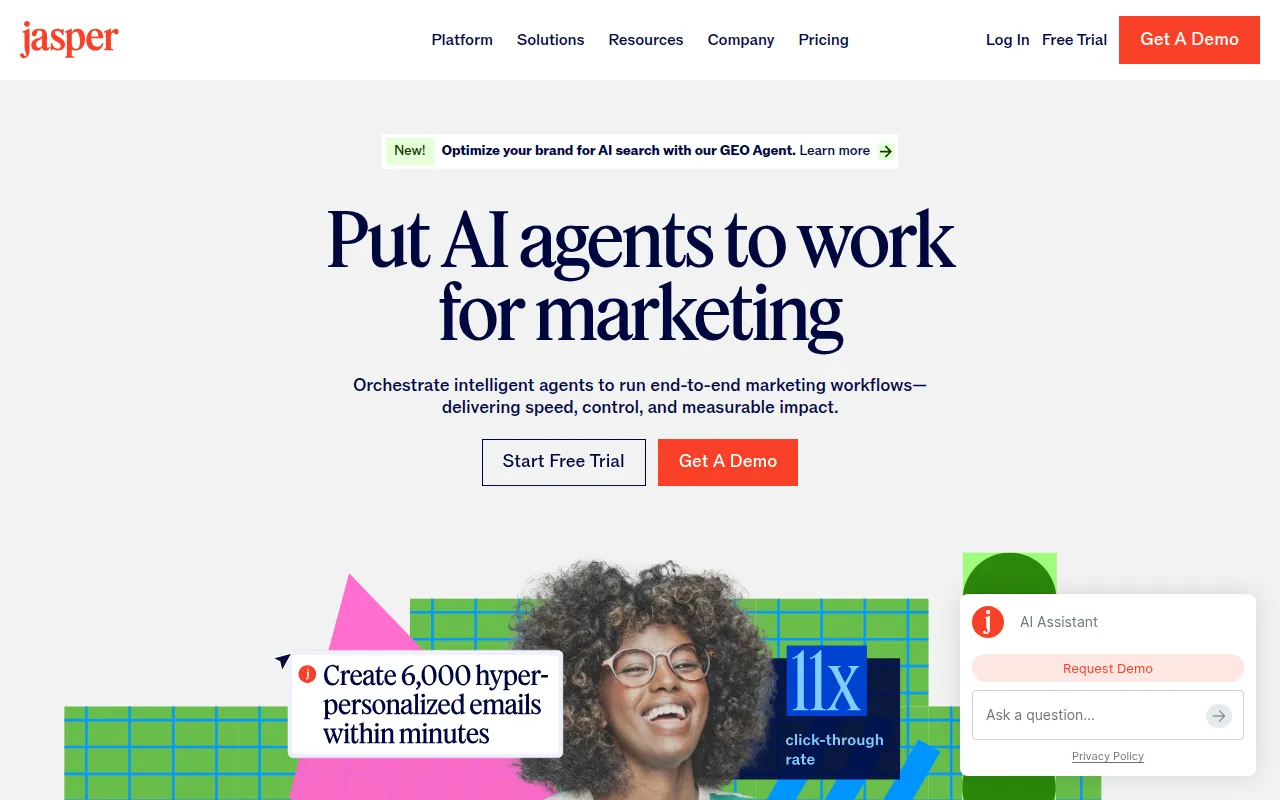
Jasper AI is an AI content generation platform that helps students create blog posts, social media content, and marketing materials quickly. Its robust features allow for efficient writing and brainstorming, making it an ideal tool for students juggling multiple writing assignments.
What makes Jasper AI unique is its ability to understand brand voice, ensuring that content aligns with personal or academic styles. With over 50 templates available, students can easily adapt their writing to suit different formats, from essays to promotional content.
Pricing: Paid - Creator $49/mo, Teams $125/mo (3 seats), Business custom pricing. Best for: Students focused on content creation and marketing.
Mailchimp is a leading email marketing platform that enables students to create, send, and analyze email campaigns efficiently. This tool is ideal for those involved in marketing courses or projects, providing a solid foundation for understanding email marketing strategies.
What sets Mailchimp apart is its automation features, which allow students to set up campaigns that run on autopilot. This means less time managing emails and more time focusing on studies or other projects.
Pricing: Freemium - Free up to 500 contacts. Essentials from $13/mo, Standard from $20/mo. Best for: Students learning about email marketing and campaign management.
Midjourney is a cutting-edge AI image generation tool that allows students to create stunning artwork and visuals from text descriptions. This tool is perfect for creative projects, enhancing presentations or assignments with unique imagery.
The most appealing aspect of Midjourney is its ability to generate high-resolution images that can be customized to fit specific styles. This feature enables students to express their creativity without needing advanced design skills.
Pricing: Paid - Basic $10/mo (200 images), Standard $30/mo (unlimited), Pro $60/mo. Best for: Creative students needing high-quality images for presentations and projects.
| Tool | Best For | Starting Price | Rating |
|---|---|---|---|
| Buffer | Social Media Management | Free | 4.4/5 |
| Notion | Personal Productivity | Free | 4.6/5 |
| Figma | Collaborative Design | Free | 4.8/5 |
| Ahrefs | SEO Research | $99/mo | 4.7/5 |
| Semrush | Comprehensive Marketing | $119.95/mo | 4.6/5 |
| ChatGPT | AI-Powered Assistance | Free | 4.8/5 |
| Canva | Graphic Design | Free | 4.9/5 |
| Jasper AI | Content Creation | $49/mo | 4.5/5 |
| Mailchimp | Email Marketing | Free | 4.4/5 |
| Midjourney | AI Image Generation | $10/mo | 4.7/5 |
Notion stands out as the best choice for beginners due to its user-friendly interface and versatility. It allows students to create customized workflows without overwhelming complexity, making it easy to get started with time management and organization.
For professionals, Ahrefs is the best choice due to its comprehensive SEO and marketing features. Its advanced tools provide deep insights into digital marketing strategies, making it ideal for students looking to excel in the marketing field.
Canva is the best value pick, offering a robust free tier that allows students to access thousands of templates and design features. The price-to-feature ratio is excellent, making it a cost-effective choice for students looking to enhance their creative projects without breaking the bank.
Managing multiple deadlines in college can be challenging, but with the right time management tools, you can achieve a balanced academic and personal life. Explore these options to find the best fit for your needs and take control of your schedule.
Social media scheduling and management. Plan, schedule, and analyze content for all your social channels.
All-in-one workspace for notes, tasks, wikis, and databases. The best tool for personal productivity and team collaboration.
The collaborative design tool for teams. Design, prototype, and collaborate on UI/UX in real-time.
The most comprehensive SEO toolset for keyword research, backlink analysis, site audit, and competitor research.
Complete SEO and digital marketing suite for keyword research, competitor analysis, PPC, and content marketing.
The most popular AI chatbot by OpenAI. Generate content, code, and automate tasks with GPT-4.
The easiest graphic design platform. Create stunning designs for social media, presentations, and marketing materials.
AI content platform for marketing teams. Generate blog posts, ad copy, and social media content 5x faster.
The leading email marketing platform. Create, send, and analyze email campaigns with powerful automation.
The most advanced AI image generation tool. Create stunning artwork and images from text descriptions.
The best time management tools for college students include Buffer for social media, Notion for productivity, Figma for design collaboration, and more. Each tool offers unique features to support different aspects of student life.
Consider factors such as ease of use, collaboration features, compatibility across devices, and specific needs like project management or design when selecting a time management tool.
Yes, many time management tools offer freemium models, including Buffer, Notion, and Canva. These allow students to utilize essential features without any cost.
Prioritize tasks based on urgency and importance, use integrated tools to keep track of deadlines, and set aside dedicated study time to avoid last-minute stress.
Notion is the best choice for beginners due to its user-friendly interface and flexibility, allowing students to create personalized workflows easily.
Utilize time management tools that fit your workflow, set clear goals, break tasks into manageable chunks, and maintain a consistent study schedule to enhance productivity.
Pricing varies by tool; many offer free tiers or subscriptions starting at around $10/month. Always check for student discounts or free trials to explore features before committing.
Weekly roundup of new AI tools, launches, and trending software. No spam — unsubscribe anytime.
No credit card required · Cancel anytime
Weekly roundup of new AI tools, launches, and trending software. No spam — unsubscribe anytime.
No credit card required · Cancel anytime