Coursebox
Freemium
Coursebox is an online learning platform designed for creating and managing educational courses easily and effectively.
Struggling to engage students in online courses? Discover the best collaboration tools to enhance interaction and learning.
Struggling to keep your students engaged in online courses? Many instructors find that without the right collaboration tools, fostering an interactive learning environment becomes a daunting task. Fortunately, there are innovative solutions designed to enhance student interaction and participation.
Online course instructors often face the challenge of connecting students with each other and creating a sense of community. Traditional teaching methods that worked in physical classrooms do not translate well to virtual settings. For instance, students may feel isolated when they are unable to collaborate on projects or discuss course material with their peers. This lack of interaction can lead to disengagement, lower participation rates, and ultimately, poorer learning outcomes. Instructors may find themselves spending more time trying to engage students than on delivering their content effectively.
Coursebox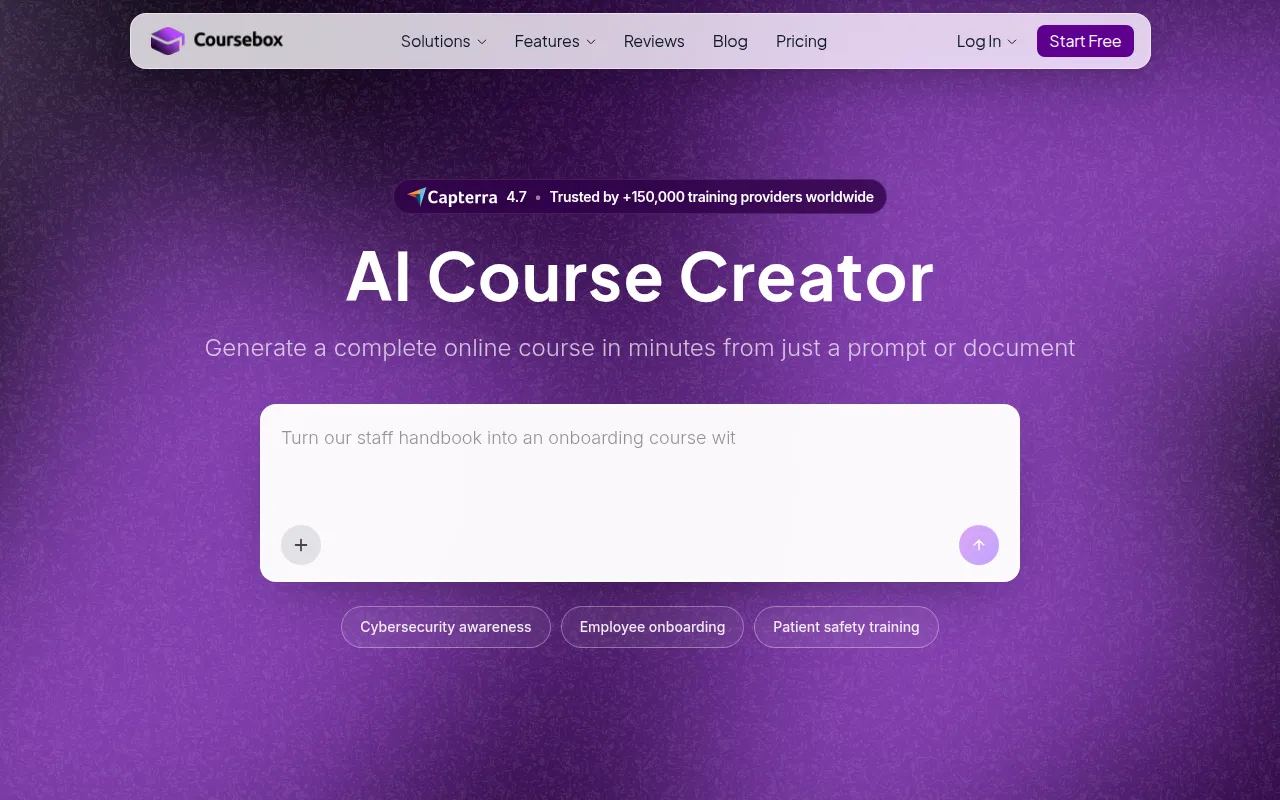 is an intuitive online learning platform that allows educators to create and manage courses with ease. It stands out for its comprehensive course creation tools, which enable instructors to design engaging lessons that incorporate multimedia elements. This flexibility is crucial for fostering student collaboration as it encourages varied methods of learning and sharing information.
With features like interactive quizzes and progress tracking, Coursebox not only helps instructors assess student comprehension but also keeps learners motivated as they can see their progress in real-time. This transparency fosters a collaborative environment where students feel more connected to their peers and instructors.
Pricing: Freemium - Pricing information for Coursebox is currently unavailable. Best for: Educational institutions offering online courses, corporate training departments conducting employee training, freelance educators developing workshops.
Immersive Fox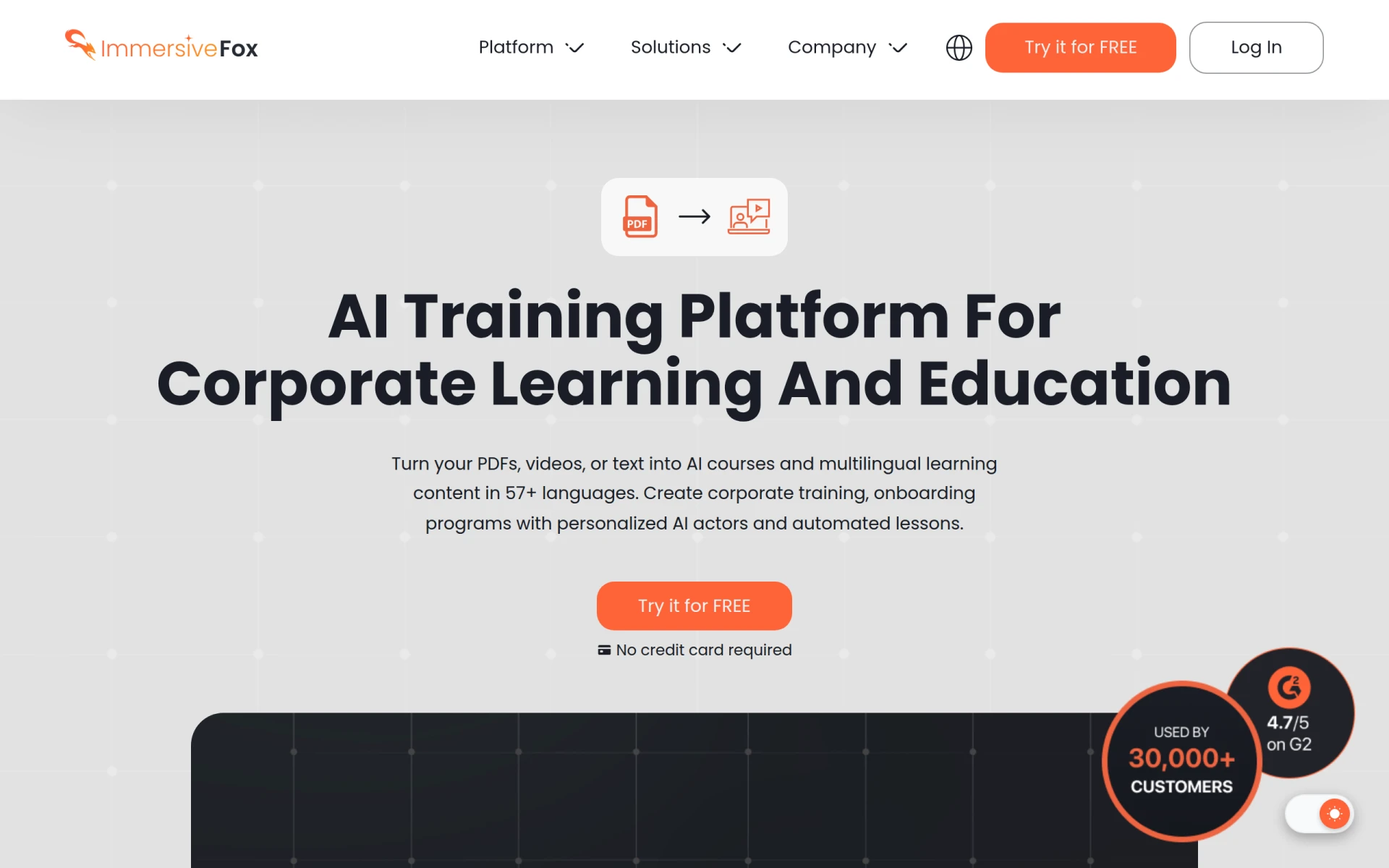 is a revolutionary AI training platform that transforms standard PDFs and documents into interactive courses, making it an excellent choice for educators looking to enhance traditional content. With support for over 57 languages, it opens doors for collaboration among diverse student groups, encouraging participation from non-native speakers.
The platform's adaptive learning feature personalizes the educational experience, catering to individual student needs. This not only fosters collaboration but also helps students feel more engaged and invested in their learning journey.
Pricing: Freemium - Pricing information for Immersive Fox is not explicitly available. Best for: Corporate trainers looking to enhance onboarding processes, educational institutions converting textbooks into interactive lessons, content creators developing training materials for diverse audiences.
KwaKwa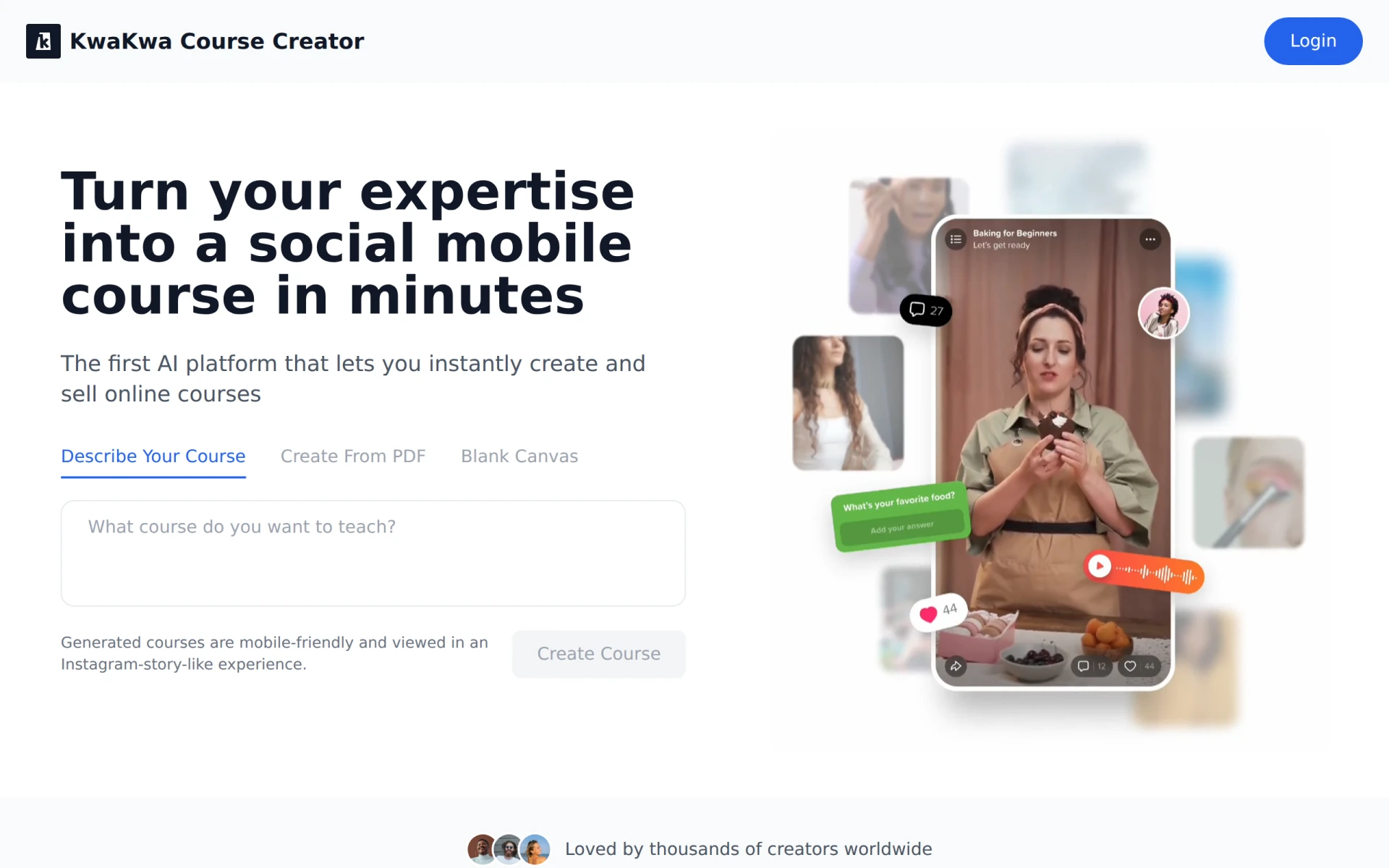 is an AI-driven platform that simplifies the process of creating and selling online courses. With customizable course templates and interactive content tools, it empowers educators to develop engaging learning experiences that encourage student collaboration. The platform’s social mobile integration further enhances engagement by allowing students to interact and collaborate from their mobile devices.
With its focus on interactivity and ease of use, KwaKwa is ideal for educators looking to reach a wider audience while maintaining high-quality course content. This tool encourages collaborative learning by enabling students to share insights and resources seamlessly.
Pricing: Freemium - Pricing information for KwaKwa is currently unavailable. Best for: Educators looking to reach a wider audience with online courses, businesses wanting to train employees effectively, freelancers aiming to monetize their expertise through courses.
eSkilled AI Course Creator offers an innovative approach to course design by leveraging AI technology to generate content and assessments. This feature is particularly beneficial for instructors who want to create personalized learning experiences that foster collaboration among students. With its user-friendly interface, even those new to online teaching can create effective courses quickly.
The platform’s multimedia integration enhances the learning experience by allowing instructors to incorporate various types of content, which can lead to more interactive and engaging lessons. This is essential for keeping students involved and encouraging them to work together on assignments.
Pricing: Freemium - Pricing details for eSkilled AI Course Creator are not currently available. Best for: Educators transitioning to online courses, corporate trainers developing employee training modules, freelancers creating personalized courses for clients.
Mexty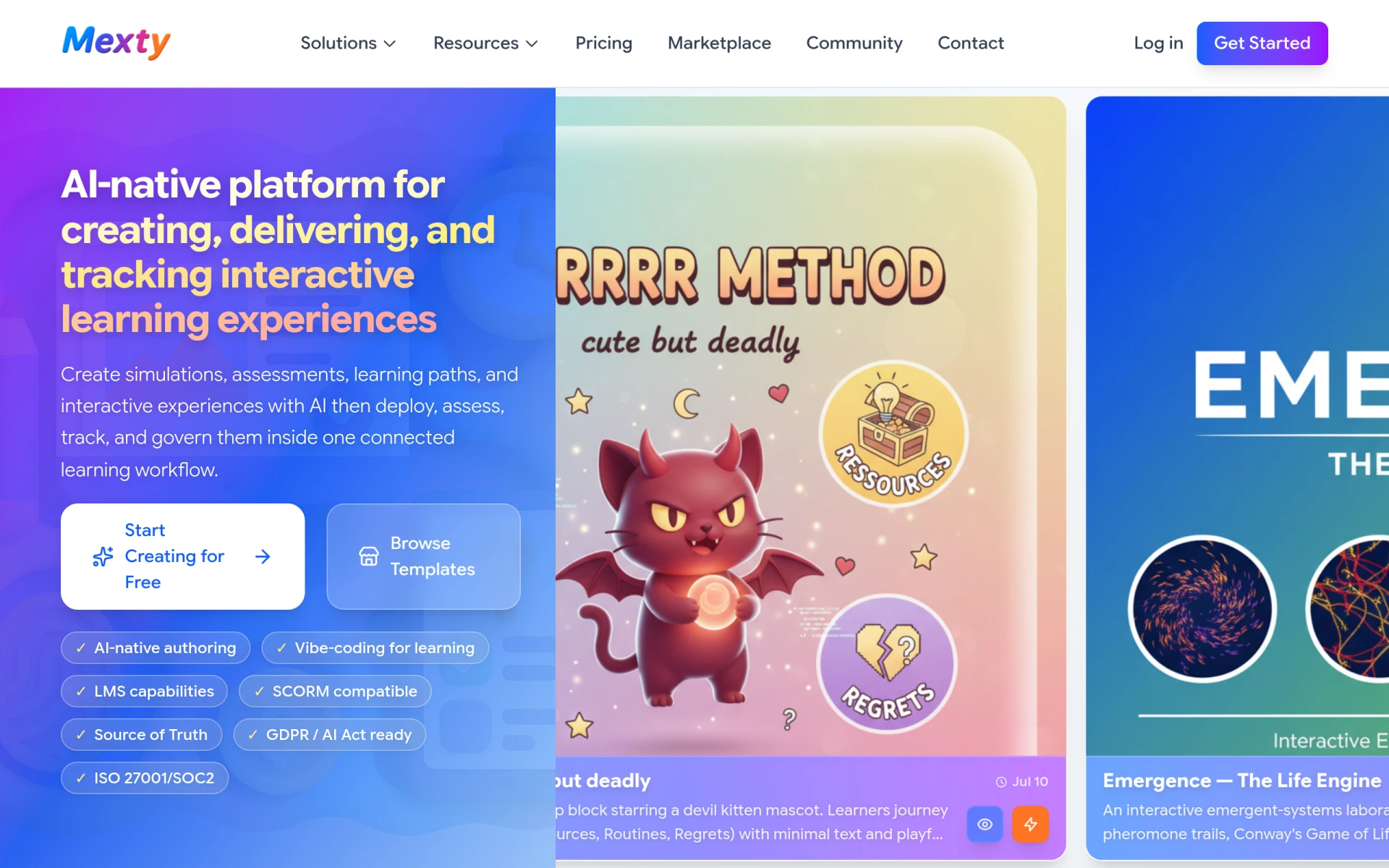 is an AI-native e-learning platform focused on creating, delivering, and tracking interactive learning experiences. Its advanced authoring capabilities and learning management system (LMS) features make it an excellent choice for educators looking to develop engaging online courses. With SCORM compatibility, Mexty ensures that your content can be easily shared and accessed across various platforms.
One of Mexty’s standout features is its vibe-coding, which enhances learning experiences by making content more interactive and appealing. This capability encourages students to collaborate and engage deeply with the material, leading to improved learning outcomes.
Pricing: Freemium - Mexty offers a free tier and subscription plans starting at €9 per month. Best for: Educators seeking to create interactive courses, corporate trainers developing engaging onboarding programs, instructional designers building simulations and assessments.
Magic School AI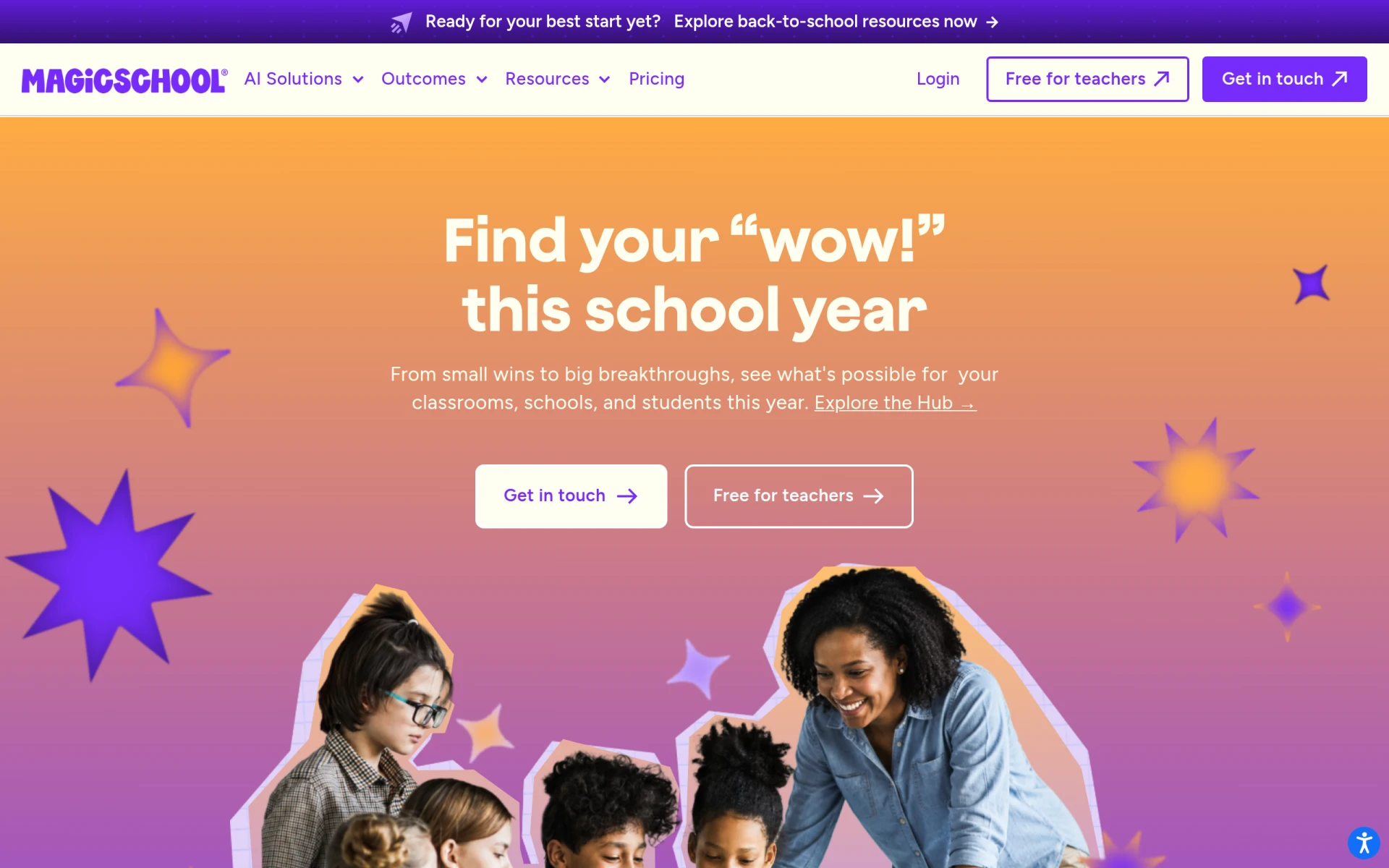 is an advanced AI education platform designed to enhance learning experiences for both teachers and students within school districts. Its AI-driven personalized learning approach allows instructors to tailor courses to individual student needs, which is vital for fostering collaboration among diverse learners.
The platform’s advanced data dashboards offer performance tracking, enabling educators to monitor student progress and engagement effectively. This information is crucial for adapting teaching strategies and ensuring that all students can participate and benefit from collaborative learning environments.
Pricing: Freemium - Magic School AI offers a free option for teachers and paid plans for districts that include additional features. Best for: School districts looking to adopt AI in education, individual teachers seeking to enhance classroom learning, educational administrators focused on data-driven decision making.
X-Pilot AI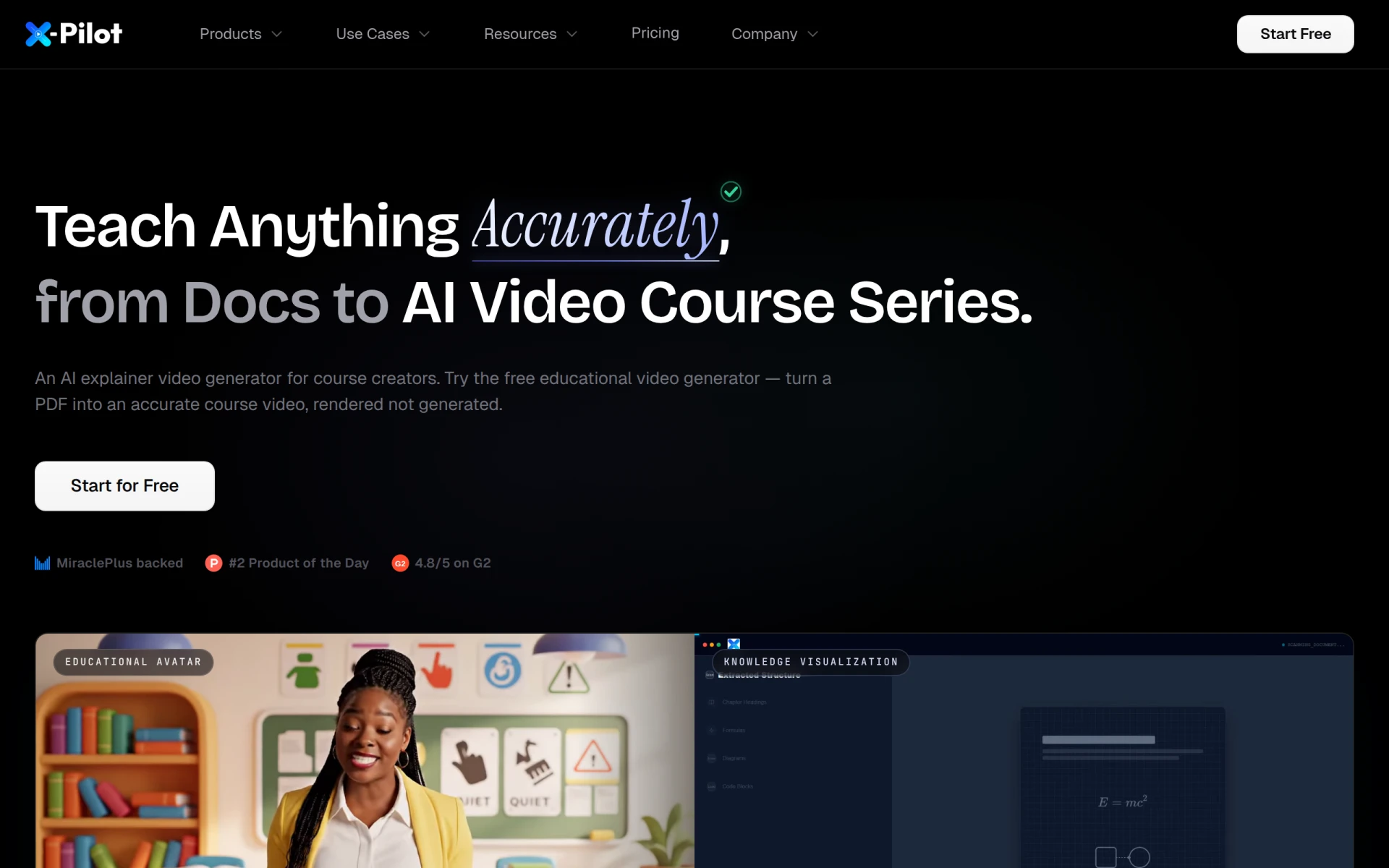 is an innovative explainer video generator specifically designed for course creators. It allows educators to transform educational materials into engaging videos, enhancing the learning experience for students. The tool’s ability to align chapters with video content helps keep students engaged and facilitates collaborative discussions around the material.
By providing customization options, X-Pilot AI empowers instructors to create videos that suit their course content and teaching style. This flexibility is essential for fostering collaboration, as students can interact with the videos and share their insights with peers.
Pricing: Freemium - Pricing information for X-Pilot AI is not explicitly available. Best for: K-12 educators looking to create supplementary video materials, university professors wanting to enhance lecture delivery, corporate trainers developing compliance training videos.
Quizgecko is an intuitive quiz creation tool that allows educators to develop customized quizzes effortlessly. It stands out for its user-friendly interface and diverse question types, making it easy for instructors to assess student knowledge while promoting collaboration among classmates.
With features like analytics dashboards and shareable links, Quizgecko enables instructors to track student performance and encourage group study sessions. This collaborative approach helps students engage with each other and solidifies their understanding of the material.
Pricing: Freemium - Pricing details for Quizgecko are not publicly disclosed. Best for: Educators looking to assess student knowledge, corporate trainers conducting employee training, instructional designers creating assessments.
Quizlet is a versatile learning platform that provides tools for both students and educators to enhance study practices through interactive study materials. Its engaging flashcards and collaborative study sets encourage student interaction and make learning fun and effective.
With features such as quiz creation and study games, Quizlet fosters a collaborative learning environment where students can work together to reinforce their understanding of course material. This approach not only enhances learning outcomes but also builds a sense of community among students.
Pricing: Freemium - Quizlet has a free version and offers premium options for additional features. Best for: High school students preparing for exams, college students collaborating on study sets, educators creating engaging materials for their classes.
Al Tahoor Quran Institute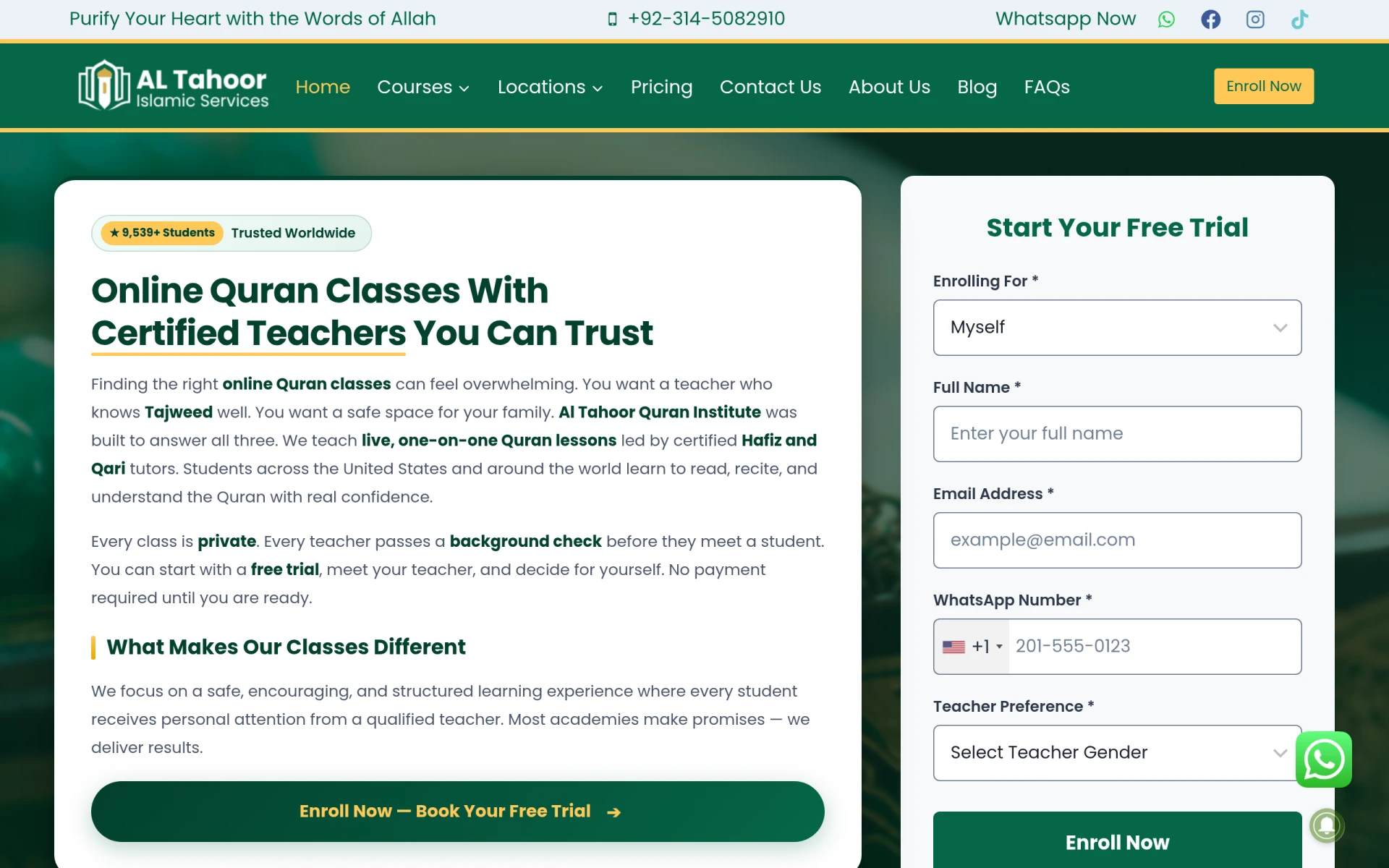 provides personalized online Quran classes that focus on Tajweed, Hifz, and Arabic studies. With qualified teachers available for one-on-one sessions, this platform makes it easy for students to learn at their own pace while receiving personalized attention.
The institute's emphasis on proper pronunciation and individualized instruction fosters collaboration among students who can learn from each other's experiences and insights, enhancing their understanding of the Quran.
Pricing: Freemium - Pricing details are not explicitly available on the website. Best for: Families seeking to provide Quran education for children, individuals wanting to learn the Quran at their own pace, busy professionals with limited time for traditional classes.
| Tool | Best For | Starting Price | Rating |
|---|---|---|---|
| Coursebox | Educational institutions | Free | 0.0/5 |
| Immersive Fox | Converting traditional content | Free | 0.0/5 |
| KwaKwa | Course creators | Free | 0.0/5 |
| eSkilled AI Course Creator | AI-driven development | Free | 0.0/5 |
| Mexty | Interactive learning experiences | €9/mo | 0.0/5 |
| Magic School AI | Personalized learning | Free | 0.0/5 |
| X-Pilot AI | Video content creation | Free | 0.0/5 |
| Quizgecko | Quiz creation | Free | 0.0/5 |
| Quizlet | Study tools | Free | 0.0/5 |
| Al Tahoor Quran Institute | Personalized Quran education | Free | 0.0/5 |
For beginners, Coursebox is the ideal tool due to its user-friendly interface and comprehensive course creation tools. New instructors can easily navigate the platform without feeling overwhelmed, making it an excellent choice for those just starting their online teaching journey.
For seasoned professionals, Mexty stands out with its advanced authoring capabilities and AI-native features. These tools empower experienced educators to create highly engaging and interactive learning experiences that can significantly enhance student collaboration.
The best value pick is Quizlet, offering a free version with essential features and premium options for additional functionality. Its rich set of study tools and collaborative features provide a high return on investment, making it a smart choice for instructors aiming to enhance student engagement without incurring high costs.
Enhancing student collaboration in online courses is crucial for fostering an engaging learning environment. With the right tools, instructors can create interactive experiences that promote participation and improve learning outcomes.
Coursebox is an online learning platform designed for creating and managing educational courses easily and effectively.
Immersive Fox is an AI training platform that transforms PDFs and documents into interactive courses in over 57 languages.
KwaKwa is an AI-driven platform that enables users to quickly create and sell online courses from their expertise.
eSkilled AI Course Creator is an educational tool that helps users design and develop online courses using AI technology.
Mexty is an AI-native e-learning platform for creating, delivering, and tracking interactive learning experiences.
Magic School AI is an AI education platform designed to enhance learning experiences for teachers and students in school districts.
X-Pilot AI is an AI explainer video generator designed for course creators to transform educational materials into engaging videos.
Quizgecko is an intuitive quiz creation tool designed to help educators and trainers develop customized quizzes effortlessly.
Quizlet is a learning platform that provides tools for students and educators to enhance study practices through interactive study materials.
Al Tahoor Quran Institute offers personalized online Quran classes with qualified teachers, focusing on Tajweed, Hifz, and Arabic studies.
Some of the best tools for enhancing collaboration in online courses include Coursebox, Immersive Fox, and Quizlet. Each tool offers unique features to promote student engagement.
Consider factors such as user-friendliness, collaboration features, multimedia support, and integration capabilities when selecting a tool. These aspects will significantly impact your students' learning experience.
Yes, many tools like Quizlet, Coursebox, and eSkilled AI Course Creator offer free versions that provide essential features for enhancing student collaboration without any cost.
Most of the tools mentioned, like Mexty and Magic School AI, offer integration capabilities with existing LMS, allowing for a seamless transition and enhanced functionality.
Prioritize features like interactive content, collaboration tools, progress tracking, and analytics. These elements are essential for fostering an engaging and interactive learning environment.
These tools enhance student interaction by providing collaborative features such as discussion forums, group projects, and multimedia content that engage students and encourage teamwork.
Most tools listed operate on a freemium model, offering free tiers with optional premium features. Specific pricing can vary, so it's best to check each tool's website for detailed information.
Weekly roundup of new AI tools, launches, and trending software. No spam — unsubscribe anytime.
No credit card required · Cancel anytime
Weekly roundup of new AI tools, launches, and trending software. No spam — unsubscribe anytime.
No credit card required · Cancel anytime