Introduction
As a UX designer in a startup, you know that creating user-friendly applications can feel like an uphill battle, especially with limited resources. Your ambition to craft intuitive designs is often stymied by budget constraints and time limitations.
Why UX Designers Struggle With Limited resources make design challenging
The pressure to deliver high-quality designs quickly intensifies when resources are scarce. Startups typically operate on tight budgets, which means that hiring additional team members or investing in premium design software may not be feasible. This leads to a reliance on inadequate tools that may not meet the demands of professional UX design, resulting in subpar user experiences. Additionally, the fast-paced nature of startup environments often requires designers to juggle multiple roles, from research and prototyping to final delivery, leaving little time for creative exploration.
What to Look For in Technology Tools
- Collaboration Features: For teams working in startups, real-time collaboration can significantly enhance productivity and ensure that design objectives are met collectively.
- User-Friendly Interface: Tools with intuitive interfaces allow designers to focus on creativity rather than spending time learning complex software.
- Scalability: As your startup grows, you’ll want tools that can evolve with your needs, offering additional features or integrations.
- Cost-Effectiveness: With budget constraints, it’s vital to find tools that provide maximum value for minimal investment.
- Integration Capabilities: Tools that easily integrate with other platforms can streamline workflows and improve efficiency.
Best Best UX Design Tools for Startup Projects
Canva - Best for Graphic Design
Canva stands out as the easiest graphic design platform, making it an essential tool for UX designers in startups. With its vast library of over 10,000 templates, Canva allows you to create stunning visuals for social media, presentations, and marketing materials without needing extensive design skills. The AI Magic Design feature enables you to generate eye-catching designs in minutes, saving both time and resources.
Moreover, Canva's Brand Kit helps maintain consistency across all your designs, which is crucial for building a strong brand identity. Team collaboration features allow multiple designers to work together seamlessly, ensuring that everyone is on the same page when it comes to design objectives.
- 10,000+ templates: Offers a wide range of design options suitable for various projects.
- AI Magic Design: Quickly generates professional designs with minimal effort.
- Brand Kit: Helps maintain brand consistency across all designs.
- Video editor: Expands creative possibilities by allowing video content creation.
- Team collaboration: Facilitates teamwork by enabling real-time design collaboration.
Pricing: Freemium - Free forever plan. Canva Pro at $15/month per person. Best for: Startup teams needing efficient graphic design solutions.
Midjourney - Best for Image Generation
Midjourney is the most advanced AI image generation tool available, making it an invaluable resource for UX designers looking to create unique artwork and images. By converting text descriptions into stunning visuals, Midjourney allows designers to explore creative avenues that might not be possible with traditional design tools. This capability can significantly enhance the visual appeal of your applications.
The tool offers high-resolution outputs and style control, allowing designers to fine-tune their creations to match specific project requirements. Additionally, its commercial license means that the artwork generated can be used in commercial projects, making it perfect for startups looking to enhance their visual branding.
- Text-to-image AI: Generates unique images based on your descriptive input.
- High resolution output: Ensures that images are suitable for professional use.
- Style control: Provides flexibility in adjusting the artistic style of images.
- Commercial license: Allows the use of generated images in commercial projects.
Pricing: Paid - Basic $10/mo (200 images), Standard $30/mo (unlimited), Pro $60/mo. Best for: Designers needing advanced image generation capabilities.
Mailchimp - Best for Email Campaigns
Mailchimp is the leading email marketing platform, ideal for UX designers who need to create, send, and analyze email campaigns. Its powerful marketing automation features allow you to create targeted campaigns based on user behavior, ensuring that your messages resonate with your audience. This can be incredibly valuable for startups looking to build relationships with their users and gather feedback on their designs.
The platform also offers segmentation options, enabling you to tailor your messages to specific user groups. With A/B testing capabilities, designers can experiment with different designs and content to find the most effective approach for engaging their audience.
- Email campaigns: Create visually appealing and effective email campaigns.
- Marketing automation: Streamlines the process of sending targeted messages.
- Segmentation: Allows for personalized communication with different user groups.
- A/B testing: Helps optimize email designs based on performance data.
Pricing: Freemium - Free up to 500 contacts. Essentials from $13/mo, Standard from $20/mo. Best for: Startups needing to engage users through effective email marketing.
Figma - Best for Collaborative Design
Figma is a collaborative design tool that stands out for its ability to support real-time teamwork among designers. This is particularly beneficial for startups where team members might be working remotely or across different locations. With Figma, designers can create, prototype, and collaborate on UI/UX projects simultaneously, fostering a more integrated design process.
Its component libraries simplify the design process by allowing users to reuse elements, which can save time and ensure consistency across projects. Additionally, the platform’s Dev Mode facilitates communication between designers and developers, making the handoff process smoother.
- Real-time collaboration: Enables multiple users to work on designs simultaneously.
- Prototyping: Allows for interactive prototypes that can be tested and shared easily.
- Component libraries: Saves time by reusing design elements.
- Dev Mode: Streamlines the design-to-development handoff.
Pricing: Freemium - Free for 3 projects. Professional $15/editor/mo, Organization $45/editor/mo. Best for: Teams focused on collaborative UX design.
ChatGPT - Best for Content Generation
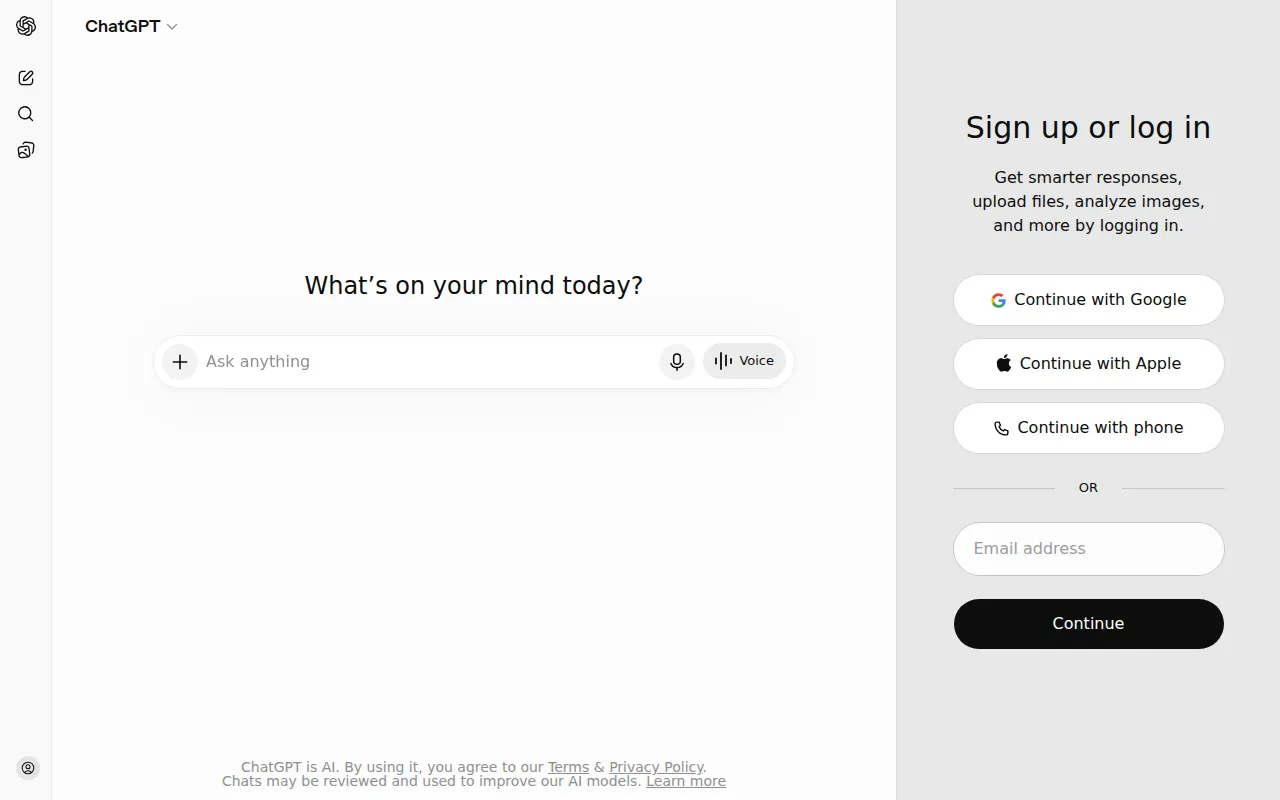
ChatGPT is an exceptional AI chatbot that can assist UX designers by generating content, coding, and automating various tasks. This can be particularly beneficial when creating user interfaces that require instructional text or engaging content. By leveraging its capabilities, designers can focus more on the visual aspects of their projects.
The integration of the GPT-4 model allows for advanced content generation, making it suitable for generating user personas, writing microcopy, or even creating user feedback surveys. Additionally, the API access enables developers to integrate ChatGPT’s capabilities into their applications, enhancing user experiences.
- GPT-4 access: Provides advanced language understanding and content generation.
- Code interpreter: Assists designers in coding tasks.
- Image generation: Can create visual content directly.
- Plugin ecosystem: Expands functionality with various integrations.
Pricing: Freemium - Free tier available. ChatGPT Plus at $20/month unlocks GPT-4. Best for: Designers looking for content and coding assistance.
Ahrefs - Best for SEO Analysis
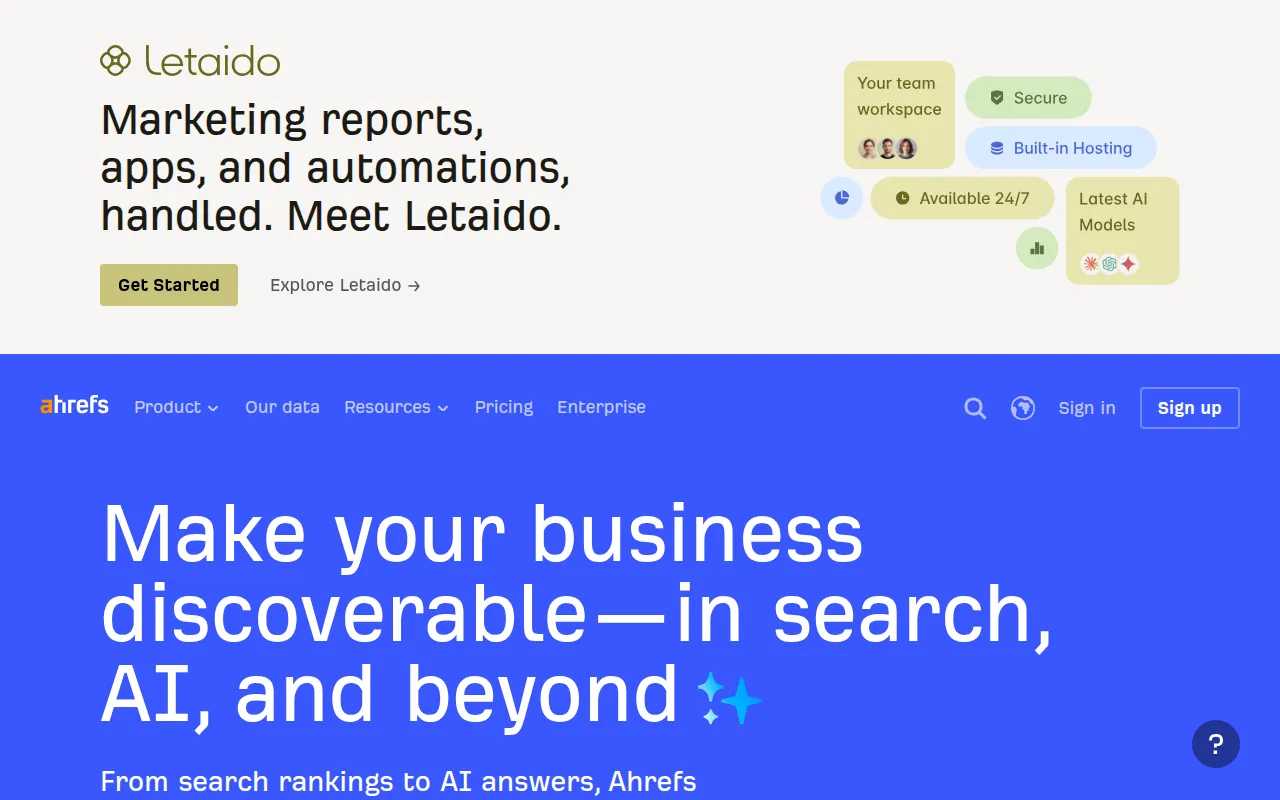
Ahrefs is the most comprehensive SEO toolset available, perfect for UX designers who need to understand how their designs affect search visibility. By conducting keyword research, backlink analysis, and site audits, Ahrefs helps designers create user interfaces that are not only visually appealing but also optimized for search engines.
The tool’s content explorer feature allows designers to analyze top-performing content in their niche, providing insights into what works well. This aids in designing user experiences that align with user expectations and behaviors based on actual data.
- Backlink analysis: Helps understand link-building opportunities.
- Keyword research: Identifies relevant keywords to incorporate into designs.
- Site audit: Ensures that design elements do not hinder SEO performance.
- Rank tracker: Monitors the performance of keywords over time.
Pricing: Paid - Lite $99/mo, Standard $199/mo, Advanced $399/mo. Best for: Designers focused on SEO optimization.
Semrush - Best for Digital Marketing
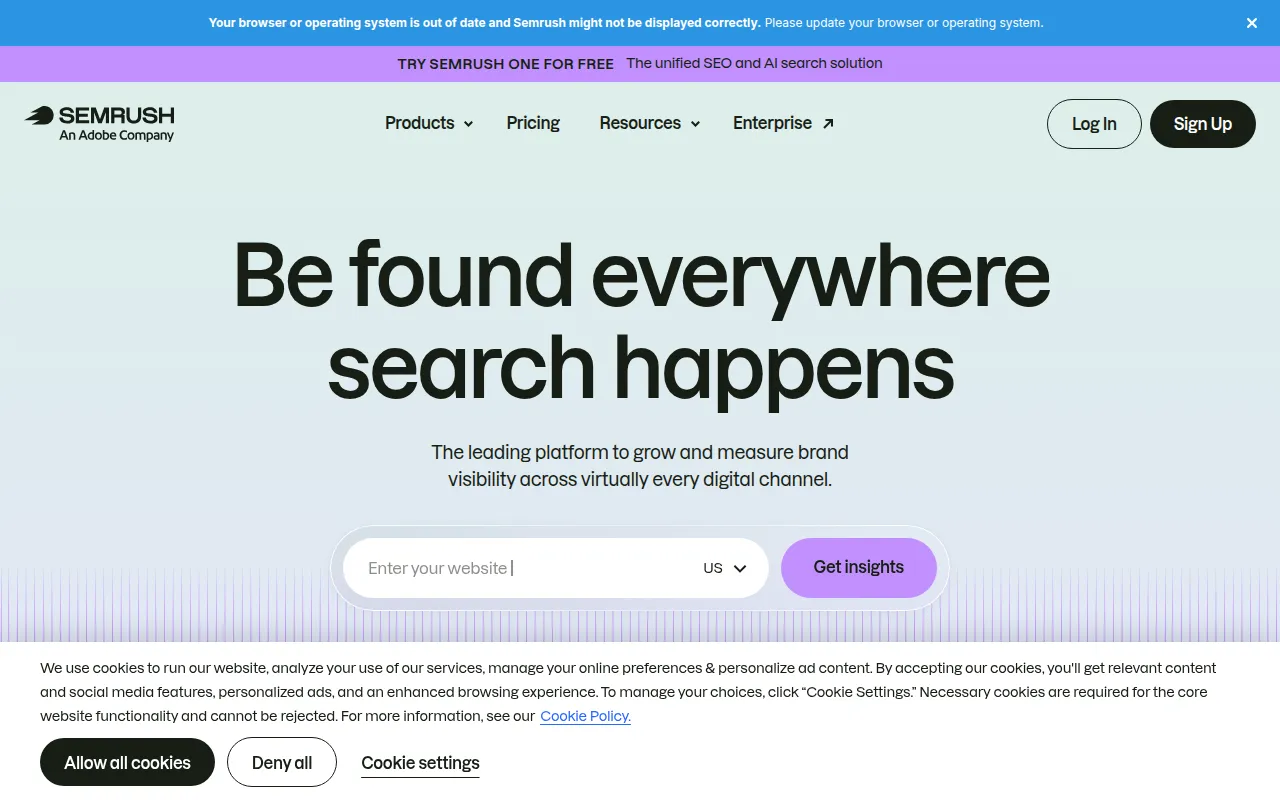
Semrush is a complete SEO and digital marketing suite, offering numerous tools for keyword research, competitor analysis, and content marketing. For UX designers, understanding market dynamics and user needs is crucial, and Semrush provides insights that can guide design decisions.
Its PPC tools help designers understand how advertising strategies can impact user behavior, while social media tools allow for the integration of marketing efforts with design. This holistic approach ensures that UX designs are not created in a vacuum but are informed by real-world data.
- Keyword research: Identifies keywords to inform design and content decisions.
- Competitor analysis: Helps understand what competitors are doing well.
- PPC tools: Provides insights into paid advertising strategies.
- Social media: Integrates marketing efforts with design.
Pricing: Paid - Pro $119.95/mo, Guru $229.95/mo, Business $449.95/mo. Best for: Designers who want a comprehensive understanding of digital marketing.
Notion - Best for Project Management
Notion is an all-in-one workspace that combines notes, tasks, wikis, and databases, making it an ideal tool for UX designers managing multiple projects. The flexibility of Notion allows designers to create customized workflows that suit their project needs, facilitating better organization and productivity.
With its team wikis feature, teams can document design processes and share knowledge easily, which is critical in a startup environment where information may not always be readily available. Notion AI further enhances productivity by automating routine tasks, allowing designers to focus on their creative work.
- Flexible databases: Organizes information in a way that suits your workflow.
- Notion AI: Automates tasks and generates insights.
- Team wikis: Facilitates knowledge sharing among team members.
- API access: Integrates with other tools and platforms.
Pricing: Freemium - Free for personal use. Plus plan $10/month, Team plan $15/user/month. Best for: Designers needing an organized project management solution.
GitHub Copilot - Best for Code Assistance
GitHub Copilot is an AI-powered code completion tool that helps UX designers write code faster and more efficiently. This is particularly useful for designers who are involved in frontend development and need to implement their designs directly into applications. By providing intelligent code suggestions, Copilot allows designers to focus on the design aspects while speeding up the coding process.
The context-aware suggestions mean that Copilot understands the coding environment, making it easier for designers to work in various programming languages. This capability not only boosts productivity but also enhances the collaboration between designers and developers, leading to a more cohesive end product.
- Code completion: Provides instant code suggestions based on your input.
- Copilot Chat: Offers conversational assistance for coding queries.
- Multi-language support: Works with various programming languages.
- IDE integration: Easily integrates with popular development environments.
Pricing: Paid - Individual $10/mo. Business $19/user/month. Free for students and open source. Best for: Designers who also handle coding tasks.
Quick Comparison
| Tool | Best For | Starting Price | Rating |
|---|
| Canva | Startup teams needing efficient graphic design solutions | Free / $15/mo | 4.9/5 |
| Midjourney | Designers needing advanced image generation capabilities | $10/mo | 4.7/5 |
| Mailchimp | Startups needing to engage users through effective email marketing | Free / $13/mo | 4.4/5 |
| Figma | Teams focused on collaborative UX design | Free / $15/mo | 4.8/5 |
| ChatGPT | Designers looking for content and coding assistance | Free / $20/mo | 4.8/5 |
| Ahrefs | Designers focused on SEO optimization | $99/mo | 4.7/5 |
| Semrush | Designers who want a comprehensive understanding of digital marketing | $119.95/mo | 4.6/5 |
| Notion | Designers needing an organized project management solution | Free / $10/mo | 4.6/5 |
| GitHub Copilot | Designers who also handle coding tasks | $10/mo | 4.7/5 |
Best Choice for Beginners
Canva is the ideal choice for beginners due to its user-friendly interface and extensive library of templates. Even those with no design experience can easily create stunning visuals, making it a perfect starting point for new designers.
Best Choice for Professionals
Figma is the best choice for professionals as it offers advanced collaboration and prototyping features. Its component libraries and Dev Mode provide the tools necessary for high-level design work, making it suitable for experienced designers.
Best Value Pick
Notion stands out as the best value pick due to its flexible pricing tiers and comprehensive features for project management. With a robust free plan available, it offers a great return on investment for startups.
Conclusion
In 2026, UX designers in startups must leverage the right tools to create user-friendly applications despite resource constraints. By choosing the tools highlighted in this guide, you can confidently enhance your design process and deliver exceptional user experiences.