
Asana
Freemium
AI
Asana is a project management tool that helps teams coordinate and manage their work efficiently.
Miscommunication can derail your projects. Discover the best video collaboration tools to enhance your remote team's communication.
In today’s remote work landscape, effective communication is the backbone of project success. Miscommunication can lead to delays, misunderstandings, and frustration among team members, ultimately slowing down project progress. To overcome these challenges, leveraging the right video collaboration tools is essential.
Remote team leaders face unique challenges that contribute to communication breakdowns. Time zone differences can make it difficult to coordinate meetings, while the lack of face-to-face interactions may lead to misunderstandings. For instance, a marketing team spread across different countries may misinterpret feedback on a campaign due to unclear messaging in emails or chats. Furthermore, reliance on text-based communication can lead to missed nuances, making it harder to convey tone and intent.
Additionally, the rapid pace of project demands often leaves little room for clarification. When team members are unsure about their roles or project goals, it can create a domino effect, causing delays in deliverables. This is where effective video collaboration tools can bridge the gap, ensuring everyone stays aligned and informed.
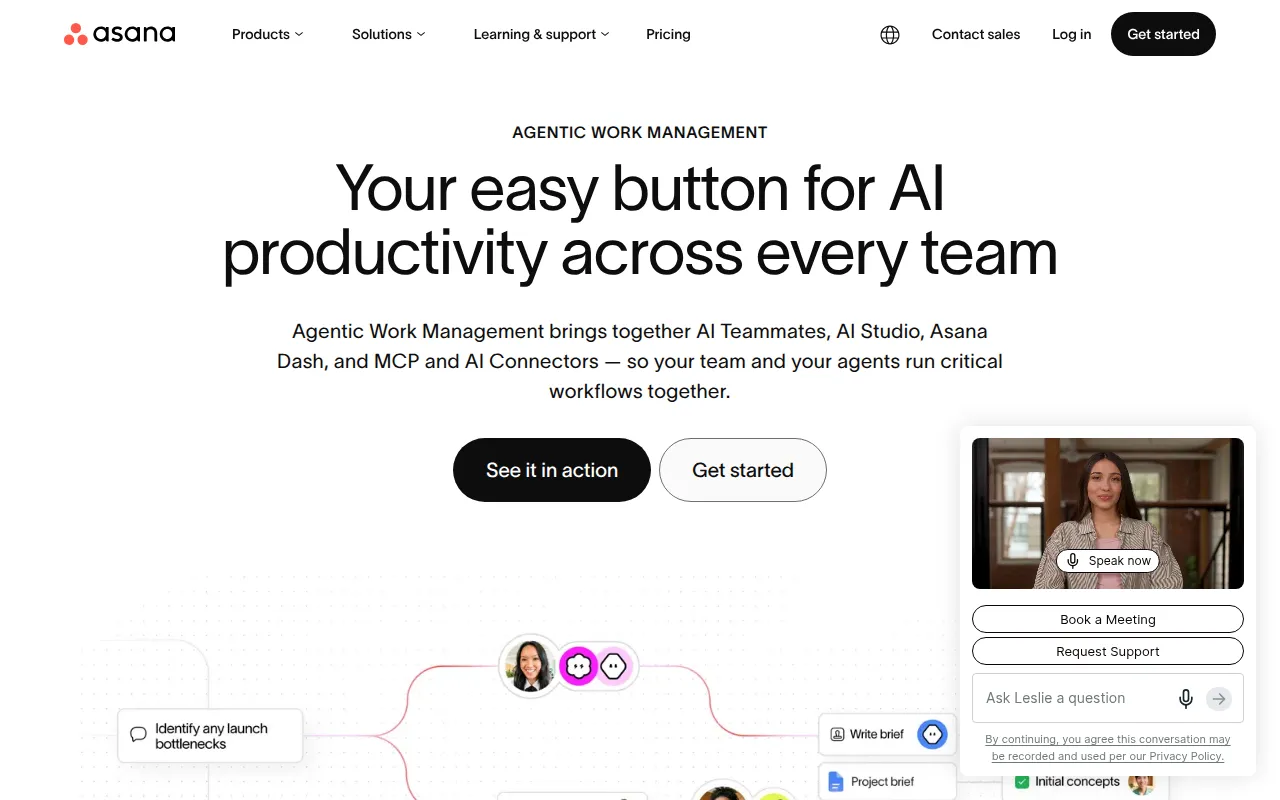
Asana stands out as a project management tool specifically designed to help teams coordinate and manage their work efficiently. It offers a visual platform for tracking progress and facilitating communication among team members. With its intuitive interface, Asana allows team leaders to create tasks, assign responsibilities, and set deadlines, ensuring that everyone knows their role in the project.
Beyond task management, Asana provides customizable dashboards that help teams visualize their workflow. This feature is especially useful for marketing teams managing complex campaigns, as it allows them to monitor multiple projects simultaneously. Moreover, with workflow automation, repetitive tasks can be streamlined, freeing up time for more strategic initiatives.
Pricing: Freemium - Asana offers a free plan and several paid plans starting at $10.99 per user per month. Best for: Marketing teams managing campaigns, software development teams tracking sprints, product management teams planning roadmaps.
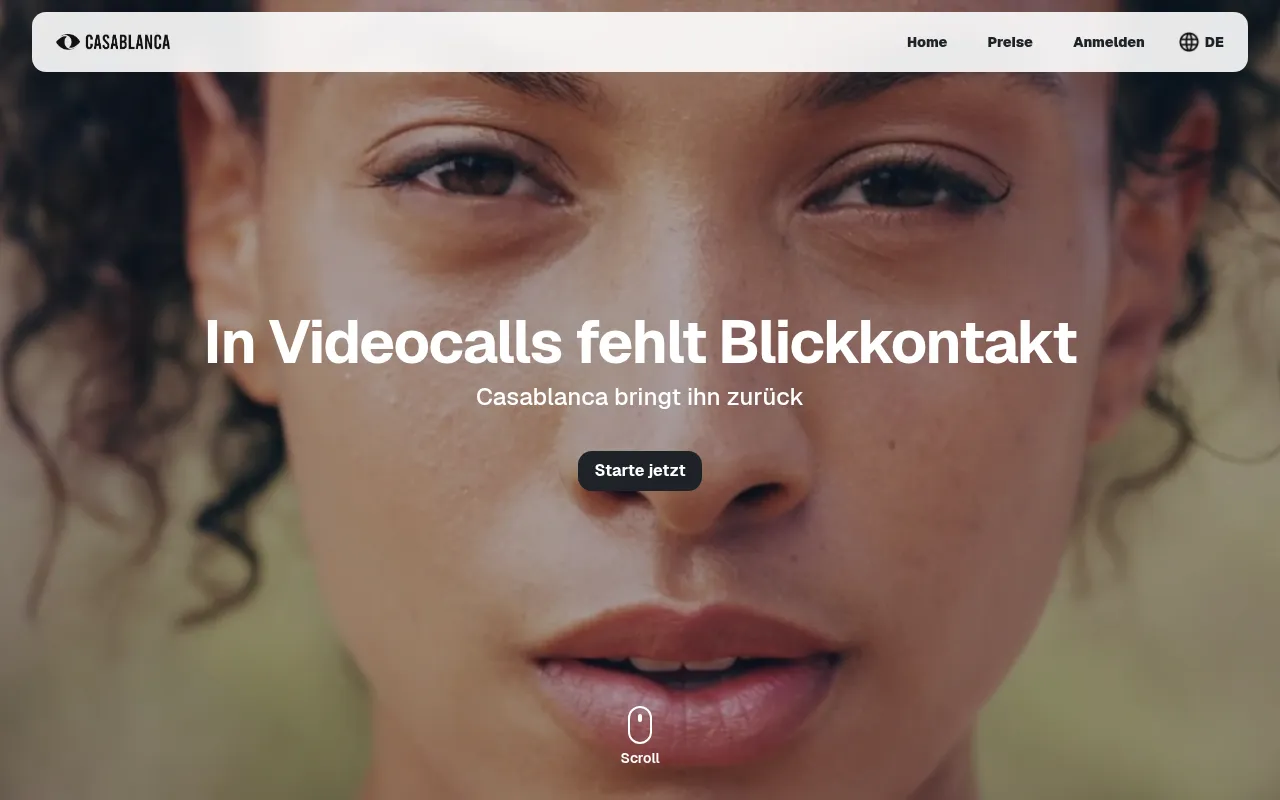
Casablanca is an innovative virtual camera software that significantly enhances video calls by restoring natural eye contact, allowing users to engage more effectively during meetings. This tool is particularly beneficial in a remote work environment, where maintaining personal connections can be challenging. By eliminating the need for additional hardware, Casablanca makes it easy for any remote worker to improve their video conferencing experience.
The software is compatible with major videoconferencing platforms, making it a versatile addition to any remote team’s toolkit. With AI-powered adjustments, Casablanca can optimize video quality based on the user’s environment, ensuring that communication remains clear and effective regardless of location.
Pricing: Freemium - Pricing details for Casablanca are not explicitly listed on the website. Best for: Remote workers seeking to enhance their communication, sales professionals looking to establish rapport with clients, educators conducting online classes or workshops.
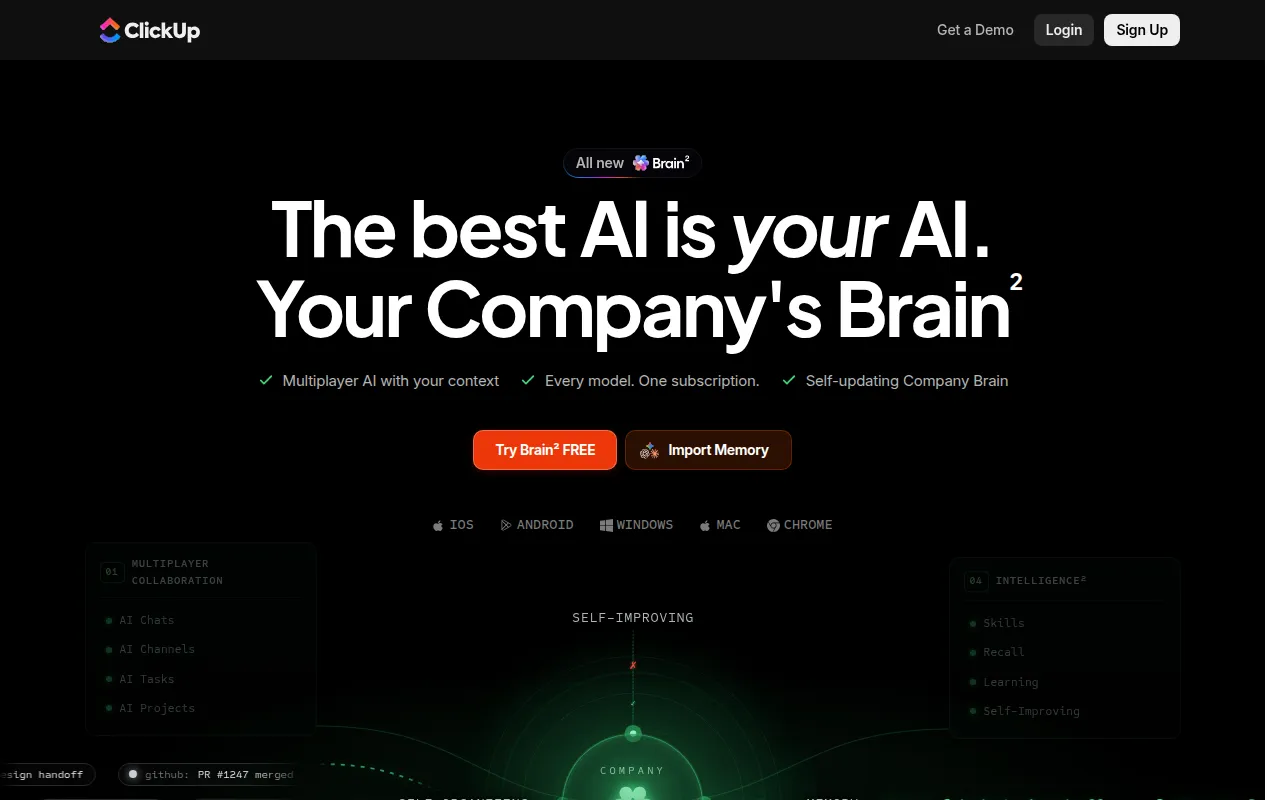
ClickUp is a powerful project management and productivity tool designed to enhance team collaboration and streamline task management. Its versatility makes it an ideal choice for small to medium-sized businesses that need a comprehensive solution for managing projects. With ClickUp, teams can create tasks, set timelines, and manage workflows within a single platform.
One of ClickUp's standout features is its time tracking capability, which allows teams to monitor how long tasks take to complete. This is invaluable for project managers looking to optimize resources and improve efficiency. The collaboration tools within ClickUp enable team members to communicate directly on tasks, reducing the need for lengthy email threads and keeping discussions focused.
Pricing: Freemium - ClickUp offers pricing starting at $9 per user per month for the unlimited plan. Best for: Small to medium-sized businesses, marketing teams managing campaigns, project managers overseeing timelines and resources.
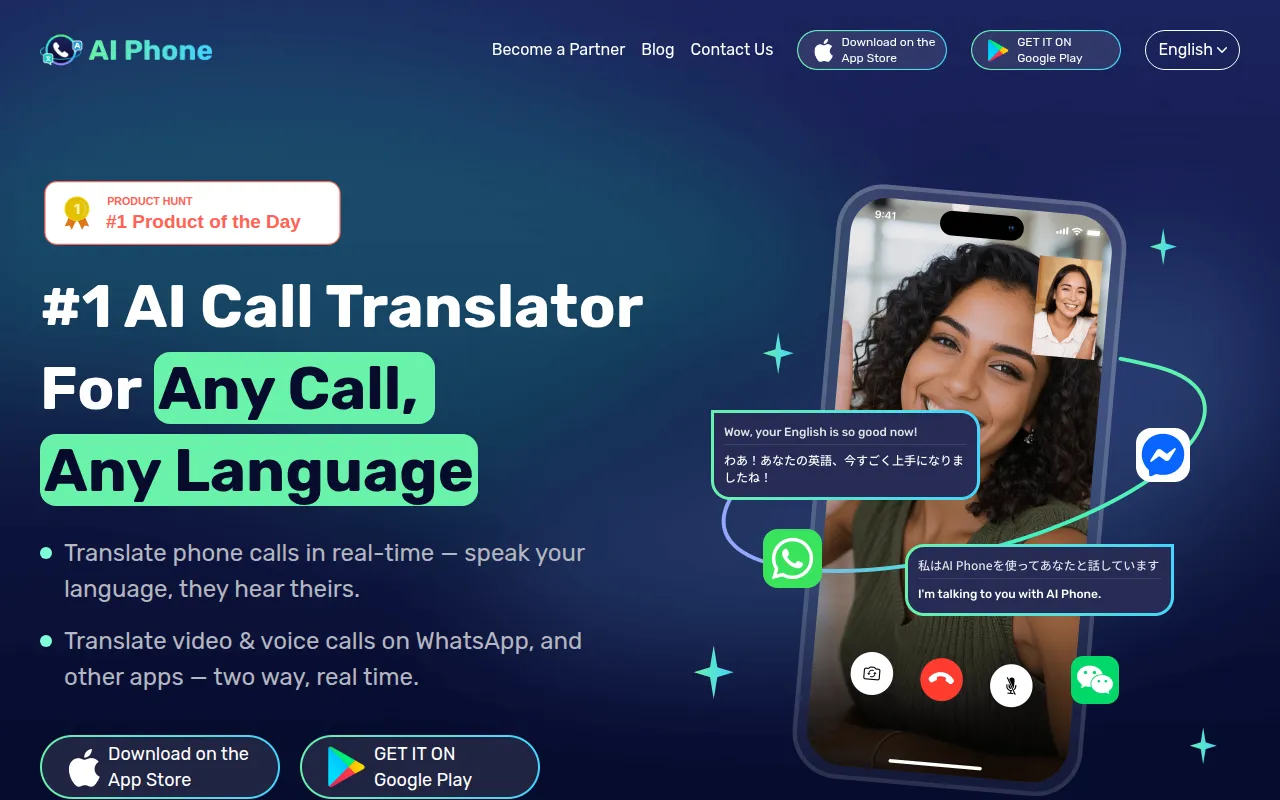
AI Phone is a revolutionary tool that enables real-time translation for phone and video calls across over 150 languages. This is particularly advantageous for remote teams operating in international markets, as it helps eliminate language barriers that can hinder effective communication. With AI Phone, team members can converse naturally, regardless of their native languages, fostering collaboration and understanding.
The real-time translation feature is complemented by AI-driven speech recognition, ensuring that conversations are accurately translated and understood on both ends. This capability is essential for customer support teams dealing with multilingual clients, as it allows them to provide seamless service without language constraints.
Pricing: Freemium - Pricing information for AI Phone is currently unavailable. Best for: Businesses operating in international markets, customer support teams dealing with multilingual clients, individuals making personal calls with non-native speakers.
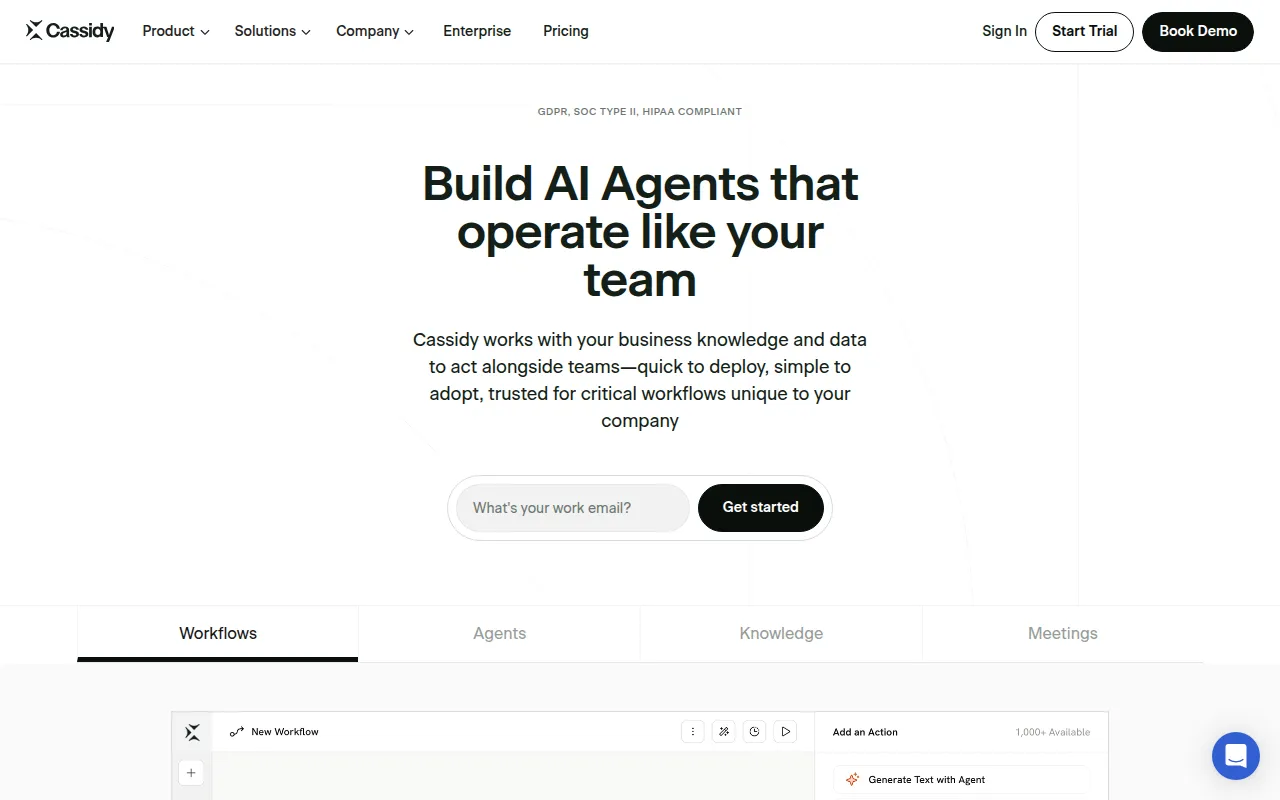
Cassidy AI is designed to help businesses automate workflows using existing knowledge and data. This is particularly beneficial for medium to large enterprises that require advanced workflow automation to streamline processes. With Cassidy AI, organizations can build AI agents that handle repetitive tasks, freeing up team members to focus on more strategic initiatives.
The quick deployment feature allows businesses to implement Cassidy AI rapidly, ensuring minimal disruption to existing workflows. Furthermore, Cassidy AI is HIPAA compliant, making it suitable for industries that handle sensitive information, such as healthcare.
Pricing: Freemium - Cassidy AI offers a free Starter plan and customizable Business plans for larger organizations. Best for: Medium to large enterprises seeking advanced workflow automation, HR departments in need of streamlined employee benefits management, marketing teams requiring data analysis and report generation.
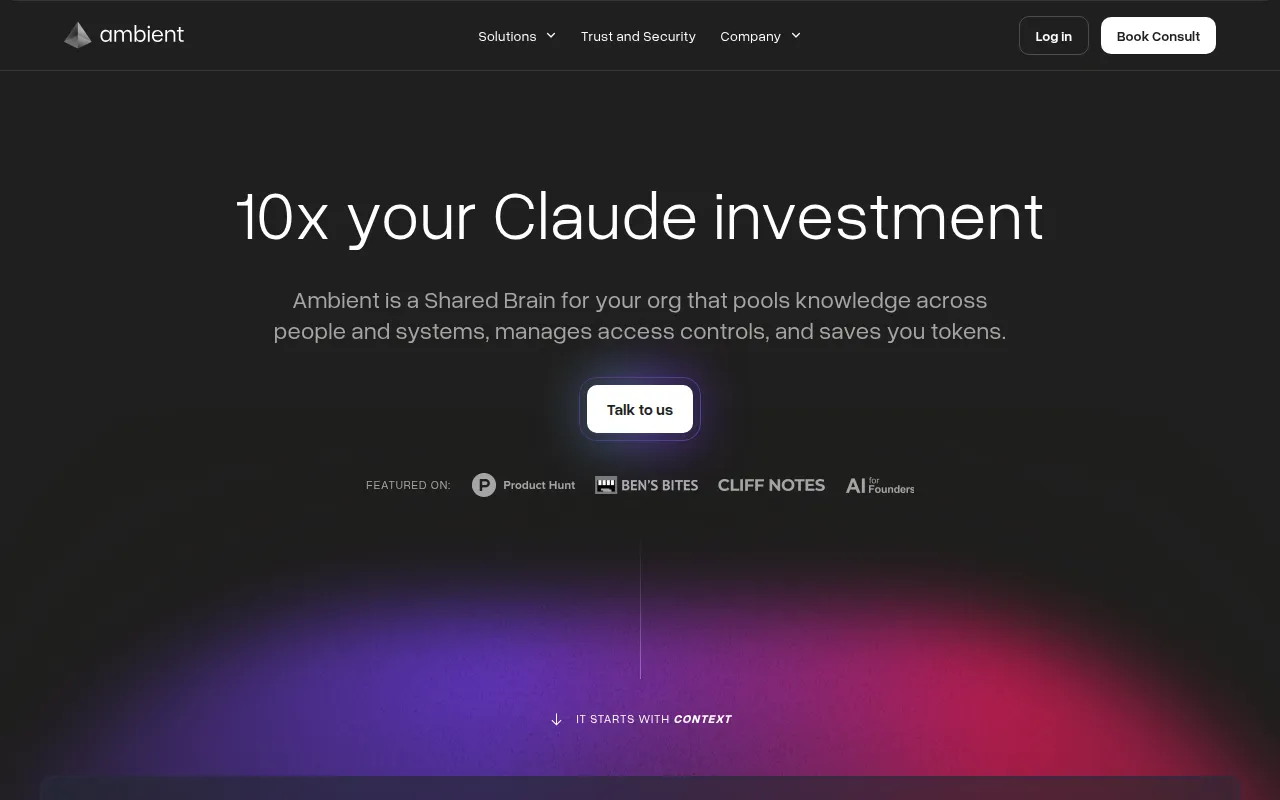
Ambient is an AI Chief of Staff designed to enhance team collaboration by organizing knowledge across various platforms. This tool is particularly valuable for medium to large organizations that need to centralize information and improve communication among teams. Ambient’s knowledge pooling feature enables teams to access relevant information quickly, reducing the time spent searching for resources.
With context engineering, Ambient ensures that team members receive information in the right context, allowing for better decision-making. Additionally, the self-driving reporting feature automates status updates, keeping everyone informed without manual input. This is essential for leadership teams needing centralized information for timely decisions.
Pricing: Contact - Pricing information for Ambient is not publicly available and should be requested directly from the company. Best for: Medium to large organizations looking to improve team collaboration, leadership teams needing centralized information for decision-making, marketing teams coordinating complex projects.
Danelfin is a project management tool designed to enhance team collaboration and streamline project tracking. It is particularly well-suited for small to medium-sized businesses that require a straightforward solution for managing multiple projects. With Danelfin, teams can easily create tasks, track progress, and collaborate in real time.
The collaboration tools within Danelfin allow team members to communicate effectively, reducing the chances of miscommunication. Additionally, the reporting feature provides insights into project performance, helping leaders identify areas for improvement.
Pricing: Freemium - Pricing information for Danelfin is currently unavailable. Best for: Small to medium-sized businesses, marketing teams, software development teams.
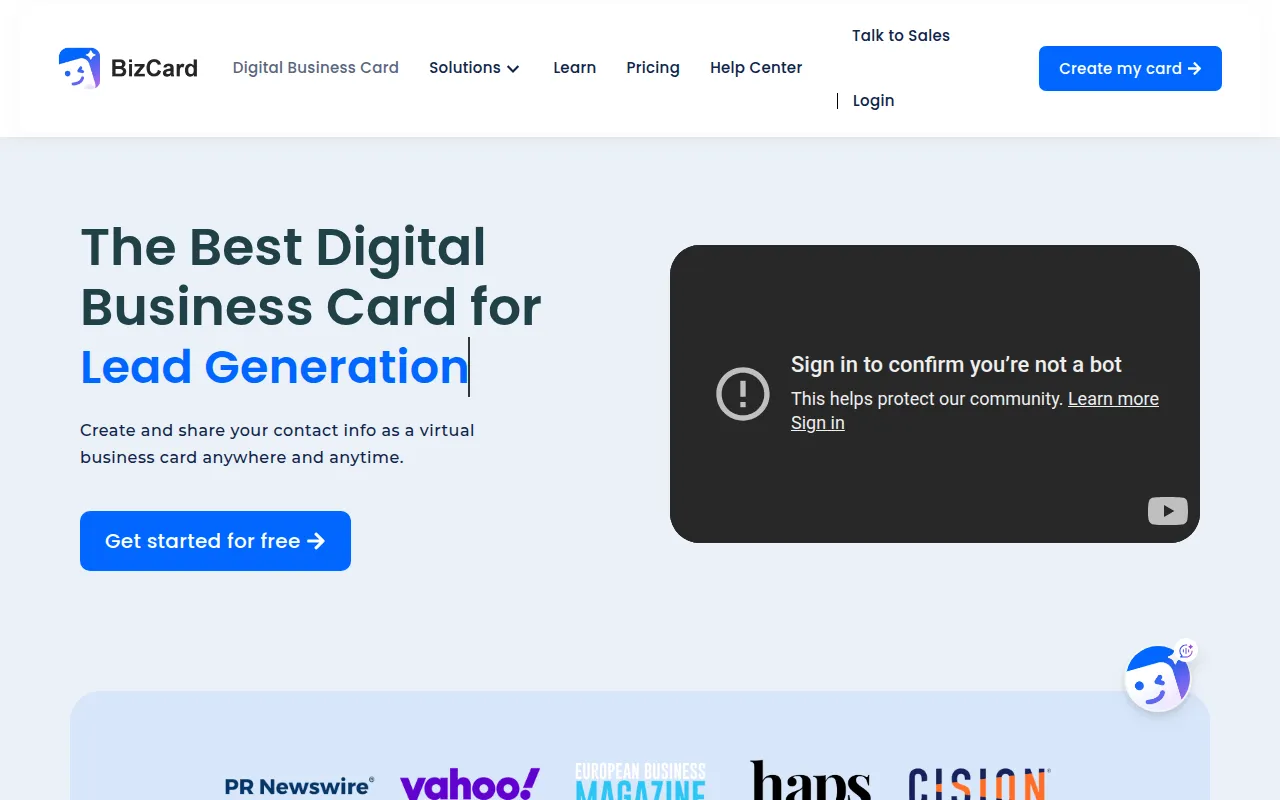
BizCard is a free digital business card platform designed to help individuals and small businesses share contact information seamlessly. This tool is especially beneficial for remote teams that need to network and connect with clients and partners. With BizCard, team members can create customizable digital business cards that can be shared easily via QR codes or direct links.
The integration with Google Wallet and Apple Wallet makes it convenient for users to store and access business cards digitally. This feature not only enhances networking opportunities but also reduces the environmental impact of traditional paper cards.
Pricing: Freemium - BizCard offers a free tier, with additional features available through paid plans. Best for: Small businesses, freelancers, marketing teams.
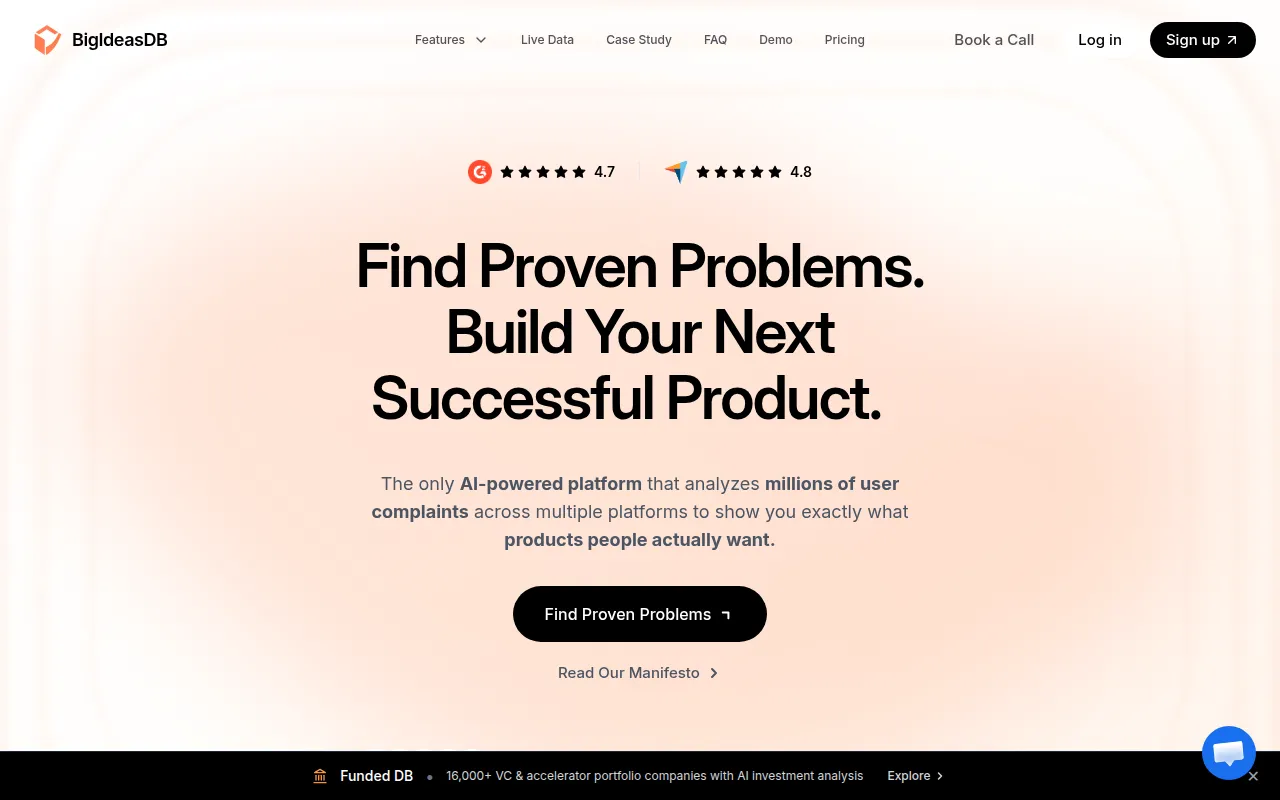
BigIdeasDB is an idea management platform that helps organizations capture, evaluate, and prioritize innovative ideas efficiently. This tool is particularly valuable for medium to large organizations looking to enhance innovation and streamline the idea management process. With BigIdeasDB, teams can submit ideas, collaborate on evaluations, and prioritize projects that align with strategic goals.
The evaluation process within BigIdeasDB helps organizations identify the most promising ideas, ensuring that resources are allocated effectively. Additionally, the reporting and analytics features provide insights into the innovation pipeline, allowing teams to track progress and outcomes.
Pricing: Freemium - Pricing information for BigIdeasDB is not publicly available. Best for: Medium to large organizations seeking to enhance innovation, product development teams needing structured idea management, marketing teams looking for fresh insights and campaigns.
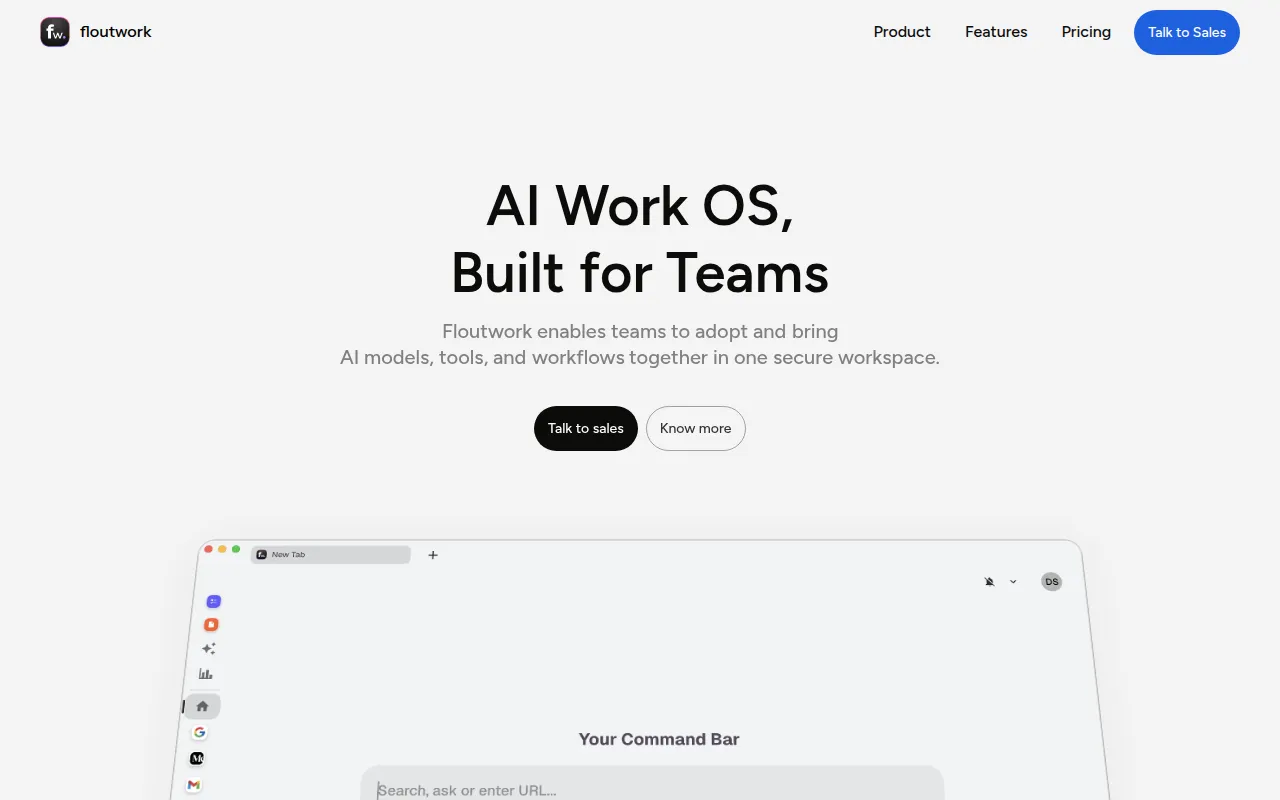
Floutwork is an AI-powered work operating system designed to enhance team collaboration and streamline workflows. This tool is particularly beneficial for marketing teams managing multiple campaigns simultaneously. With Floutwork, teams can centralize their workflows, making it easier to manage tasks, share resources, and communicate effectively.
The employee onboarding feature allows new hires to get up to speed quickly, ensuring minimal disruption to ongoing projects. Additionally, Floutwork's AI integration assists in optimizing workflows, allowing teams to focus on high-impact activities.
Pricing: Freemium - Specific pricing details for Floutwork are currently not available. Best for: Marketing teams coordinating multiple campaigns, software development teams managing tasks and collaboration, HR departments streamlining new hire onboarding.
| Tool | Best For | Starting Price | Rating |
|---|---|---|---|
| Asana | Marketing teams managing campaigns | Free / $10.99/mo | 0.0/5 |
| Casablanca | Remote workers seeking to enhance their communication | Free | 0.0/5 |
| ClickUp | Small to medium-sized businesses | Free / $9/mo | 0.0/5 |
| AI Phone | Businesses operating in international markets | Free | 0.0/5 |
| Cassidy | Medium to large enterprises | Free | 0.0/5 |
| Ambient | Medium to large organizations | Contact | 0.0/5 |
| Danelfin | Small to medium-sized businesses | Free | 0.0/5 |
| BizCard | Small businesses | Free | 0.0/5 |
| BigIdeasDB | Medium to large organizations | Free | 0.0/5 |
| Floutwork | Marketing teams coordinating multiple campaigns | Free | 0.0/5 |
Asana is the best choice for beginners due to its user-friendly interface and extensive support resources. New users can easily navigate the platform and quickly learn how to manage tasks and projects effectively. The freemium model also allows teams to start using it at no cost, making it accessible for those just beginning their project management journey.
ClickUp is the best choice for professionals seeking advanced features and powerful capabilities. With its robust task management, time tracking, and goal tracking features, ClickUp equips seasoned project managers with the tools they need to oversee complex projects and optimize team performance. Its customizable dashboards also allow professionals to tailor their workspace to fit their specific needs.
AI Phone offers exceptional value for its real-time translation capabilities, especially for teams operating in international markets. With its freemium pricing model, users can access essential features without incurring costs, making it a cost-effective solution for businesses looking to enhance communication across languages.
Enhancing communication and collaboration is paramount for remote teams to succeed. By leveraging the best video collaboration tools, team leaders can facilitate clearer communication, reduce miscommunication, and keep projects on track. Take action now and explore these powerful tools to elevate your team's performance.
Asana is a project management tool that helps teams coordinate and manage their work efficiently.
Casablanca is a virtual camera software that enhances video calls by restoring natural eye contact without needing additional hardware.
ClickUp is a comprehensive project management and productivity tool designed to streamline team collaboration and task management.
AI Phone translates phone and video calls in real time across 150+ languages, making communication seamless for users worldwide.
Cassidy AI enables businesses to build AI agents that automate workflows using existing knowledge and data.
Ambient is an AI Chief of Staff that enhances team collaboration by organizing knowledge across various platforms.
Danelfin is a project management tool designed to enhance team collaboration and streamline project tracking.
BizCard is a free digital business card platform designed to help individuals and small businesses share contact information seamlessly.
BigIdeasDB is an idea management platform that helps organizations capture, evaluate, and prioritize innovative ideas efficiently.
Floutwork is an AI-powered work operating system designed to enhance team collaboration and streamline workflows.
The best video collaboration tools for remote teams include Asana, ClickUp, AI Phone, and Casablanca, each offering unique features tailored to enhance communication and project management.
Consider factors like user-friendliness, integration capabilities, real-time communication features, and task management options to select a tool that best fits your team's needs.
Yes, many tools like Asana, ClickUp, and BizCard offer free tiers, allowing teams to access essential features without spending money.
Look for task management, project tracking, team collaboration features, customizable dashboards, and workflow automation to enhance team productivity.
Absolutely. Tools that provide real-time communication and task management features facilitate clearer discussions and help keep team members aligned.
Asana is ideal for beginners due to its user-friendly interface and extensive support resources, enabling easy task management without a steep learning curve.
AI Phone is the best tool for international communication as it offers real-time translation across over 150 languages, making conversations seamless.
Weekly roundup of new AI tools, launches, and trending software. No spam — unsubscribe anytime.
No credit card required · Cancel anytime
Weekly roundup of new AI tools, launches, and trending software. No spam — unsubscribe anytime.
No credit card required · Cancel anytime