Face26
Freemium
AI
Face26 is an AI-powered photo enhancer that improves image quality and sharpness effortlessly.
Explore the top free design tools available for freelancers in 2026, enhancing your creative workflow and productivity.
Freelancers often face the challenge of accessing quality design tools without incurring high costs. With the increasing demand for stunning visuals in marketing and branding, having the right tools is essential for staying competitive. Solving this problem is crucial, as it can lead to enhanced creativity, improved productivity, and ultimately, greater client satisfaction. In this guide, we promise to provide practical recommendations for the best free design tools available in 2026, tailored specifically for freelancers.
| Best Overall | Best Beginner | Best Enterprise | Best AI | Best Value | Best Free |
|---|---|---|---|---|---|
Face26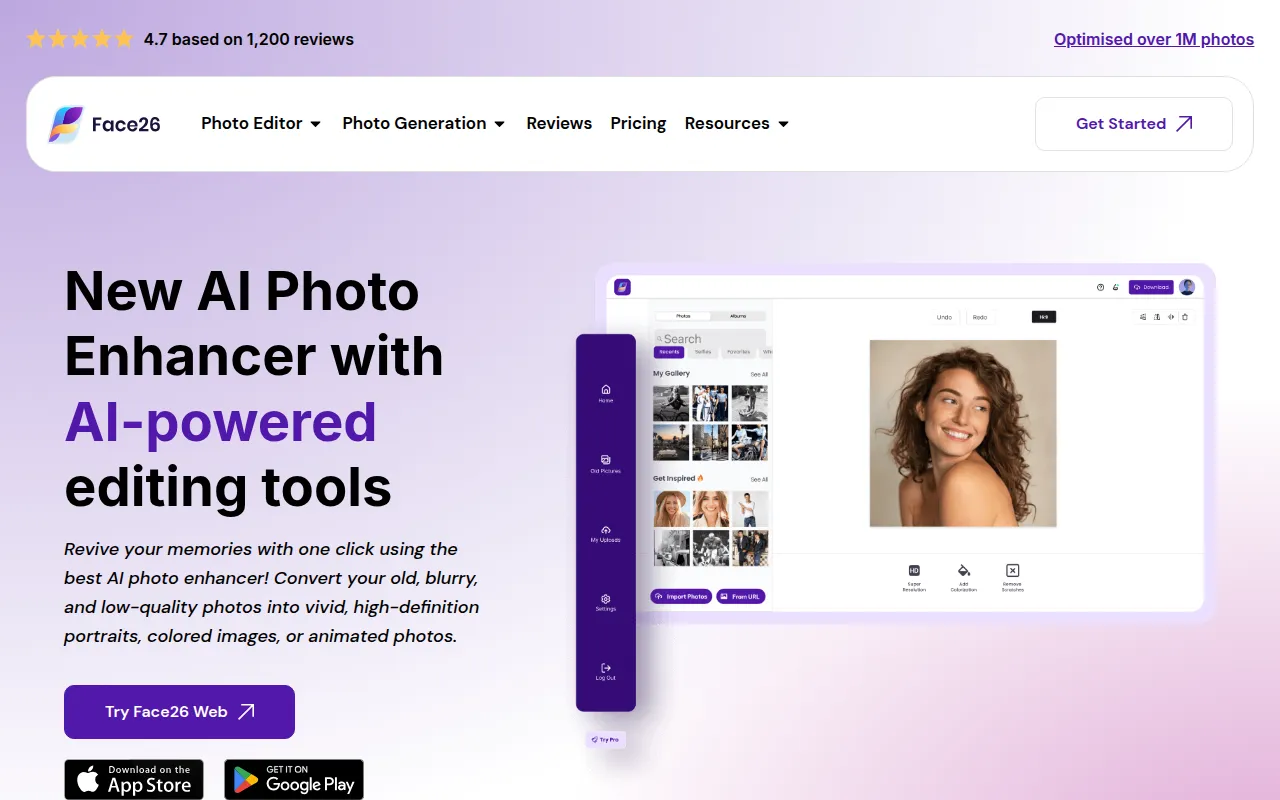 | Picsart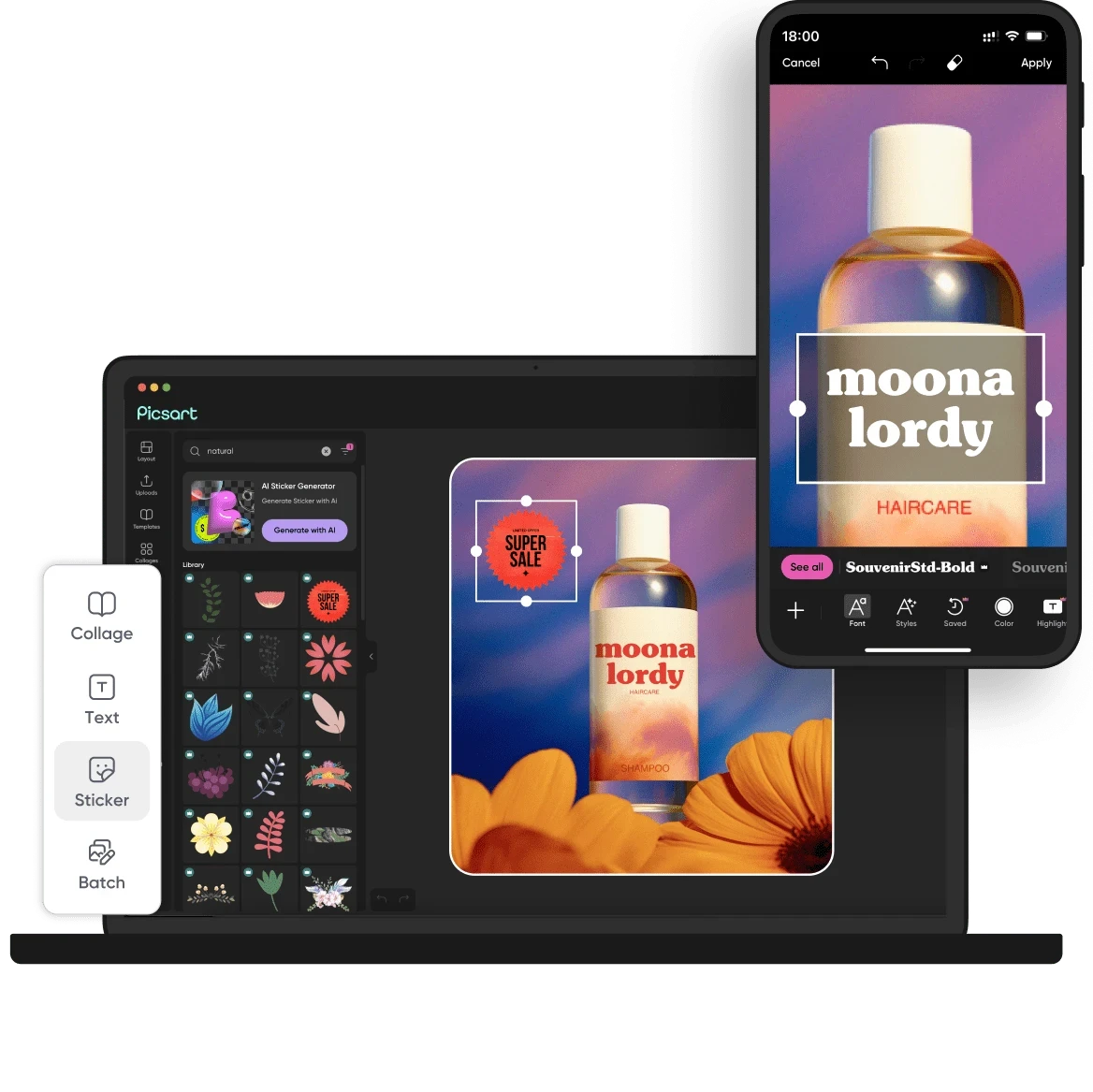 | PrometheanAI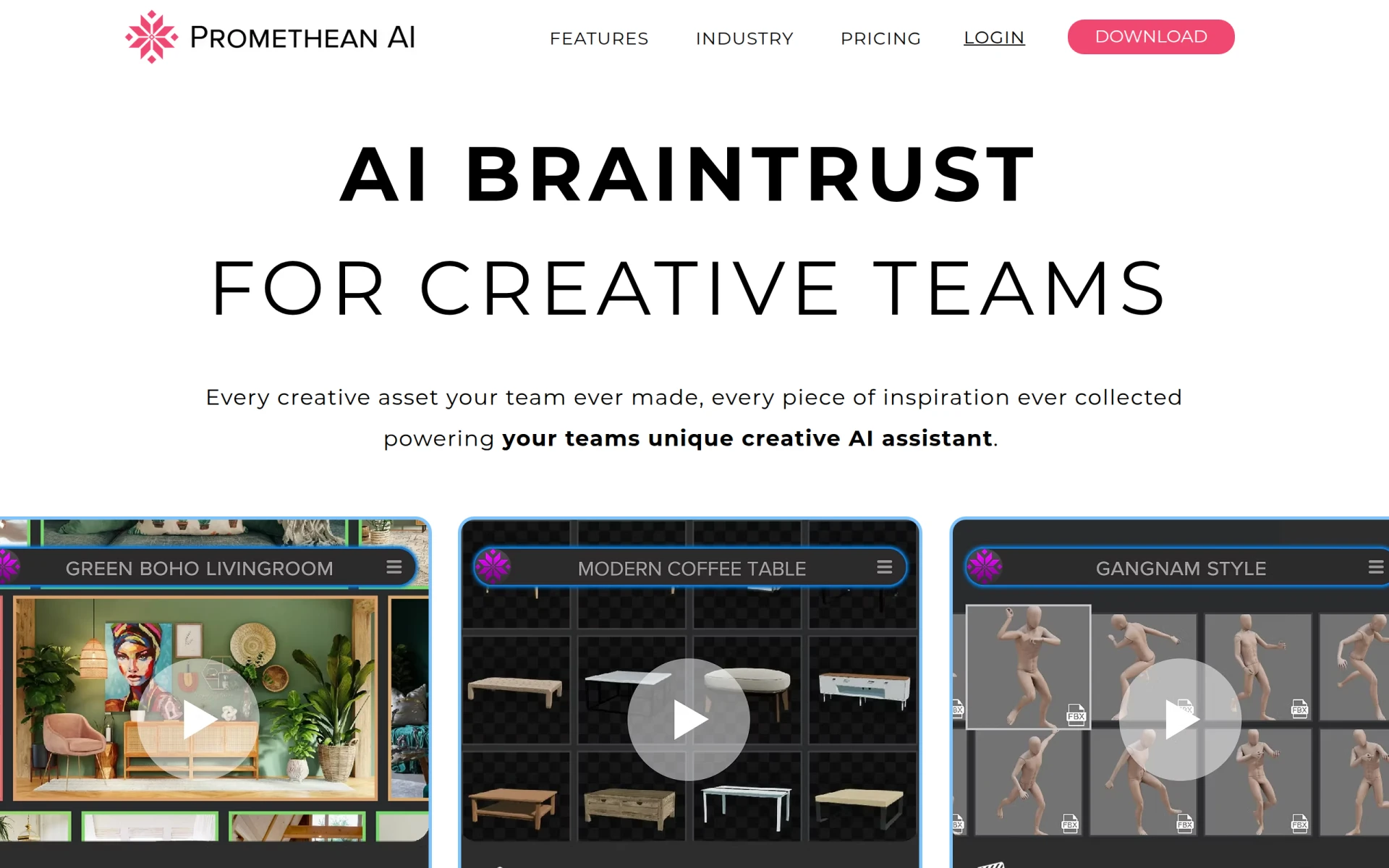 | Flowstep | QR Diffusion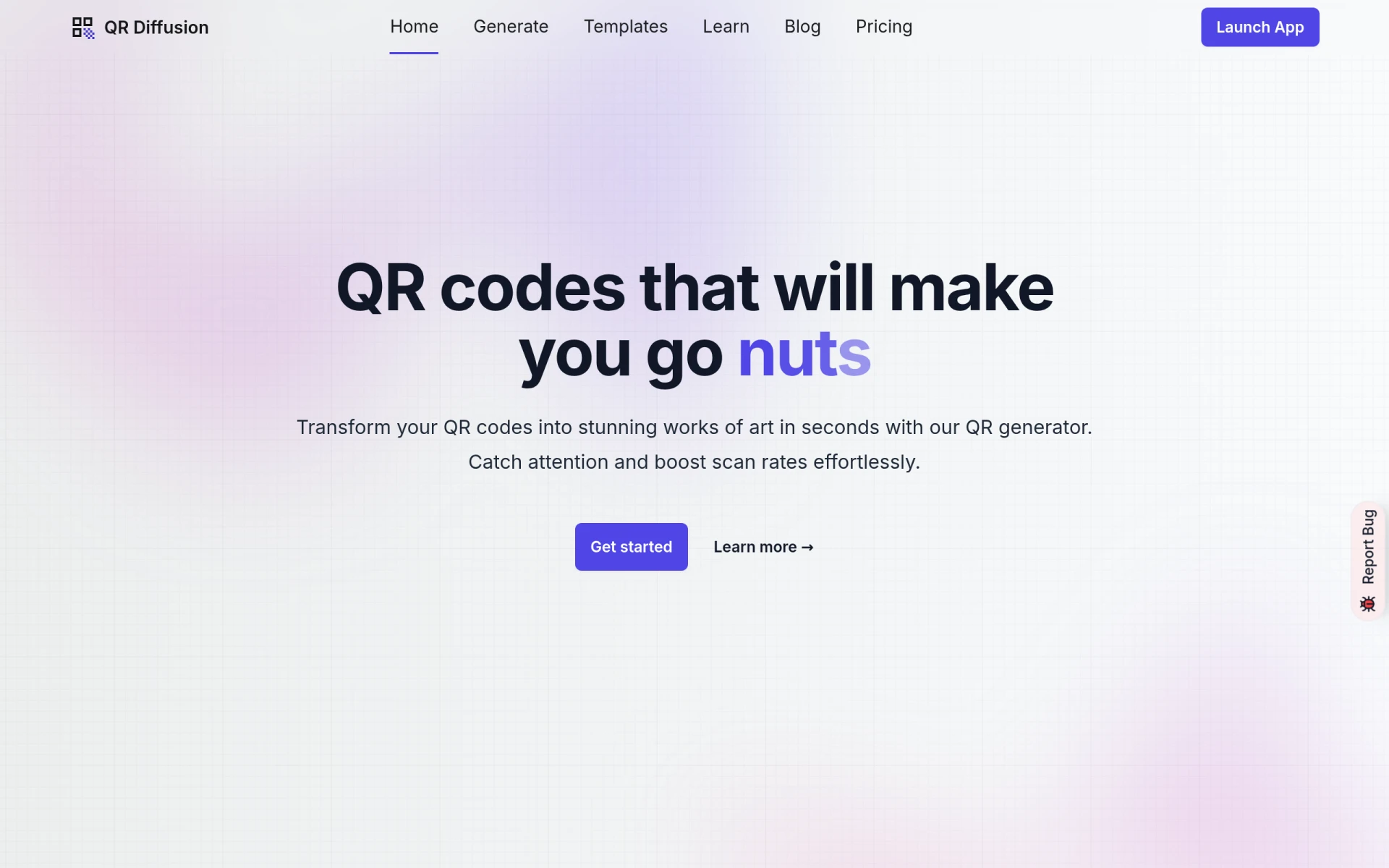 | Noah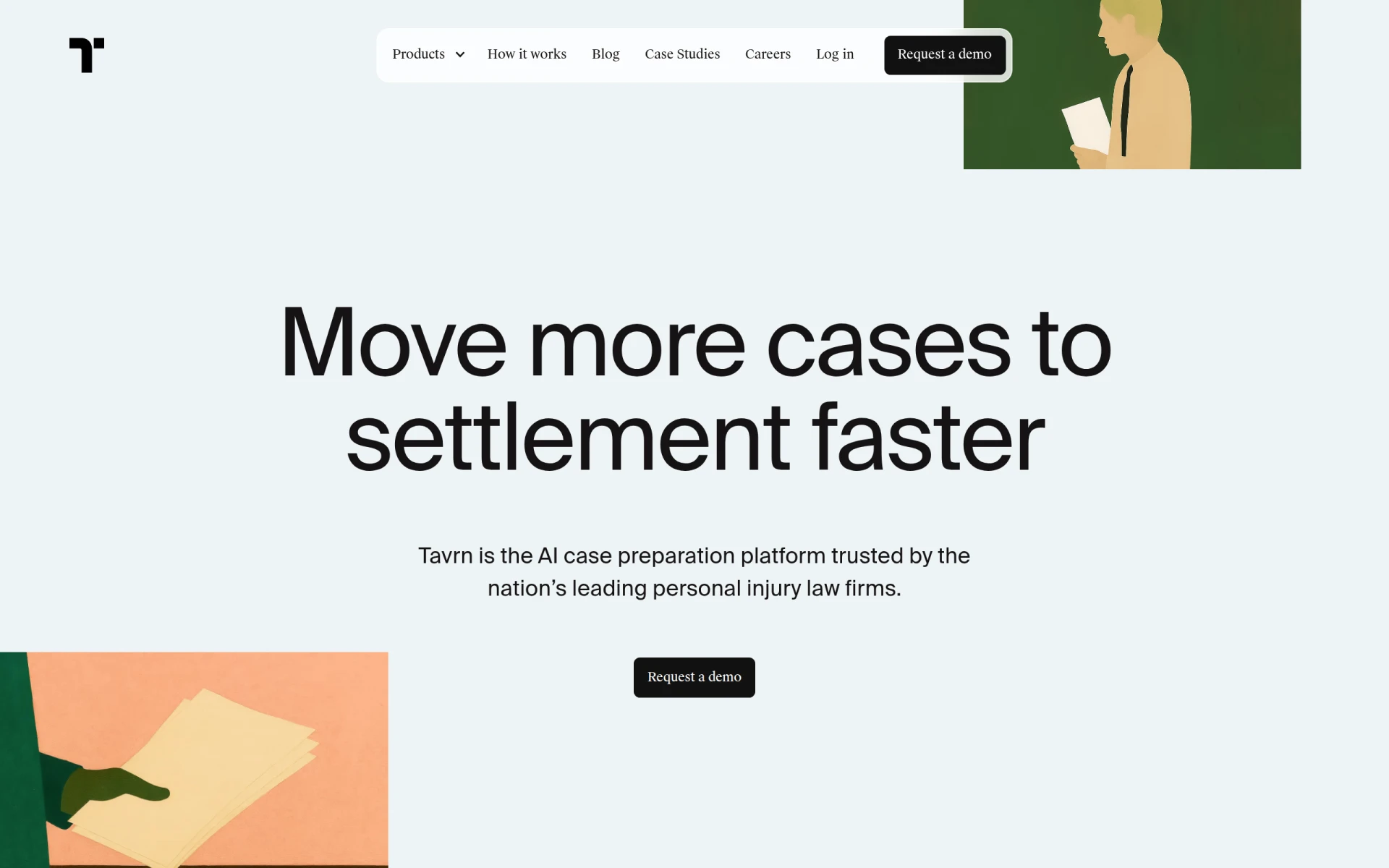 |
Our evaluation criteria for selecting these tools included:
Freelancers often encounter significant challenges when it comes to accessing affordable, high-quality design software. The impact of these challenges can be profound, leading to lost productivity and missed opportunities. Common mistakes freelancers make include opting for inadequate tools that do not meet their needs, which can result in subpar work and dissatisfied clients. It's essential to invest time and resources into finding the right software to ensure success in a competitive landscape.
When choosing design software, freelancers should consider the following criteria:
Face26 is an AI-powered photo enhancer that improves image quality and sharpness effortlessly.
Strengths: Easy to use, effective AI enhancement.
Weaknesses: Limited features compared to paid alternatives.
Pricing: Freemium - Pricing information is currently unavailable.
Integrations: Not specified.
Ideal Team Size: Solo freelancers.
Deployment: Cloud-based.
Learning Curve: Low.
Support: Online resources available.
Overall Recommendation: Best for photographers seeking to enhance their portfolio images.
PrometheanAI is an AI-powered design tool that streamlines and enhances the creative process for designers.
Strengths: Real-time collaboration and extensive library of resources.
Weaknesses: Learning curve may be steep for beginners.
Pricing: Contact for details.
Integrations: Popular design software.
Ideal Team Size: Small to medium teams.
Deployment: Cloud-based.
Learning Curve: Moderate.
Support: Customer support available.
Overall Recommendation: Best for graphic designers looking to enhance their workflow.
Adobe Podcast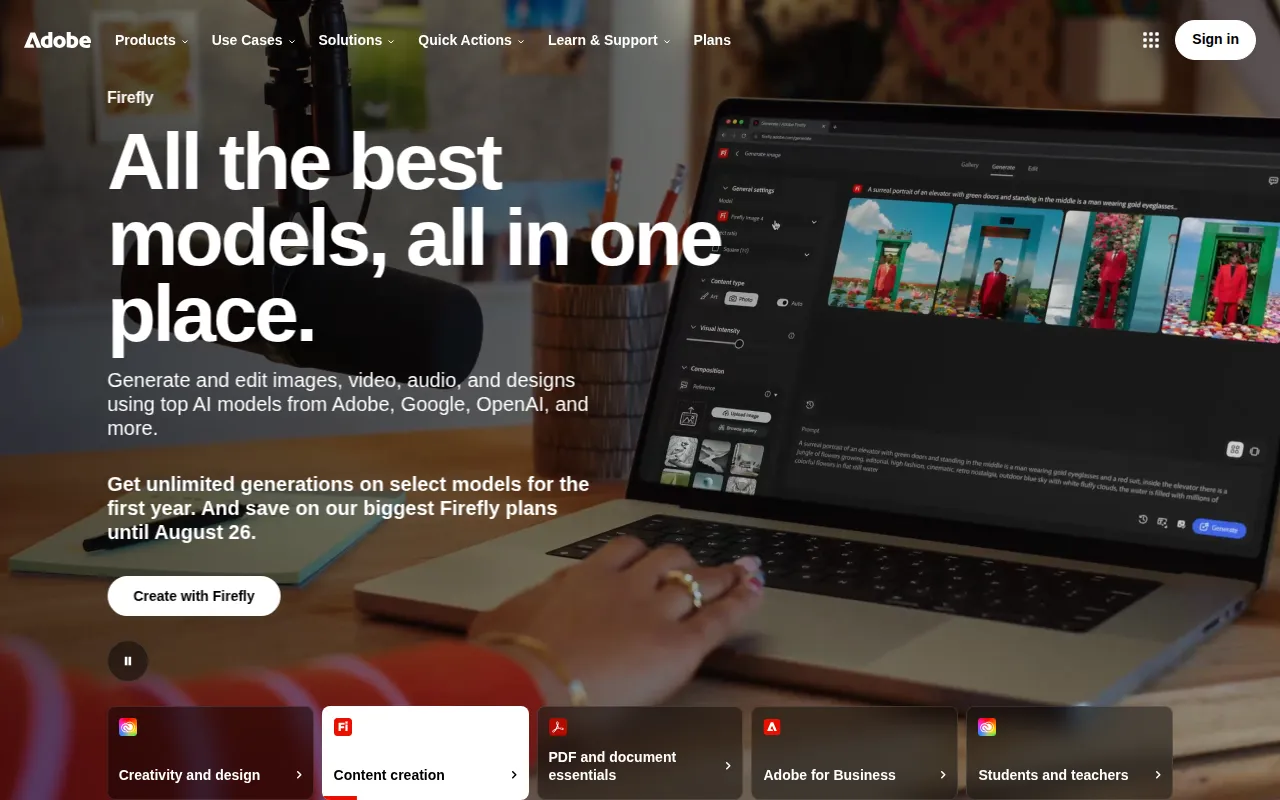 is a powerful tool for creating and editing high-quality audio content.
Strengths: Automatic audio enhancement and user-friendly interface.
Weaknesses: Limited to audio editing; not a design tool.
Pricing: Freemium - Pricing information not explicitly provided.
Integrations: Adobe Creative Cloud.
Ideal Team Size: Small teams or solo creators.
Deployment: Cloud-based.
Learning Curve: Low.
Support: Online help resources available.
Overall Recommendation: Best for podcasters looking for high-quality audio production tools.
QR Diffusion is a free QR code art generator that transforms standard QR codes into artistic designs.
Strengths: Creative QR code designs and user-friendly interface.
Weaknesses: Limited functionality compared to specialized QR tools.
Pricing: Freemium with paid plans starting at $11/month.
Integrations: Not specified.
Ideal Team Size: Solo freelancers or small teams.
Deployment: Cloud-based.
Learning Curve: Low.
Support: Online resources available.
Overall Recommendation: Best for creating unique QR codes for client projects.
Picsart is an all-in-one creative platform offering AI-powered design tools.
Strengths: Comprehensive toolset for various design needs.
Weaknesses: Some features are limited in the free version.
Pricing: Freemium with various paid subscription plans.
Integrations: Not specified.
Ideal Team Size: Solo freelancers to small teams.
Deployment: Cloud-based.
Learning Curve: Low.
Support: Online tutorials available.
Overall Recommendation: Best for freelancers creating portfolios and presentations.
Flowstep is an AI design assistant that transforms text prompts into production-ready UI designs instantly.
Strengths: Instant UI creation and chat interface for design iteration.
Weaknesses: May require adjustments for final designs.
Pricing: Freemium with a Starter plan at $15/month.
Integrations: Figma.
Ideal Team Size: Small to medium teams.
Deployment: Cloud-based.
Learning Curve: Moderate.
Support: Customer support available.
Overall Recommendation: Best for startups needing to prototype quickly.
Genpire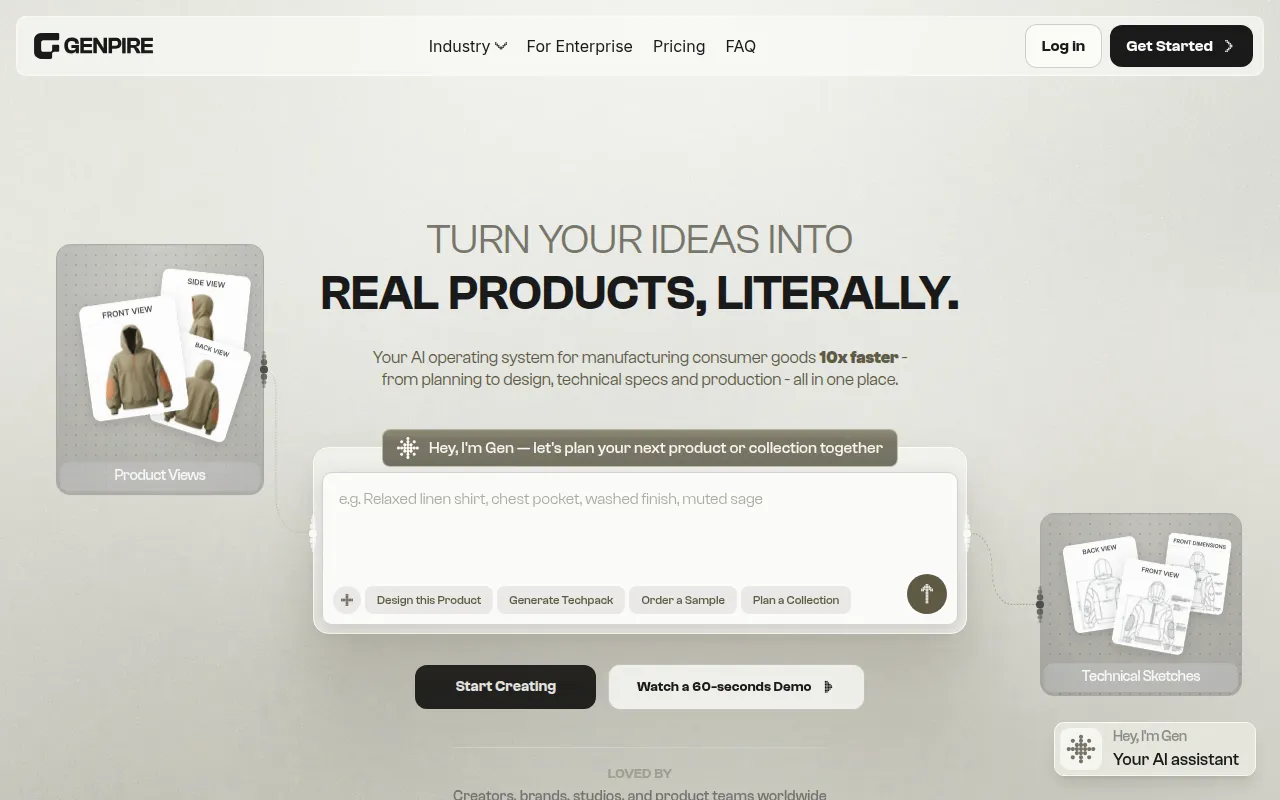 is an AI-powered design tool that generates factory-ready tech packs from sketches or prompts in minutes.
Strengths: Quick tech pack generation and customizable prompts.
Weaknesses: Limited to fashion-related designs.
Pricing: Freemium - Pricing details available on the Genpire website.
Integrations: Not specified.
Ideal Team Size: Small to medium teams.
Deployment: Cloud-based.
Learning Curve: Low.
Support: Customer support available.
Overall Recommendation: Best for fashion designers needing quick asset generation.
Noah is a design tool focusing on graphic design, enabling users to create unique visual content efficiently.
Strengths: Simple drag-and-drop interface and collaboration tools.
Weaknesses: Limited features for advanced designers.
Pricing: Freemium - Pricing information currently not available.
Integrations: Not specified.
Ideal Team Size: Solo freelancers to small teams.
Deployment: Cloud-based.
Learning Curve: Low.
Support: Online tutorials available.
Overall Recommendation: Best for small business owners needing cost-effective design solutions.
Rustic AI is a graphic design tool that simplifies the creation of stunning visual content.
Strengths: User-friendly interface and versatile design options.
Weaknesses: Features may not be advanced enough for professional designers.
Pricing: Contact for details.
Integrations: Not specified.
Ideal Team Size: Solo freelancers or small teams.
Deployment: Cloud-based.
Learning Curve: Low.
Support: Customer support available.
Overall Recommendation: Best for freelancers who require a versatile design tool.
| Tool | Best For | Free Plan | Starting Price | AI Features | Rating |
|---|---|---|---|---|---|
| Face26 | Photographers | Yes | Free | Yes | 0.0/5 |
| PrometheanAI | Graphic Designers | No | Contact | Yes | 0.0/5 |
| Adobe Podcast | Podcasters | Yes | Free | No | 0.0/5 |
| QR Diffusion | Marketing Teams | Yes | $11/month | Yes | 0.0/5 |
| Picsart | Freelancers | Yes | Free | Yes | 0.0/5 |
| Flowstep | Startups | Yes | $15/month | Yes | 0.0/5 |
| Genpire | Fashion Designers | Yes | Contact | Yes | 0.0/5 |
| Noah | Small Businesses | Yes | Free | No | 0.0/5 |
| Rustic AI | Freelancers | No | Contact | Yes | 0.0/5 |
Based on the analysis:
Before choosing software, ask yourself:
Here are some common mistakes buyers make:
In conclusion, the design tools you choose can significantly impact your freelance career. By understanding your specific needs and evaluating the best free tools available, you can enhance your productivity and creativity without incurring high costs. Whether you are a photographer, graphic designer, or marketer, there is a tool that fits your requirements perfectly. Take the time to explore these options and make an informed decision that will empower your creative endeavors.
Face26 is an AI-powered photo enhancer that improves image quality and sharpness effortlessly.
PrometheanAI is an AI-powered design tool that streamlines and enhances the creative process for designers.
Adobe Podcast is a powerful tool for creating and editing high-quality audio content, tailored for podcasters and content creators.
QR Diffusion is a free QR code art generator that transforms standard QR codes into artistic designs using Stable Diffusion.
Picsart is an all-in-one creative platform offering AI-powered design tools for creating images, videos, and graphics efficiently.
Flowstep is an AI design assistant that transforms text prompts into production-ready UI designs instantly.
Genpire is an AI-powered design tool that generates factory-ready tech packs from sketches or prompts in minutes.
Ideogram is a graphic design tool that enables users to create images through artificial intelligence.
Noah is a design tool focusing on graphic design, enabling users to create unique visual content efficiently.
Rustic AI is a graphic design tool that simplifies the creation of stunning visual content for various applications.
Some of the best free design tools for freelancers include Face26, PrometheanAI, and Picsart. Each offers unique features tailored to enhance your design workflow.
Yes, most of the recommended tools offer freemium plans, allowing freelancers to access essential features at no cost.
Yes, tools like Picsart and Flowstep provide excellent alternatives to Adobe Creative Suite for freelancers seeking cost-effective solutions.
Many of the recommended tools offer integrations with popular design software, enhancing your workflow and collaborative efforts.
Most tools prioritize user security and data protection, but it’s essential to review each tool's privacy policy for specific details.
Simply visit the tool's website, sign up for a free account, and explore their features. Most tools provide tutorials and resources to help you get started.
Some tools offer enterprise solutions with advanced features and support, which may be suitable for larger teams or businesses.
Many tools include AI capabilities such as automatic image enhancement, design generation, and real-time collaboration features.
Avoid overlooking your specific needs, not considering the learning curve, and failing to check integration options with existing tools.
Weekly roundup of new AI tools, launches, and trending software. No spam — unsubscribe anytime.
No credit card required · Cancel anytime
Weekly roundup of new AI tools, launches, and trending software. No spam — unsubscribe anytime.
No credit card required · Cancel anytime