Overview
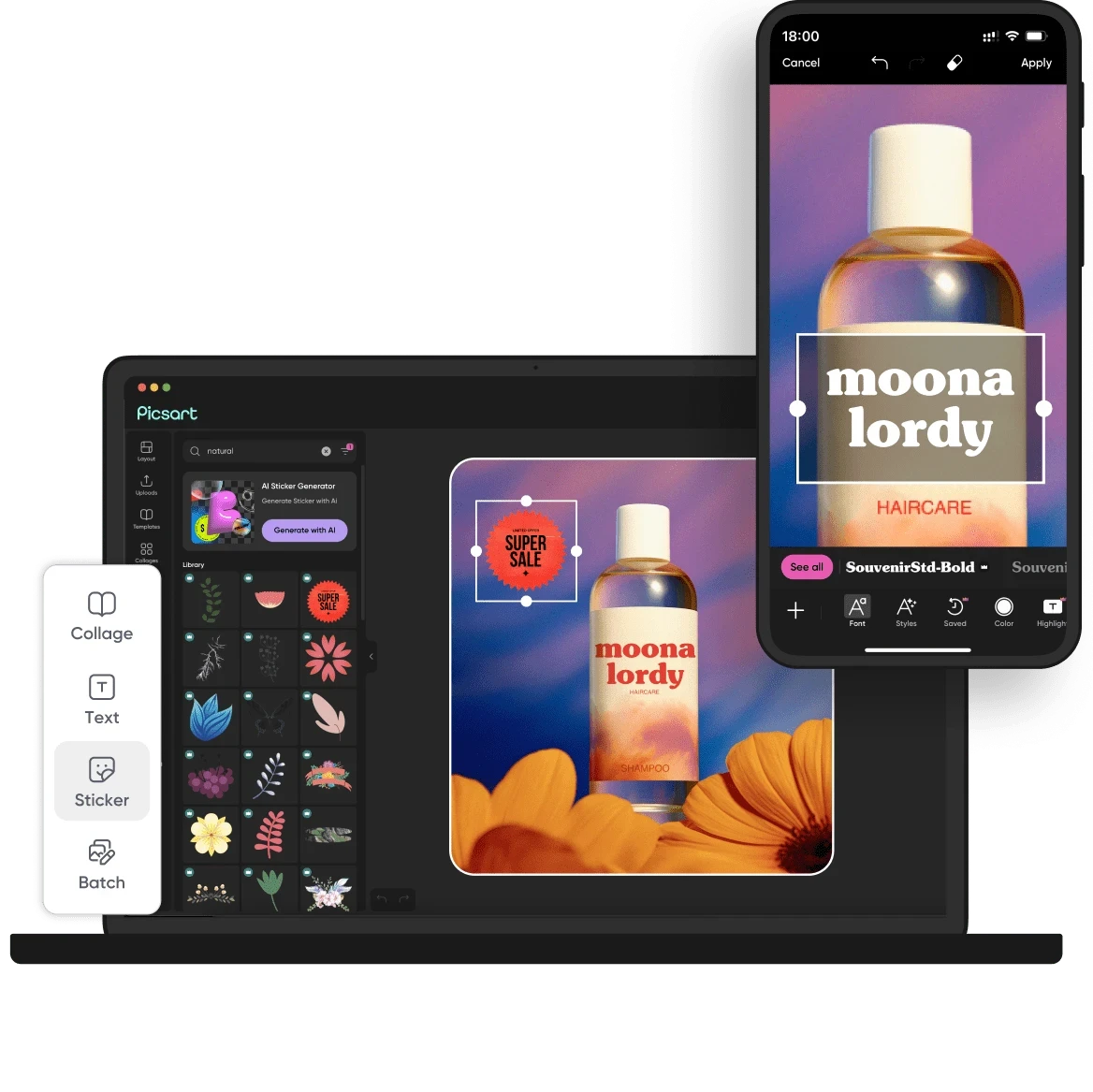
Picsart is a versatile AI-driven creative platform designed for users to generate stunning visual content quickly and effectively. It serves as a comprehensive solution for graphic design, allowing users to craft images, videos, and other digital assets with ease. The platform's primary purpose is to simplify the creative process through a variety of intuitive tools, templates, and AI-generated features, ultimately solving common problems associated with content creation, such as time constraints and design expertise.
Key Features
- AI Image Generation
- Video Creation Tools
- Template Library
- Background Removal
- Animation Effects
- Asset Management
- Collaborative Editing
- Brand Kit Management
- Social Media Integration
- Customizable Design Tools
- AI-Powered Effects
- E-commerce Visuals
- Content Resizing
- Photo Editing Capabilities
- Multiple Format Exports
- User-Friendly Interface
Benefits
Picsart offers significant advantages to users by providing a user-friendly interface that accommodates both beginners and experienced designers. The platform’s extensive library of templates and design assets enables quick content creation, which is crucial for businesses needing to maintain a consistent online presence. By leveraging AI tools, users can enhance their creativity without requiring advanced design skills, making it accessible for a broad audience. The ability to collaborate in real-time also promotes teamwork, making it suitable for agencies and businesses with multiple stakeholders involved in the creative process.
Common Use Cases
One common scenario for using Picsart is for social media managers who need to produce engaging graphics quickly for various campaigns. For small businesses, it can serve as a cost-effective solution for creating marketing materials without hiring a professional designer. E-commerce businesses benefit from its ability to generate product images and promotional banners that catch customers' attention. Freelancers can utilize the platform to create portfolios or client presentations, while educational institutions may use it for student projects or marketing materials.
Who Should Use It
Picsart is ideal for small to medium-sized businesses looking for an affordable graphic design solution. Marketing teams, social media managers, and content creators will find it particularly useful due to its wide range of features tailored for digital marketing. However, professional graphic designers looking for advanced features may find the platform somewhat limiting compared to specialized design software. Additionally, users who require extensive customization options may prefer other tools that offer more flexibility.
Pricing Overview
Picsart offers a range of pricing plans, including a free version with basic features and paid subscriptions that provide access to premium tools and assets. Specific pricing details were not available, so interested users should consult the Picsart website for the latest information on their plans.
Conclusion
In summary, Picsart stands out as a robust creative platform suitable for a diverse range of users, from individuals to small businesses. Its AI-driven features and extensive library of templates make it an attractive option for those needing to create visual content quickly and efficiently. While it offers many advantages, potential users should consider their specific needs and whether the platform aligns with their design requirements before committing to a subscription.