Introduction
Staying organized and communicating effectively can be a challenge for remote teams. With team members scattered across different locations, it’s easy for tasks to slip through the cracks and for communication to become disjointed. Finding the right productivity tools can make all the difference.
Why Remote Teams Struggle With Staying organized and communicating effectively is difficult in remote settings.
Remote teams often face unique challenges that can hinder productivity. Without the ability to physically gather in one location, team members may struggle with maintaining a clear understanding of project goals, deadlines, and individual responsibilities. The lack of face-to-face interaction can lead to miscommunications and a sense of isolation among team members. Additionally, coordinating schedules across different time zones can complicate collaboration efforts, making it difficult to keep everyone aligned. These hurdles can create a frustrating environment, ultimately impacting project outcomes and team morale.
What to Look For in Productivity Tools
- Ease of Use: Tools should have an intuitive interface that allows team members to quickly adopt and utilize the software without extensive training.
- Integration Capabilities: The ability to integrate with existing tools and software is crucial for seamless workflows and data sharing.
- Real-Time Collaboration: Features that support real-time updates and communication can enhance teamwork and reduce delays in project execution.
- Customization Options: The ability to tailor the tool to match team workflows and preferences can greatly improve efficiency.
- Task Management Features: Effective task assignment and tracking capabilities are essential for keeping projects on track and ensuring accountability.
Best Free Productivity Apps for Remote Teams
ClickUp - Best for Comprehensive Project Management
ClickUp stands out as a versatile project management tool designed to enhance collaboration and streamline task management for remote teams. Its robust feature set allows teams to track tasks, set goals, and manage time effectively, all within a single platform. The customizable dashboards enable teams to visualize their progress in ways that suit their specific projects, making it easier to identify bottlenecks and adjust priorities.
What makes ClickUp particularly appealing is its extensive collaboration tools. Team members can communicate through comments, share files, and even integrate with other platforms like Slack for real-time updates. This functionality fosters a sense of connection among remote teams, helping to maintain communication flow and reduce misunderstandings.
- Task Management: Assign tasks to team members, set deadlines, and prioritize work effectively.
- Time Tracking: Monitor how much time is spent on tasks to improve productivity.
- Goal Tracking: Set and track goals to keep the team focused on key objectives.
- Collaboration Tools: Engage with team members through comments and file sharing directly within tasks.
- Customizable Dashboards: Create personalized views to monitor project progress and team performance.
Pricing: Freemium - ClickUp offers pricing starting at $9 per user per month for the unlimited plan. Best for: Small to medium-sized businesses, marketing teams managing campaigns, project managers overseeing timelines and resources.
Ark - Best for Streamlined Project Workflows
Ark is a project management tool aimed at enhancing team collaboration and simplifying project workflows. Its focus on task management and collaboration tools makes it well-suited for remote teams looking to manage various projects and tasks efficiently. Ark’s intuitive design allows team members to easily create tasks and set custom workflows that fit their specific project needs.
One of Ark’s strengths is its project tracking capabilities. Teams can monitor their progress and receive insights into project timelines, which is crucial for keeping remote work aligned and on schedule. Additionally, its collaboration tools enable effective communication among team members, ensuring that everyone is on the same page.
- Task Management: Create, assign, and prioritize tasks with ease.
- Collaboration Tools: Facilitate discussions and feedback directly within the platform.
- Project Tracking: Keep an eye on project timelines and deliverables.
- Time Tracking: Log hours spent on tasks to gauge productivity.
- Custom Workflows: Tailor workflows to match project requirements and team dynamics.
Pricing: Freemium - Pricing information for Ark is currently unavailable. Best for: Marketing teams seeking to manage campaigns effectively, software development teams tracking feature development and bug fixes, project managers overseeing multiple projects at once.
Manus - Best for AI-Driven Automation
Manus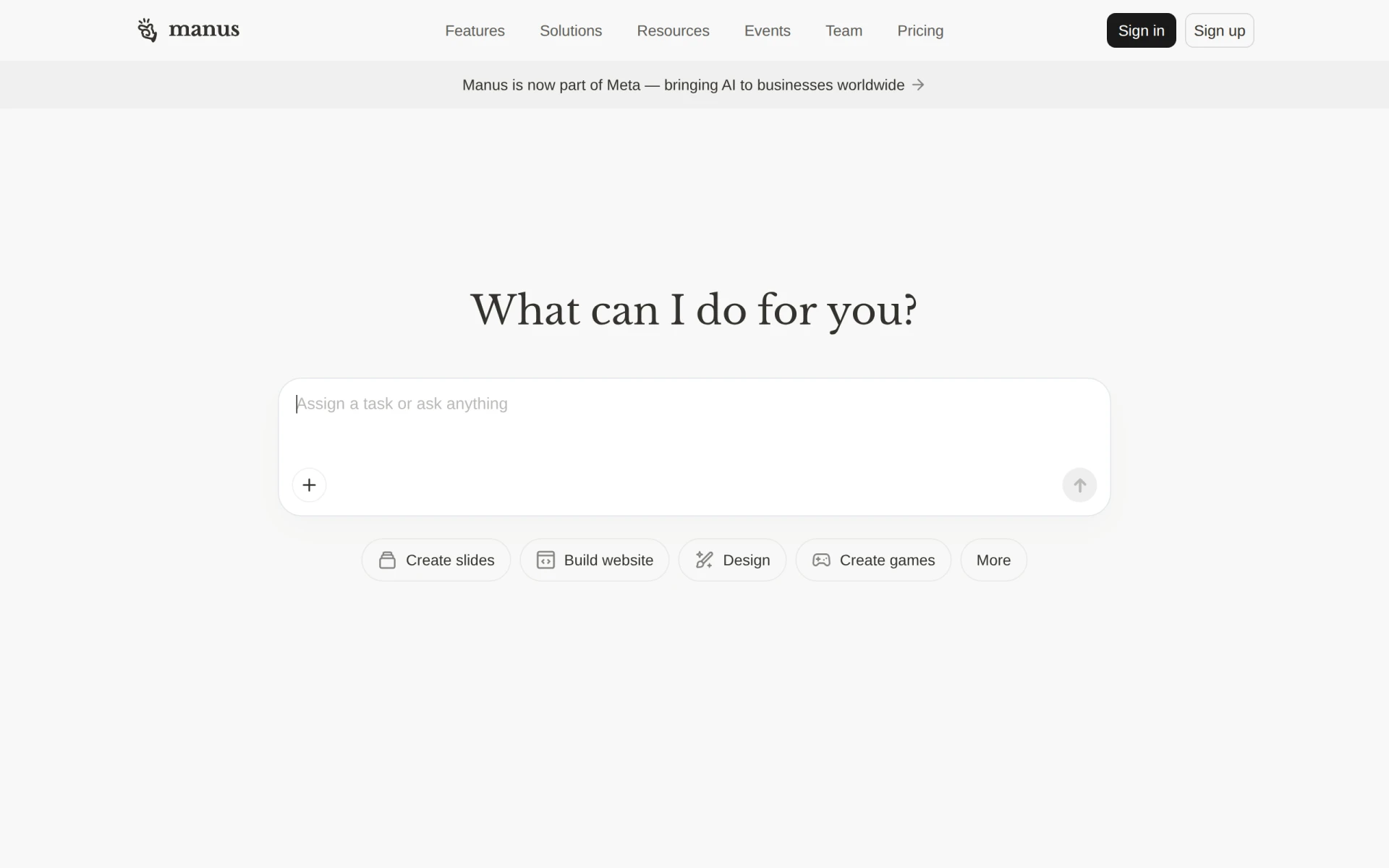 is an innovative AI-driven tool that automates workflows and task execution, significantly enhancing team productivity. By leveraging artificial intelligence, Manus helps remote teams streamline their processes and reduce manual input. This tool is particularly beneficial for teams looking to automate repetitive tasks, allowing team members to focus on more strategic initiatives.
One of Manus’s standout features is its integration with Slack, allowing teams to receive updates and notifications directly within their preferred communication platform. The ability to create documents and slides within Manus also simplifies content creation, making it easier for teams to produce high-quality materials without switching between different applications.
- AI Task Execution: Automate repetitive tasks, freeing up team members for higher-value activities.
- Workflow Automation: Streamline processes to improve efficiency and reduce errors.
- Integration with Slack: Receive real-time updates and notifications in your existing communication channels.
- Document and Slide Creation: Create professional-looking presentations and documents without leaving the platform.
- Website Building Tools: Simplify the process of developing web content.
Pricing: Freemium - Pricing information for Manus is not publicly available. Best for: Small to medium-sized businesses, marketing teams needing to automate presentations, project managers looking to streamline task management.
Asana - Best for Coordinating Team Workflows
Asana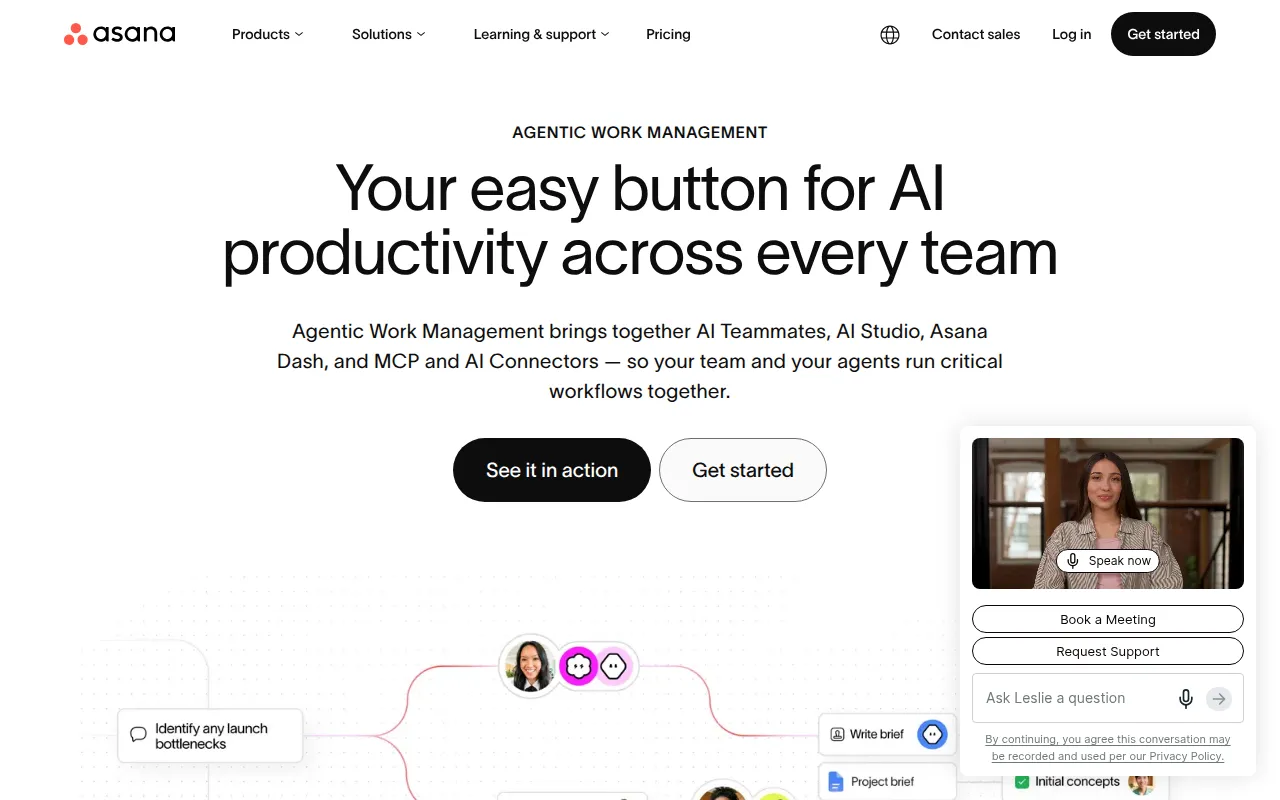 is a widely recognized project management tool that helps teams coordinate and manage their work efficiently. Its user-friendly interface makes it easy for teams to get started, while its powerful features allow for detailed task management and project tracking. Asana excels in helping remote teams maintain visibility over their projects, ensuring that everyone knows what needs to be done and by when.
The collaboration features in Asana are particularly beneficial for remote teams. Team members can comment on tasks, attach files, and track project updates in real-time, fostering a collaborative environment even from a distance. The customizable dashboards further aid in adapting the tool to meet specific project needs, making it a versatile choice for various team structures.
- Task Management: Organize tasks by priority, deadlines, and assignees.
- Project Tracking: Gain insights into project progress and deadlines.
- Team Collaboration: Comment and share files directly within tasks to keep communication streamlined.
- Customizable Dashboards: Tailor views to fit team preferences and project needs.
- Workflow Automation: Automate routine processes to save time and reduce manual work.
Pricing: Freemium - Asana offers a free plan and several paid plans with varying features. Best for: Marketing teams managing campaigns, software development teams tracking sprints, product management teams planning roadmaps.
Jitera - Best for AI-Enhanced Collaboration
Jitera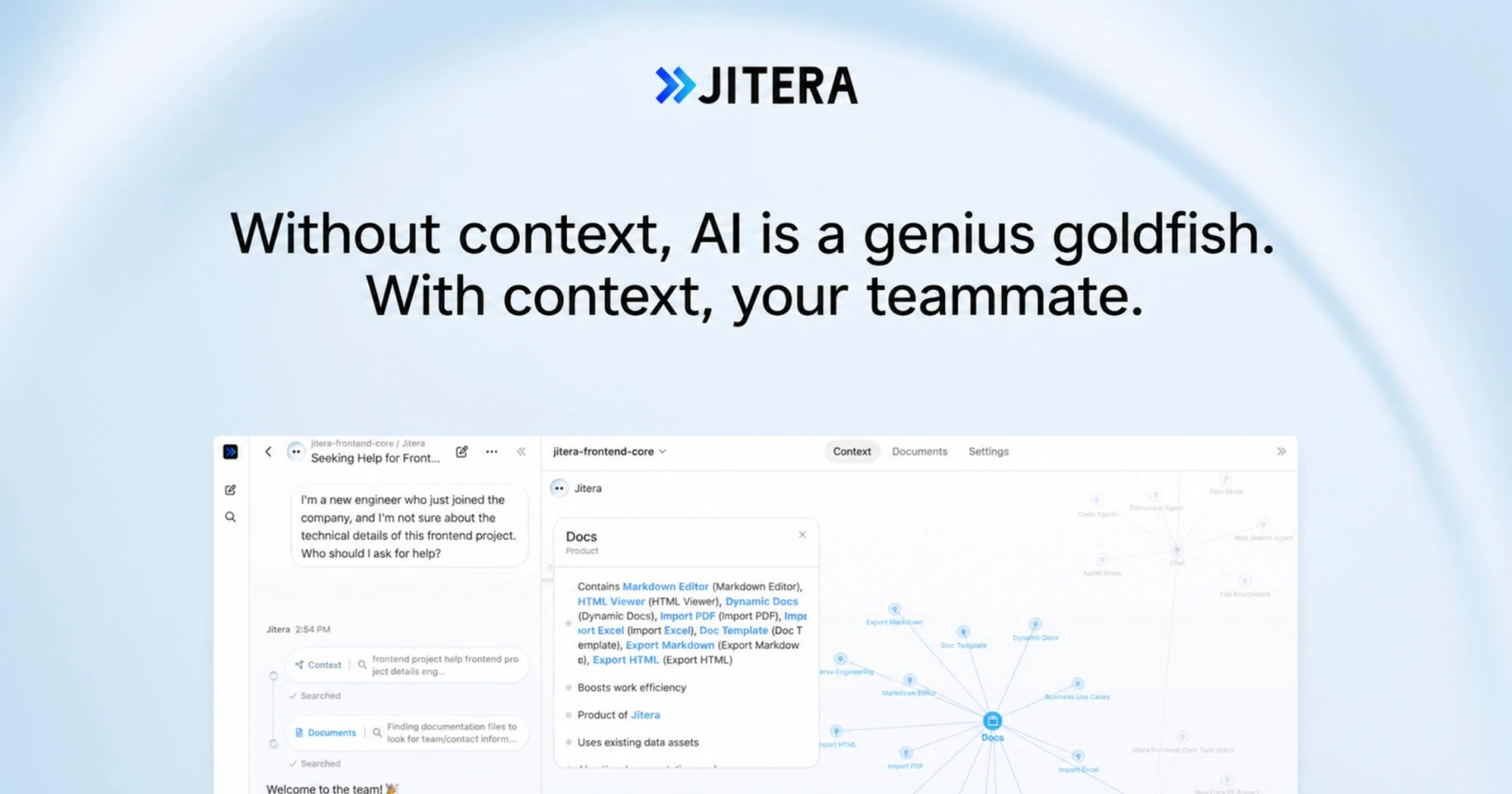 is an advanced AI workspace designed to enhance collaboration among remote teams. By integrating AI agents that manage context and information flow, Jitera streamlines communication and ensures that team members have access to the information they need when they need it. This tool is particularly useful for teams managing complex projects where context is key to success.
The collaborative workspace in Jitera allows for real-time updates and information sharing, which is critical for remote teams. Its customizable AI agents learn from team interactions, further enhancing the tool's effectiveness. This adaptive approach means that Jitera can evolve with the team's needs, making it a powerful asset for dynamic work environments.
- AI-Driven Context Management: Keep track of project context and information flow to minimize confusion.
- Integration with Existing Tools: Connect with other documentation and communication platforms for seamless workflow.
- Collaborative Workspace: Share updates and information in real-time with team members.
- Customizable AI Agents: Tailor AI agents to meet specific team needs and preferences.
- Version Control: Manage document versions and outputs effectively to avoid discrepancies.
Pricing: Contact - Pricing details for Jitera are not publicly available. Best for: Medium to large teams in dynamic environments, marketing teams coordinating product launches, software development teams managing complex projects.
Achiv - Best for Straightforward Project Tracking
Achiv is a project management tool that focuses on enhancing team collaboration and simplifying project tracking. Its straightforward design makes it easy for remote teams to manage tasks and timelines without feeling overwhelmed by unnecessary complexity. Achiv is ideal for teams that want to keep things simple while ensuring effective collaboration.
The timeline view in Achiv allows team members to visualize project schedules clearly, making it easier to stay on track. Additionally, the collaboration tools enable teams to communicate effectively about tasks and deliverables, ensuring everyone is aligned and working towards the same goals.
- Task Management: Easily create and assign tasks to team members.
- Timeline View: Visualize project timelines to stay on track.
- Collaboration Tools: Communicate effectively with team members about project deliverables.
- Reporting: Generate reports to analyze project performance and team productivity.
- Integrations: Connect with other tools for enhanced functionality.
Pricing: Freemium - Pricing information for Achiv is not publicly available. Best for: Project managers seeking a straightforward management tool, small to medium-sized teams requiring efficient collaboration, marketing teams coordinating multiple project deliverables.
Work Management - Best for Development Teams
DevShip is a project management tool specifically designed for development teams to track issues, log time, and collaborate seamlessly. Its focus on development-related tasks makes it an excellent choice for teams that require a specialized tool to manage their workflows. DevShip's features are tailored to meet the needs of developers, ensuring that they can work efficiently and effectively.
The issue tracking feature in DevShip allows teams to identify and address problems quickly, which is crucial for maintaining project momentum. Additionally, the time logging capabilities ensure that developers can track their work hours accurately, providing valuable insights into productivity and workload management.
- Issue Tracking: Identify and resolve issues quickly to maintain project momentum.
- Time Logging: Track hours spent on tasks accurately for better workload management.
- Client Collaboration: Facilitate communication with clients regarding project status and deliverables.
- Team Alignment Tools: Keep team members aligned on project objectives and responsibilities.
- Integration with Slack: Enhance communication through seamless integration with existing tools.
Pricing: Freemium - DevShip offers a free plan and paid plans starting from $29 per month. Best for: Small development teams looking for efficient project management, freelancers needing to track time and manage client projects, agencies managing multiple client projects with clear visibility.
Notion - Best for All-in-One Workspace
Notion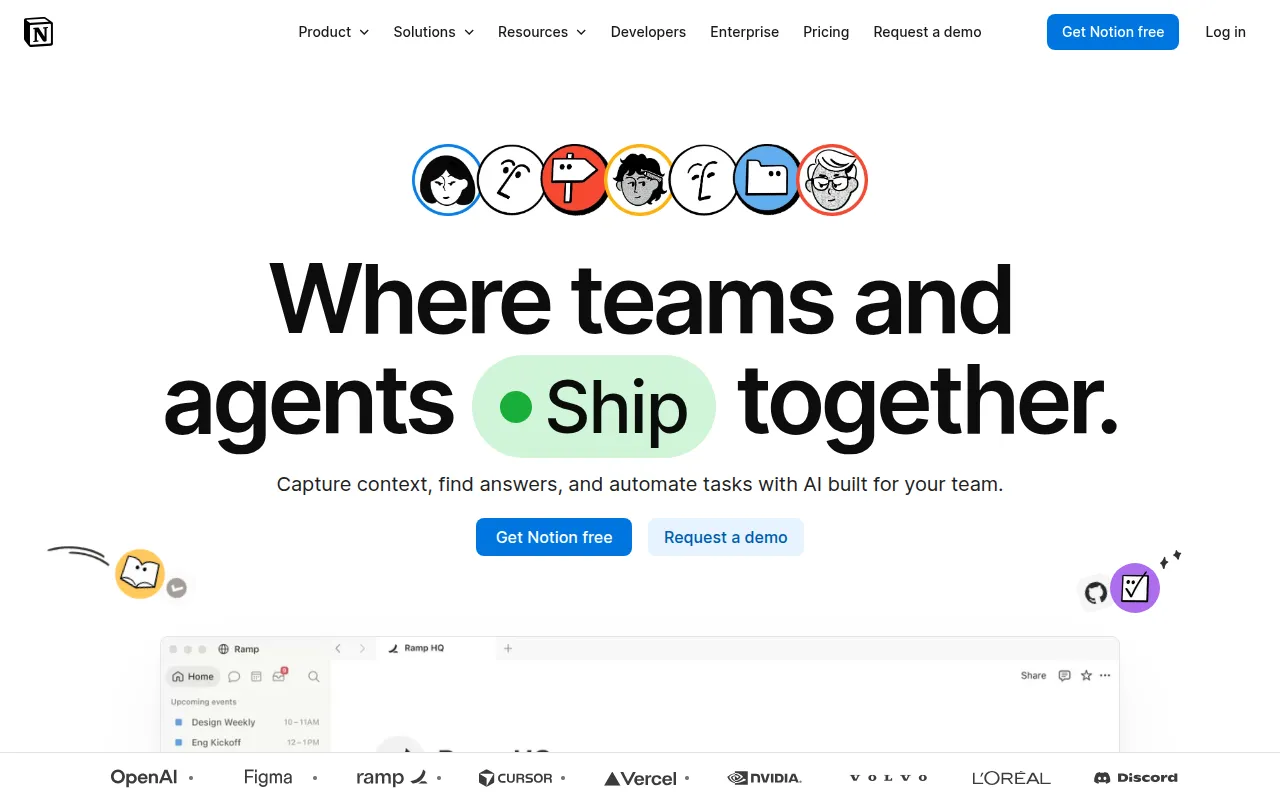 serves as an all-in-one workspace for notes, tasks, wikis, and databases, making it the best tool for personal productivity and team collaboration. Its flexibility allows teams to customize their workspaces according to their specific needs, fostering an environment where productivity can thrive. Notion’s ability to serve multiple functions makes it ideal for remote teams that require a versatile tool to manage various aspects of their work.
The integration of Notion AI further enhances its capabilities, allowing teams to automate notes and tasks, thereby improving efficiency. With mobile apps available, team members can stay productive on the go, ensuring that they can access their work from anywhere.
- Flexible Databases: Organize information in a way that makes sense for your team.
- Notion AI: Automate tasks and streamline workflows.
- Team Wikis: Create centralized documentation for easy access to information.
- API Access: Integrate with other tools to enhance functionality.
- Mobile Apps: Stay productive from anywhere with mobile access.
Pricing: Freemium - Free for personal use. Plus plan $10/month, Team plan $15/user/month. Best for: Teams looking for a comprehensive workspace that consolidates various tools into one platform.
Liaise - Best for Enhanced Communication
Liaise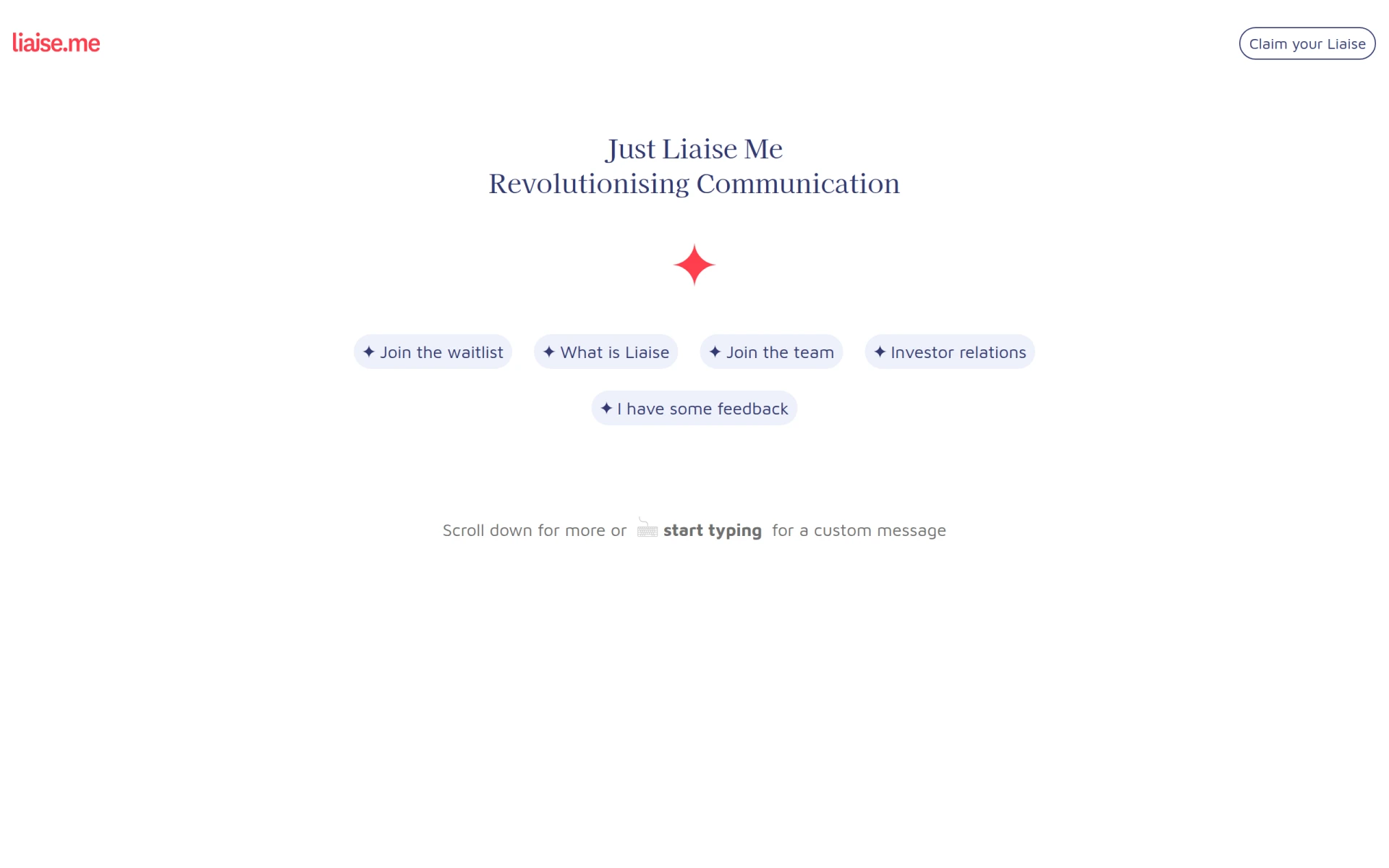 is a communication platform designed to enhance collaboration and streamline interactions within teams and organizations. Its focus on real-time messaging and task assignment makes it an excellent choice for remote teams striving to improve their communication. Liaise helps ensure that team members can connect easily and stay updated on important project developments.
The platform’s file-sharing capabilities further facilitate collaboration, allowing team members to exchange documents and resources effortlessly. With customizable user profiles, teams can tailor the platform to meet their specific communication needs, fostering a more engaging and connected remote work environment.
- Real-Time Messaging: Communicate instantly with team members to reduce delays.
- Task Assignment and Tracking: Assign tasks directly in the chat for clarity on responsibilities.
- File Sharing Capabilities: Share documents seamlessly within the platform.
- Integration with Popular Productivity Tools: Enhance functionality by connecting with existing tools.
- Customizable User Profiles: Tailor profiles to meet team needs and preferences.
Pricing: Contact - Pricing information for Liaise is currently unavailable. Best for: Small to medium-sized businesses, marketing teams, project managers.
Minduck - Best for Efficient Workflows
Minduck is a project management tool designed to enhance collaboration and efficiency in team workflows. Its features support task management and resource allocation, making it a solid choice for remote teams that need to keep their projects organized and on track. Minduck’s focus on enhancing team collaboration ensures that team members can work together effectively, regardless of their location.
The project templates provided by Minduck help teams get started quickly, reducing the time needed to set up new projects. Additionally, the time tracking feature allows teams to monitor their productivity and ensure that projects are completed on schedule.
- Task Management: Easily assign and track tasks with clear visibility.
- Team Collaboration: Foster teamwork through effective communication tools.
- Time Tracking: Monitor hours worked to improve productivity insights.
- Resource Allocation: Manage resources effectively to optimize project outcomes.
- Project Templates: Utilize templates to streamline project initiation.
Pricing: Contact - Pricing information for Minduck is currently unavailable. Best for: Project managers, team leaders, marketing teams.
Quick Comparison
| Tool | Best For | Starting Price | Rating |
|---|
| ClickUp | Comprehensive Project Management | Free / $9/mo | 0.0/5 |
| Ark | Streamlined Project Workflows | Free | 0.0/5 |
| Manus | AI-Driven Automation | Free | 0.0/5 |
| Asana | Coordinating Team Workflows | Free | 0.0/5 |
| Jitera | AI-Enhanced Collaboration | Contact | 0.0/5 |
| Achiv | Straightforward Project Tracking | Free | 0.0/5 |
Work Management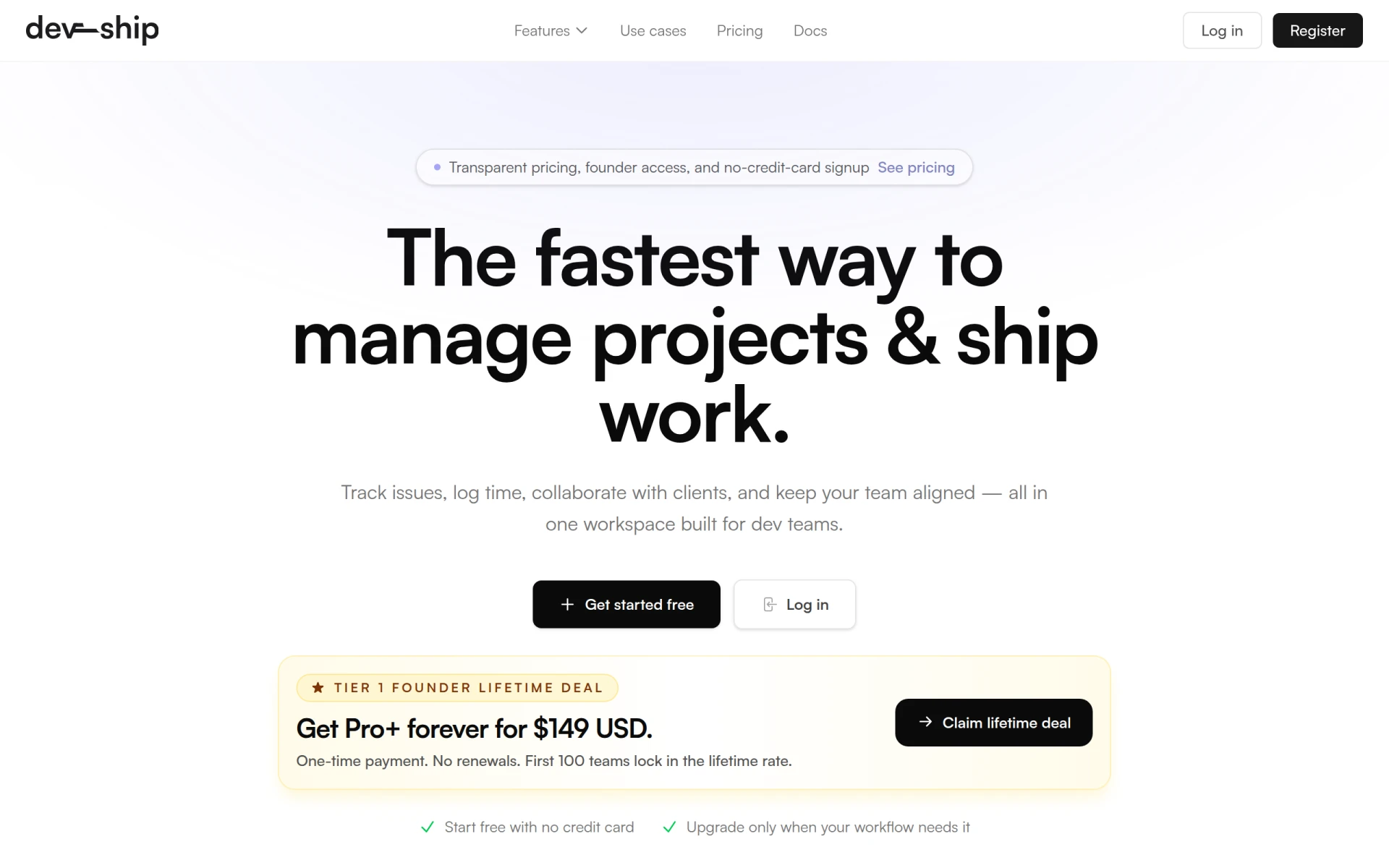 | Development Teams | Free / $29/mo | 0.0/5 |
| Notion | All-in-One Workspace | Free / $10/mo | 0.0/5 |
| Liaise | Enhanced Communication | Contact | 0.0/5 |
| Minduck | Efficient Workflows | Contact | 0.0/5 |
Best Choice for Beginners
ClickUp is the best choice for beginners due to its user-friendly interface and comprehensive feature set. New users can easily navigate the platform and leverage its task management and collaboration tools without feeling overwhelmed. The freemium model also allows teams to start using ClickUp without any financial commitment, making it an accessible option for those just starting to explore productivity tools.
Best Choice for Professionals
Asana stands out as the best choice for professionals, particularly due to its powerful project tracking and workflow automation features. Professionals will appreciate the ability to customize dashboards and automate routine tasks, effectively streamlining workflows and improving productivity. Asana’s robust capabilities make it an excellent fit for teams managing complex projects and requiring detailed oversight.
Best Value Pick
Notion is the best value pick for remote teams, offering a comprehensive all-in-one workspace at a competitive price. Its free tier provides significant functionality for personal use, while the paid plans are reasonably priced given the extensive features available. The flexibility and versatility of Notion make it a valuable investment for teams looking to consolidate multiple tools into one platform.
Conclusion
For remote teams seeking to enhance collaboration and productivity, leveraging the right productivity tools is crucial. By selecting the appropriate applications, teams can streamline their workflows, improve communication, and ultimately achieve their project goals.