Introduction
In today's remote work environment, teams often struggle with communication and project management, leading to decreased productivity and collaboration. Finding the right tools can make all the difference in overcoming these hurdles and achieving seamless teamwork.
Why Remote Teams Struggle With Communication and Project Management
Remote teams frequently encounter challenges that hinder effective communication and project management. Time zone differences, lack of face-to-face interactions, and reliance on various communication tools can create confusion and misalignment. For instance, team members might miss important updates or fail to grasp project goals without clear channels for communication. Additionally, managing deadlines and tracking progress can become daunting when everyone is working from different locations.
What to Look For in Business Tools
- Ease of Use: Intuitive interfaces help teams quickly adapt to new tools, minimizing the learning curve.
- Integration Capabilities: Tools that integrate with existing software streamline workflows and enhance productivity.
- Real-Time Collaboration: Features that allow for instant communication and updates help keep teams aligned and informed.
- Task Management Features: Robust task management tools aid in prioritizing work and tracking progress effectively.
- Customizability: Tailoring tools to fit the team’s unique workflows enhances usability and efficiency.
Best Top Productivity Tools for Remote Teams
Liaise - Best for Team Communication
Liaise is a communication platform designed to enhance collaboration and streamline interactions within teams and organizations. Its real-time messaging feature allows team members to connect instantly, reducing delays in communication. The ability to assign and track tasks directly within the platform transforms it into a centralized hub for team activities, ensuring everyone remains on the same page.
Moreover, Liaise offers file-sharing capabilities, making it easy for teams to collaborate on documents and projects without needing to switch between different tools. Customizable user profiles allow team members to personalize their experience, fostering a sense of ownership and engagement.
- Real-time messaging: Facilitates instant communication among team members, reducing delays.
- Task assignment and tracking: Keeps everyone accountable and aware of their responsibilities.
- File sharing capabilities: Enables collaboration on documents directly within the platform.
- Integration with popular productivity tools: Connects with tools teams already use, enhancing workflow.
- Customizable user profiles: Personalizes the user experience, promoting engagement.
Pricing: Contact - Pricing information for Liaise is currently unavailable. Best for: Small to medium-sized businesses, marketing teams, project managers.
PilotDesk - Best for Project Management
PilotDesk is a project management tool designed to enhance team collaboration and streamline project workflows. Its task management feature allows teams to break down projects into manageable tasks, ensuring clarity around responsibilities. With progress tracking, team leaders can monitor project advancements and swiftly address any bottlenecks that arise.
PilotDesk stands out with its focus on team collaboration. The platform encourages sharing ideas and feedback, fostering a collaborative environment that can lead to innovative solutions. Its file-sharing capabilities ensure that all team members can access vital resources without hassle.
- Task Management: Breaks projects into manageable tasks for clearer accountability.
- Progress Tracking: Enables monitoring of project advancements, allowing for timely interventions.
- Team Collaboration: Encourages sharing and feedback, leading to innovative solutions.
- File Sharing: Facilitates easy access to vital resources among team members.
- Time Tracking: Helps in understanding time spent on tasks for better resource allocation.
Pricing: Freemium - Pricing information for PilotDesk is not explicitly available online. Best for: Project managers, team leaders, small to medium-sized businesses.
Preswald - Best for Workflow Automation
Preswald is a workflow automation tool designed to optimize business processes and improve efficiency. With features that automate routine tasks, teams can focus on higher-value work instead of getting bogged down in repetitive activities. Its task management feature ensures that all team members are aligned on priorities.
The platform also offers robust reporting and analytics, providing insights into team performance and project outcomes. This data-driven approach enables teams to make informed decisions and continuously improve their processes. Its integration capabilities with third-party applications further enhance its effectiveness.
- Workflow Automation: Reduces time spent on repetitive tasks, increasing overall productivity.
- Task Management: Ensures alignment on project priorities among team members.
- Collaboration Tools: Facilitates teamwork through shared resources and communication.
- Reporting and Analytics: Provides insights for data-driven decision-making.
- Integration with Third-Party Applications: Enhances functionality by connecting with other tools.
Pricing: Contact - Pricing information for Preswald is currently unavailable. Best for: Small to medium-sized businesses, marketing teams seeking to automate campaign workflows, HR departments looking to streamline onboarding processes.
ClickUp - Best for Comprehensive Project Management
ClickUp is a comprehensive project management and productivity tool designed to streamline team collaboration and task management. With its robust task management features, teams can create, assign, and prioritize tasks efficiently. The time tracking capability adds an extra layer of accountability, allowing team members to log hours spent on different projects.
What sets ClickUp apart is its customizable dashboards, allowing teams to visualize their workflows in a way that suits their unique needs. The collaboration tools foster communication and ensure that everyone is aligned on project goals and timelines.
- Task management: Helps teams efficiently create, assign, and prioritize tasks.
- Time tracking: Provides accountability by allowing team members to log hours.
- Goal tracking: Ensures alignment on project goals and outcomes.
- Collaboration tools: Enhances communication among team members.
- Customizable dashboards: Visualizes workflows tailored to team needs.
Pricing: Freemium - ClickUp offers pricing starting at $9 per user per month for the unlimited plan. Best for: Small to medium-sized businesses, marketing teams managing campaigns, project managers overseeing timelines and resources.
Manus - Best for AI-Driven Workflow Automation
Manus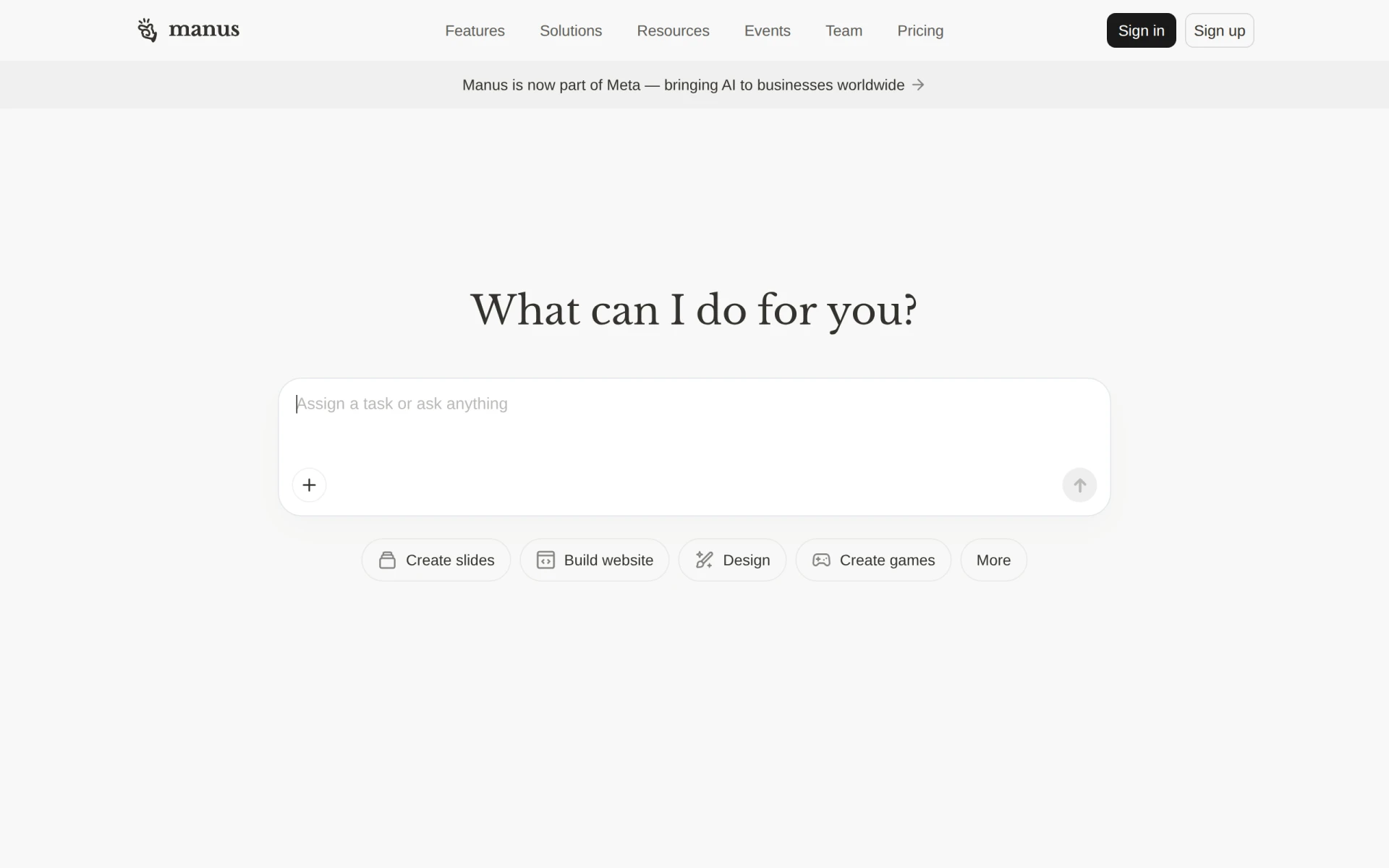 is an AI-driven tool designed to automate workflows and execute tasks, enhancing team productivity. By leveraging artificial intelligence, Manus can streamline repetitive tasks, freeing up team members to focus on strategic initiatives. Its integration with Slack allows for seamless communication and updates, keeping everyone informed.
Additionally, Manus offers document and slide creation tools that can significantly speed up the content production process. The website building features further empower teams to manage online presences without the need for extensive technical knowledge.
- AI Task Execution: Automates repetitive tasks, freeing up time for strategic work.
- Workflow Automation: Streamlines processes for increased efficiency.
- Integration with Slack: Facilitates real-time communication among team members.
- Document and Slide Creation: Speeds up content production processes.
- Website Building Tools: Empowers teams to manage online presences effortlessly.
Pricing: Freemium - Pricing information for Manus is not publicly available. Best for: Small to medium-sized businesses, marketing teams needing to automate presentations, project managers looking to streamline task management.
Asana - Best for Organized Project Management
Asana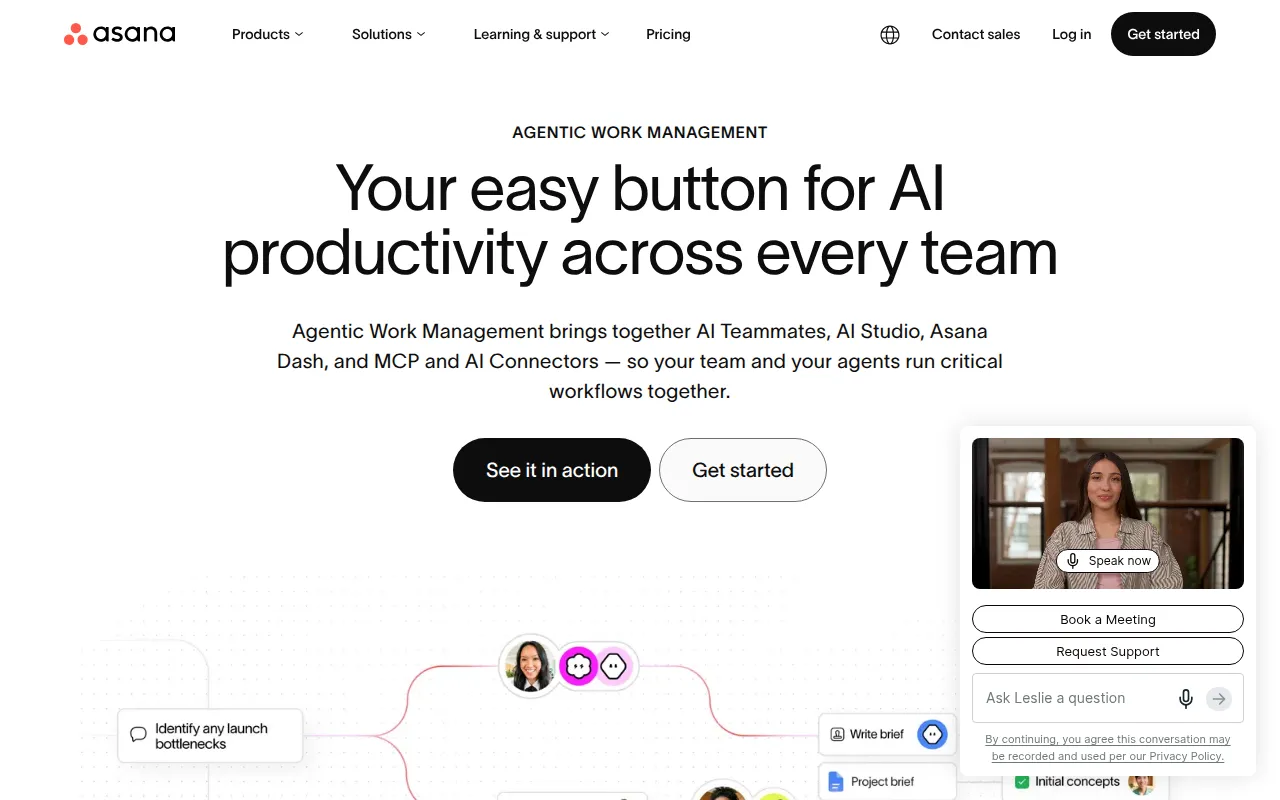 is a project management tool that helps teams coordinate and manage their work efficiently. With a user-friendly interface, it allows teams to create projects, assign tasks, and track progress effortlessly. The customizable dashboards offer a clear overview of ongoing projects, making it easier to stay on top of deadlines.
Asana’s workflow automation features help eliminate manual processes, allowing teams to focus on what matters most. The collaborative environment encourages team members to communicate and share updates, enhancing overall productivity.
- Task management: Simplifies project organization and accountability.
- Project tracking: Enables monitoring of project progress and deadlines.
- Team collaboration: Fosters communication among team members.
- Customizable dashboards: Provides a clear overview of projects for better management.
- Workflow automation: Reduces manual processes, increasing efficiency.
Pricing: Freemium - Asana offers a free plan and several paid plans with varying features. Best for: Marketing teams managing campaigns, software development teams tracking sprints, product management teams planning roadmaps.
Plane - Best for Unified Workspace Management
Plane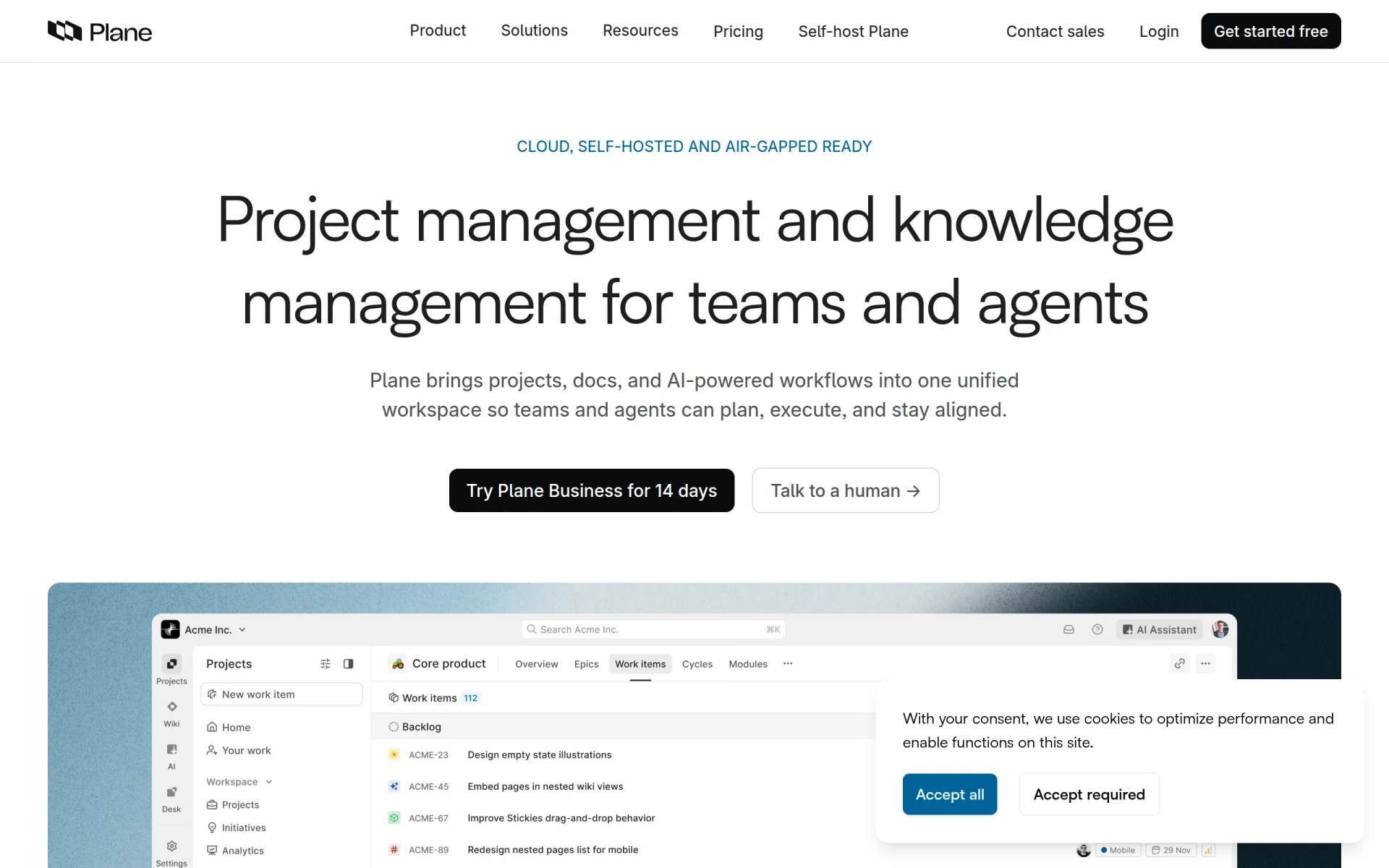 is an AI-native project management tool that integrates projects, documentation, and workflows in one unified workspace. This centralization allows teams to access all necessary resources without switching between multiple applications, streamlining workflow and enhancing collaboration.
Its AI-driven workflows help automate tasks, providing a seamless experience for teams. The integration of wiki features enables documentation to be easily accessible, facilitating knowledge sharing and continuity within teams. This makes Plane particularly valuable for medium to large organizations needing robust project management tools.
- AI-Driven Workflows: Automates tasks, enhancing team efficiency.
- Project Management: Centralizes resources for streamlined access.
- Wiki Integration: Facilitates knowledge sharing among team members.
- Cross-Functional Collaboration: Encourages teamwork across departments.
- Cloud and Self-Hosted Options: Offers flexibility in deployment based on organizational needs.
Pricing: Freemium - Plane's pricing is based on a straightforward per-seat subscription model. Best for: Medium to large organizations requiring robust project management tools, software development teams for managing sprints and features, marketing teams coordinating campaigns and documenting strategies.
Yarnit - Best for Enhanced Collaboration
Yarnit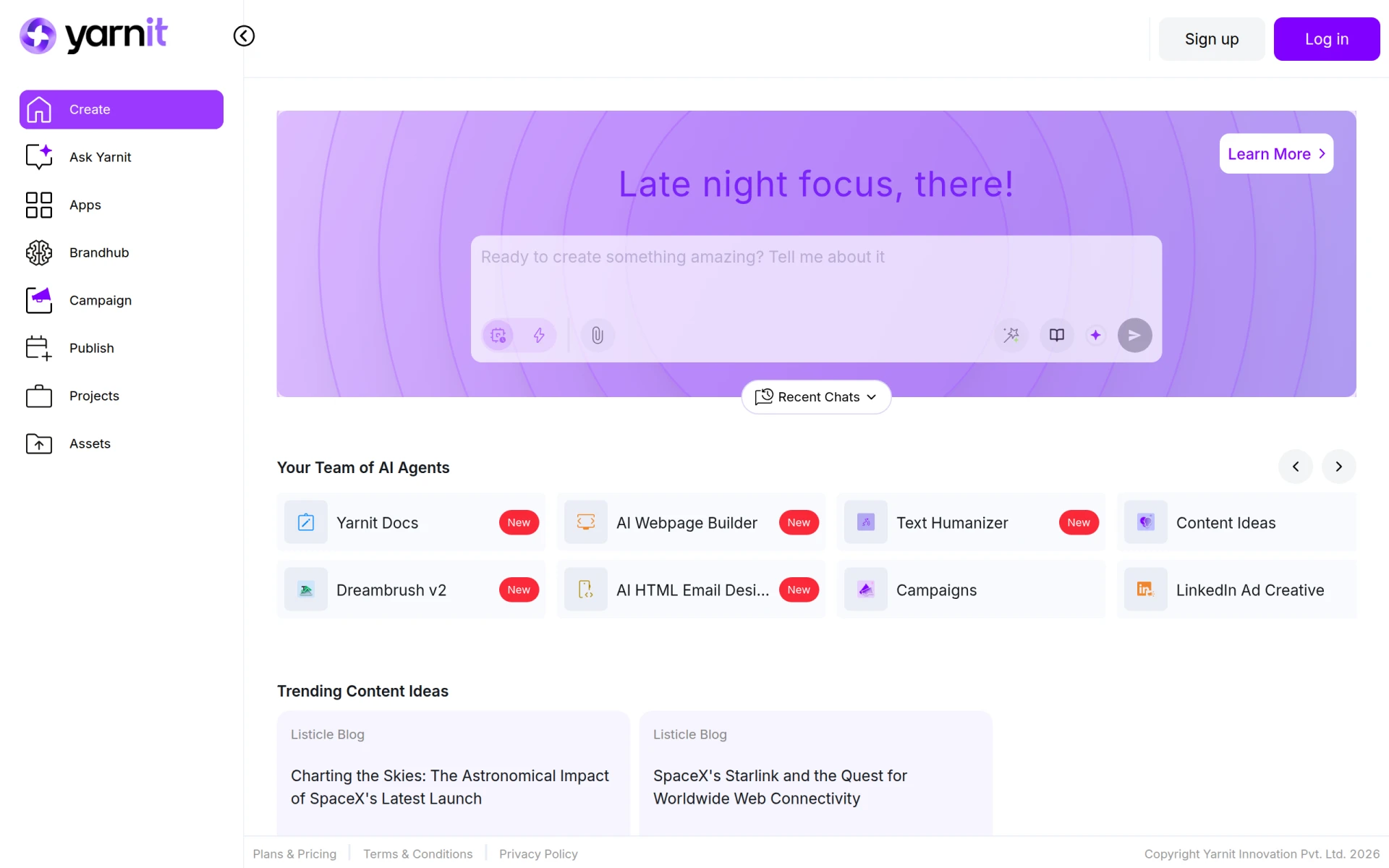 is a project management tool designed to enhance collaboration and communication within teams. Its task management features ensure that everyone knows their responsibilities, while deadline tracking helps maintain focus on project timelines. The platform's file-sharing capabilities streamline resource access, improving overall efficiency.
Yarnit’s progress monitoring feature keeps teams informed about ongoing tasks, allowing for timely adjustments. This is particularly beneficial for marketing teams coordinating product launches or software development teams tracking bugs.
- Task Management: Ensures clarity on responsibilities among team members.
- Team Collaboration: Fosters communication and sharing of ideas.
- Deadline Tracking: Maintains focus on project timelines.
- File Sharing: Streamlines access to resources for team members.
- Progress Monitoring: Keeps teams informed about ongoing tasks.
Pricing: Freemium - Pricing information for Yarnit is currently unavailable. Best for: Marketing teams coordinating product launches, software development teams tracking bugs, freelancers managing multiple client projects.
Work Management - Best for Development Teams
DevShip is a project management tool designed for development teams to track issues, log time, and collaborate seamlessly. Its issue tracking feature allows teams to address bugs and obstacles promptly, ensuring that projects stay on track. Time logging capabilities provide insights into how resources are allocated, aiding in future planning.
DevShip also promotes client collaboration, making it easier for agencies to manage multiple client projects while maintaining clear visibility. This feature is particularly beneficial for small development teams looking for efficient project management solutions.
- Issue Tracking: Enables prompt addressing of bugs and project obstacles.
- Time Logging: Provides insights into resource allocation.
- Client Collaboration: Facilitates clear communication between teams and clients.
- Team Alignment Tools: Enhances collaboration among team members.
- Integration with Slack: Streamlines communication for better collaboration.
Pricing: Freemium - DevShip offers a free plan and paid plans starting from $29 per month. Best for: Small development teams looking for efficient project management, freelancers needing to track time and manage client projects, agencies managing multiple client projects with clear visibility.
Humains - Best for Streamlined Project Management
Humains is a productivity tool designed to enhance team collaboration and streamline project management processes. Its task management feature allows for easy organization of team responsibilities, while project tracking ensures that deadlines are met. The file-sharing capability simplifies resource access, enabling teams to work more effectively.
Calendar integration adds another layer of utility, allowing teams to manage their schedules alongside project timelines. This feature is particularly useful for small to medium-sized businesses aiming to enhance their project management practices.
- Task Management: Helps organize team responsibilities efficiently.
- Project Tracking: Ensures deadlines are met and projects stay on schedule.
- Team Collaboration: Enhances communication among team members.
- File Sharing: Simplifies access to resources for better collaboration.
- Calendar Integration: Manages schedules alongside project timelines.
Pricing: Freemium - Pricing information for Humains is currently unavailable. Best for: Small to medium-sized businesses, project managers seeking to organize tasks, marketing teams coordinating campaigns.
Quick Comparison
| Tool | Best For | Starting Price | Rating |
|---|
| Liaise | Team Communication | Contact | 0.0/5 |
| PilotDesk | Project Management | Freemium | 0.0/5 |
| Preswald | Workflow Automation | Contact | 0.0/5 |
| ClickUp | Comprehensive Project Management | $9/mo | 0.0/5 |
| Manus | AI-Driven Workflow Automation | Freemium | 0.0/5 |
| Asana | Organized Project Management | Freemium | 0.0/5 |
| Plane | Unified Workspace Management | Freemium | 0.0/5 |
| Yarnit | Enhanced Collaboration | Freemium | 0.0/5 |
Work Management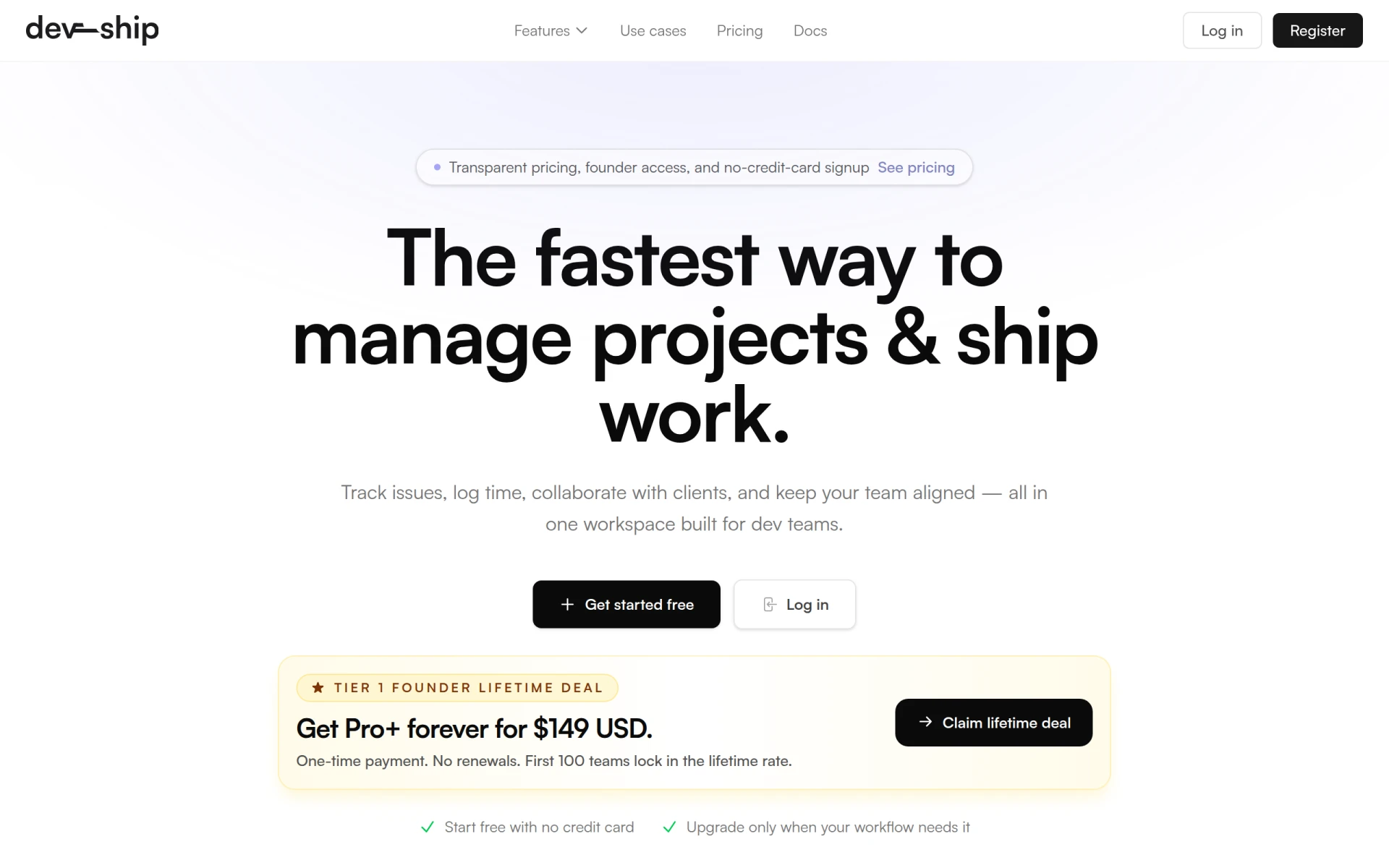 | Development Teams | Freemium | 0.0/5 |
| Humains | Streamlined Project Management | Freemium | 0.0/5 |
Best Choice for Beginners
For beginners, Asana stands out as the ideal choice due to its user-friendly interface and robust project management features. Its freemium model allows new users to explore its capabilities without financial commitment, making it easy to get started on managing projects effectively.
Best Choice for Professionals
ClickUp is the best choice for professionals, offering advanced features such as customizable dashboards, comprehensive goal tracking, and time management tools. These capabilities empower experienced users to tailor the platform to their specific project needs, maximizing productivity and efficiency.
Best Value Pick
For the best value, Manus is an excellent pick due to its freemium pricing model and powerful AI-driven features. By automating workflows and enhancing collaboration, Manus provides a strong return on investment, making it an attractive option for teams looking to boost productivity without large expenditures.
Conclusion
In a remote work environment, choosing the right productivity tools is crucial for enhancing collaboration and project management. By leveraging the tools outlined above, remote teams can overcome communication challenges and improve overall efficiency.