Why Look for Alternatives to Adobe Photoshop?
Adobe Photoshop has long been the industry standard for graphic design, but it is not without its limitations. One of the most significant drawbacks is its subscription-based pricing model. For many users, especially freelancers and small businesses, the cost can be prohibitive, with monthly fees piling up over time. Additionally, while Photoshop offers a vast array of features, it can often be overwhelming for new users. The learning curve is steep, which can deter those looking for quick and straightforward design solutions. Furthermore, some users find that Photoshop's capabilities are more tailored towards photo editing rather than graphic design, leading them to seek alternatives that better meet their specific needs.
Another common pain point is related to the collaboration aspect. In an increasingly remote work environment, design teams often require tools that facilitate real-time collaboration. Unfortunately, Photoshop's capabilities in this area are limited compared to other contemporary tools designed with teamwork in mind. Moreover, while Adobe frequently updates its software, there can be delays in implementing newer features like AI-powered tools that many users are eager to leverage. These limitations drive users to explore alternatives that offer more flexible pricing, user-friendly interfaces, and innovative features tailored to modern design challenges.
Best Alternatives to Adobe Photoshop in 2026
Canva - Best for Quick Graphic Design
Canva stands out as one of the most accessible graphic design platforms available today. Unlike Adobe Photoshop, which can require extensive training to navigate effectively, Canva offers a user-friendly interface that caters to users of all skill levels. It is particularly beneficial for those looking to create social media graphics, marketing materials, or presentations quickly. With a plethora of templates and drag-and-drop features, Canva allows users to create stunning designs without the need for advanced design skills. This makes it an ideal choice for small businesses, marketers, and social media managers who need effective designs on a tight timeline.
In addition to its ease of use, Canva's freemium model is a significant advantage over Photoshop's subscription-based pricing. While Photoshop can be cost-prohibitive for some, Canva offers a free tier that allows users to access a wide variety of features without any upfront costs. For those who require advanced functionalities, Canva Pro is available at a competitive rate, providing additional features like brand kits and enhanced collaboration tools. This makes Canva not only versatile but also cost-effective for individuals and teams looking to maximize their design capabilities.
- Key Strength: User-friendly interface ideal for non-designers.
- Key Strength: Extensive library of templates and images.
- Key Strength: Freemium model with a robust free plan.
- Limitation: Limited customization options compared to Photoshop.
Pricing: Free forever plan. Canva Pro at $15/month per person. Best for: Small businesses and marketers needing quick and easy graphic design solutions.
Midjourney - Best for AI-Driven Art Creation
Midjourney has emerged as a leading AI image generation tool that transforms text descriptions into stunning visual art. This tool is particularly suited for users looking to create high-quality artworks, illustrations, or concept art without the need for traditional design skills. Unlike Adobe Photoshop, which focuses primarily on editing existing images, Midjourney allows users to generate original images from scratch using AI technology. This revolutionary approach opens up creative possibilities that were previously unattainable for non-artists, making it an excellent choice for writers, content creators, and marketers looking to enhance their visual storytelling.
The pricing structure of Midjourney is also noteworthy, offering flexible plans that cater to different needs. For casual users, a basic plan provides an affordable entry point, while more serious creators can opt for the standard or pro plans for unlimited access. This tiered pricing model allows users to choose the package that best fits their creative output, making it a more intuitive and budget-friendly option compared to Photoshop’s flat subscription fee. The ability to generate images rapidly from prompts can significantly speed up the creative process, providing an edge in competitive environments.
- Key Strength: Generates original images from text descriptions.
- Key Strength: High-quality outputs suitable for professional use.
- Key Strength: Flexible pricing with plans for casual and professional users.
- Limitation: Learning curve for effectively crafting prompts.
Pricing: Basic $10/mo (200 images), Standard $30/mo (unlimited), Pro $60/mo. Best for: Artists and content creators looking for innovative ways to generate visuals.
Figma - Best for Collaborative Design Projects
Figma has solidified its place as a premier collaborative design tool, making it an excellent alternative to Adobe Photoshop for teams working on UI/UX projects. Unlike Photoshop, which is primarily focused on photo editing and static design, Figma is built for collaboration and real-time feedback. This feature is crucial for design teams that need to work together seamlessly, regardless of their physical location. With Figma, multiple users can edit designs simultaneously, making it easy to share ideas and iterate on designs in real-time. This collaborative aspect makes it an indispensable tool for product designers, web developers, and marketing teams.
Additionally, Figma’s web-based platform means that it can be accessed from any device with an internet connection, eliminating the need for software installations or updates. This browser-based approach also allows for easy sharing of design files with stakeholders and clients, streamlining feedback processes. While Photoshop requires a significant investment in learning its complex features, Figma offers intuitive tools and a supportive community for users looking to improve their design skills. This makes it an ideal choice for teams that prioritize collaboration and efficiency in their design workflows.
- Key Strength: Real-time collaboration capabilities for teams.
- Key Strength: Web-based platform accessible from any device.
- Key Strength: Intuitive user interface that simplifies design workflows.
- Limitation: Limited offline functionality compared to desktop software.
Pricing: Free for 3 projects. Professional $15/editor/mo, Organization $45/editor/mo. Best for: Design teams and collaborative projects in UI/UX design.
Airbrush - Best for Quick Image Generation
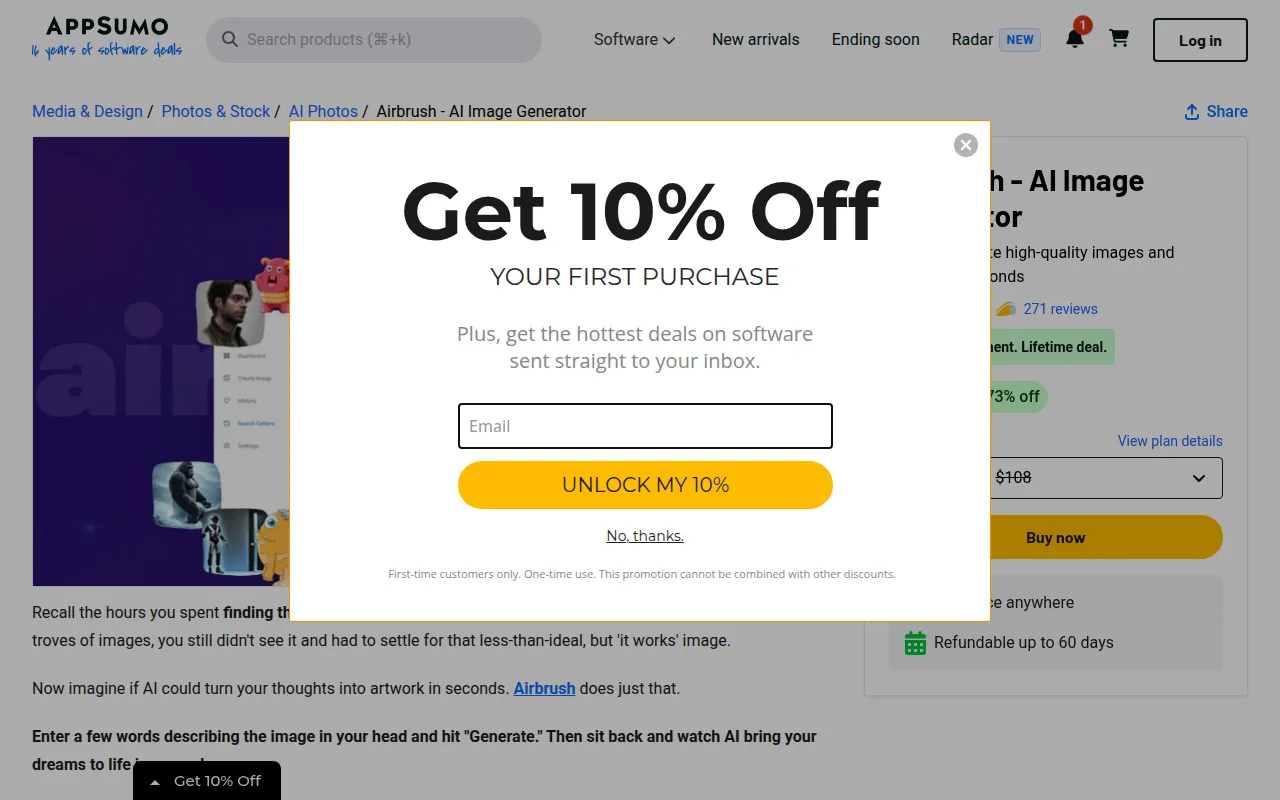
Airbrush stands out as an efficient AI image generator that allows users to create high-quality images based on user prompts in a matter of seconds. This tool serves as an excellent alternative for those looking to produce visual content quickly without the extensive features and complexity of Adobe Photoshop. Airbrush is particularly useful for marketers, bloggers, and social media managers who need to generate visuals for their content rapidly. Its ability to create unique artwork based on simple prompts makes it a valuable asset for users who may not have advanced graphic design skills.
Moreover, Airbrush’s one-time payment model for a lifetime deal offers an appealing alternative to Adobe’s ongoing subscription fees. This can be particularly attractive for users who want to avoid the financial commitment of a monthly subscription. While it may not have the comprehensive editing tools that Photoshop offers, Airbrush excels in generating original images quickly, making it a practical choice for those focused on speed and simplicity in their design processes.
- Key Strength: Rapid image generation based on user prompts.
- Key Strength: One-time payment model for lifetime access.
- Key Strength: High-quality outputs suitable for various applications.
- Limitation: Limited editing capabilities compared to Photoshop.
Pricing: One-time payment for a lifetime deal. Best for: Users needing quick image creation without ongoing costs.
AirBrush AI Headshots - Best for Professional Headshots
AirBrush AI Headshots specializes in generating professional-looking headshots using AI technology. This tool is particularly beneficial for professionals seeking to enhance their online presence with high-quality images for platforms such as LinkedIn or company websites. Unlike Adobe Photoshop, which can be complex and time-consuming for users looking to create simple headshots, AirBrush AI Headshots streamlines the process, providing users with polished images in a fraction of the time. This is ideal for job seekers, professionals, and entrepreneurs who want to make a strong first impression online without investing hours in photo editing.
While specific pricing information for AirBrush AI Headshots is currently unavailable, its freemium model allows users to create headshots without any upfront investment. This accessibility makes it a great alternative for those who may not have the budget for professional photography or complex design software. Users can effortlessly generate headshots that look natural and engaging, helping them stand out in a crowded digital landscape. The simplicity of this tool makes it an attractive option for anyone in need of quality images without the steep learning curve associated with traditional graphic design tools like Photoshop.
- Key Strength: Quick generation of professional AI-generated headshots.
- Key Strength: User-friendly interface designed for non-designers.
- Key Strength: Freemium model allowing access without upfront costs.
- Limitation: Limited customization options compared to traditional photography.
Pricing: Freemium - Pricing information currently unavailable. Best for: Professionals needing quick and polished headshots.
AICarousels - Best for Social Media Engagement
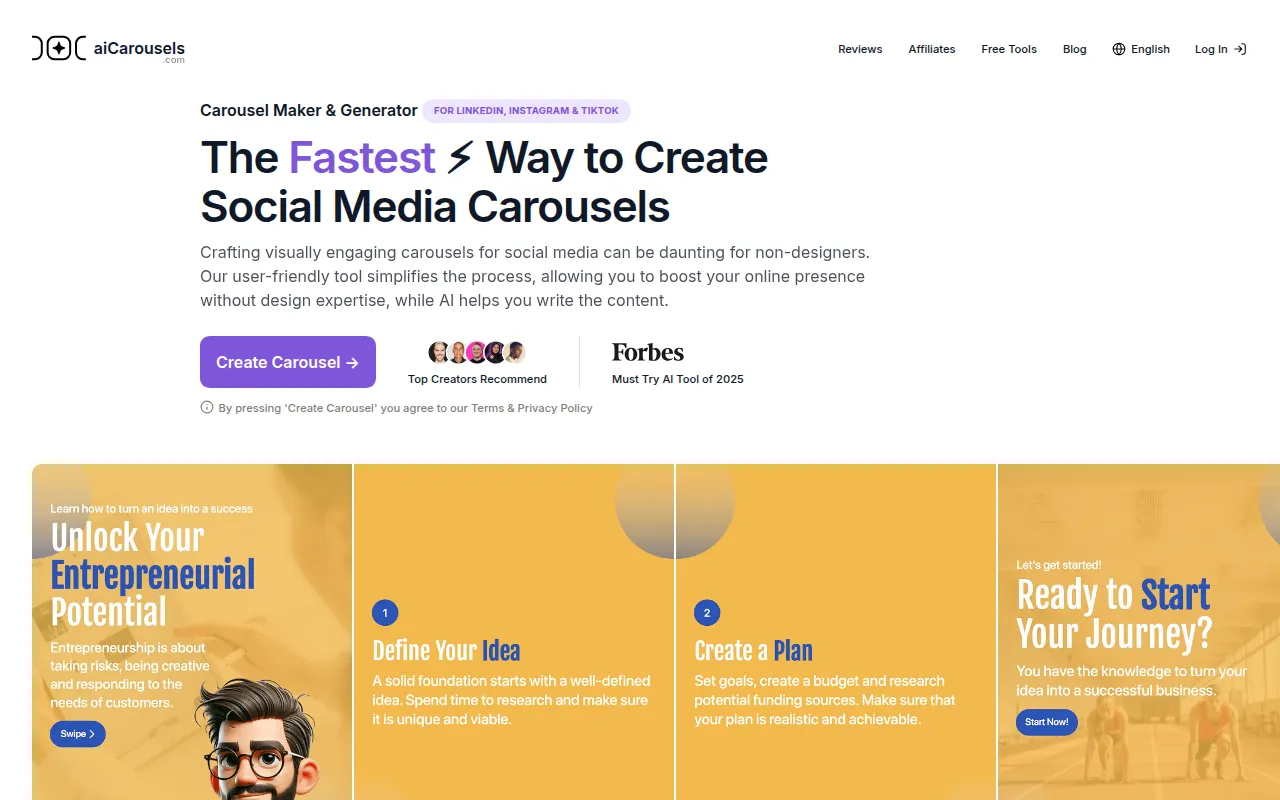
AICarousels provides a free, user-friendly platform for creating engaging carousel posts designed specifically for social media. Unlike Adobe Photoshop, which is primarily geared toward more complex graphic design tasks, AICarousels simplifies the process of creating visual content for platforms like Instagram and Facebook. This makes it an excellent choice for marketers, influencers, and businesses looking to enhance their social media presence without the need for advanced design skills. The intuitive interface allows users to craft visually appealing carousel posts quickly, helping to boost engagement on social media platforms.
AICarousels' appeal lies in its straightforward approach to design, allowing users to focus on content without getting bogged down by complicated tools. With no sign-up required, it is accessible for anyone looking to enhance their social media strategy without the barrier of entry associated with more advanced software. This feature makes it particularly attractive for users who need to create compelling content on the fly without the investment of time and money typically associated with graphic design software like Photoshop.
- Key Strength: Easy-to-use carousel maker for social media posts.
- Key Strength: No sign-up required, making it highly accessible.
- Key Strength: Focused on enhancing social media engagement.
- Limitation: Limited features for broader graphic design needs.
Pricing: Free - AICarousels is free to use with no sign-up required. Best for: Social media managers and marketers looking for quick design solutions.
AIEASE - Best for All-in-One Content Creation
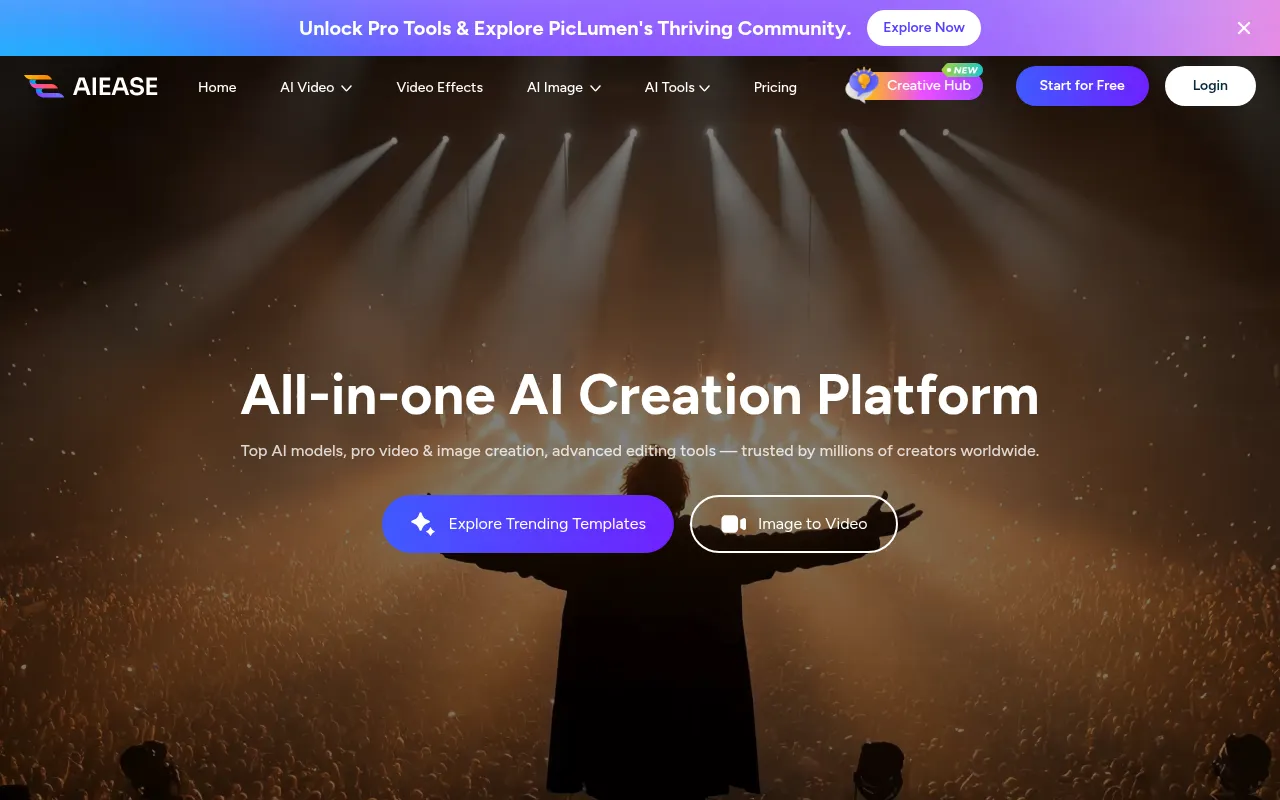
AIEASE positions itself as an all-in-one platform for both video and image creation, making it a versatile alternative to Adobe Photoshop. This tool is particularly suitable for content creators who need to produce both visual and video content quickly. Unlike Photoshop, which focuses primarily on image editing, AIEASE integrates various content types into a single platform, allowing users to streamline their workflows. This feature can significantly enhance productivity for marketers, bloggers, and social media managers who need to create cohesive multimedia content.
While specific pricing information is not readily available on the AIEASE website, its freemium model suggests that users can access basic features without an initial investment. This makes it an attractive option for those looking for a cost-effective solution to their content creation needs. AIEASE's unique combination of video and image capabilities allows users to create engaging content that can be easily tailored to various platforms, setting it apart from more traditional tools like Photoshop that may require separate software for video editing.
- Key Strength: All-in-one platform for video and image creation.
- Key Strength: Streamlined workflow for multimedia content.
- Key Strength: Freemium model allows access to basic features.
- Limitation: Specific pricing details and advanced features are not transparent.
Pricing: Freemium - Pricing information not readily available. Best for: Content creators needing a versatile tool for multimedia projects.
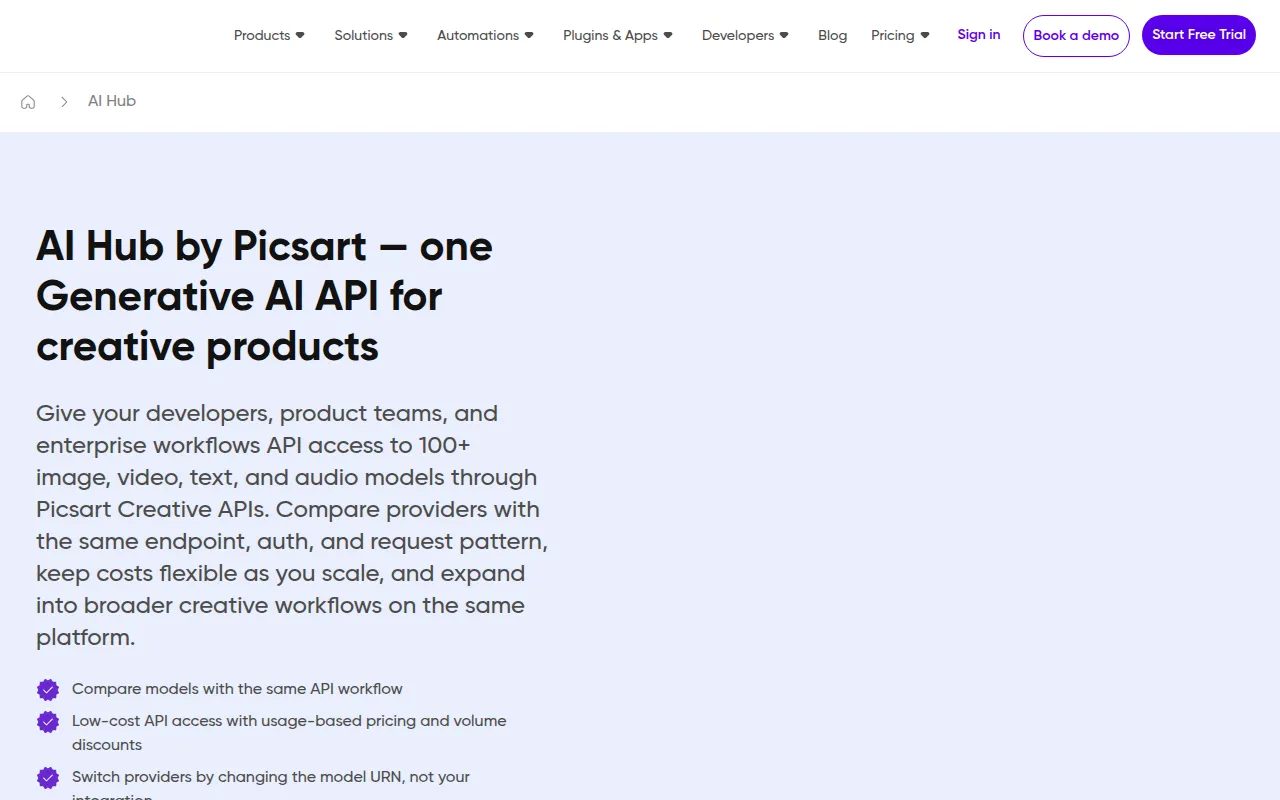
AI HUB by Picsart - Best for Enhanced Creative Workflows
AI HUB by Picsart leverages advanced AI technology to enhance creative workflows, making it an excellent alternative to Adobe Photoshop for users seeking efficiency in their design processes. This tool is particularly beneficial for graphic designers and marketers who want to streamline their creative tasks. Unlike Photoshop, which can be complex and time-consuming, AI HUB incorporates AI features that automate repetitive tasks, allowing users to focus on the creative aspects of their work. This can significantly speed up the design process, making it ideal for those working under tight deadlines.
The freemium model offered by AI HUB makes it accessible to both amateur and professional designers. While specific pricing information is currently unavailable, the ability to use basic features without upfront costs is a significant advantage. AI HUB's focus on enhancing workflows through automation and AI-driven tools makes it a modern alternative for users looking to elevate their design processes without the cumbersome features of traditional software. This positions it well for those who are looking to innovate in their design approach while maintaining high-quality output.
- Key Strength: AI-driven tools to streamline design processes.
- Key Strength: Freemium model allows access without upfront investment.
- Key Strength: Focuses on enhancing creative workflows for users.
- Limitation: Specific pricing and feature details are not fully transparent.
Pricing: Freemium - Pricing information currently unavailable. Best for: Graphic designers and marketers seeking efficiency and automation in their workflows.
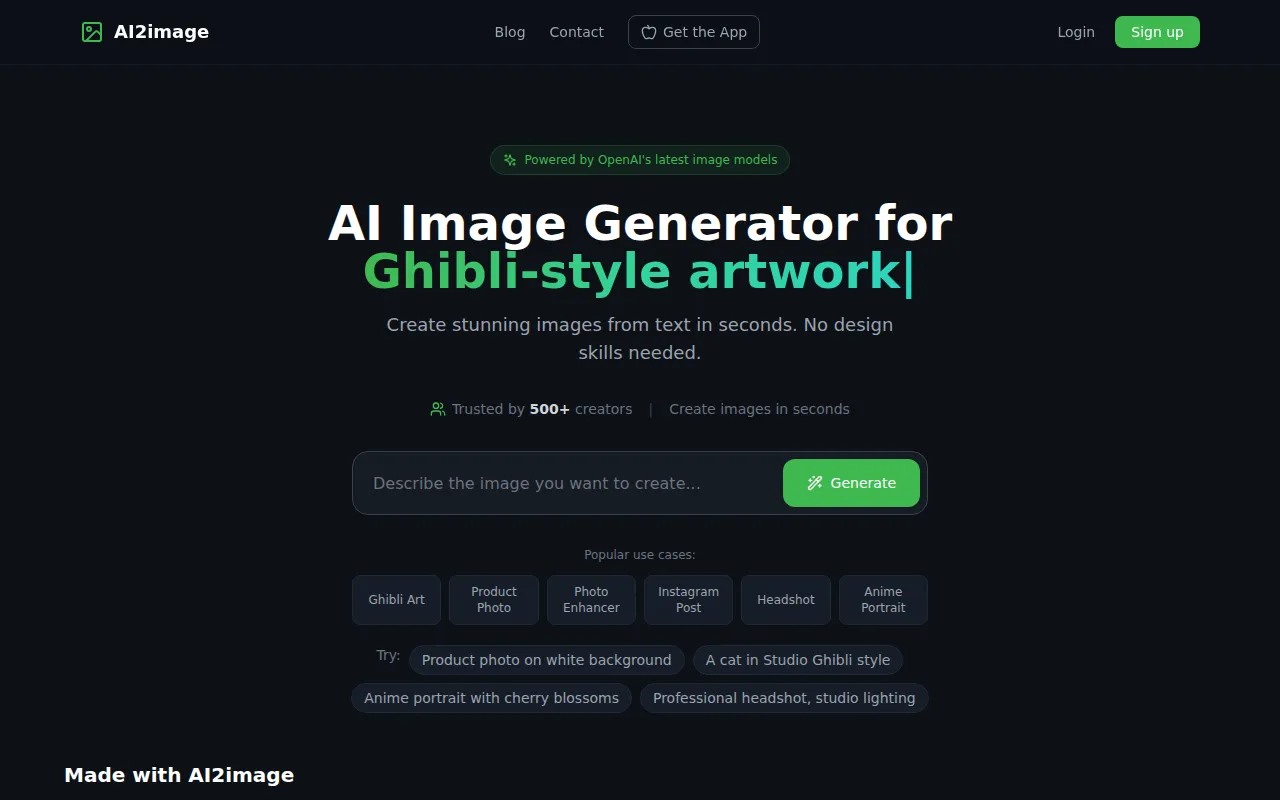
AI2image - Best for Effortless Image Generation
AI2image is a free AI image generator that allows users to create stunning visuals from text prompts without requiring a sign-up. This makes it an ideal alternative for users looking for a straightforward and hassle-free approach to image creation. Unlike Adobe Photoshop, which is primarily focused on editing existing images, AI2image empowers users to generate original designs quickly. This can be especially useful for bloggers, content creators, and marketers who need high-quality visuals but may lack the time or skills to use more complex software. The simplicity of AI2image enables users to focus on their creative vision without getting bogged down in intricate editing tasks.
By offering a free service with no sign-up required, AI2image removes barriers to entry, making it accessible for users at all levels. This can be particularly appealing for those experimenting with visual content creation or those who require occasional images without the commitment associated with subscription models. While it may lack the advanced features of Photoshop, AI2image excels in its core function of generating images quickly and effortlessly, making it a valuable tool for anyone looking to enhance their visual content.
- Key Strength: Free image generation service with no sign-up required.
- Key Strength: Generates original visuals from simple text prompts.
- Key Strength: Effortless user experience for quick image creation.
- Limitation: Limited customization and editing capabilities.
Pricing: Free - AI2image offers a free image generation service with no sign-up required. Best for: Users needing quick and easy image generation without the need for a subscription.
AI Photo Filter - Best for Unique Image Styling
AI Photo Filter provides a unique approach to image editing by transforming existing images using artificial intelligence. This tool allows users to apply distinctive styles and filters to their photos, offering a creative twist on traditional image editing. Unlike Adobe Photoshop, which can require extensive editing skills to achieve specific effects, AI Photo Filter simplifies the process by providing pre-set styles that can be applied with just a few clicks. This makes it an excellent choice for casual users, photographers, and social media enthusiasts looking to enhance their images without the technical complexity of Photoshop.
The accessibility of AI Photo Filter, along with the free usage model, makes it appealing for users who want to experiment with different styles and effects. While specific pricing information is currently unavailable, the ability to transform photos quickly and easily positions AI Photo Filter as a valuable resource for anyone looking to add a unique flair to their images. This tool is particularly beneficial for users who want to create eye-catching visuals for social media or personal projects without investing in expensive software or extensive training.
- Key Strength: Transforms images using AI for unique styling options.
- Key Strength: User-friendly interface designed for quick edits.
- Key Strength: Free access allows experimentation with various styles.
- Limitation: Limited to applying filters rather than comprehensive editing.
Pricing: Free - Specific pricing information currently unavailable. Best for: Casual users wanting to enhance their images with unique filters.
Feature Comparison Table
| Tool | Best For | Starting Price | Free Plan | Standout Feature |
|---|
| Adobe Photoshop | Professional graphic design | $20.99/mo | No | Comprehensive editing capabilities |
| Canva | Quick graphic design | $15/mo | Yes | User-friendly interface |
| Midjourney | AI-driven art creation | $10/mo | No | Image generation from text |
| Figma | Collaborative design projects | $15/editor/mo | Yes | Real-time collaboration |
| Airbrush | Quick image generation | One-time payment | No | Instant image creation from prompts |
| AirBrush AI Headshots | Professional headshots | Freemium | Yes | AI-generated headshots |
| AICarousels | Social media engagement | Free | Yes | Easy carousel creation |
| AIEASE | All-in-one content creation | Freemium | Yes | Video and image integration |
| AI HUB by Picsart | Enhanced creative workflows | Freemium | Yes | AI-driven workflow automation |
| AI2image | Effortless image generation | Free | Yes | Image generation from prompts |
| AI Photo Filter | Unique image styling | Free | Yes | AI-driven photo transformations |
How to Choose the Right Alternative to Adobe Photoshop
Choosing the right alternative to Adobe Photoshop depends significantly on your specific needs and use cases. If you are a small business owner or a marketer looking for quick and straightforward design solutions, Canva may be your best bet. Its user-friendly interface and extensive template library allow you to create stunning graphics without needing advanced design skills. On the other hand, if you are a content creator or artist looking for innovative ways to generate visuals, Midjourney's AI-driven art creation may be the ideal choice. Its ability to produce unique images from text prompts can revolutionize your creative process.
For teams focused on collaboration, Figma offers real-time editing and sharing capabilities that Photoshop lacks. This makes it perfect for design teams working on UI/UX projects. Conversely, if you seek to generate professional headshots quickly, AirBrush AI Headshots streamlines the process, providing polished images effortlessly. Consider your primary goals and the type of projects you regularly undertake to guide your choice. Each alternative has its strengths and limitations, so aligning your needs with the right tool will ultimately enhance your design efficiency and creativity.
Final Verdict
When considering the best alternatives to Adobe Photoshop, the right choice largely depends on your specific needs and preferences. For quick design tasks, Canva excels with its ease of use and extensive template options. If you require AI-driven image generation, Midjourney stands out with its innovative capabilities. For collaborative projects, Figma is the go-to tool, while AirBrush provides a fast and simple solution for creating professional headshots. Ultimately, evaluating your requirements will help you find the perfect alternative that fits your creative workflow.