- Key Strength: Advanced AI capabilities that optimize complex workflows.
- Key Strength: Seamless integration with a variety of applications for enhanced automation.
- Key Strength: User-friendly interface that simplifies task management.
- Limitation: May be overwhelming for users solely looking for a scheduling tool.
Pricing: Contact for details. Best for: Teams looking for comprehensive workflow automation.
Checkfirst - Best for Audit and Inspection Teams
Checkfirst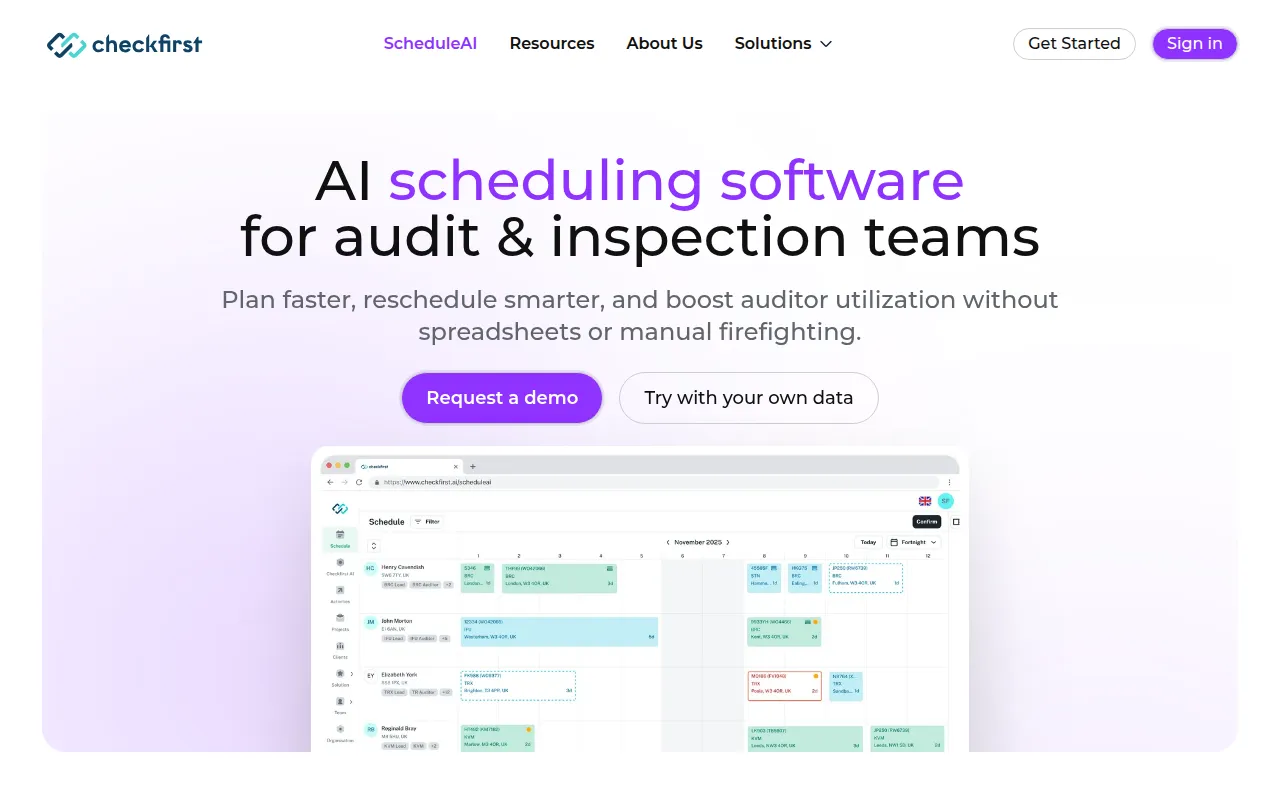 offers ScheduleAI, an AI-powered scheduling software specifically designed for audit and inspection teams. This tool enhances efficiency by providing features that cater to the unique needs of these industries, such as customizable scheduling workflows and automated reminders for inspections. In comparison to Cal.ai, which serves a broader audience, Checkfirst targets a niche market, making it a superior choice for users in need of specialized scheduling solutions.
Additionally, ScheduleAI integrates with various compliance documentation and reporting tools, allowing audit teams to streamline their processes. This capability is particularly beneficial for organizations that require meticulous adherence to regulatory standards. While Cal.ai may offer general scheduling functionalities, Checkfirst stands out with its focus on enhancing team efficiency for specific tasks, thereby delivering more value to its users in audit and inspection sectors.
- Key Strength: Tailored features designed specifically for audit and inspection workflows.
- Key Strength: Integration with compliance and reporting tools for streamlined operations.
- Key Strength: Automated reminders and notifications for inspections.
- Limitation: Limited appeal for users outside of audit and inspection industries.
Pricing: Contact for details. Best for: Audit and inspection teams requiring specialized scheduling features.
Incredible - Best for Executive Assistance
Incredible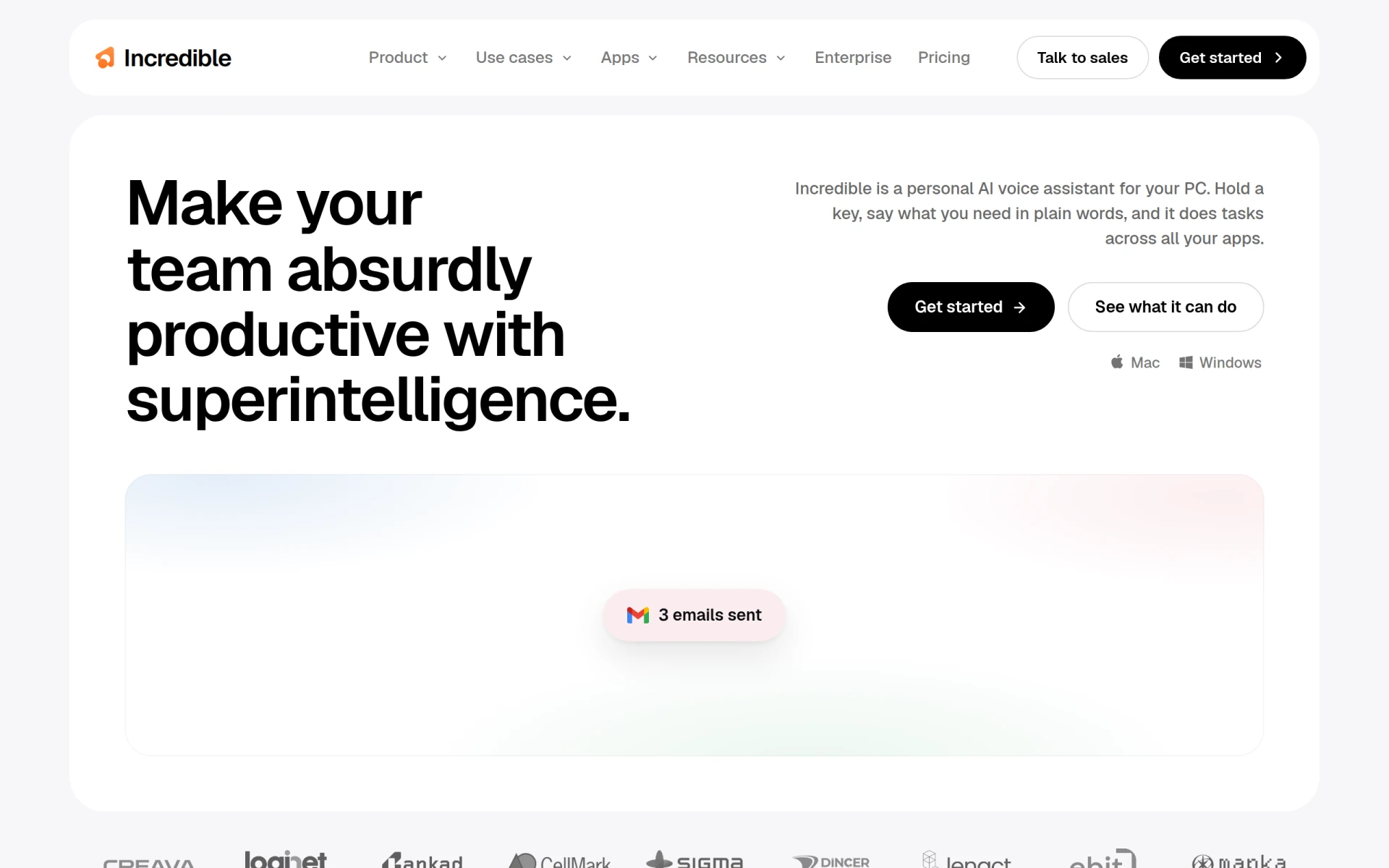 is an AI-powered executive assistant that streamlines tasks across various applications on your computer. This tool is designed to help users manage their schedules, emails, and project tasks from a single interface, making it an excellent alternative for those who find Cal.ai lacking in personal assistant features. Incredible goes beyond mere scheduling by offering functionalities that enhance overall productivity, such as task prioritization and management across different platforms.
What sets Incredible apart is its ability to learn from user behavior and adapt to individual workflows, which can significantly improve efficiency. While Cal.ai focuses on enterprise-level scheduling, Incredible provides a more personalized approach, making it a suitable choice for busy executives and professionals who need a tool that can handle not just appointments, but also broader task management. This adaptability can lead to better organization and time management, especially for users juggling multiple responsibilities.
- Key Strength: Personalized task management that adapts to user behavior.
- Key Strength: Integrates seamlessly with various applications for holistic productivity.
- Key Strength: Prioritization features that enhance overall task efficiency.
- Limitation: May not offer robust scheduling features for large teams.
Pricing: Contact for details. Best for: Busy executives needing a comprehensive personal assistant tool.
Clearword - Best for Efficient Meeting Management
Clearword is a productivity tool designed specifically for efficient meeting note-taking and management. It provides features that help users capture essential meeting points, assign tasks, and follow up on action items. Unlike Cal.ai, which focuses more on scheduling, Clearword enhances the post-meeting process by ensuring that discussions lead to actionable outcomes. This makes it a valuable tool for teams that prioritize effective meeting management and follow-ups.
Clearword's intuitive interface allows users to organize their notes and action items in a structured manner, which can significantly improve team accountability and productivity. While Cal.ai can schedule meetings, it lacks the specialized features that Clearword offers for managing the outcomes of those meetings. Therefore, teams that frequently hold meetings and require a tool to enhance productivity through better note-taking and follow-up processes would benefit greatly from Clearword.
- Key Strength: Specialized features for meeting note-taking and action item tracking.
- Key Strength: User-friendly interface that enhances productivity during meetings.
- Key Strength: Integration with calendar tools for seamless scheduling.
- Limitation: Limited functionality for users who do not prioritize meeting management.
Pricing: Contact for details. Best for: Teams focused on improving meeting effectiveness and follow-ups.
Project Mirage - Best for Online Meeting Management
Project Mirage is a workflow automation tool that simplifies online meetings and enhances development processes. This tool caters specifically to teams that rely heavily on virtual collaboration, offering features that streamline the process of scheduling, conducting, and following up on meetings. In contrast to Cal.ai, which may not specialize in the nuances of online meeting management, Project Mirage provides a tailored solution that addresses the challenges of remote collaboration.
The standout feature of Project Mirage is its ability to integrate with various video conferencing platforms, allowing users to manage meetings directly from the tool. This integration simplifies the scheduling process and ensures that all participants have access to the necessary resources and information before a meeting takes place. Organizations that prioritize remote work and need a comprehensive meeting management solution will find Project Mirage to be a more fitting alternative to Cal.ai.
- Key Strength: Integration with multiple video conferencing tools for seamless online meetings.
- Key Strength: Focus on enhancing remote collaboration and productivity.
- Key Strength: Workflow automation features that streamline meeting processes.
- Limitation: May not be suitable for teams focused solely on in-person meetings.
Pricing: Contact for details. Best for: Teams that frequently conduct online meetings and require streamlined management tools.
Sahara AI - Best for Task Automation Across Applications
Sahara AI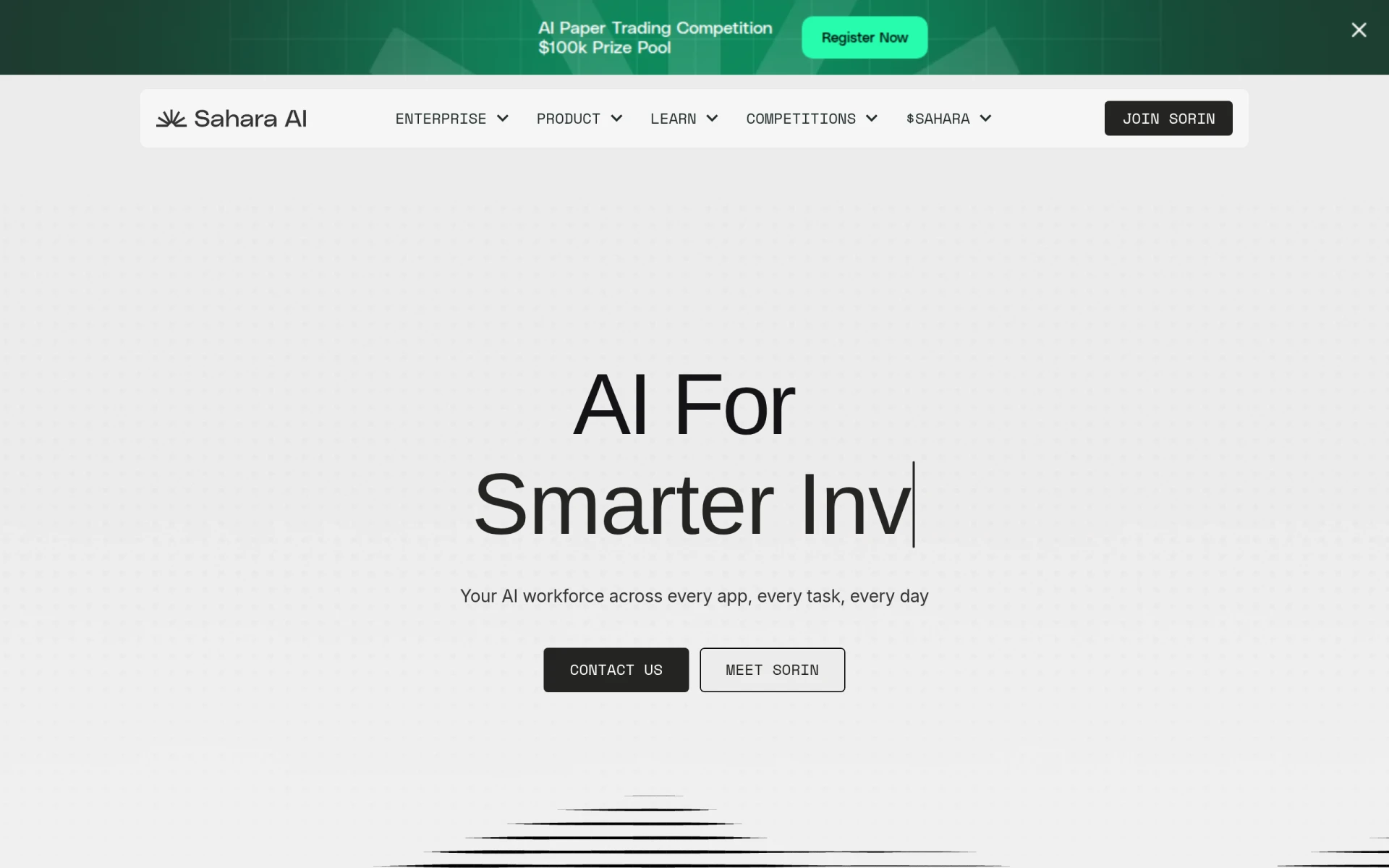 provides an AI workforce that automates tasks across various online applications efficiently. This tool is particularly valuable for users looking to streamline repetitive tasks and improve productivity across multiple platforms. In contrast to Cal.ai, which is primarily focused on scheduling, Sahara AI offers a broader capability to manage tasks that span different applications, making it an ideal choice for users seeking a versatile automation solution.
With Sahara AI, users can set up automation rules that trigger actions based on specific criteria, enabling them to minimize manual work significantly. This capability allows teams to focus on higher-value tasks rather than getting bogged down by routine activities. While Cal.ai may excel in scheduling appointments, Sahara AI stands out due to its flexibility and adaptability in managing various workflows across different applications.
- Key Strength: Powerful automation capabilities that span multiple applications.
- Key Strength: Flexibility in task management tailored to user needs.
- Key Strength: AI-driven features that continuously improve efficiency.
- Limitation: May be overkill for users only requiring simple scheduling functionalities.
Pricing: Contact for details. Best for: Users looking for comprehensive task automation across applications.
Copilot for Microsoft 365 - Best for Microsoft Users
Copilot for Microsoft 365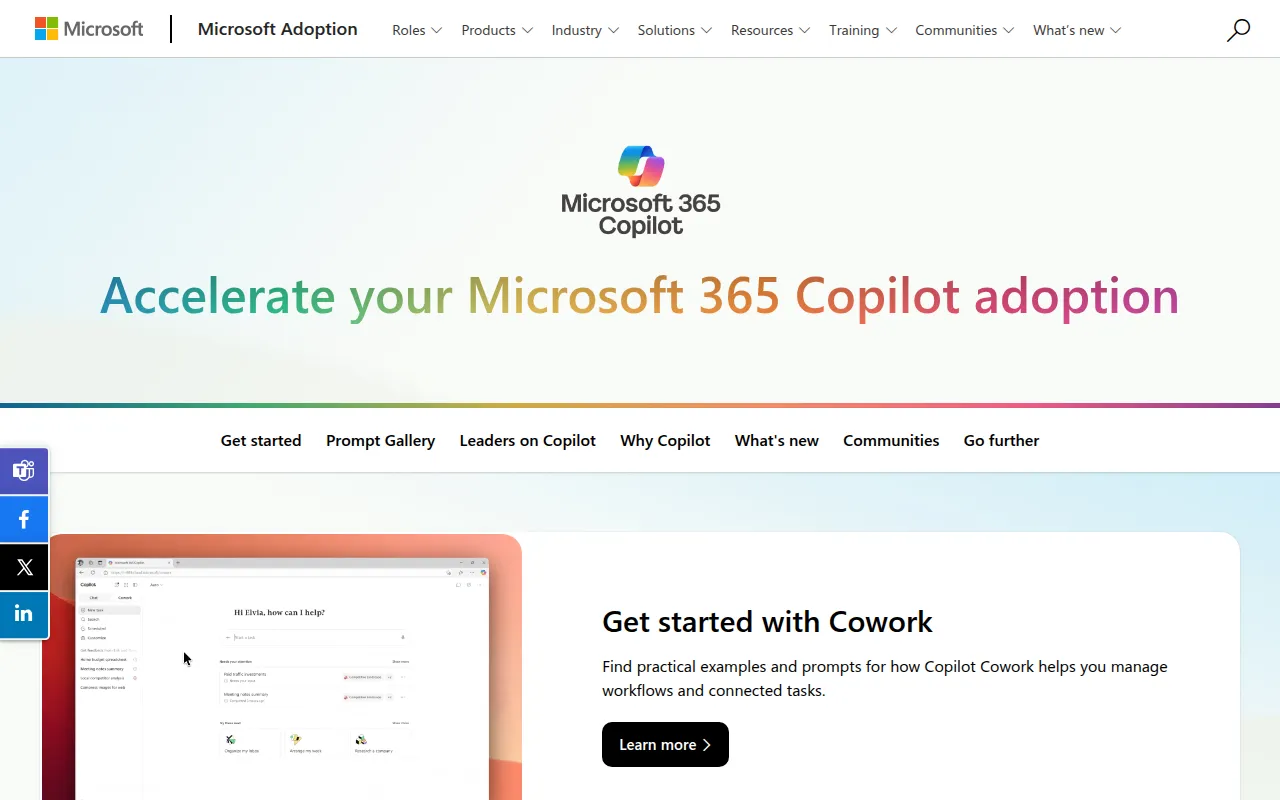 enhances productivity by integrating AI writing capabilities into Microsoft 365 applications. This tool is particularly valuable for users heavily invested in the Microsoft ecosystem, as it seamlessly complements familiar applications like Word, Excel, and Outlook. Unlike Cal.ai, which is primarily a scheduling tool, Copilot provides a wide array of productivity features that enhance document creation, data analysis, and email management, making it an excellent choice for Microsoft users.
The strength of Copilot lies in its ability to leverage the power of AI to assist users in generating content, organizing data, and managing communications more efficiently. This integration not only saves time but also enhances the quality of work produced. For teams that rely on Microsoft 365 for their daily operations, Copilot serves as a powerful addition that can streamline processes and improve overall productivity, setting it apart from Cal.ai's scheduling-centric features.
- Key Strength: Seamless integration with Microsoft 365 applications.
- Key Strength: AI writing capabilities that enhance document and email quality.
- Key Strength: Boosts productivity across various tasks beyond scheduling.
- Limitation: Limited functionality for users outside the Microsoft ecosystem.
Pricing: Contact for details. Best for: Teams heavily invested in Microsoft 365 looking for enhanced productivity tools.
Ayfie - Best for Intelligent Task Management
Ayfie is a personal assistant software that helps users manage tasks and improve productivity through intelligent automation. This tool excels in analyzing user behavior and suggesting optimal task management strategies, making it a solid alternative for users who find Cal.ai's scheduling-focused approach limiting. Ayfie's intelligent automation features allow users to streamline their workflows and focus on high-priority tasks, thereby enhancing overall productivity.
What distinguishes Ayfie from Cal.ai is its emphasis on intelligent task management rather than just scheduling. Users can benefit from smart recommendations that help them prioritize their workloads effectively. This feature is particularly advantageous for professionals who juggle multiple projects and require a tool that can adapt to their changing needs. In this regard, Ayfie offers a more dynamic approach compared to Cal.ai's more static scheduling functionalities.
- Key Strength: Intelligent automation features that enhance task management.
- Key Strength: Smart recommendations for prioritizing workloads.
- Key Strength: Adaptability to user needs across various projects.
- Limitation: May not provide robust scheduling features for larger teams.
Pricing: Contact for details. Best for: Professionals seeking intelligent task management solutions.
Jitera - Best for Team Collaboration
Jitera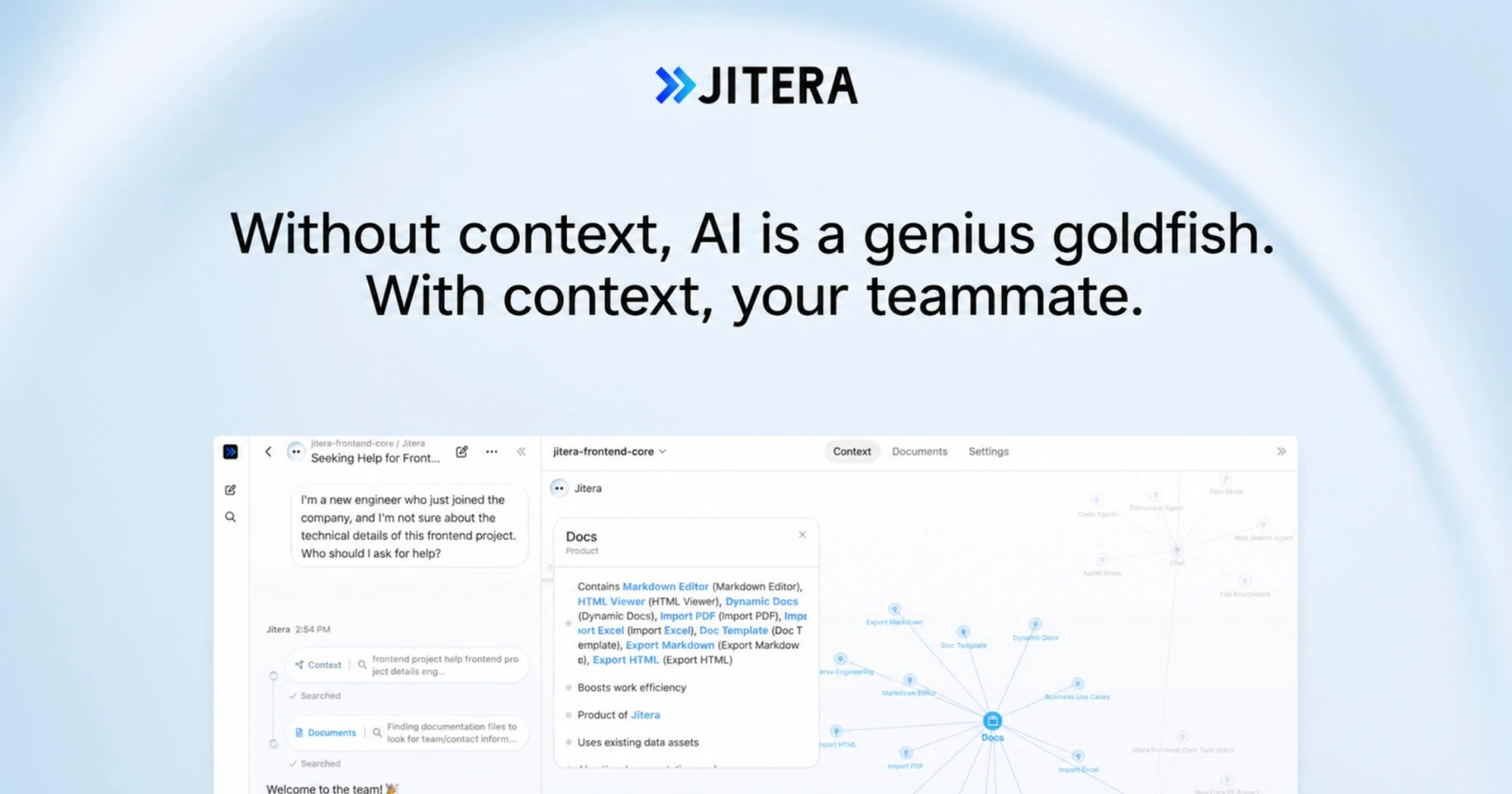 is an AI workspace that enhances team collaboration by integrating AI agents to manage context and information flow. This tool is designed to improve communication and project management among team members, setting it apart from Cal.ai, which primarily focuses on scheduling. Jitera's collaborative features allow teams to work more effectively by ensuring that everyone has access to the right information at the right time, which is crucial for successful project execution.
One of Jitera's key strengths is its ability to facilitate real-time collaboration, allowing team members to contribute and access information seamlessly. This feature is particularly valuable for teams that operate in fast-paced environments where timely communication is essential. While Cal.ai excels in scheduling, Jitera goes beyond by providing a comprehensive platform for collaboration, making it a compelling choice for teams looking to enhance their workflow and communication.
- Key Strength: Real-time collaboration features that enhance team communication.
- Key Strength: AI agents that manage context and information flow effectively.
- Key Strength: Comprehensive project management capabilities.
- Limitation: May not be the best fit for teams focused solely on scheduling.
Pricing: Contact for details. Best for: Teams looking for enhanced collaboration and project management tools.
Brief My Meeting - Best for Meeting Preparation
Brief My Meeting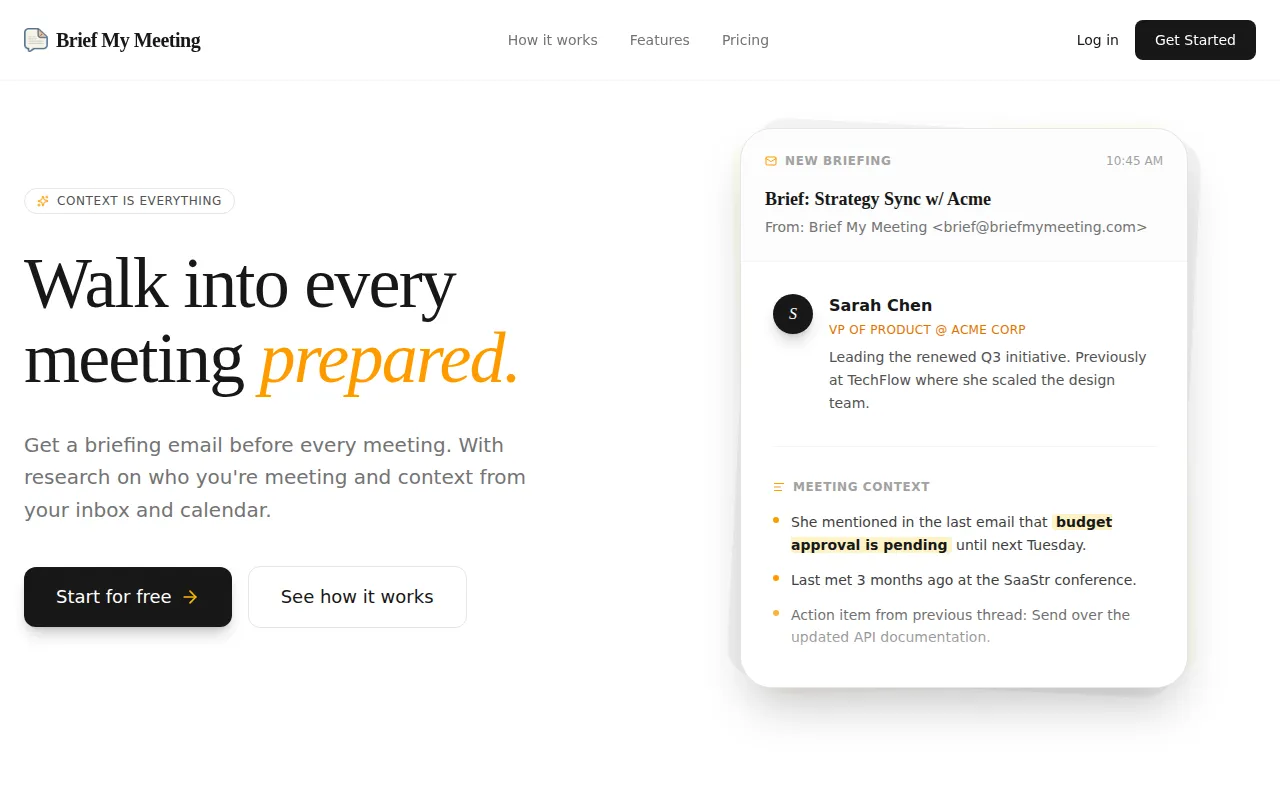 offers AI-powered briefings to help users prepare for meetings with personalized context drawn from emails and calendars. This tool is particularly useful for professionals who want to ensure they are thoroughly prepared for discussions. In contrast to Cal.ai, which focuses primarily on scheduling, Brief My Meeting enhances the pre-meeting process by providing relevant information that can lead to more productive conversations.
The standout feature of Brief My Meeting is its ability to aggregate information from various sources, thereby providing users with a personalized briefing that highlights key points and action items. This capability enables users to enter meetings with confidence, knowing they have all the necessary context. While Cal.ai excels in scheduling, Brief My Meeting adds significant value by improving meeting preparation and follow-up, making it an excellent choice for professionals seeking to maximize the effectiveness of their meetings.
- Key Strength: AI-powered briefings that enhance meeting preparation.
- Key Strength: Integration with emails and calendars for personalized context.
- Key Strength: Focus on improving the quality of meetings through better preparation.
- Limitation: Limited functionality for users who do not prioritize meeting preparation.
Pricing: Freemium. Best for: Professionals looking to enhance meeting preparedness.
Tana - Best for Real-Time Collaboration During Meetings
Tana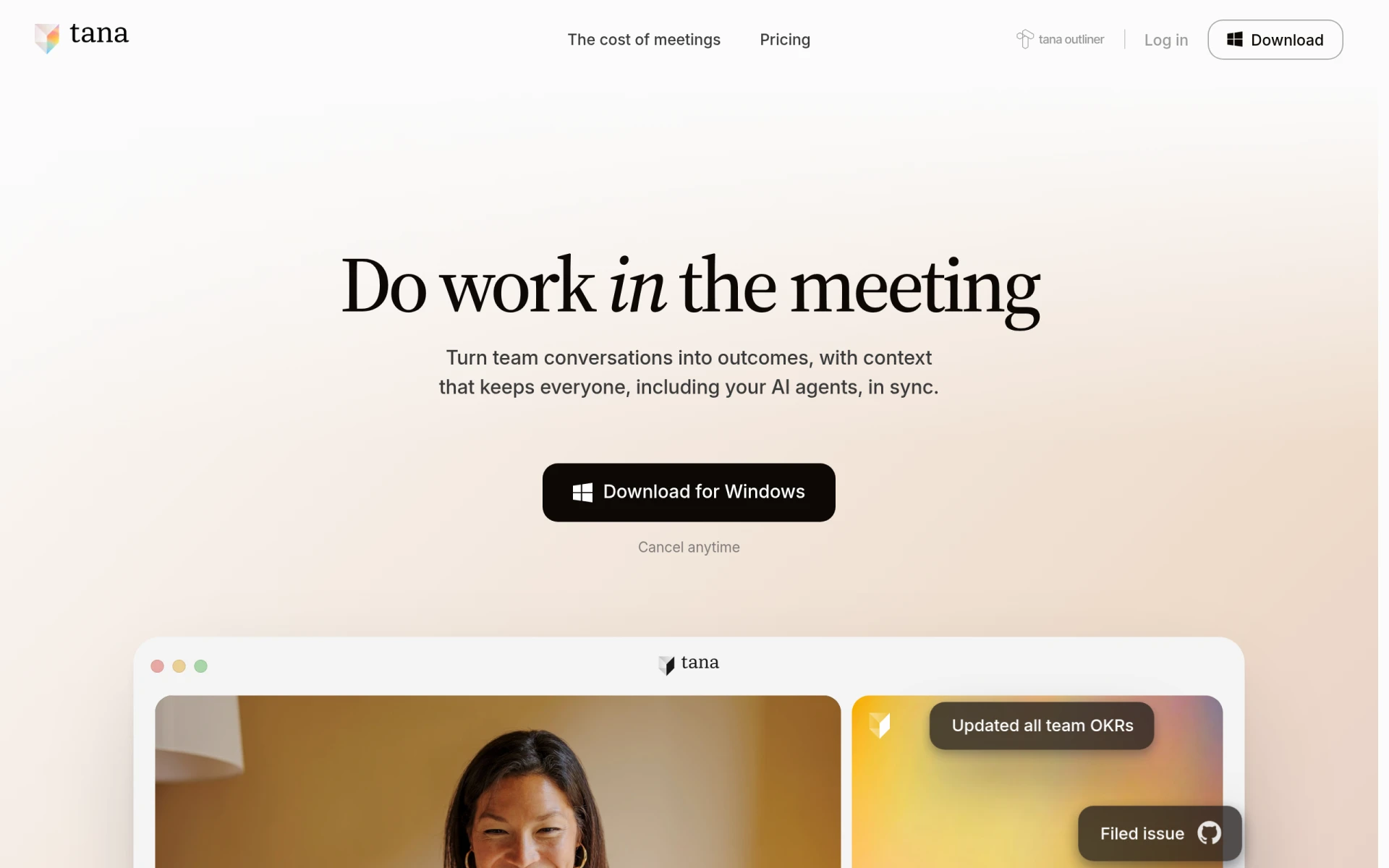 is an agentic meeting platform that enhances productivity by enabling real-time work during video calls. This tool allows participants to collaborate and work on shared documents while engaged in a meeting, offering a unique alternative to Cal.ai's scheduling capabilities. Tana's focus on real-time collaboration makes it particularly valuable for teams that want to maximize productivity during virtual meetings.
One of Tana's key advantages is its ability to integrate collaborative tools directly into the meeting interface, allowing users to make edits and manage tasks without switching between applications. This seamless integration enhances the flow of communication and ensures that all participants are on the same page. While Cal.ai is effective for scheduling, Tana offers a more interactive experience that can lead to better outcomes during meetings, making it a compelling choice for teams focused on collaboration.
- Key Strength: Real-time collaboration features that enhance productivity during meetings.
- Key Strength: Seamless integration of collaborative tools within the meeting interface.
- Key Strength: Focus on improving communication and task management during calls.
- Limitation: May not suit teams primarily looking for scheduling solutions.
Pricing: Freemium - Pro plan at $20 per user per month. Best for: Teams seeking enhanced collaboration during virtual meetings.
Sidekick - Best for Simplified Appointment Scheduling
Sidekick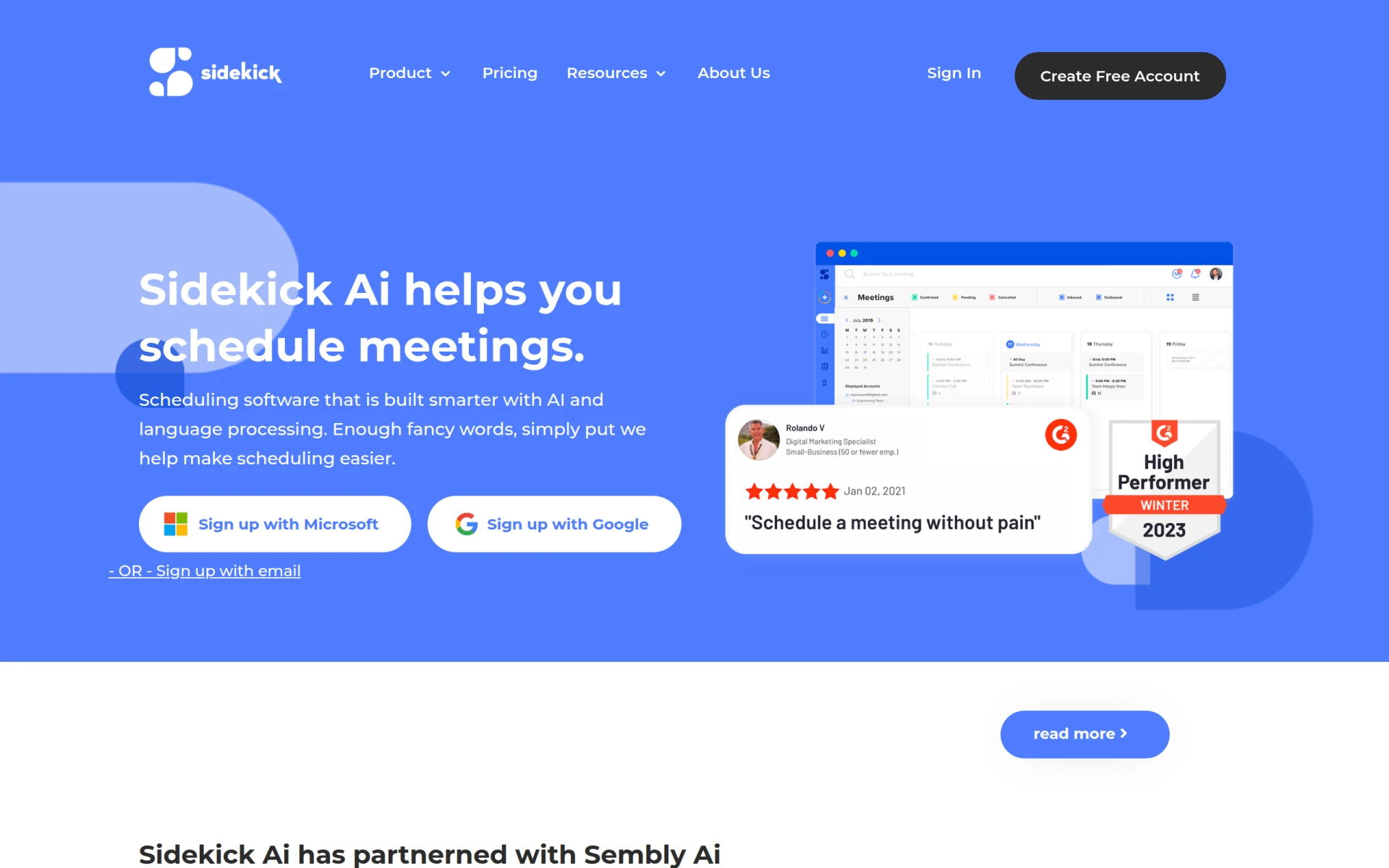 is an AI-driven appointment scheduling tool that simplifies meeting coordination through email and web applications. This tool offers user-friendly features that allow users to manage their schedules without the complexity often associated with scheduling tools like Cal.ai. Sidekick's focus on simplicity makes it an excellent choice for individuals and small teams who need an efficient and straightforward scheduling solution.
What sets Sidekick apart is its freemium model, allowing users to try out the tool without any financial commitment. This approach is particularly beneficial for those who want to explore scheduling options before making a decision. While Cal.ai may be better suited for larger enterprises, Sidekick provides a more accessible and user-friendly option for individuals and smaller teams that prioritize ease of use and straightforward scheduling functionalities.
- Key Strength: User-friendly interface that simplifies scheduling.
- Key Strength: Freemium model that allows users to test the tool.
- Key Strength: Integration with various email and calendar applications for seamless coordination.
- Limitation: May lack advanced features required by larger organizations.
Pricing: Freemium - Premium plan for $5 per month. Best for: Individuals and small teams seeking simplified scheduling solutions.
QuickSearchPlus - Best for Unified Calendar Management
QuickSearchPlus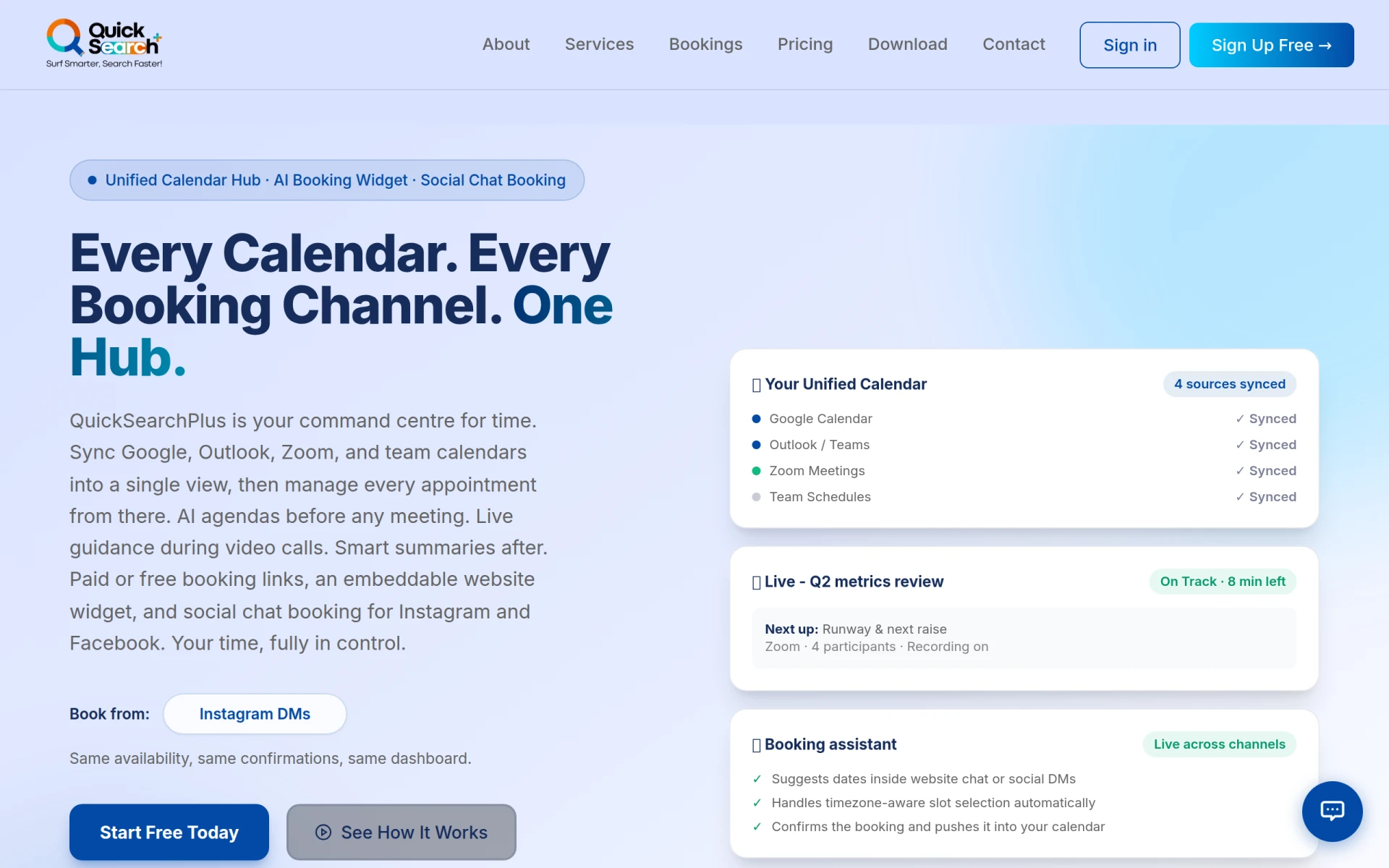 is an AI-driven appointment scheduling tool that unifies calendars and facilitates bookings through social media and a website widget. This tool provides a comprehensive solution for users who want to manage their appointments across multiple platforms. Unlike Cal.ai, which focuses primarily on enterprise-level scheduling, QuickSearchPlus offers features that cater to a broader audience, including small businesses and freelancers.
The standout feature of QuickSearchPlus is its ability to integrate various calendars and social media platforms, allowing users to streamline their scheduling process. This capability is particularly beneficial for those who need to manage appointments from different sources and want a centralized solution. While Cal.ai is effective for larger enterprises, QuickSearchPlus is better suited for individuals and small teams seeking a versatile scheduling tool that can adapt to their specific needs.
- Key Strength: Unified calendar management across multiple platforms.
- Key Strength: Social media integration for seamless booking.
- Key Strength: User-friendly interface that simplifies appointment management.
- Limitation: May lack advanced features required by larger organizations.
Pricing: Freemium with various subscription options. Best for: Individuals and small businesses needing unified scheduling solutions.
Otio AI - Best for Research and Writing Workflows
Otio AI is an AI-powered research assistant that enhances writing and research workflows for users across various fields. This tool is designed to support users in managing their research tasks more effectively, making it a valuable alternative for those who find Cal.ai limited in its capabilities. Otio AI provides features that assist users in organizing their research materials and generating content more efficiently, which can be particularly beneficial for professionals in academia, journalism, and content creation.
What distinguishes Otio AI from Cal.ai is its emphasis on research and writing support rather than scheduling. Users can leverage Otio AI's intelligent features to streamline their workflows, from gathering information to drafting documents. This focus on enhancing research productivity makes Otio AI an excellent choice for professionals who need a specialized tool to support their writing and research tasks rather than just scheduling appointments.
- Key Strength: Intelligent features that enhance writing and research workflows.
- Key Strength: Support for organizing research materials effectively.
- Key Strength: Focus on productivity for academic and professional writing.
- Limitation: Limited scheduling functionalities for users needing appointment management.
Pricing: Freemium. Best for: Professionals in research and writing fields seeking enhanced productivity tools.
Clevis - Best for Workflow Automation
Clevis is a workflow automation tool designed to optimize productivity by integrating various applications and automating repetitive tasks. This tool is particularly valuable for users looking to streamline their workflows and reduce manual intervention. In comparison to Cal.ai, which is primarily focused on scheduling, Clevis offers a broader range of automation features that can enhance productivity across multiple applications.
The standout feature of Clevis lies in its ability to connect with different software applications and automate workflows based on user-defined rules. This flexibility allows teams to customize their automation processes according to their specific needs, making it a strong alternative for organizations that require a more comprehensive approach to workflow management. While Cal.ai is effective for scheduling, Clevis provides a more adaptable solution for users seeking to optimize their overall productivity.
- Key Strength: Advanced workflow automation capabilities across multiple applications.
- Key Strength: Customizable automation processes tailored to user needs.
- Key Strength: Integration with various software for enhanced productivity.
- Limitation: May not suit users looking for a straightforward scheduling tool.
Pricing: Freemium. Best for: Teams seeking extensive workflow automation solutions.
Feature Comparison Table
| Tool | Best For | Starting Price | Free Plan | Standout Feature |
|---|
| Cal.ai | Enterprise-level scheduling | Contact for details | No | Customizable scheduling workflows |
| Mindy | AI-driven workflow automation | Contact for details | No | Comprehensive task automation |
| Checkfirst | Audit and inspection teams | Contact for details | No | Customizable audit scheduling |
| Incredible | Executive assistance | Contact for details | No | Personalized task management |
| Clearword | Meeting management | Contact for details | No | Efficient note-taking |
| Project Mirage | Online meetings | Contact for details | No | Video conferencing integration |
| Sahara AI | Task automation | Contact for details | No | AI-driven task management |
| Copilot for Microsoft 365 | Microsoft users | Contact for details | No | AI writing capabilities |
| Ayfie | Intelligent task management | Contact for details | No | Smart workflow recommendations |
| Jitera | Team collaboration | Contact for details | No | Real-time collaboration features |
| Brief My Meeting | Meeting preparation | Freemium | Yes | AI-powered briefings |
| Tana | Real-time collaboration | Freemium | Yes | Agentic meeting platform |
| Sidekick | Simplified scheduling | Freemium | Yes | Easy appointment management |
| QuickSearchPlus | Unified calendar management | Freemium | Yes | Social media integration |
| Otio AI | Research and writing | Freemium | Yes | Research task management |
| Clevis | Workflow automation | Freemium | Yes | Customizable automation processes |
How to Choose the Right Alternative to Cal.ai
Choosing the right alternative to Cal.ai requires careful consideration of your specific needs and workflow requirements. If you are part of an audit or inspection team, consider tools like Checkfirst that offer specialized features tailored to your industry. On the other hand, if your work heavily involves executive tasks and personal assistance, Incredible may be the better fit due to its comprehensive task management capabilities.
For teams that prioritize collaboration, tools like Jitera and Tana provide enhanced communication features that can significantly improve productivity during meetings. If you need a more straightforward scheduling solution, Sidekick and QuickSearchPlus offer user-friendly interfaces and flexible pricing models that cater to individuals and small teams. Ultimately, your choice should align with your workflow, team size, and specific use cases to ensure you select the most effective tool for your needs.
Final Verdict
In summary, while Cal.ai offers solid scheduling capabilities for enterprises, several alternatives provide more specialized features that cater to various user needs. For audit teams, Checkfirst is a standout choice, while Mindy excels in workflow automation. If you prefer a more user-friendly tool, consider Sidekick or QuickSearchPlus. Depending on your specific requirements, there is a range of tools available that can enhance your productivity and streamline your workflows.