Kudra
Freemium
AI
Kudra automates document processing with AI to enhance efficiency and reduce operational costs.
Discover top Creatio alternatives for automation tools. Compare features and pricing to find the right fit for your business today.

Looking for alternatives to
Creatio is an AI-powered no-code platform designed to automate workflows and create applications efficiently.
View Creatio Profile →While Creatio is a powerful no-code platform designed to streamline workflows and automate processes, it does come with certain limitations that may prompt users to seek alternatives. One common concern revolves around its pricing structure, which is not transparently laid out. Users interested in the platform often find themselves unable to estimate costs without reaching out to the sales team, which can be a significant barrier to entry. This lack of clarity can be frustrating for potential users, particularly small businesses or startups operating on tight budgets who need to make informed financial decisions quickly.
Moreover, while Creatio excels in many areas, it may not cater to all specific use cases effectively. Some users report that while the platform offers extensive customization options, it can be overly complex for straightforward tasks, creating a steeper learning curve. Additionally, certain features that competitors offer, such as advanced integrations or specific automation capabilities, may be missing or limited in Creatio. As a result, businesses looking for a more user-friendly solution or one that aligns closely with their specific operational needs often find themselves exploring other options.
Kudra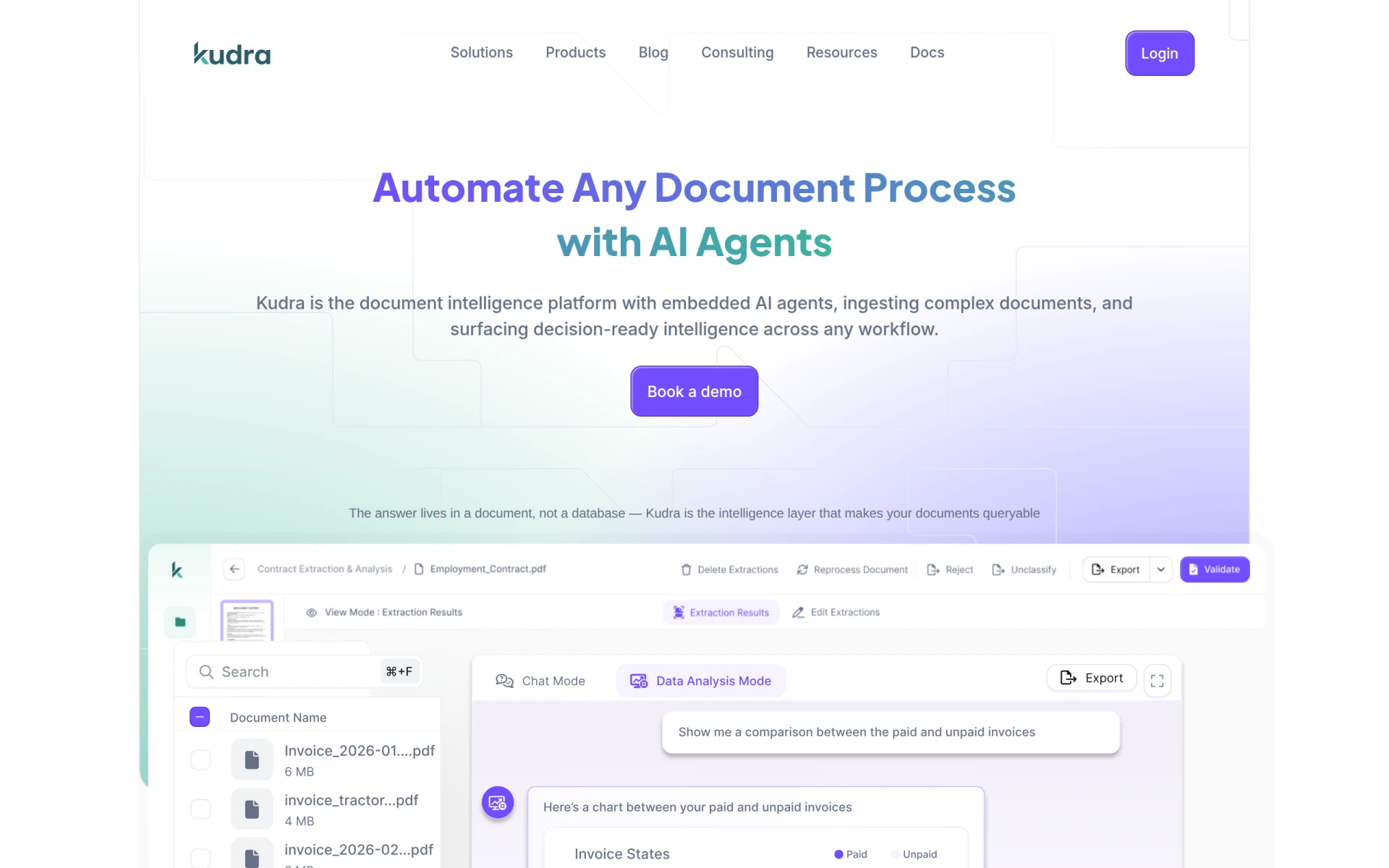 stands out as an innovative platform specifically designed to automate document processing using AI. In comparison to Creatio, which provides a broad range of workflow automation capabilities, Kudra focuses on enhancing efficiency in document management. This makes it an excellent choice for organizations that deal with high volumes of paperwork, such as law firms, financial institutions, or any business requiring meticulous document handling. With Kudra, users can expect to reduce operational costs significantly while improving accuracy in data entry and document processing.
The platform's ease of use is another major advantage over Creatio. While Creatio's no-code approach can sometimes lead to complexity, Kudra simplifies the document automation process, making it accessible even to those with minimal technical skills. Users can set up automation processes quickly, allowing them to focus on core business tasks rather than manual document handling. This combination of efficiency and user-friendliness makes Kudra a compelling alternative for organizations looking to streamline their operations.
Pricing: Inquire through their website for specific pricing information. Best for: Businesses primarily focused on document automation.
Octoparse AI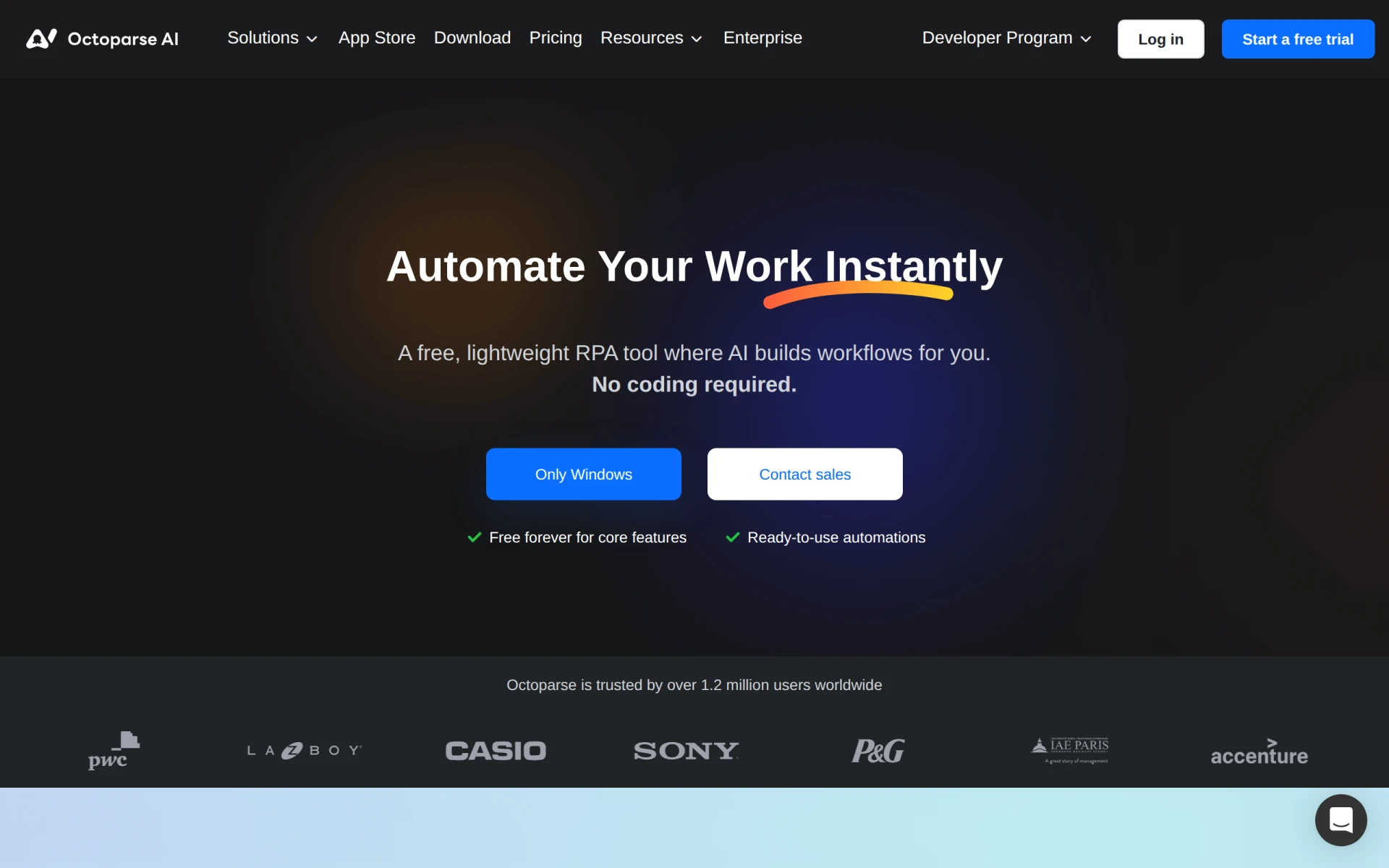 is a robust tool designed to automate workflows without requiring any coding skills, making it an appealing alternative to Creatio for teams that prioritize ease of use. The platform’s strength lies in its ability to automate repetitive tasks quickly, which can significantly enhance productivity in desktop environments. Unlike Creatio, which may require more extensive setup and configuration, Octoparse AI allows users to get started with automation almost immediately, making it ideal for small teams or individual users who need quick solutions.
Furthermore, Octoparse AI’s freemium model allows users to explore the platform's capabilities without any initial investment. With a paid subscription starting at $29 per month, it offers an affordable solution for those looking to scale their automation efforts as their needs grow. This pricing structure, combined with its user-friendly design, positions Octoparse AI as an excellent choice for businesses seeking to improve their workflow automation without the complexities that can accompany more comprehensive platforms like Creatio.
Pricing: Free plan available; paid subscriptions start at $29/month. Best for: Teams and individuals seeking straightforward workflow automation.
Lutra AI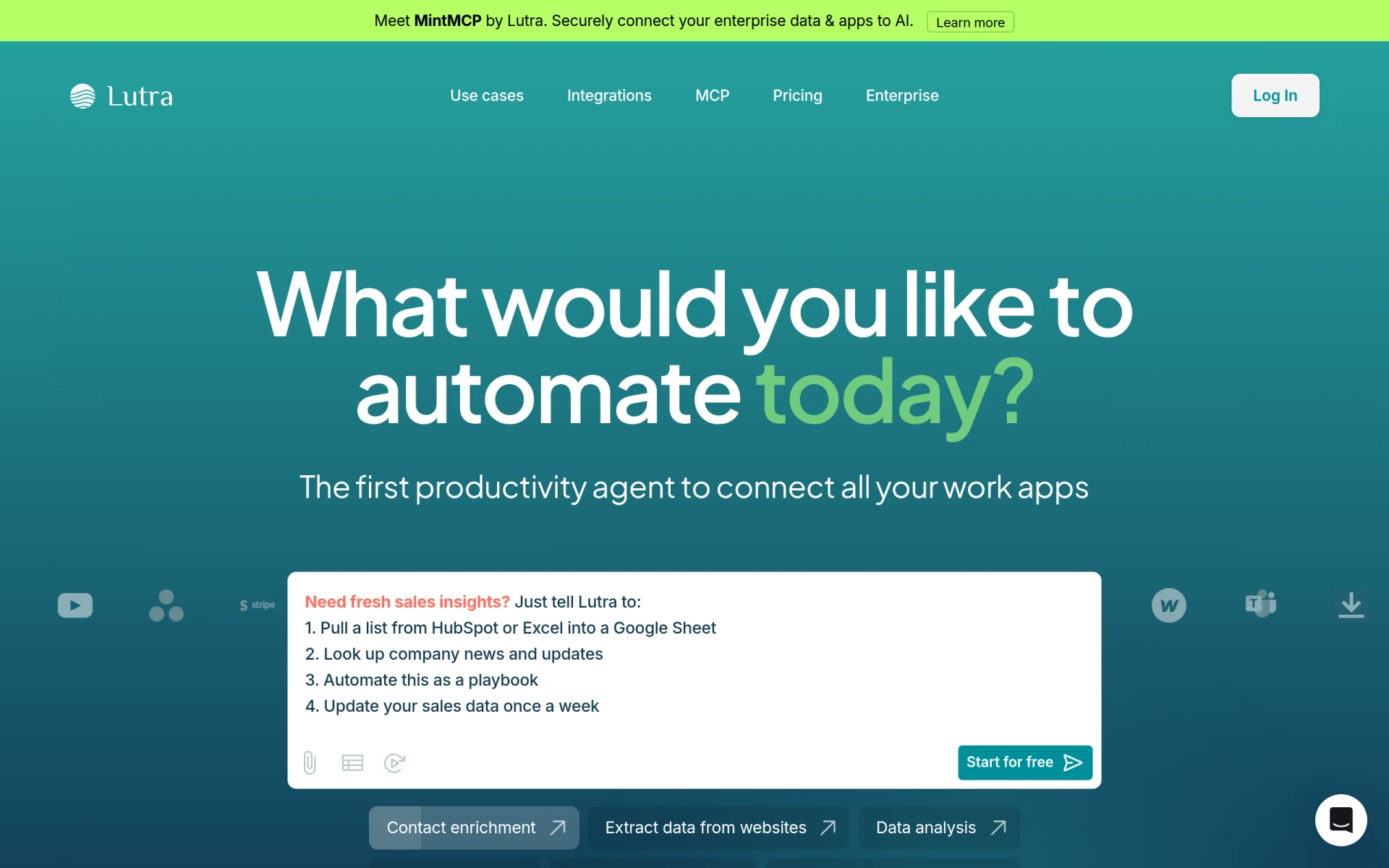 shines in its ability to connect various applications and automate data processing efficiently. While Creatio offers a broad scope of automation tools, Lutra AI focuses more on integrating different software systems seamlessly. This makes it a strong alternative for businesses that rely on multiple applications for their operations. With Lutra AI, users can streamline data flow between apps, ensuring that information is updated and synchronized across platforms without manual intervention.
The platform is designed with a user-friendly interface, allowing users to set up automations quickly without a steep learning curve. This is especially beneficial for small to medium-sized businesses that may not have dedicated IT resources. Additionally, Lutra AI’s flexible pricing model based on subscriptions and usage credits makes it adaptable to various business needs, unlike Creatio’s more rigid pricing structure. Overall, Lutra AI is an excellent choice for businesses eager to enhance their workflow automation through effective app integration.
Pricing: Flexible subscription and usage-based pricing available. Best for: Businesses requiring robust app integration and data processing.
Pipefy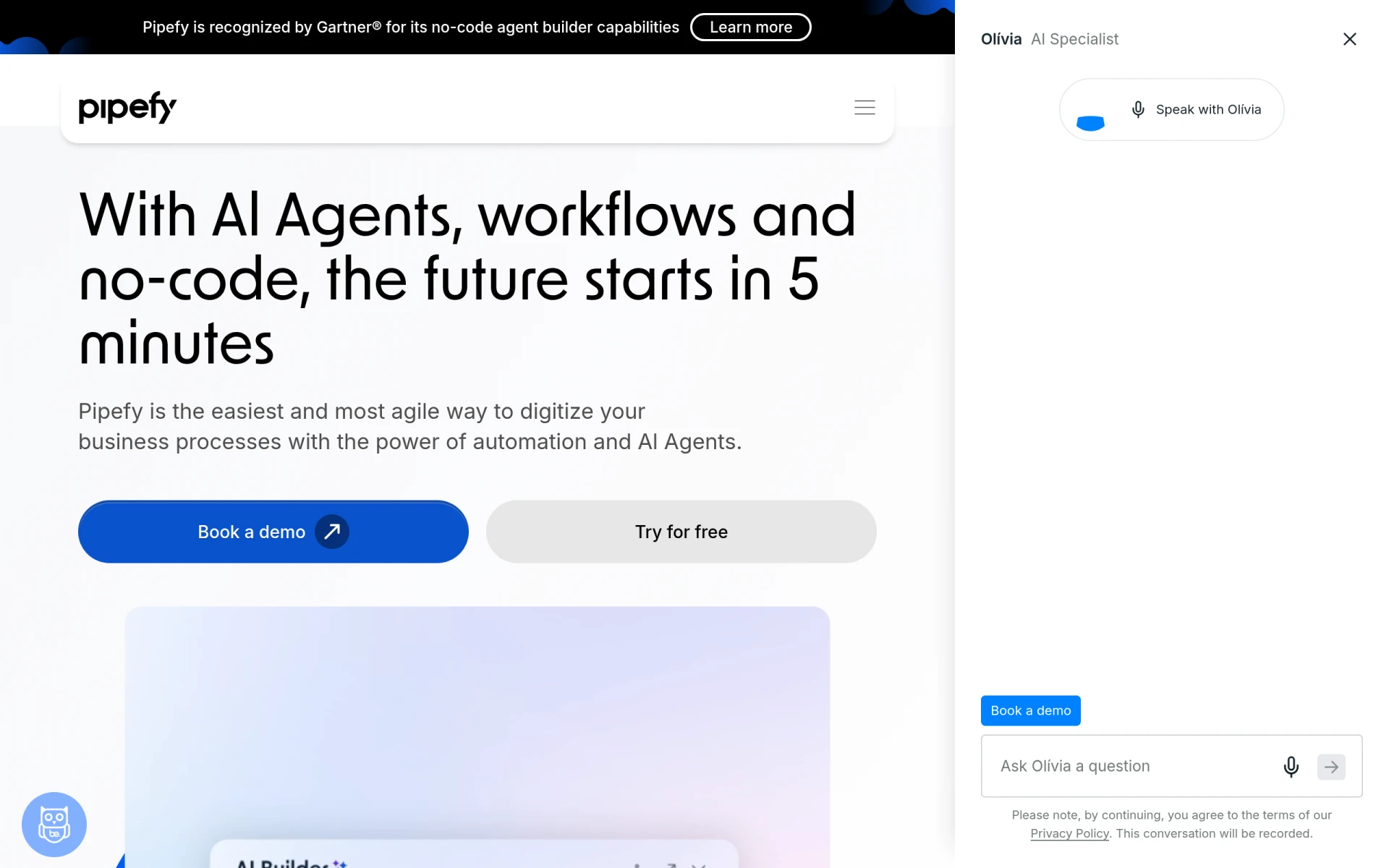 is a no-code workflow automation platform that empowers teams to streamline processes effectively. Like Creatio, it provides users with the ability to create customized workflows; however, Pipefy stands out with its intuitive interface and the use of AI Agents to facilitate automation. This makes it an excellent choice for teams looking to implement workflows without needing extensive coding knowledge. The platform is particularly valuable for organizations that need to adapt their workflows rapidly to changing business environments.
One of Pipefy's significant advantages is its focus on collaboration. The platform allows teams to work together seamlessly, improving communication and efficiency in processes. This collaborative aspect may be a considerable improvement over Creatio for teams that require robust project management features alongside workflow automation. Additionally, Pipefy’s freemium model provides users with the opportunity to explore its capabilities without making an upfront financial commitment, making it accessible for various organizations.
Pricing: Free plan available; additional pricing options can be obtained by inquiry. Best for: Teams seeking collaborative workflow automation solutions.
Pabbly Connect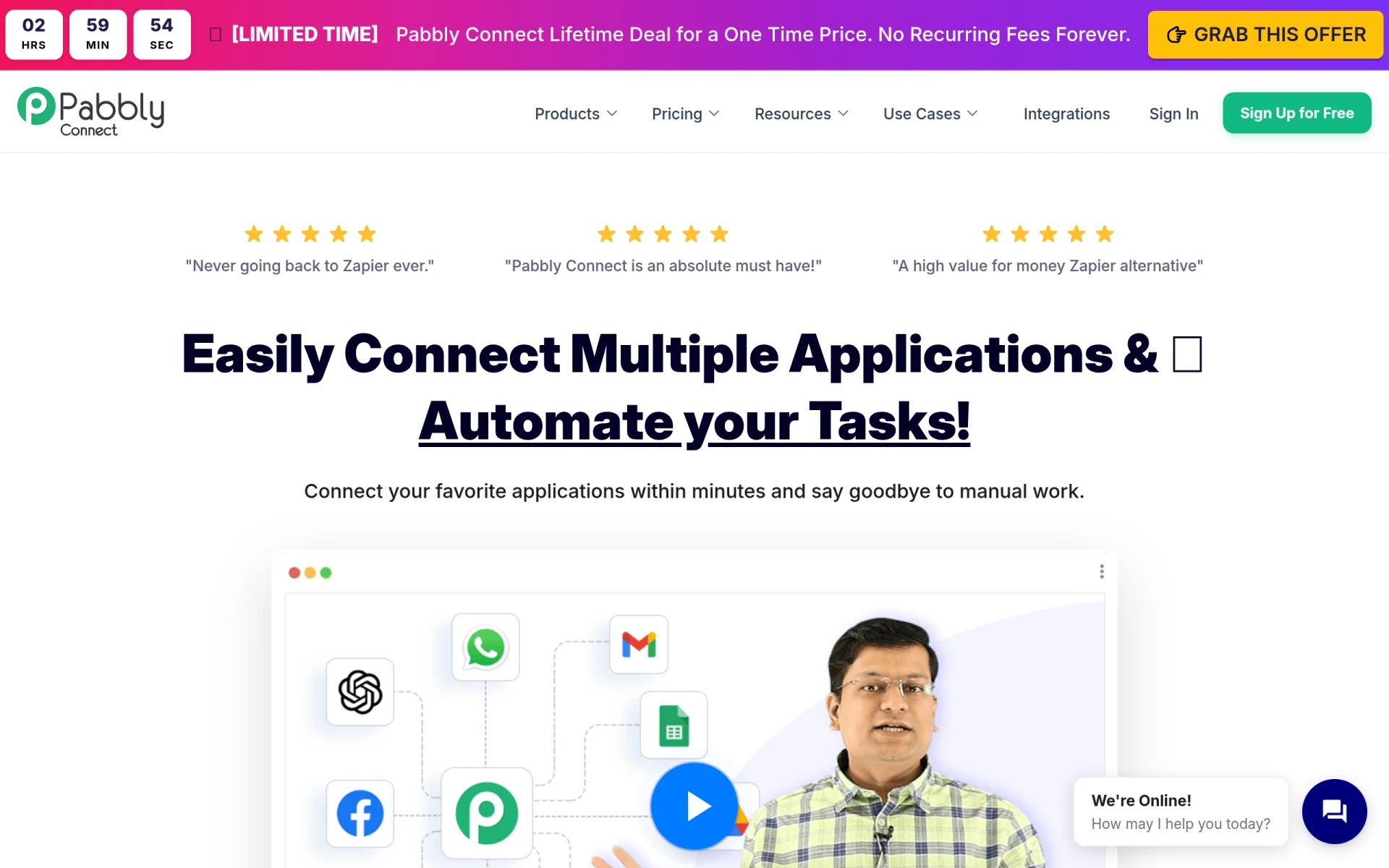 is an automation tool that excels in integrating applications and automating repetitive tasks without requiring coding knowledge. Unlike Creatio, which offers a wide range of automation features, Pabbly Connect focuses primarily on connecting different applications to enhance operational efficiency. This makes it particularly advantageous for businesses that rely on multiple software solutions and need a streamlined process for data transfer and task automation.
The platform's pricing structure is also worth noting; with a monthly fee of $79 or a one-time payment option for lifetime access at $249, Pabbly Connect offers an affordable solution for teams looking to automate their workflows. Additionally, its straightforward interface allows users to set up automations quickly, making it suitable for businesses of all sizes that need to enhance productivity without investing significant time in training or setup. Overall, Pabbly Connect is a strong alternative for organizations looking to optimize their application integration.
Pricing: $79/month or $249 for lifetime access. Best for: Businesses needing robust application integration solutions.
IBM Business Automation Workflow (BPM) is a powerful tool aimed at automating digital workflows for larger organizations. While Creatio serves a wide range of businesses, IBM BPM is tailored for enterprises that require a more sophisticated approach to workflow management. It excels in integrating with existing enterprise systems and provides advanced features such as analytics and reporting, which can be crucial for larger organizations looking to streamline their processes and improve efficiency.
One of the standout features of IBM BPM is its scalability. As businesses grow and their needs evolve, IBM BPM can accommodate increasing complexity without compromising performance. This makes it an excellent choice for enterprises that anticipate significant growth or require advanced customization options. However, while IBM BPM offers many advantages, potential users should reach out for pricing information, as it is not publicly available. This lack of transparency can be a downside for businesses looking to budget effectively.
Pricing: Inquire directly for pricing information. Best for: Large enterprises seeking advanced workflow automation.
FormsFlow is an exceptional low-code platform specifically designed for form automation. Unlike Creatio, which provides a broad range of workflow automation capabilities, FormsFlow focuses on simplifying the process of form creation and management. This specialization makes it an ideal choice for organizations that frequently handle forms, such as government agencies or organizations that require regulatory compliance. The platform allows users to create and manage forms efficiently while automating the associated workflows.
What sets FormsFlow apart is its flexibility in deployment options, which can be tailored to meet the specific needs of an organization. This adaptability can be particularly beneficial for businesses that may have unique requirements or compliance considerations. Additionally, FormsFlow’s user-friendly interface makes it accessible for individuals with varying levels of technical expertise, enabling quick adoption and implementation. Overall, FormsFlow presents a compelling alternative for organizations focused on form management and automation.
Pricing: Flexible pricing plans based on deployment preferences. Best for: Organizations focused on form automation and management.
Integrately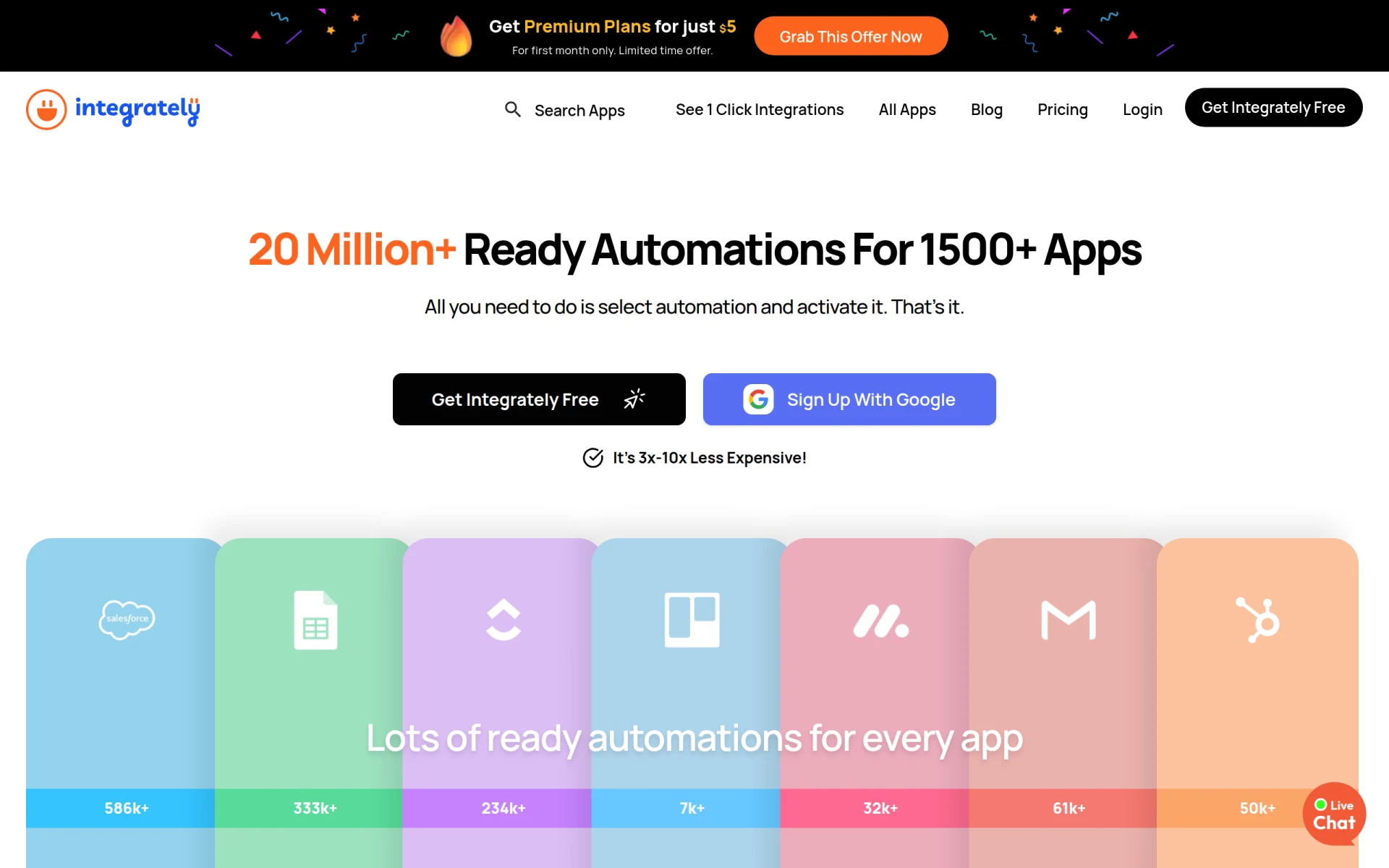 is a user-friendly automation tool that allows users to connect over 1500 applications with ready-to-use automations. Unlike Creatio, which may require more technical expertise to set up effective workflows, Integrately focuses on providing users with pre-built automation integrations that can be activated with minimal effort. This makes Integrately an attractive option for small businesses or freelancers who need quick and effective solutions without the complexity of more extensive platforms.
What makes Integrately particularly appealing is its freemium model, which allows users to explore the platform at no cost. For those looking to scale their automation efforts, premium plans start at just $5 for the first month, providing an inexpensive entry point for businesses seeking to enhance their operational efficiency. Overall, Integrately offers a straightforward solution for users who prioritize ease of setup and quick access to automation capabilities.
Pricing: Free plan available; premium plans start at $5 for the first month. Best for: Users seeking quick and easy automation solutions.
Parsio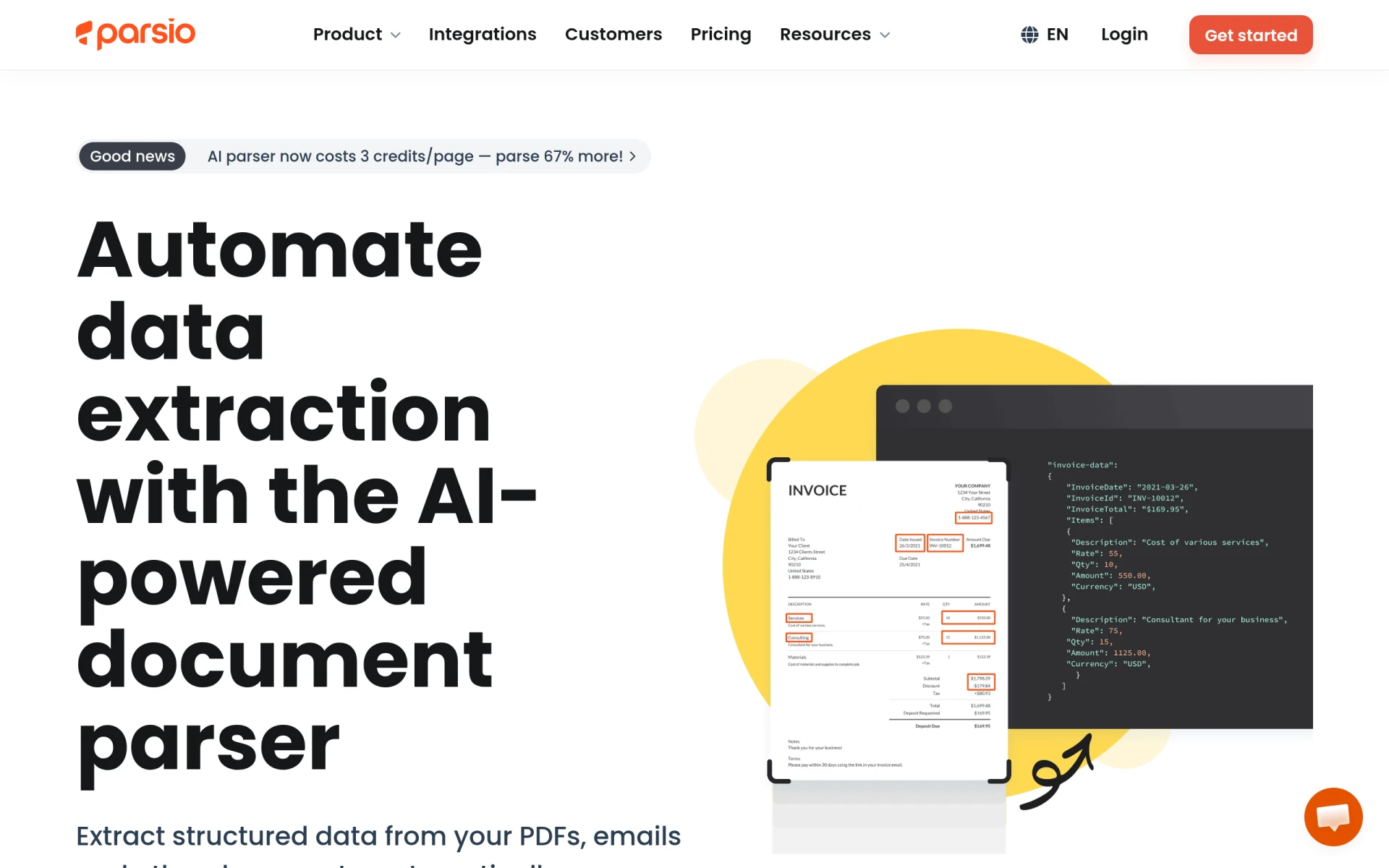 is an AI-powered document and email parser that specializes in automating data extraction from various document types without the need for templates. This focus on document parsing differentiates it from Creatio, which offers a broader range of automation capabilities. Parsio is ideal for businesses that handle numerous documents daily, such as invoice processing or data entry tasks, as it streamlines these processes and reduces the risk of manual errors.
The platform’s ease of use is another significant advantage. Users can quickly set up Parsio to extract data from their documents without needing technical skills, making it accessible for teams of all sizes. Additionally, Parsio offers a flexible pricing model, with paid plans starting at just $24 per month for 100 credits, making it a cost-effective solution for businesses looking to enhance their document processing capabilities. Overall, Parsio is a strong alternative for organizations focused on efficient data extraction.
Pricing: Free tier available; paid plans start at $24/month for 100 credits. Best for: Businesses needing efficient document and email parsing solutions.
Celigo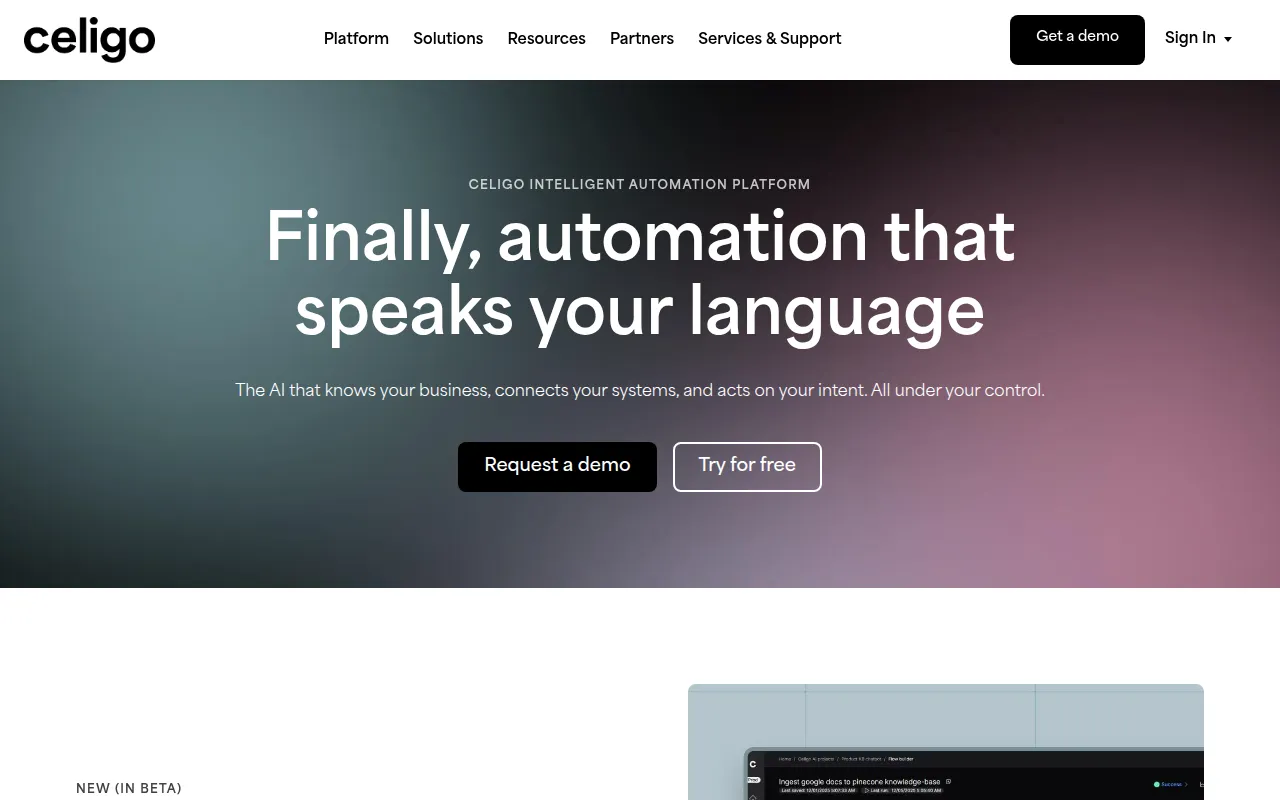 is an intelligent automation platform that connects data, applications, and workflows to enhance business operations. Unlike Creatio, which provides a wide array of workflow automation features, Celigo focuses on creating intelligent integrations that ensure data flows smoothly across various systems. This makes it an excellent option for businesses that require a high level of integration between their applications, particularly those with complex operational needs.
Celigo’s strength lies in its ability to provide users with real-time insights and analytics, which can be crucial for making informed business decisions. The platform operates on a flat-rate pricing model based on the number of endpoints and flows, allowing businesses to scale their automation as needed. This pricing flexibility can be a significant advantage over Creatio, especially for organizations that experience fluctuating demands. Overall, Celigo presents a compelling alternative for businesses focused on intelligent automation and data integration.
Pricing: Flat-rate pricing based on endpoints and flows. Best for: Businesses requiring intelligent automation and data integration solutions.
Microsoft Power Automate is a cloud-based automation tool that facilitates the creation of automated workflows between applications and services, particularly within the Microsoft ecosystem. While Creatio offers a broad set of automation features, Power Automate excels in its seamless integration with Microsoft products like Office 365, Dynamics 365, and SharePoint. This makes it an excellent choice for organizations already invested in Microsoft technologies, allowing them to enhance productivity without switching platforms.
Power Automate's user-friendly interface and extensive library of templates enable users to automate tasks quickly and efficiently. However, potential users may find pricing details less transparent compared to Creatio, as they are not explicitly provided on the website. This lack of clarity may cause hesitation for businesses looking to evaluate their options effectively. Nevertheless, for organizations deeply integrated with Microsoft products, Power Automate remains a top choice for enhancing workflow automation.
Pricing: Inquire directly for pricing information. Best for: Businesses heavily invested in the Microsoft ecosystem.
crewAI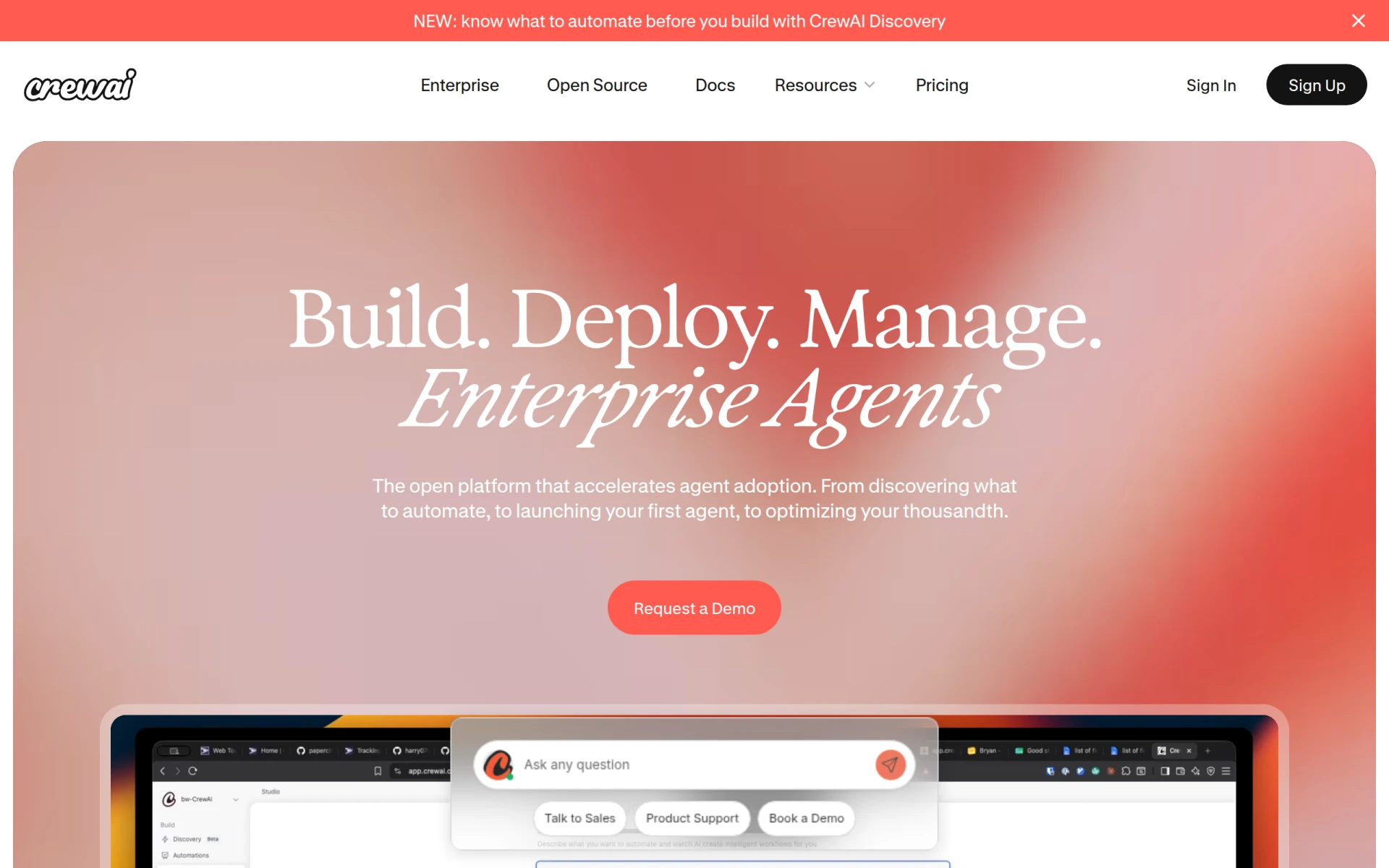 is a multi-agent platform designed to simplify workflow automation for enterprises. While Creatio serves a broad audience, crewAI focuses on providing advanced multi-agent capabilities that can handle complex workflows across various departments. This makes it particularly suitable for larger organizations that require a higher level of automation and collaboration among teams. With crewAI, businesses can deploy multiple agents to work simultaneously on different tasks, thus enhancing overall efficiency.
The platform offers a free basic plan, making it accessible for enterprises looking to explore its capabilities without an initial investment. For organizations that need tailored automation solutions, crewAI provides custom pricing plans for enterprise users. This flexibility in pricing combined with its advanced multi-agent features positions crewAI as a strong alternative for companies aiming to optimize workflow automation across diverse teams.
Pricing: Free basic plan available; custom pricing for enterprise users. Best for: Enterprises requiring advanced multi-agent automation solutions.
Flokzu is a workflow automation tool designed to streamline business processes and improve efficiency. Unlike Creatio, which offers a broad array of automation capabilities, Flokzu specializes in business process management (BPM). This focus makes it an excellent choice for organizations looking to enhance their operational workflows, particularly those that require detailed process tracking and management. Flokzu enables teams to visualize their processes clearly, making it easier to identify bottlenecks and optimize workflows.
The platform's user-friendly interface and customizable features allow businesses to tailor it to their specific needs. However, pricing information is not publicly available, which may present challenges for potential users trying to assess its value. Despite this, Flokzu’s emphasis on BPM and its ability to enhance workflow transparency make it a compelling alternative for businesses seeking to improve their operational processes.
Pricing: Inquire directly for pricing information. Best for: Organizations focused on business process management and optimization.
Postus is an AI-powered social media automation tool designed to generate and schedule posts for various platforms easily. Unlike Creatio, which covers a wide range of automation functionalities, Postus focuses specifically on social media management, making it an excellent choice for businesses that prioritize their online presence. The platform streamlines the content creation and scheduling process, allowing users to maintain a consistent social media strategy without dedicating excessive time to manual posting.
What sets Postus apart is its ability to generate content ideas and optimize posting schedules based on audience engagement data. This feature can significantly enhance the effectiveness of a brand's social media strategy, making it more data-driven and efficient. Pricing plans are based on the number of projects managed, providing flexibility for businesses of various sizes. Overall, Postus is a strong alternative for organizations looking to automate their social media efforts effectively.
Pricing: Multiple pricing plans based on project management. Best for: Businesses focused on enhancing social media presence and automation.
Automata is a workflow automation tool designed to streamline business processes and enhance team productivity. While Creatio offers a wide array of automation capabilities, Automata focuses on providing a straightforward solution for general workflow automation. This makes it an excellent choice for businesses looking to simplify their operations without delving into complex features. The platform is particularly beneficial for organizations that prioritize ease of use and quick implementation.
Automata's user-friendly interface allows teams to set up automations quickly, which can significantly enhance productivity. However, potential users may find that pricing information is not readily available, requiring them to reach out for details. Despite this limitation, Automata’s emphasis on simplicity and efficiency positions it as a valuable alternative for businesses seeking to automate their workflows effectively.
Pricing: Inquire directly for pricing information. Best for: Organizations looking for straightforward workflow automation solutions.
| Tool | Best For | Starting Price | Free Plan | Standout Feature |
|---|---|---|---|---|
| Creatio | General workflow automation | Contact for pricing | No | No-code platform for workflow automation |
| Kudra | Document processing automation | Contact for pricing | Yes | AI-powered document automation |
| Octoparse AI | Workflow automation without coding | $29/month | Yes | Instant workflow setup |
| Lutra AI | App integration and data processing | Contact for pricing | Yes | Seamless app connectivity |
| Pipefy | No-code workflow automation | Contact for pricing | Yes | AI agents for automation |
| Pabbly Connect | Application integration | $79/month | Yes | Flexible integration capabilities |
| IBM BPM | Enterprise-level workflow automation | Contact for pricing | No | Advanced analytics and reporting |
| FormsFlow | Form automation | Contact for pricing | Yes | Flexible deployment options |
| Integrately | Ready-to-use automations | $5/month | Yes | Extensive library of automations |
| Parsio | Document and email parsing | $24/month | Yes | No-template data extraction |
| Celigo | Intelligent automation | Contact for pricing | No | Real-time analytics |
| Microsoft Power Automate | Microsoft ecosystem integration | Contact for pricing | No | Integration with Microsoft products |
| crewAI | Enterprise multi-agent automation | Contact for pricing | Yes | Multi-agent capabilities |
| Flokzu | Business process management | Contact for pricing | No | Process visualization |
| Postus | Social media automation | Contact for pricing | No | AI-driven content generation |
| Automata | General workflow automation | Contact for pricing | No | Simplified workflow setup |
When selecting the right alternative to Creatio, it's essential to align your choice with your specific business needs and operational goals. If your organization primarily focuses on document automation, Kudra or Parsio may be the best fit due to their specialized features in document processing and email parsing. For teams looking to streamline workflow automation without the need for coding, Octoparse AI and Pabbly Connect offer user-friendly solutions that can be implemented quickly.
For larger enterprises or organizations that require advanced features, IBM BPM or crewAI might be more suitable, as they provide robust capabilities tailored for complex workflows. If your business is already integrated within the Microsoft ecosystem, Power Automate can enhance your existing workflows seamlessly. Ultimately, consider your team's technical expertise, the complexity of your workflows, and your budget when evaluating these alternatives to make a confident choice.
In summary, the best alternative to Creatio will largely depend on your specific use case. For document automation, Kudra and Parsio are strong contenders, while Octoparse AI and Pabbly Connect excel in user-friendly workflow automation. For enterprise-level needs, IBM BPM and crewAI provide the advanced features necessary for larger organizations. Assess your business requirements carefully to select the solution that aligns best with your operational goals.
Kudra automates document processing with AI to enhance efficiency and reduce operational costs.
Octoparse AI is a free RPA tool that lets users automate workflows without coding, enhancing productivity on desktop environments.
Lutra AI helps automate workflows by connecting various apps and processing data efficiently.
Pipefy is a no-code workflow automation platform that enables teams to streamline processes using AI Agents.
Pabbly Connect is an automation tool that enables users to integrate applications and automate repetitive tasks without coding.
IBM Business Automation Workflow helps automate digital workflows to enhance productivity and efficiency across various environments.
FormsFlow is a low-code form automation platform designed to streamline form creation and workflow management for businesses.
Integrately is an automation tool that enables users to connect over 1500 apps with ready-to-use automations, requiring no technical skills.
Parsio is an AI-powered document and email parser that automates data extraction from various document types without templates.
Celigo is an intelligent automation platform that connects data, applications, and workflows to enhance business operations.
Microsoft Power Automate is a cloud-based automation tool that helps users create automated workflows between applications and services.
CrewAI is a multi-agent platform designed to simplify workflow automation for enterprises.
Flokzu is a workflow automation tool designed to streamline business processes and improve efficiency.
Postus is an AI-powered social media automation tool that generates and schedules posts for various platforms with ease.
Automata is a workflow automation tool designed to streamline business processes and enhance team productivity.
Many users consider switching due to Creatio's opaque pricing structure, which can make budgeting difficult for small businesses. Additionally, users may seek alternatives that offer more flexibility or better integration with existing tools.
One of the top alternatives to Creatio is Monday.com, which provides a user-friendly interface, extensive customization options, and clear pricing plans. It caters to a wide range of business needs, making it an excellent choice for users looking to streamline their workflows.
Alternatives often offer more transparent pricing models, allowing users to understand costs upfront. Many platforms provide tiered pricing based on features, making it easier for businesses to select a plan that fits their budget without unexpected costs.
Yes, several alternatives like Trello and Airtable offer free tiers with basic features. These options are great for startups or small teams looking to manage workflows without incurring costs initially.
When migrating, start by assessing your current workflows and data to determine what needs to be transferred. Create a detailed plan that includes timelines and responsibilities, and consider using data import tools provided by the new platform to streamline the process.
A prevalent concern is the potential loss of data and workflows during the transition. Users should ensure they have backups and a clear migration strategy to prevent disruptions in their operations during the switch.
Weekly roundup of new AI tools, launches, and trending software. No spam — unsubscribe anytime.
No credit card required · Cancel anytime
Weekly roundup of new AI tools, launches, and trending software. No spam — unsubscribe anytime.
No credit card required · Cancel anytime