Why Look for Alternatives to Flickify?
While Flickify presents a user-friendly AI-driven platform designed to transform text into high-quality videos, it does come with certain limitations that drive users to seek alternatives. One of the primary concerns is its pricing model, which, although cost-effective at under $1 per video, may not provide the flexibility some users need for extensive projects. For creators who require a higher volume of video production, the long-term costs can add up, especially when considering the need for additional features offered by other platforms. Furthermore, Flickify's feature set may not fully cater to those who need advanced editing tools or customization options, which can be a significant drawback for more experienced video creators.
Additionally, Flickify may lack support for certain niche requirements, such as multi-language voiceovers or specific integrations with social media platforms, which can hinder its utility for diverse content creators. Users looking for capabilities like customizable avatars or extensive editing options might find themselves restricted by Flickify's offerings. These limitations create a demand for alternatives that can address these gaps, providing more robust functionalities that cater to various needs, from professional video marketing to casual content creation.
Best Alternatives to Flickify in 2026
Fliki - Best for Multilingual Video Creation
Fliki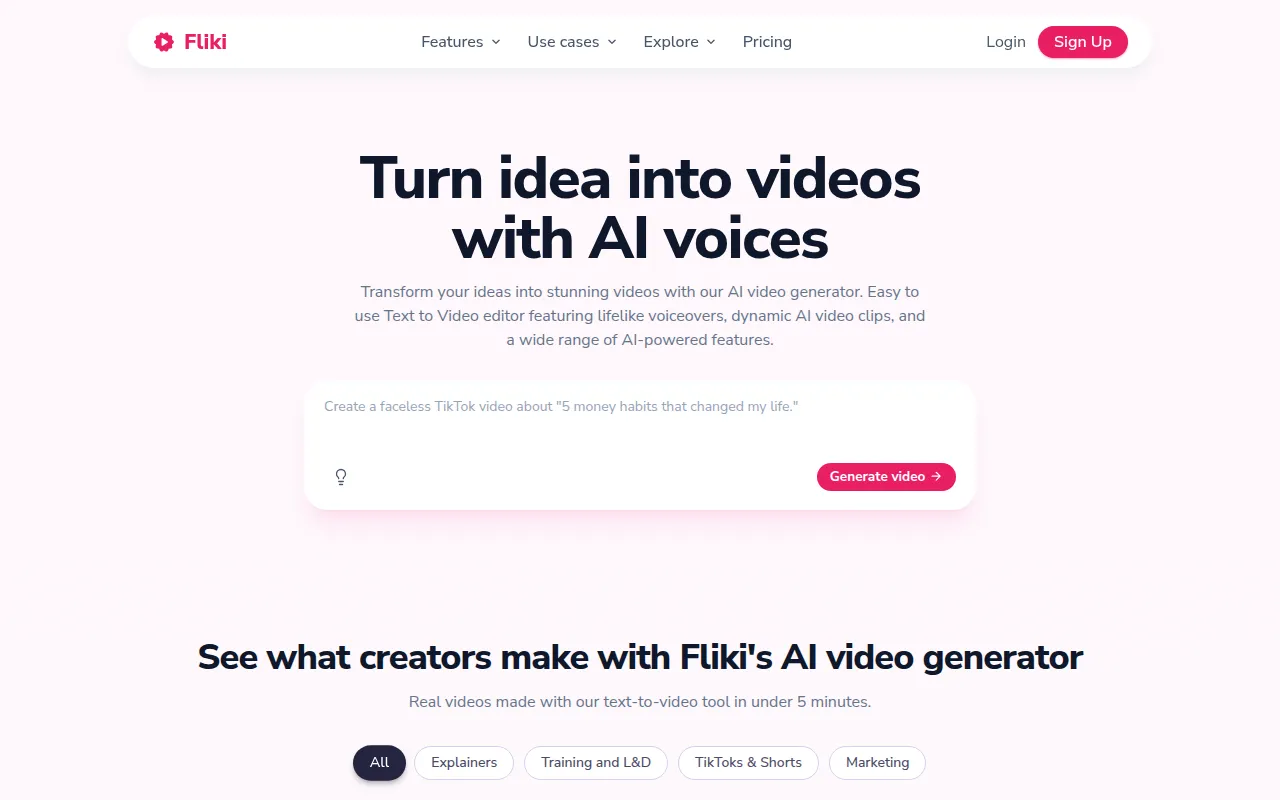 is an advanced AI video generator that stands out in the market by providing the ability to create engaging videos in over 80 languages, using more than 2,000 voices. This feature makes it an excellent alternative for users who require multilingual content, such as global marketers or educators. While Flickify offers solid video creation capabilities, its limitations in language support can be a significant drawback for creators looking to reach a wider audience. Fliki's intuitive interface allows users to easily generate videos from text, offering customization options that enhance engagement and viewer retention.
Who should choose Fliki? This platform is ideal for marketers, educators, or content creators who need to produce videos in multiple languages. The ability to utilize diverse voices adds an extra layer of personalization and accessibility that Flickify may not adequately provide. With its focus on language versatility, Fliki enables users to expand their reach without sacrificing the quality of their videos, making it a compelling choice for international audiences.
- Key Strength: Extensive language support with over 2,000 voices in 80+ languages.
- Key Strength: User-friendly interface designed for quick video creation.
- Key Strength: Customization options that enhance viewer engagement.
- Limitation: Some advanced features may be limited in the free plan.
Pricing: Freemium model with a free plan and paid options for additional features. Best for: Users needing multilingual video capabilities.
Vexub - Best for Social Media Creators
Vexub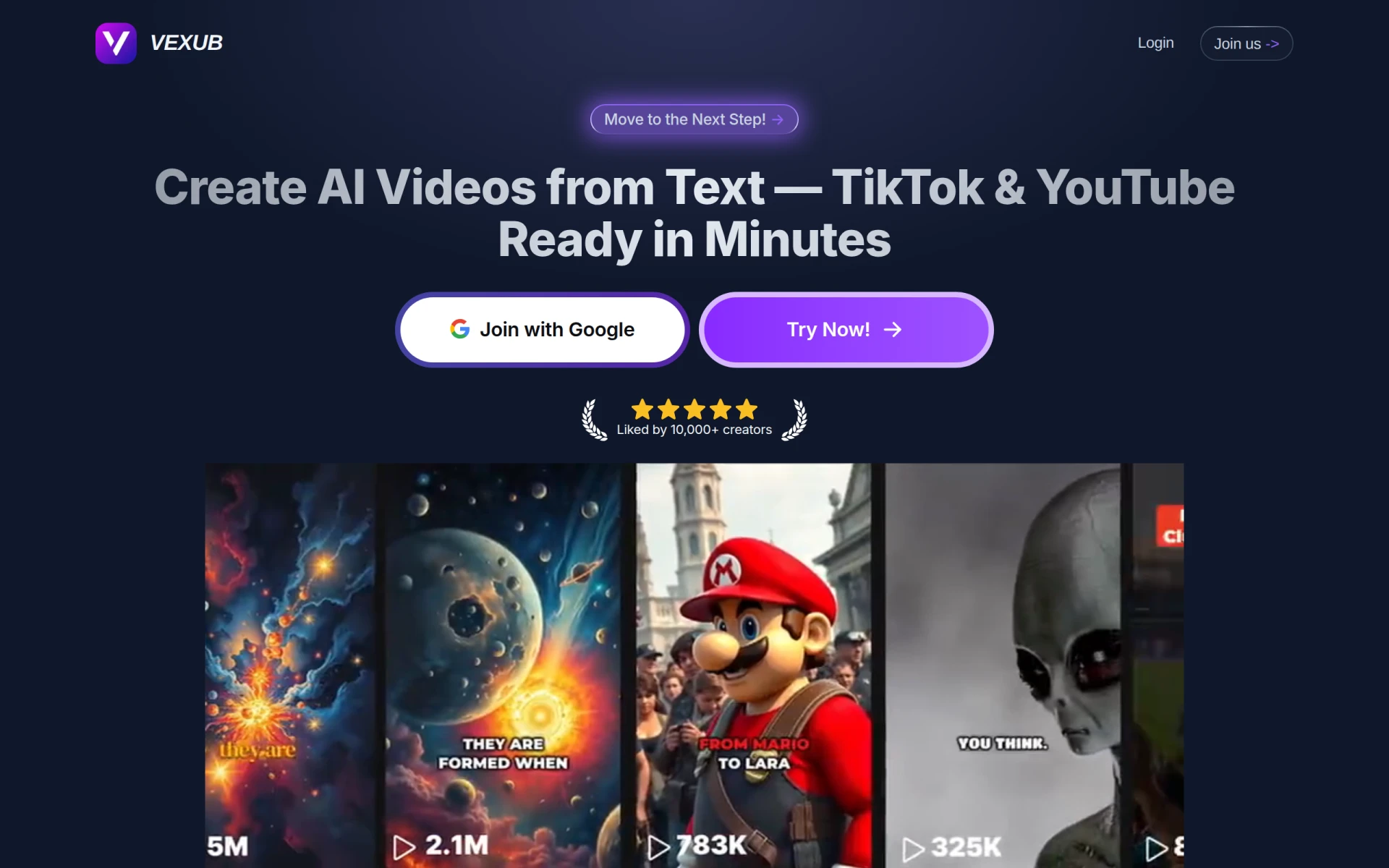 is an innovative AI video generation tool tailored specifically for social media platforms like TikTok and YouTube. This platform emphasizes creating engaging, shareable content that resonates with younger audiences. Unlike Flickify, which may lack specific features for social media optimization, Vexub focuses on providing templates and editing tools that enhance video appeal for social media formats. With Vexub, users can create trendy, eye-catching videos quickly, making it a go-to choice for influencers and marketers looking to boost their online presence.
Vexub is perfect for content creators who prioritize social media engagement and trend alignment. Its ability to generate videos that cater to the unique requirements of platforms like TikTok sets it apart from Flickify. Additionally, Vexub's emphasis on quick production times and user-friendly editing tools makes it accessible, even for those with limited video editing experience. If social media impact is your goal, Vexub could be the ideal alternative.
- Key Strength: Tailored templates for TikTok and YouTube video formats.
- Key Strength: Focus on creating engaging, shareable content quickly.
- Key Strength: User-friendly interface aimed at social media creators.
- Limitation: Pricing information is currently unavailable, which may hinder user decision-making.
Pricing: Freemium model with basic features available for free. Best for: Social media influencers and marketers.
Powtoon - Best for Animated Presentations
Powtoon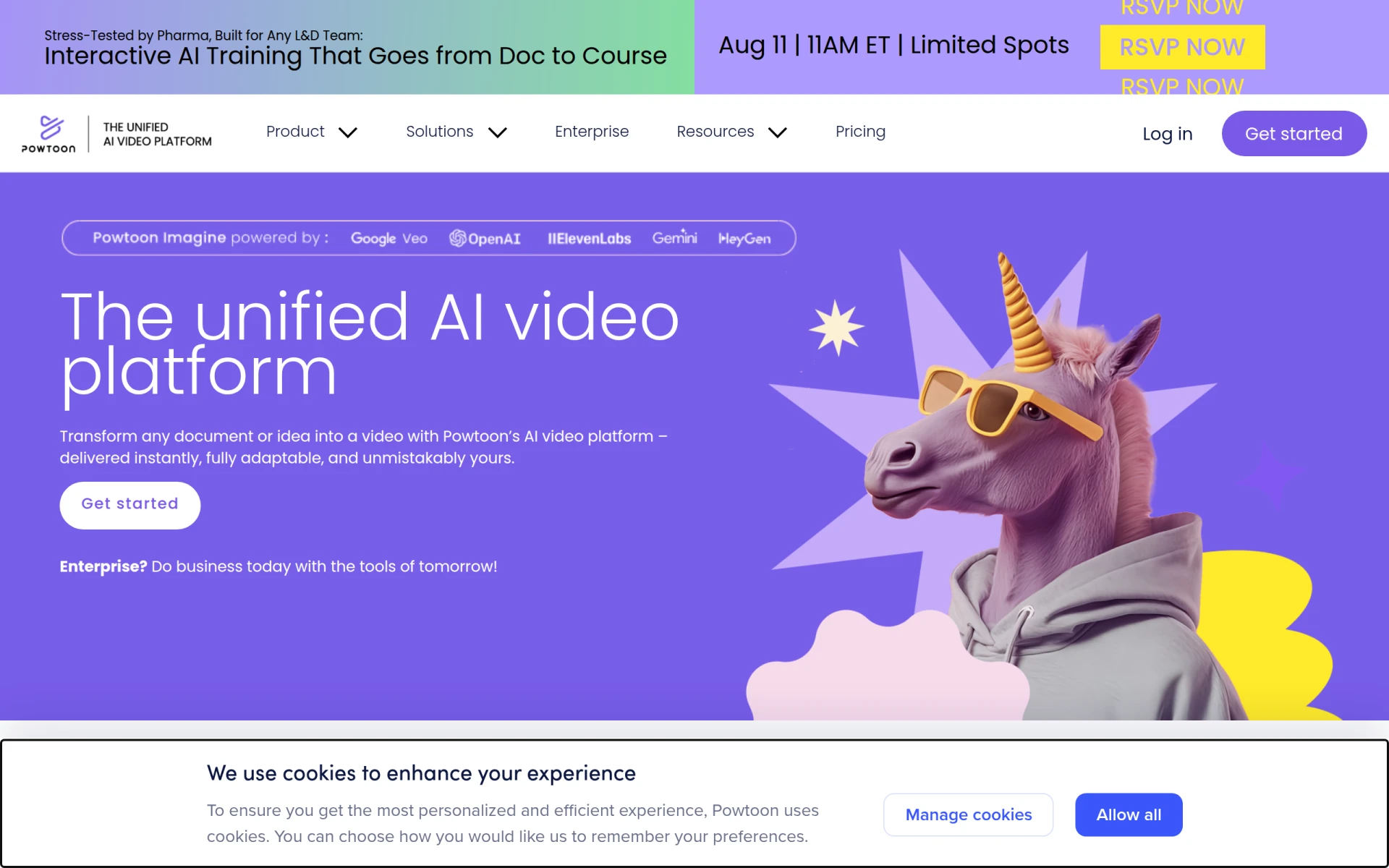 is a powerful AI-driven video creation platform that excels in transforming documents and ideas into animated videos. Its key strength lies in its capacity to produce engaging, visually appealing presentations that can be utilized for educational or marketing purposes. While Flickify primarily focuses on transforming text into videos, Powtoon goes a step further by allowing users to create animated content, which can capture audience attention more effectively. This makes Powtoon a superior choice for educators and marketers who want to make their content stand out.
Furthermore, Powtoon provides a variety of templates and animation styles, making it easy for users to customize their videos. This flexibility allows presenters to convey complex ideas in an engaging manner that resonates with their audience. If you are looking for a platform that combines video creation with animation capabilities, Powtoon is an excellent alternative that offers a unique blend of functionality not found in Flickify.
- Key Strength: Ability to create animated videos and presentations.
- Key Strength: Extensive library of templates and animations.
- Key Strength: User-friendly interface that simplifies video creation.
- Limitation: Limited advanced editing features compared to dedicated video editing software.
Pricing: Freemium model with pricing information currently unavailable. Best for: Educators and marketers needing animated presentations.
HeyGen - Best for No-Fuss Video Creation
HeyGen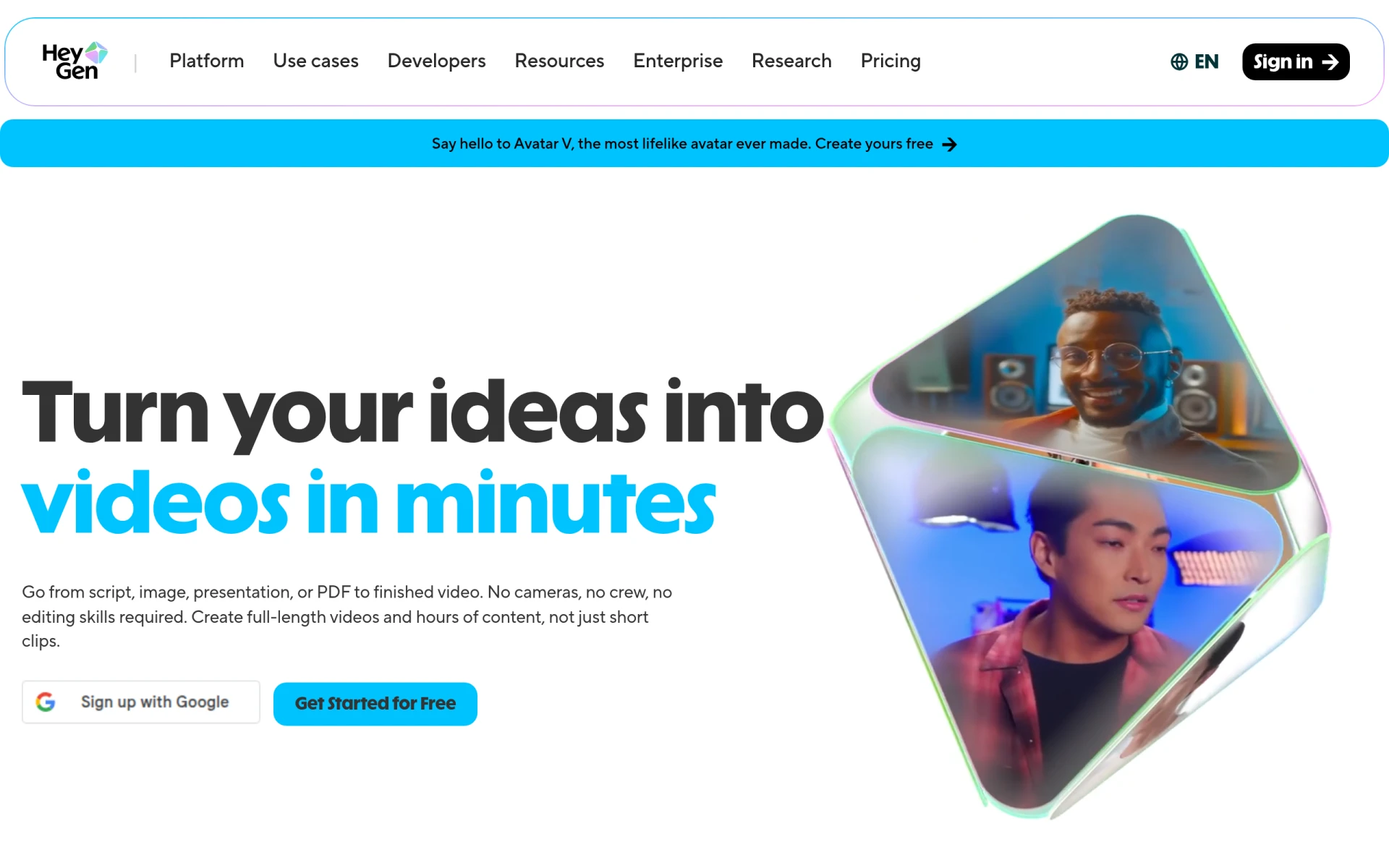 is an AI video generator that simplifies the process of creating videos without requiring advanced technical skills. Users can transform text, images, or audio into engaging videos seamlessly, making it an excellent alternative for those intimidated by complex video editing software. Unlike Flickify, which may require some familiarity with video production, HeyGen's straightforward approach caters to beginners and casual creators who need quick and easy video solutions. This feature makes it appealing for small business owners and content creators who desire efficiency without compromising quality.
What sets HeyGen apart is its versatility in handling various media types. Users can easily incorporate images and audio into their videos, allowing for a more dynamic and engaging final product. This flexibility is particularly beneficial for creators looking to produce varied content without the steep learning curve. Overall, if you seek a no-fuss video creation tool that delivers quality results quickly, HeyGen is a strong alternative to consider.
- Key Strength: Simplifies video creation for users with no technical skills.
- Key Strength: Supports text, images, and audio as input for video generation.
- Key Strength: Quick and easy video production workflow.
- Limitation: Limited customization options compared to more advanced platforms.
Pricing: Freemium model with various paid plans for additional features. Best for: Beginners and casual creators looking for simplicity.
Pixo - Best for Professional Video Editing
Pixo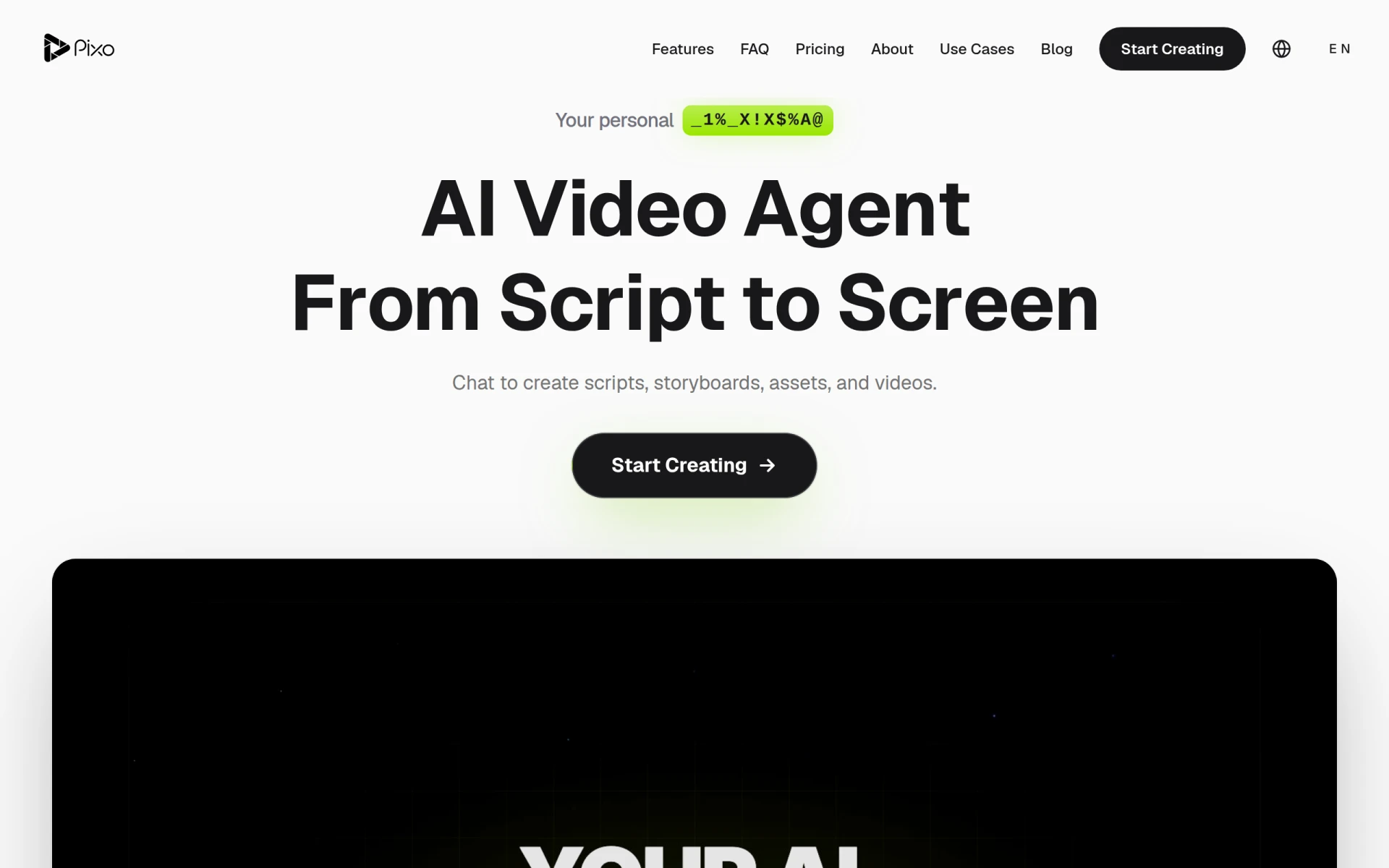 is an AI-powered video editing tool that assists users in creating and refining professional videos with ease. Unlike Flickify, which primarily focuses on converting text to video, Pixo offers a more comprehensive suite of editing tools that allow users to enhance their videos post-creation. This makes Pixo an ideal choice for professionals and businesses that require high-quality video outputs for marketing or training purposes. The platform's advanced editing capabilities enable users to fine-tune their videos, ensuring a polished final product that meets professional standards.
Moreover, Pixo provides a tiered pricing model, making it accessible for users at different budget levels. This flexibility allows small businesses and individual creators to leverage professional-grade video editing tools without breaking the bank. If you are looking for an alternative that combines AI-driven video creation with powerful editing features, Pixo is a compelling option that surpasses Flickify in terms of professional video quality.
- Key Strength: Advanced editing tools for professional video creation.
- Key Strength: User-friendly interface that simplifies complex editing tasks.
- Key Strength: Tiered pricing model catering to different user needs.
- Limitation: The learning curve may be steeper for complete beginners.
Pricing: Freemium with a tiered pricing model. Best for: Users needing professional video editing capabilities.
Vimeo AI - Best for Quick Video Production
Vimeo AI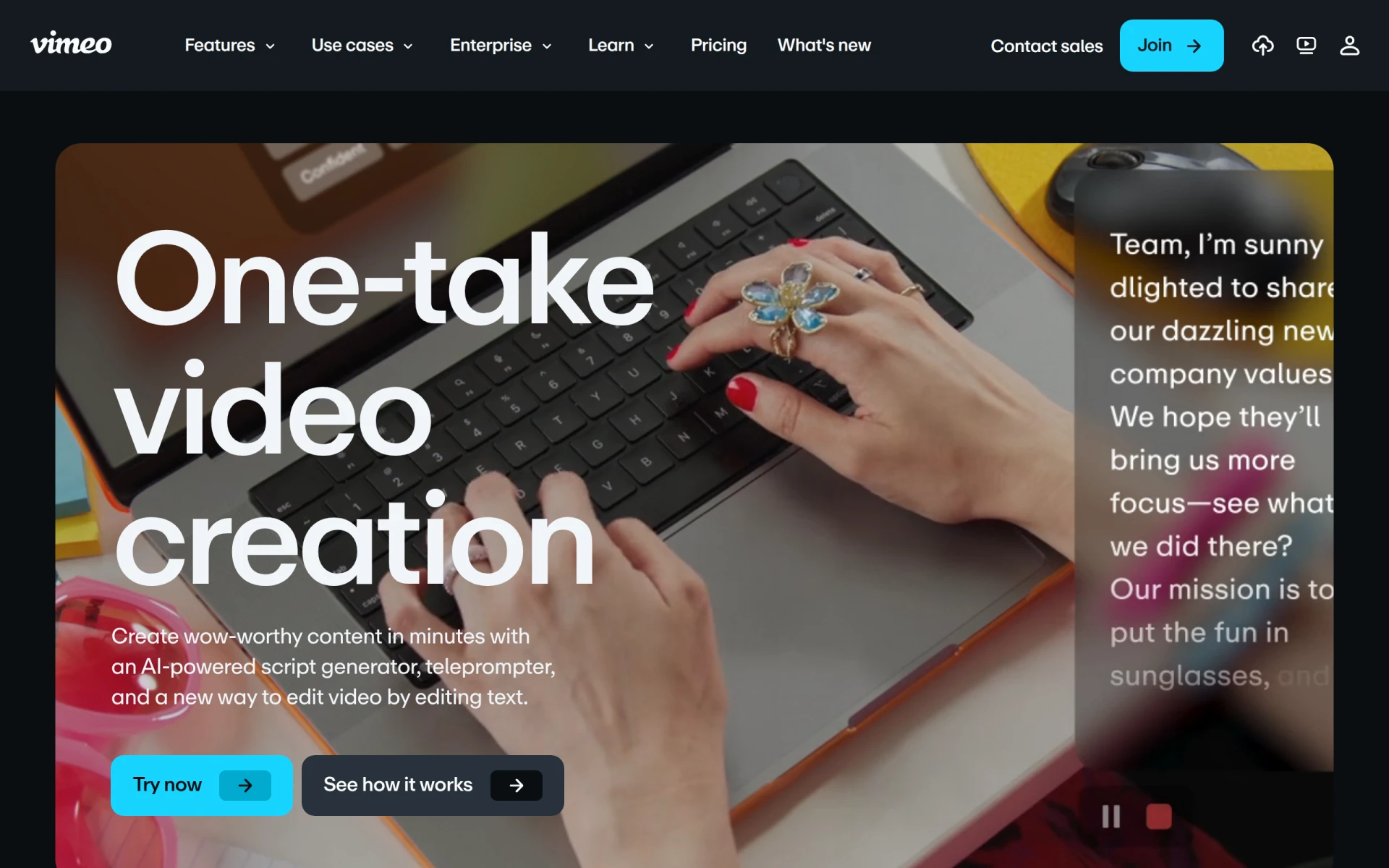 offers a suite of tools designed for creating and editing videos rapidly, leveraging AI-powered features to streamline the production process. This makes it a strong alternative to Flickify for users who prioritize speed without sacrificing quality. While Flickify focuses on transforming text into videos, Vimeo AI enables creators to produce various types of content, from promotional videos to social media clips, all within a user-friendly interface. This flexibility is particularly beneficial for marketers or businesses that need to generate content quickly to remain competitive.
Additionally, Vimeo AI integrates seamlessly with other Vimeo services, providing a comprehensive solution for video hosting and sharing. This integration allows users to manage their video production and distribution all in one place, enhancing workflow efficiency. For creators who value a cohesive video production and sharing experience, Vimeo AI is an excellent choice that offers capabilities beyond what Flickify can provide.
- Key Strength: Fast video production using AI tools.
- Key Strength: Seamless integration with Vimeo's hosting services.
- Key Strength: User-friendly interface designed for quick content creation.
- Limitation: Pricing details are not publicly listed, which may impact decision-making.
Pricing: Freemium model with pricing details not publicly available. Best for: Users needing quick and efficient video production.
Argil - Best for Customizable Avatars
Argil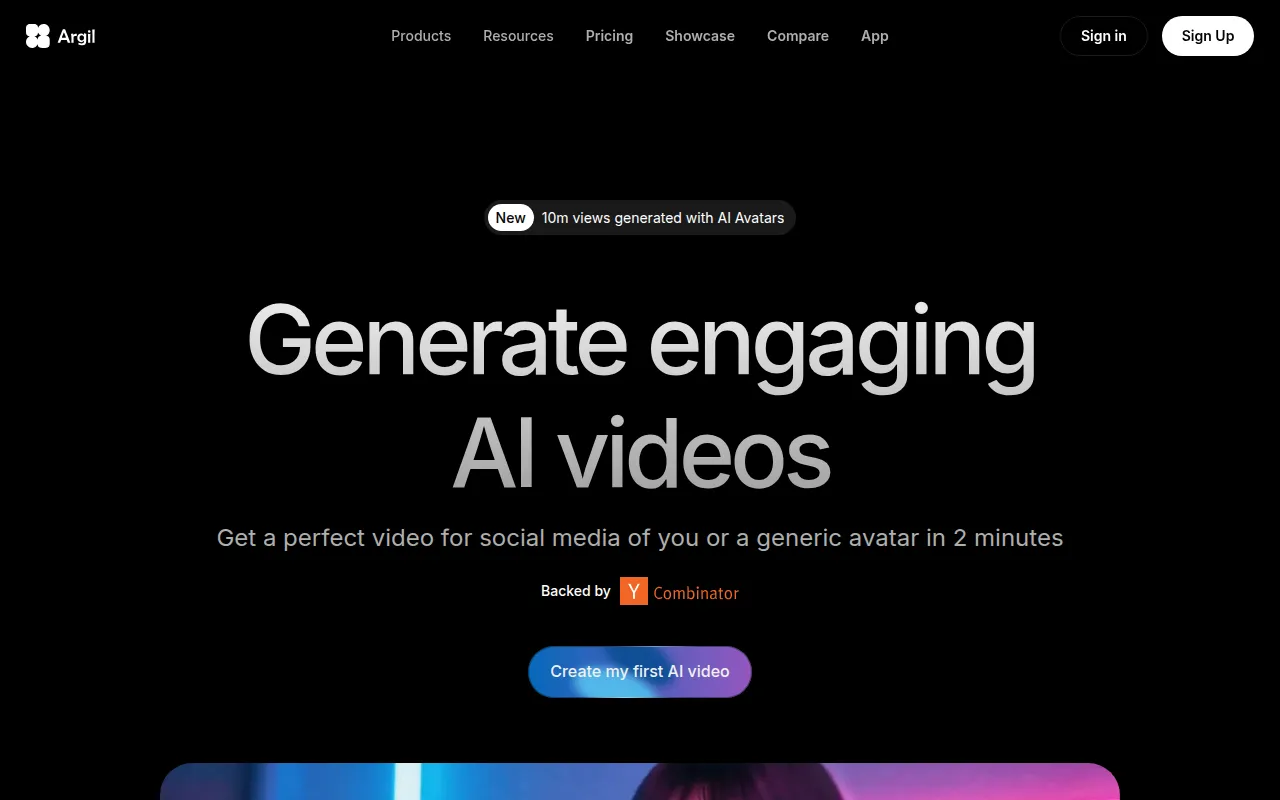 is an AI-powered video editing tool that allows users to create engaging videos featuring customizable avatars, making it a standout alternative to Flickify. This unique feature is particularly appealing for creators looking to produce educational content or marketing videos that require a more personal touch. Unlike Flickify, which emphasizes text-to-video conversion, Argil enables users to engage with their audience through avatars that can deliver messages in a relatable manner. This personalization can significantly enhance viewer engagement and retention.
Furthermore, Argil provides various customization options for avatars, allowing users to tailor their videos according to their brand identity or messaging style. This level of customization can be a significant advantage for businesses aiming to develop a distinct online presence. If you are looking for a platform that combines video creation with personalized avatar features, Argil is an excellent choice that offers unique capabilities not found in Flickify.
- Key Strength: Customizable avatars for enhanced audience engagement.
- Key Strength: Versatile video creation options beyond text conversion.
- Key Strength: User-friendly interface that simplifies avatar customization.
- Limitation: Monthly subscription costs may be higher than basic video tools.
Pricing: Classic plan at $39 per month and Pro plan at $149 per month. Best for: Users wanting personalized avatar features in their videos.
Colossyan - Best for Training Videos
Colossyan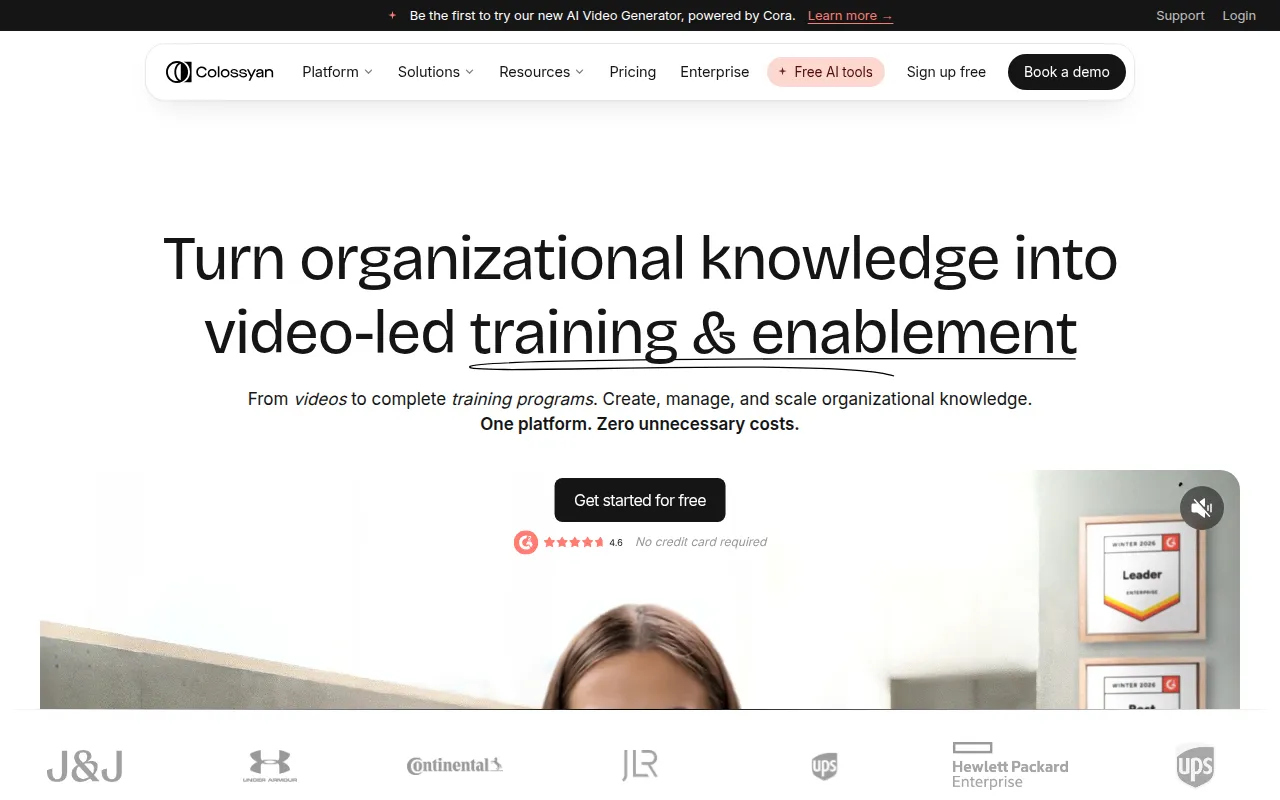 is an AI video generator that simplifies the process of creating training videos, making it an ideal alternative for businesses and educators. Unlike Flickify, which primarily focuses on transforming text into video, Colossyan provides features specifically designed for training and instructional content. Its easy-to-use platform allows users to create engaging tutorials and educational videos efficiently, which is essential for organizations that need to deliver training materials quickly.
Moreover, Colossyan offers various templates and customization options that cater to the specific needs of training videos, ensuring that content is both informative and engaging. This focus on educational content sets Colossyan apart from Flickify, making it a preferred choice for institutions and companies looking to enhance their training programs. If your goal is to produce high-quality training videos, Colossyan presents a strong alternative that can meet your specific requirements.
- Key Strength: Tailored features for creating training and instructional videos.
- Key Strength: User-friendly templates designed for educational content.
- Key Strength: Efficient video creation process ideal for businesses and educators.
- Limitation: Limited functionality for general video production compared to other tools.
Pricing: Freemium with paid subscriptions starting at $27 per month. Best for: Businesses and educators focused on training video creation.
KaraVideo - Best for Quick Animated Content
KaraVideo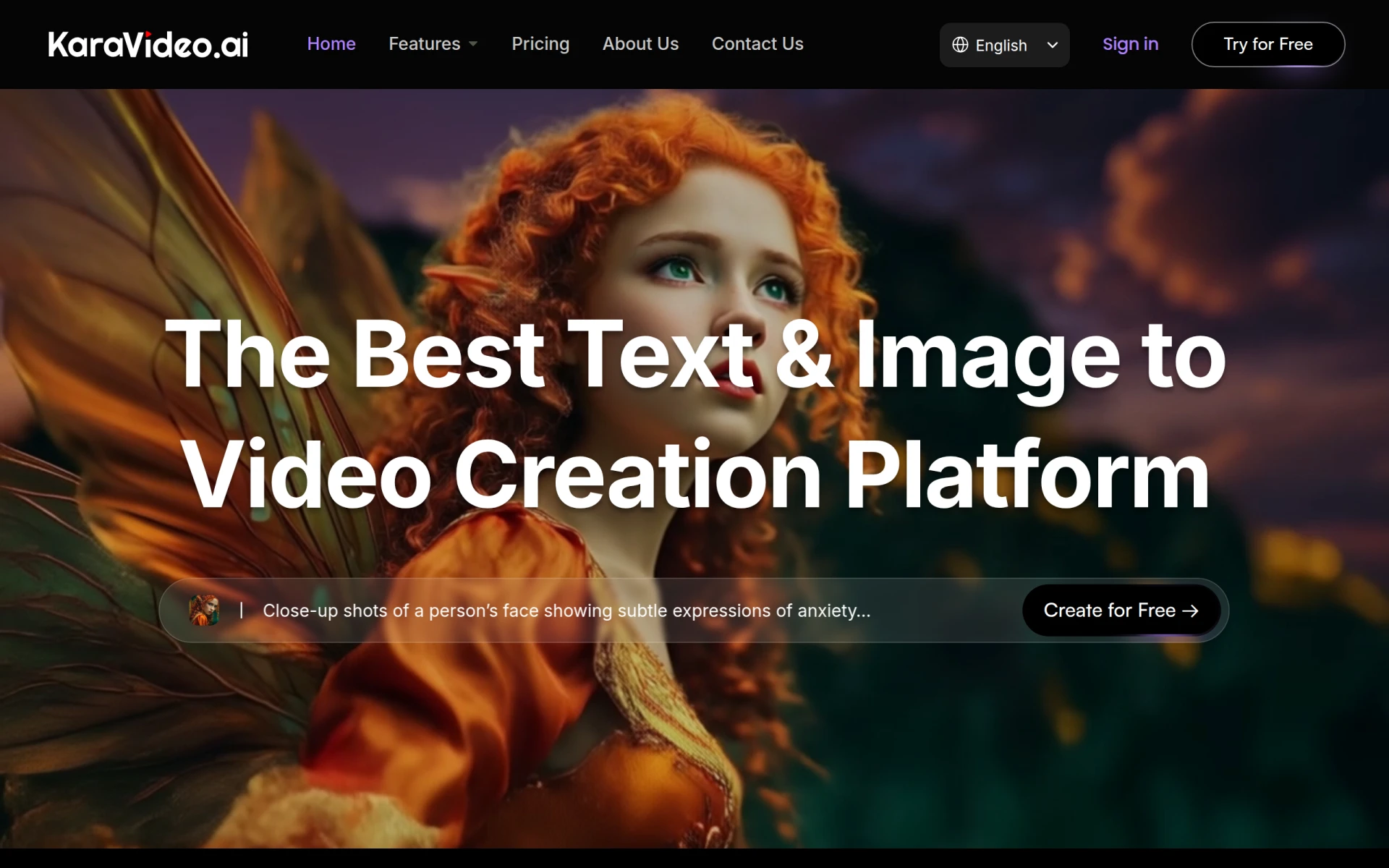 is an AI-driven platform that specializes in transforming text and images into animated videos, making it an excellent alternative for creators looking for quick, engaging content. While Flickify focuses on text-to-video conversion, KaraVideo goes further by incorporating animation, which can capture attention more effectively. This feature is particularly beneficial for marketers and educators who want to create content that stands out in a crowded digital landscape.
Furthermore, KaraVideo's user-friendly interface allows users to create animated videos in a fraction of the time it would take with traditional video editing software. This efficiency is crucial for creators needing to produce content quickly, whether for social media, marketing campaigns, or educational purposes. If your focus is on quick and engaging animated content, KaraVideo offers a unique blend of speed and creativity that makes it a compelling alternative to Flickify.
- Key Strength: Specializes in creating animated videos quickly.
- Key Strength: User-friendly interface that simplifies video creation.
- Key Strength: Ability to incorporate both text and images for dynamic content.
- Limitation: Limited advanced editing features compared to professional software.
Pricing: Freemium model with various pricing plans available. Best for: Users seeking quick animated video solutions.
WonderShare ToMoviee AI - Best for Comprehensive Creative Solutions
WonderShare ToMoviee AI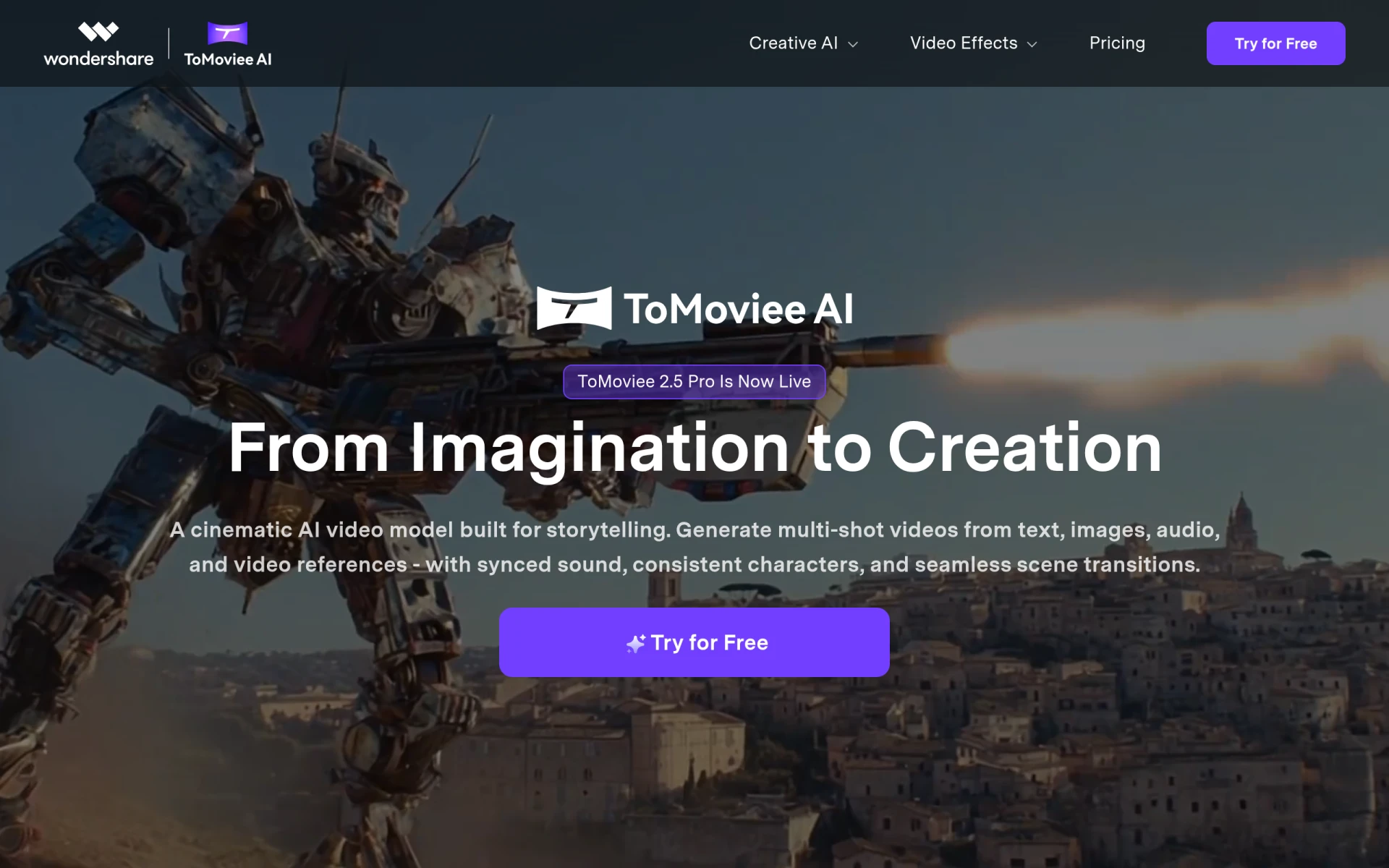 is a comprehensive creative studio designed for generating videos, images, and music, making it an all-in-one alternative to Flickify. Unlike Flickify, which focuses specifically on text-to-video capabilities, ToMoviee AI offers a broader range of creative tools that can cater to various needs. This versatility is particularly advantageous for marketers and content creators who require multiple types of media for their projects. Additionally, ToMoviee AI’s user-friendly interface simplifies the creative process, allowing users to easily switch between video, image, and audio creation.
Moreover, the ability to generate videos, images, and music in one place streamlines workflows for creators, enabling them to manage their projects more efficiently. This comprehensive approach is a significant advantage over Flickify, especially for users who need a multi-faceted creative solution. If you are looking for a platform that combines video creation with additional creative tools, ToMoviee AI is an excellent alternative that can meet all your media generation needs.
- Key Strength: Offers a comprehensive suite of creative tools beyond video.
- Key Strength: User-friendly interface for managing multiple media types.
- Key Strength: Versatile features cater to various content creation needs.
- Limitation: Pricing information is not explicitly available, which may hinder user decisions.
Pricing: Freemium model with pricing details not publicly available. Best for: Users needing a comprehensive creative solution.
Vidiofy - Best for Browser-Based Video Creation
Vidiofy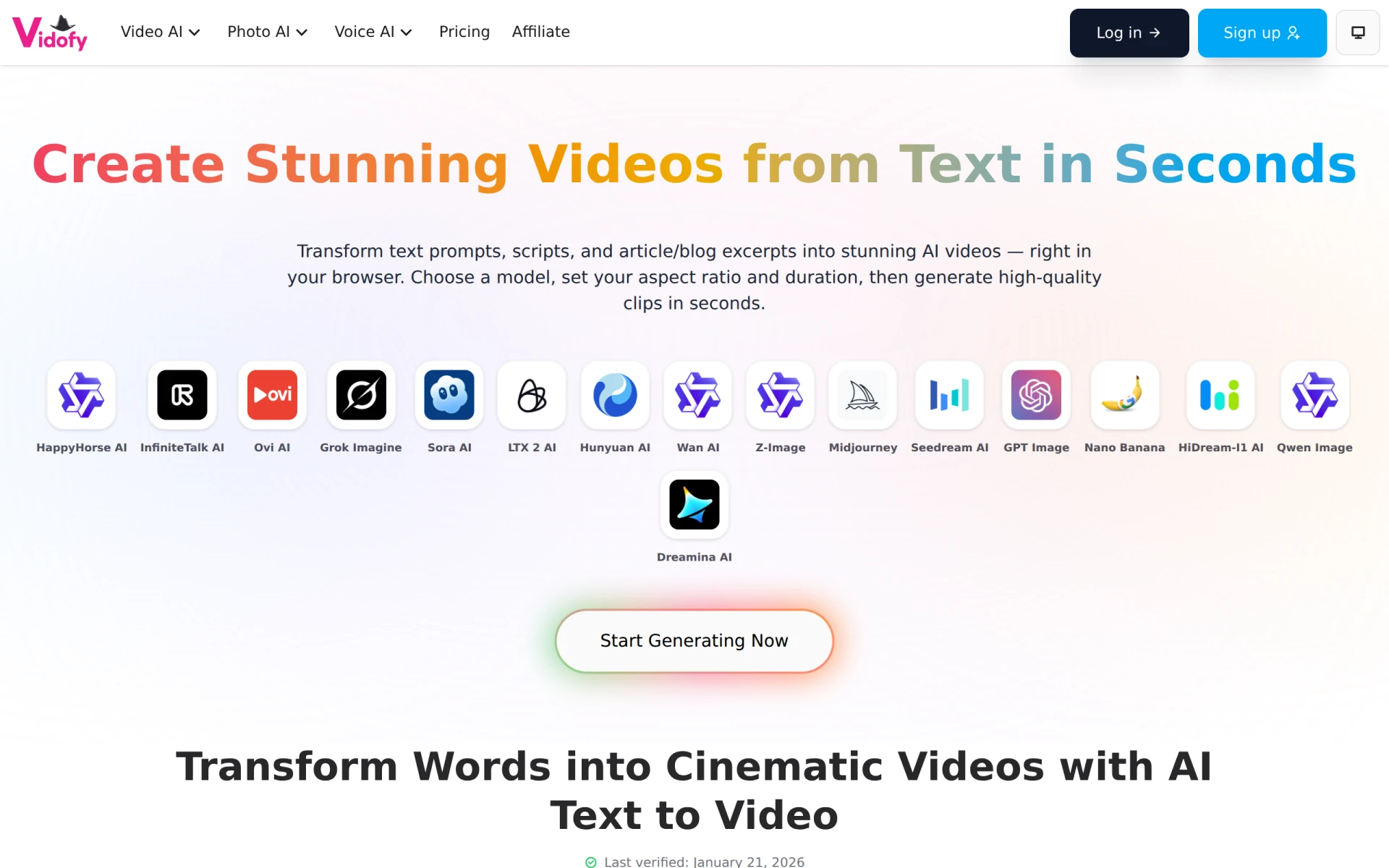 is an AI-driven tool that provides users with the ability to quickly transform text into high-quality videos directly in their browser. This browser-based functionality distinguishes it from Flickify, which may require more software installations and setup processes. Vidiofy's accessibility is a major advantage for users who prefer a straightforward, quick solution for video creation without the need for extensive software. This makes it particularly appealing for freelancers and small business owners who may not have the time or resources to invest in complex video editing software.
Furthermore, Vidiofy’s simplicity allows users to create videos on-the-go, making it an ideal choice for those who need to produce content rapidly or while traveling. The focus on ease of use without compromising video quality makes Vidiofy a strong alternative to Flickify, especially for users who prioritize convenience and efficiency in their video production process.
- Key Strength: Browser-based video creation for easy access.
- Key Strength: Quick transformation of text into high-quality videos.
- Key Strength: User-friendly design that simplifies the video creation process.
- Limitation: Limited advanced features compared to more comprehensive video tools.
Pricing: Free model with additional features currently unavailable. Best for: Users looking for quick, browser-based video solutions.
Pexo - Best for Conversational Video Creation
Pexo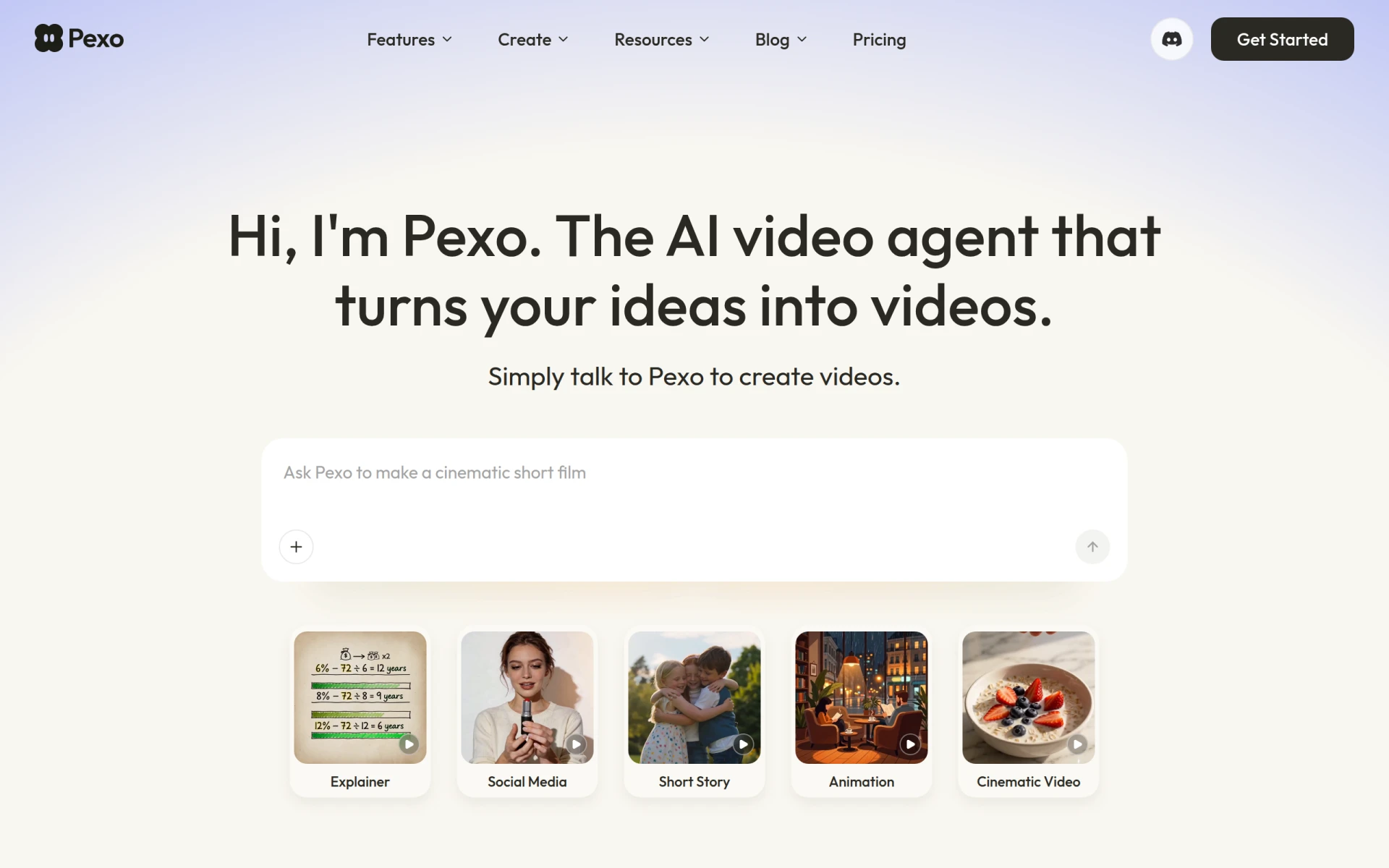 is an innovative AI Video Agent that allows users to transform their ideas into videos through simple conversations. This unique approach sets it apart from Flickify, as it emphasizes accessibility and user engagement through conversational interaction. Pexo is particularly well-suited for users who may not be comfortable with traditional video creation processes, as it simplifies the workflow by allowing users to communicate their ideas verbally. This feature makes it an appealing choice for entrepreneurs and content creators who want to produce videos without the need for extensive technical skills.
Moreover, Pexo's conversational interface enhances the user experience, making video creation feel more intuitive and less daunting. This can be especially beneficial for users who may find traditional video editing tools overwhelming. If you are looking for a platform that combines conversational engagement with video creation, Pexo presents a unique alternative that can cater to your needs effectively.
- Key Strength: Conversational interface for easy video creation.
- Key Strength: Simplifies the video production process for users with limited technical skills.
- Key Strength: Engaging user experience that encourages creativity.
- Limitation: Pricing details are currently unavailable, which may hinder user decisions.
Pricing: Freemium model with pricing details not publicly available. Best for: Users seeking an intuitive, conversational video creation experience.
Magic Hour AI - Best for Free AI Tools
Magic Hour AI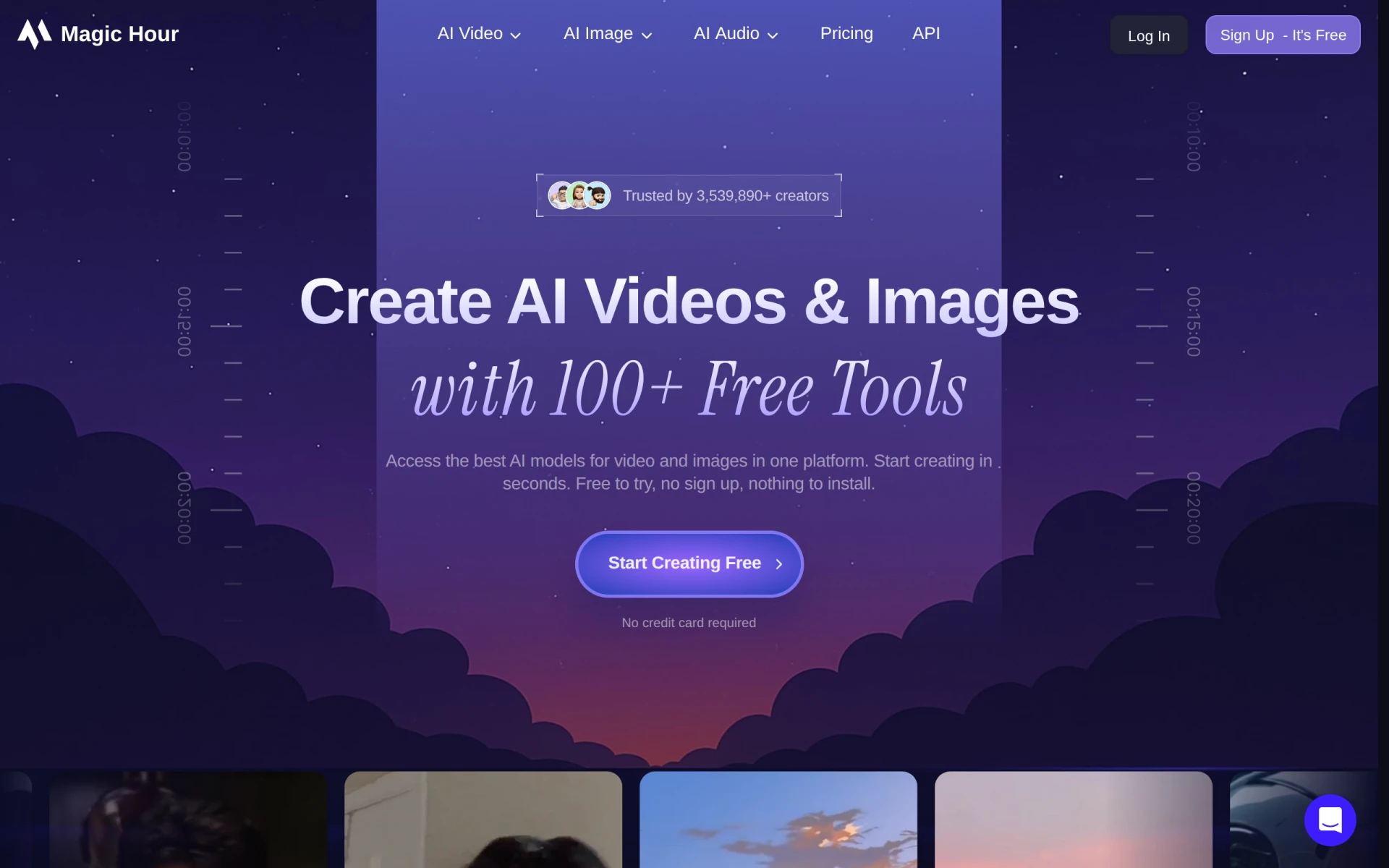 offers over 100 free AI tools for video and image creation, making it an attractive alternative for creators looking to generate content without the need for sign-up. This extensive library of free tools provides users with various options for video production, image editing, and more, setting it apart from Flickify, which primarily focuses on text-to-video conversion. The availability of various tools allows creators to experiment and find the best solutions for their specific needs without financial commitment.
Additionally, Magic Hour AI’s subscription model, starting at $15 per month for the Creator plan, offers access to even more features and tools, making it a flexible option for users at different budget levels. If you are looking for a platform that provides a wealth of free resources alongside premium features, Magic Hour AI is a compelling alternative that can cater to diverse creative needs.
- Key Strength: Offers over 100 free AI tools for video and image creation.
- Key Strength: No sign-up required for access to free tools.
- Key Strength: Flexible subscription model for additional features.
- Limitation: The quality of free tools may vary compared to paid options.
Pricing: Freemium model with a subscription starting at $15 per month. Best for: Users looking for free AI tools for content creation.
GoEnhance AI - Best for All-in-One Video Generation
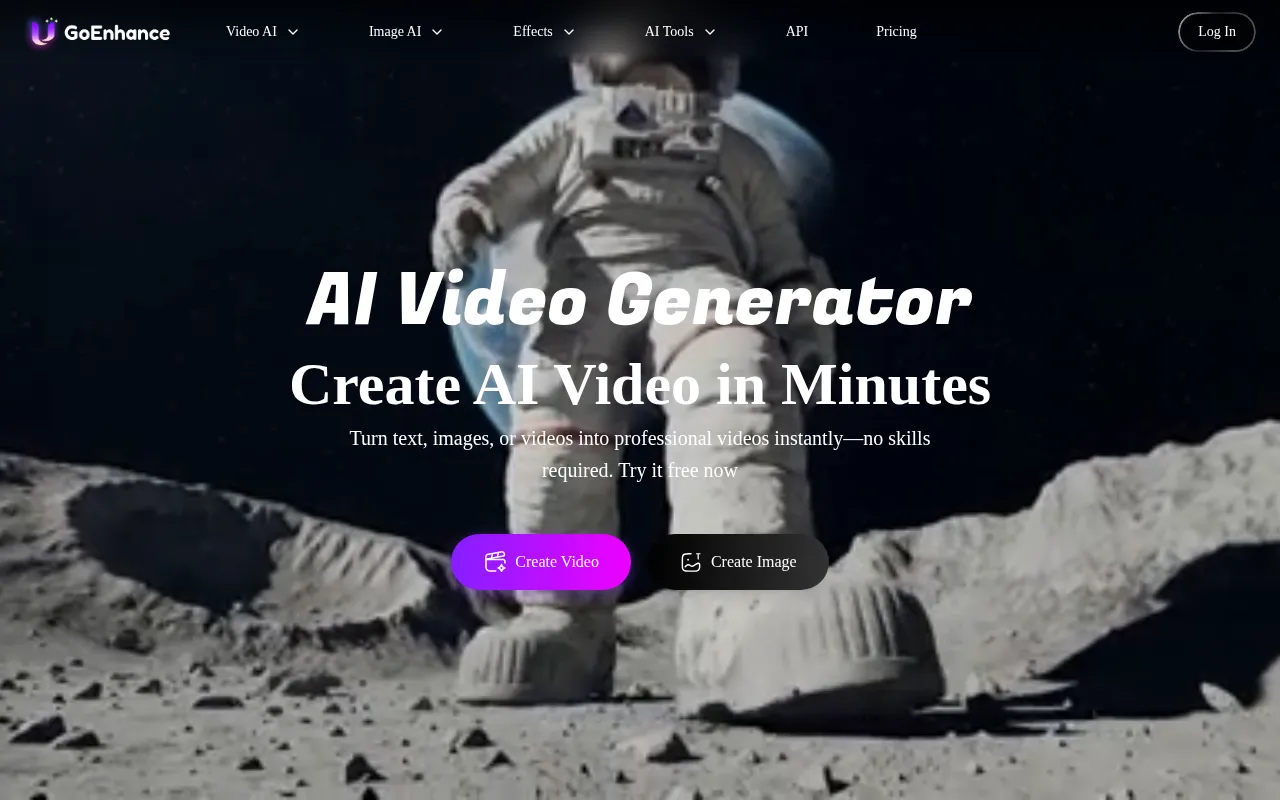
GoEnhance AI is an all-in-one AI video generator that allows users to create professional-quality videos from text, images, or existing clips. This platform distinguishes itself from Flickify by offering a more comprehensive approach to video generation, allowing users to work with multiple media types and create more varied content. GoEnhance AI's focus on quality and versatility makes it ideal for marketers, content creators, and businesses that require high-quality videos for various purposes, from promotional materials to social media posts.
Furthermore, GoEnhance AI's user-friendly interface ensures that even those with limited technical skills can produce professional-grade videos efficiently. This ease of use, combined with the platform's robust feature set, positions it as a strong alternative for users who need a comprehensive video creation solution. If you are searching for a platform that combines diverse media inputs with high-quality outputs, GoEnhance AI is an excellent choice that can fulfill your video production needs effectively.
- Key Strength: Comprehensive video generation from text, images, and clips.
- Key Strength: User-friendly interface for efficient video production.
- Key Strength: Focus on high-quality outputs suitable for professional use.
- Limitation: Pricing details are currently unavailable, which may affect user decisions.
Pricing: Freemium model with pricing details not publicly available. Best for: Users needing an all-in-one video generation solution.
Kinovi - Best for Pay-as-You-Go Video Editing
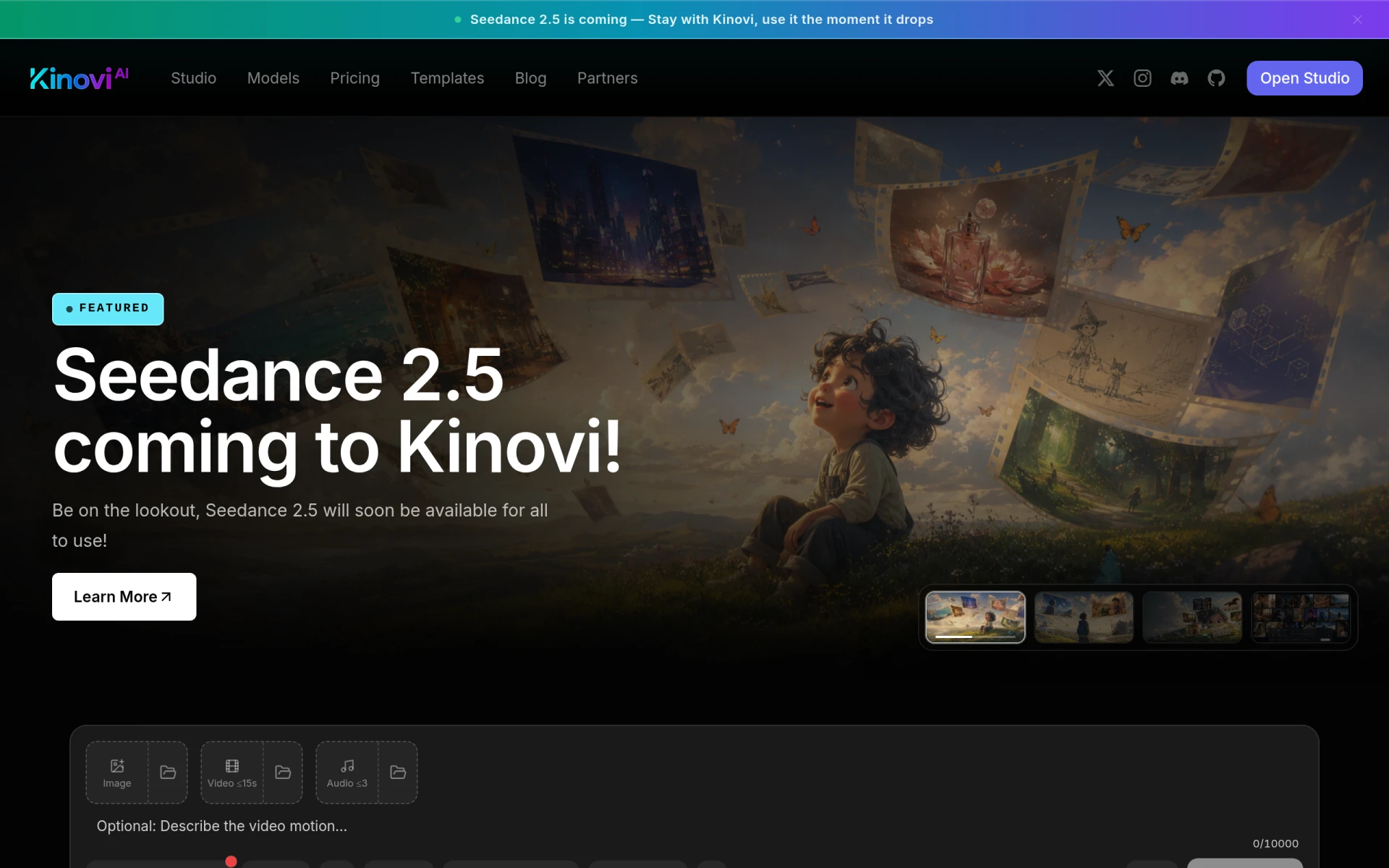
Kinovi is an AI-driven video editing platform that simplifies the creation of videos and images through its studio and API. This platform offers a pay-as-you-go pricing model, which can be advantageous for users who may not need a subscription but still want access to advanced video editing tools. Unlike Flickify, which may require a more significant upfront investment, Kinovi allows users to pay only for the credits they use, making it a flexible option for occasional users or small businesses.
Additionally, Kinovi's suite of editing tools is designed to streamline the video production process, enabling users to create high-quality content efficiently. This aspect is particularly beneficial for users who may not have extensive video editing experience but still want to produce professional-looking videos. If you are looking for a platform that combines flexibility with powerful editing features, Kinovi is a compelling alternative to consider.
- Key Strength: Pay-as-you-go pricing model for flexible access to editing tools.
- Key Strength: Advanced editing tools for high-quality video creation.
- Key Strength: User-friendly design aimed at simplifying the editing process.
- Limitation: May be less cost-effective for users who require frequent access to editing tools.
Pricing: Pay-as-you-go model starting at $9.99 for 2,150 credits. Best for: Users seeking flexible, credit-based video editing options.
Feature Comparison Table
| Tool | Best For | Starting Price | Free Plan | Standout Feature |
|---|
| Flickify | Text-to-video conversion | Freemium - under $1/video | Yes | AI-driven text transformation |
| Fliki | Multilingual video creation | Freemium | Yes | 2,000 voices in 80+ languages |
| Vexub | Social media creators | Freemium | Yes | Templates for TikTok and YouTube |
| Powtoon | Animated presentations | Freemium | Yes | Extensive animation library |
| HeyGen | No-fuss video creation | Freemium | Yes | Supports various media types |
| Pixo | Professional video editing | Freemium | Yes | Advanced editing tools |
| Vimeo AI | Quick video production | Freemium | Yes | AI-powered editing features |
| Argil | Customizable avatars | $39/month | No | Engaging avatar features |
| Colossyan | Training videos | $27/month | Yes | Focus on educational content |
| KaraVideo | Quick animated content | Freemium | Yes | Animation capabilities |
| WonderShare ToMoviee AI | Comprehensive creative solutions | Freemium | Yes | All-in-one creative tools |
| Vidiofy | Browser-based video creation | Free | Yes | Fast text-to-video conversion |
| Pexo | Conversational video creation | Freemium | No | Engaging conversational interface |
| Magic Hour AI | Free AI tools | $15/month | Yes | 100+ free tools |
| GoEnhance AI | All-in-one video generation | Freemium | No | Multiple media type support |
| Kinovi | Pay-as-you-go video editing | $9.99 for 2,150 credits | No | Flexible credit-based model |
How to Choose the Right Alternative to Flickify
When selecting an alternative to Flickify, it's essential to consider your specific video creation needs. For instance, if you prioritize multilingual content, Fliki would be the best option due to its extensive language support. On the other hand, if you require quick and engaging social media videos, Vexub's tailored templates would serve you well. For those focused on animated presentations, Powtoon offers the tools necessary to create visually appealing content with ease.
Furthermore, consider the level of technical expertise you possess. Beginners may find platforms like HeyGen and Vidiofy more accessible, as they require little to no prior experience in video production. Alternatively, if you are a professional seeking robust editing capabilities, Pixo or Kinovi may be better suited to your needs. By evaluating your specific use cases and familiarity with video editing, you can make an informed decision about which alternative to choose.
Final Verdict
In conclusion, while Flickify serves as a valuable tool for text-to-video conversion, various alternatives cater to specific needs that it may not address. For multilingual video creation, Fliki stands out; for social media content, Vexub is your best bet. Those seeking animated presentations should consider Powtoon, while professionals looking for extensive editing options may prefer Pixo. Ultimately, the right choice will depend on your unique requirements and goals in video production.