Why Look for Alternatives to AI Video Cut?
AI Video Cut is a user-friendly video editing tool that streamlines the video cutting process. However, it does have its limitations that may prompt users to seek alternatives. One of the primary concerns is its lack of advanced editing features. While it excels in basic cutting and trimming tasks, users looking for more complex functionalities like multi-layer editing or advanced effects might find AI Video Cut lacking. Furthermore, the current pricing information is not transparent, which can deter potential users who want to assess value for money before committing to a tool.
Another limitation is its target audience. AI Video Cut is designed for users with minimal video editing experience, which can be a double-edged sword. While beginners may find it accessible, more experienced users may feel constrained by its simplistic approach. Additionally, AI Video Cut may struggle with specific use cases, such as creating engaging social media clips or producing high-quality professional videos, which are essential in today’s digital landscape. These pain points are driving users to explore other options that can better meet their diverse needs.
Best Alternatives to AI Video Cut in 2026
AICUT - Best for Faceless Video Creation
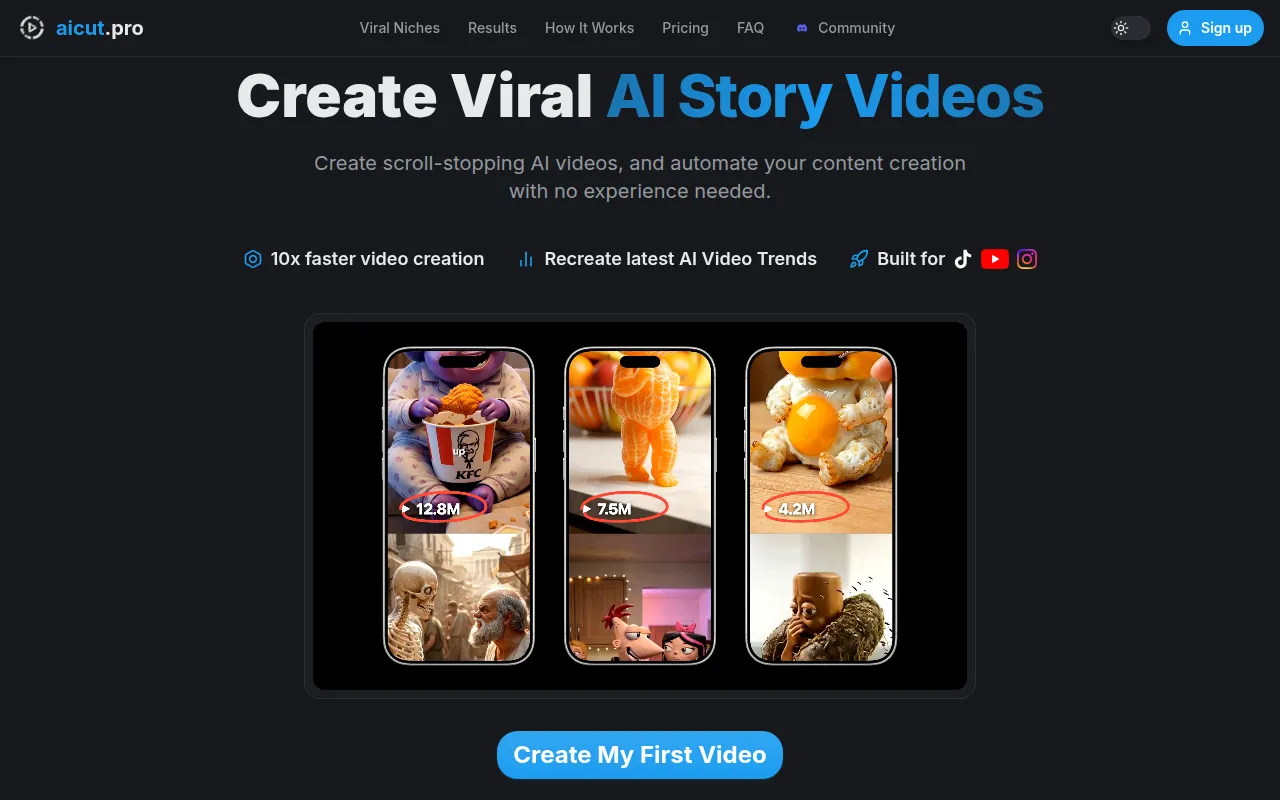
AICUT is an innovative AI video generator tailored for creating faceless videos, making it an excellent alternative to AI Video Cut for those focused on platforms like YouTube, TikTok, and Instagram. Unlike AI Video Cut, which focuses primarily on basic editing, AICUT leverages AI to automate the video creation process, allowing users to generate content quickly without needing extensive editing skills. This is particularly beneficial for content creators looking to produce engaging videos without showing their faces, appealing to a niche audience that prefers anonymity.
AICUT stands out with features that allow for automated scene selection and video generation based on text input. This feature is especially useful for users who may not have the time or expertise to create videos manually. Moreover, the platform's freemium model provides an accessible entry point, allowing users to experiment with its capabilities before making any financial commitments. If your goal is to create engaging, faceless videos efficiently, AICUT could be an ideal solution.
- Key Strength: Automated scene selection for easy video generation.
- Key Strength: Focus on faceless video content specifically tailored for social media.
- Key Strength: Freemium model allows experimentation without upfront costs.
- Limitation: May lack advanced editing features for users needing intricate video production.
Pricing: Freemium model. Best for: Content creators seeking to produce faceless videos quickly.
AI Studios - Best for Comprehensive Video Generation
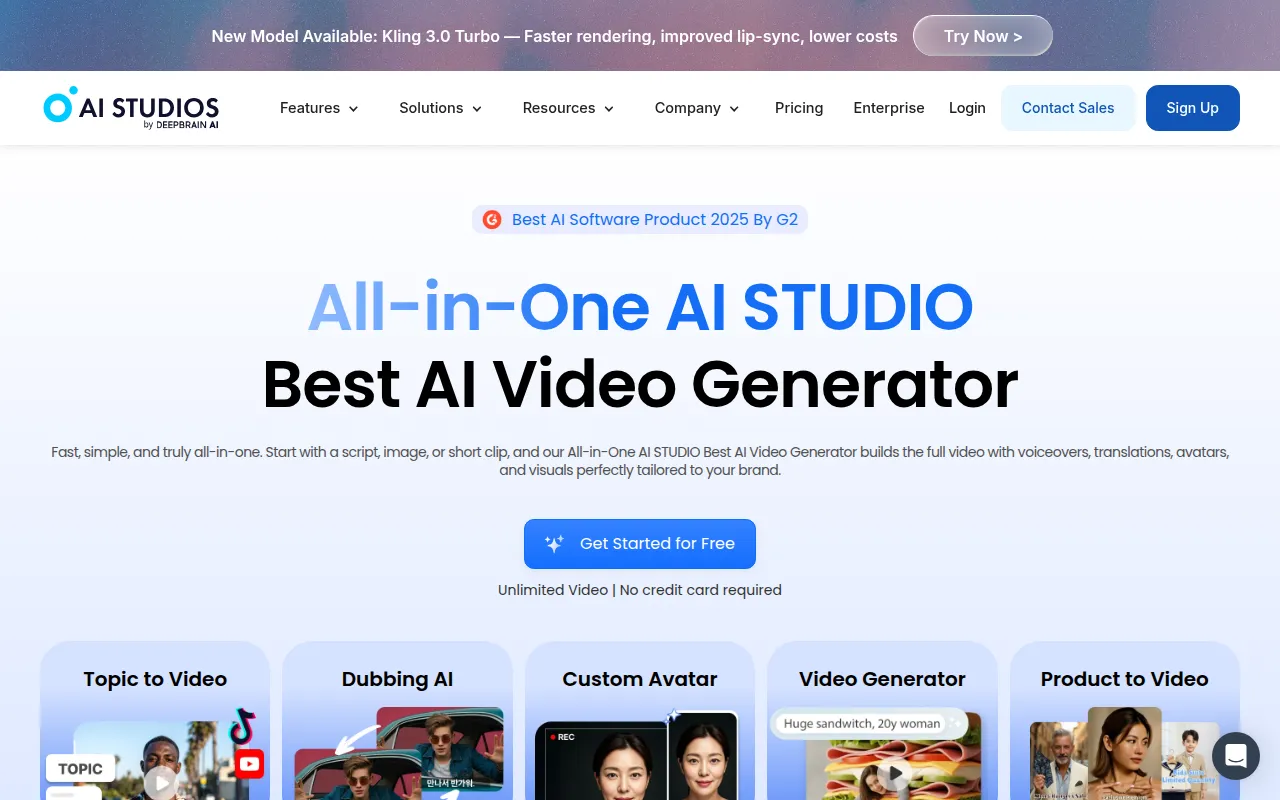
AI Studios offers an all-in-one solution for generating professional videos from scripts or images, making it a robust alternative to AI Video Cut. While AI Video Cut simplifies the cutting process, AI Studios focuses on transforming raw concepts into polished videos seamlessly. This tool is particularly beneficial for marketers and businesses looking to produce high-quality promotional content with minimal effort, as it streamlines the video creation workflow from start to finish.
The standout feature of AI Studios is its ability to generate videos based on textual input. Users can simply provide a script, and the tool utilizes AI technology to create a complete video, including visuals and voiceovers. This is a significant advantage over AI Video Cut, which requires users to have pre-edited footage for cutting. AI Studios caters to users who prioritize quality and efficiency, making it suitable for both novices and experienced video creators who want to elevate their content without extensive editing time.
- Key Strength: Generates complete videos from scripts or images, eliminating manual editing steps.
- Key Strength: Streamlined workflow ideal for marketers and businesses.
- Key Strength: AI-driven technology ensures high-quality output with minimal effort.
- Limitation: The learning curve may be steeper for users unfamiliar with video production concepts.
Pricing: Freemium model. Best for: Businesses and marketers looking for comprehensive video creation tools.
AI Storyboard Generator - Best for Pre-Production Planning
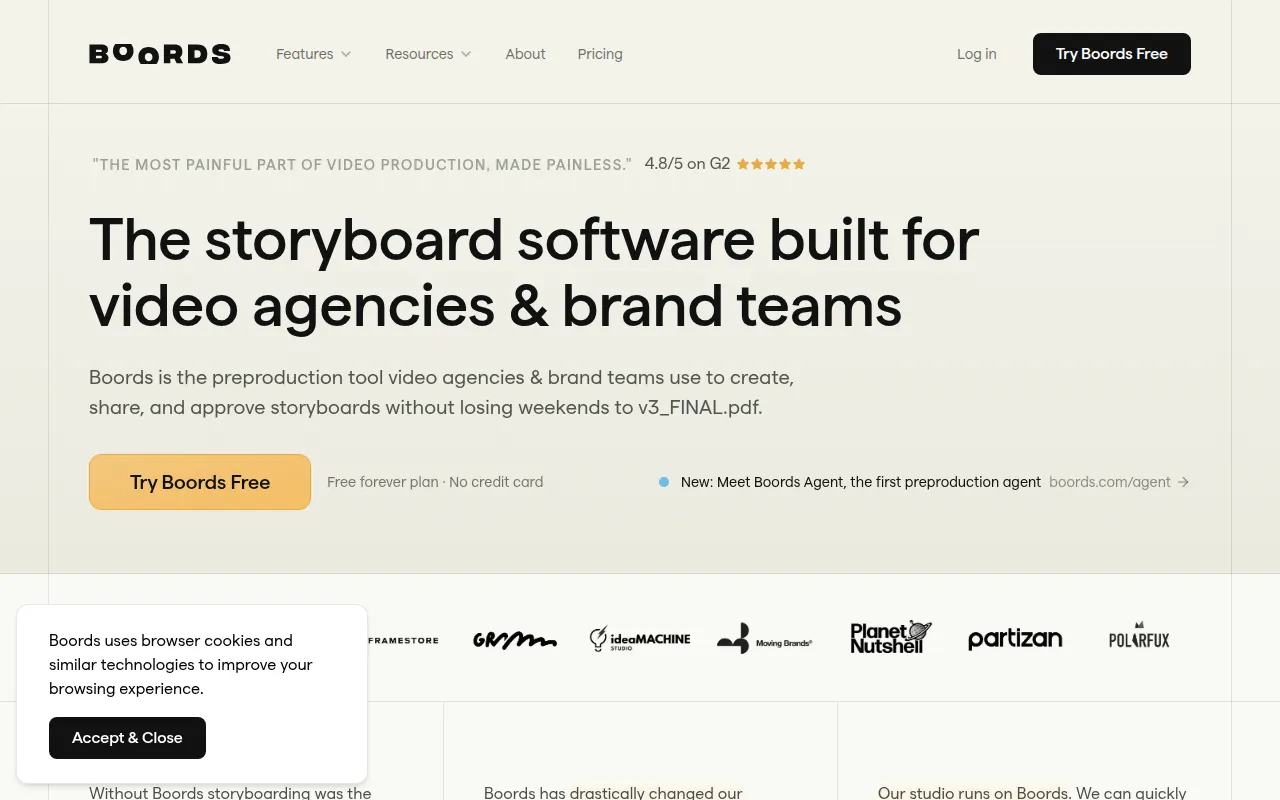
Boords, known as the AI Storyboard Generator, is a tool designed specifically for video pre-production, making it a great alternative to AI Video Cut for agencies and brand teams. While AI Video Cut primarily focuses on post-production video editing, Boords excels in the planning phase, allowing users to storyboard their videos effectively. This is crucial for organizing thoughts and visuals before diving into the actual editing process.
One of the key features of Boords is its storyboard creation capabilities, which enable users to sketch out scenes and sequence shots visually. This feature is particularly useful for teams working collaboratively, as it allows for easy feedback and adjustments. Additionally, Boords integrates with other video editing tools, making it versatile for users who want to streamline their production workflow. Though it may not have advanced editing features, its strength lies in enhancing the pre-production phase, which is often overlooked but essential for successful video projects.
- Key Strength: Excellent storyboard creation and visual planning tools.
- Key Strength: Collaborative features ideal for team environments.
- Key Strength: Integration capabilities with other editing software.
- Limitation: Limited editing features post-storyboarding compared to AI Video Cut.
Pricing: Free plan available; Pro plan for $50 per month (billed annually). Best for: Creative teams focusing on pre-production planning.
Adobe Premiere Pro - Best for Professional Editing
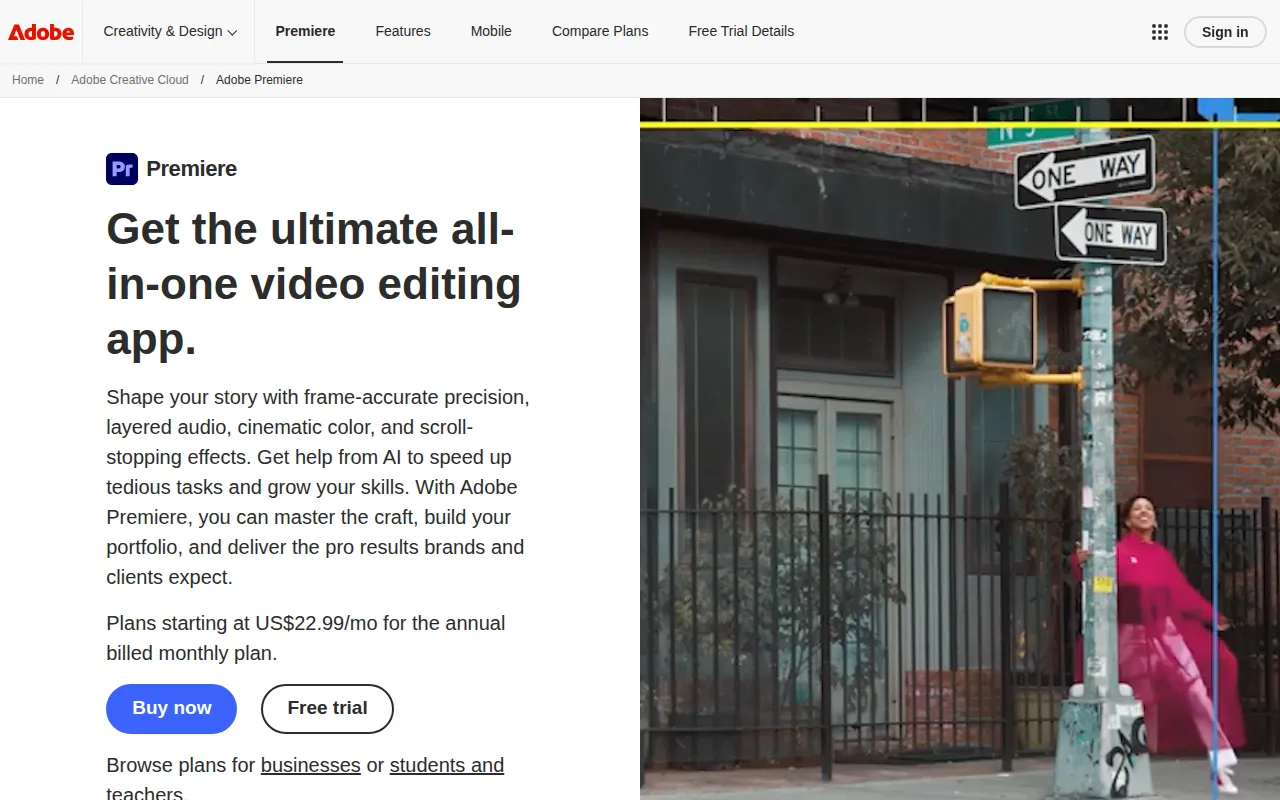
Adobe Premiere Pro stands as a leading professional video editing software, making it a formidable alternative to AI Video Cut for serious filmmakers and content creators. While AI Video Cut simplifies the video cutting process, Premiere Pro offers a comprehensive suite of advanced editing tools that cater to both beginners and seasoned professionals. Users looking for precise control over their video projects will find Premiere Pro's capabilities far superior, with features like multi-cam editing, color correction, and audio mixing.
One of the key advantages of Adobe Premiere Pro is its extensive range of plugins and integrations. Users can customize their editing experience, adding functionalities that suit their specific needs. Additionally, Premiere Pro’s collaborative features allow multiple users to work on the same project seamlessly, making it an excellent choice for teams. Although it operates on a subscription basis, the value it provides in terms of professional-grade tools justifies the investment for users serious about their video editing.
- Key Strength: Advanced editing tools for professional-grade video production.
- Key Strength: Extensive plugin ecosystem for customized editing experiences.
- Key Strength: Collaborative features for team projects.
- Limitation: Higher learning curve and cost compared to AI Video Cut.
Pricing: Subscription-based model. Best for: Professional filmmakers and content creators needing advanced editing tools.
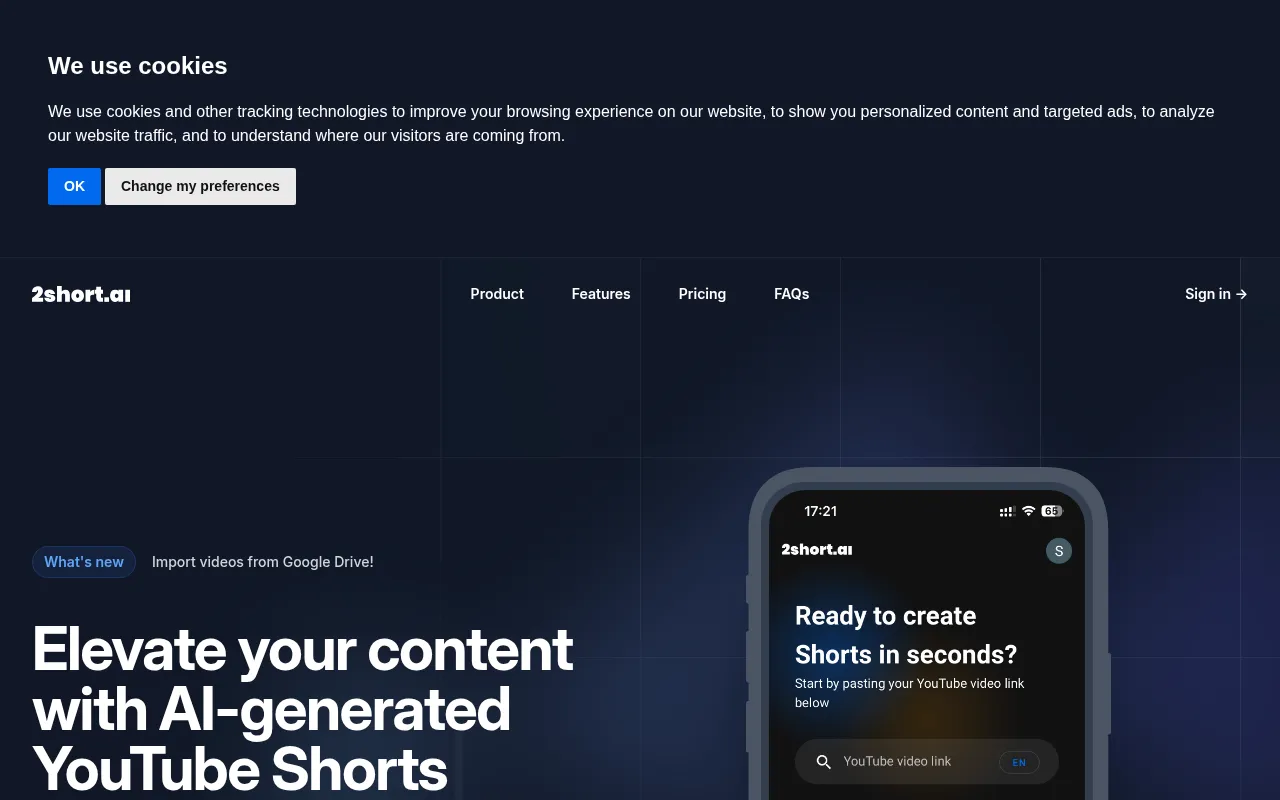
2short.ai - Best for Short-Form Content Creation
2short.ai is an AI-powered tool specifically designed to transform long YouTube videos into engaging short clips suitable for platforms like TikTok and Instagram. This makes it a compelling alternative to AI Video Cut, especially for content creators focused on maximizing their reach through short-form content. While AI Video Cut provides basic cutting functionalities, 2short.ai automates the process of creating bite-sized videos, which is essential in today’s fast-paced digital landscape.
The unique selling point of 2short.ai lies in its algorithm that identifies key moments in long videos to create exciting clips. This feature saves users time, as they do not have to manually sift through footage to find the highlights. Additionally, the tool is designed with social media in mind, ensuring that the clips it generates are optimized for engagement on various platforms. If your goal is to enhance your social media presence with attention-grabbing short videos, 2short.ai stands out as an excellent choice.
- Key Strength: Automated identification of key moments for quick clip creation.
- Key Strength: Optimization for short-form video platforms, catering to social media trends.
- Key Strength: User-friendly interface that simplifies the editing process.
- Limitation: Limited features for traditional long-format video editing compared to AI Video Cut.
Pricing: Freemium model. Best for: Content creators focusing on short-form videos for social media.
Feature Comparison Table
| Tool | Best For | Starting Price | Free Plan | Standout Feature |
|---|
| AI Video Cut | Basic video cutting | Free | Yes | User-friendly interface |
| AICUT | Faceless video creation | Free | Yes | Automated scene selection |
| AI Studios | Comprehensive video generation | Free | Yes | Generate videos from scripts |
| AI Storyboard Generator | Pre-production planning | $50/mo | Yes | Storyboard creation |
| Adobe Premiere Pro | Professional editing | $20.99/mo | No | Advanced editing tools |
| 2short.ai | Short-form content creation | Free | Yes | Automated clip generation |
How to Choose the Right Alternative to AI Video Cut
When considering an alternative to AI Video Cut, it is essential to assess your specific needs and use cases. For those who primarily focus on creating engaging, short-form videos for social media, 2short.ai or AICUT would be ideal choices due to their automated features tailored for such content. If you prefer a comprehensive tool that allows for the generation of professional videos from scripts, AI Studios might be your best bet. Its ability to streamline the video creation process can save time and effort for busy marketers.
On the other hand, if you are involved in a creative team working on various video projects, Boords offers excellent pre-production planning features that can enhance collaboration and organization. For content creators or filmmakers who require advanced editing capabilities, Adobe Premiere Pro is unparalleled in its professional-grade tools, despite its higher learning curve. Evaluating your goals, whether they are efficiency, quality, or collaboration, will guide you toward the best alternative for your video editing needs.
Final Verdict
In summary, the choice of an alternative to AI Video Cut should align with your specific video editing needs. For quick, faceless videos, AICUT shines, while AI Studios is perfect for comprehensive video projects. For pre-production planning, Boords is unmatched, whereas Adobe Premiere Pro is suited for professionals requiring advanced editing tools. Lastly, for creating compelling short-form content, 2short.ai stands out. Ultimately, each tool offers unique strengths to cater to different user scenarios.