Why Look for Alternatives to AI Studios?
While AI Studios presents itself as an all-in-one AI video generation tool, there are several limitations that may prompt users to seek alternatives. One significant concern is the lack of transparent pricing information, which can deter potential users who prefer to know their financial commitments upfront. Many users have reported frustrations with the tool's user interface, which can feel overwhelming and less intuitive, especially for beginners in video creation. Additionally, AI Studios may not cater effectively to specific use cases such as faceless video generation for social media or intricate video editing, leaving users seeking more tailored solutions.
Moreover, AI Studios’s capabilities may not fully support the diverse range of video content needed by modern creators, such as short-form videos or advanced editing features. Users often find themselves constrained by the limited customization options available for their videos, which can lead to a lack of creative control. In a rapidly evolving digital landscape where video content is king, these limitations can significantly impact a creator's ability to produce high-quality, engaging videos that resonate with their audience. As a result, many users are turning to alternative tools that better fit their specific needs and offer more robust features.
Best Alternatives to AI Studios in 2026
AICUT - Best for Faceless Video Creation
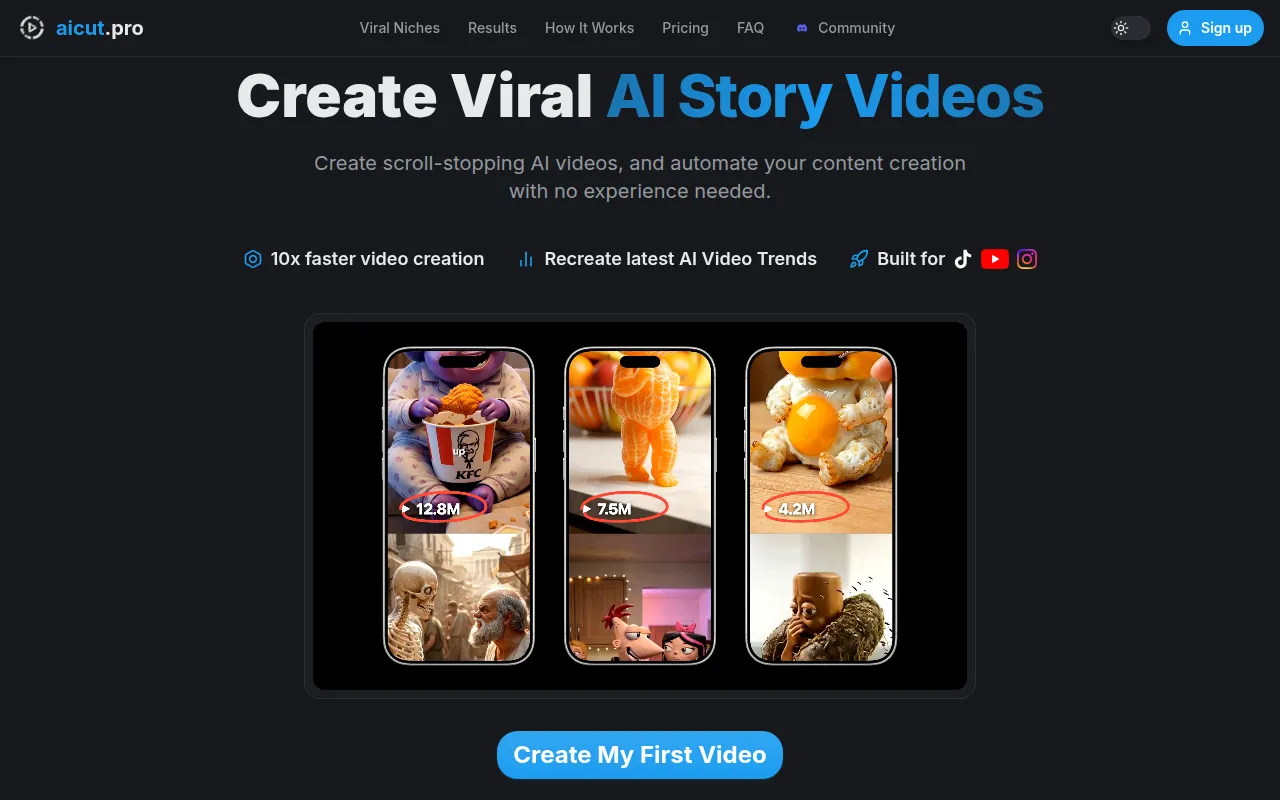
AICUT is an innovative AI video generator specifically designed for creating faceless videos suited for popular platforms like YouTube, TikTok, and Instagram. Unlike AI Studios, which may not focus on niche video types, AICUT allows users to create engaging content without the need for on-camera presence. This is particularly beneficial for content creators who prefer to maintain their anonymity or simply wish to produce videos more efficiently. AICUT’s user-friendly interface streamlines the video creation process, making it an excellent choice for beginners and experienced creators alike.
Comparatively, AICUT shines with its ability to generate quick, engaging edits that are optimized for social media consumption. Users can add voiceovers and use templates to create polished videos in a fraction of the time it would take with AI Studios. The platform's AI-driven suggestions can significantly enhance the creative process, helping users produce content that is not only timely but also aligned with current trends. Therefore, AICUT is a strong alternative for those looking to create compelling video content quickly and without the spotlight.
- Key Strength: Specialized in faceless video creation for social media platforms.
- Key Strength: User-friendly interface that simplifies video production.
- Key Strength: AI-driven templates and suggestions enhance creativity and speed up the editing process.
- Limitation: Limited advanced editing features may not satisfy professional filmmakers.
Pricing: Freemium plan available. Best for: Content creators focused on faceless video production.
AI Video Cut - Best for Simplified Video Editing
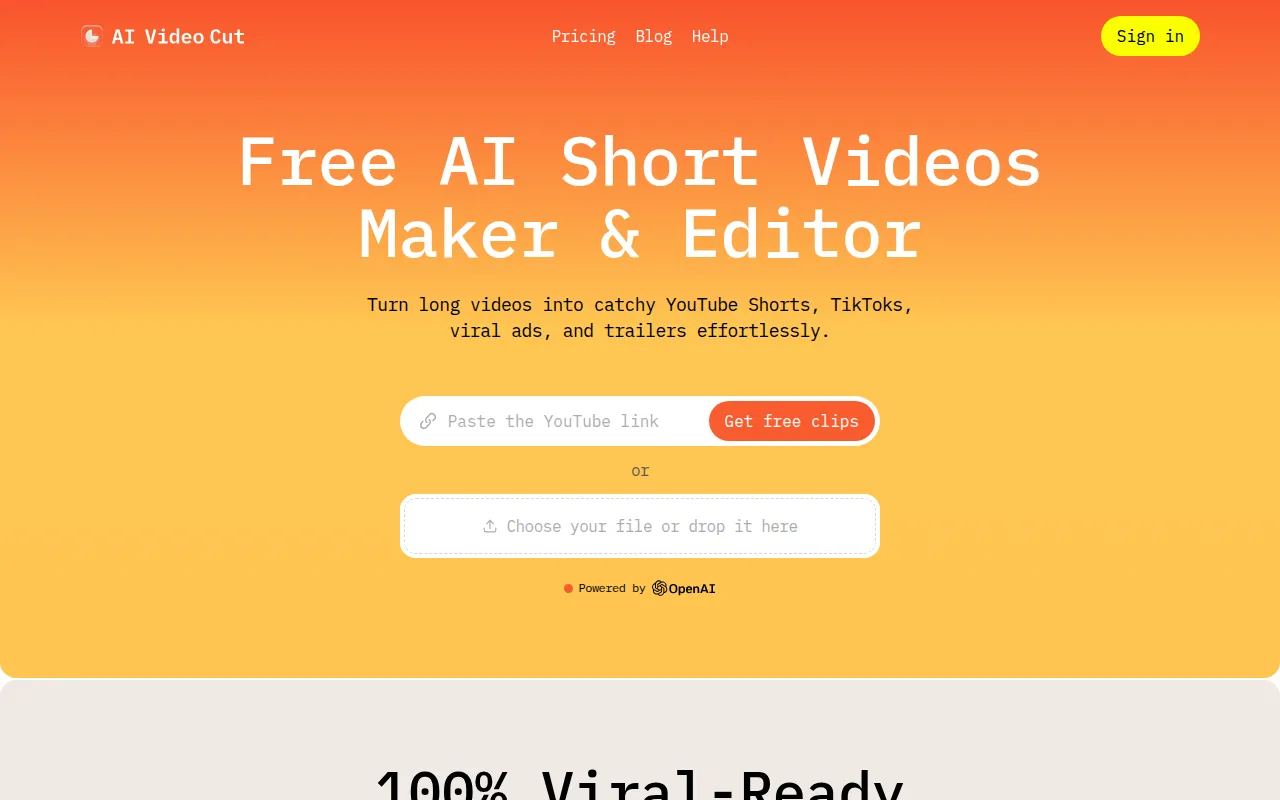
AI Video Cut is an intuitive video editing tool that streamlines the process of video cutting, making it accessible to all users regardless of their editing experience. Unlike AI Studios, which focuses on video generation from scripts, AI Video Cut excels in simplifying the editing process. This tool is ideal for users who require a straightforward solution for cutting and arranging footage without the complexity of advanced features that may overwhelm novice users. The ease of use makes it particularly appealing for social media managers and hobbyists looking to create quick edits.
Additionally, AI Video Cut offers a range of automated features that enhance the editing experience, such as intelligent scene detection and automatic cuts that can save users significant time. This is a distinct advantage over AI Studios, where users may spend more time on manual edits. The combination of a user-friendly interface and powerful editing capabilities positions AI Video Cut as a formidable alternative for those seeking to produce high-quality videos without extensive technical knowledge.
- Key Strength: Simple, intuitive interface designed for effortless video cutting.
- Key Strength: Automated features that speed up the editing process.
- Key Strength: Ideal for users with minimal editing experience.
- Limitation: Lacks advanced features required by professional video editors.
Pricing: Freemium plan available. Best for: Novice editors and social media managers needing quick edits.
AI Storyboard Generator - Best for Video Pre-Production
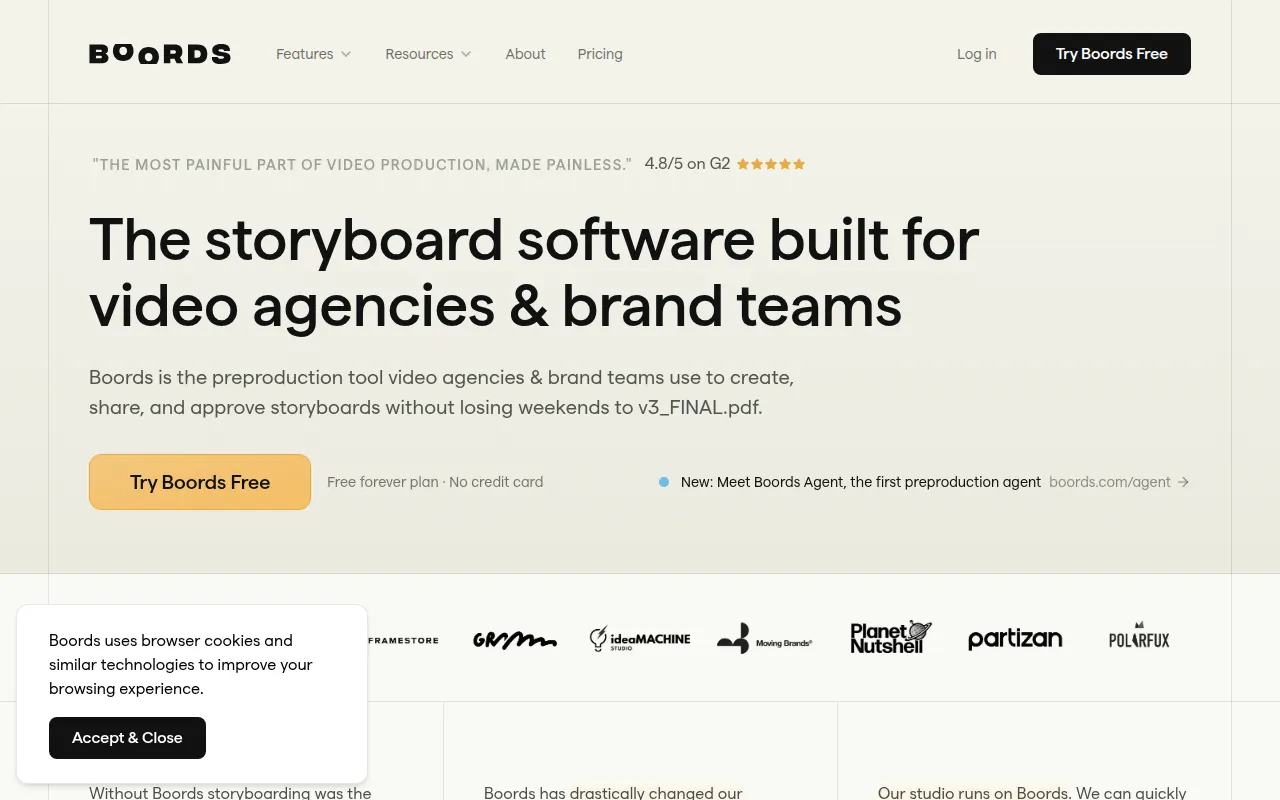
Boords, known as the AI Storyboard Generator, is an exceptional tool tailored for agencies and brand teams engaged in video pre-production. Unlike AI Studios, which primarily focuses on video generation, Boords facilitates the planning phase by enabling users to create detailed storyboards that visualize the entire project before filming begins. This is particularly beneficial for teams that need to collaborate on ideas and ensure alignment on the project vision. The ease of use and collaborative features make it a standout choice for pre-production processes.
Moreover, Boords offers a range of tools for sketching scenes, adding notes, and creating animatics, which can greatly enhance communication within teams. While AI Studios may provide video creation capabilities, it does not offer the same level of organization and planning support that Boords does. The ability to visualize content early on can save time and resources during production, making it a crucial tool for brands and agencies aiming to produce high-quality video content efficiently.
- Key Strength: Specialized in storyboard creation and video pre-production planning.
- Key Strength: Collaborative tools that enhance team communication and alignment.
- Key Strength: Ability to create animatics for better visualization of the final product.
- Limitation: Not focused on the actual video generation or editing process.
Pricing: Free plan available; Pro plan at $50/month when billed annually. Best for: Agencies and brand teams focused on video planning and collaboration.
Adobe Premiere Pro - Best for Professional Video Editing
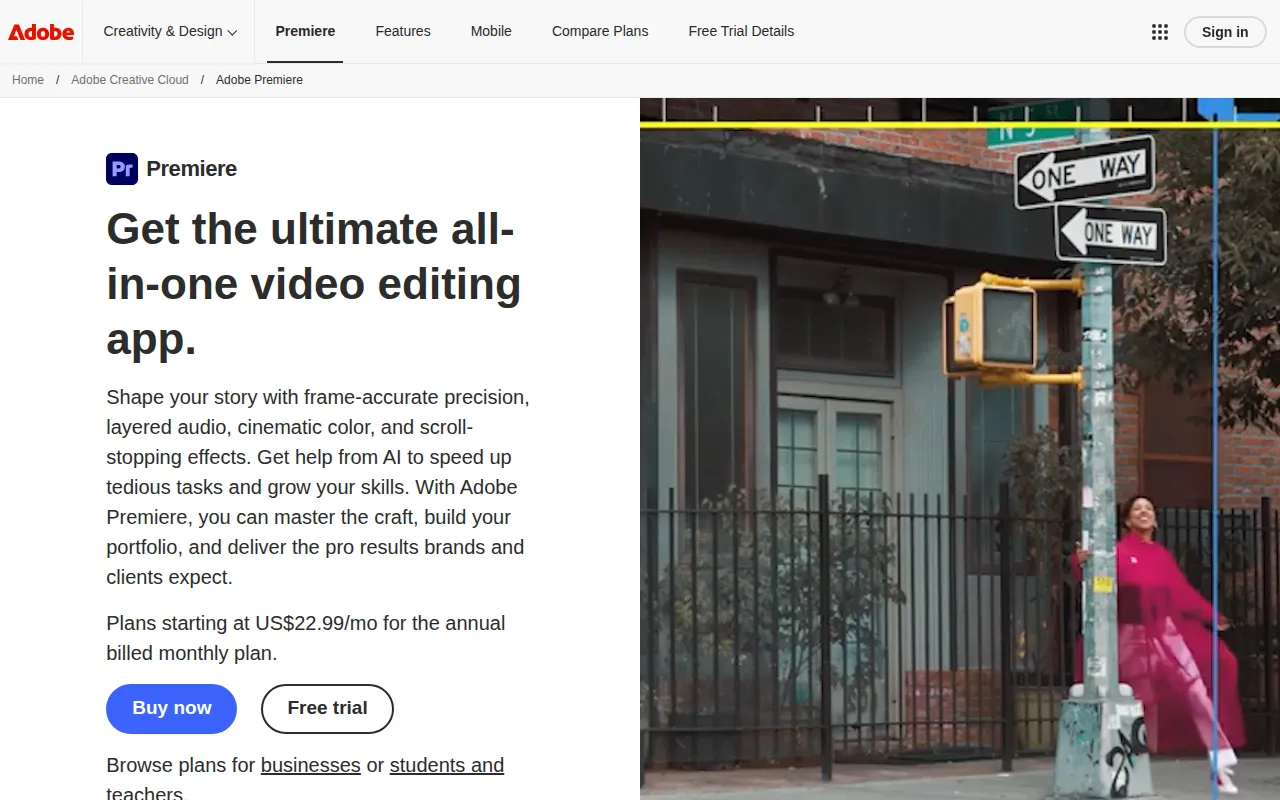
Adobe Premiere Pro is a leading professional video editing software designed for filmmakers and content creators who require robust editing capabilities. Unlike AI Studios, which simplifies video creation, Adobe Premiere Pro provides extensive features that cater to advanced editing needs, making it ideal for users who want complete control over their video projects. Its powerful timeline editing, color correction, and audio editing tools surpass what AI Studios can offer, catering to professional-grade video production.
Furthermore, Premiere Pro integrates seamlessly with other Adobe Creative Cloud applications, allowing users to enhance their projects with additional resources like graphics, sound, and visual effects. While AI Studios may be suitable for quick video generation, Adobe Premiere Pro is the go-to choice for anyone looking to produce high-quality content that requires meticulous editing. This makes it a preferred option for both independent filmmakers and large production teams focused on delivering polished final products.
- Key Strength: Comprehensive editing tools that cater to professional filmmakers and creators.
- Key Strength: Seamless integration with other Adobe Creative Cloud applications.
- Key Strength: Extensive features for color correction, audio editing, and visual effects.
- Limitation: Steeper learning curve for beginners compared to AI Studios.
Pricing: Subscription-based pricing model. Best for: Professional filmmakers and serious content creators.
2short.ai - Best for Short-Form Content Creation
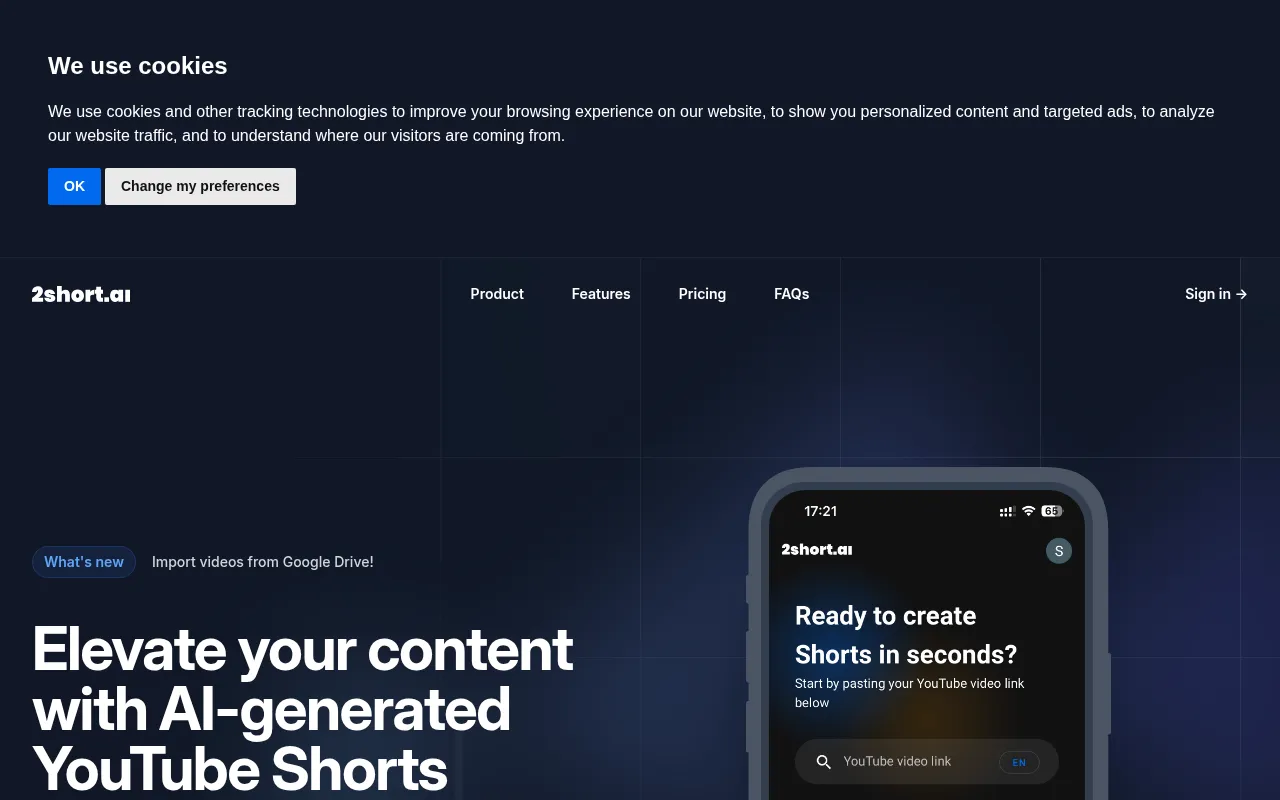
2short.ai is an AI-powered tool designed for transforming long YouTube videos into engaging short clips tailored for platforms like TikTok and Instagram. This specialization makes it a valuable alternative to AI Studios, which may not cater specifically to short-form content creation. With the growing popularity of bite-sized videos, 2short.ai stands out by enabling users to quickly generate engaging snippets from longer content. This is particularly beneficial for content creators looking to maximize their reach across various social media channels.
In contrast to AI Studios, which focuses on generating videos from scripts or images, 2short.ai leverages AI algorithms to identify key moments and highlights in videos, streamlining the editing process. This allows users to maintain audience engagement and capitalize on trends in the fast-paced world of social media. For content creators who prioritize short-form video marketing, 2short.ai offers a unique set of features that can enhance visibility and engagement without the hassle of extensive editing.
- Key Strength: Specialized in converting long videos into short, engaging clips.
- Key Strength: AI algorithms that identify highlights for optimal audience engagement.
- Key Strength: Efficiently caters to the growing demand for short-form content.
- Limitation: May not be suitable for users focused on full-length video production.
Pricing: Freemium plan available. Best for: Content creators focused on short-form video distribution.
Feature Comparison Table
| Tool | Best For | Starting Price | Free Plan | Standout Feature |
|---|
| AI Studios | General video generation | Freemium | Yes | All-in-one video creation |
| AICUT | Faceless video creation | Freemium | Yes | Optimized for social media |
| AI Video Cut | Simplified video editing | Freemium | Yes | Automated scene detection |
| AI Storyboard Generator | Video pre-production | Free/Pro at $50/mo | Yes | Collaborative storyboarding |
| Adobe Premiere Pro | Professional video editing | Subscription | No | Comprehensive editing tools |
| 2short.ai | Short-form content creation | Freemium | Yes | Highlight extraction |
How to Choose the Right Alternative to AI Studios
When selecting the right alternative to AI Studios, consider your specific needs and the type of content you intend to create. If you are a content creator focused on faceless videos or quick social media edits, AICUT or 2short.ai would be excellent choices. AICUT stands out for its user-friendly interface and specialization in faceless content, while 2short.ai excels in generating engaging clips from longer videos. Both provide streamlined solutions tailored to specific audience needs.
On the other hand, if your focus is on detailed video editing or pre-production planning, Adobe Premiere Pro and Boords should be at the top of your list. Adobe Premiere Pro offers extensive tools for professional editing, while Boords facilitates collaboration and storyboard creation for agencies and brand teams. Understanding your workflow and the complexity of your projects will help guide your decision, ensuring you choose a tool that complements your creative process.
Final Verdict
In summary, the best alternative to AI Studios depends on your specific video creation needs. For faceless video production, AICUT is unmatched; for simplified editing, AI Video Cut excels. If pre-production organization is key, Boords is the ideal choice, while Adobe Premiere Pro is best for professional-grade editing. For those focused on short-form content, 2short.ai offers a unique advantage. Assess your goals to find the right fit for your video projects.