Flokzu
Freemium
Flokzu is a workflow automation tool designed to streamline business processes and improve efficiency.
Discover top FormsFlow alternatives for automation. Compare features and pricing to find the best fit for your needs today.

Looking for alternatives to
FormsFlow is a low-code form automation platform designed to streamline form creation and workflow management for businesses.
View FormsFlow Profile →While FormsFlow offers a robust low-code platform for form automation and workflow management, users have reported several limitations that may prompt them to seek alternatives. One significant concern is the platform's pricing structure, which, although it offers a freemium model, can become increasingly costly as businesses scale their operations or require additional features. Many users have found that the basic functionalities are insufficient for complex workflows, leading to frustration and a desire for more flexible solutions tailored to specific business needs.
Additionally, some users have expressed dissatisfaction with the user interface and overall user experience. While FormsFlow is designed to streamline processes, the learning curve can be steep for those new to low-code platforms. Missing features such as advanced analytics, integration capabilities with a broader range of third-party applications, and customizable templates can leave users feeling limited. These pain points have led businesses to explore alternatives that not only address these shortcomings but also enhance efficiency and productivity.
Flokzu is a powerful workflow automation tool that focuses on enhancing business efficiency by simplifying complex processes. Compared to FormsFlow, Flokzu offers a more intuitive interface and robust process mapping capabilities. Its strength lies in its ability to manage multiple workflows simultaneously while providing comprehensive analytics that helps teams identify bottlenecks and improve performance. This makes Flokzu an excellent choice for businesses looking to optimize their operations without the technical overhead often associated with low-code platforms.
Organizations with intricate workflows will benefit from Flokzu’s customizable forms and the ability to integrate with various applications seamlessly. This flexibility is particularly useful for teams that require specific functionalities tailored to their unique operations. Flokzu's emphasis on collaboration and real-time updates further sets it apart from FormsFlow, allowing teams to work more cohesively across different departments.
Pricing: Freemium - pricing information is available upon inquiry. Best for: Businesses seeking to streamline complex workflows efficiently.
Automata is a versatile workflow automation tool designed to boost team productivity by simplifying business processes. While FormsFlow provides a solid foundation for form automation, Automata excels in its user-friendly design and straightforward implementation, making it an excellent alternative for teams that may not have extensive technical expertise. Its drag-and-drop interface allows for quick setup and deployment of workflows, enabling teams to focus on their tasks rather than getting bogged down in technicalities.
One of Automata's standout features is its ability to automate repetitive tasks seamlessly, which can drastically reduce the time spent on mundane activities. This feature, combined with its robust reporting capabilities, helps teams track their progress and optimize workflows effectively. Moreover, Automata’s strong emphasis on collaboration facilitates better communication within teams, ensuring that everyone is on the same page when it comes to project timelines and deliverables.
Pricing: Freemium - pricing information is available upon request. Best for: Teams looking to enhance productivity without complex technical setups.
Pipefy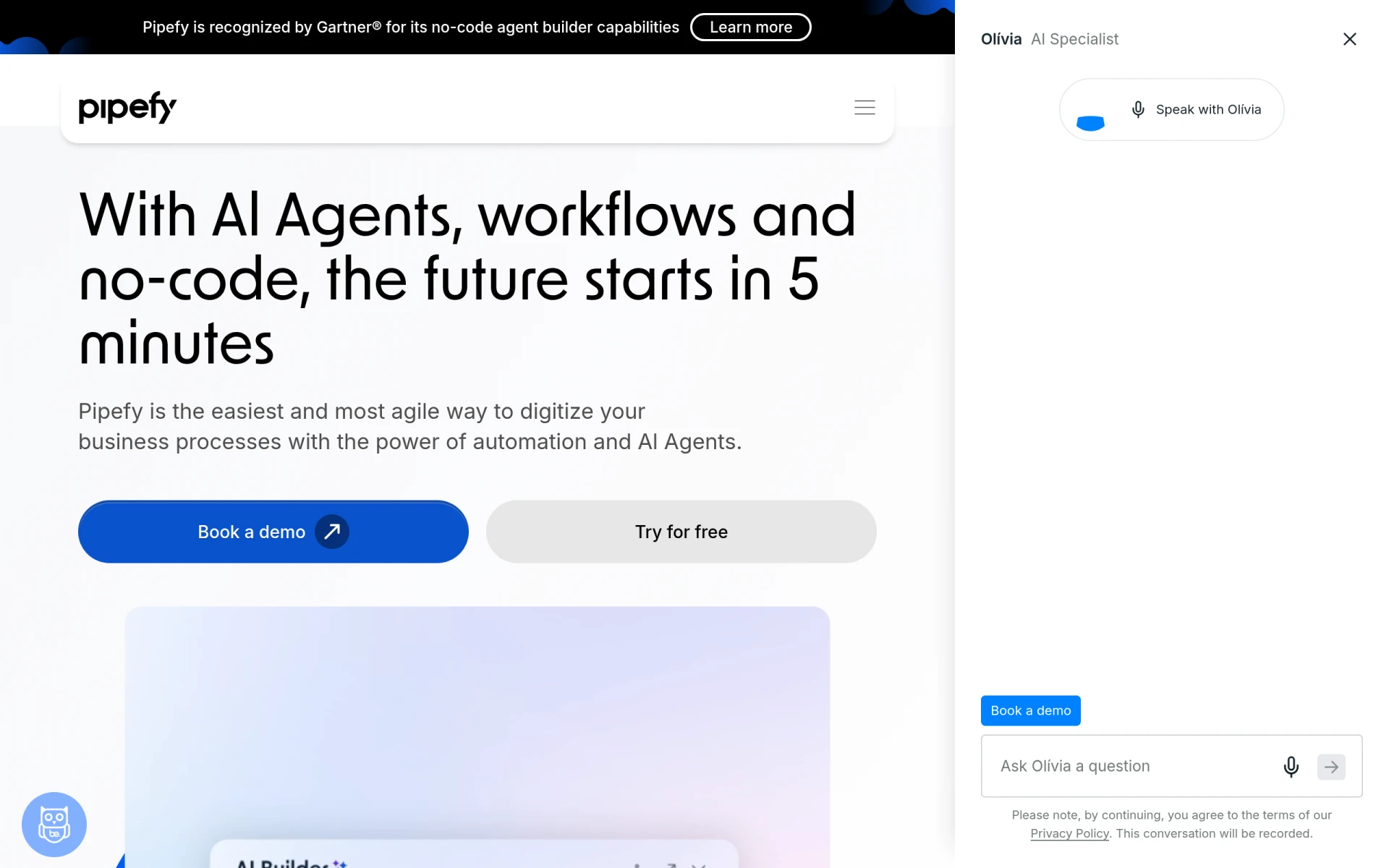 is a no-code workflow automation platform that allows teams to streamline their processes using AI agents. Unlike FormsFlow, which can require more technical input for customization, Pipefy empowers users to create and modify workflows without needing extensive coding knowledge. Its intuitive interface allows businesses to quickly adapt their workflows to meet changing needs, making it an ideal option for dynamic teams that require flexibility.
The platform's AI capabilities help optimize workflows by suggesting improvements and automating routine tasks, which can lead to significant time savings. Additionally, Pipefy’s integration with various applications ensures that teams can connect their existing tools and systems easily. This level of automation not only enhances productivity but also minimizes the risk of human error, making Pipefy a compelling alternative for businesses focused on efficiency and accuracy.
Pricing: Freemium - details available upon request. Best for: Businesses seeking a flexible no-code platform for workflow automation.
Creatio stands out as an AI-powered no-code platform that efficiently automates workflows and application creation. Compared to FormsFlow, Creatio offers a more sophisticated set of features that leverage artificial intelligence to enhance business processes. This capability allows users to not only automate forms but also predict outcomes and analyze data to drive decision-making. This is particularly beneficial for businesses looking to harness the power of data to improve their operations.
With its user-friendly interface, Creatio simplifies complex workflows, making it accessible for users with varying levels of technical expertise. The platform also boasts a high degree of customization, allowing organizations to tailor workflows to their specific needs. Furthermore, Creatio's focus on collaboration ensures that teams can work together seamlessly, making it an excellent choice for businesses that require coordinated efforts across departments.
Pricing: Freemium - pricing information is available on inquiry. Best for: Organizations seeking advanced AI-driven workflow automation.
Autopilot is a workflow automation tool that excels in visual mapping and process automation. Unlike FormsFlow, which may lack visual clarity in its workflow presentations, Autopilot provides a clear and engaging visual interface that helps users understand their processes at a glance. This visual approach makes it easy for teams to design, implement, and optimize their workflows, ensuring that everyone involved has a clear understanding of their roles and responsibilities.
Additionally, Autopilot offers strong automation features that allow businesses to streamline their operations without sacrificing the personal touch in customer interactions. By automating routine tasks, teams can focus on more strategic initiatives, improving overall productivity. Autopilot's integration capabilities also enable users to connect various applications seamlessly, enhancing the overall workflow experience.
Pricing: Freemium - specifics available upon inquiry. Best for: Teams that prefer visual tools for workflow mapping and design.
Microsoft Power Automate is a cloud-based automation tool that excels in creating automated workflows between Microsoft applications and services. While FormsFlow provides a solid foundation for form automation, Power Automate’s extensive integration with Microsoft products makes it a compelling choice for businesses already embedded in the Microsoft ecosystem. This allows users to create seamless workflows that connect applications like Outlook, SharePoint, and Teams, enhancing collaboration and productivity across the organization.
One of Power Automate’s standout features is its ability to automate repetitive tasks with ease, which can lead to significant time savings for teams. The platform also provides a library of templates, making it easier for users to get started and customize their workflows to fit their specific needs. Additionally, Power Automate’s strong analytics capabilities allow teams to monitor their workflows and optimize processes effectively, making it a valuable tool for businesses looking to enhance operational efficiency.
Pricing: Freemium - details available on request. Best for: Organizations using Microsoft products seeking integrated workflow solutions.
IBM Business Automation Workflow (BPM) is designed to help organizations automate digital workflows at an enterprise level. While FormsFlow serves small to medium-sized businesses well, IBM BPM offers a more robust solution capable of handling complex, large-scale workflows. Its advanced features enable organizations to improve productivity and efficiency across various environments, making it suitable for businesses with extensive and intricate operational needs.
IBM BPM provides powerful tools for process modeling, automation, and data analytics, allowing enterprises to monitor workflows in real-time and make data-driven decisions. Its ability to integrate with other IBM products and third-party applications enhances its functionality and flexibility. However, this complexity may present a steeper learning curve for users unfamiliar with enterprise systems, making it essential for organizations to provide adequate training and support.
Pricing: Freemium - details must be obtained directly from IBM. Best for: Large enterprises with complex workflow needs.
Lutra AI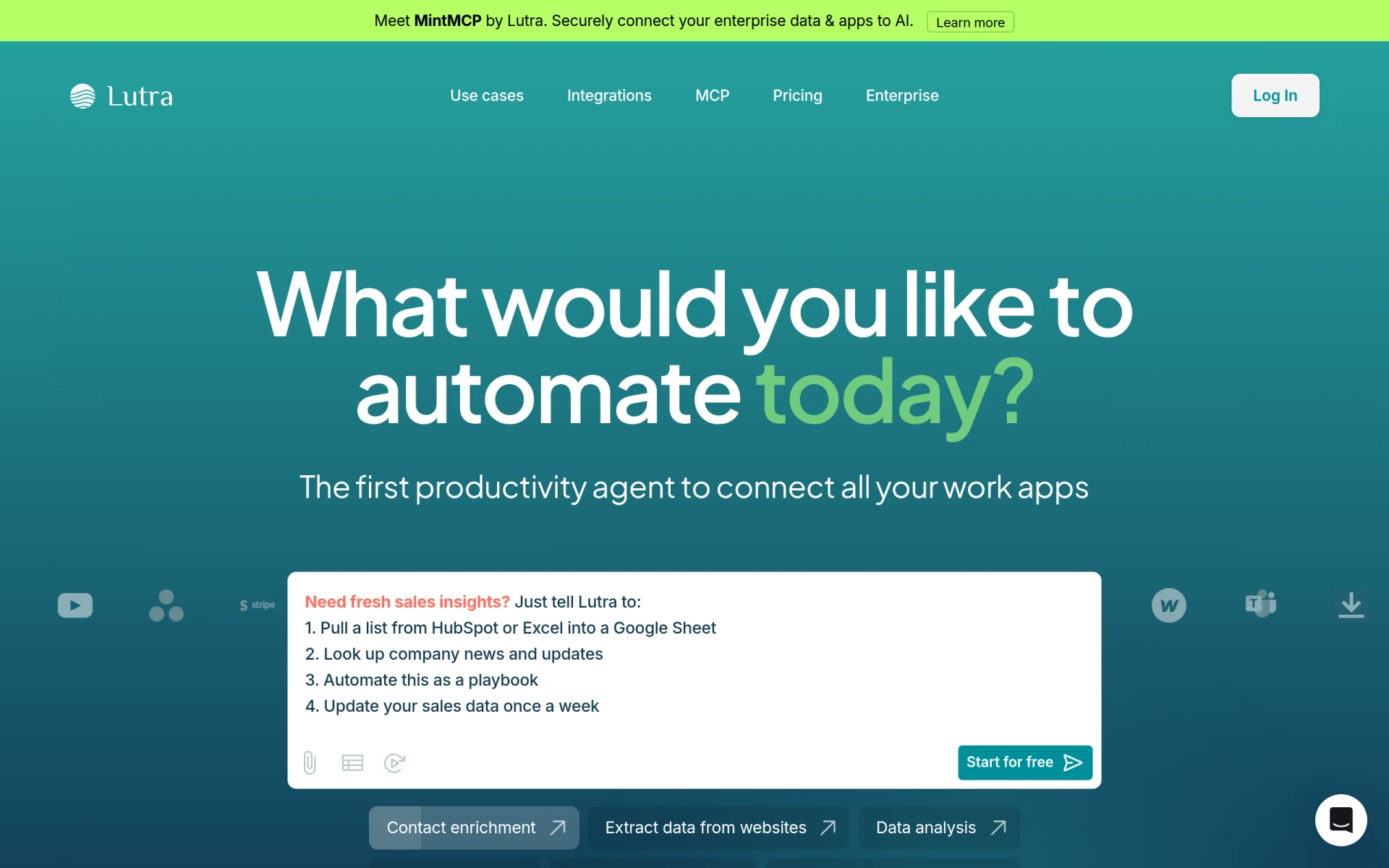 specializes in automating workflows by efficiently connecting various applications and processing data. Unlike FormsFlow, which primarily focuses on form automation, Lutra AI’s emphasis on data integration and processing makes it an ideal choice for businesses that deal with significant amounts of information across different platforms. Its ability to streamline data workflows can lead to improved accuracy and reduced operational costs, making it a valuable asset for organizations looking to enhance their data handling capabilities.
The platform’s user-friendly interface allows teams to create workflows without extensive technical knowledge, while its subscription-based pricing model ensures transparency and flexibility. Lutra AI's strong integration capabilities with other applications further enhance its functionality, providing users with a comprehensive solution for automating their workflows. This makes it an excellent alternative for businesses seeking to optimize their data-driven processes.
Pricing: Freemium - subscription-based pricing model. Best for: Businesses with significant data processing needs.
Integrately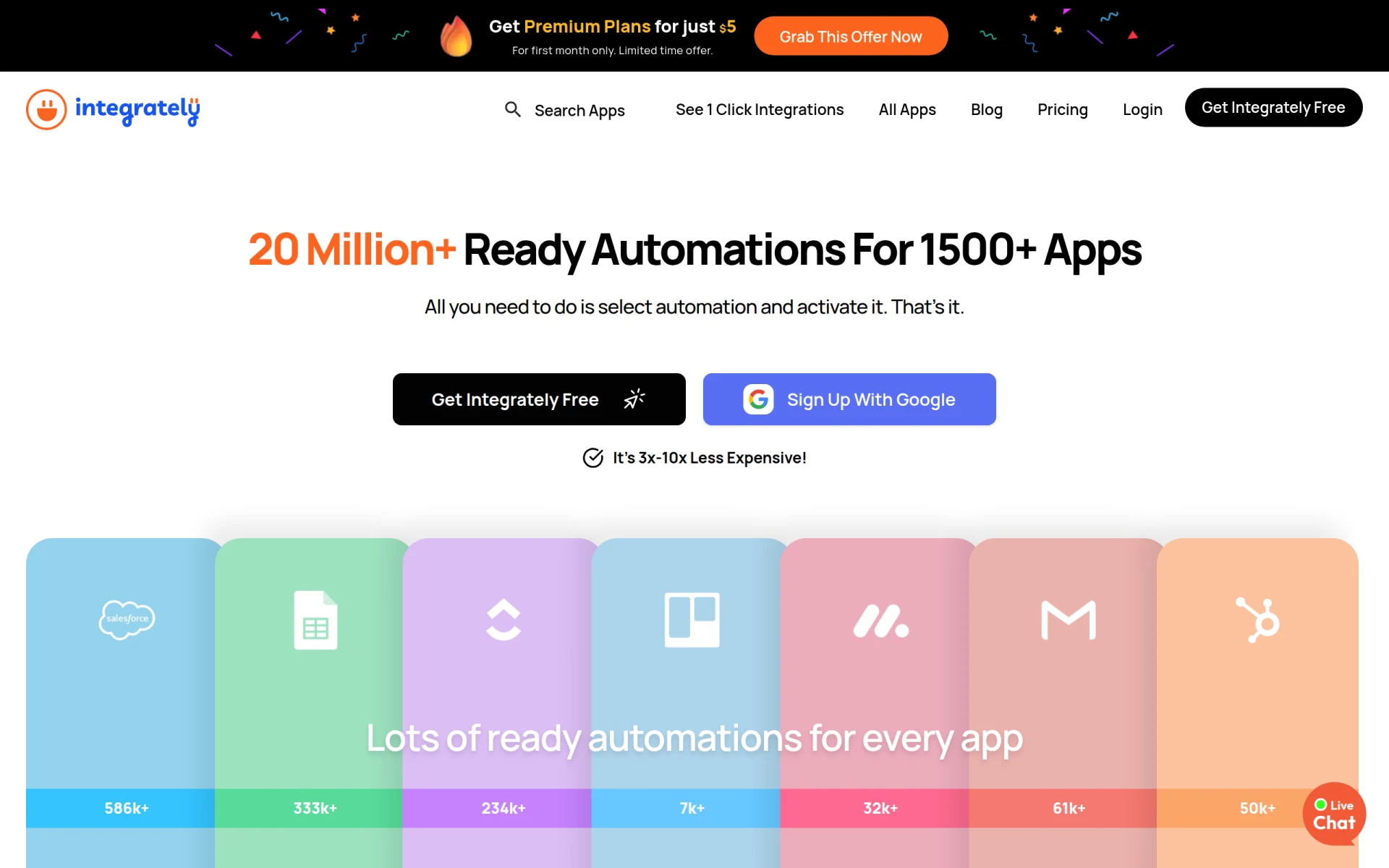 is an automation tool that enables users to connect over 1500 applications with ready-to-use automations. In comparison to FormsFlow, Integrately offers a straightforward solution that requires no technical skills, making it accessible for users of all experience levels. Its extensive library of pre-built integrations allows teams to set up automated workflows quickly and efficiently, saving valuable time and resources.
One of the key advantages of Integrately is its affordability, starting at just $5 for the first month, which makes it an attractive option for small businesses and startups. The platform’s user-friendly interface and easy setup process enable teams to start automating their workflows with minimal effort. Additionally, Integrately's ability to provide real-time updates ensures that users stay informed about their workflows, further enhancing productivity.
Pricing: Freemium - premium plans starting at $5 for the first month. Best for: Small businesses and startups seeking quick and affordable automation solutions.
Make is a versatile workflow automation tool that allows users to connect various apps and services to streamline processes and enhance productivity. While FormsFlow provides a focused approach to form automation, Make excels in its flexibility and adaptability, making it suitable for a wide range of workflows. The platform’s intuitive interface allows users to create complex automations without needing extensive technical knowledge, which can be a significant advantage for teams looking to optimize their operations.
The standout feature of Make is its ability to handle multi-step workflows, enabling users to create intricate processes that connect multiple applications. This flexibility allows businesses to automate everything from simple tasks to complex workflows, making it a valuable tool for teams of all sizes. Additionally, Make’s strong integration capabilities ensure that users can connect their existing applications seamlessly, further enhancing productivity and efficiency.
Pricing: Freemium - details available on the official website. Best for: Teams looking for a flexible and versatile automation solution.
Kudra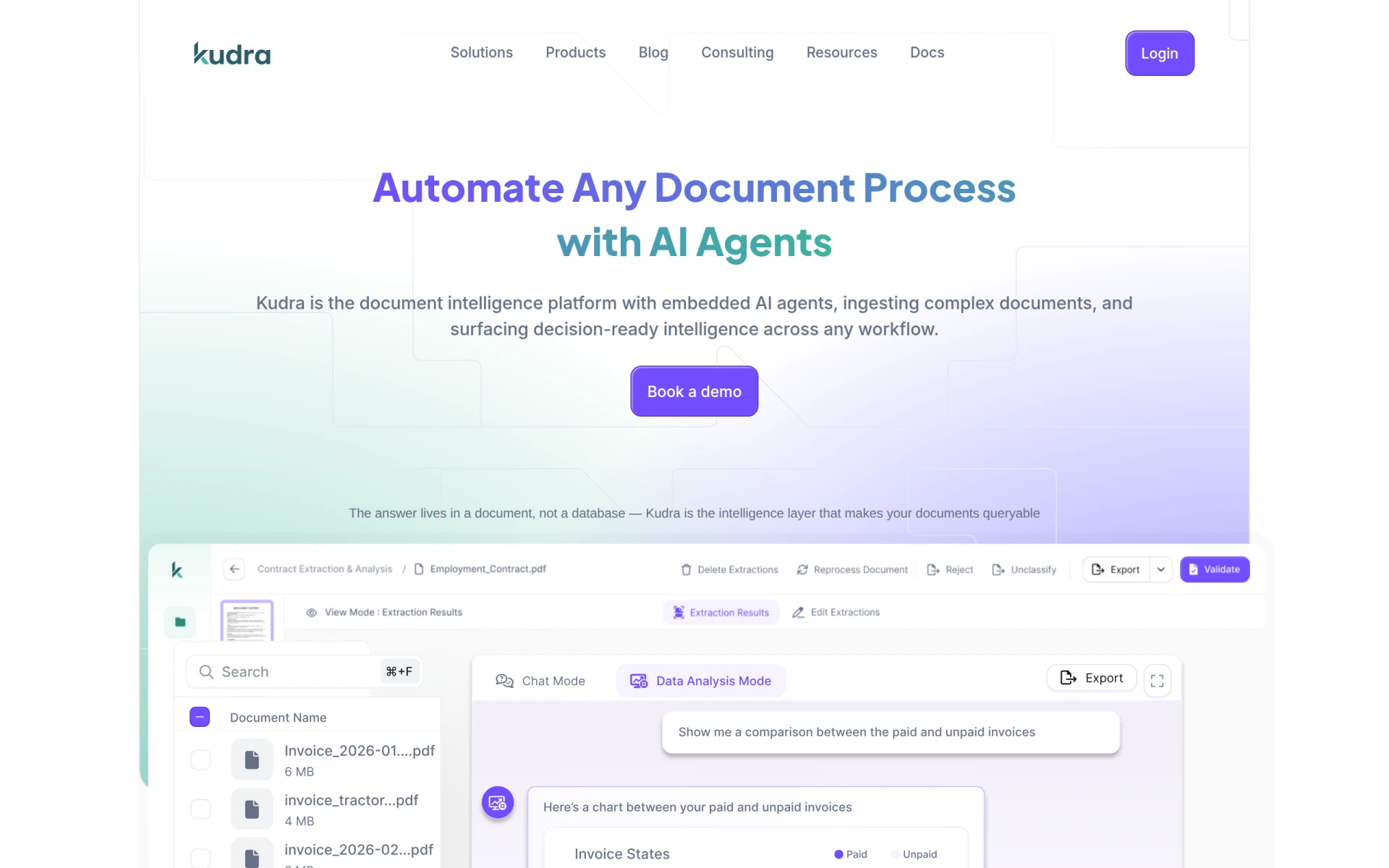 is specialized in automating document processing with AI, enhancing efficiency and reducing operational costs. Unlike FormsFlow, which focuses primarily on form automation, Kudra’s strength lies in its ability to handle complex document workflows, making it an ideal choice for organizations that deal with high volumes of documentation. This focus on document automation can significantly streamline processes like data entry and document management, leading to better accuracy and time savings.
The platform’s AI-driven capabilities allow it to learn from user interactions, continually improving its processing efficiency. Kudra’s user-friendly interface ensures that teams can easily navigate and utilize its features without extensive training. Furthermore, its integration capabilities with various applications make it a comprehensive solution for organizations looking to optimize their document workflows.
Pricing: Freemium - specifics available upon inquiry. Best for: Organizations with high volumes of document processing needs.
Pabbly Connect is an automation tool designed to integrate applications and automate repetitive tasks without requiring any coding skills. While FormsFlow provides solid automation for forms, Pabbly Connect stands out for its simplicity and ease of use, making it an excellent alternative for users who may not be technically inclined. The platform allows users to create automated workflows with a few clicks, enabling businesses to streamline their operations quickly.
One of the key benefits of Pabbly Connect is its affordability, offering a lifetime access plan that can save organizations money in the long term. Additionally, its extensive library of integrations allows businesses to connect various applications seamlessly. The platform's user-friendly interface also ensures that teams can quickly adapt to the tool and start automating tasks without a steep learning curve.
Pricing: Freemium - priced at $79/month or $249 for lifetime access. Best for: Users looking for a cost-effective solution for task automation.
Bonitasoft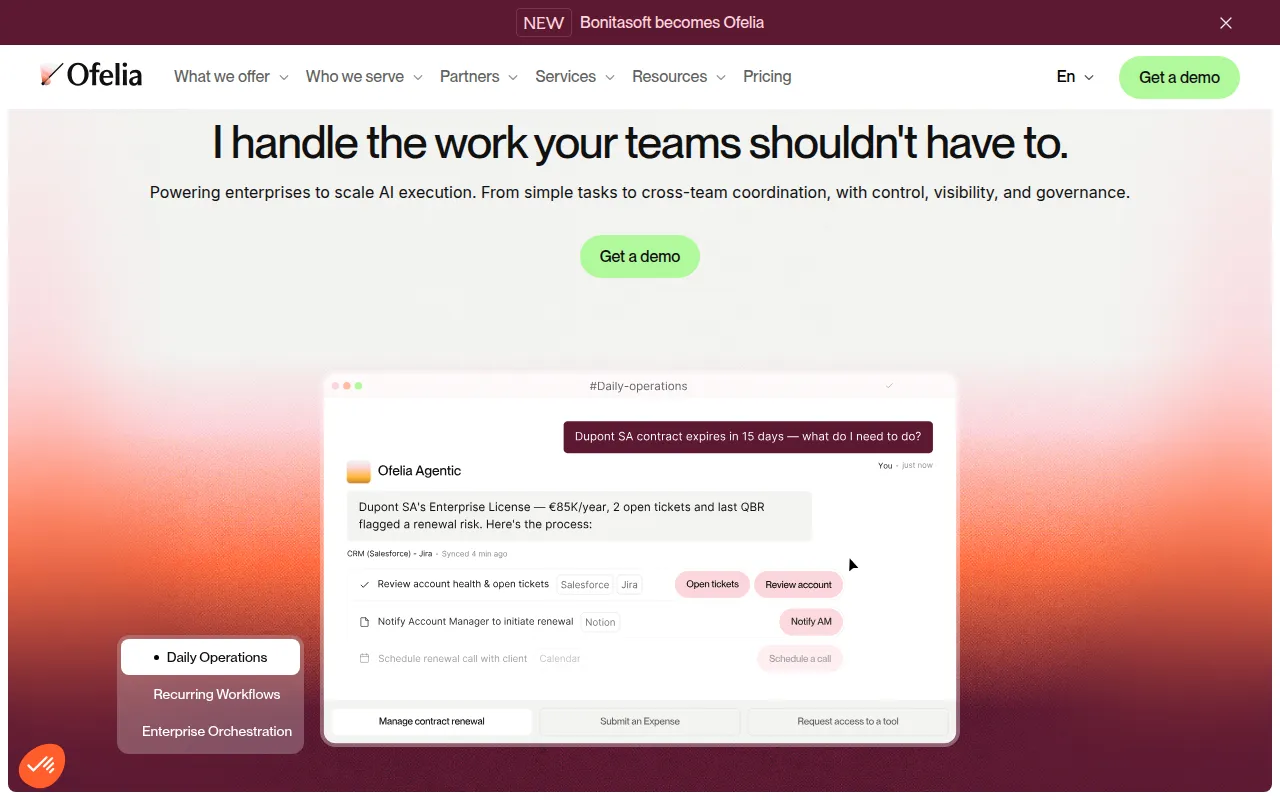 , now known as Ofelia, offers an AI orchestration platform for automating enterprise workflows effectively. Unlike FormsFlow, which focuses primarily on form automation, Bonitasoft provides a comprehensive suite of tools that leverage AI to enhance the efficiency of business processes. Its capabilities allow organizations to design, execute, and monitor complex workflows seamlessly, making it a valuable choice for enterprises with extensive operational needs.
The platform’s emphasis on AI orchestration enables businesses to optimize their workflows continuously, adapting to changing circumstances and improving overall performance. Additionally, Bonitasoft’s strong integration capabilities ensure that organizations can connect their existing systems and applications easily. This flexibility, combined with a user-friendly interface, makes Bonitasoft a suitable alternative for businesses seeking to modernize their workflow processes.
Pricing: Freemium - details available upon inquiry. Best for: Enterprises seeking AI-driven workflow orchestration.
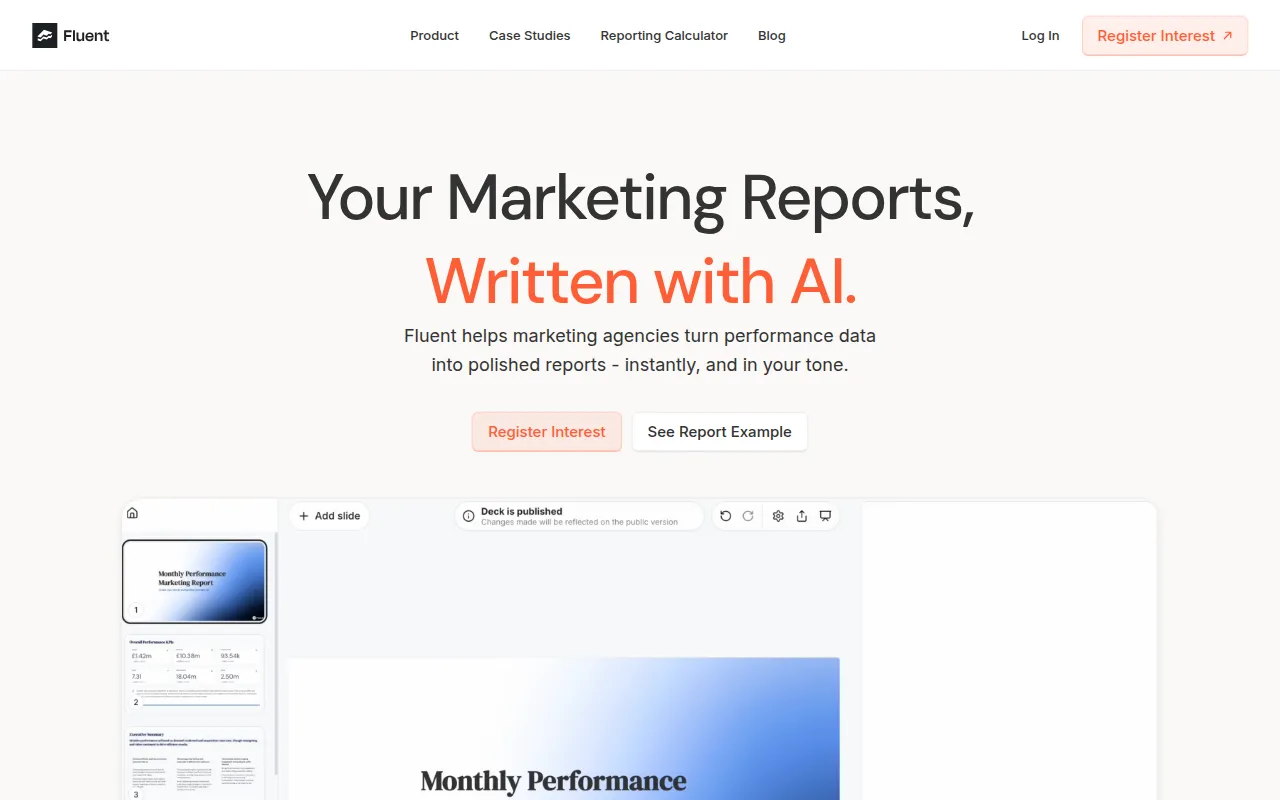
Fluent specializes in automating client reporting for marketing agencies by generating customized narrative slide decks and insights instantly. Unlike FormsFlow, which is more generalized in its form automation capabilities, Fluent tailors its features specifically to meet the needs of marketing professionals, making it an excellent alternative for agencies focused on delivering detailed reports to clients.
The platform’s ability to automate the generation of reports saves time and reduces the risk of human error, allowing marketing teams to focus on strategy and execution rather than manual reporting tasks. Fluent's user-friendly interface ensures that teams can easily create and customize reports without requiring extensive technical skills, making it accessible for all users. This focus on marketing reporting sets Fluent apart as a specialized tool for agencies looking to enhance their efficiency and client communications.
Pricing: Freemium - specifics available upon inquiry. Best for: Marketing agencies seeking to automate client reporting.
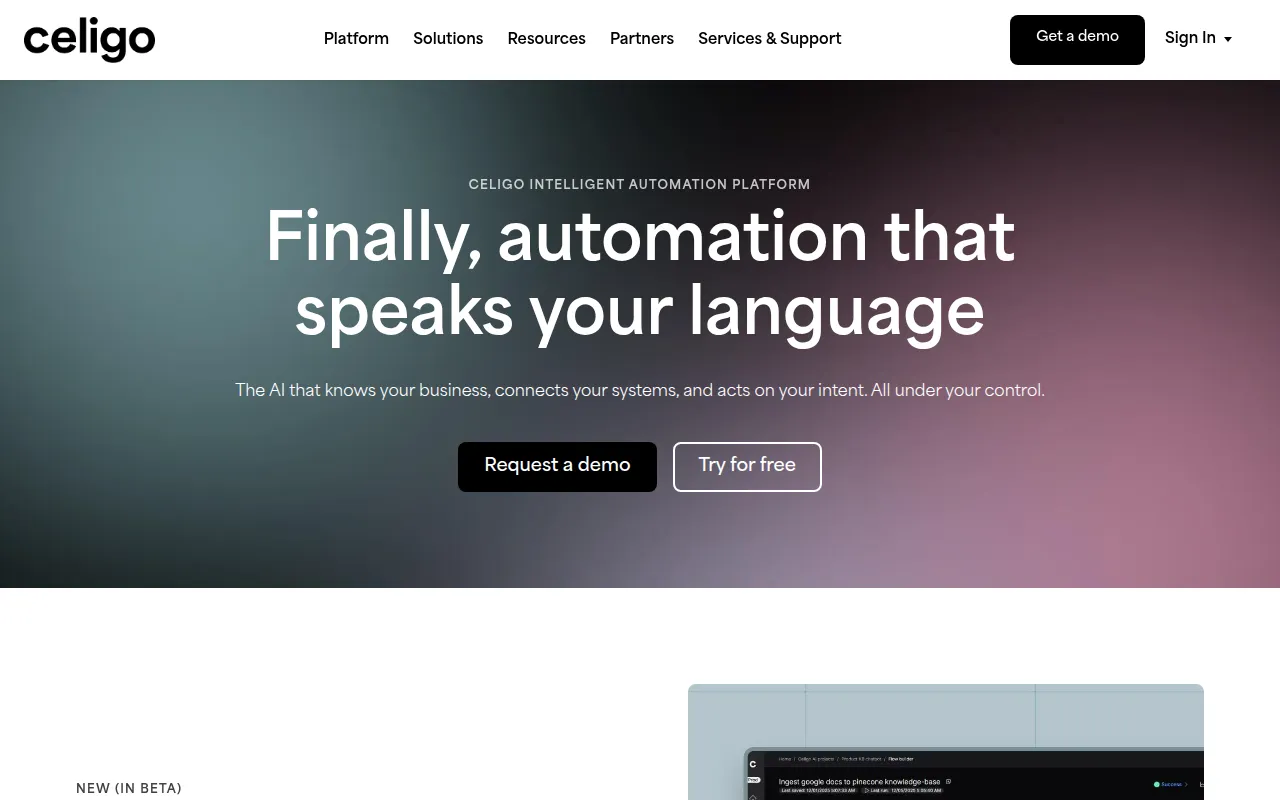
Celigo is an intelligent automation platform that connects data, applications, and workflows to enhance business operations. While FormsFlow focuses primarily on form automation, Celigo provides a more comprehensive approach to integration and automation, making it suitable for businesses seeking to synchronize multiple applications and streamline their operations. Its intelligent automation capabilities allow organizations to optimize their workflows and improve data accuracy.
Celigo’s pre-built integrations and extensive library of connectors make it easy for teams to set up automated workflows without extensive technical knowledge. Additionally, its real-time data processing capabilities ensure that users have access to up-to-date information, enabling better decision-making. The platform’s emphasis on intelligent automation positions Celigo as a strong alternative for businesses looking to enhance their operational efficiency.
Pricing: Freemium - specifics available upon inquiry. Best for: Businesses seeking intelligent automation solutions.
| Tool | Best For | Starting Price | Free Plan | Standout Feature |
|---|---|---|---|---|
| FormsFlow | Form automation | Freemium | Yes | Low-code form creation |
| Flokzu | Streamlining business processes | Freemium | No | Intuitive user interface |
| Automata | Enhancing team productivity | Freemium | No | Drag-and-drop interface |
| Pipefy | No-code automation | Freemium | No | AI-powered suggestions |
| Creatio | AI-powered automation | Freemium | No | Advanced customization |
| Autopilot | Visual workflow mapping | Freemium | No | Engaging visual design |
| Microsoft Power Automate | Microsoft integration | Freemium | No | Extensive template library |
| IBM BPM | Enterprise-level automation | Freemium | No | Advanced modeling tools |
| Lutra AI | Data processing automation | Freemium | No | AI-driven data integration |
| Integrately | Quick app integration | Freemium | Yes | Pre-built automation library |
| Make | Versatile automation | Freemium | No | Multi-step workflows |
| Kudra | Document processing automation | Freemium | No | AI-driven document handling |
| Pabbly Connect | Task automation without coding | $79/month | Yes | Lifetime access plan |
| Bonitasoft | AI orchestration | Freemium | No | AI-driven process optimization |
| Fluent | Marketing agencies | Freemium | No | Instant client reporting |
| Celigo | Intelligent automation | Freemium | No | Real-time data processing |
Choosing the right alternative to FormsFlow depends on your specific business needs and the features you prioritize in a workflow automation tool. If you are part of an enterprise with complex workflow requirements and need robust automation capabilities, tools like IBM BPM or Creatio may be the most suitable options. They offer advanced features and scalability that align with larger organizations' demands.
On the other hand, if you are a small business or startup, you might prefer more user-friendly, cost-effective solutions like Integrately or Pabbly Connect. These platforms offer essential automation features without the need for extensive technical knowledge, making them ideal for teams that want to get up and running quickly without a steep learning curve. Additionally, consider your existing software ecosystem—if you heavily use Microsoft products, for instance, Microsoft Power Automate would seamlessly integrate with your current tools.
In conclusion, while FormsFlow provides valuable form automation capabilities, numerous alternatives can cater to specific business needs more effectively. For those seeking no-code solutions, Pipefy and Automata stand out. Meanwhile, larger enterprises may find IBM BPM or Creatio better suited for their complex workflows. Ultimately, evaluating your organization's unique requirements will guide you toward the most suitable alternative.
Flokzu is a workflow automation tool designed to streamline business processes and improve efficiency.
Automata is a workflow automation tool designed to streamline business processes and enhance team productivity.
Pipefy is a no-code workflow automation platform that enables teams to streamline processes using AI Agents.
Creatio is an AI-powered no-code platform designed to automate workflows and create applications efficiently.
Autopilot is a workflow automation tool that simplifies business processes through visual mapping and automation.
Microsoft Power Automate is a cloud-based automation tool that helps users create automated workflows between applications and services.
IBM Business Automation Workflow helps automate digital workflows to enhance productivity and efficiency across various environments.
Lutra AI helps automate workflows by connecting various apps and processing data efficiently.
Integrately is an automation tool that enables users to connect over 1500 apps with ready-to-use automations, requiring no technical skills.
Make is a versatile workflow automation tool that connects apps and services to streamline processes and enhance productivity.
Kudra automates document processing with AI to enhance efficiency and reduce operational costs.
Pabbly Connect is an automation tool that enables users to integrate applications and automate repetitive tasks without coding.
Bonitasoft, now Ofelia, offers an AI orchestration platform for automating enterprise workflows efficiently.
Fluent automates client reporting for marketing agencies, generating customized narrative slide decks and insights instantly.
Celigo is an intelligent automation platform that connects data, applications, and workflows to enhance business operations.
Many users switch from FormsFlow due to its pricing structure and limitations in handling complex workflows. Alternatives often provide better scalability, more robust features, and tailored solutions to meet specific business needs.
One of the top alternatives to FormsFlow is Jotform, which offers a user-friendly interface, extensive integrations, and customizable templates. It caters to both simple and complex workflows, making it suitable for various business sizes.
Alternative platforms often provide more flexible pricing models, including tiered options based on usage and features. Many alternatives also offer pay-as-you-go systems or lower-cost packages, making them more affordable for growing businesses.
Yes, several alternatives to FormsFlow offer free tiers with essential features. For instance, Google Forms and Airtable provide basic functionalities at no cost, allowing businesses to automate forms without financial commitment.
When migrating from FormsFlow, it's essential to conduct a thorough assessment of your existing workflows and gather all necessary data. Plan the transition carefully, ensuring that all forms, data, and integrations are mapped out for a smooth switch.
A frequent concern is the potential learning curve associated with new platforms. Users worry about how quickly they can adapt to a different interface and whether the new solution will meet all their workflow requirements.
Weekly roundup of new AI tools, launches, and trending software. No spam — unsubscribe anytime.
No credit card required · Cancel anytime
Weekly roundup of new AI tools, launches, and trending software. No spam — unsubscribe anytime.
No credit card required · Cancel anytime