Why Look for Alternatives to Magic Studio?
While Magic Studio offers users the ability to create stunning images using AI without any prior design skills, it does have its limitations that can drive users to seek alternatives. One of the primary concerns is the pricing structure. Although it offers a freemium model, the free tier is limited in terms of features and image outputs, which can be frustrating for users who need to produce high-quality visuals regularly. Moreover, the PRO tier, while offering enhanced capabilities, may not be justifiable for casual users or small businesses that are looking for cost-effective solutions. This pricing model can lead to a lack of flexibility, especially for users who find themselves needing features that are only available in the paid version.
Another significant drawback of Magic Studio is its limited range of functionalities. While it excels in basic image creation, many users find that it lacks advanced editing tools and options that are essential for more complex design projects. For instance, users looking to create videos or animations alongside their images may find Magic Studio insufficient. Additionally, the platform's user interface, while user-friendly, may not be as intuitive for those who are accustomed to more robust design software. These limitations can be a major factor for individuals and businesses that require a more comprehensive suite of design tools.
Best Alternatives to Magic Studio in 2026
insMind - Best for Comprehensive Visual Content Creation
insMind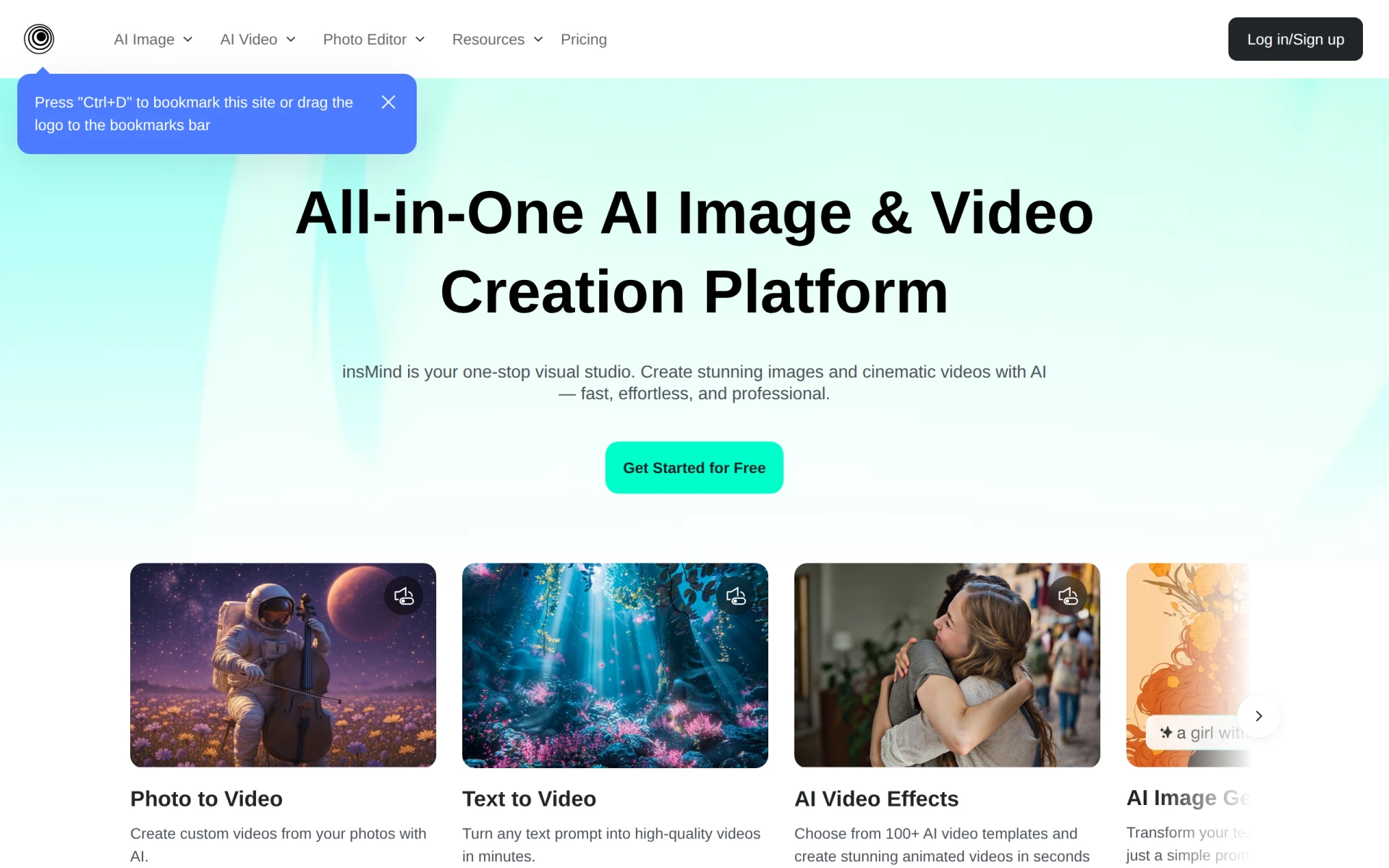 is an AI-powered platform designed to simplify the process of generating and editing images and videos. With a focus on creating comprehensive visual content, it stands out as a strong alternative to Magic Studio. Unlike Magic Studio, which primarily focuses on image creation, insMind allows users to work with both images and videos seamlessly. This makes it an excellent choice for marketers and content creators who want to produce a diverse range of media without switching between multiple tools. The platform's intuitive interface makes it easy for users of all skill levels to generate high-quality content efficiently.
Moreover, insMind supports collaboration, enabling teams to work together on projects in real time. This feature is particularly beneficial for businesses that require a streamlined workflow and want to involve multiple stakeholders in the design process. Users who choose insMind will appreciate its vast library of templates and assets, which can significantly speed up the creative process. While it may not have the extensive customization options of some competitors, its focus on simplicity and ease of use makes it a compelling alternative for those who value efficiency.
- Key Strength: Supports both image and video creation, unlike Magic Studio.
- Key Strength: Real-time collaboration features for team projects.
- Key Strength: Extensive library of templates and assets to speed up the design process.
- Limitation: May lack advanced customization options for professional designers.
Pricing: Freemium model with various paid features. Best for: Marketers and content creators looking for a comprehensive design tool.
Picsart - Best for An All-in-One Creative Experience
Picsart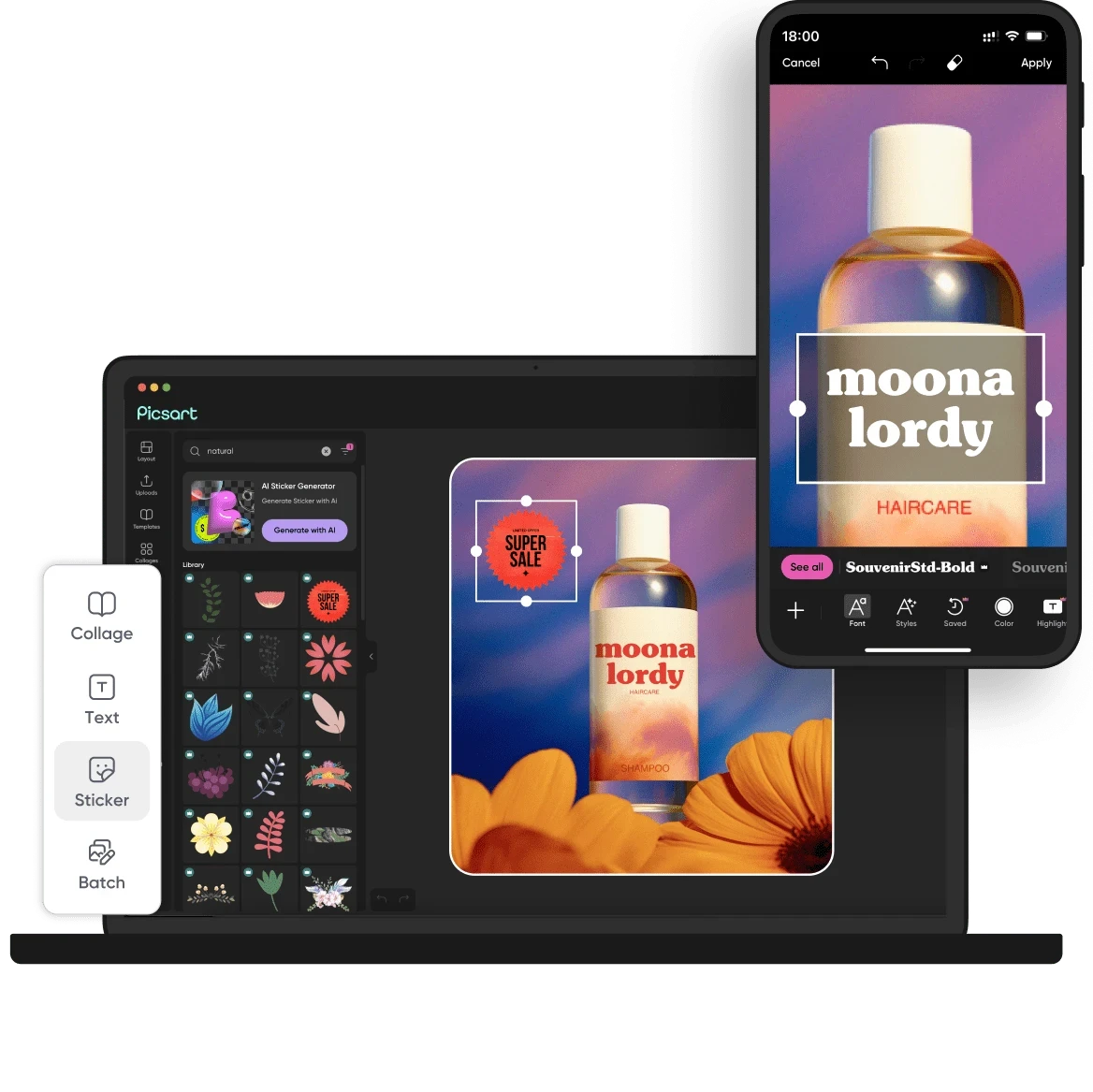 is a versatile creative platform that offers a comprehensive suite of AI-powered design tools for creating images, videos, and graphics. Unlike Magic Studio, which is primarily focused on image generation, Picsart provides a more extensive array of features, including video editing and graphic design capabilities. This makes it an ideal choice for users who need a single platform to handle various creative tasks. The user-friendly interface and drag-and-drop functionality allow both beginners and experienced designers to produce professional-quality content with ease.
One of the standout features of Picsart is its community-driven approach. Users can access a vast library of user-generated content, including graphics, templates, and effects, which can inspire their projects and enhance creativity. Additionally, Picsart offers robust social sharing capabilities, allowing users to showcase their creations across multiple platforms effortlessly. This makes it particularly appealing for social media marketers and influencers who require eye-catching visuals to engage their audiences. While Picsart does have a freemium model, the premium features are reasonably priced and offer significant value to users looking for advanced design tools.
- Key Strength: Comprehensive suite of tools for images, videos, and graphics.
- Key Strength: Access to a large library of user-generated content for inspiration.
- Key Strength: Strong social sharing features for easy promotion of designs.
- Limitation: The extensive range of features may overwhelm new users.
Pricing: Freemium with premium subscription options available. Best for: Users seeking an all-in-one creative solution.
Kittl - Best for Users Needing Advanced Editing Tools
Kittl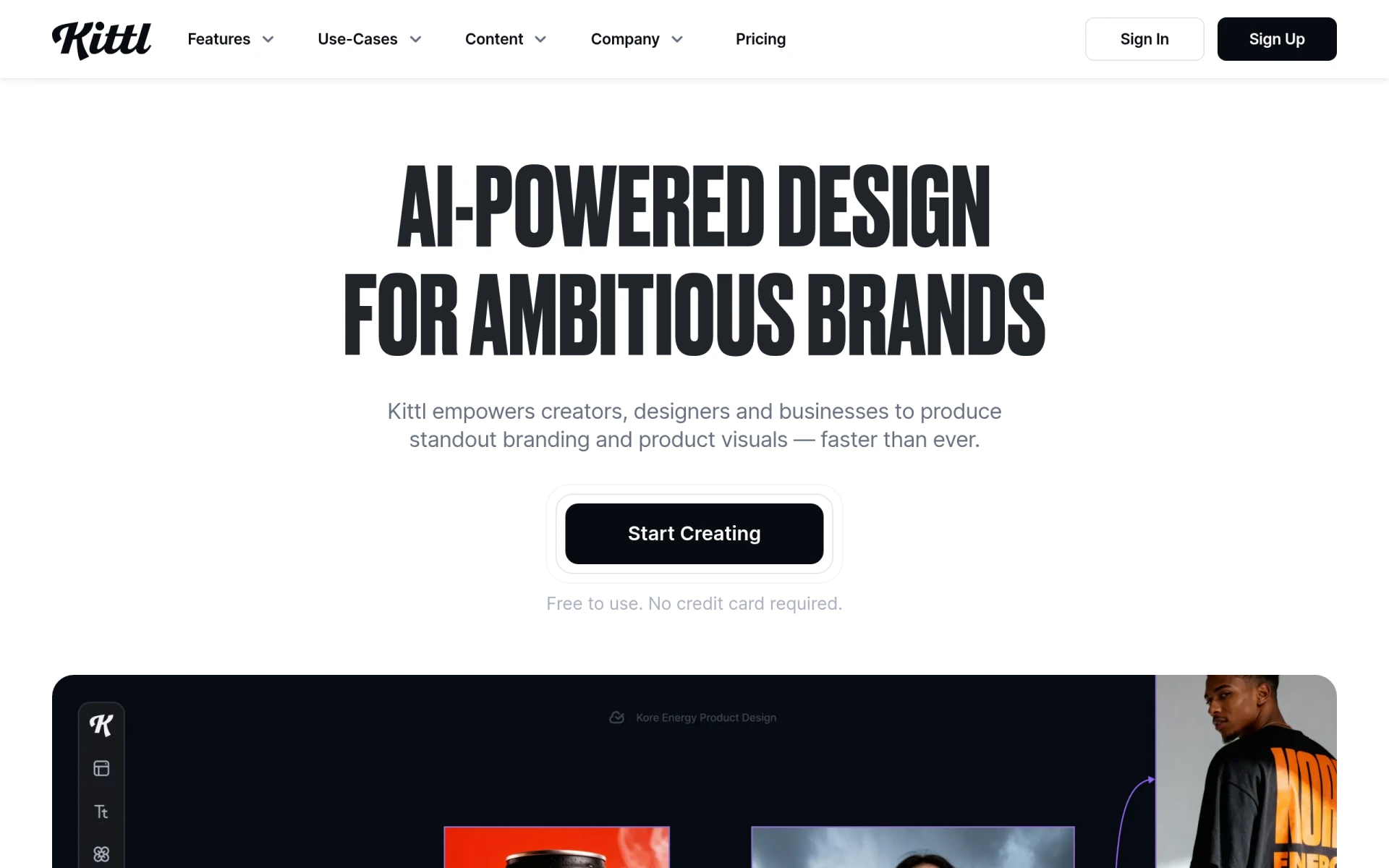 is an AI-driven design platform that empowers users to create stunning visuals with advanced editing tools and curated assets. Unlike Magic Studio, which offers a more basic approach to design, Kittl provides a rich set of features that allow for greater creativity and control over the design process. This platform is particularly suited for graphic designers and artists who require more in-depth editing capabilities and a wide variety of assets to choose from. Kittl's user-friendly interface ensures that users can navigate the platform with ease, whether they are seasoned professionals or newcomers.
One of Kittl's key advantages is its curated library of design assets, which includes high-quality images, fonts, and illustrations. This extensive collection enables users to create unique and professional designs without needing to source assets from multiple places. Furthermore, Kittl allows for extensive customization, providing tools such as layering, masking, and blending modes that enhance the editing experience. While the platform is powerful, its complexity may pose a learning curve for some, making it essential for users to invest time in exploring its features to maximize their potential.
- Key Strength: Advanced editing tools for greater creative control.
- Key Strength: Curated library of high-quality assets to simplify the design process.
- Key Strength: User-friendly interface that caters to both beginners and experts.
- Limitation: May have a steeper learning curve due to its advanced features.
Pricing: Freemium model with additional paid features. Best for: Graphic designers seeking advanced editing capabilities.
Vance Video AI - Best for Video and Image Enhancement
Vance Video AI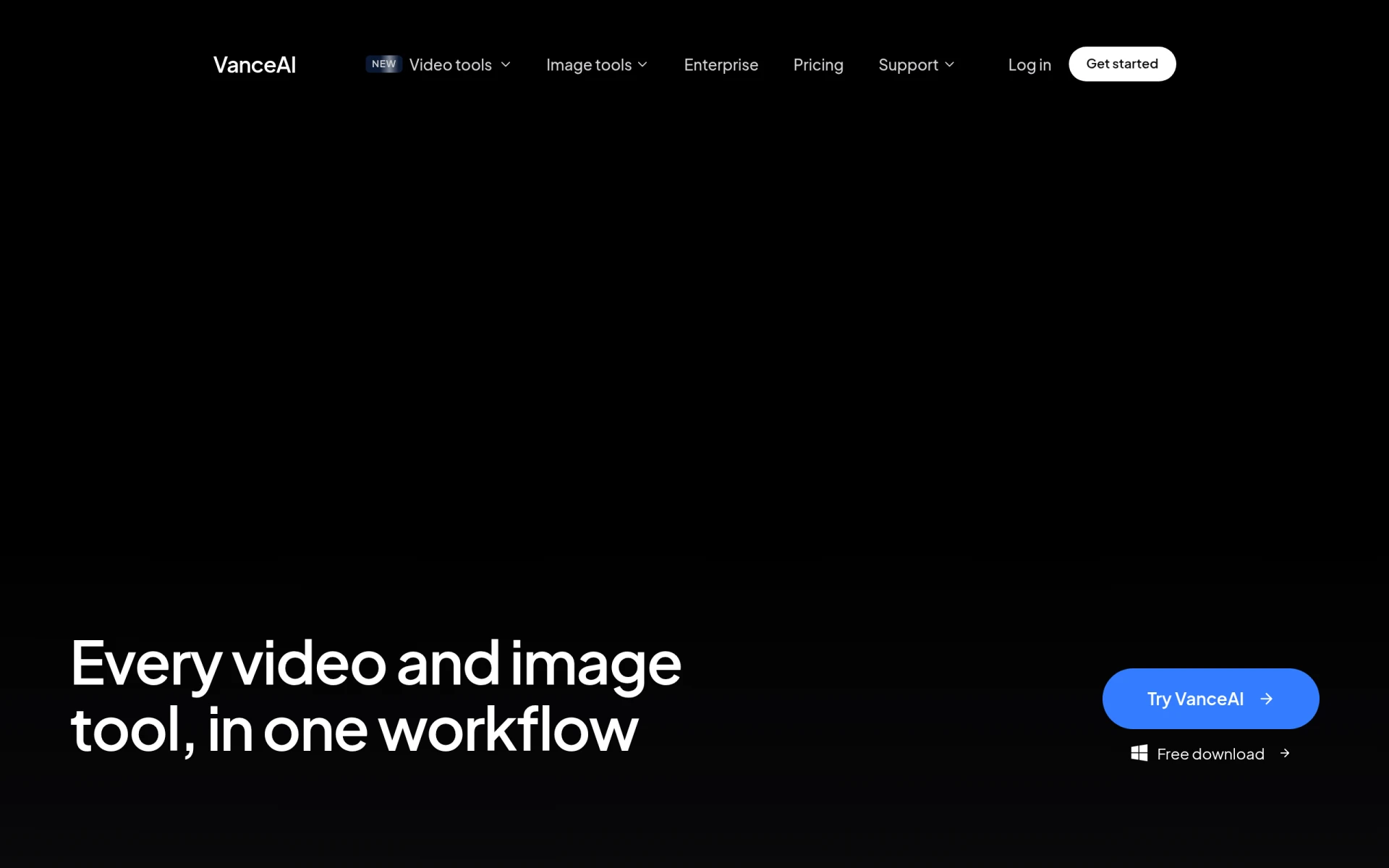 is an innovative tool that focuses on enhancing, generating, and editing both images and videos efficiently. This platform stands out compared to Magic Studio, which primarily emphasizes image creation. Vance Video AI caters to users who need to manipulate video content alongside their image editing tasks. Its AI-driven features streamline the editing process, making it easier for users to achieve professional-quality results without extensive technical knowledge. This makes it a great choice for content creators and marketers who want to produce engaging multimedia content quickly.
One of Vance Video AI's main strengths lies in its ability to automate video enhancement processes, such as upscaling resolution and improving color grading. This feature is particularly beneficial for users looking to repurpose older video content or improve the quality of their current projects. Additionally, Vance Video AI offers a variety of templates and presets to simplify the editing workflow, making it accessible for users who may not have a background in video production. While the platform is powerful, users may find that it lacks some of the more intricate design features found in dedicated graphic design tools, which could be a consideration for those focused solely on image creation.
- Key Strength: AI-driven automation for video enhancement and editing.
- Key Strength: User-friendly templates and presets to streamline the editing process.
- Key Strength: Efficient handling of both images and videos in one platform.
- Limitation: Limited graphic design features compared to dedicated design tools.
Pricing: Freemium model with various paid options. Best for: Content creators needing robust video editing and enhancement tools.
Imagine - Best for Text-to-Visual Content Creation
ImagineArt is an AI creative suite that allows users to generate images, videos, and voiceovers from text prompts. This unique feature differentiates it from Magic Studio, which primarily focuses on image creation without the integration of text-based prompts. ImagineArt is particularly beneficial for marketers, writers, and content creators looking to quickly transform ideas into visual content. The AI's ability to interpret text and create corresponding visuals can significantly reduce the time spent on brainstorming and designing, making it an efficient choice for users with tight deadlines.
Additionally, ImagineArt’s capability to produce voiceovers alongside visuals offers a multi-dimensional approach to content creation that is not available in Magic Studio. This feature is especially advantageous for users looking to create engaging multimedia presentations or educational content. While ImagineArt excels in generating content from text, users might find that the customization options for the generated visuals are somewhat limited, which may not satisfy those seeking more control over their designs. However, the speed and convenience offered by ImagineArt make it a compelling alternative.
- Key Strength: Ability to generate visuals and voiceovers from text prompts.
- Key Strength: Efficient for users needing quick content creation solutions.
- Key Strength: Ideal for multimedia presentations and educational content.
- Limitation: Limited customization options for generated visuals.
Pricing: Freemium model with potential premium features. Best for: Marketers and content creators focusing on text-to-visual content.
Pixelcut - Best for Effortless Photo Editing
Pixelcut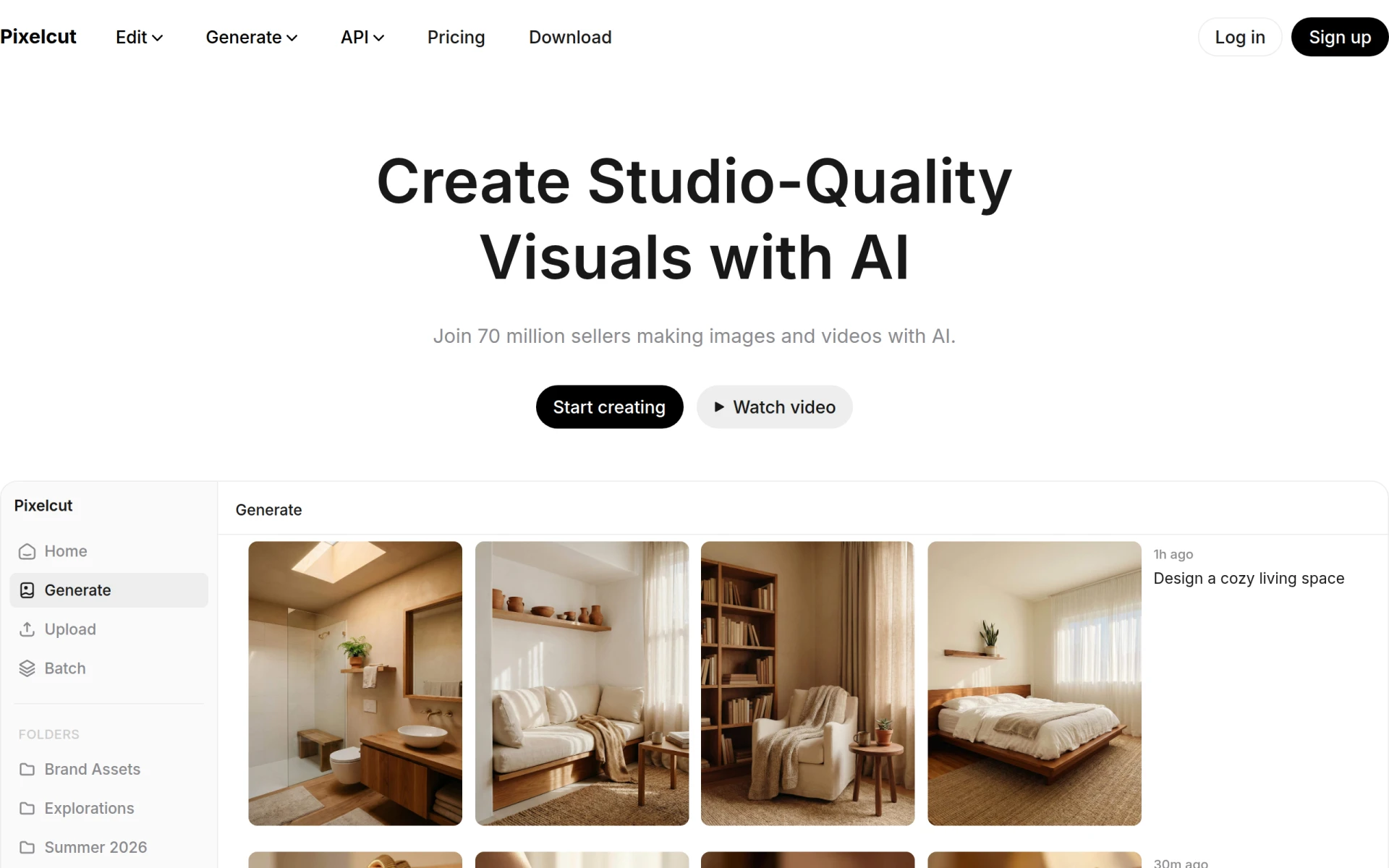 is an AI-powered photo editing tool designed to create stunning visuals effortlessly. Unlike Magic Studio, which is more focused on image creation from scratch, Pixelcut specializes in enhancing existing photos with a range of automatic editing features. This makes it an ideal choice for users who need to quickly refine images for social media, eCommerce, or personal projects. The platform’s intuitive design allows users to achieve professional results without requiring extensive graphic design skills.
One of the standout features of Pixelcut is its automatic background removal tool, which simplifies the process of isolating subjects in images. This is particularly useful for eCommerce businesses looking to create clean product images or for social media marketers wanting to create eye-catching visuals. Furthermore, Pixelcut offers various filters and effects that can be applied with a single click, making it easy to enhance images quickly. While the platform is powerful for photo editing, users may find that it lacks some of the more advanced design features found in comprehensive design tools, which could be a drawback for those looking to create more complex graphics.
- Key Strength: Automatic background removal for effortless photo editing.
- Key Strength: User-friendly interface for quick enhancements.
- Key Strength: Variety of filters and effects for fast image improvement.
- Limitation: Lacks advanced design features for complex graphics.
Pricing: Freemium model with additional paid features. Best for: Users needing quick and easy photo editing solutions.
MolyPix.AI - Best for Simple Graphic Design
MolyPix.AI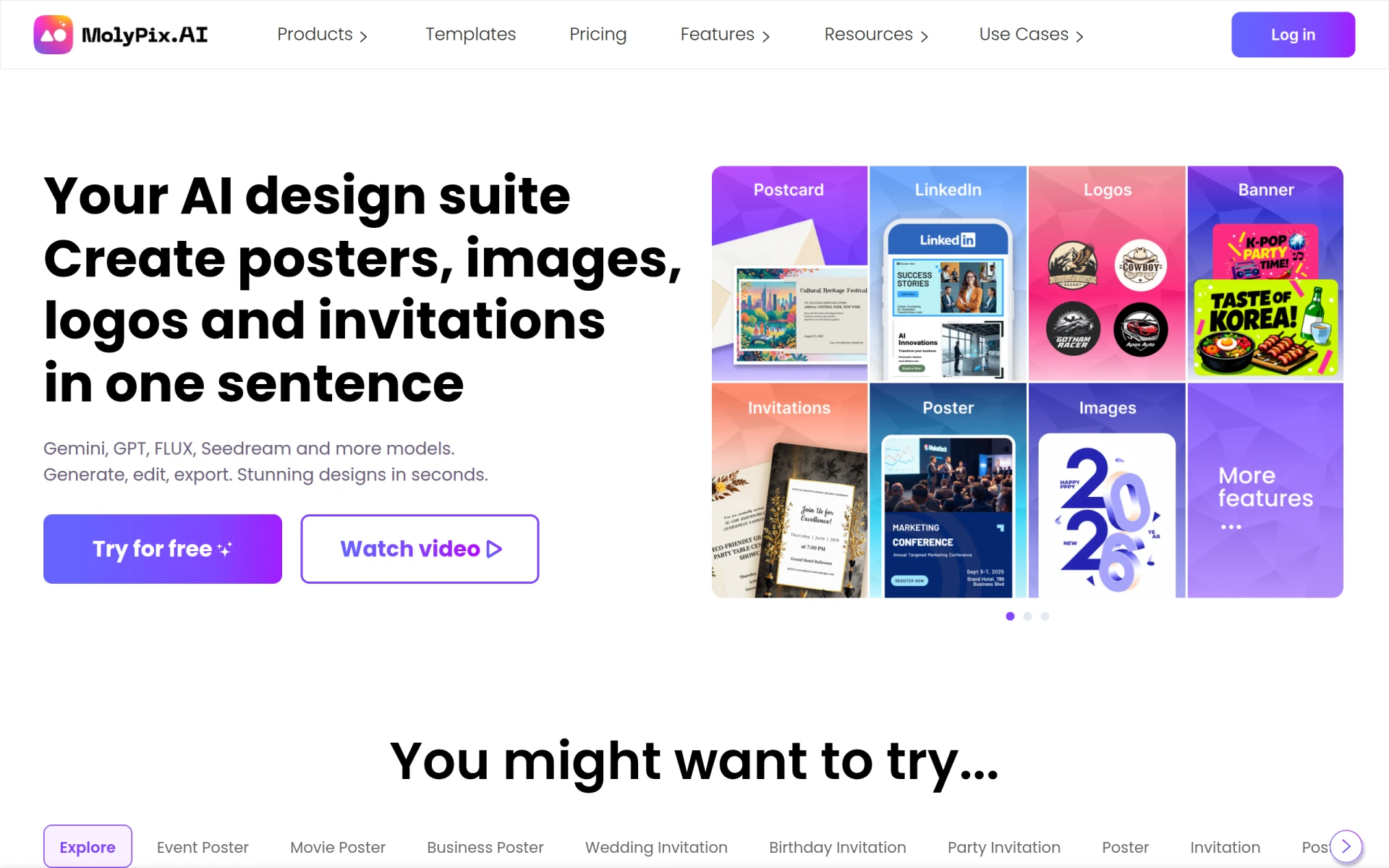 is an AI-powered graphic design tool that enables users to create professional designs effortlessly using simple prompts. This platform offers a more straightforward approach compared to Magic Studio, making it particularly appealing for users who may not have design experience but still want to produce polished visuals. MolyPix.AI's focus on simplicity allows users to generate designs quickly, which is ideal for small businesses and entrepreneurs who need to create marketing materials without investing too much time or effort.
One of the key benefits of MolyPix.AI is its user-friendly interface that minimizes the learning curve for newcomers. The tool's ability to generate designs based on prompts means that users can quickly achieve results that meet their needs without having to navigate complex features. Additionally, MolyPix.AI offers a selection of templates that can be easily customized, providing a solid foundation for users looking to create branded content. However, the limitations in advanced editing capabilities may deter professional designers who require more control over their projects.
- Key Strength: Effortless design generation from simple prompts.
- Key Strength: User-friendly interface suitable for beginners.
- Key Strength: Selection of customizable templates for quick creation.
- Limitation: Limited advanced editing options for professional designers.
Pricing: Freemium model with potential premium plans. Best for: Small businesses and individuals needing simple design solutions.
Krea - Best for 3D Asset Creation
Krea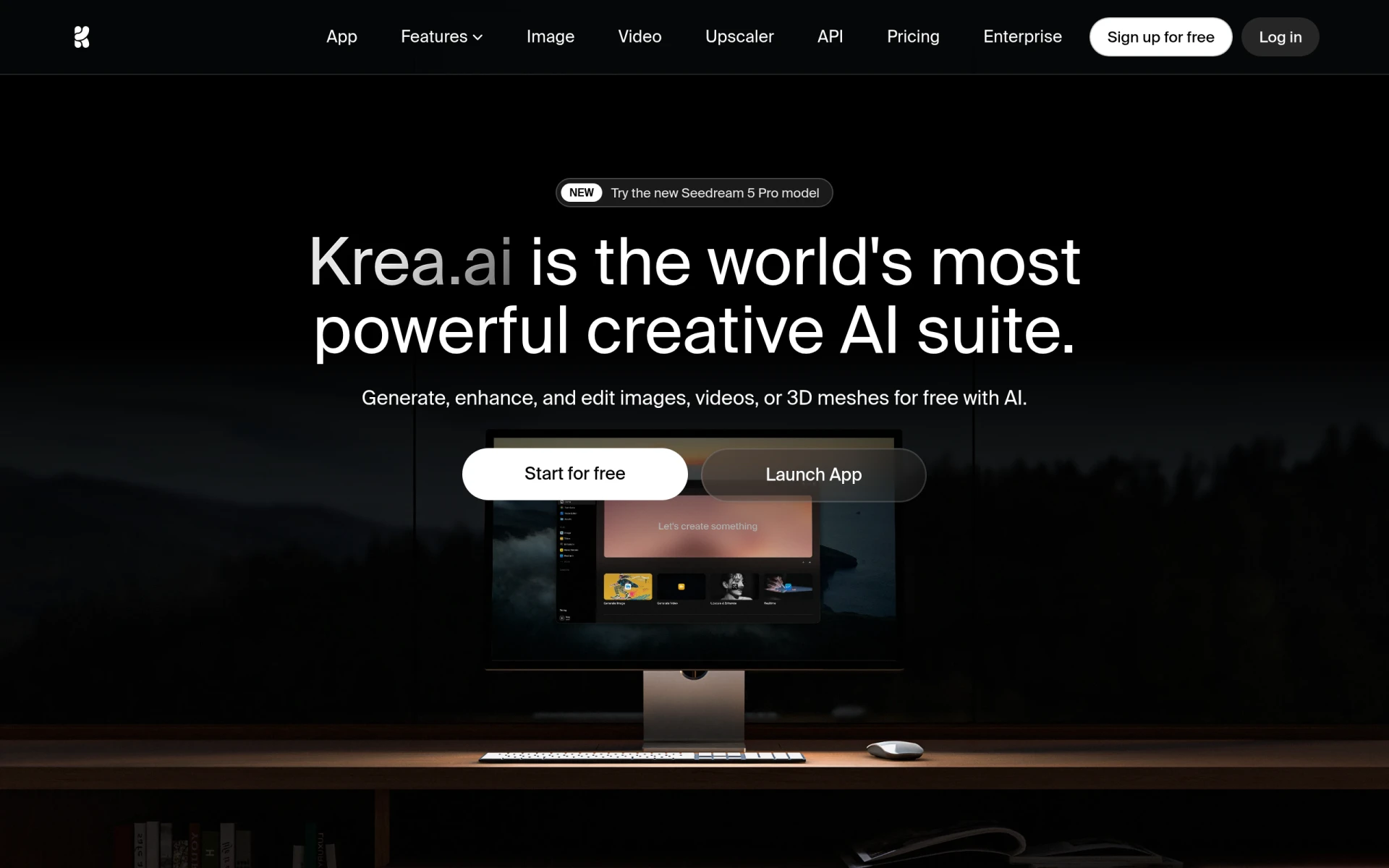 is an AI-powered creative suite that specializes in generating and enhancing images, videos, and 3D assets. This focus on 3D content distinguishes it from Magic Studio, which primarily handles 2D image creation. Krea is particularly suited for designers and developers looking to incorporate 3D elements into their projects, making it an ideal choice for game developers, animators, and visual storytellers. The platform provides users with the tools they need to create stunning 3D visuals efficiently, enhancing their creative capabilities.
In addition to its 3D features, Krea offers robust image and video editing options, allowing users to create comprehensive multimedia content all in one place. This versatility is a significant advantage over Magic Studio, which lacks dedicated 3D design tools. Krea's AI-driven features enable users to streamline their workflow, reducing the time required to produce high-quality content. However, users may find that the complexity of 3D design can present a learning curve, particularly for those who are unfamiliar with 3D modeling.
- Key Strength: Specializes in generating and enhancing 3D assets.
- Key Strength: Comprehensive multimedia editing capabilities.
- Key Strength: AI-driven features to streamline design processes.
- Limitation: Complexity of 3D design may require a learning curve.
Pricing: Freemium model with additional paid features. Best for: Designers and developers focusing on 3D content creation.
X-Design - Best for Quick Logo and Poster Creation
Zawa AI, branded as X-Design , is a design tool that allows users to create logos, posters, and mockups effortlessly with AI-driven features. Unlike Magic Studio, which is primarily focused on image generation, X-Design caters specifically to users who need to produce branding materials quickly and efficiently. This makes it an excellent choice for small business owners and entrepreneurs who want to establish their brand identity without the need for extensive design knowledge.
One of the standout features of X-Design is its logo and poster creation wizard, which guides users through the design process step-by-step. This feature ensures that even those with limited design experience can produce professional-looking results. Additionally, X-Design offers a range of templates and customization options, allowing users to tailor their designs to their specific needs. However, while it excels in creating logos and posters, users may find that it lacks the comprehensive design capabilities required for more complex projects, which could be a limitation for some.
- Key Strength: Step-by-step design wizard for creating logos and posters.
- Key Strength: Tailored templates and customization options.
- Key Strength: Efficient for small business branding needs.
- Limitation: Limited features for complex design projects.
Pricing: Freemium with paid plans available. Best for: Small business owners needing branding materials quickly.
Playground AI - Best for Versatile Graphic Design
Playground AI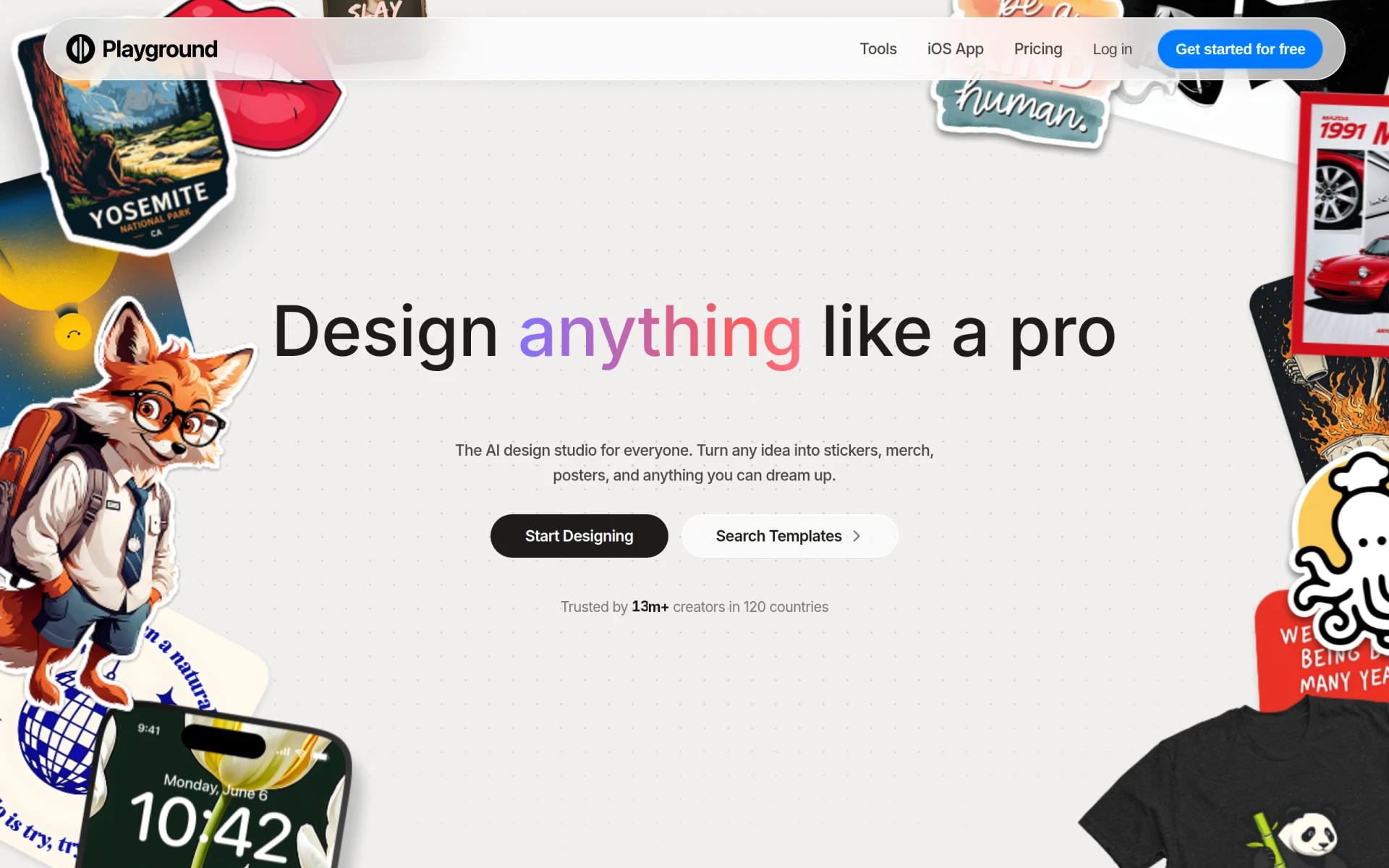 is a versatile graphic design tool that enables users to create custom designs and graphics with ease. Unlike Magic Studio, which primarily focuses on image generation, Playground AI offers a broader range of design features that cater to various creative needs. This makes it an excellent alternative for users who want to explore different design styles and techniques without the limitations of specialized software. Playground AI's user-friendly interface allows both beginners and experienced designers to navigate the platform smoothly and create impressive visuals.
One of the notable advantages of Playground AI is its collaborative features, allowing users to work on projects with team members in real time. This is particularly beneficial for businesses and creative teams that need to streamline their workflow and enhance productivity. Additionally, Playground AI provides access to a vast library of design assets, including templates, illustrations, and graphics, which can help users kickstart their projects quickly. However, while the platform is powerful, some users may find that it lacks the depth of advanced features present in more specialized design tools, which could limit its appeal to professional designers.
- Key Strength: Broad range of design features beyond image generation.
- Key Strength: Real-time collaboration features for team projects.
- Key Strength: Extensive library of design assets for quick project initiation.
- Limitation: May not have the advanced features needed by professional designers.
Pricing: Freemium model with premium subscription options. Best for: Users looking for versatile graphic design capabilities.
Feature Comparison Table
| Tool | Best For | Starting Price | Free Plan | Standout Feature |
|---|
| Magic Studio | Image creation | Free / PRO tiers | Yes | AI-generated images |
| insMind | Comprehensive visual content | Freemium | Yes | Image and video creation |
| Picsart | All-in-one creative platform | Freemium | Yes | User-generated content library |
| Kittl | Advanced editing tools | Freemium | Yes | Rich asset library |
| Vance Video AI | Video and image enhancement | Freemium | Yes | AI-driven video enhancement |
Imagine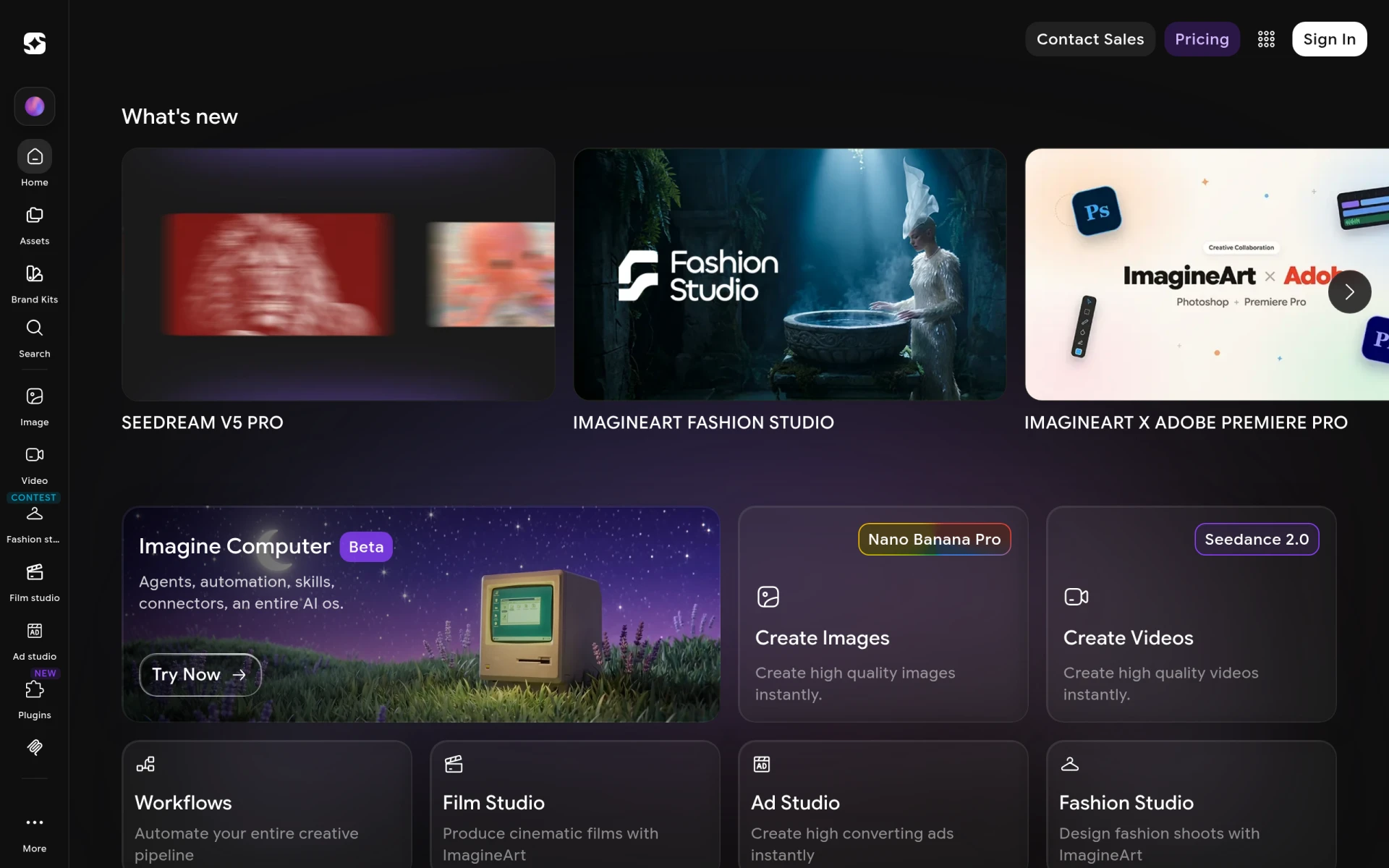 | Text-to-visual content | Freemium | Yes | Text-to-image generation |
| Pixelcut | Effortless photo editing | Freemium | Yes | Automatic background removal |
| MolyPix.AI | Simple graphic design | Freemium | Yes | Prompt-based design generation |
| Krea | 3D asset creation | Freemium | Yes | 3D design capabilities |
| X-Design | Logo and poster creation | Freemium | Yes | Step-by-step design wizard |
| Playground AI | Versatile graphic design | Freemium | Yes | Real-time collaboration |
How to Choose the Right Alternative to Magic Studio
Choosing the right alternative to Magic Studio depends on your specific needs and objectives. If you are primarily focused on creating videos alongside images, consider tools like Vance Video AI or insMind, which offer robust video editing capabilities. For those who need an all-in-one solution that incorporates social sharing and community features, Picsart may be the best fit. If your work revolves around graphic design and you require advanced editing tools, Kittl or Playground AI might be more aligned with your requirements.
For users who prefer a straightforward approach to design, MolyPix.AI and Pixelcut offer user-friendly interfaces and prompt-based generation, making them ideal for small businesses or individuals without extensive design experience. Additionally, if you need quick logo or poster creation, X-Design is tailored for those specific tasks, providing step-by-step guidance to simplify the process. Ultimately, evaluating your priorities—whether they be speed, complexity, or type of content—will help you make a confident choice among the many alternatives available.
Final Verdict
In conclusion, while Magic Studio is a solid option for basic image creation, the alternatives listed above offer a range of specialized features that can cater to various user needs. For comprehensive design capabilities, consider Picsart or Playground AI; for video content, Vance Video AI is a strong choice. If simplicity is key, MolyPix.AI and Pixelcut stand out. Assess your specific requirements to find the best tool that aligns with your design goals.