ArkDesign
Freemium
ArkDesign is a graphic design tool that simplifies the design process with AI-driven features for users of all skill levels.
Explore top Microsoft Designer alternatives! Compare features, pricing, and usability to find the best design tool for your needs.

Looking for alternatives to
Microsoft Designer is a graphic design tool that enables users to create professional-quality visuals quickly and easily.
View Microsoft Designer Profile →While Microsoft Designer offers a streamlined approach to graphic design, it does have its limitations that can drive users to seek alternatives. One significant drawback is its freemium pricing model, which, although it allows users to access basic features, often leaves them wanting more in terms of functionality and design elements. Users may find that they hit a ceiling with the free tier and need to upgrade without clear information on the pricing structure for premium features. This lack of transparency can be frustrating for those who are budget-conscious or want to ensure they are getting the best value for their investment.
Additionally, Microsoft Designer may not cater to all design needs. For instance, those looking for more advanced customization options or specific templates may find the platform lacking. Users who require multi-language support for global campaigns or intricate design features might feel constrained by the limitations of Microsoft Designer. These common pain points, coupled with a growing demand for more versatile and user-friendly design tools, push many users to explore alternatives that better meet their varied needs.
ArkDesign stands out as an excellent alternative to Microsoft Designer, particularly for those who appreciate the integration of artificial intelligence in their design process. Unlike Microsoft Designer, which may not fully leverage AI capabilities, ArkDesign offers users an intuitive interface powered by AI-driven features that simplify design tasks. This tool is perfect for users at any skill level, whether a novice or a seasoned designer, as it intelligently suggests layouts, color schemes, and even content adjustments based on user inputs. Its user-friendly design allows individuals to create professional-quality graphics without needing extensive design knowledge.
Moreover, ArkDesign excels in its ability to streamline the creative process. The platform offers a wide range of templates and customization options that allow users to tailor their designs quickly and efficiently. This is particularly beneficial for businesses or marketers who need to produce high-quality visuals in a short timeframe. Compared to Microsoft Designer, ArkDesign’s focus on AI integration not only enhances user experience but also significantly reduces the time spent on design tasks, making it an ideal choice for those who value efficiency alongside creativity.
Pricing: Freemium model. Best for: Users seeking an AI-enhanced design experience.
Pebblely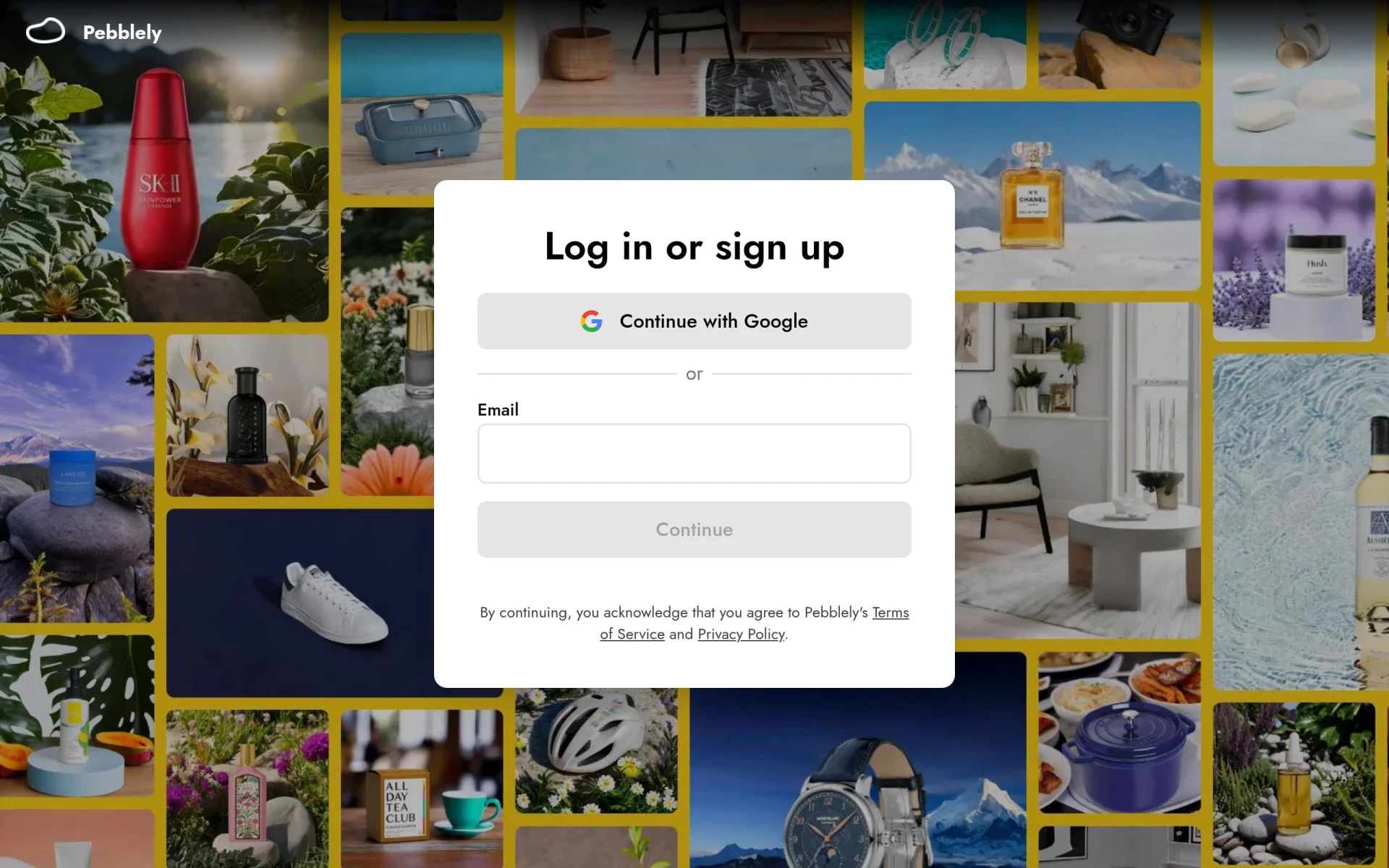 is a compelling alternative to Microsoft Designer, particularly for users looking to create visual content quickly without sacrificing quality. The platform is designed to be user-friendly, offering a variety of templates that cater to different needs, such as social media posts, flyers, and marketing materials. Unlike Microsoft Designer, Pebblely focuses on simplicity and ease of use, making it ideal for individuals or small businesses that may not have a dedicated design team. The drag-and-drop functionality allows users to customize their designs effortlessly, streamlining the creative process.
In addition to its ease of use, Pebblely provides a robust library of graphics and design elements that users can incorporate into their projects. This is particularly advantageous for those who may not have access to high-quality images or icons. The platform encourages creativity by allowing users to mix and match elements to create unique visuals tailored to their brand identity. Overall, Pebblely’s focus on quick visual content creation makes it a strong contender for those who need to produce engaging graphics with minimal effort.
Pricing: Freemium model. Best for: Users needing quick and easy visual content creation.
Sivi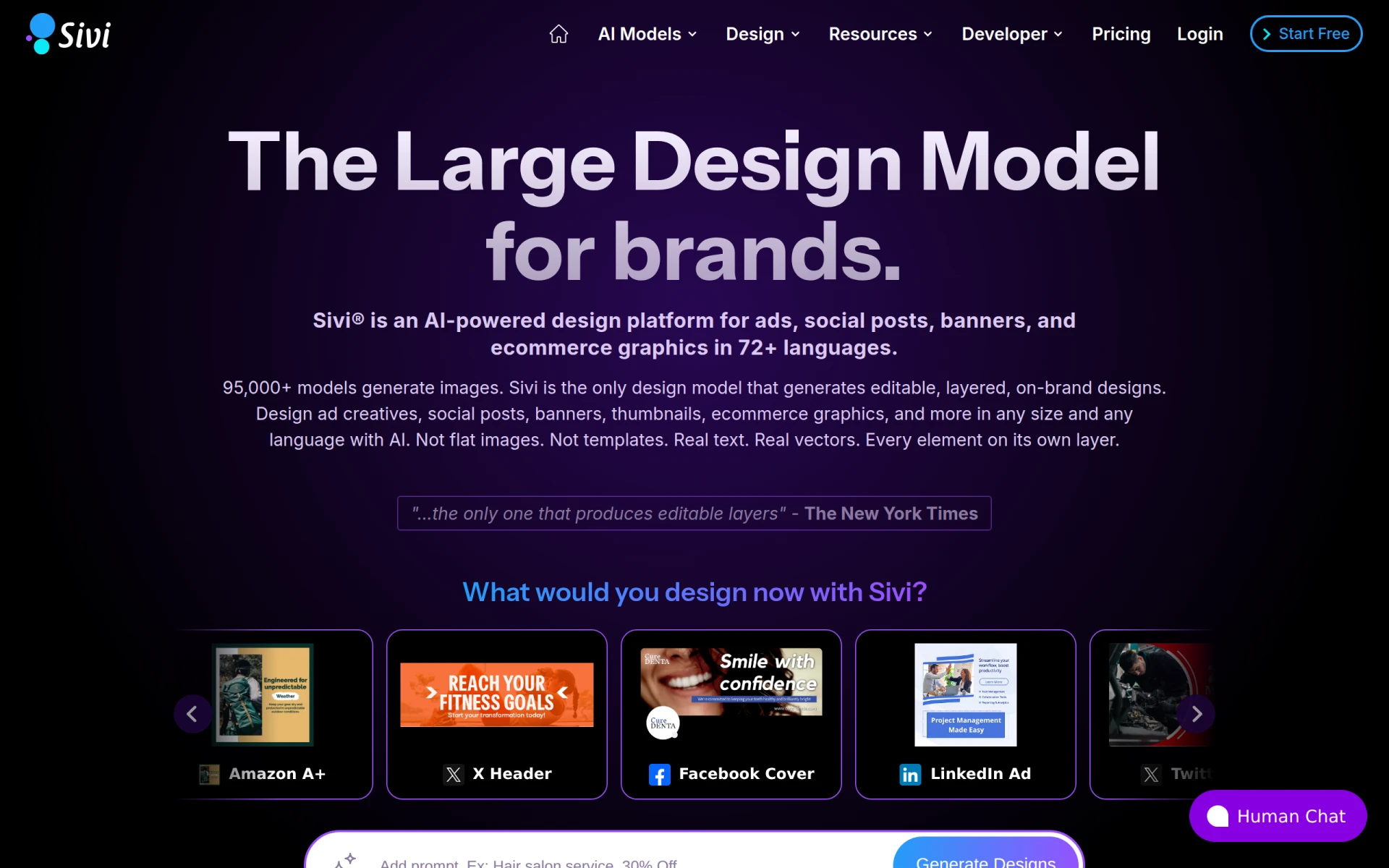 is an innovative AI-powered design platform that excels in creating editable ads, social media posts, and banners in over 72 languages. This feature makes Sivi a standout alternative for businesses targeting global audiences, a capability that Microsoft Designer currently lacks. Sivi's multilingual support enables users to easily adapt their designs for various markets, ensuring a consistent brand message across different languages. This makes it an invaluable tool for marketers and businesses looking to expand their reach internationally.
Additionally, Sivi offers a range of design functionalities that allow users to create visually appealing graphics quickly. The intuitive interface and AI-driven suggestions assist users in crafting professional-quality visuals without extensive design experience. Compared to Microsoft Designer, Sivi provides a more specialized approach to design, focusing on the needs of businesses that require speedy and effective marketing materials across diverse linguistic landscapes. Its versatility and efficiency make it an appealing choice for users who prioritize both creativity and practicality.
Pricing: Freemium with paid plans starting at $16 per month. Best for: Businesses needing multilingual design support.
Idesigns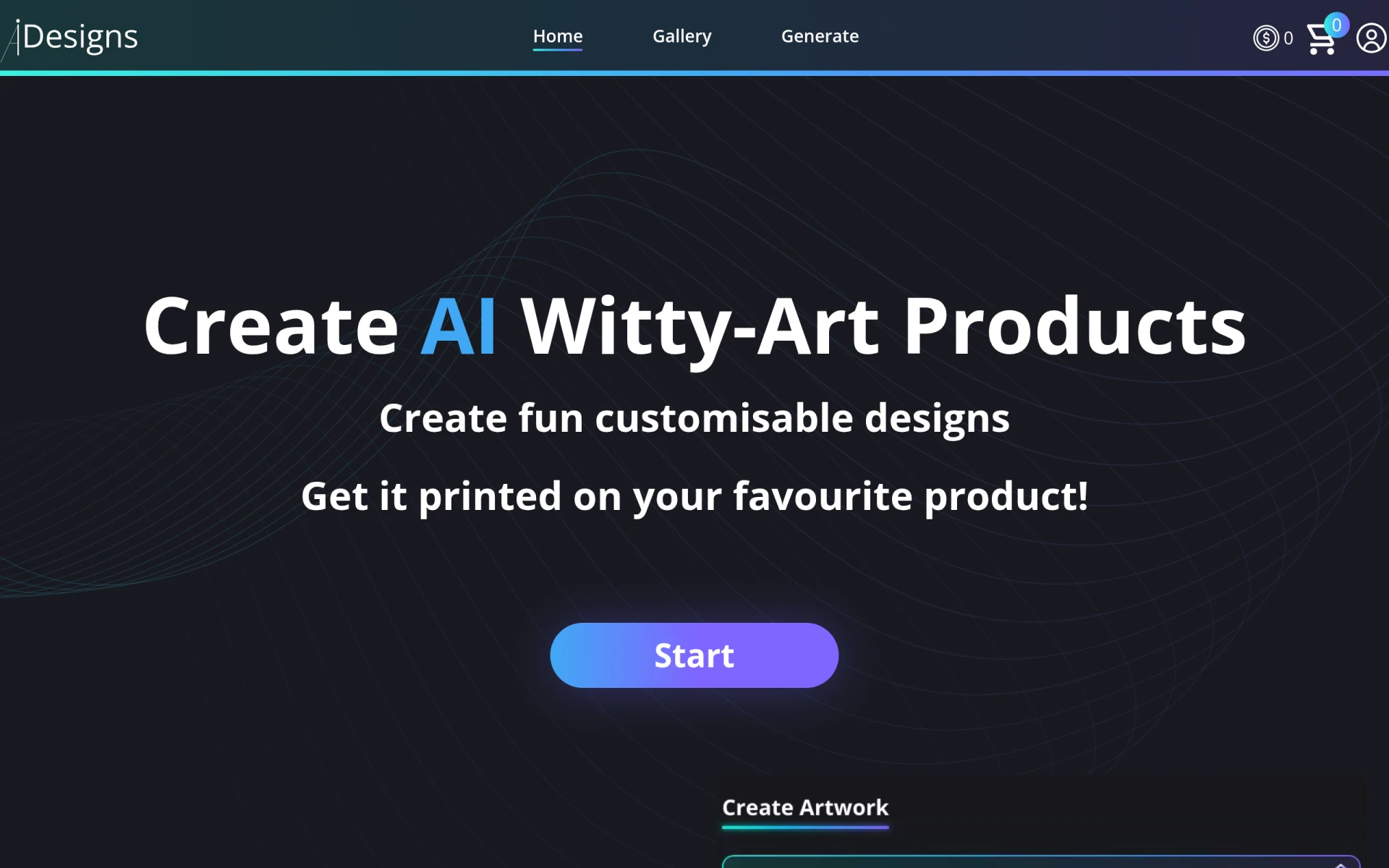 is an AI-powered platform that focuses on creating and customizing unique designs and products. This tool is particularly beneficial for users looking to develop personalized graphics or merchandise for various purposes, from branding to promotional materials. Unlike Microsoft Designer, which offers a more generalized design experience, Idesigns emphasizes unique customization options that allow users to create one-of-a-kind products tailored to their specific needs. This feature makes it an excellent choice for entrepreneurs, artists, and anyone else looking to differentiate their offerings in the market.
In addition to its customization capabilities, Idesigns provides users with easy-to-use tools for designing everything from logos to business cards. Its AI-driven suggestions help users optimize their designs for better visual appeal, ensuring that even those without extensive graphic design experience can create professional-quality images. This combination of customization and intuitive design tools positions Idesigns as a strong alternative for users seeking more personalized design options than what Microsoft Designer typically offers.
Pricing: Freemium model. Best for: Users seeking to create custom product designs.
Noah is a versatile design tool that enables users to create unique visual content efficiently. Its focus is on graphic design, making it a solid alternative to Microsoft Designer for those who prioritize originality in their projects. Noah's intuitive platform allows users to generate creative designs quickly, which is particularly beneficial for marketers and entrepreneurs who need to produce eye-catching visuals for campaigns. While Microsoft Designer may cater to a broader audience, Noah's specialized focus on graphic design sets it apart as an ideal choice for users looking to push creative boundaries.
Moreover, Noah offers a range of templates and customizable elements that enhance the design experience. Users can experiment with different layouts, colors, and fonts to create graphics that truly resonate with their target audience. This flexibility, combined with its user-friendly interface, makes Noah a compelling option for those who want to explore their creative potential without the steep learning curve often associated with graphic design software. In comparison to Microsoft Designer, Noah appeals to a niche market of creative professionals seeking tailored design capabilities.
Pricing: Freemium model. Best for: Users who prioritize unique visual content creation.
BrandCrowd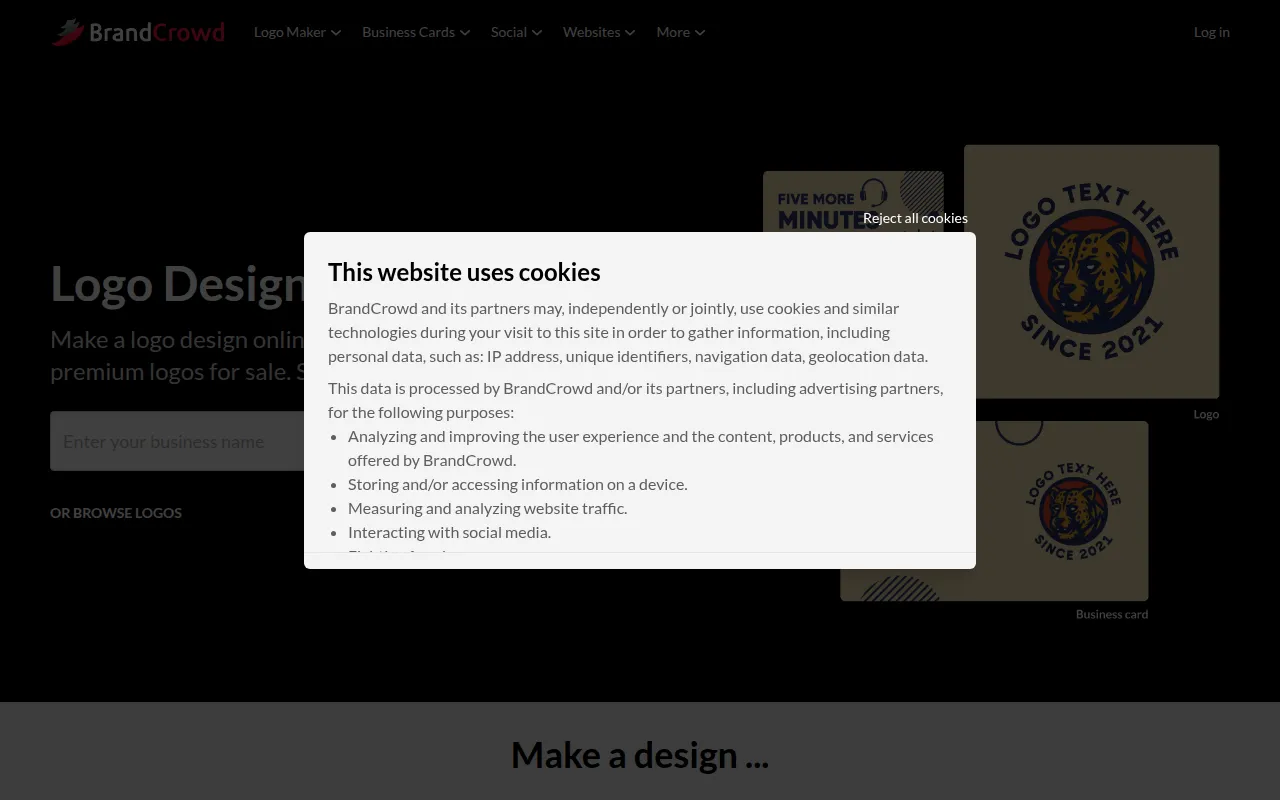 is a user-friendly platform that specializes in creating logos, business cards, and social media designs quickly and easily. This makes it an ideal alternative for businesses and entrepreneurs who need to establish their brand identity without the long design process that tools like Microsoft Designer might entail. BrandCrowd's extensive library of templates and design elements allows users to generate professional branding materials in no time, making it a go-to solution for those on a tight schedule.
In addition to its speed and efficiency, BrandCrowd offers a level of customization that enables users to create designs that align with their brand identity. The platform's straightforward interface is designed for ease of use, allowing individuals without design experience to navigate and create effectively. Compared to Microsoft Designer, BrandCrowd provides a more focused approach to branding, ensuring that users can quickly find and adapt designs that resonate with their target demographic. This makes it an excellent choice for startups and small businesses looking to make a strong initial impression.
Pricing: Freemium with various premium pricing plans available. Best for: Startups and small businesses needing quick branding solutions.
Lucidpic is a graphic design tool tailored for users who want to simplify the creation of visuals across various digital platforms. Its ease of use makes it an attractive alternative to Microsoft Designer for individuals and businesses looking for a straightforward design solution. Lucidpic allows users to create stunning visuals quickly, utilizing a selection of templates and design elements that cater to different needs, such as social media posts, marketing materials, and more. This streamlined approach to design helps users focus on creativity without getting bogged down by complicated tools.
Moreover, Lucidpic emphasizes collaboration, making it a practical choice for teams looking to work together on design projects. Users can easily share their designs and solicit feedback, fostering a more interactive design process. In comparison to Microsoft Designer, which may not offer as robust a collaborative feature set, Lucidpic provides a more inclusive environment for teamwork and creativity. This focus on simplification and collaboration makes it an appealing option for users who prioritize efficiency and teamwork in their design efforts.
Pricing: Freemium model. Best for: Teams and individuals needing simplified visual creation tools.
| Tool | Best For | Starting Price | Free Plan | Standout Feature |
|---|---|---|---|---|
| Microsoft Designer | General graphic design | Freemium | Yes | Integration with Microsoft Office |
| ArkDesign | AI-driven design | Freemium | Yes | AI-driven design suggestions |
| Pebblely | Quick visual content creation | Freemium | Yes | User-friendly template library |
| Sivi | Multilingual design needs | $16/month | Yes | Support for 72 languages |
| Idesigns | Custom product designs | Freemium | Yes | Extensive customization options |
| Noah | Unique visual content | Freemium | Yes | Focus on originality |
| BrandCrowd | Quick branding solutions | Freemium | Yes | Fast branding materials |
| Lucidpic | Simplified visual creation | Freemium | Yes | Collaboration features |
When considering alternatives to Microsoft Designer, it is essential to assess your specific design needs and how each tool aligns with those requirements. If you prioritize speed and ease of use, tools like Pebblely or BrandCrowd may be ideal for you, as they offer quick solutions for creating visual content. However, if you are looking for more advanced customization and unique design capabilities, Idesigns or Noah might better suit your needs. For users who operate in multilingual markets, Sivi's extensive language support can provide a significant advantage.
Additionally, consider your budget and the importance of advanced features. If you are willing to invest in a tool that offers premium features for more complex design tasks, Sivi's paid plans may be worth exploring. Conversely, if you prefer to stick with free or freemium models, tools like ArkDesign and Lucidpic offer robust features without the need for a subscription. Ultimately, the right choice will depend on your specific use case, design goals, and the level of complexity you require in your projects.
In conclusion, while Microsoft Designer serves as a useful tool for general graphic design, several alternatives offer unique advantages that may better suit different user needs. For those seeking AI-driven features, ArkDesign is a standout choice, whereas Sivi excels in multilingual support. For quick branding solutions, BrandCrowd shines, while Idesigns offers extensive customization for product designs. Each tool has its strengths, and selecting the right one will depend on your specific design requirements and objectives.
ArkDesign is a graphic design tool that simplifies the design process with AI-driven features for users of all skill levels.
Pebblely is a graphic design tool that simplifies the creation of visual content through user-friendly features and templates.
Sivi is an AI-powered design platform that helps brands create editable ads, social posts, and banners in over 72 languages.
Idesigns offers an AI-powered platform for creating and customizing unique designs and products.
Noah is a design tool focusing on graphic design, enabling users to create unique visual content efficiently.
BrandCrowd offers a user-friendly platform for creating logos, business cards, and social media designs quickly and easily.
Lucidpic is a graphic design tool that simplifies the creation of visuals for various digital platforms.
Canva is a user-friendly graphic design tool that enables anyone to create stunning visuals for various purposes without prior design experience.
Users often switch from Microsoft Designer due to its freemium pricing model, which can limit access to essential features. Alternatives may provide more robust tools and clearer pricing, allowing for better design flexibility.
Canva is widely regarded as the best overall alternative, offering a user-friendly interface, a vast library of templates, and extensive design elements that cater to both amateurs and professionals.
Many alternatives offer straightforward pricing plans, often with free tiers that provide substantial functionality. Unlike Microsoft Designer, which has a freemium model, alternatives like Canva and Adobe Express present clear pricing options without hidden fees.
Yes, several alternatives to Microsoft Designer provide excellent free options, such as Canva, Crello, and Adobe Express. These platforms allow users to access a range of features without any immediate costs.
When migrating your designs, start by exporting your projects in commonly used formats like PNG or JPEG. Familiarize yourself with the new platform's interface and features to ensure a smooth transition and leverage any tutorials available.
A common concern is the learning curve associated with new software. Users may feel overwhelmed by different interfaces and functionalities, but most alternatives provide tutorials and community support to ease the transition.
Weekly roundup of new AI tools, launches, and trending software. No spam — unsubscribe anytime.
No credit card required · Cancel anytime
Weekly roundup of new AI tools, launches, and trending software. No spam — unsubscribe anytime.
No credit card required · Cancel anytime