Overview
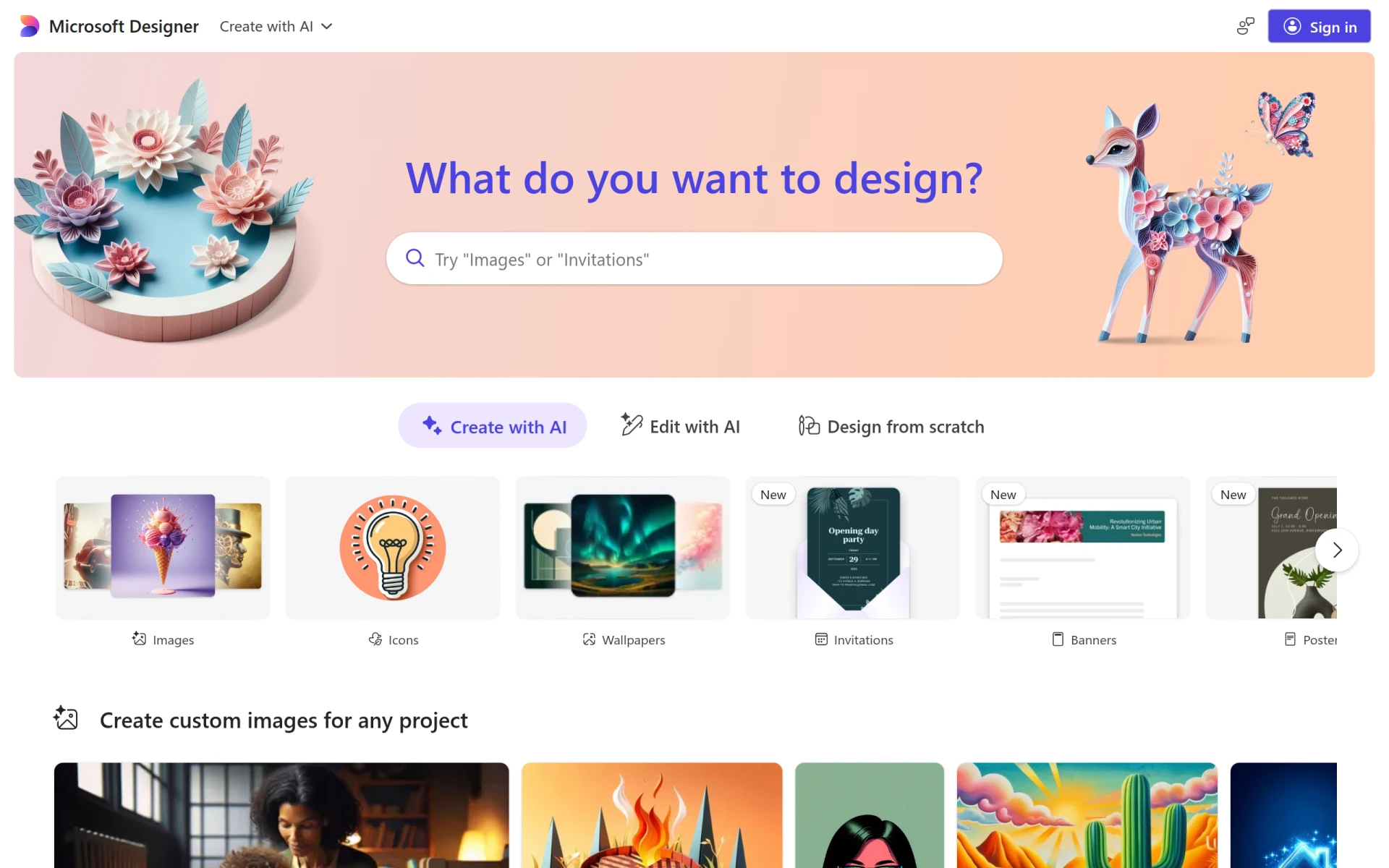
Microsoft Designer is an intuitive graphic design application developed to assist users in creating high-quality visuals for various platforms. Its primary purpose is to simplify the design process, allowing users to craft social media posts, invitations, digital postcards, and other graphics without requiring advanced design skills. The software addresses common challenges faced by non-designers, such as limited design experience and the need for quick turnaround on visual content.
Key Features
- User-friendly interface: Designed for ease of use, catering to all skill levels.
- Template library: Access a wide range of customizable templates suited for various needs.
- Image editing tools: Incorporate and edit images directly within the app.
- Text customization: Modify fonts, colors, and sizes to fit your design vision.
- Drag-and-drop functionality: Easily place elements within your design layout.
- Collaboration tools: Share designs with team members for feedback or collaboration.
- Export options: Save designs in multiple formats suitable for print or digital use.
- Integration capabilities: Connect with other Microsoft products for enhanced functionality.
Benefits
The practical advantages of using Microsoft Designer include significant time savings when creating graphics, especially for users who may not have extensive design experience. The application provides a straightforward way to produce visually appealing content without needing advanced tools or lengthy training. Moreover, the template library speeds up the design process, allowing users to start with a professional layout and customize it to their needs. Collaboration features enable teams to work together seamlessly, enhancing productivity and creativity.
Common Use Cases
Microsoft Designer is particularly beneficial for small businesses looking to enhance their online presence through engaging visuals. For example, a marketing team can quickly create social media posts to promote a product launch. Freelancers in the creative field can utilize the tool to generate digital portfolios or client presentations with ease. Additionally, event planners can design invitations and promotional materials, streamlining their workflow and improving client satisfaction.
Who Should Use It
Ideal users of Microsoft Designer include small business owners, marketing teams, freelancers, and anyone needing to produce professional-looking graphics without a steep learning curve. However, it may not be the best fit for professional designers who require advanced features and extensive customization options found in more sophisticated design software.
Pricing Overview
Pricing information for Microsoft Designer is currently unavailable on its website.
Pros
Microsoft Designer is beginner-friendly, making it accessible for users without design experience. The extensive template library saves time and helps maintain a professional look. Collaboration features facilitate teamwork, enhancing productivity. The application is integrated with other Microsoft products, providing a seamless workflow for users. Image editing tools allow for quick modifications, ensuring designs meet specific needs.
Cons
The lack of advanced design features may limit professional designers. Some users may find the template options restrictive compared to fully customizable design software. The performance may vary based on internet connectivity due to its online nature. Pricing information is not available, which may deter potential users seeking budget clarity.
Conclusion
Microsoft Designer serves as a valuable tool for those needing to create quality graphics quickly and easily. While it offers significant advantages for beginners and small teams, its limitations may not satisfy the needs of professional designers. Ultimately, it can be a worthwhile investment for users looking to enhance their visual communication without the complexity of traditional design software.