Overview
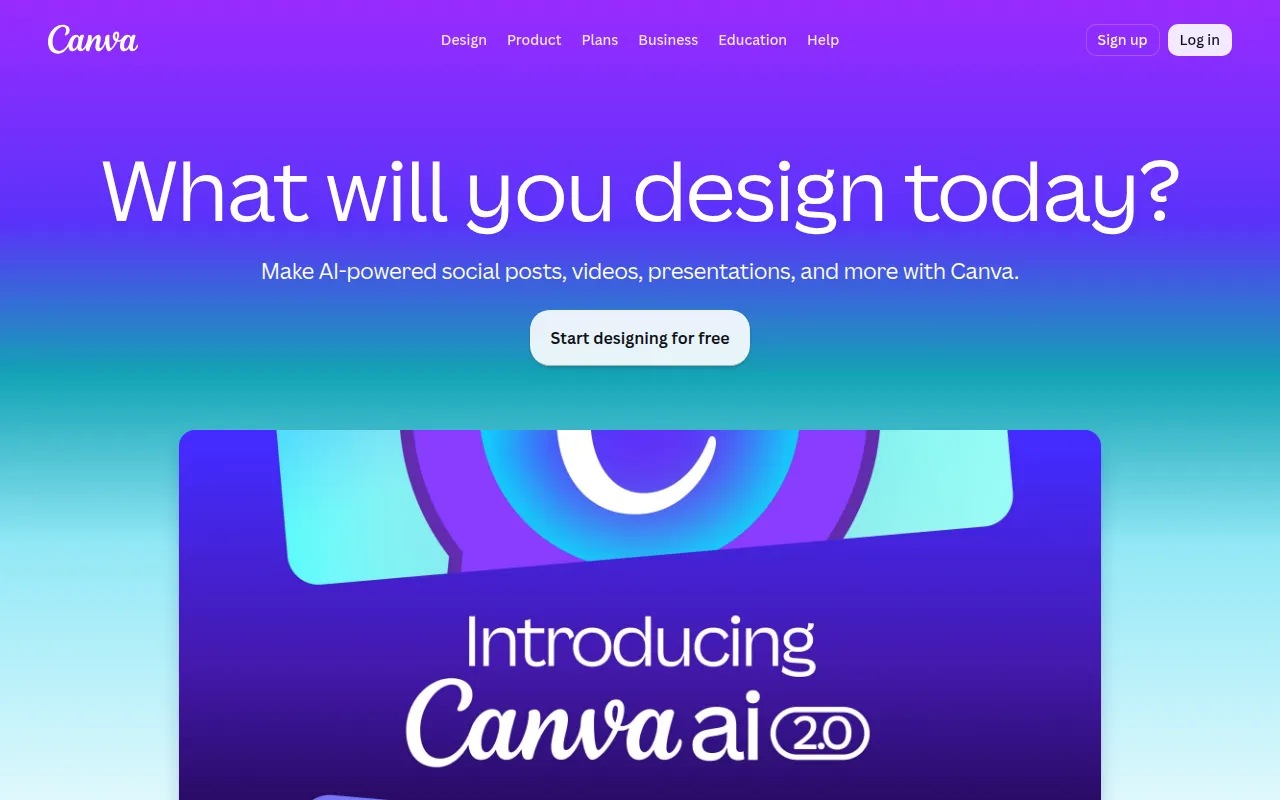
Canva is a graphic design platform that allows users to create a wide range of visual content, including social media graphics, presentations, posters, and more. Its primary purpose is to simplify the design process, making it accessible to individuals with varying levels of design expertise. By offering a plethora of templates, images, and design elements, Canva addresses the common challenges of creating professional-looking visuals, such as the need for design skills and software expertise.
Key Features
- Drag-and-drop interface
- Extensive template library
- Collaboration tools for teams
- Image and video editing capabilities
- Customizable text and fonts
- Integration with stock photo libraries
- Export options for various file formats
- Brand kit for consistent branding
- Animation features for dynamic visuals
- Mobile app for on-the-go design
Benefits
Canva provides practical advantages by enabling users to create high-quality designs quickly and efficiently. Its collaborative features allow teams to work together seamlessly, fostering creativity and reducing time spent on approvals. The platform’s vast library of templates and design elements helps users achieve professional results without needing extensive design knowledge. Furthermore, Canva's accessibility on both desktop and mobile devices ensures that users can design anytime, anywhere, enhancing flexibility and productivity.
Common Use Cases
Canva is particularly useful for social media managers who need to create engaging posts quickly. Marketing teams can utilize its templates for promotional materials and presentations, while educators may use it to design informative infographics and educational resources. Small businesses can create branding materials like flyers and business cards without hiring a designer. Freelancers often rely on Canva for client projects, ensuring high-quality visuals without significant overhead costs.
Who Should Use It
Canva is ideal for individuals and teams looking for a straightforward design tool, including small business owners, marketers, educators, and social media managers. However, professional designers seeking advanced features and customization may find it lacking compared to more specialized software. Additionally, users who prefer to work with complex graphics software may find Canva's simplicity a limitation.
Pricing Overview
Canva offers a free tier with limited features, while its Pro plan includes advanced functionalities for a monthly or annual subscription fee. Specific pricing details can be found on their website.
Conclusion
Canva stands out as a versatile design tool that caters to a broad audience. Its user-friendly interface and extensive resources make it a valuable asset for anyone needing to produce high-quality visuals. While it may not meet the demands of professional designers, it provides significant advantages for casual users and small teams looking to enhance their creative output.