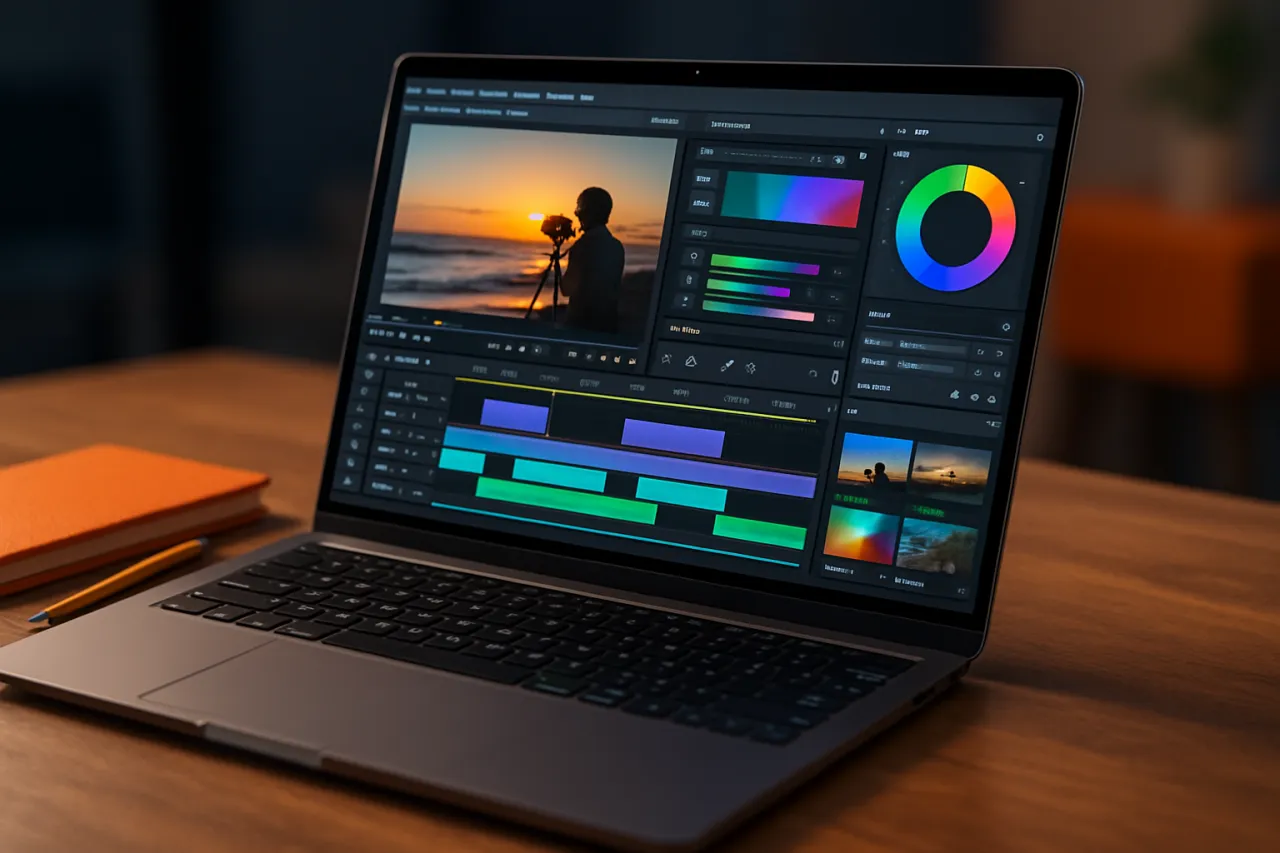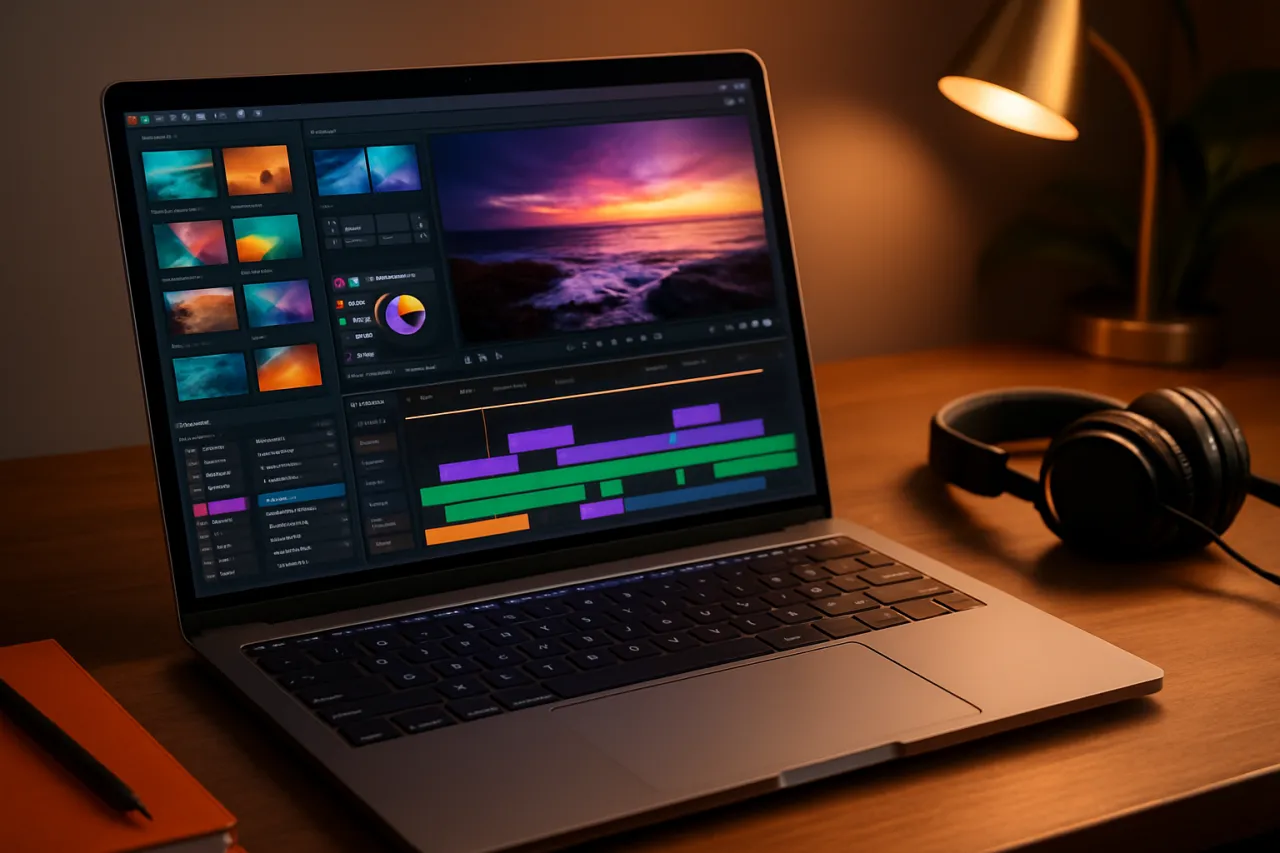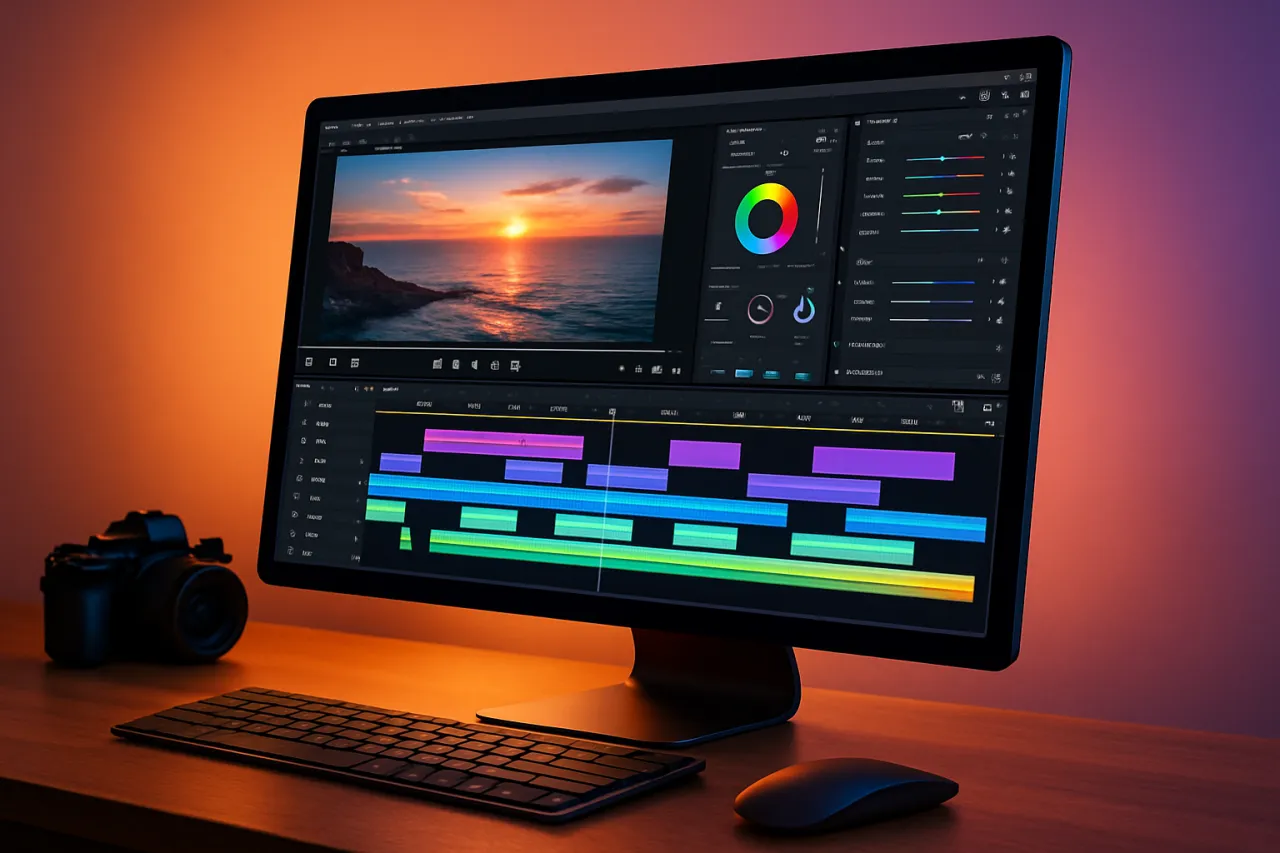
Top Video Editing Software for Beginners in 2024
Introduction
Video editing can be an intimidating task for beginners, especially with the vast array of software options available today. Whether you're looking to create content for social media, YouTube, or personal projects, finding the right tools can make all the difference. In 2024, there's no shortage of user-friendly video editing software designed specifically for newcomers. This article will guide you through the top options available, focusing on their ease of use and essential features.
With the rise of video content across platforms, having the right video editing software is crucial for anyone looking to enhance their storytelling skills. You'll learn about the best tools that minimize the learning curve while still offering powerful functionalities, helping you produce high-quality videos without unnecessary complications.
What Is Video Editing Software?
Video editing software is a program that allows users to manipulate and rearrange video footage, adding various effects, transitions, and audio tracks to create polished final products. These tools can range from simple mobile apps to professional-grade software used by experts in the film industry. For beginners, the focus is typically on intuitive interfaces and basic functionalities that facilitate quick learning and effective content creation.
Why It Matters
Choosing the right video editing software is essential for beginners because it can significantly influence your creative process and output quality. The right tool can help you focus on telling your story rather than getting bogged down by complicated features. By selecting a beginner-friendly platform, you can effectively produce engaging videos that resonate with your audience, whether for personal enjoyment or professional growth.
Best Software for Beginners in 2024
1. iMovie
- Overview: iMovie is Apple's free video editing software ideal for Mac and iOS users. It offers a clean interface and a variety of features.
- Strengths: Intuitive design, seamless integration with Apple devices, and a wide range of templates.
- Limitations: Limited to Apple devices and fewer advanced features compared to professional software.
- Best for: Beginners in the Apple ecosystem looking for simple editing tasks.
- Pricing overview: Free for Apple users.
2. Adobe Premiere Rush
- Overview: Adobe Premiere Rush is a cross-platform video editing tool designed for quick and easy video creation.
- Strengths: Multi-device compatibility, built-in templates, and easy sharing options.
- Limitations: Lacks some advanced features of Adobe Premiere Pro.
- Best for: Social media content creators who need to edit on-the-go.
- Pricing overview: Starting at $9.99 per month.
3. Filmora
- Overview: Filmora is known for its user-friendly interface and a wide variety of effects and templates.
- Strengths: Drag-and-drop functionality, extensive library of audio and video effects.
- Limitations: Watermark on videos in the free version; some features require additional purchases.
- Best for: Beginners who want a bit more creative control without a steep learning curve.
- Pricing overview: Free version available; premium plans start at $39.99 annually.
4. Lumen5
- Overview: Lumen5 is a web-based video creation tool that transforms text-based content into engaging videos.
- Strengths: Ideal for marketers and bloggers, easy to use with drag-and-drop functionality.
- Limitations: Limited customization options compared to traditional video editors.
- Best for: Content creators looking to turn articles or blog posts into videos. Explore Lumen5 here.
- Pricing overview: Free plan available; paid plans start at $19 per month.
5. NightCafe Studio
- Overview: NightCafe Studio combines video editing with AI art generation, making it unique in its offerings.
- Strengths: Creative options for artistic videos, user-friendly interface.
- Limitations: Not as suitable for traditional video editing tasks.
- Best for: Creatives looking to incorporate AI-generated art into their videos. Check out NightCafe Studio here.
- Pricing overview: Free basic version; premium features available at different tiers.
How to Choose the Right Solution
When selecting video editing software, consider the following criteria:
- Ease of Use: Look for software with a straightforward interface that aligns with your technical skills.
- Features: Identify the essential features you need, such as trimming, adding text, and audio mixing.
- Pricing: Assess your budget; many tools offer free trials or basic versions.
- Compatibility: Ensure the software works with your operating system and devices.
- Community and Support: A strong user community and support can help you troubleshoot and learn faster.
Common Mistakes
- Ignoring system requirements: Always check if your device can run the software smoothly.
- Overlooking tutorials: Many beginners skip tutorials, which can significantly shorten their learning curve.
- Not experimenting: Don’t hesitate to try out various features and effects; experimentation is key to learning.
Frequently Asked Questions
- What should I look for in beginner video editing software? Look for user-friendly interfaces, essential editing tools, and good customer support.
- Is free video editing software good enough? Yes, many free options offer robust features suitable for beginners.
- Can I use video editing software on my phone? Absolutely! Several mobile apps provide excellent editing capabilities.
- How long does it take to learn video editing? It varies; with practice, many beginners can grasp the basics in a few hours.
- What is the best software for social media videos? Consider tools like Lumen5 or Adobe Premiere Rush for quick and engaging content.
Conclusion
Finding the right video editing software as a beginner in 2024 doesn't have to be a daunting task. With options like iMovie, Adobe Premiere Rush, and Filmora, you have plenty of user-friendly tools at your fingertips. Evaluate your needs, experiment with different features, and you'll soon be creating videos that impress. Remember, the best software is one that aligns with your workflow and makes the editing process enjoyable.
About the Author
Content Creator
Sobia Sabir is a content creator with 9+ years of experience reviewing and testing E-commerce software. She helps businesses find the right digital tools to scale their operations.