

AI Video Cut vs Adobe Premiere Pro
Discover the key differences between AI Video Cut and Adobe Premiere Pro in 2026. Find the right video tool for your needs today!
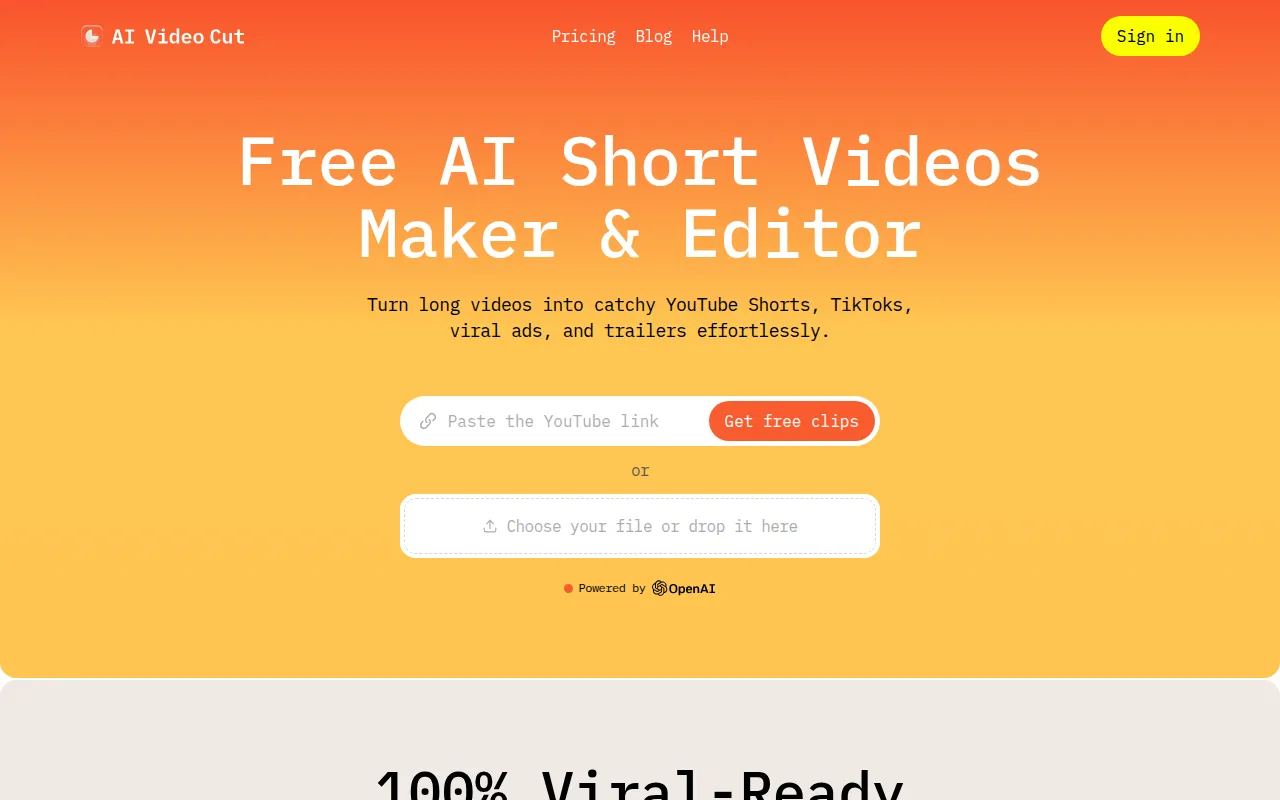
AI Video Cut
AI Video Cut is an intuitive video editing tool designed to simplify the video cutting process for all users.
View Profile →
Adobe Premiere Pro
Adobe Premiere Pro is a professional video editing software designed for filmmakers and content creators to craft high-quality videos.
View Profile →Overview
This comparison article dives into two distinct video editing tools: AI Video Cut and Adobe Premiere Pro. While AI Video Cut is designed for casual users who need a straightforward way to cut videos quickly, Adobe Premiere Pro caters to professionals seeking advanced features for high-quality video production. Whether you are a beginner or a seasoned editor, understanding the strengths and weaknesses of each tool will help you make an informed choice.
AI Video Cut Overview
AI Video Cut is an innovative video editing tool that simplifies the process of cutting and editing videos. It employs artificial intelligence to streamline tasks, making it accessible for users who may not have extensive video editing experience. The core use case for AI Video Cut revolves around quickly trimming footage, creating highlights, and removing unwanted sections from videos, which is particularly useful for social media content creators and casual users. The intuitive interface allows users to upload their videos and receive automated suggestions for cuts, making it an ideal choice for those who want efficiency without the complexity of advanced software.
One of the most notable strengths of AI Video Cut is its user-friendly design, which caters to individuals who may feel overwhelmed by traditional video editing software. For instance, a small business owner looking to create promotional videos for social media can easily navigate the platform without needing to learn intricate editing techniques. Additionally, the tool's AI capabilities not only save time but can also enhance the editing process by providing intelligent recommendations on the best moments to cut. This makes it a valuable resource for anyone looking to produce quality content quickly and effectively.
Adobe Premiere Pro Overview
Adobe Premiere Pro is a comprehensive video editing software that stands as a standard in the industry for filmmakers and content creators looking to produce high-quality videos. This professional-grade tool offers a robust set of features designed to accommodate a wide range of editing needs, from basic cuts and transitions to complex effects and color grading. Premiere Pro is particularly suited for users who require precision and control over their editing projects, making it a go-to choice for professionals in both film and digital media.
One of Premiere Pro's most notable strengths lies in its extensive range of features, which include advanced audio editing, multi-camera editing, and seamless integration with other Adobe products like After Effects and Photoshop. For example, a film editor working on a documentary can leverage its multi-camera editing capabilities to easily switch between different angles. Additionally, the software supports various formats and resolutions, making it ideal for high-definition projects. Overall, Adobe Premiere Pro empowers users to create polished and professional videos, albeit with a steeper learning curve compared to simpler tools like AI Video Cut.
Feature Comparison
| Feature | AI Video Cut | Adobe Premiere Pro |
|---|---|---|
| User Interface | Intuitive and user-friendly | Complex but customizable |
| AI Assistance | Automated cutting suggestions | No AI features |
| Editing Tools | Basic trimming and cutting | Extensive editing tools and effects |
| Audio Editing | Limited audio options | Advanced audio control and effects |
| Collaboration Features | No collaboration tools | Real-time collaboration and sharing options |
| Export Options | Limited formats available | Supports multiple formats and resolutions |
| Learning Curve | Minimal learning required | Steep learning curve for beginners |
| Support and Resources | Basic support and tutorials | Extensive resources and community support |
| Price Flexibility | Freemium model | Subscription-based pricing |
| Integration | Limited third-party integrations | Seamless integration with Adobe Creative Cloud |
Pricing Comparison
The pricing structure for AI Video Cut is currently unavailable due to its freemium model, which allows users to access basic features for free while potentially offering additional paid features in the future. This makes it an attractive option for individuals or small businesses looking to experiment with video editing without a financial commitment. The freemium model encourages users to try the tool before deciding to invest, which can be particularly beneficial for casual users or those just starting in video content creation.
On the other hand, Adobe Premiere Pro operates on a subscription-based pricing model, which may not be as budget-friendly for casual users. The standard plan typically costs around $20.99 per month, providing access to all features and updates. For professionals requiring additional tools, Adobe offers a Creative Cloud bundle that includes other software like After Effects and Photoshop for a higher monthly fee. While this pricing may seem steep, the value for money is evident in the extensive features and capabilities provided, especially for users who need advanced editing options.
Pros and Cons
AI Video Cut Pros and Cons
- Pro: User-friendly interface that simplifies video editing for beginners.
- Pro: AI-driven suggestions that save time during the editing process.
- Pro: Freemium model allows users to try the tool without financial commitment.
- Con: Limited editing features compared to professional-grade software.
- Con: Lack of advanced audio editing and integration options.
Adobe Premiere Pro Pros and Cons
- Pro: Comprehensive feature set suitable for professional video editing.
- Pro: Excellent audio editing capabilities and advanced effects.
- Pro: Strong integration with other Adobe Creative Cloud applications.
- Con: Subscription-based pricing can be a barrier for casual users.
- Con: Steep learning curve, particularly for those new to video editing.
Which Should You Choose?
If you are a casual user or a small business owner looking to create simple promotional videos, AI Video Cut may be the right choice for you. Its intuitive interface and AI assistance allow you to produce quality content quickly, making it ideal for social media posts or short advertisements without the need for complex editing skills.
For professional filmmakers or content creators who require advanced editing capabilities, Adobe Premiere Pro is the clear winner. Its extensive features, robust audio editing options, and seamless integration with other Adobe products empower professionals to create high-quality videos that meet industry standards.
Additionally, if you are a freelancer or a marketing professional working on diverse projects, Adobe Premiere Pro’s collaborative features and comprehensive toolset will save you time and enhance your productivity. The investment in a subscription can pay off significantly in terms of the quality of your work and the efficiency of your editing process.
Ultimately, your choice should be guided by your specific needs and experience level. If you prioritize ease of use and simplicity, go for AI Video Cut. If you require depth and versatility in your editing capabilities, Adobe Premiere Pro is the superior option.
Conclusion
In summary, both AI Video Cut and Adobe Premiere Pro serve distinct user bases with their unique features and capabilities. If you want a straightforward, user-friendly tool for quick edits, AI Video Cut is an excellent choice. However, for those seeking professional-grade editing tools and extensive features, Adobe Premiere Pro is the go-to option. Choose wisely based on your editing needs and expertise level.
Frequently Asked Questions
It depends on your editing needs. AI Video Cut is better for quick edits and casual users, while Adobe Premiere Pro excels in professional-grade features and capabilities.
AI Video Cut is often more budget-friendly with a straightforward pricing model, while Adobe Premiere Pro typically requires a monthly subscription that can add up over time, especially for freelancers or small businesses.
AI Video Cut is ideal for social media content creators needing fast edits, while Adobe Premiere Pro is suited for film editors, marketers, and professionals requiring advanced tools like multi-camera editing and color grading.
Migrating projects from AI Video Cut to Adobe Premiere Pro may require exporting files in compatible formats, as the two platforms may not directly support each other's project files.
AI Video Cut often offers a free version with limited features, making it accessible for beginners, whereas Adobe Premiere Pro typically does not have a free plan but may offer a trial period.
Consider your long-term goals; if you plan to scale your video production and require advanced features, Adobe Premiere Pro may be worth the investment, but for quick and casual projects, AI Video Cut is sufficient.