AI Video Cut
Freemium
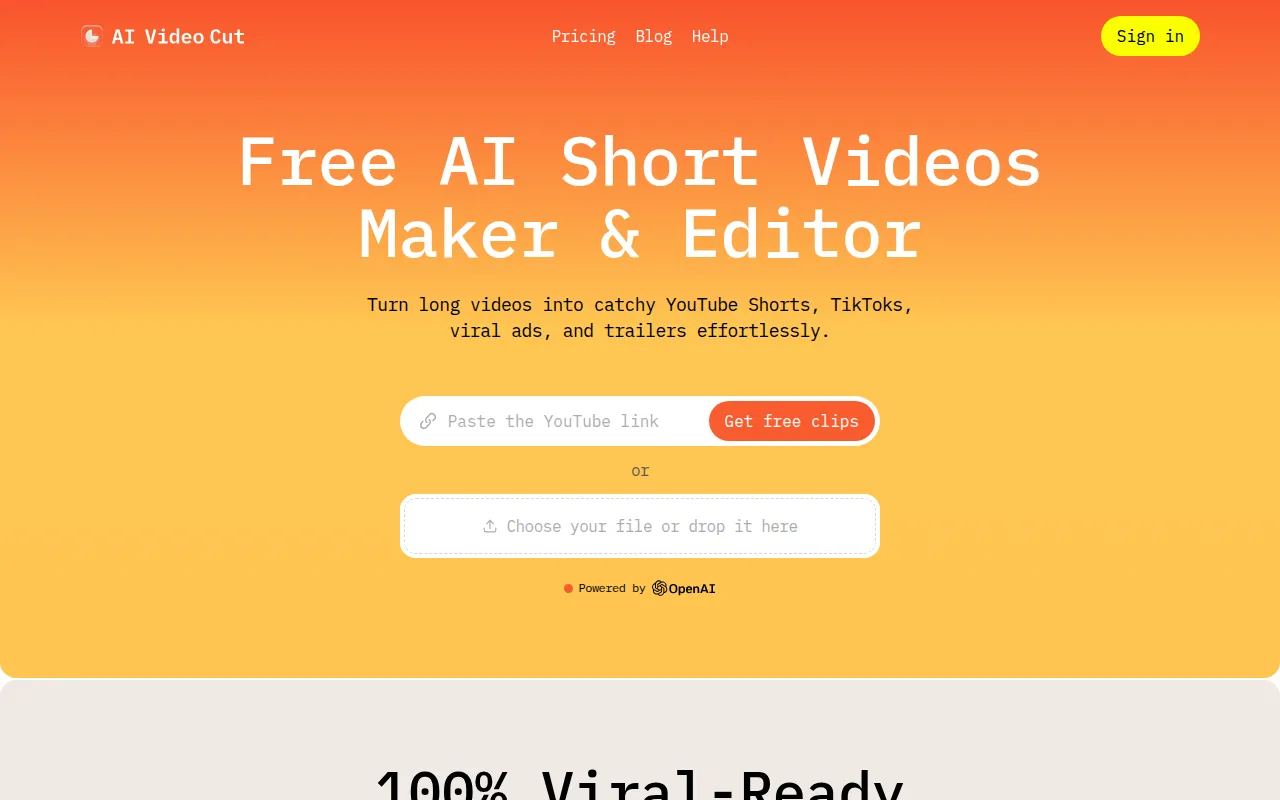
AI Video Cut is an intuitive video editing tool designed to simplify the video cutting process for all users.
Editing workout videos takes too long? Discover tools that simplify the process for fitness instructors.
Editing workout videos can be a time-consuming task that eats into your training schedule. As a fitness instructor, your focus should be on creating engaging content, not getting bogged down by complex software. Fortunately, there are several video editing tools designed to streamline the editing process, allowing you to produce professional-looking workout videos quickly.
Fitness instructors often juggle multiple responsibilities, from training clients to maintaining an online presence. When it comes to editing videos, the process can feel overwhelming. Many instructors lack the technical skills required for traditional video editing software, leading to frustration and wasted hours. Additionally, instructors may find themselves stuck in a repetitive cycle of trial and error, trying to figure out which tools work best for their specific needs. This time drain can detract from the quality of their videos and the overall experience they deliver to their audience.
AI Video Cut is designed for users who want an intuitive experience when cutting videos. This tool stands out for fitness instructors who need to trim down long workout videos into concise segments for easy viewing. With a user-friendly interface, you can get started right away without extensive training. The fast processing capabilities mean you can edit and export your videos in no time, allowing you to focus on your workouts rather than the editing software.
Pricing: Freemium - Pricing information for AI Video Cut is currently unavailable. Best for: Content creators looking for a simple editing tool.
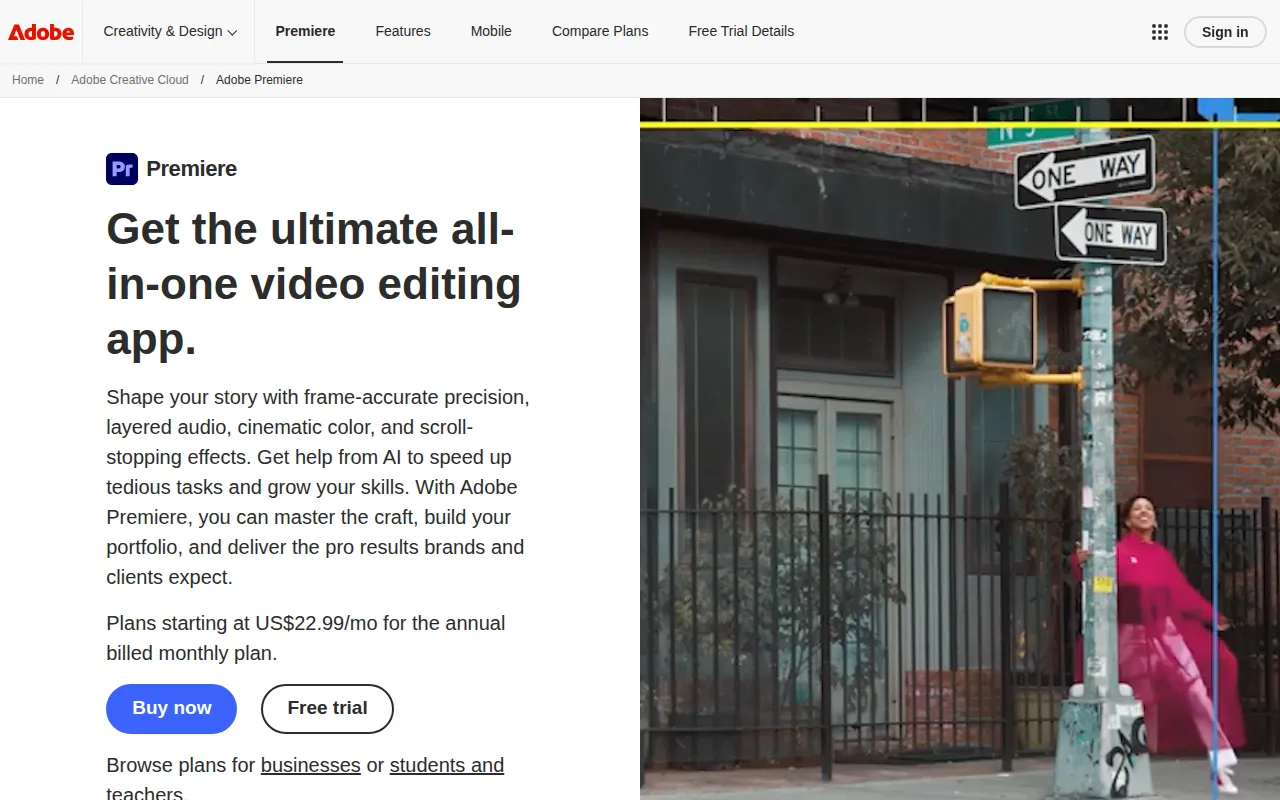
Adobe Premiere Pro is a professional-grade video editing software that offers a comprehensive suite of features tailored for high-quality video production. For fitness instructors who want to create visually stunning workout videos, this tool provides advanced editing capabilities, including multi-camera editing and motion graphics templates. While it has a steeper learning curve, the professional results make it worth the investment.
Pricing: Paid - Adobe Premiere Pro operates on a subscription-based pricing model. Best for: Independent filmmakers and content creators for social media.
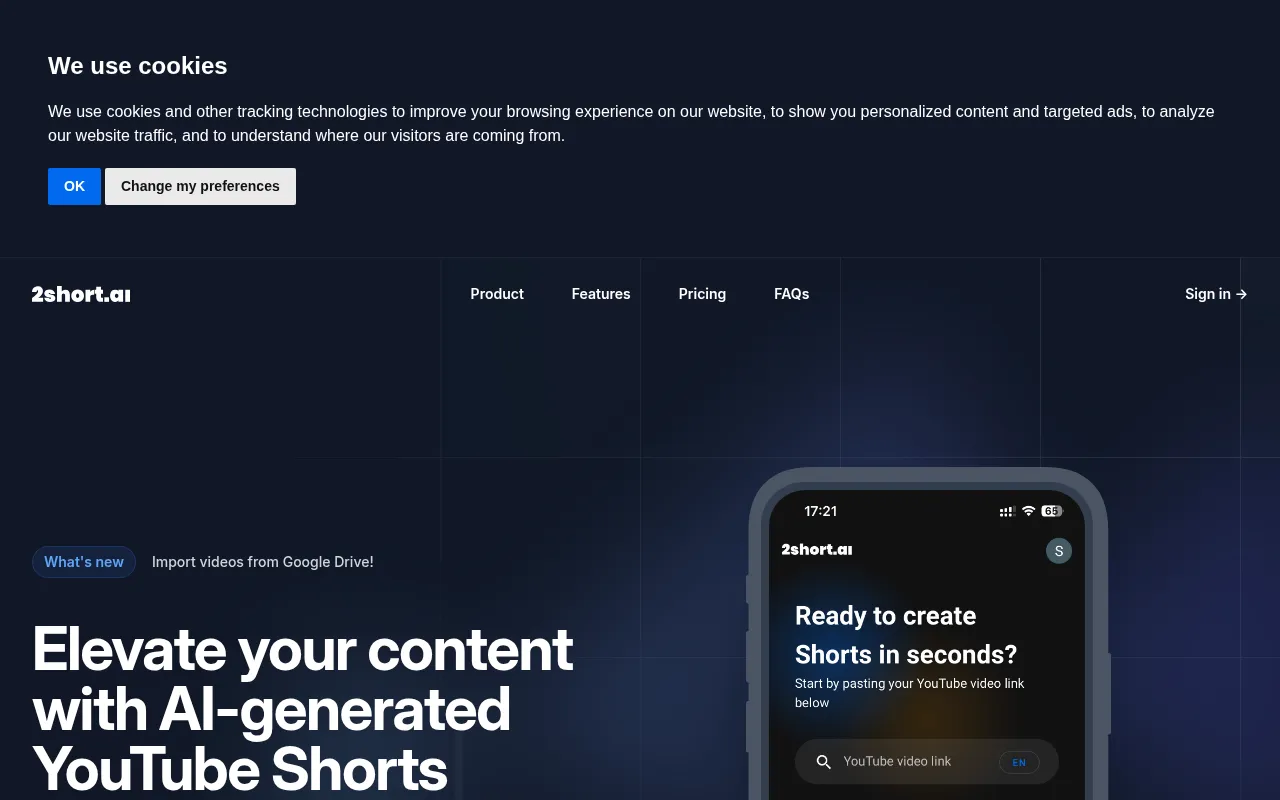
2short.ai is an AI-powered tool that takes your long YouTube videos and transforms them into short, engaging clips ideal for platforms like TikTok and Instagram. This is particularly valuable for fitness instructors who want to maximize their reach and engagement on social media. With just one click, you can create bite-sized content that showcases your best workout moments, making it easy to captivate your audience.
Pricing: Freemium - Pricing information for 2short.ai is not publicly available. Best for: Content creators looking to enhance their social media presence.
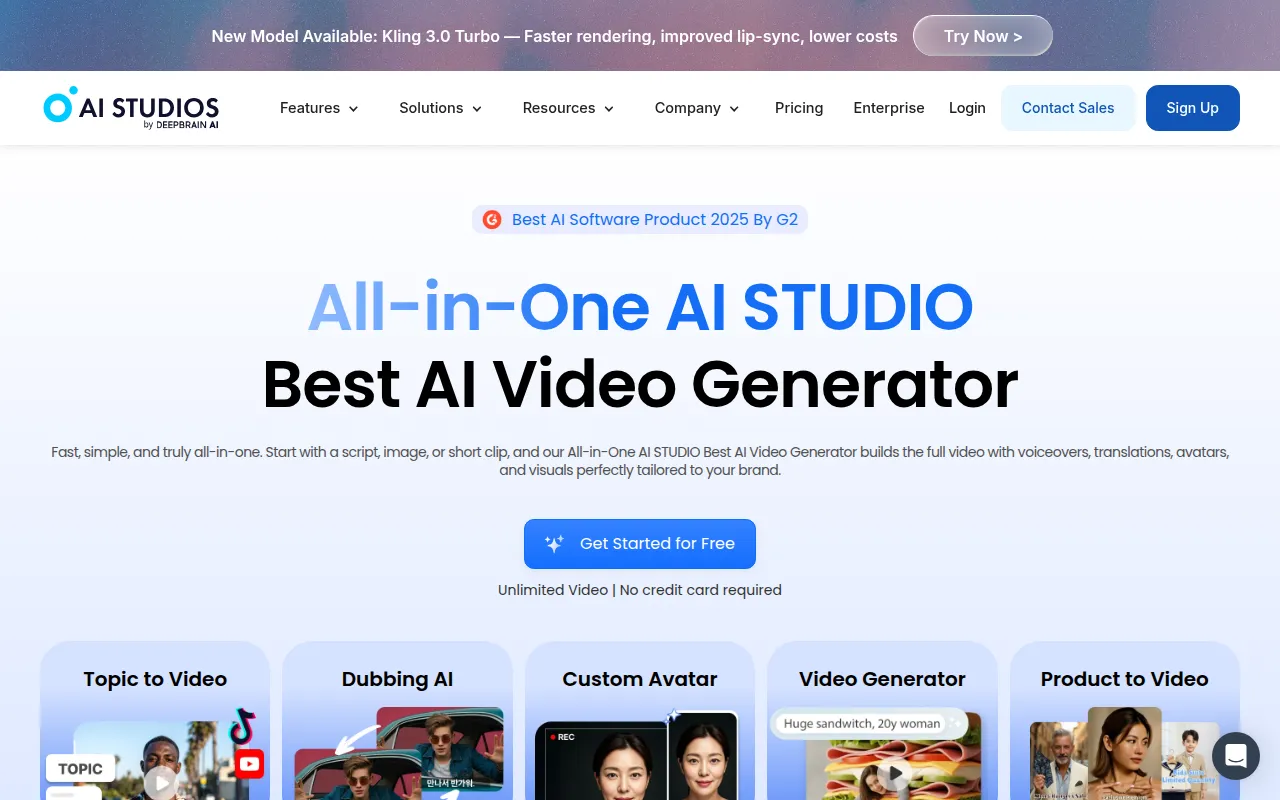
AI Studios is an all-in-one video generation tool that simplifies the process of creating professional videos from scripts or images. Fitness instructors can leverage this tool to produce high-quality instructional videos quickly. By using AI to assist in video creation, you can focus on delivering great content without getting lost in the technical details.
Pricing: Freemium - Pricing information is currently not available on the website. Best for: Marketing teams and educators.
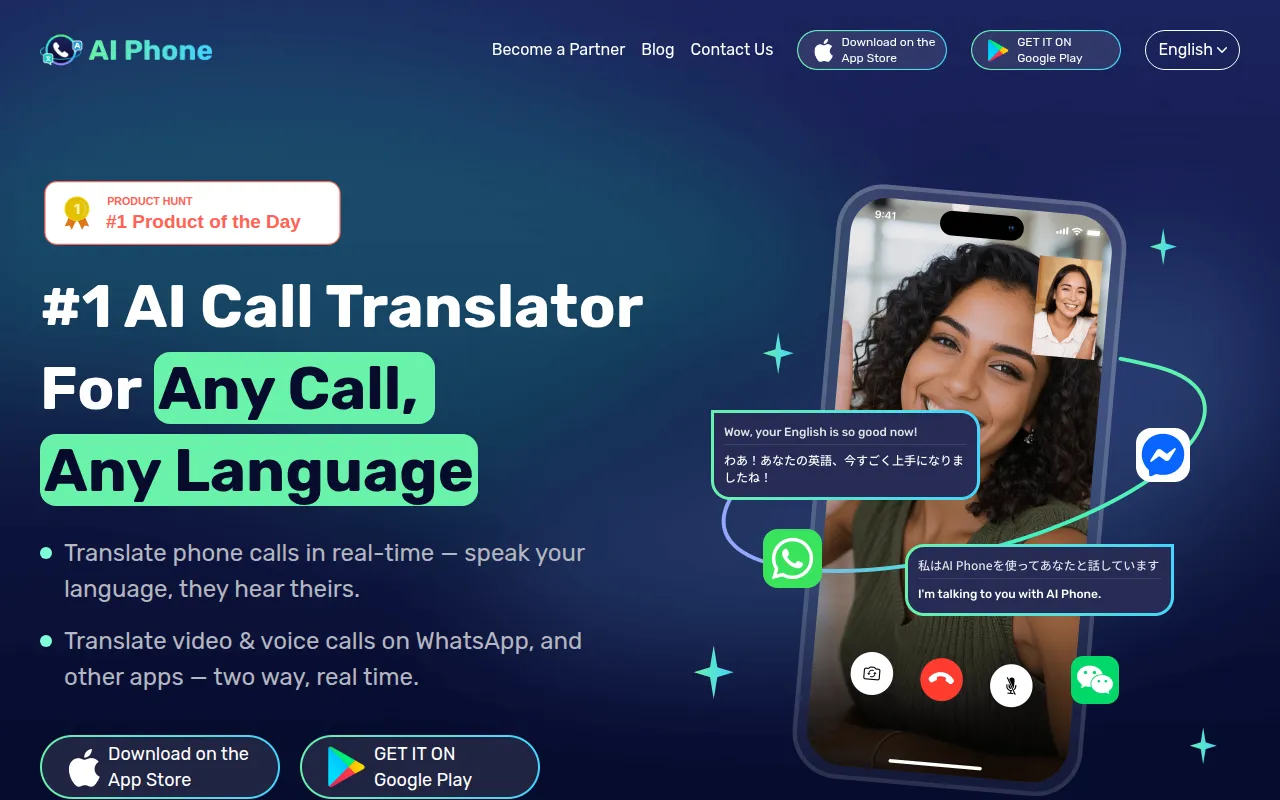
AI Phone is a real-time translation tool that allows you to communicate with clients or audiences across 150+ languages. For fitness instructors with a diverse clientele, this tool can be invaluable for breaking down language barriers during training sessions. The seamless integration with popular communication apps makes it easy to use during live classes or consultations.
Pricing: Freemium - Pricing information for AI Phone is currently unavailable. Best for: Businesses operating in international markets.
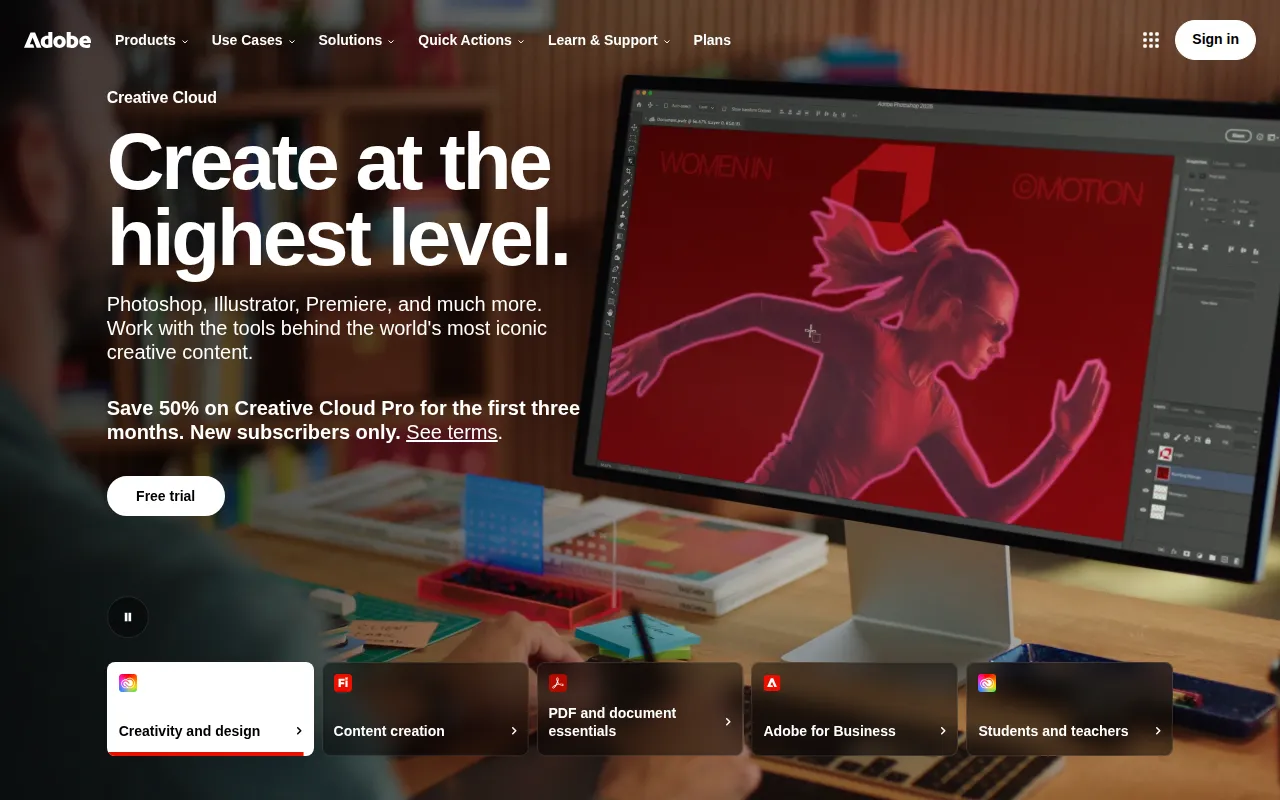
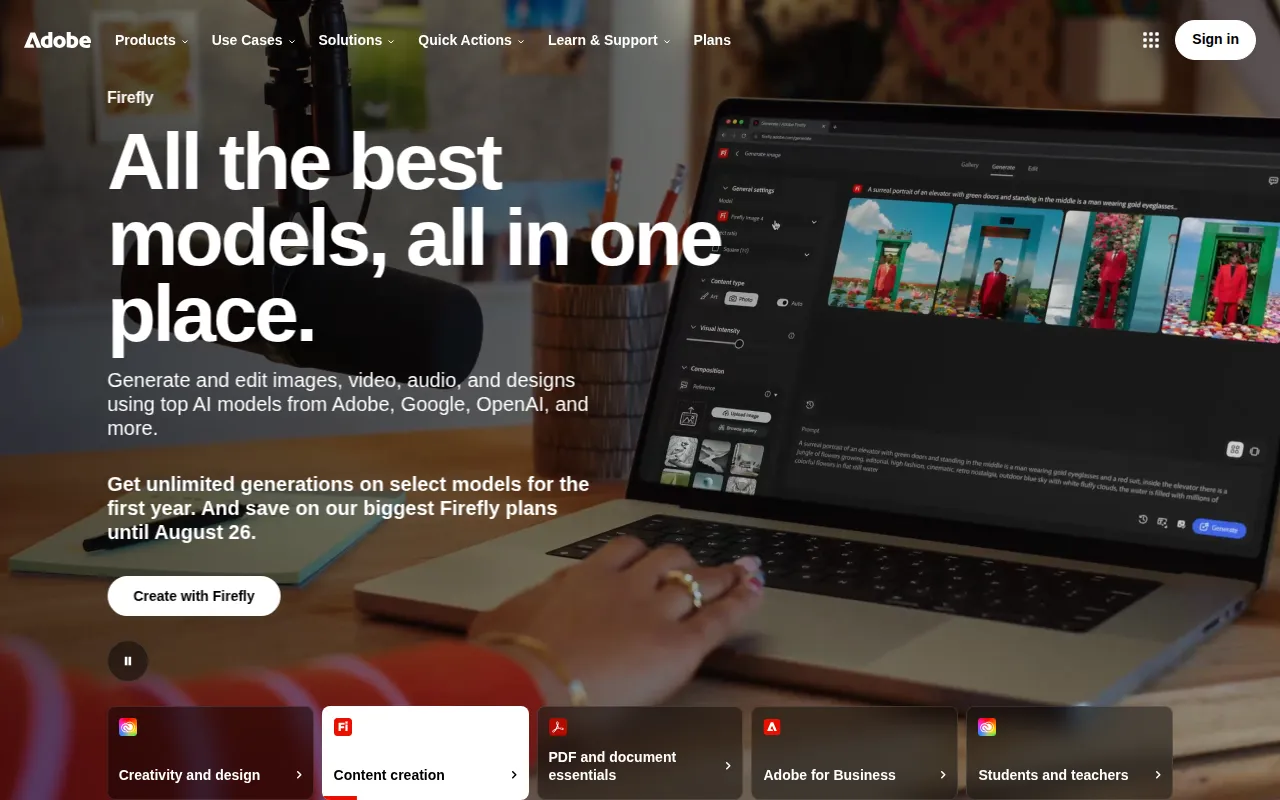
Adobe Firefly is an innovative AI-powered creative tool that not only allows for video editing but also for image generation and design work. For fitness instructors looking to add visual flair to their videos, Adobe Firefly offers a range of features that enhance overall content quality. With its collaborative features, it is perfect for teams working on joint projects.
Pricing: Freemium - Pricing details for Adobe Firefly are not explicitly available. Best for: Freelancers and graphic designers.
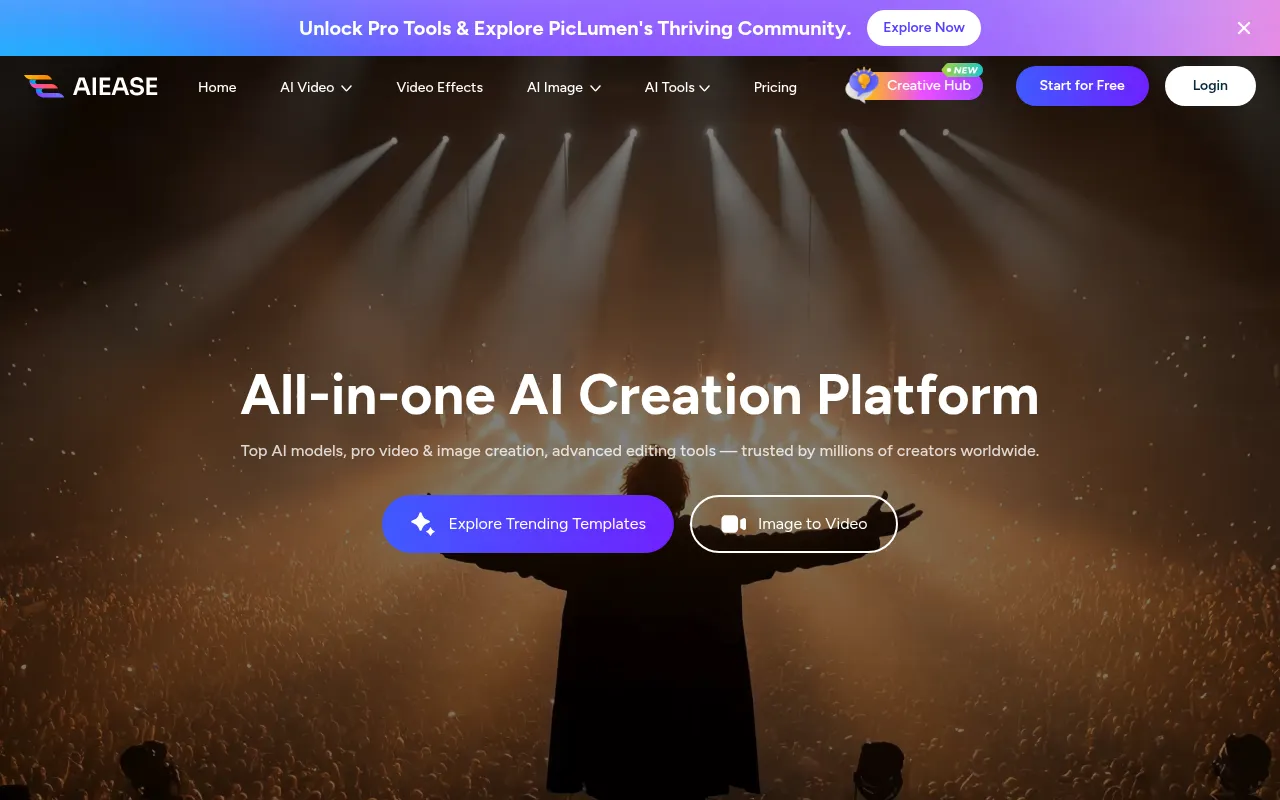
AIEASE is an AI-driven video and image creation platform that is particularly beneficial for fitness instructors who need to produce content quickly. Its user-friendly interface is designed for non-designers, making it accessible for instructors who may not be tech-savvy. This tool allows you to generate videos and images effortlessly, enhancing your online presence without spending hours on content creation.
Pricing: Freemium - Pricing information is not readily available on the AIEASE website. Best for: Social media managers and marketing professionals.
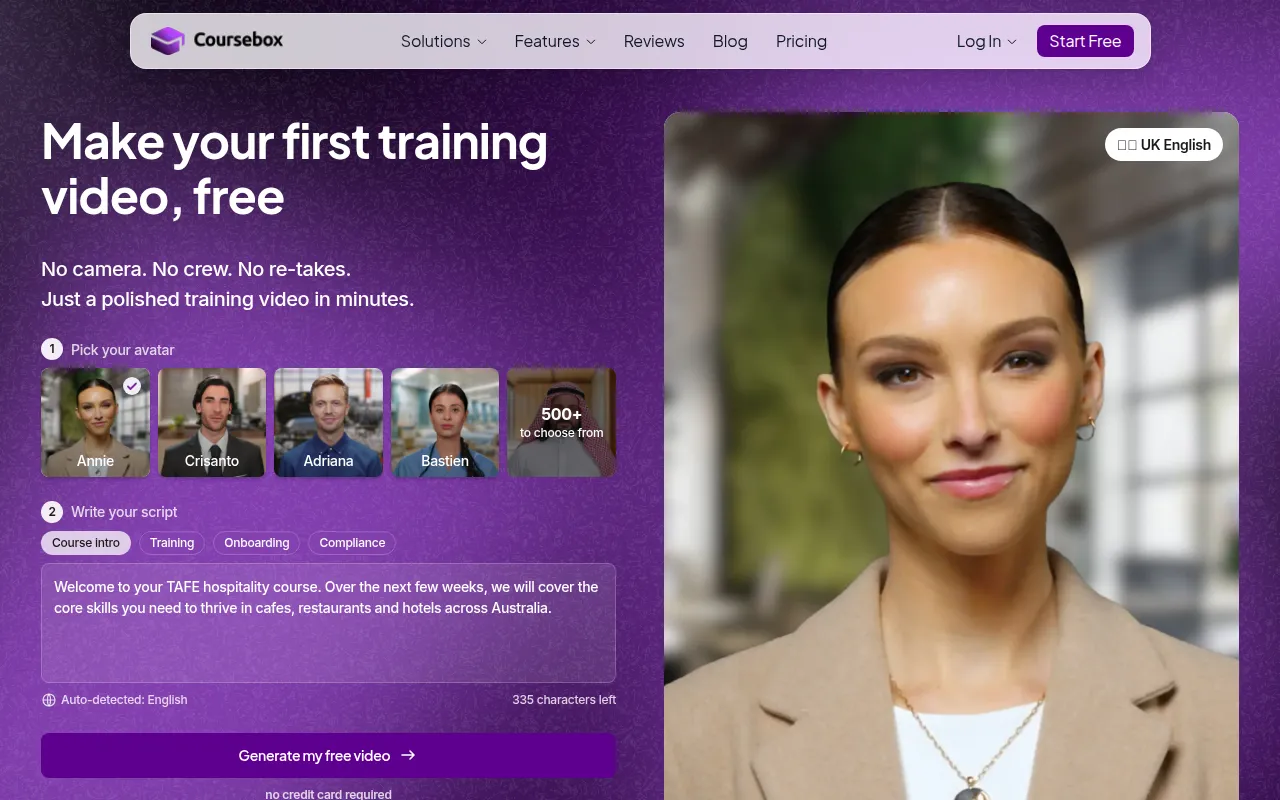
The AI Video Course Generator by Coursebox is a specialized tool for creating comprehensive video courses. For fitness instructors who are also educators, this tool provides an easy way to generate detailed instructional videos. With its interactive elements and customization options, you can create engaging courses that resonate with your audience.
Pricing: Freemium - Pricing information for AI Video Course Generator by Coursebox is currently unavailable. Best for: Online educators creating courses.
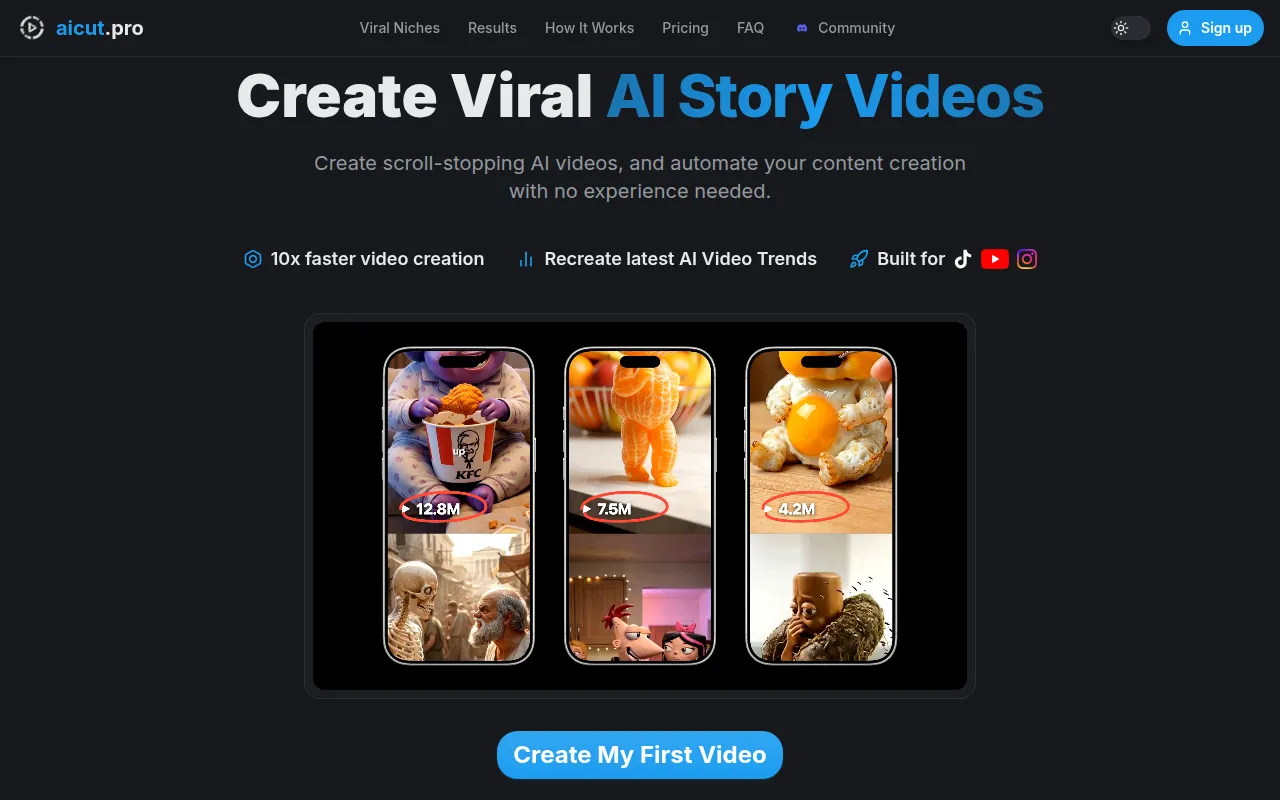
AICUT is designed for creators who want to produce faceless videos for platforms like YouTube and Instagram. This is particularly useful for fitness instructors who prefer to remain anonymous while still delivering valuable content. AICUT offers a range of features that facilitate quick video production without the need to be in front of the camera.
Pricing: Freemium - Pricing information for AICUT is currently unavailable. Best for: Content creators looking to remain anonymous.
Adobe Podcast is a powerful tool designed for creating and editing high-quality audio content. For fitness instructors who also produce podcasts or supplemental audio content for their videos, this tool is invaluable. With features tailored for audio production, you can ensure that your instructions and messages are crisp and professional.
Pricing: Freemium - Pricing information for Adobe Podcast is not explicitly provided. Best for: Podcasters and content creators wanting to enhance audio.
| Tool | Best For | Starting Price | Rating |
|---|---|---|---|
| AI Video Cut | Content creators looking for a simple editing tool. | Free | 0.0/5 |
| Adobe Premiere Pro | Independent filmmakers and content creators for social media. | $20.99/mo | 0.0/5 |
| 2short.ai | Content creators looking to enhance their social media presence. | Free | 0.0/5 |
| AI Studios | Marketing teams and educators. | Free | 0.0/5 |
| AI Phone | Businesses operating in international markets. | Free | 0.0/5 |
| Adobe Firefly | Freelancers and graphic designers. | Free | 0.0/5 |
| AIEASE | Social media managers and marketing professionals. | Free | 0.0/5 |
| AI Video Course Generator by Coursebox | Online educators creating courses. | Free | 0.0/5 |
| aicut | Content creators looking to remain anonymous. | Free | 0.0/5 |
| Adobe Podcast | Podcasters and content creators wanting to enhance audio. | Free | 0.0/5 |
The best choice for beginners is AI Video Cut. Its user-friendly interface and straightforward video cutting features allow fitness instructors to jump right into editing without a steep learning curve. This tool makes it easy to produce polished videos without the frustration that often accompanies more complex software.
For professionals, Adobe Premiere Pro is the top choice. Its advanced features such as non-linear editing, multi-camera support, and motion graphics templates make it ideal for fitness instructors who want to create high-quality, visually stunning workout videos. The power-user advantages of this tool ensure that you can produce professional-grade content that stands out.
AI Studios is the best value pick due to its freemium pricing model and comprehensive features. It allows you to create high-quality videos without any upfront costs, making it an excellent ROI for fitness instructors looking to enhance their video content without breaking the bank.
As a fitness instructor, producing engaging workout videos doesn't have to be a time-consuming task. With the right video editing tools, you can streamline your editing process, allowing you to focus on what you do best - training and inspiring your audience. Explore these options and find the perfect fit for your needs.
AI Video Cut is an intuitive video editing tool designed to simplify the video cutting process for all users.
Adobe Premiere Pro is a professional video editing software designed for filmmakers and content creators to craft high-quality videos.
2short.ai is an AI-powered tool that transforms long YouTube videos into engaging short clips for platforms like TikTok and Instagram.
AI Studios is an all-in-one AI video generation tool that simplifies the creation of professional videos from scripts or images.
AI Phone translates phone and video calls in real time across 150+ languages, making communication seamless for users worldwide.
Adobe Firefly is an AI-powered creative tool designed for generating and editing images, videos, and designs.
AIEASE is an all-in-one AI video and image creation platform designed to enhance digital content creation effortlessly.
AI Video Course Generator by Coursebox enables users to create comprehensive video courses using AI technology.
AICUT is an AI video generator designed for creating faceless videos for platforms like YouTube, TikTok, and Instagram.
Adobe Podcast is a powerful tool for creating and editing high-quality audio content, tailored for podcasters and content creators.
The best tool varies based on your needs. For beginners, AI Video Cut is user-friendly, while professionals may prefer Adobe Premiere Pro for its advanced features.
Yes, many tools like AI Video Cut and 2short.ai offer freemium models that allow basic editing features for free.
Tools like 2short.ai can automatically extract highlights from longer videos, making it easy to create engaging clips for platforms like TikTok and Instagram.
Look for user-friendly interfaces, speed, customization options, and AI features that can help automate repetitive tasks.
Yes, many of these tools offer mobile-friendly versions or applications, allowing you to edit videos on the go.
It depends on the tool. Basic tools like AI Video Cut are quick to learn, while professional tools may require more time to master.
Tools like AI Studios and Adobe Podcast allow you to easily integrate voiceovers into your videos, enhancing instructional clarity.
Weekly roundup of new AI tools, launches, and trending software. No spam — unsubscribe anytime.
No credit card required · Cancel anytime
Weekly roundup of new AI tools, launches, and trending software. No spam — unsubscribe anytime.
No credit card required · Cancel anytime