Introduction
If you're a graphic designer, you know that Adobe Photoshop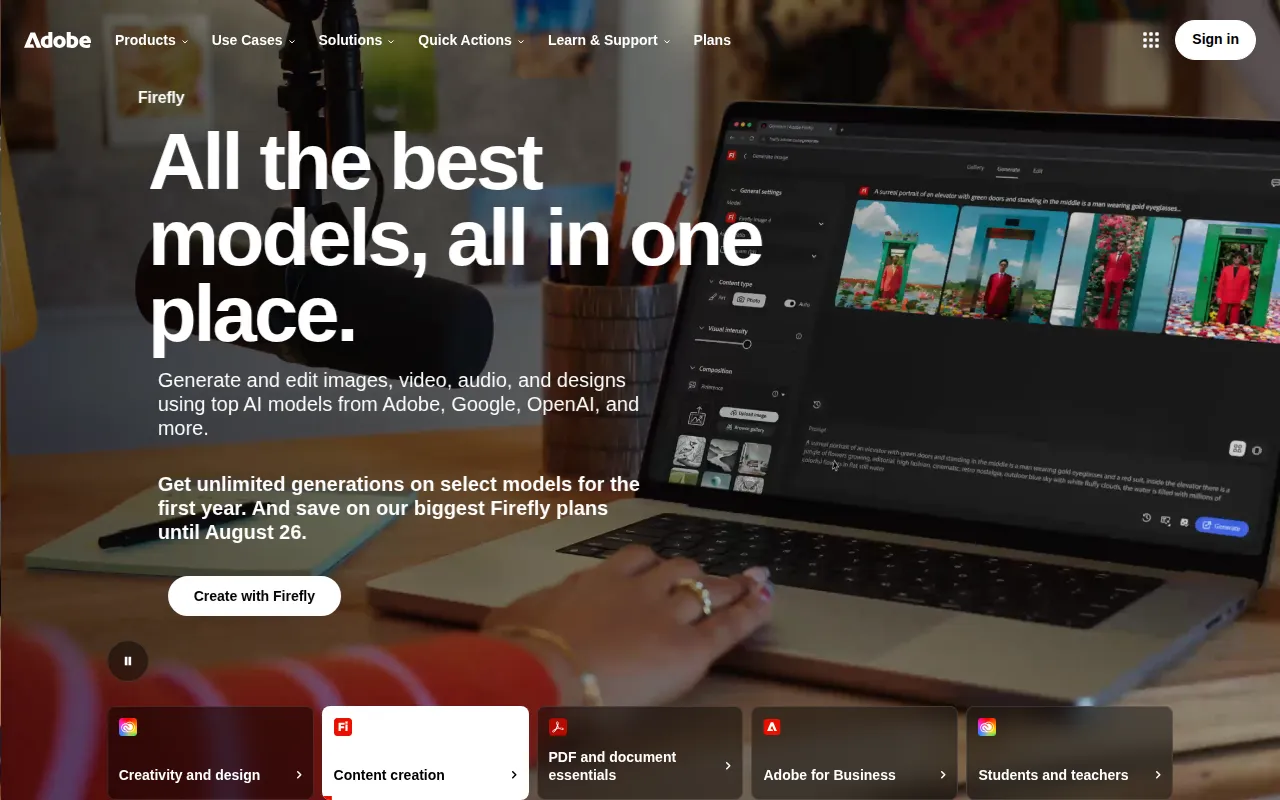 , while powerful, often comes with a hefty price tag and a steep learning curve. Finding an alternative that is both budget-friendly and user-friendly can be a game-changer for your design projects.
Why Graphic Designers Struggle With Adobe Photoshop can be expensive and complex for some users.
Many graphic designers face the challenge of navigating the complexities of Adobe Photoshop while also managing tight budgets. For freelancers and small businesses, the monthly subscription can feel like a luxury. Moreover, the extensive features of Photoshop can overwhelm those who just want to create without diving deep into technical tutorials. This friction often leads to frustration and delays in project timelines, which can hinder creativity and productivity.
What to Look For in Design Tools
- User-Friendly Interface: A straightforward design tool allows designers to focus on creativity rather than navigating complicated menus.
- Cost-Effectiveness: Affordable pricing options make tools accessible without compromising quality.
- Key Features: Essential editing features streamline workflows and enhance productivity.
- Collaboration Tools: Features that support teamwork are invaluable for design teams working on projects together.
- Template Availability: A rich library of templates can save time and inspire creativity for various design needs.
Best Alternatives to Adobe Photoshop for Graphic Design
BnbIcons - Best for Custom Icon Generation
BnbIcons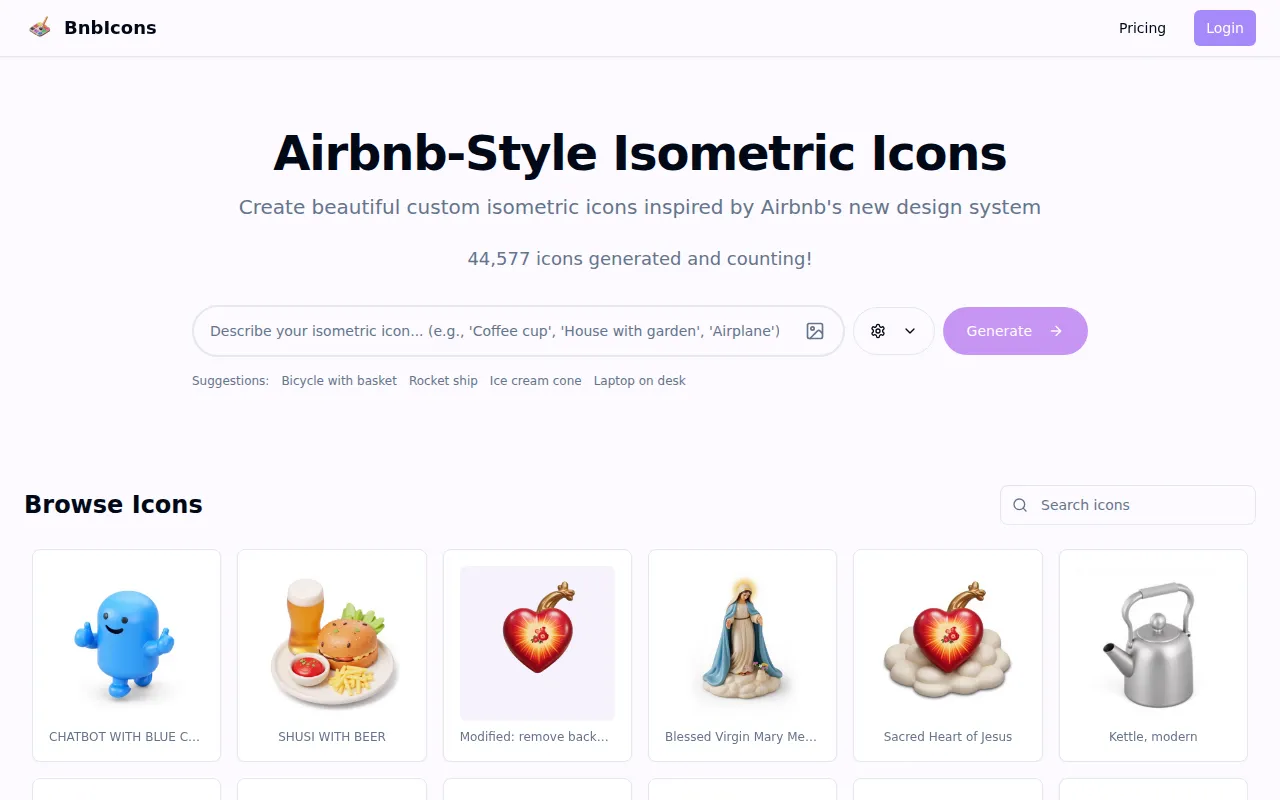 specializes in creating unique isometric icons, making it an exceptional choice for designers looking to enhance their projects without the complexity of Photoshop. This tool leverages AI-driven design assistance to help users generate custom icons that fit their specific needs. Its user-friendly interface allows for seamless navigation, enabling designers to focus on creativity rather than technical hurdles.
- Icon generation based on user input: Customization allows for a tailored design experience.
- Customizable design elements: Flexibility in design choices enhances creativity.
- AI-driven design assistance: Helps streamline the design process.
- User-friendly interface: Minimizes the learning curve for new users.
- High-resolution output options: Ensures quality for professional projects.
Pricing: Freemium model available, specific details not disclosed. Best for: Travel app developers and marketing teams needing unique icons.
PaintShop Pro - Best for Comprehensive Editing
PaintShop Pro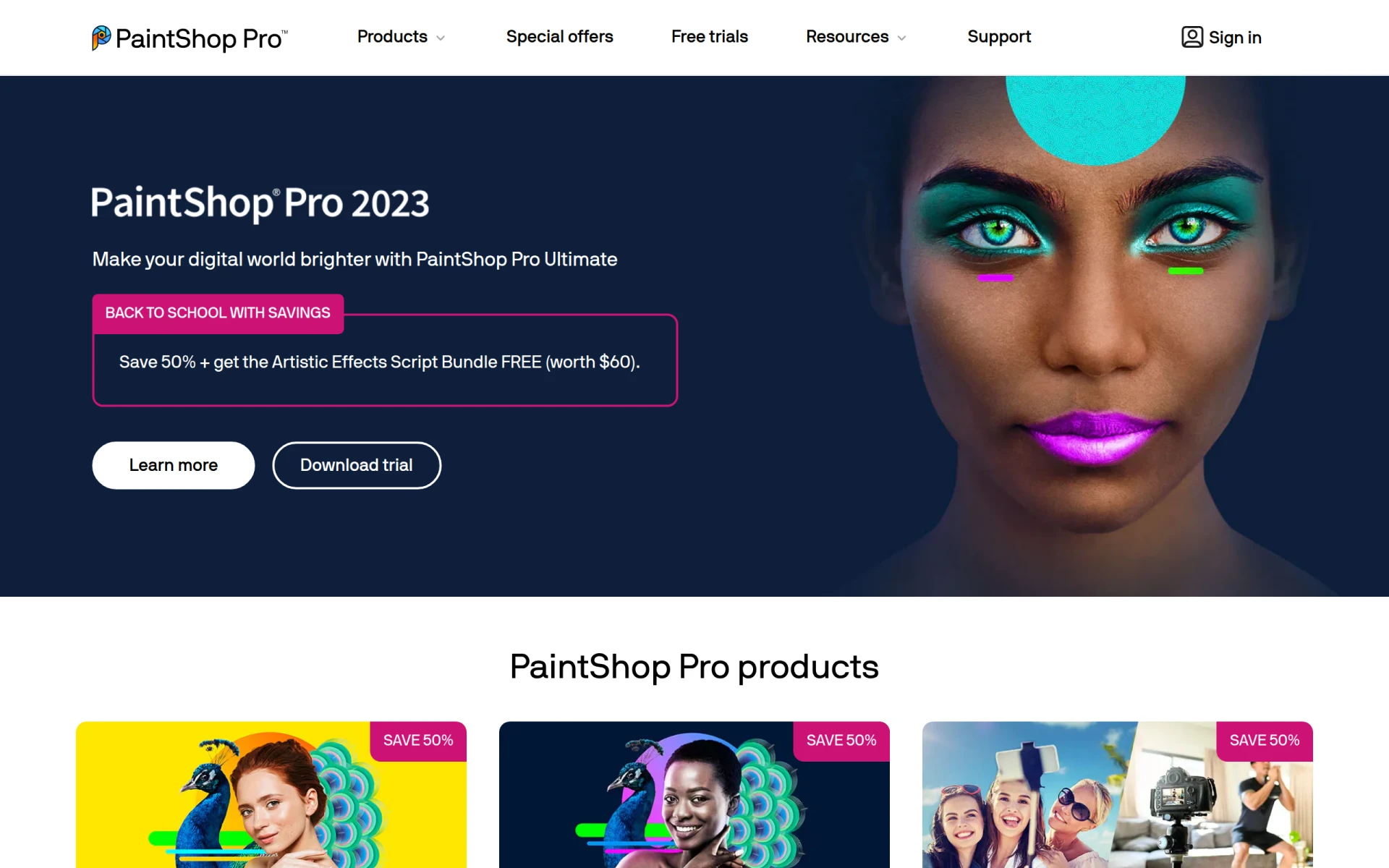 offers a robust set of features that rival Adobe Photoshop, making it an excellent alternative for graphic designers. It combines powerful photo editing tools with graphic design capabilities, allowing users to engage in a wide range of creative projects. The AI-powered tools also enhance efficiency, making it easier to achieve desired results without extensive manual effort.
- Photo editing: Offers a range of effects and adjustments for stunning photographs.
- Graphic design: Features specific for creating unique designs.
- AI-powered tools: Automates repetitive tasks to save time.
- Batch processing: Enables handling multiple images at once.
- Layer support: Essential for complex designs.
Pricing: Various options including one-time purchases and subscriptions. Best for: Photographers and graphic designers looking for robust tools at an affordable price.
ProPhotos - Best for Quick Enhancements
ProPhotos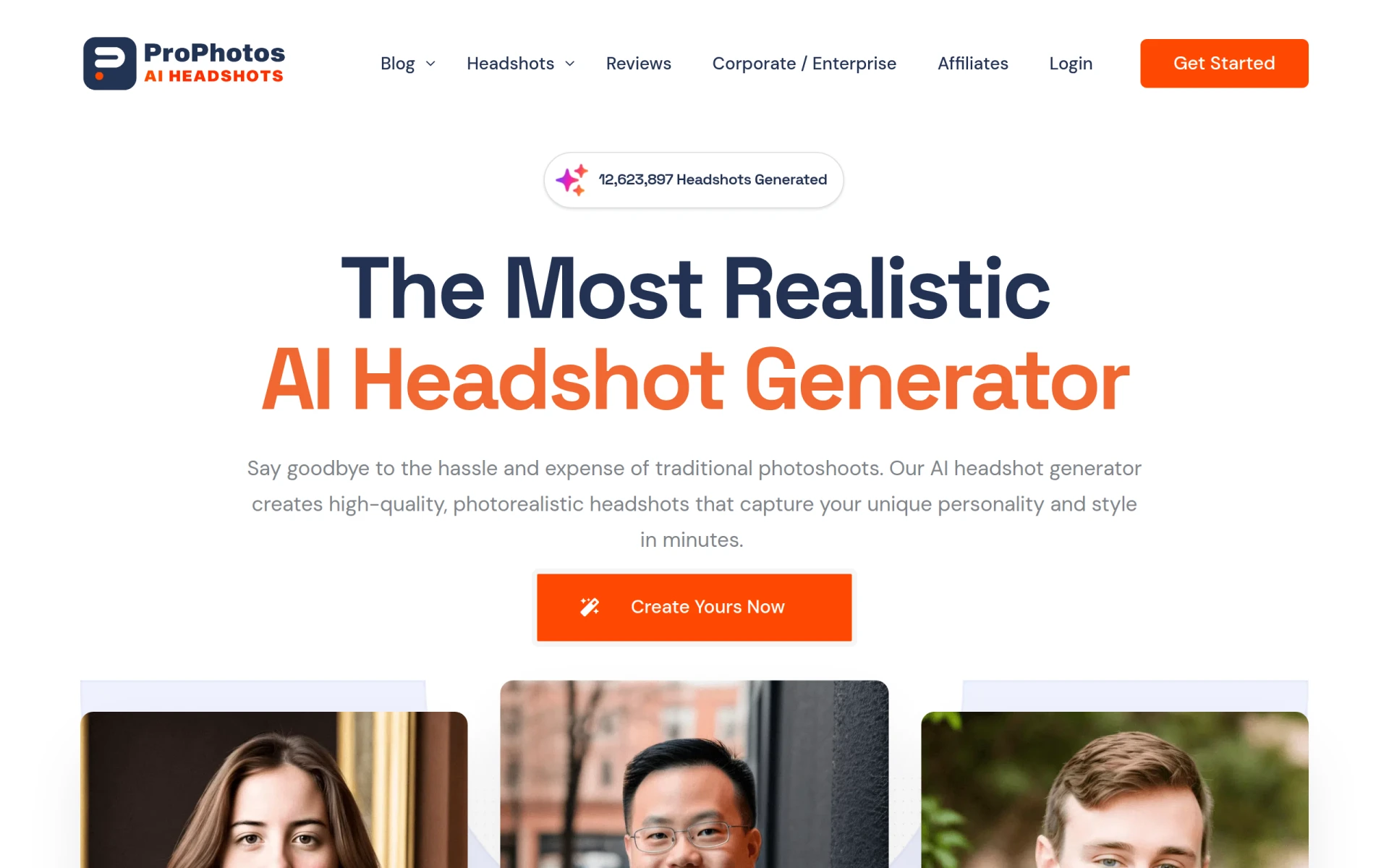 stands out as an AI-powered tool designed to enhance images efficiently. This tool is particularly beneficial for designers who need to manage multiple images quickly without sacrificing quality. Its one-click background removal and customizable filters simplify editing tasks, making it a great choice for busy professionals.
- AI-powered image enhancement: Delivers quality results in less time.
- One-click background removal: A fast solution for isolating subjects.
- Batch processing for multiple images: Streamlines workflows for large projects.
- Customizable filters and effects: Allows personalization of edits.
- Skin retouching and blemish removal: Enhances portraits effortlessly.
Pricing: Freemium model available, specific details not provided. Best for: Amateur photographers and social media managers needing quick edits.
Canva - Best for Non-Designers
Canva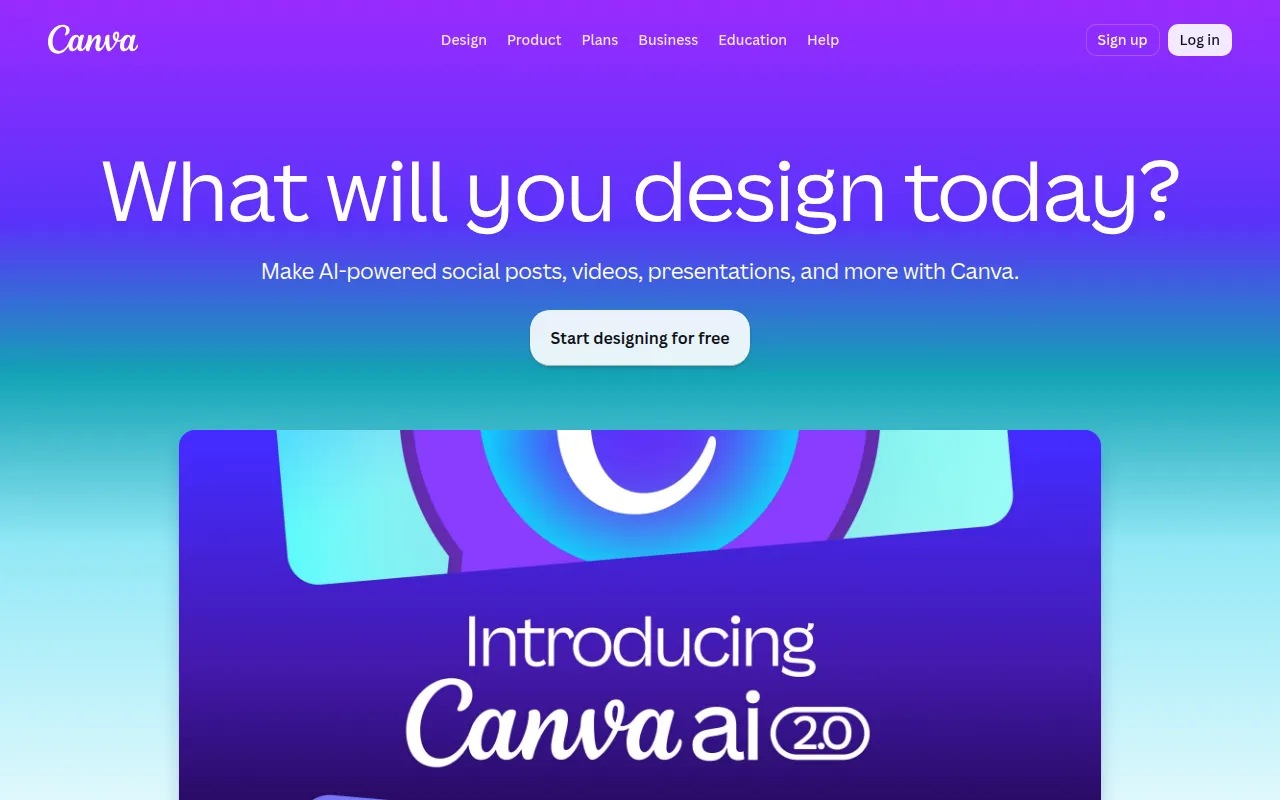 is a game-changing tool for those who may not have a background in graphic design but want to create stunning visuals. Its drag-and-drop interface and extensive template library make it easy for anyone to design marketing materials, social media posts, or presentations. Canva's collaborative features also allow teams to work together seamlessly, making it ideal for small businesses or marketing teams.
- Drag-and-drop interface: Simplifies the design process for users of all skill levels.
- Extensive template library: A vast selection of templates to jumpstart creativity.
- Collaboration tools for teams: Facilitates teamwork on projects.
- Image and video editing capabilities: Comprehensive tools for diverse content creation.
- Customizable text and fonts: Enhances personalization in designs.
Pricing: Freemium tier available, with a subscription-based Pro plan offering additional features. Best for: Small business owners and social media managers creating engaging content.
Microsoft Designer - Best for Quick Visuals
Microsoft Designer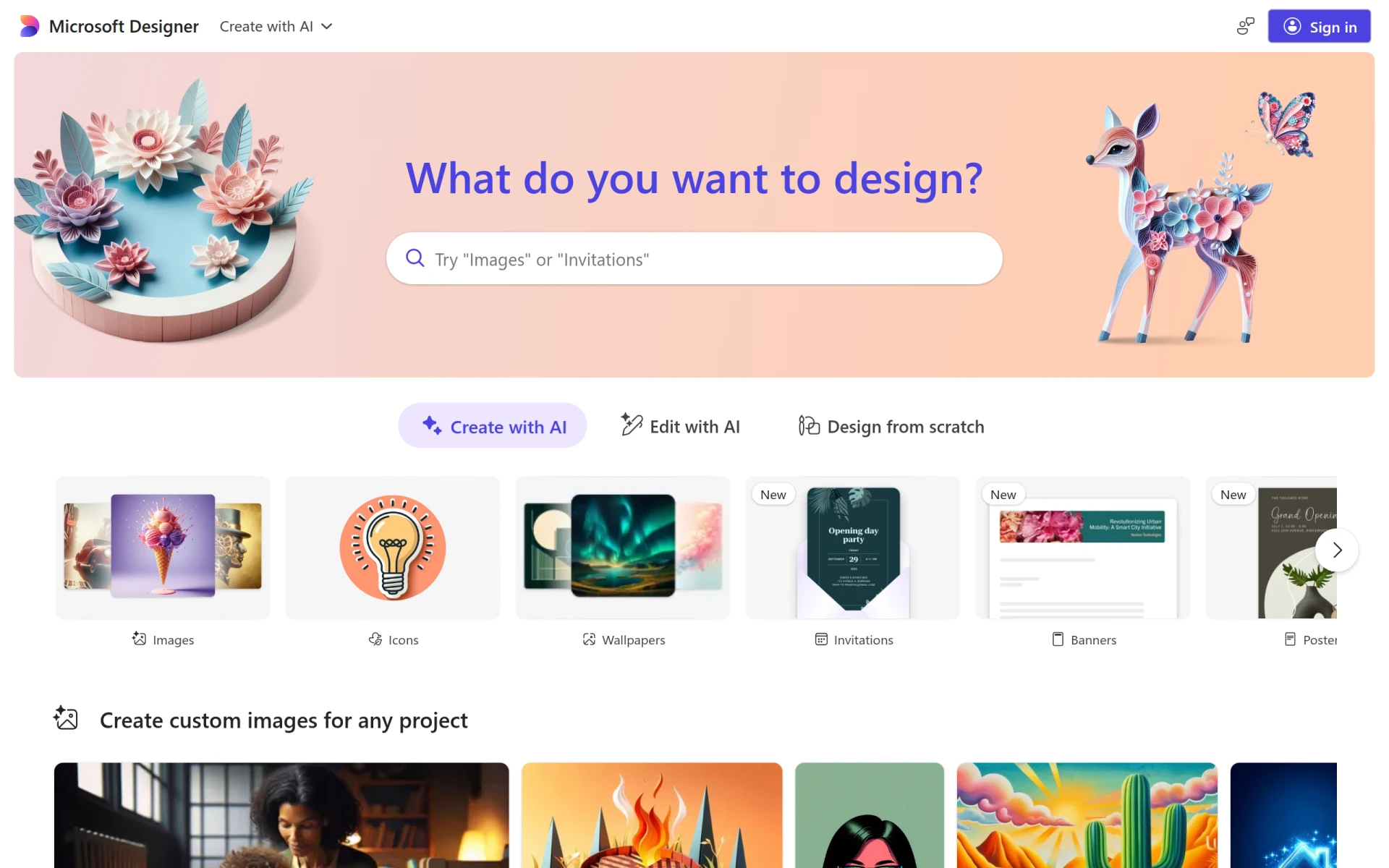 is an emerging tool that allows users to create professional-quality visuals quickly. Its user-friendly interface and template library make it accessible, even for those without design experience. This tool is a great choice for small businesses and freelancers who need to produce polished content efficiently.
- User-friendly interface: Easy navigation encourages creativity.
- Template library: Provides a variety of starting points for designs.
- Image editing tools: Basic editing functions for quick adjustments.
- Text customization: Offers options for unique typography.
- Drag-and-drop functionality: Simplifies the design process.
Pricing: Freemium model with unavailable pricing details. Best for: Small businesses and freelancers producing digital content.
Noah - Best for Simple Designs
Noah is designed with simplicity in mind, catering to users who want to create unique visual content without the hassle. It features a drag-and-drop interface and a library of templates, making it easy for designers to produce high-quality work quickly. This tool is particularly beneficial for freelancers and small business owners who value efficiency and ease of use.
- Template Library: Provides a variety of design templates for quick start.
- Drag-and-Drop Interface: User-friendly design process.
- Image Editing: Basic editing tools for enhancing visuals.
- Collaboration Tools: Facilitates teamwork on projects.
- Export Options: Flexibility in sharing designs.
Pricing: Freemium model available, pricing details not disclosed. Best for: Small business owners and freelancers seeking simplicity in design.
Pebblely - Best for Quick Design Solutions
Pebblely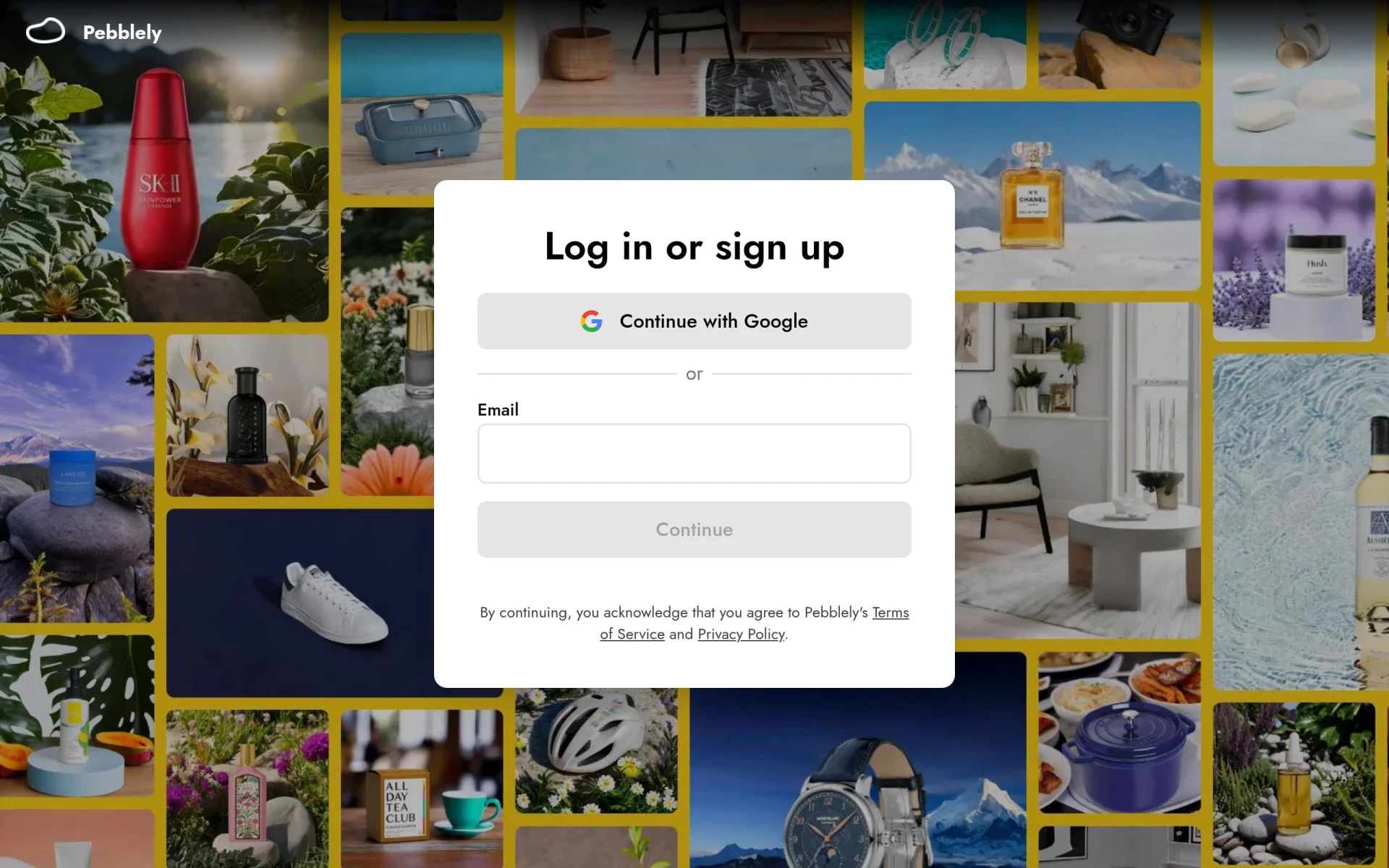 is another excellent tool for creating visual content quickly and efficiently. With its easy-to-use features and templates, designers can focus on their projects rather than struggling with complicated software. This tool is particularly useful for small businesses and marketing teams who need to produce promotional content effectively.
- Image Editing: Simple tools for basic adjustments.
- Template Library: Access to various templates for different projects.
- Drag-and-Drop Interface: Enhances user experience and accessibility.
- Customizable Graphics: Personalization options for unique designs.
- Collaboration Tools: Supports teamwork on projects.
Pricing: Freemium model available, pricing details not disclosed. Best for: Small businesses and freelancers looking for user-friendly design solutions.
ArkDesign - Best for AI-Driven Assistance
ArkDesign stands out with its AI-driven features that cater to users at all skill levels. This tool simplifies the design process, making it accessible for both beginners and experienced designers. Its focus on AI assistance helps users create effective marketing materials and client deliverables efficiently.
- AI Design Assistance: Provides intelligent suggestions for design improvements.
- Template Library: Offers a wide range of design templates.
- Image Editing Tools: Basic tools for enhancing images.
- Collaboration Features: Enables teamwork on designs.
- Export Options: Flexibility in sharing and using designs.
Pricing: Freemium model available, specific pricing details not disclosed. Best for: Small businesses and marketing teams needing efficient design solutions.
Quick Comparison
| Tool | Best For | Starting Price | Rating |
|---|
| BnbIcons | Custom Icon Generation | Freemium | 0.0/5 |
| PaintShop Pro | Comprehensive Editing | $X (varies) | 0.0/5 |
| ProPhotos | Quick Enhancements | Freemium | 0.0/5 |
| Canva | Non-Designers | Freemium | 0.0/5 |
| Microsoft Designer | Quick Visuals | Freemium | 0.0/5 |
| Noah | Simple Designs | Freemium | 0.0/5 |
| Pebblely | Quick Design Solutions | Freemium | 0.0/5 |
| ArkDesign | AI-Driven Assistance | Freemium | 0.0/5 |
Best Choice for Beginners
Canva is the ideal choice for beginners due to its intuitive drag-and-drop interface and extensive template library. It allows users without any design experience to create professional-looking materials effortlessly, making it the perfect starting point for anyone new to graphic design.
Best Choice for Professionals
PaintShop Pro emerges as the best choice for professionals. Its comprehensive feature set, including advanced photo editing capabilities and AI-powered tools, provides power users with the tools they need to manage complex projects and deliver high-quality results efficiently.
Best Value Pick
BnbIcons presents the best value for those specifically looking for custom icons. With its freemium model, users can explore the range of features without financial commitment, making it an excellent investment for travel app developers and marketing teams.
Conclusion
Finding the right design tool is crucial for graphic designers aiming to create stunning visuals without the burden of high costs and complexity. Explore these alternatives to Adobe Photoshop and choose the one that best fits your needs.