Overview
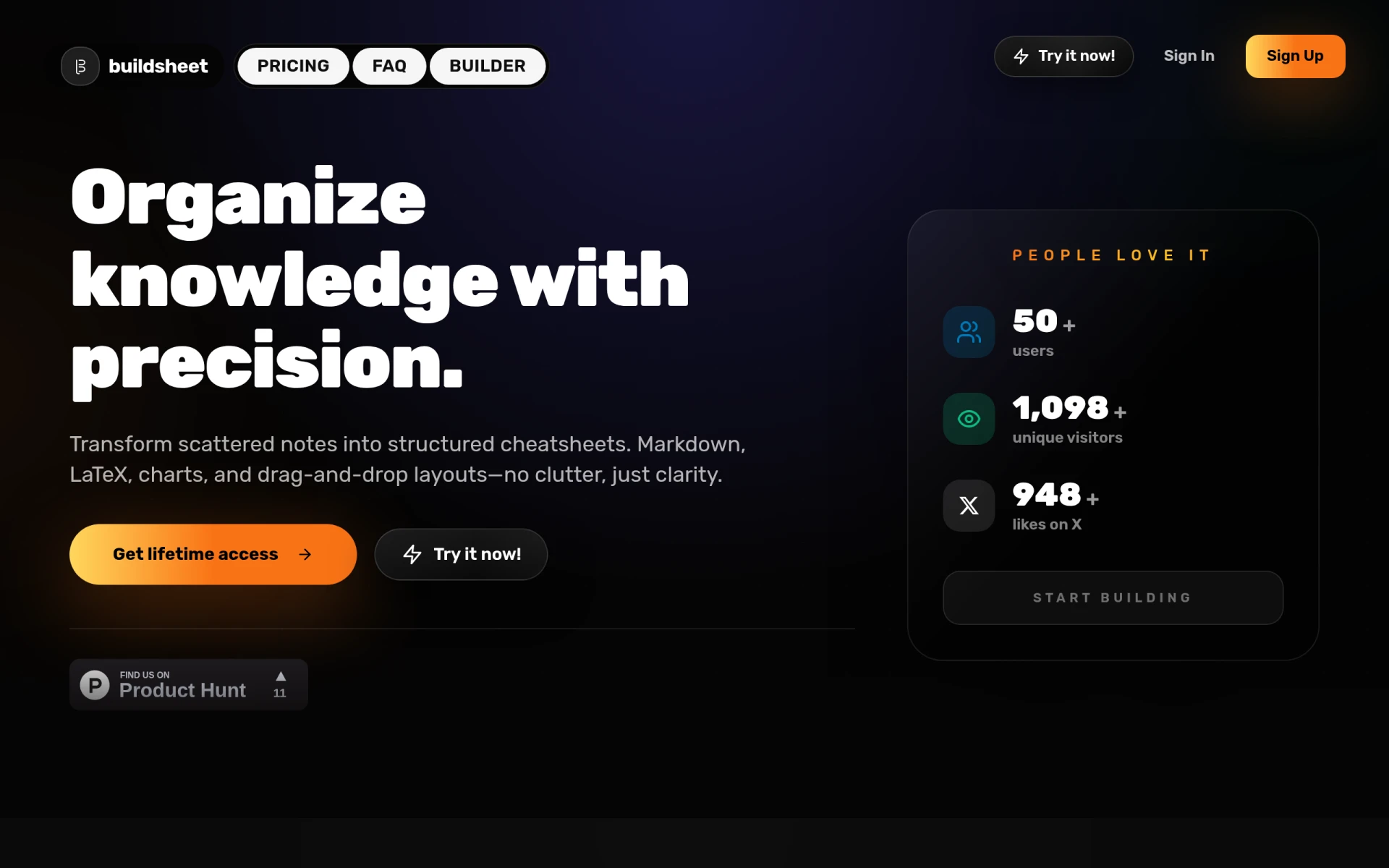
Buildsheet is a productivity tool designed for creating structured cheatsheets using a drag-and-drop interface. Its primary purpose is to transform scattered notes into well-organized documents, making it easier for users to manage and access their information. By allowing the integration of Markdown, LaTeX equations, and charts, Buildsheet effectively addresses the common problem of disorganized notes and difficulty in retrieving relevant information.
Key Features
- Drag-and-drop interface for easy arrangement of sections
- Markdown support for straightforward formatting
- LaTeX integration for complex equations
- Chart creation for visual data representation
- Export options to print-ready PDF or clean Markdown
- Instant section switching for quick navigation
- Cloud auto-save for secure document storage
- One-time payment model for lifetime access
Benefits
Buildsheet offers practical advantages that enhance productivity and organization. Users can create comprehensive study guides or reference materials without clutter, ensuring clarity in their notes. The ability to switch between sections instantly allows for efficient editing and review, making it ideal for long-form projects. Additionally, the one-time payment structure eliminates ongoing costs, which is beneficial for budget-conscious users.
Common Use Cases
Buildsheet is particularly useful for students preparing study materials, educators compiling teaching resources, and professionals organizing reference documents. For example, a student might use Buildsheet to create a detailed study guide for an exam, incorporating various sections for different topics. An educator could utilize it to compile lecture notes and resources for a course, while a software engineer might build a cheatsheet for coding languages or algorithms.
Who Should Use It
Buildsheet is ideal for anyone who needs to compile and organize information effectively. This includes students, educators, researchers, and professionals in various fields. However, it may not be the best fit for users who require collaborative features or real-time editing, as Buildsheet focuses on individual use rather than teamwork.
Pricing Overview
Buildsheet operates on a one-time payment model, providing lifetime access to all features without any subscription fees. Users pay once to unlock the full capabilities of the cheatsheet builder, including future updates at no additional cost.
Conclusion
In summary, Buildsheet is a practical tool for creating organized, structured cheatsheets that cater to a variety of users. Its strengths lie in its intuitive interface, versatile formatting options, and cost-effective pricing model. While it may not offer collaborative features for team projects, it remains a valuable resource for individuals seeking to enhance their productivity and information organization.