Overview
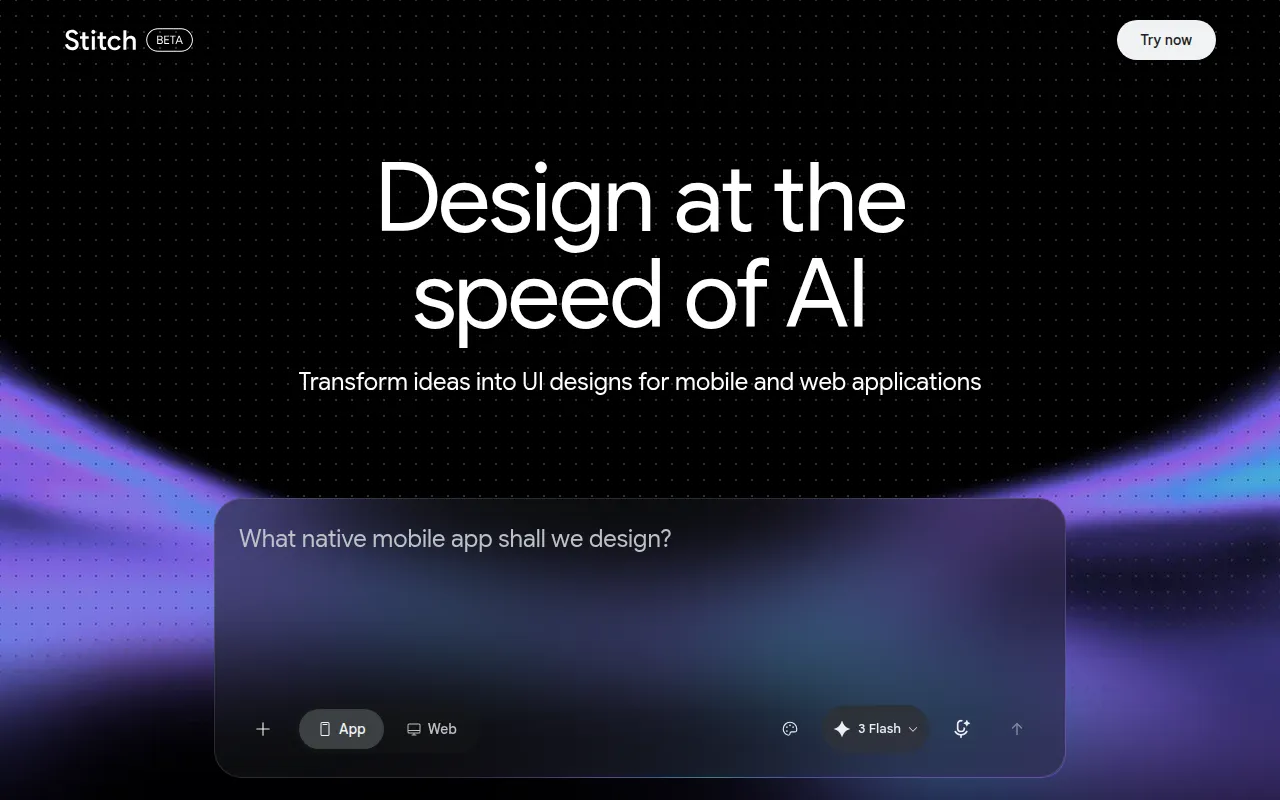
Galileo, through its product Stitch, is an innovative software designed to facilitate the UI design process for mobile and web applications. Its primary purpose is to expedite design ideation, allowing users to generate user interfaces quickly and efficiently. By leveraging artificial intelligence, Galileo addresses common challenges in UI design such as time constraints, creative blocks, and the need for rapid prototyping. Users can streamline their design workflows and enhance collaboration by generating multiple design options in a short period.
Key Features
- UI Generation for Web Applications
- UI Generation for Mobile Applications
- Design Ideation Tools
- Customizable Design Templates
- Real-time Collaboration Features
- Integration with Design Software
- Export Options for Various Formats
- User-Friendly Interface
- AI-Powered Suggestions
- Version Control for Designs
- Feedback Mechanism for Iterative Design
- Adaptive Design Capabilities
Benefits
Galileo provides significant advantages for teams involved in UI/UX design. By automating the design generation process, it saves valuable time and resources, allowing designers to focus on refinement rather than starting from scratch. The real-time collaboration features promote effective teamwork, enabling designers to share ideas and receive feedback instantly. Additionally, the AI-powered suggestions can inspire creativity, helping teams overcome design blocks and explore innovative solutions. The ability to export designs in multiple formats ensures compatibility with various development tools, enhancing the overall workflow.
Common Use Cases
Galileo is particularly beneficial for startups looking to quickly prototype their applications without extensive design resources. Design teams in larger organizations can use it to generate initial concepts for new projects, facilitating brainstorming sessions. Freelancers can leverage the tool to provide clients with rapid design options, enhancing their service offering. Marketing teams may also find value in using Galileo to create visually appealing landing pages and promotional materials efficiently.
Who Should Use It
Galileo is ideal for UI/UX designers, product managers, and development teams who require a fast and efficient design process. It suits small to medium-sized businesses that may not have extensive design resources. However, it may not be the best fit for users seeking highly specialized or intricate designs, as the automated generation may lack the nuanced touch that experienced designers provide. Additionally, organizations with strict branding guidelines may find it limiting if customization options do not align with their requirements.
Pricing Overview
Pricing information for Galileo is currently unavailable on the official website. Interested users may need to contact the company directly for specific pricing details or potential subscription plans.
Conclusion
In summary, Galileo offers a unique approach to UI design by utilizing AI to generate user interfaces efficiently. While it presents numerous benefits, including time savings and enhanced collaboration, potential users should carefully consider their specific design needs and whether the automated features align with their expectations. As with any tool, the effectiveness of Galileo will ultimately depend on the individual or team's design requirements and workflow preferences.