Overview
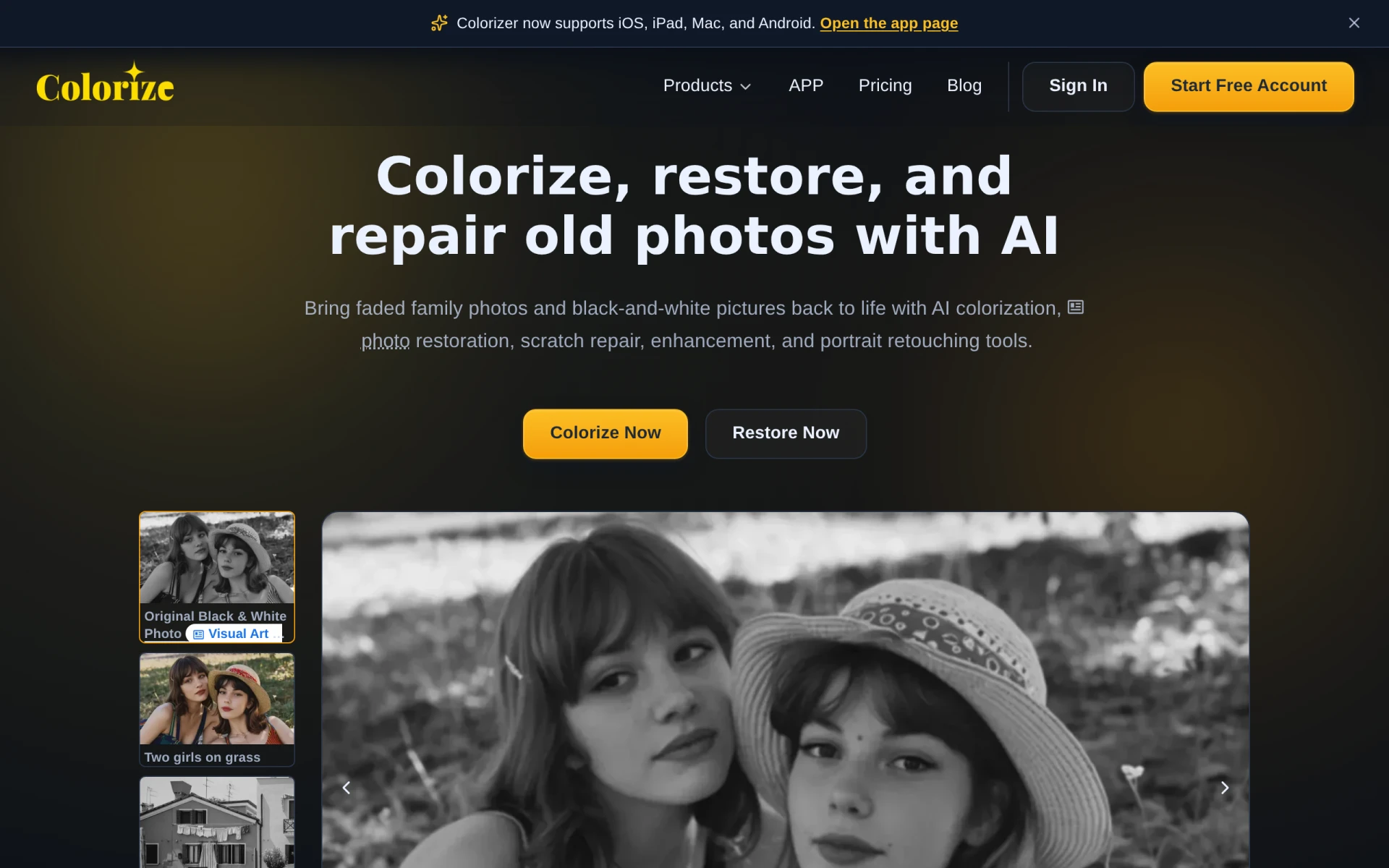
ImageColorizer is an innovative online platform designed to bring black and white photos back to life through AI colorization and image restoration. Its primary purpose is to enhance the quality of old photographs by adding color, repairing scratches, and improving overall clarity. Users can easily upload their images and utilize the tool to transform faded memories into vibrant visual stories.
This software addresses common challenges faced by individuals looking to restore old pictures, such as preserving family history and reviving cherished memories. Whether it's for personal use or professional projects, ImageColorizer provides a practical solution to enhance the aesthetic quality of vintage photos.
Key Features
- AI Colorization: Automatically add color to black and white images using advanced algorithms.
- Photo Restoration: Repair and restore old, damaged photos to their original condition.
- Scratch Repair: Eliminate scratches and imperfections from scanned images.
- Image Enhancement: Improve the clarity and detail of blurry photos.
- Portrait Retouching: Enhance facial features and overall portrait quality.
- Batch Processing: Process multiple images at once to save time.
- User-Friendly Interface: Simple and intuitive design that requires no technical skills.
- Cross-Platform Support: Available on iOS, iPad, Mac, and Android devices for versatility.
Benefits
The practical advantages of using ImageColorizer include the ability to preserve valuable family memories and enhance the visual appeal of historical photographs. By using AI technology, users can achieve results that would be difficult to replicate manually, saving time and effort while obtaining high-quality outcomes. Additionally, the user-friendly interface allows individuals with varying levels of technical expertise to easily navigate the platform.
Common Use Cases
ImageColorizer can be utilized in various scenarios, including:
- Restoring family heritage photos for personal archives.
- Enhancing images for professional portfolios in photography.
- Creating vibrant visuals for social media content based on historical images.
- Preserving memories for educational purposes in schools or museums.
- Offering services for graphic designers looking to add color to vintage images for clients.
Who Should Use It
ImageColorizer is ideal for:
- Individuals looking to restore or enhance personal photographs.
- Professional photographers seeking to revitalize old images.
- Graphic designers needing to incorporate historical photos into modern projects.
- Educators and researchers focused on visual history.
However, it may not be the best fit for users seeking extensive customization options or advanced editing features typically found in more comprehensive graphic design software.
Pricing Overview
ImageColorizer offers a pricing model based on credits, allowing users to start with free credits and upgrade as needed for additional processing capabilities. Monthly and yearly plans are available for those requiring more frequent use.
Conclusion
In summary, ImageColorizer provides a robust and user-friendly solution for colorizing and restoring old photographs. Its AI-driven features and cross-platform compatibility make it accessible for a wide range of users. While it excels in enhancing the quality of vintage images, potential users should consider their specific needs for advanced editing capabilities before committing to the platform.