Overview
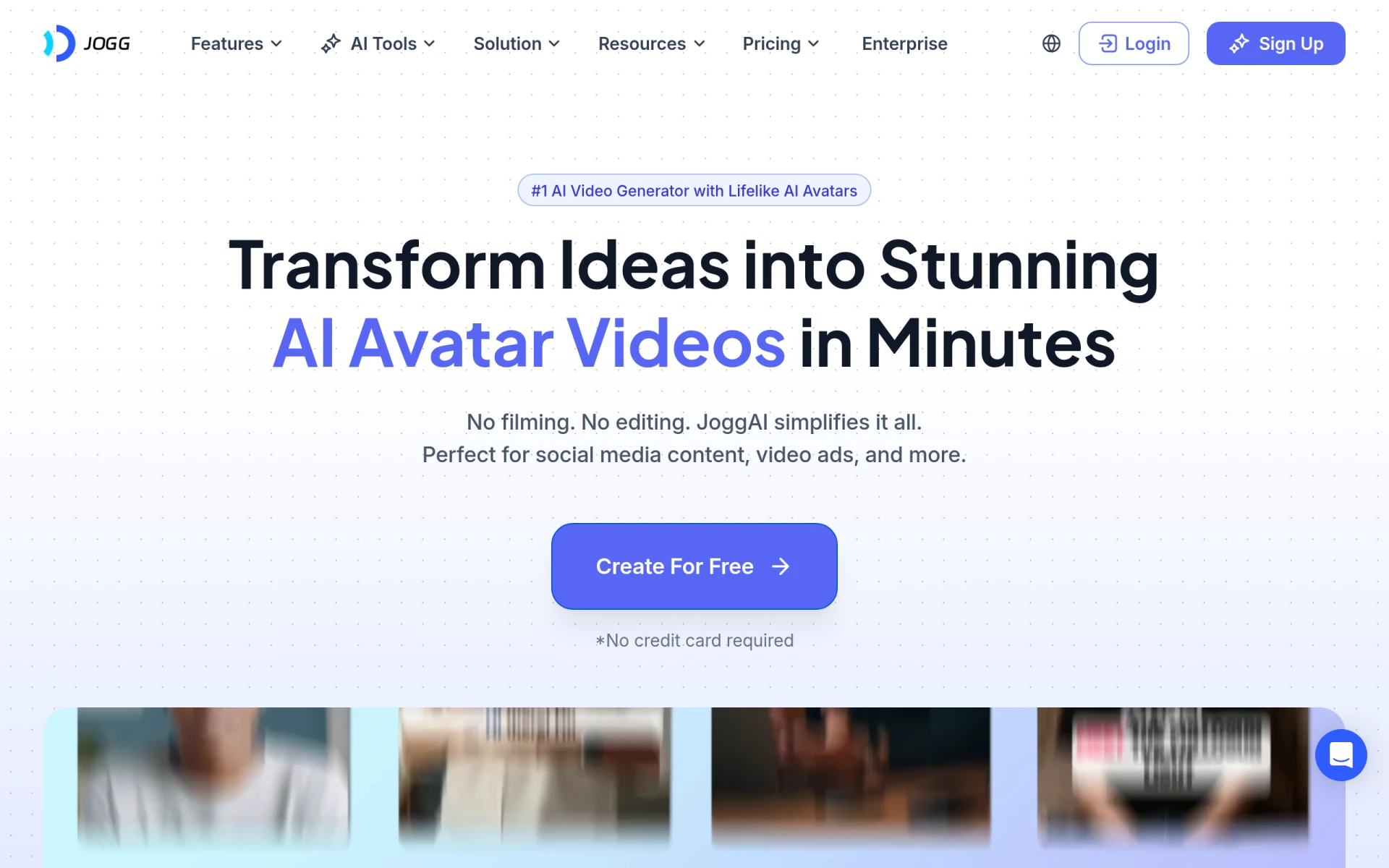
JoggAI is a video generation tool that utilizes artificial intelligence to create lifelike videos. Its primary purpose is to facilitate the creation of video content by allowing users to generate realistic avatars that can speak and interact in videos. This software addresses the challenges of producing engaging video content quickly and affordably, especially for users who may not have extensive video editing skills or resources.
Key Features
- AI Avatar Creation: Create realistic speaking avatars.
- Podcast Video Generation: Convert podcast audio into engaging videos.
- Talking Photo Feature: Make static images talk naturally.
- Video Translation: Translate videos into multiple languages.
- AI Lip Sync: Synchronize avatars’ lip movements with audio.
- AI Script Writing: Generate scripts for videos automatically.
- PPT to Video Conversion: Transform PowerPoint presentations into videos.
- VFX Capabilities: Incorporate visual effects into videos.
- Voice Cloning: Replicate voices for avatar use.
- Custom Avatar Creation: Design personalized avatars.
- Stock Avatars: Access a library of pre-designed avatars.
- AI Influencer Generation: Create influencer-style videos.
- Video Editing Tools: Edit videos with various features to enhance quality.
Benefits
JoggAI provides numerous practical advantages for businesses and individuals looking to enhance their video content. By enabling rapid video creation with lifelike avatars, it significantly reduces the time and effort typically required for video production. Users can produce high-quality video content that engages audiences without needing advanced technical skills. The software's versatility allows for a variety of content types, from marketing videos to educational materials, making it valuable across different industries. Additionally, the ability to translate and localize content broadens the reach of videos to global audiences.
Common Use Cases
JoggAI can be utilized in several scenarios, including:
- Businesses creating promotional videos featuring their products or services.
- Educators developing engaging online courses and lectures with animated avatars.
- Podcasters turning audio content into visually appealing videos for platforms like YouTube.
- Marketing teams producing social media videos to enhance brand visibility.
- Content creators looking for tools to streamline their video production process.
Who Should Use It
JoggAI is ideal for:
- Small businesses seeking to create marketing videos without a large budget.
- Educators who want to enhance their teaching materials with engaging visual content.
- Podcasters aiming to expand their audience by converting audio to video.
- Freelancers and content creators needing a quick and easy way to produce high-quality video content.
However, it may not be the best fit for professional video editors who require advanced editing features or extensive customization options.
Pricing Overview
Pricing details for JoggAI are currently not available on the website. Users interested in the software are encouraged to visit the official site for the most accurate information.
Pros and Cons
Pros
- User-friendly interface that simplifies video creation.
- A wide array of lifelike avatars to choose from.
- Quick video production capabilities, saving time for users.
- Versatile features that cater to various content types and industries.
- Ability to generate scripts and translate content enhances usability.
Cons
- Limited advanced editing features compared to professional video editing software.
- May require internet connectivity for optimal performance.
- Pricing information is not readily available, which could hinder decision-making.
Conclusion
JoggAI offers a practical solution for users looking to create engaging video content effortlessly. With its powerful AI-driven features and lifelike avatars, it caters to a diverse audience, from small businesses to educators. While it may not replace professional video editing tools, it serves as an excellent resource for those seeking quick and effective video production without extensive technical expertise. Users should consider their specific needs and the software's current pricing model before making a decision.