Overview
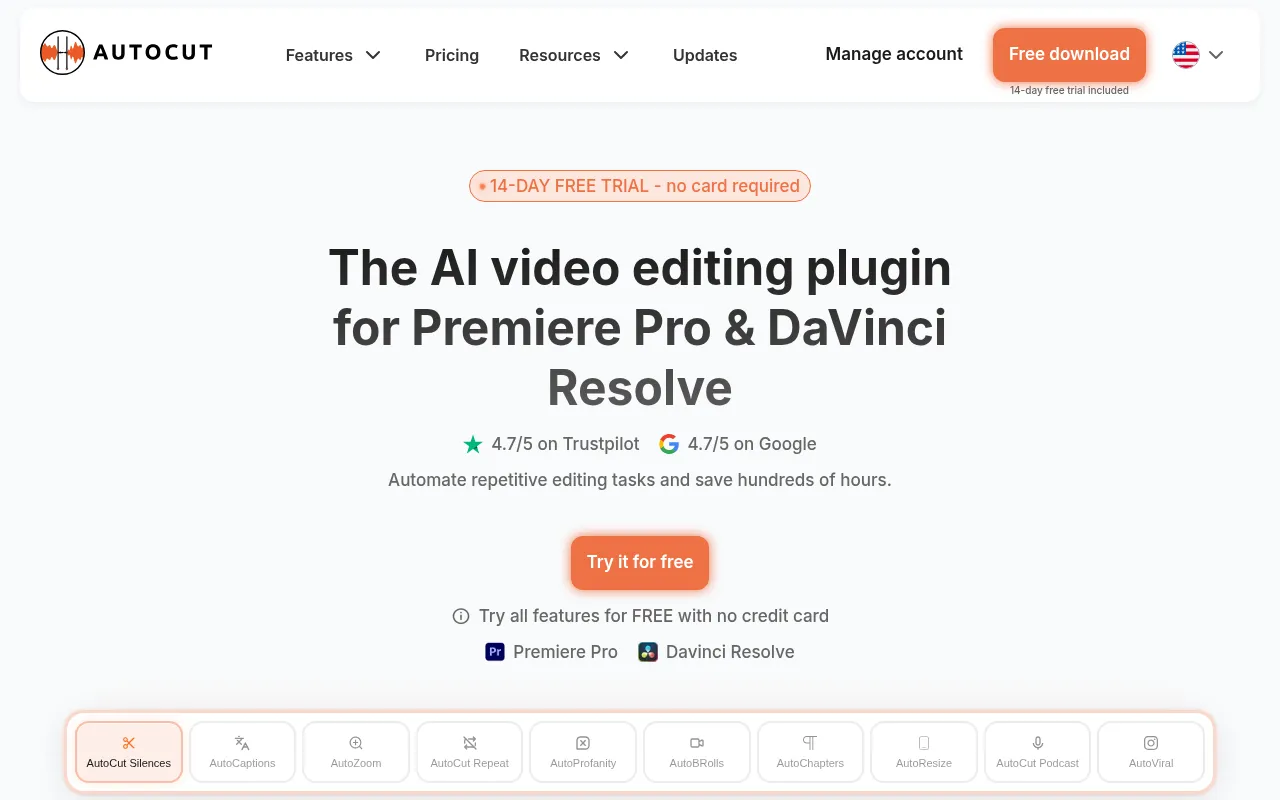
AutoCut is an AI-powered plugin designed to integrate seamlessly with popular video editing software like Premiere Pro and DaVinci Resolve. Its primary purpose is to enhance the video editing process by automating repetitive tasks, thereby saving valuable time for content creators. By removing silences, adding captions, and managing other editing processes, AutoCut addresses common pain points faced by video editors, such as the time-consuming nature of manual editing and the challenge of maintaining viewer engagement.
Key Features
- AutoCaptions
- AutoCut Silences
- AutoCut Podcast
- Updated AutoZoom
- AutoViral
- AutoB-Rolls
- AutoCut Repeat
- Updated AutoProfanity Filter
- AutoChapters
- AutoResize
Benefits
The practical advantages of using AutoCut include significant time savings in the editing process, allowing creators to focus more on content quality rather than technical details. By automating tasks that would typically require extensive manual effort, such as captioning and silence detection, AutoCut helps streamline workflows for video editors. This efficiency not only reduces the editing time but also enhances the overall production quality by enabling editors to implement consistent styles and effects more easily.
Common Use Cases
AutoCut is particularly useful for podcasters looking to enhance their audio-visual content by automatically adding captions and managing silence. Freelancers and small video production teams can benefit from its capabilities by speeding up the editing process for client projects. Additionally, marketing teams can utilize AutoCut to create engaging promotional videos quickly. Content creators on platforms like YouTube can also leverage AutoCut to maintain audience engagement through efficient editing.
Who Should Use It
Ideal users of AutoCut include video editors, content creators, podcasters, and marketing teams who require efficient and effective video editing solutions. However, it may not be the best fit for those who prefer complete manual control over their editing process or for users working on highly customized or niche projects that require specific editing techniques not covered by AutoCut's automated features.
Pricing Overview
AutoCut offers a 14-day free trial for new users, allowing them to explore its features before committing to a paid plan. Specific pricing details are not provided on the website.
Conclusion
In summary, AutoCut offers a robust set of features aimed at simplifying the video editing process through automation. While it provides significant benefits for many users, it may not suit everyone, particularly those who prioritize manual editing techniques. Evaluating its feature set against individual needs will help determine if AutoCut is a worthwhile investment for a particular video editing workflow.