Overview
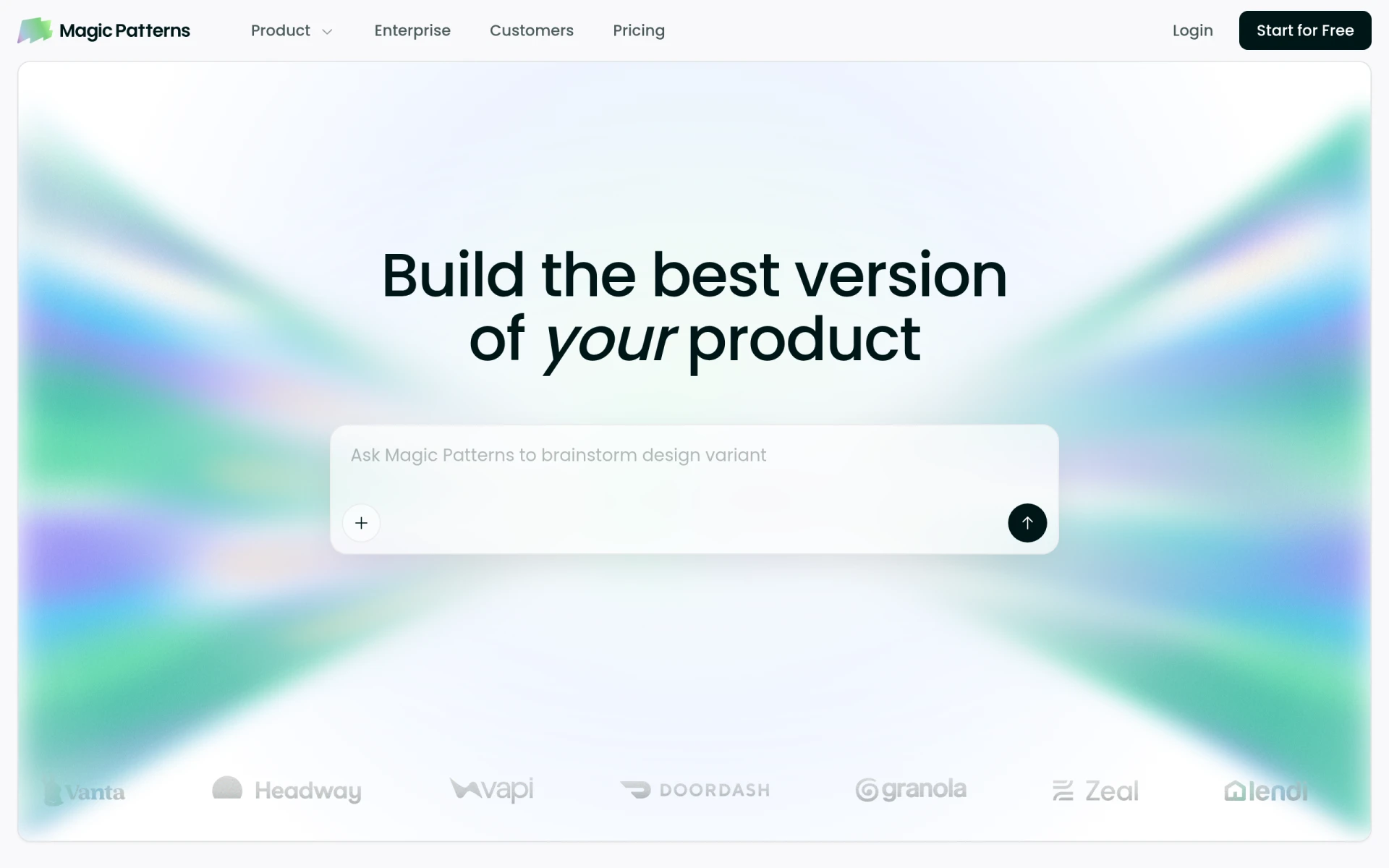
Magic Patterns is an AI-driven design tool tailored for product teams aiming to streamline the prototyping process. Its primary purpose is to convert user prompts into production-ready user interface designs quickly and efficiently. This software addresses common challenges faced in design workflows, such as maintaining design consistency, accelerating the prototyping phase, and enhancing collaboration among team members.
The tool is designed to alleviate the burden of creating prototypes from scratch, enabling users to match their existing design systems and create new features for testing. By integrating with established design frameworks, Magic Patterns helps teams iterate on their ideas rapidly, ensuring that they can respond to customer feedback and market demands effectively.
Key Features
- AI-powered design generation
- Design system integration
- Rapid prototyping capabilities
- Real-time collaboration tools
- Customizable UI components
- Enterprise-ready security and compliance
- User feedback integration
- Export options for various platforms
Benefits
Magic Patterns offers several practical advantages for organizations looking to improve their design processes. Firstly, the AI-driven approach allows for faster generation of prototypes, reducing the time spent on initial designs and enabling quicker iterations. Secondly, by importing existing design systems, teams can ensure consistency in visual elements, which is vital for maintaining brand integrity. Additionally, the collaborative features foster communication between designers and engineers, leading to a more cohesive development process. This software ultimately helps teams test new ideas with users earlier in the development cycle, leading to better-informed product decisions.
Common Use Cases
Magic Patterns can be applied in various scenarios, including:
- A product team developing a new app that needs to prototype and test features quickly before launch.
- Designers importing their existing design systems to create cohesive prototypes without starting from scratch.
- Cross-functional teams utilizing the real-time collaboration capabilities to refine designs based on immediate feedback from both stakeholders and users.
- Companies needing to ensure their prototypes meet enterprise-level security and compliance standards while maintaining design consistency.
Who Should Use It
Magic Patterns is ideal for product teams, UX/UI designers, and software developers who require efficient prototyping tools that integrate with their existing workflows. It is particularly beneficial for organizations looking to enhance their design collaboration efforts and streamline the feedback loop. However, smaller businesses or freelance designers who do not have a structured design system may find the tool less beneficial, as it is designed to leverage existing frameworks effectively.
Pricing Overview
The specific pricing details for Magic Patterns are not publicly available on their website. Interested users should visit the official site for more information on pricing plans and options.
Pros and Cons
Pros
- The AI-powered design generation significantly speeds up the prototyping process.
- Integration with existing design systems ensures visual consistency across projects.
- Real-time collaboration features enhance communication between team members.
- The tool is designed to meet enterprise security and compliance standards.
- User feedback can be easily integrated into the design process, allowing for iterative improvements.
Cons
- Pricing information is not clearly accessible, making it difficult for potential users to evaluate costs upfront.
- Users without established design systems may not fully utilize the tool's capabilities.
- The reliance on AI for design generation may not suit all creative preferences.
Conclusion
Magic Patterns serves as a powerful tool for product teams looking to enhance their design capabilities through rapid prototyping. While it offers significant advantages in terms of speed and collaboration, its reliance on existing design systems may limit its appeal for some users. Organizations considering adopting this software should carefully evaluate their design workflows and integration needs to determine if it aligns with their objectives.