PaintShop Pro
Paid
PaintShop Pro is a comprehensive photo editing software that combines powerful editing tools with graphic design capabilities.
Overwhelmed by choices? Discover how to select the perfect graphic design software that meets your needs.
Choosing the right graphic design software can feel like navigating a maze, especially with a plethora of options available today. Every designer wants tools that not only enhance creativity but also streamline the workflow. In an industry that thrives on innovation, finding the perfect match for your design needs is essential.
The graphic design landscape is teeming with software choices, each claiming to be the best. For a designer, this can lead to analysis paralysis. You might find yourself torn between well-known industry standards and emerging AI-driven tools. Each software often comes with its own learning curve, pricing models, and unique features, which complicates decision-making further. Imagine a freelancer juggling multiple projects who needs to quickly adapt to a new tool, only to find themselves wasting hours trying to understand its intricacies. This scenario is all too common in the design community.
PaintShop Pro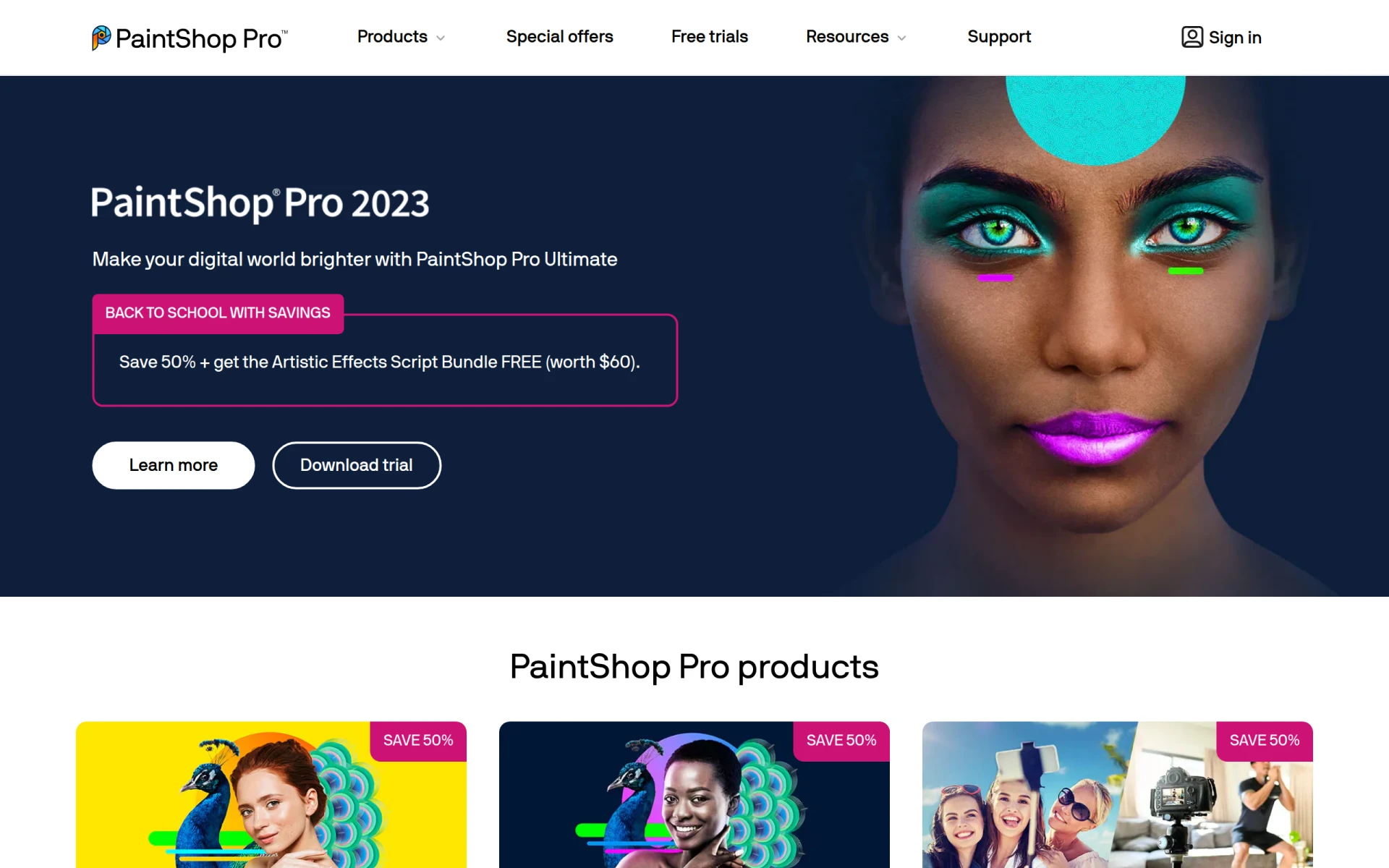 stands out as a versatile tool suitable for both photo editing and graphic design. It combines powerful editing tools with a user-friendly interface, making it an excellent choice for graphic designers who also work with photographs. The software’s ability to support layers and batch processing is particularly beneficial for those handling multiple projects at once.
One of the key advantages of PaintShop Pro is its affordability compared to other professional-grade software. This makes it accessible for hobbyists and professionals alike, allowing for high-quality output without breaking the bank.
Pricing: Paid - offers various pricing options, including one-time purchases and subscriptions. Best for: Photographers looking for affordable and comprehensive editing software, graphic designers needing robust tools for creating visual content, hobbyists wanting to enhance their personal photographs.
Magic Patterns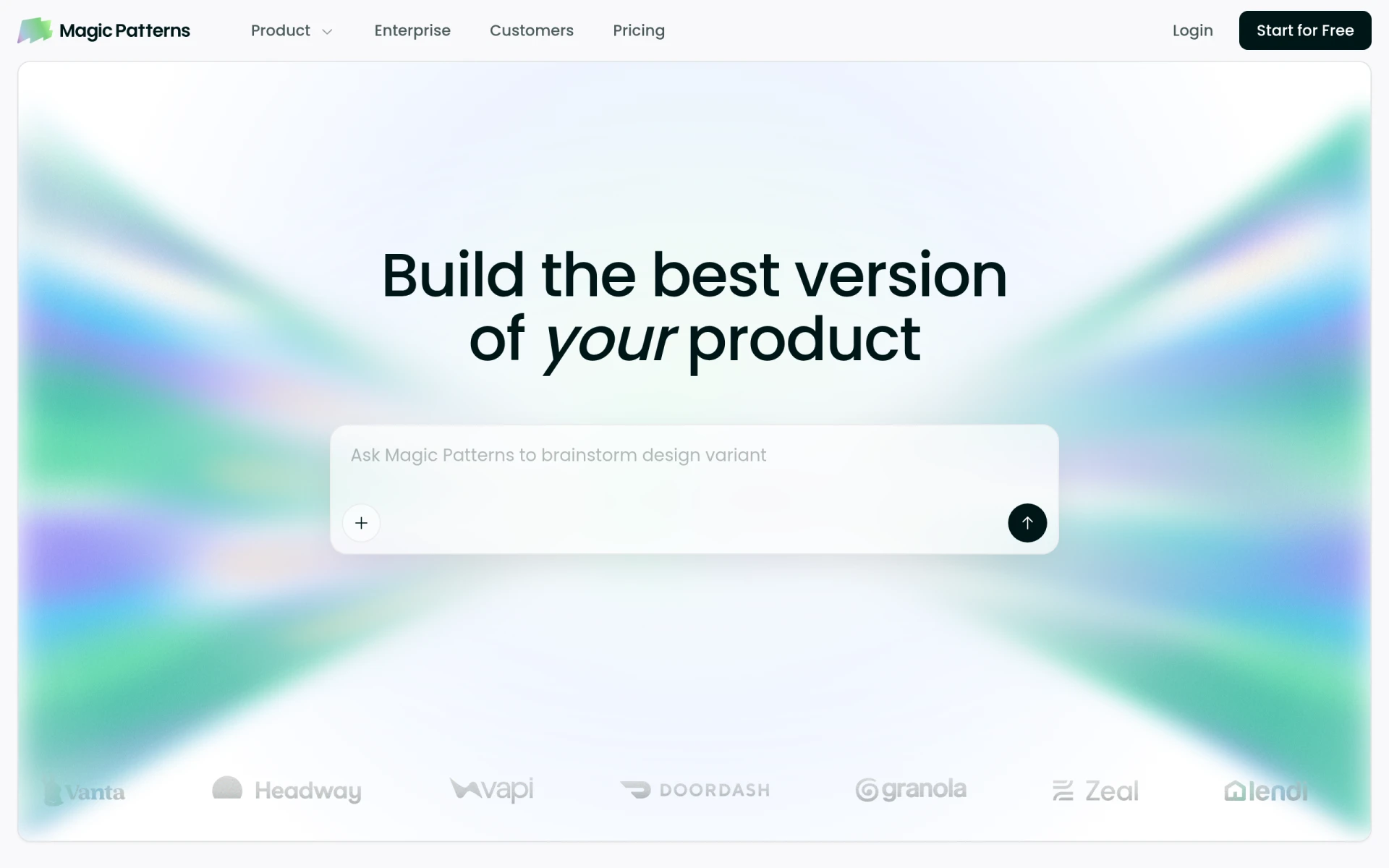 excels at transforming design prompts into production-ready UI designs, making it a must-have for product teams. This AI design tool streamlines the prototyping process, allowing designers to quickly iterate on ideas without getting bogged down by technical details. The real-time collaboration features facilitate teamwork, ensuring that stakeholders can provide input throughout the design process.
What makes Magic Patterns truly stand out is its ability to integrate with existing design systems, ensuring consistency across projects. This is particularly valuable for UX/UI designers who must maintain a cohesive brand identity in their work.
Pricing: Freemium - details not publicly available. Best for: Product teams needing rapid prototyping solutions, UX/UI designers looking for efficient design tools, software developers involved in design collaboration.
ZMO is an AI image generation tool that allows graphic designers to create custom images rapidly and efficiently. With a user-friendly interface, ZMO is designed for those who need to generate visuals on the fly, making it ideal for marketing teams and social media managers. The extensive template library offers a great starting point for various design projects.
This tool’s customization options enable designers to tweak generated images easily, ensuring that they meet specific brand requirements. The high-resolution output is a significant advantage, especially for print materials where quality is non-negotiable.
Pricing: Freemium - pricing information currently unavailable. Best for: Graphic designers looking for quick image solutions, marketing teams needing fast visual content, social media managers wanting engaging graphics.
Magify.design leverages AI prompts to streamline UI/UX and code generation, making it an innovative tool for designers. Its ability to import and export functionality with Figma is particularly beneficial for teams already using this popular design platform. This integration allows for seamless transitions between design and development, enhancing productivity.
The generative design features are impressive, allowing users to modify existing designs quickly and apply text-based changes, which is a significant time-saver. The autofixing capabilities ensure that design elements remain aligned and visually appealing, reducing the need for tedious manual adjustments.
Pricing: Contact - pricing information not available. Best for: Product designers, UX/UI teams, software developers.
The AI Mockup Generator simplifies the process of creating high-quality mockups for various design needs. Its AI-driven technology allows users to produce stunning visuals quickly, which is essential for freelancers and marketing teams who often present ideas to clients. The extensive library of templates makes it easy to start a new project, while the customizable design options cater to individual preferences.
Moreover, the user-friendly interface ensures that even those with limited technical skills can create professional-looking mockups. High-resolution outputs are a significant advantage, ensuring that presentations and promotional materials look polished and appealing.
Pricing: Freemium - pricing information not readily available. Best for: Graphic designers needing quick mockup solutions, marketing teams developing promotional materials, freelancers presenting ideas to clients.
Flowstep is an AI design assistant that transforms text prompts into production-ready UI designs instantly. This capability is a game-changer for startups needing to prototype quickly, as it allows for rapid iterations based on feedback. The chat interface for design iteration ensures that users can easily communicate their ideas and adjustments, streamlining the design process.
Flowstep also offers a copy-to-Figma functionality, which is particularly advantageous for teams that rely on Figma for collaboration. This feature simplifies the transfer of designs, making it easier to share work with team members and stakeholders.
Pricing: Freemium - free plan available, Starter plan at $15/month, custom pricing for enterprises. Best for: Startups needing to prototype quickly, marketing teams creating landing pages, freelancers delivering UI designs.
ProPhotos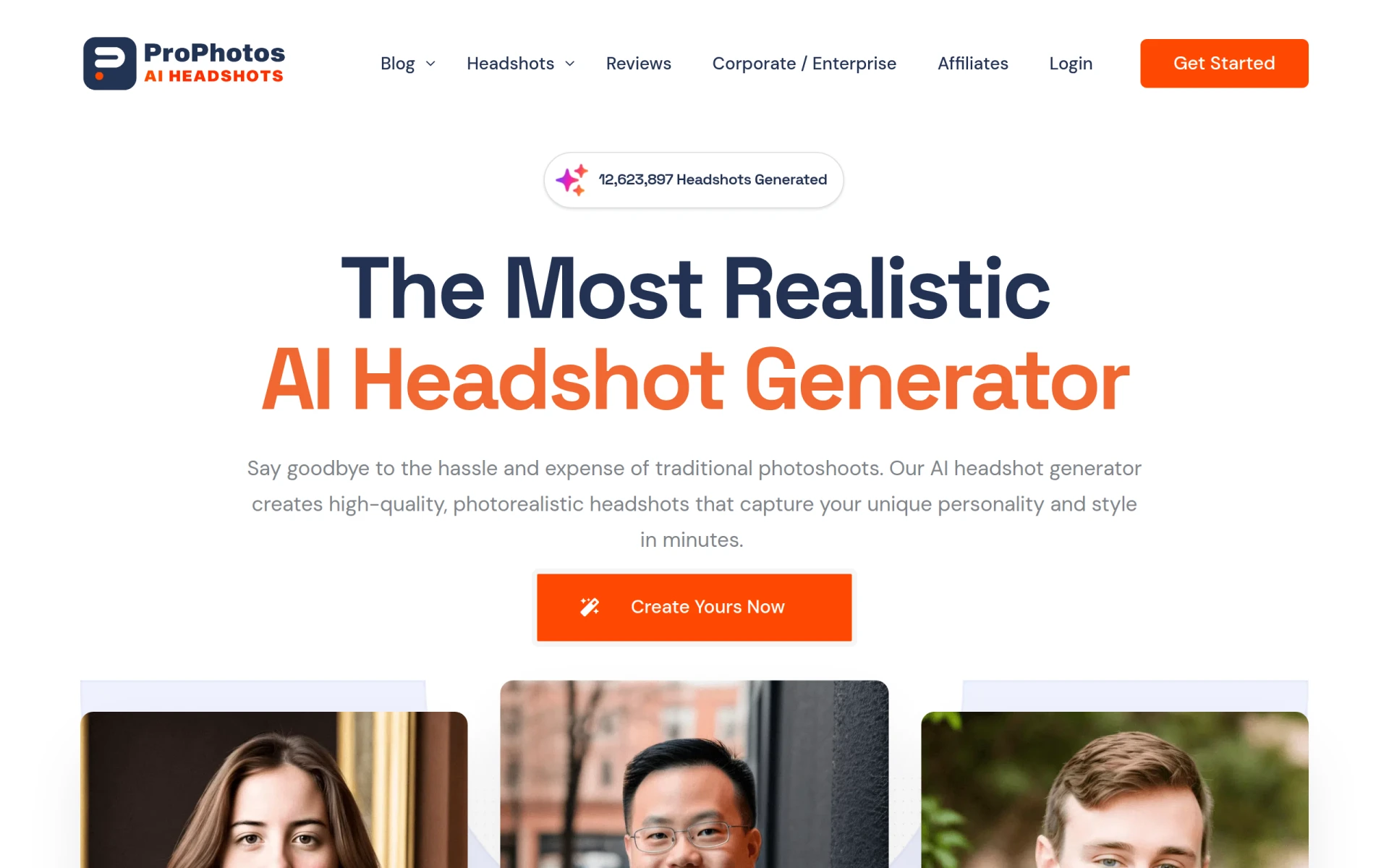 is an AI-powered photo editing tool designed to enhance images quickly and efficiently. This tool is especially valuable for amateur photographers and social media managers who need to create engaging content. With one-click background removal and batch processing features, ProPhotos significantly reduces the time spent on editing tasks.
The customizable filters and effects allow users to apply unique styles to their images, making them stand out in a crowded market. Professional photographers will also find value in the skin retouching and blemish removal features, which enhance the quality of their work.
Pricing: Freemium - pricing details not explicitly available. Best for: Amateur photographers seeking an easy-to-use tool for basic editing, professional photographers looking for efficient ways to manage their editing workload, social media managers tasked with creating engaging content.
Scout by Asseter.ai is an AI-powered visual search tool that helps graphic designers find 3D assets across multiple platforms. This capability is crucial for 3D artists and graphic designers working on marketing materials who require high-quality models. The visual search functionality allows users to search for assets using images rather than keywords, making it easier to find the perfect element for a project.
The cross-platform compatibility ensures that users can access a wide variety of assets, enhancing the creative possibilities. The user-friendly interface makes navigating through the library of assets straightforward, catering to designers who may not have extensive technical skills.
Pricing: Freemium - pricing information currently unavailable. Best for: 3D artists looking for high-quality models, graphic designers working on marketing materials, game developers sourcing themed assets.
BnbIcons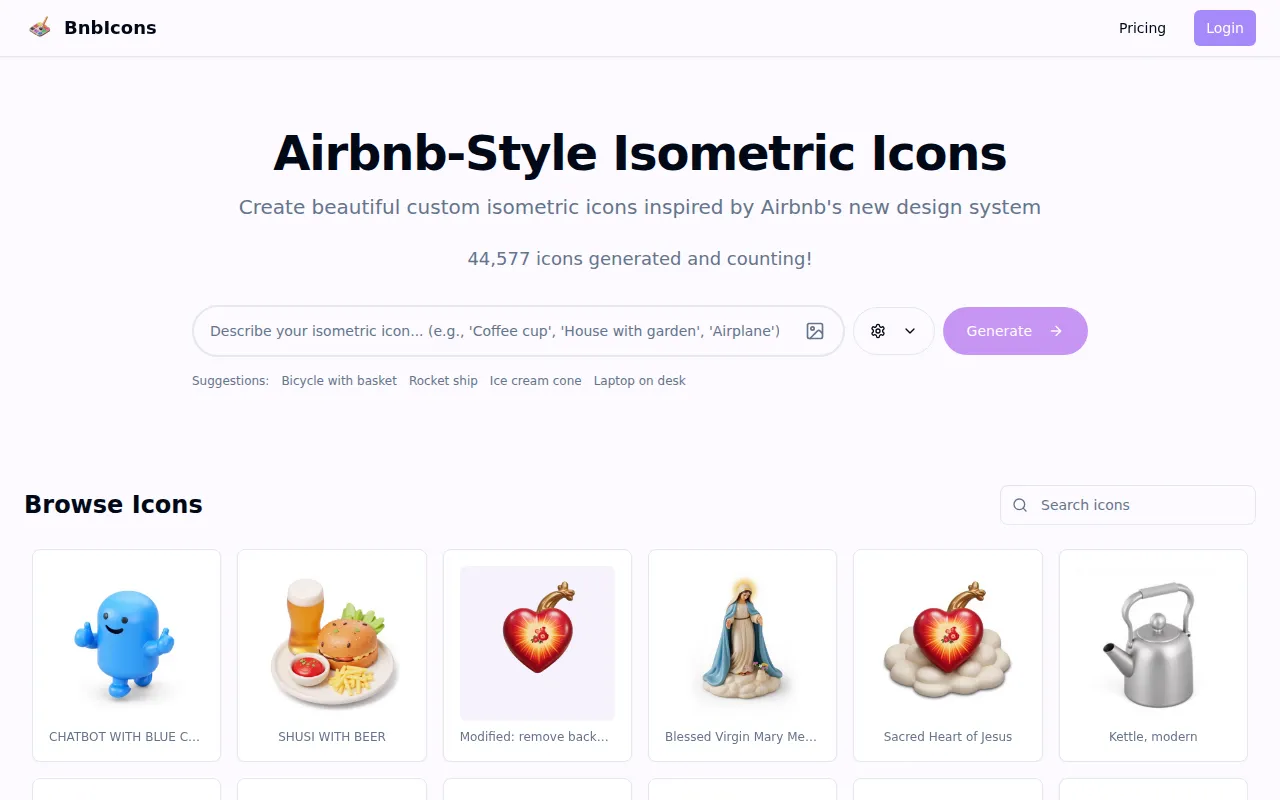 allows users to generate custom isometric icons inspired by Airbnb, which can enhance various design projects. This tool is perfect for travel app developers and marketing teams looking for unique branding elements. The customizable design elements ensure that the icons can be tailored to fit specific project requirements, providing flexibility for designers.
The AI-driven design assistance simplifies the creation process, making it easier for users to generate high-resolution icons that stand out. This capability is particularly valuable for freelancers working on client projects that require bespoke icons.
Pricing: Freemium - pricing details currently not available. Best for: Travel app developers looking for unique icons, marketing teams needing cohesive branding elements, freelancers working on client projects requiring custom icons.
GPT Mate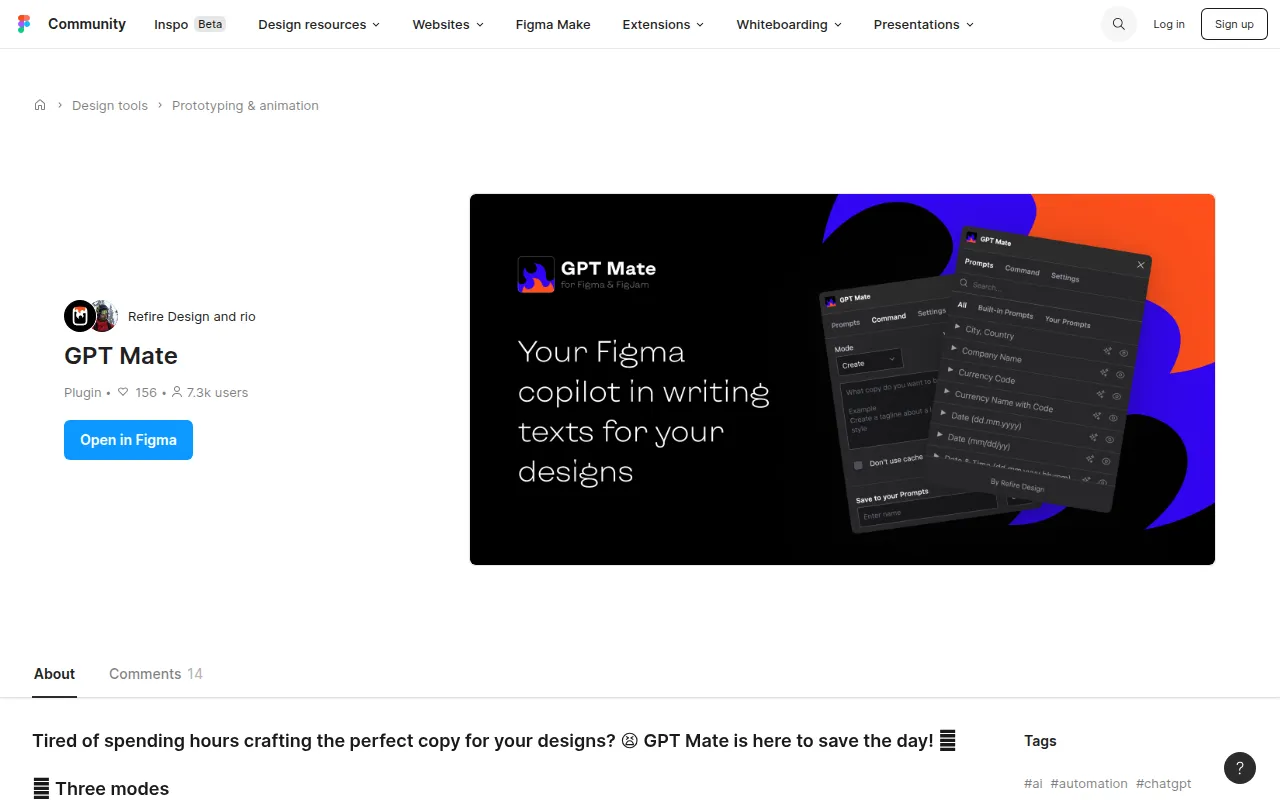 is an AI writing tool designed to streamline content creation for design projects. It assists designers in generating unique text content, making it easier to craft compelling narratives for presentations or marketing materials. This tool is particularly beneficial for graphic designers who often need to write descriptions, taglines, or project proposals.
The ability to rewrite existing text to enhance clarity or adjust length is a standout feature. This is especially useful when trying to fit content into specific design layouts or ensuring that the message aligns with the visual elements. Its integration with design workflows allows for a seamless experience, making it a valuable addition to any designer's toolkit.
Pricing: Freemium - pricing information currently not available. Best for: Graphic designers looking for quick text generation, marketing teams needing catchy taglines, freelancers drafting proposals and content.
| Tool | Best For | Starting Price | Rating |
|---|---|---|---|
| PaintShop Pro | Comprehensive Editing | $X/month | 0.0/5 |
| Magic Patterns | Rapid Prototyping | Free | 0.0/5 |
| ZMO | Quick Image Solutions | Free | 0.0/5 |
magify.design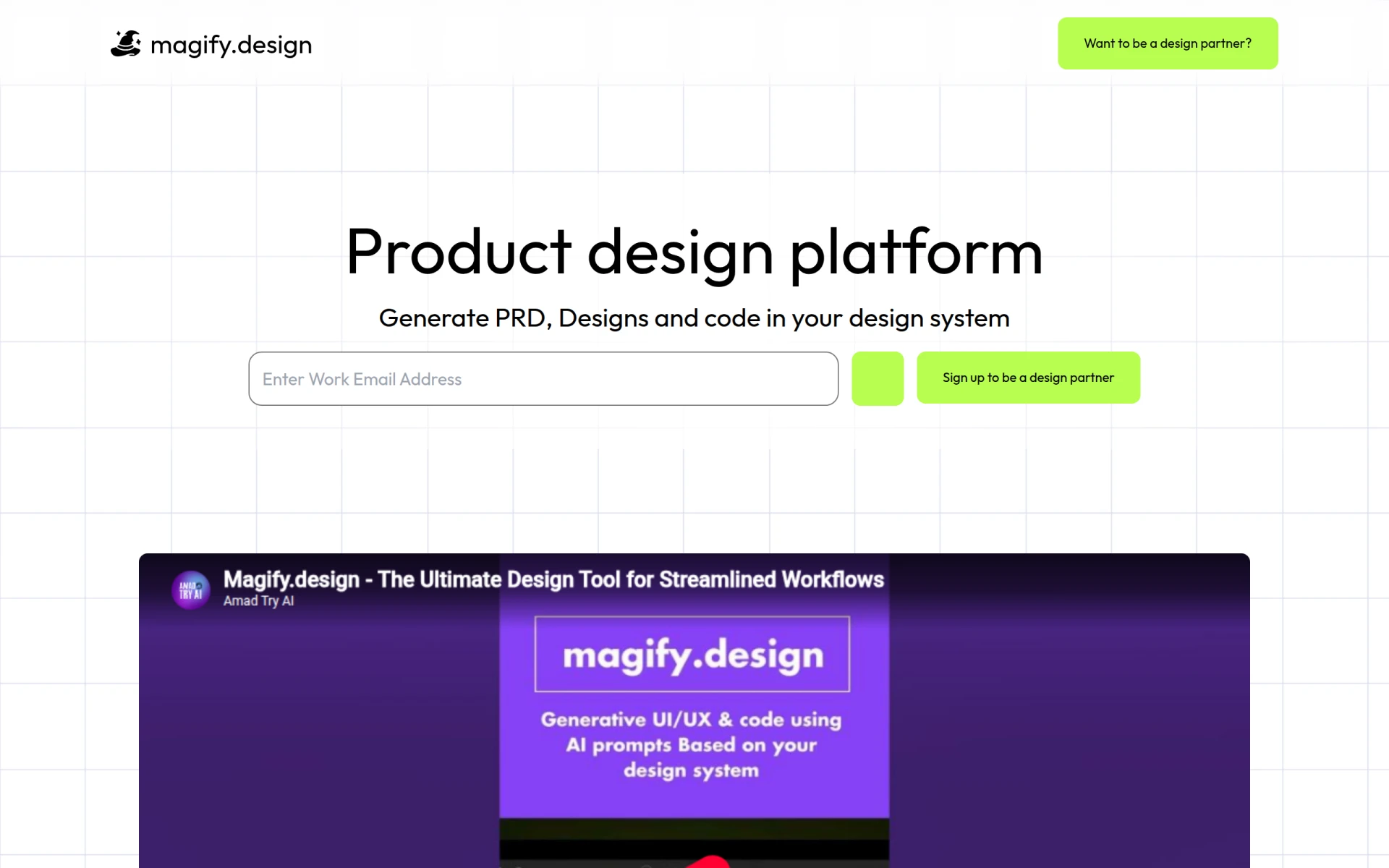 | Generative Design | Contact | 0.0/5 |
| AI Mockup Generator | High-Quality Mockups | Free | 0.0/5 |
| Flowstep | Instant UI Creation | Free | 0.0/5 |
| ProPhotos | Quick Image Enhancement | Free | 0.0/5 |
Assets Scout | Visual Asset Search | Free | 0.0/5 |
| BnbIcons | Custom Icons | Free | 0.0/5 |
| GPT Mate | Content Generation | Free | 0.0/5 |
PaintShop Pro is the ideal choice for beginners. Its user-friendly interface combined with a comprehensive set of features allows new designers to learn the ropes without feeling overwhelmed. The affordability of PaintShop Pro means that beginners can invest in quality software without financial strain.
For professionals, Magic Patterns is the superior choice. Its rapid prototyping capabilities and seamless integration with design systems provide advanced features that power users need for efficient workflow. The ability to collaborate in real-time also ensures that professionals can meet tight deadlines without sacrificing quality.
ProPhotos presents an excellent value pick due to its freemium model. The ease of use and efficiency in photo enhancement offers a strong return on investment, especially for social media managers and photographers who require high-quality images quickly.
In a world filled with graphic design software options, knowing what to look for can simplify your decision-making process. Whether you are a beginner or an experienced designer, choosing the right tool can significantly enhance your creativity and productivity. Take action today and select the software that best aligns with your design needs.
PaintShop Pro is a comprehensive photo editing software that combines powerful editing tools with graphic design capabilities.
Magic Patterns is an AI design tool that transforms prompts into production-ready UI designs, facilitating rapid prototyping for product teams.
ZMO is an AI image generation tool that allows users to create custom images quickly and efficiently.
Magify.design is a generative design platform that utilizes AI prompts to streamline UI/UX and code generation.
AI Mockup Generator enables users to create high-quality mockups using AI technology for various design needs.
Flowstep is an AI design assistant that transforms text prompts into production-ready UI designs instantly.
ProPhotos is an AI-powered photo editing tool designed to enhance images quickly and efficiently.
Scout by Asseter.ai is an AI-powered visual search tool for finding 3D assets across multiple platforms.
BnbIcons allows users to generate custom isometric icons inspired by Airbnb, enhancing design projects with ease.
GPT Mate is an AI writing tool designed to streamline content creation for design projects.
When selecting graphic design software, consider user-friendliness, integration capabilities, AI features, scalability, cost effectiveness, and community support to ensure it meets your specific needs.
Yes, many graphic design tools offer freemium pricing models, allowing users to access basic features for free while providing paid upgrades for more advanced functionalities.
Look for software with an intuitive interface, comprehensive tutorials, and essential features that allow beginners to learn and experiment without feeling overwhelmed.
Tools like Magic Patterns and PaintShop Pro are recommended for professional designers due to their advanced features and capabilities that enhance workflow and productivity.
Yes, many designers use a combination of tools to leverage the unique features each offers, enhancing their overall design process.
Customer support is crucial, especially when encountering technical issues or needing assistance with software features. A strong support system can significantly enhance your user experience.
The AI Mockup Generator is an excellent choice for creating high-quality mockups quickly, while Flowstep offers instant UI creation capabilities that streamline the mockup process.
Weekly roundup of new AI tools, launches, and trending software. No spam — unsubscribe anytime.
No credit card required · Cancel anytime
What's inside
Top Automation Tools for Streamlining E-commerce Operations: Boost Efficiency and Sales
Oct 8, 2026 · Business
Best AI Tools for Healthcare Administrators: Streamline Patient Management and Enhance Care
Oct 8, 2026 · AI Tools
A Beginner's Guide to Using Project Management Tools Effectively
Oct 7, 2026 · Productivity
Weekly roundup of new AI tools, launches, and trending software. No spam — unsubscribe anytime.
No credit card required · Cancel anytime
What's inside
Top Automation Tools for Streamlining E-commerce Operations: Boost Efficiency and Sales
Oct 8, 2026 · Business
Best AI Tools for Healthcare Administrators: Streamline Patient Management and Enhance Care
Oct 8, 2026 · AI Tools
A Beginner's Guide to Using Project Management Tools Effectively
Oct 7, 2026 · Productivity