Introduction
As a graphic designer, finding the right tools that enhance your workflow while staying within budget can be a challenge. Many designers have relied on Canva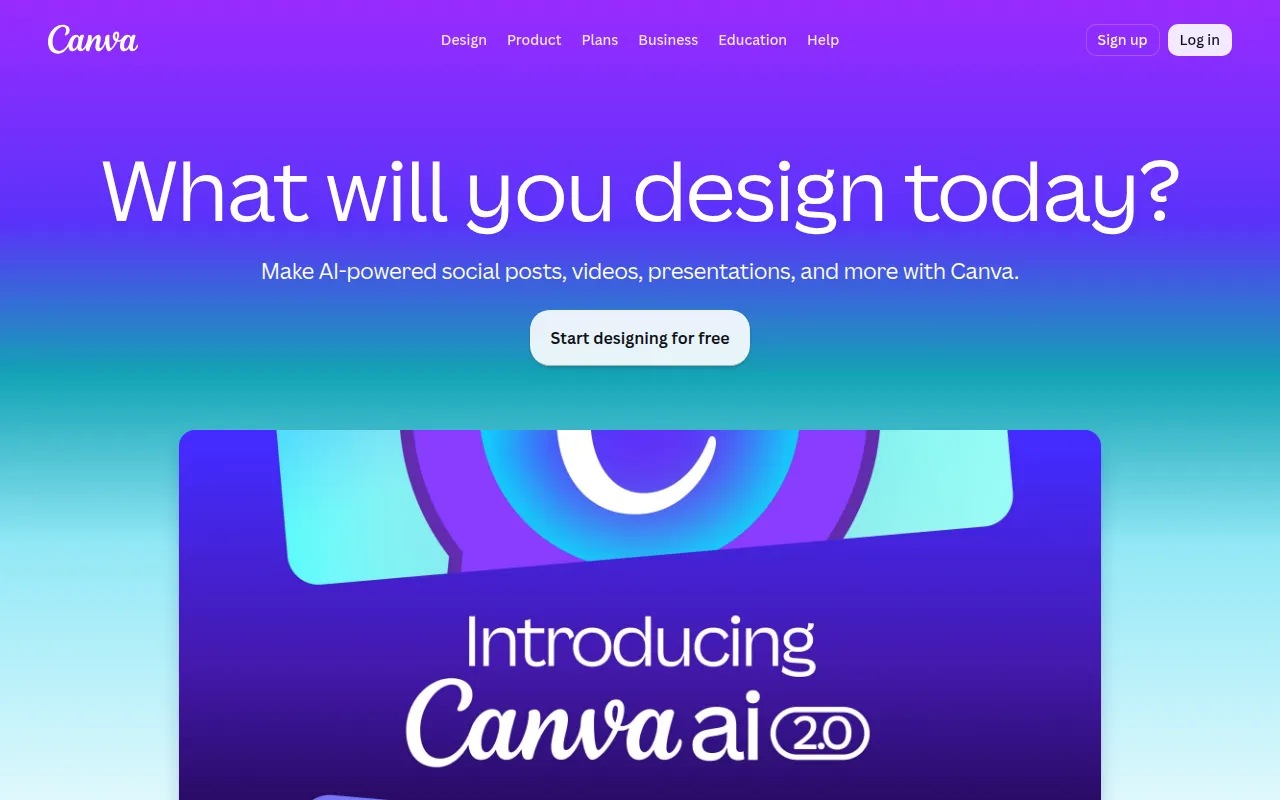 , but its limitations can stifle creativity and flexibility. If you're seeking alternatives that offer more customization and value, you're in the right place.
Why Graphic Designers Struggle With Searching for design platforms that are more flexible or cost-effective than Canva.
Many graphic designers face the frustration of limited functionality with Canva, especially when they need to create unique or complex designs. For instance, while Canva excels in providing templates, it may lack advanced editing tools that professionals require for intricate projects. Furthermore, the subscription costs can accumulate, leading designers to explore more cost-effective options. This search for alternatives often feels overwhelming, given the vast array of tools available, many of which offer similar or even superior features.
What to Look For in Design Tools
- User-Friendly Interface: A straightforward interface is crucial for designers who want to focus on creativity rather than navigation.
- Advanced Editing Features: Look for tools that provide robust editing capabilities, such as layering, masking, and advanced typography options.
- Template Variety: A diverse template library can save time while allowing for customization.
- Collaboration Tools: If you work in teams, collaboration features are essential for efficient project management.
- Pricing Structure: Understanding the pricing tiers helps you choose a tool that fits your budget without sacrificing quality.
Best Alternatives to Canva for Graphic Design
Microsoft Designer - Best for Small Businesses
Microsoft Designer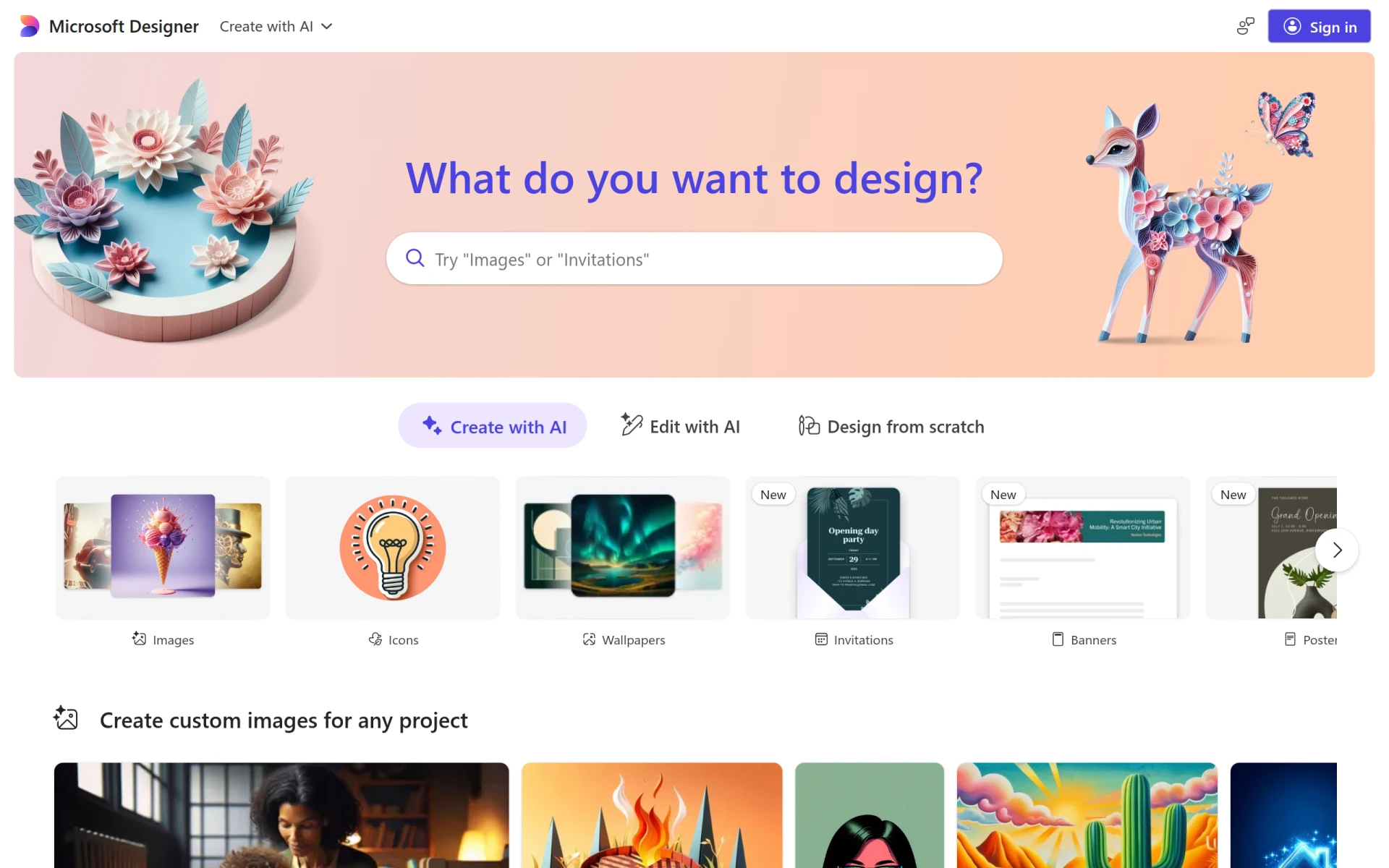 is a graphic design tool designed to help users create professional-quality visuals quickly and easily. Its user-friendly interface is particularly appealing to small businesses and freelancers who may not have extensive design experience. With a rich library of templates and easy image editing tools, Microsoft Designer makes it simple to produce marketing materials and social media content without the steep learning curve associated with more complex software.
- User-Friendly Interface: Intuitive navigation allows users to create designs without prior experience.
- Template Library: Provides a variety of design templates suitable for different industries.
- Image Editing Tools: Basic editing features enable users to enhance their visuals effectively.
- Text Customization: Options for customizing fonts and text styles enhance creative expression.
- Drag-and-Drop Functionality: Simplifies the design process, making it accessible to all users.
Pricing: Freemium - Pricing information for Microsoft Designer is currently unavailable. Best for: Small businesses looking to enhance their online presence.
PaintShop Pro - Best for Photographers
PaintShop Pro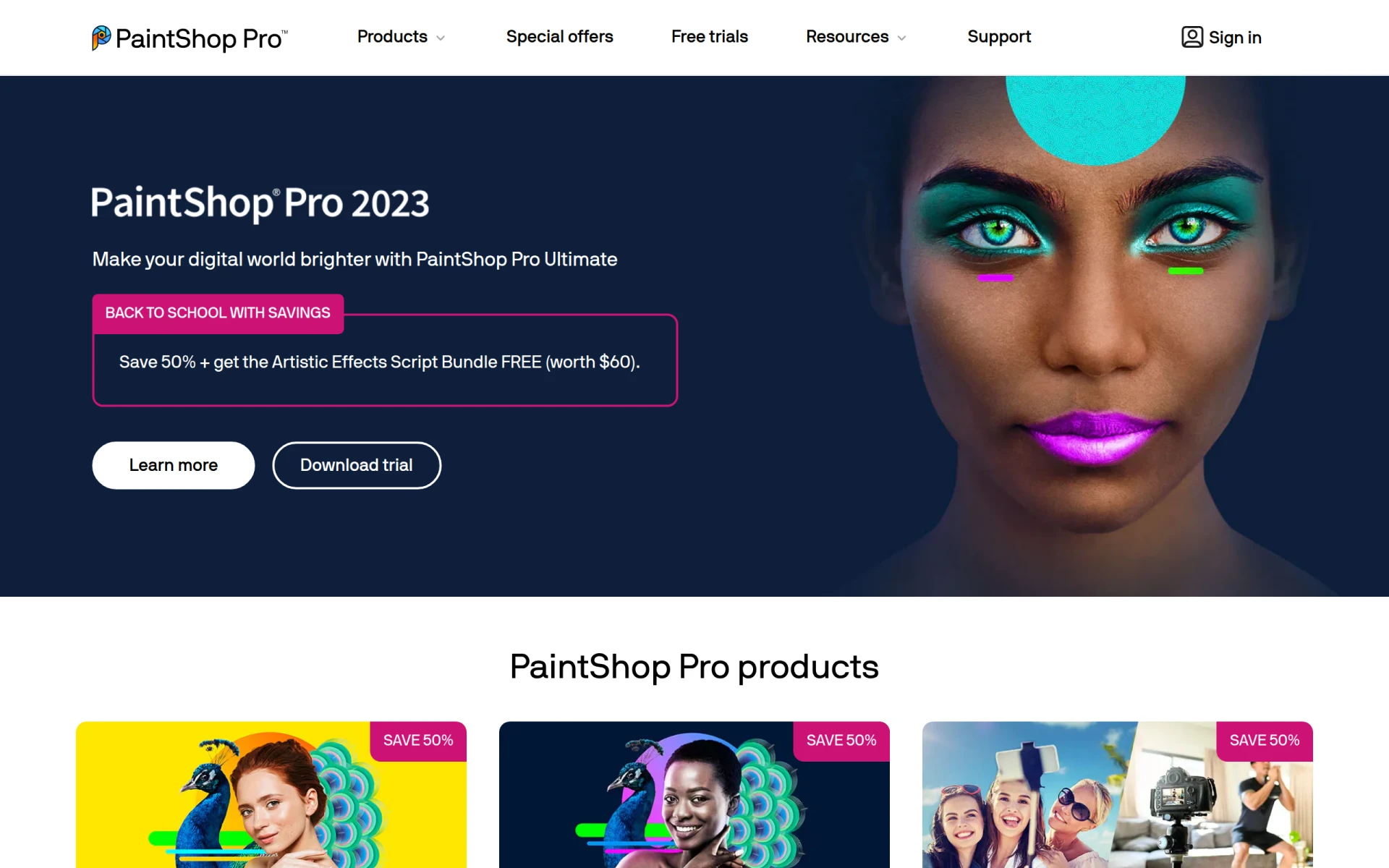 combines powerful photo editing capabilities with comprehensive graphic design features. This tool is particularly beneficial for photographers and graphic designers who require advanced editing tools. Its AI-powered tools and batch processing capabilities allow for efficient workflows, making it an excellent choice for anyone looking to enhance their visual content.
- Photo Editing: Offers robust photo editing tools for high-quality image manipulation.
- Graphic Design: Combines design capabilities with photo editing, making it versatile.
- AI-Powered Tools: Utilizes artificial intelligence to enhance editing processes.
- Batch Processing: Enables users to edit multiple images simultaneously, saving time.
- Layer Support: Allows for complex designs with multiple layers, enhancing creativity.
Pricing: Paid - PaintShop Pro offers various pricing options, including one-time purchases and subscriptions. Best for: Photographers looking for affordable and comprehensive editing software.
Lucidpic - Best for Marketing Teams
Lucidpic simplifies the graphic design process for various digital platforms. Its user-friendly interface, coupled with a robust library of templates, makes it a great choice for marketing teams and freelancers who need to produce visuals quickly. The drag-and-drop functionality allows for quick design creation, ensuring that marketing materials can be generated efficiently.
- User-Friendly Interface: Easy navigation helps users create designs without hassle.
- Extensive Template Library: Offers templates for various design needs, saving time.
- Drag-and-Drop Functionality: Facilitates quick design creation for users.
- Collaboration Tools: Enhances teamwork with features designed for group projects.
- Image Editing Capabilities: Basic editing tools allow for customization of visuals.
Pricing: Freemium - Pricing information for Lucidpic is currently unavailable. Best for: Small to medium-sized businesses and marketing teams.
ZMO - Best for Quick Image Solutions
ZMO is an AI image generation tool that enables users to create custom images efficiently. This tool is particularly useful for graphic designers who need to produce unique visuals quickly, especially for social media or marketing campaigns. With its intuitive interface and high-resolution outputs, ZMO caters to the fast-paced needs of modern design.
- AI Image Generation: Quickly generates images based on user input.
- Template Library: Provides templates to streamline the design process.
- Customization Options: Allows for the personalization of generated images.
- User-Friendly Interface: Simplifies the design process for all users.
- High-Resolution Outputs: Ensures quality for professional use.
Pricing: Freemium - Pricing information for ZMO is currently unavailable. Best for: Graphic designers looking for quick image solutions.
ArkDesign - Best for AI-Driven Assistance
ArkDesign stands out with its AI-driven features that simplify the design process for users of all skill levels. This tool is particularly beneficial for freelancers and small businesses that require professional-looking designs without the steep learning curve. The AI design assistance not only speeds up the design process but also enhances creativity.
- AI Design Assistance: Provides intelligent suggestions to improve designs.
- Template Library: Offers a wide variety of templates for quick design.
- Image Editing Tools: Facilitates customization of visuals.
- Collaboration Features: Enhances teamwork and productivity.
- Export Options: Allows for easy saving and sharing of designs.
Pricing: Freemium - Pricing information for ArkDesign is currently not available. Best for: Small businesses needing marketing materials.
BnbIcons - Best for Unique Icon Needs
BnbIcons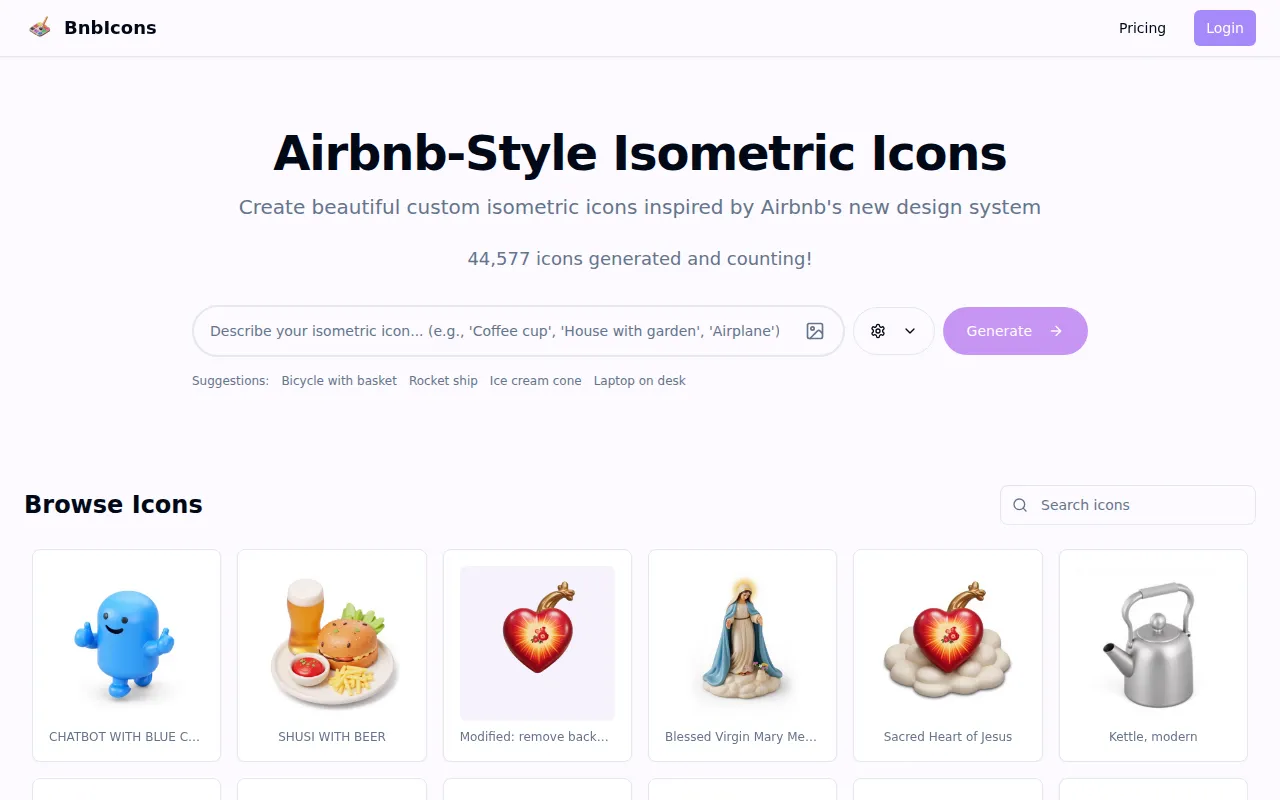 is an innovative tool that enables users to generate custom isometric icons, particularly useful for travel-related projects. Its AI-driven design assistance simplifies the process of creating cohesive and unique branding elements. This tool is ideal for freelancers and marketing teams looking for specific icon designs that can enhance their projects.
- Icon Generation: Creates custom icons based on user input.
- Customizable Design Elements: Enhances creativity with personalization options.
- AI-Driven Design Assistance: Provides intelligent suggestions for icon designs.
- User-Friendly Interface: Simplifies the design process for all users.
- High-Resolution Output Options: Ensures quality for professional use.
Pricing: Freemium - Pricing details for BnbIcons are currently not available. Best for: Travel app developers and marketing teams.
Magic Patterns - Best for Rapid Prototyping
Magic Patterns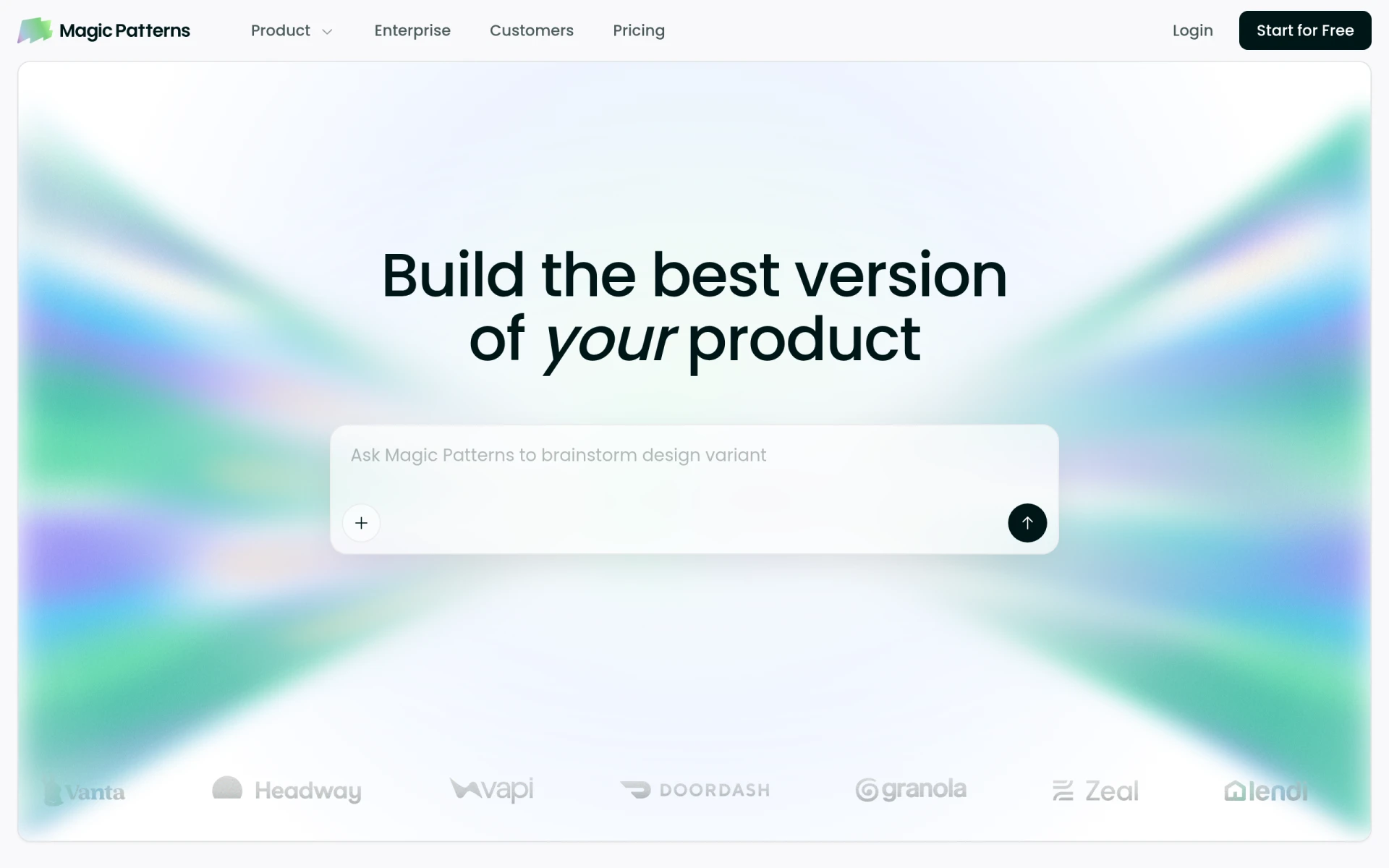 is designed for product teams that need rapid prototyping solutions. Its AI-powered design generation allows for the quick creation of production-ready UI designs, making it a valuable asset for UX/UI designers and software developers. The ability to collaborate in real-time adds further value to teams working on design projects.
- AI-Powered Design Generation: Quickly generates UI designs based on prompts.
- Design System Integration: Ensures consistency across design projects.
- Rapid Prototyping Capabilities: Facilitates quick iterations and feedback.
- Real-Time Collaboration Tools: Enhances teamwork and productivity.
- Customizable UI Components: Allows for personalized design elements.
Pricing: Freemium - Pricing details for Magic Patterns are not publicly available. Best for: Product teams needing rapid prototyping solutions.
Noah - Best for Simplicity
Noah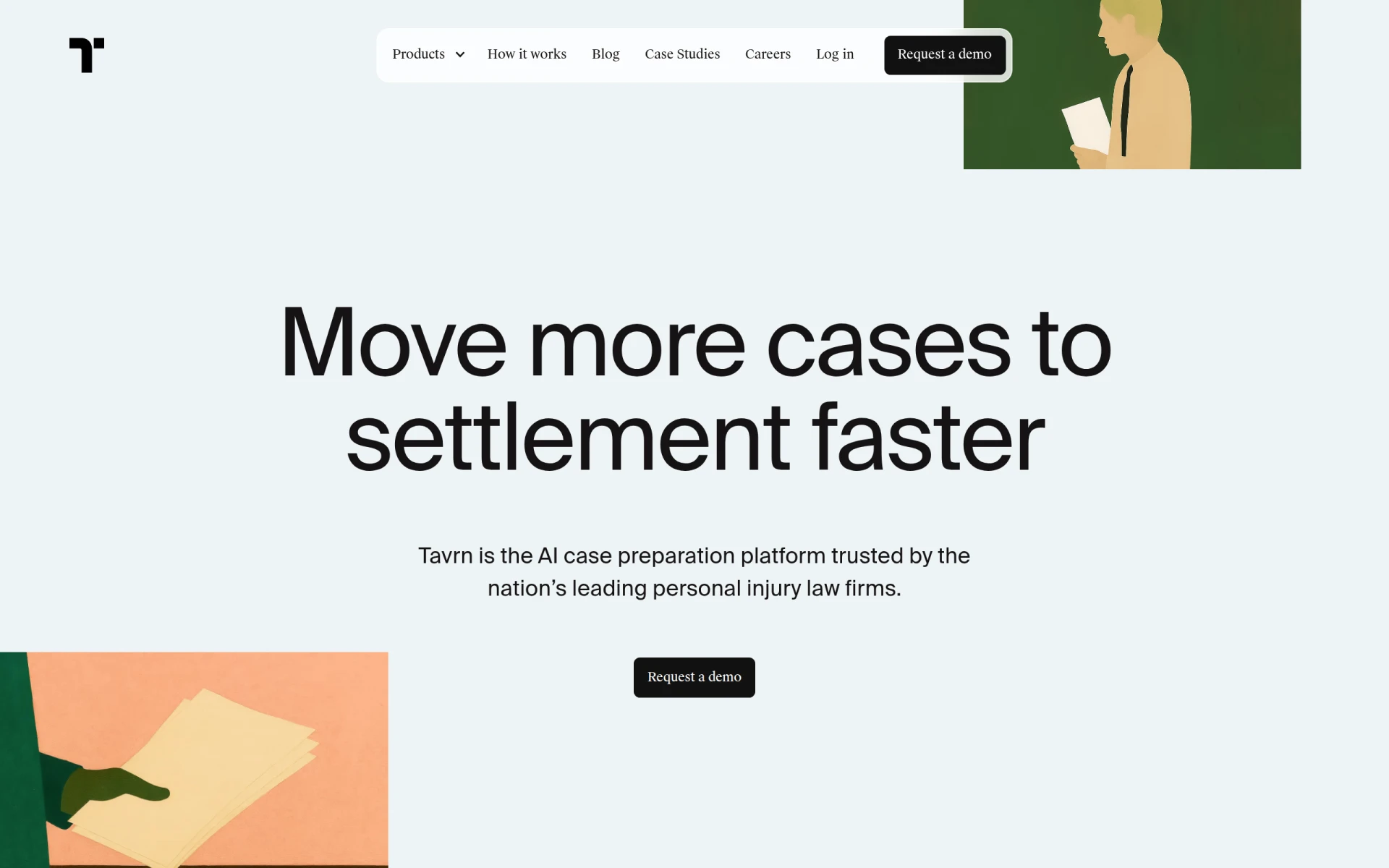 is a straightforward design tool that enables users to create unique visual content efficiently. Its drag-and-drop interface and template library make it accessible for designers at all skill levels. This tool is particularly suitable for small business owners and freelancers who need to produce designs quickly without sacrificing quality.
- Template Library: Offers a variety of templates for various design needs.
- Drag-and-Drop Interface: Simplifies the design process for all users.
- Image Editing: Basic editing tools for customization.
- Collaboration Tools: Enhances teamwork on design projects.
- Export Options: Facilitates easy saving and sharing of designs.
Pricing: Freemium - Pricing information is currently not available. Best for: Small business owners and freelancers.
Pikto AI Studio - Best for Marketing Materials
Pikto AI Studio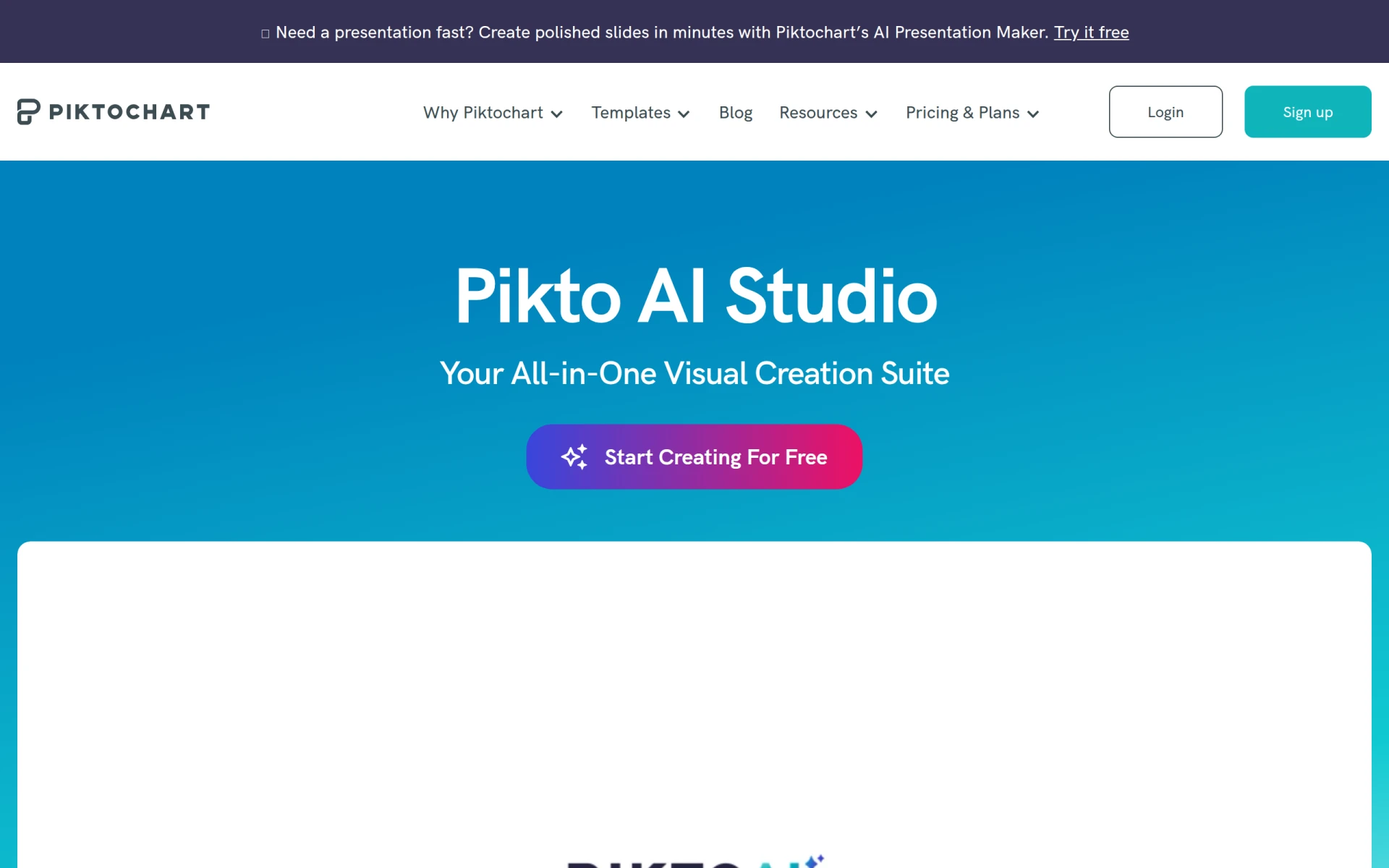 simplifies the process of creating visuals through AI-powered templates and design elements. This tool is particularly beneficial for small businesses and marketing teams that need quick graphic solutions. Its drag-and-drop interface allows users to generate professional-quality designs with ease.
- AI-Powered Design Templates: Provides intelligent design suggestions for quick creation.
- Drag-and-Drop Interface: Makes the design process accessible to all users.
- Customizable Graphics: Enhances creativity with personalization options.
- Collaboration Tools: Facilitates teamwork on design projects.
- High-Resolution Exports: Ensures quality for professional use.
Pricing: Freemium - Pricing details for Pikto AI Studio are currently unavailable. Best for: Small businesses looking to create marketing materials.
Quick Comparison
| Tool | Best For | Starting Price | Rating |
|---|
| Microsoft Designer | Small businesses | Freemium | 0.0/5 |
| PaintShop Pro | Photographers | $X/mo | 0.0/5 |
| Lucidpic | Marketing teams | Freemium | 0.0/5 |
| ZMO | Quick image solutions | Freemium | 0.0/5 |
| ArkDesign | AI-driven assistance | Freemium | 0.0/5 |
| BnbIcons | Unique icon needs | Freemium | 0.0/5 |
| Magic Patterns | Rapid prototyping | Freemium | 0.0/5 |
| Noah | Simplicity | Freemium | 0.0/5 |
| Pikto AI Studio | Marketing materials | Freemium | 0.0/5 |
Best Choice for Beginners
Microsoft Designer is ideal for beginners due to its user-friendly interface and extensive library of templates. New designers can easily navigate the tool without feeling overwhelmed, allowing them to focus on creating stunning visuals rather than struggling with complex features.
Best Choice for Professionals
PaintShop Pro is the best choice for professionals, offering advanced editing features, AI-powered tools, and batch processing capabilities. These features empower experienced designers to create intricate and high-quality visuals efficiently, making it a powerful asset in any professional's toolkit.
Best Value Pick
Lucidpic emerges as the best value pick, providing a freemium model that allows users to access a wide range of features at no initial cost. For small businesses and freelancers, this makes it an excellent choice for generating professional-quality designs without financial risk.
Conclusion
In the quest for design tools that offer flexibility and cost-effectiveness, numerous alternatives to Canva can enhance your workflow. Explore these options, and choose one that aligns with your specific needs to elevate your design projects.